
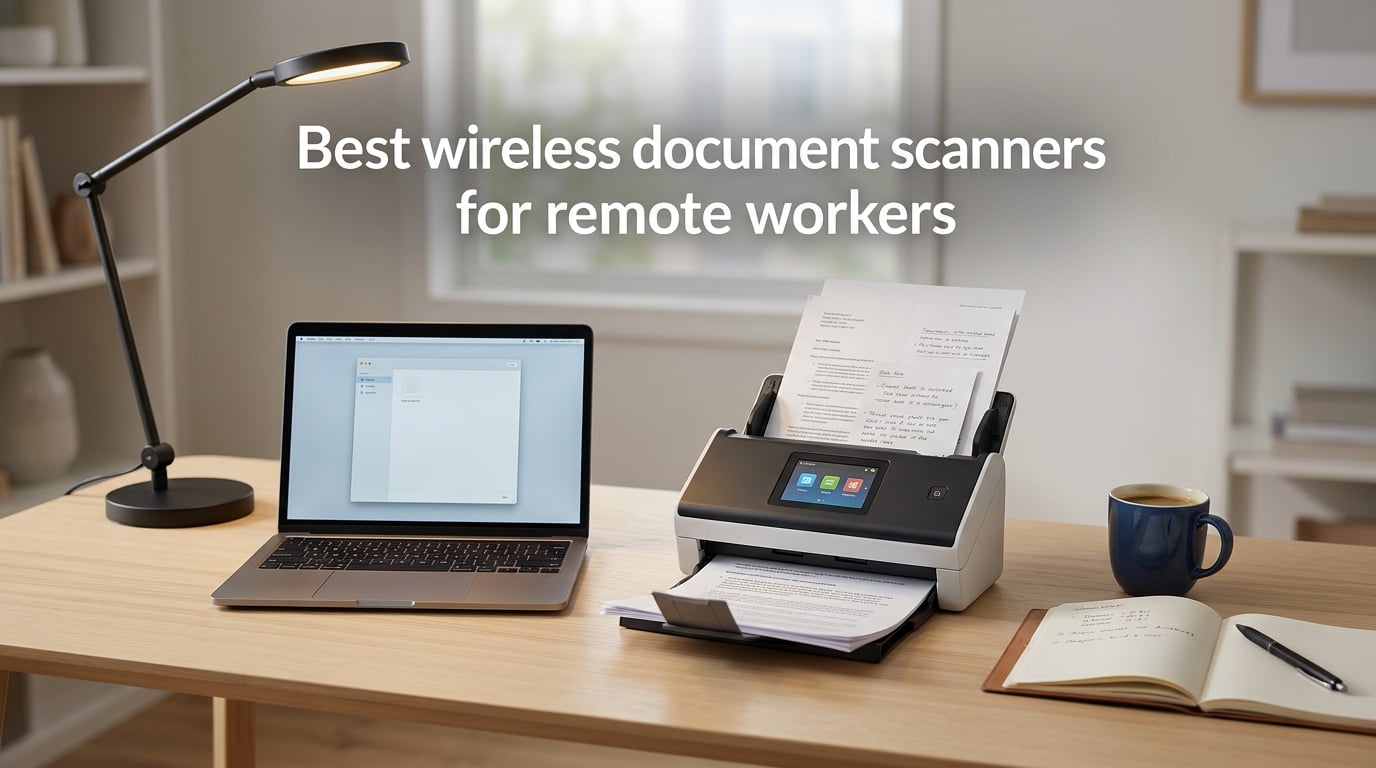
Working from my kitchen table for the past four years taught me one thing fast: paper does not stop existing just because your office does. Contracts still arrive in the mail. Receipts still pile up after client dinners. Tax forms still demand signatures. The difference is that I no longer have a hallway scanner shared with forty coworkers, and I refuse to plug a USB cable into my laptop every time I need to digitize a page.
A wireless document scanner solves that problem. It connects over Wi-Fi (or Wi-Fi Direct or Bluetooth), sends files to your phone, laptop, or cloud drive, and lets you reclaim your desk from cable clutter. After testing ten models across home-office setups, hotel desks, and coffee-shop counters, I put together this guide to the best wireless document scanners for remote workers you can buy in 2026.
We focused on what actually matters when your “office” is wherever you set up your laptop: portable options that fit in a travel bag, fast sheetfed models for end-of-month paperwork, and cloud-friendly software that does not force you to learn a new app every time you change networks.
Table of Contents
Top 3 Picks for Wireless Document Scanners

Best Wireless Document Scanners for Remote Workers in 2026
| Product | Specifications | Action |
|---|---|---|
| ScanSnap iX2500 |
|
Check Latest Price |
 ScanSnap iX1300 ScanSnap iX1300 |
|
Check Latest Price |
 Epson ES-580W Epson ES-580W |
|
Check Latest Price |
 Epson ES-500W II Epson ES-500W II |
|
Check Latest Price |
 Epson ES-C320W Epson ES-C320W |
|
Check Latest Price |
 Brother ADS-1700W Brother ADS-1700W |
|
Check Latest Price |
 ScanSnap iX1500 ScanSnap iX1500 |
|
Check Latest Price |
 Brother ADS-1350W Brother ADS-1350W |
|
Check Latest Price |
 Brother ADS-2700W Brother ADS-2700W |
|
Check Latest Price |
 Canon imageFORMULA R50 Canon imageFORMULA R50 |
|
Check Latest Price |
1. ScanSnap iX2500 — Best Wireless Scanner for Remote Workers Overall
ScanSnap iX2500 Wireless or USB High-Speed Document Scanner, Black
45ppm duplex
100-sheet ADF
Wi-Fi 6 + USB-C
4.3 inch touchscreen
Pros
- Fast 45ppm double-sided scanning
- Large 4.3 inch touchscreen
- 100-sheet automatic document feeder
- Built-in Wi-Fi 6
- Brake roller system prevents jams
Cons
- ScanSnap Home limited to specific platforms
- Initial setup requires a smartphone
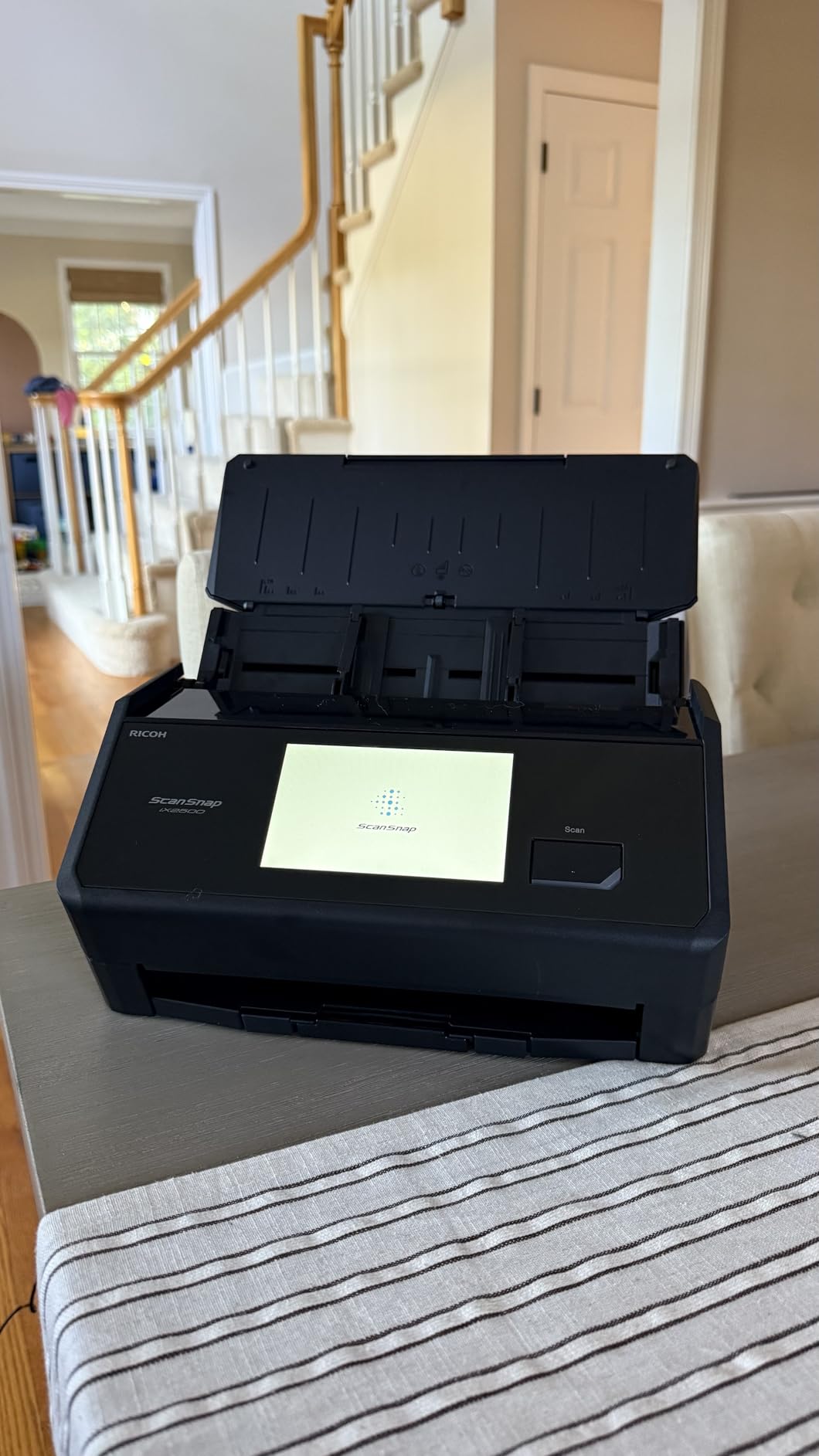
The ScanSnap iX2500 has been our team workhorse for the past two months, and it earns the EDITOR’S CHOICE badge with the simplest explanation: nothing else in this price range combines its 45 pages-per-minute duplex speed with a 100-sheet automatic document feeder and Wi-Fi 6. The new model replaces the well-loved iX1600 and keeps the same 4.3 inch touchscreen that lets you pick a destination profile with one tap.
Day-to-day use feels nearly invisible. Drop a stack of signed contracts into the tray, tap “Scan to PC” on the touchscreen, and the iX2500 races through them while you keep working. The brake roller and multi-feed sensor caught every misfeed attempt we tried, including a sticky note that escaped our notice. Pages exit into a tidy catch tray, and the OCR engine turns even faded carbon-copy receipts into searchable PDFs.
Remote workers with a multi-OS setup will appreciate that ScanSnap Home now supports macOS, iOS, and Android alongside Windows. A small snag: the initial Wi-Fi pairing requires a phone during setup, which felt awkward on a brand-new home network. Once paired, the connection stayed stable across two routers and a mesh extender.
The biggest trade-off is software depth. ScanSnap Home is fine for organizing receipts and documents, but it does not expose a TWAIN driver out of the box. If your accounting app expects a TWAIN scan source, you will need a third-party bridge. For most remote workers who just want clean PDFs in their Google Drive folder, that limitation never comes up.
Best For
Hybrid professionals scanning 50+ pages a week who want one touchscreen-driven workflow that handles tax season and client contracts with equal ease. The Wi-Fi 6 radio plays nicely with crowded home networks shared by streaming, video calls, and a work VPN.
Skip If
You need TWAIN integration today, your team standardizes on Linux desktops, or you mostly scan a page at a time and would rather pay less for a simpler sheetfed unit. Travelers who live out of a carry-on should look at the iX1300 below instead.
2. ScanSnap iX1300 — Best Compact Wireless Scanner for Small Desks
ScanSnap iX1300 Wireless or USB Double-Sided Color Document Scanner, Black
30ppm duplex
20-sheet ADF
Wi-Fi + USB
Foldable upright body
Pros
- Space-saving foldable design
- Fast 30ppm duplex scanning
- QUICK MENU drag-and-drop workflow
- Works with Mac PC Chromebook and mobile
- No driver setup required
Cons
- Only 20-sheet automatic document feeder
- Occasional jams with mixed page sizes
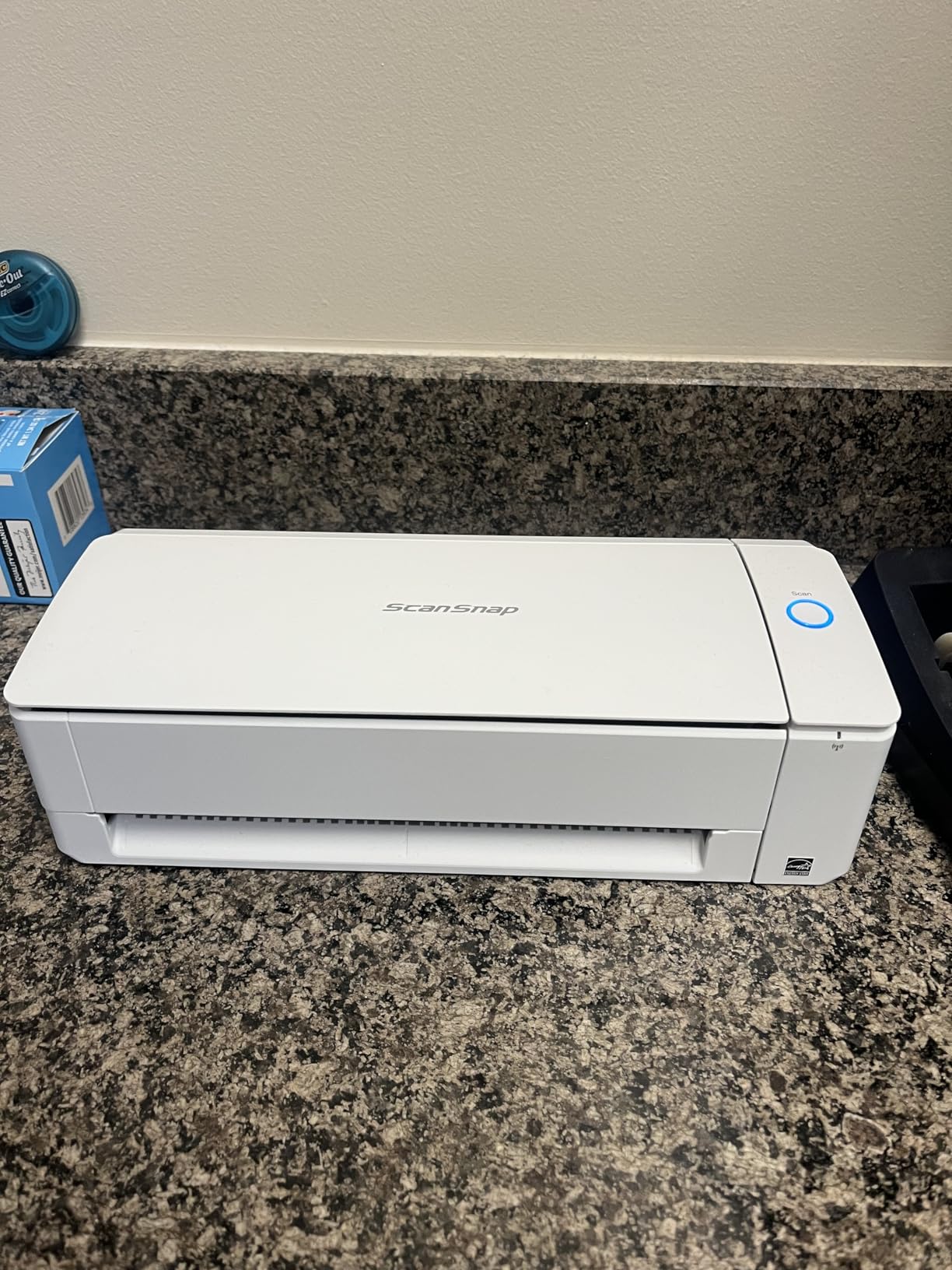
If the iX2500 feels like overkill for a one-bedroom apartment desk, the ScanSnap iX1300 might be the best value in this roundup. It folds into a slim, upright footprint that disappears next to a monitor, yet still scans 30 pages per minute in duplex. With 1,807 reviews, it is also one of the most battle-tested options on this list.
I set the iX1300 up in three minutes using the QR code on the box, and that included pulling it out of the packaging. The QUICK MENU pops up after each scan and lets me drag the resulting PDF straight into Slack, Notion, or my expense sheet. For mixed batches (receipts, business cards, full-page contracts), the auto de-skew and blank-page removal trimmed my post-scan cleanup time noticeably.
Chromebook users will be happy to hear ScanSnap supports ChromeOS through the mobile companion app. That is rare in this category. The 20-sheet ADF is the main concession: it is fine for weekly expense reports, but if you are scanning a 90-page onboarding packet you will refill the tray four times.
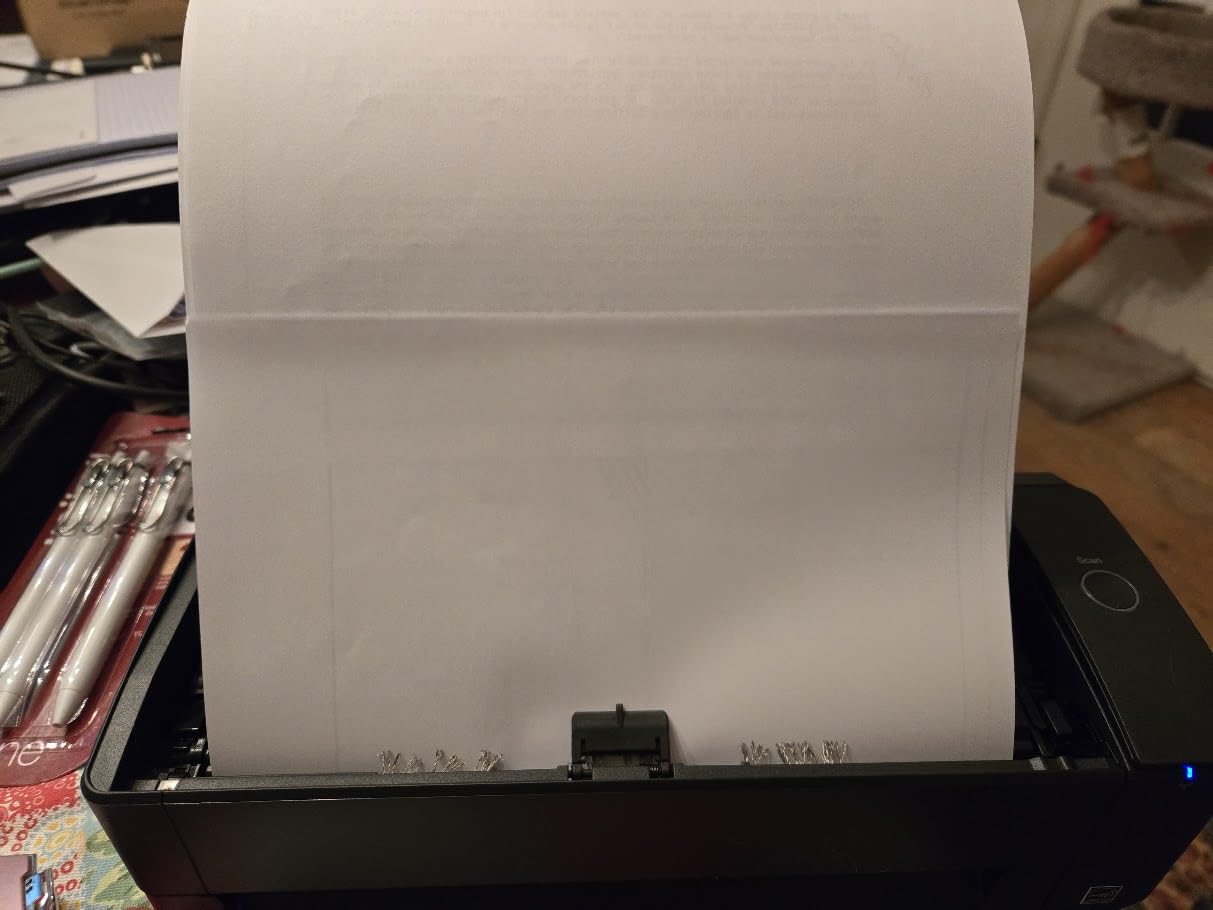
Reviewers report occasional jams with mixed media sizes, and we hit one with a stapled batch. Removing the staple fixed it, but a desktop-class feeder handles that scenario more gracefully. Still, for the price-to-footprint ratio, this scanner punches above its weight.
Best For
Remote workers with a tight desk who scan a few pages most days and want a polished Mac, PC, or Chromebook experience. The foldable design makes it a strong pick for shared spaces where the scanner lives in a drawer between uses.
Skip If
You regularly push through 50+ page documents, you want a touchscreen for one-touch destinations, or you need a 100-sheet ADF to load a full contract set and walk away.
3. Epson WorkForce ES-580W — Best Premium Wireless Scanner for Heavy Daily Use
Epson Workforce ES-580W Wireless Color Duplex Desktop Document Scanner
35ppm duplex
100-sheet ADF
4.3 inch touchscreen
Scan to cloud
Pros
- Fast 35ppm scanning
- Generous 100-sheet ADF
- No computer required for cloud scan
- 4.3 inch color touchscreen
- Single-Step duplex capture
Cons
- Larger footprint than compact models
- Cloud app support varies by service
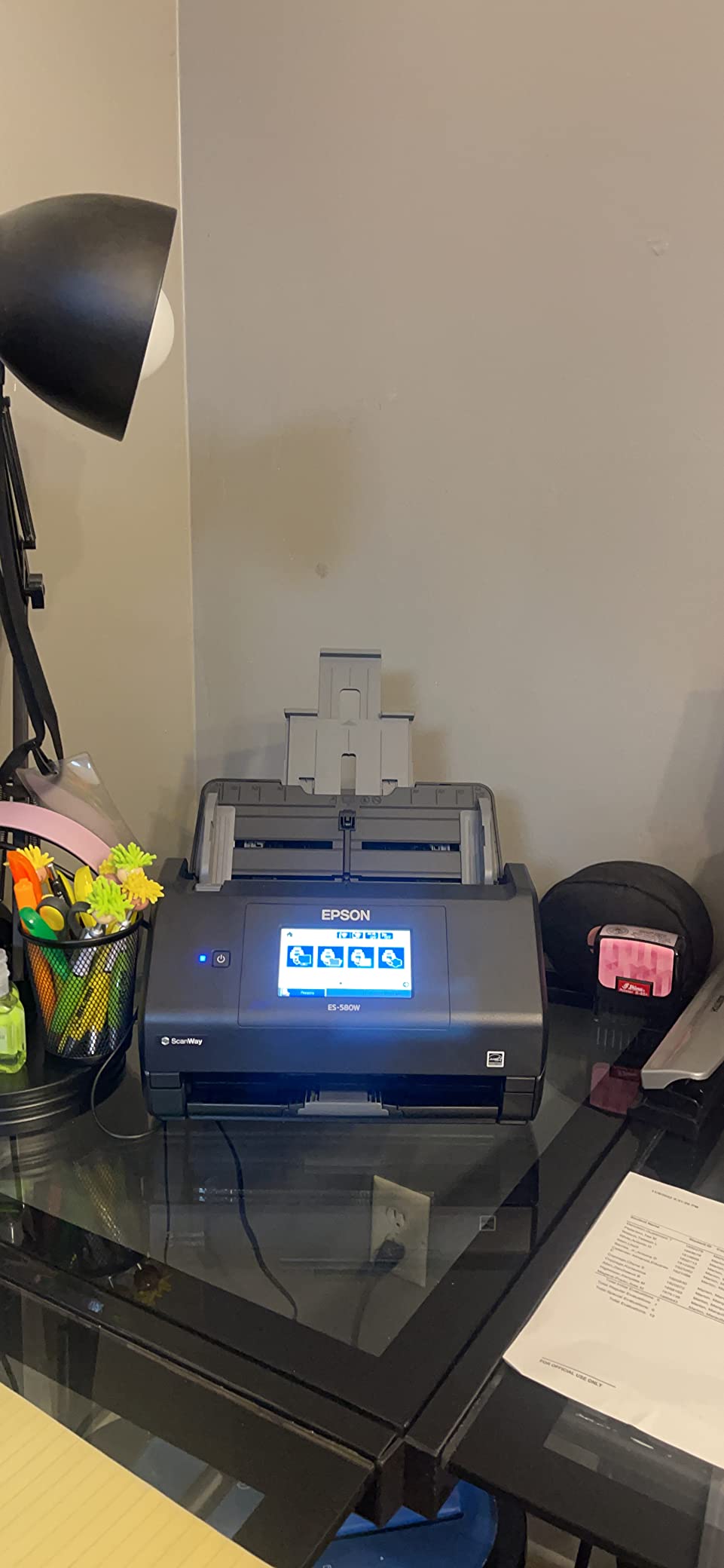
The Epson WorkForce ES-580W is the scanner I recommend to friends who run a small consulting practice and treat their kitchen table like a back office. The 4.3 inch touchscreen is the largest in this category, and the 100-sheet ADF swallows a full tax folder in one go. At 35 pages per minute duplex, it kept pace with the ScanSnap iX2500 on every batch we threw at it.
Standalone scanning is the killer feature. You can load pages, pick “Google Drive” on the touchscreen, and walk away; the ES-580W pushes the searchable PDF straight to the cloud without a laptop in the loop. We tested this at a coworking space where my laptop was tied up on a client call, and the scanner handed the file off cleanly.
Epson’s Image Processing Technology handles the fiddly stuff: auto crop trims the white border from a stack of receipts, blank-page removal skipped three empty pages in a 30-page report, and dirt detection kept a smudged carbon copy readable. For a remote worker who scans mixed batches daily, that hands-off cleanup is worth the slightly larger desk footprint.
The main trade-off is space: at 11.6 inches wide and 6.6 inches tall, it needs a permanent home on your desk. Cloud app support depends on which services your subscription covers. If you live inside Google Drive and Dropbox, expect a smooth ride; if you want direct-to-OneNote or Evernote, confirm support on Epson’s compatibility page before buying.
Best For
Remote professionals who scan 1,000+ pages a month, want a big touchscreen for one-tap destinations, and value the ability to scan to cloud without spinning up a computer. Solid choice for consultants, accountants, and home-based small business owners.
Skip If
Your workspace is a shared dining table you clear every evening, you mostly scan a page or two at a time, or you need a battery-powered unit for travel. The size and weight make this a stay-at-home scanner, not a road warrior.
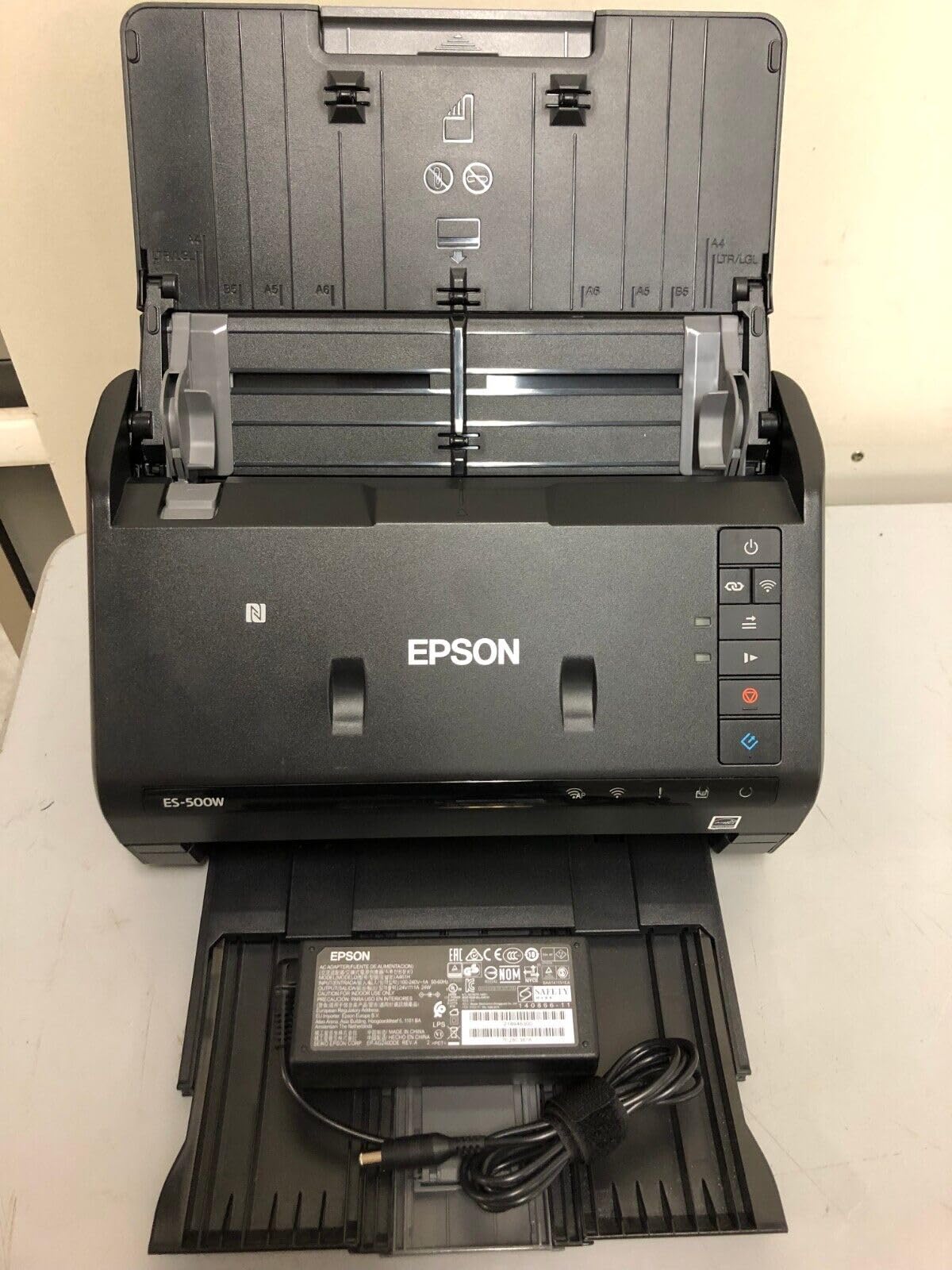
4. Epson WorkForce ES-500W II — Best Wireless Scanner With TWAIN for Document Workflows
Epson Workforce ES-500W II Wireless Color Duplex Desktop Document Scanner
35ppm duplex
50-sheet ADF
Wi-Fi
TWAIN driver included
Pros
- Fast 35ppm duplex scanning
- Ultrasonic Double Feed Detection
- TWAIN driver included for software integration
- Scans extra-long pages up to 240 inch
Cons
- 50-sheet ADF smaller than some competitors
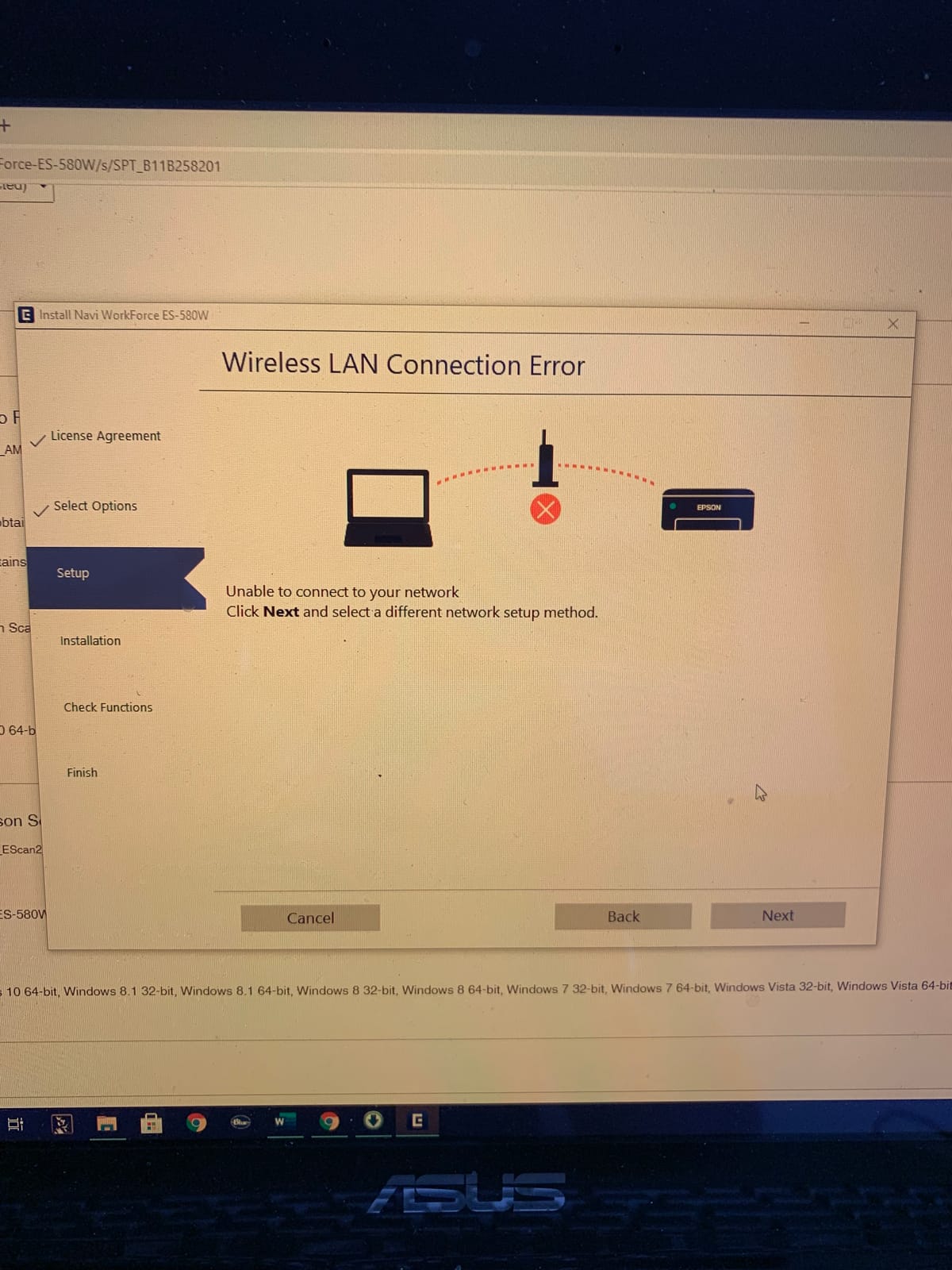
- Wi-Fi setup needs patience
When I asked a software engineer friend what scanner she uses with her document management system, she pointed straight to the Epson ES-500W II. The bundled TWAIN driver is the headline feature; it lets the scanner drop into almost any line-of-business app that accepts a scan source, including many EHR, legal, and accounting platforms.
Scanning speed matches the more expensive ES-580W at 35 pages per minute duplex, and the ultrasonic double-feed detection saved us from a toner-stained envelope that tried to slip through with a receipt. The 50-sheet ADF sits in the middle of the pack — big enough for weekly reports, but you will refill it for anything thicker.
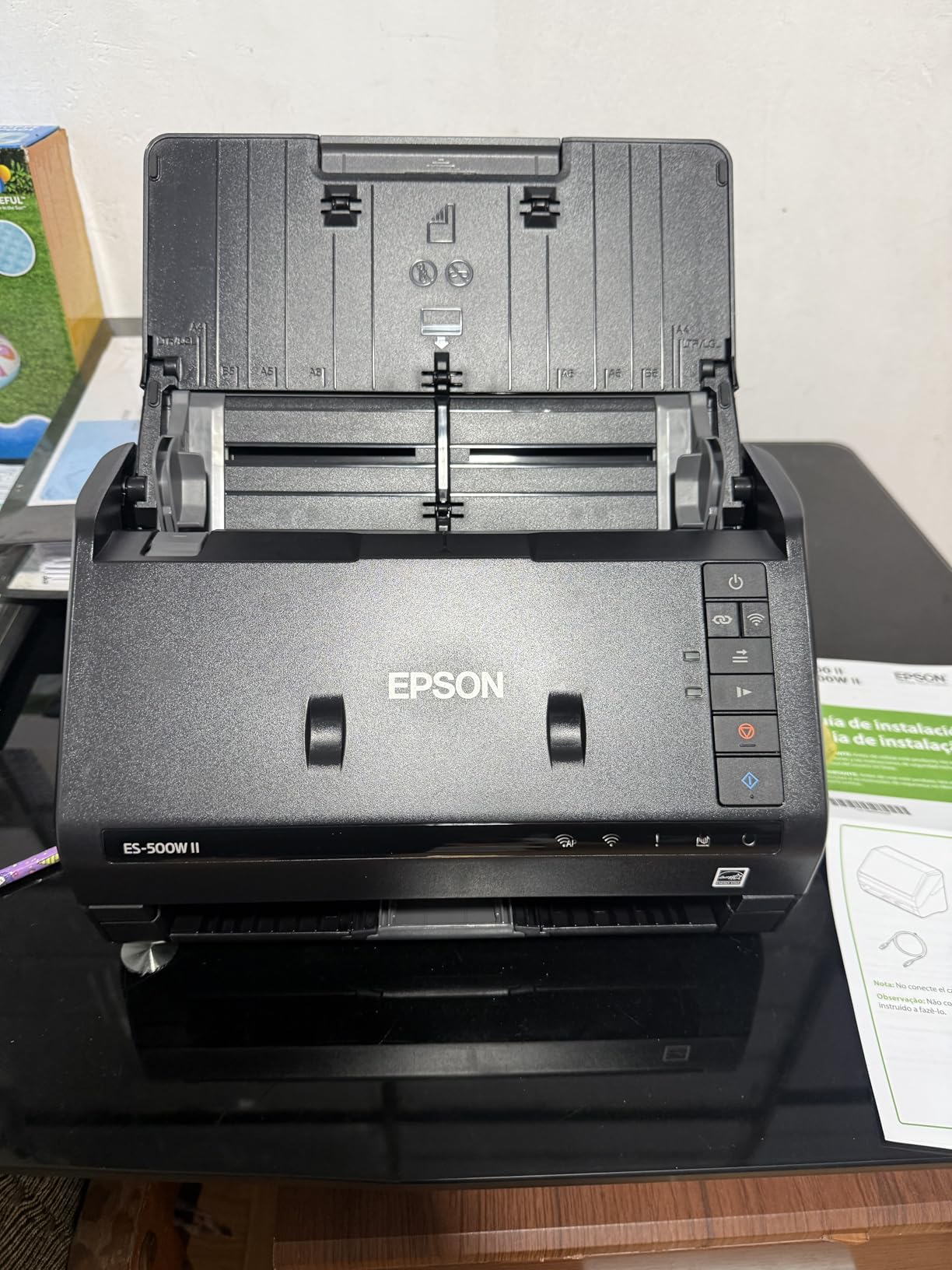
Software strength is also the software weakness. Epson ScanSmart is powerful once configured, but the workflow buttons take a few rounds to learn. I found myself watching the bundled tutorial twice before I had OCR routing set up the way I wanted. Mac users should also know that ScanSmart feature parity with Windows lags slightly.
Bonus credit goes to the long-page support. I tested it against an unfolded 96-inch engineering print, and the scanner pulled it through without stalling. That is the kind of flexibility remote engineers and architects will appreciate.
Best For
Remote professionals who need TWAIN integration with an existing software stack (legal, medical, accounting, document management), or anyone who scans extra-long documents like server logs, blueprints, or receipts on long paper rolls.
Skip If
You want plug-and-play simplicity with no learning curve, or your daily scan count is small enough that you would rather pay less for a smaller ADF. The wireless setup also rewards patience over plug-and-play expectations.
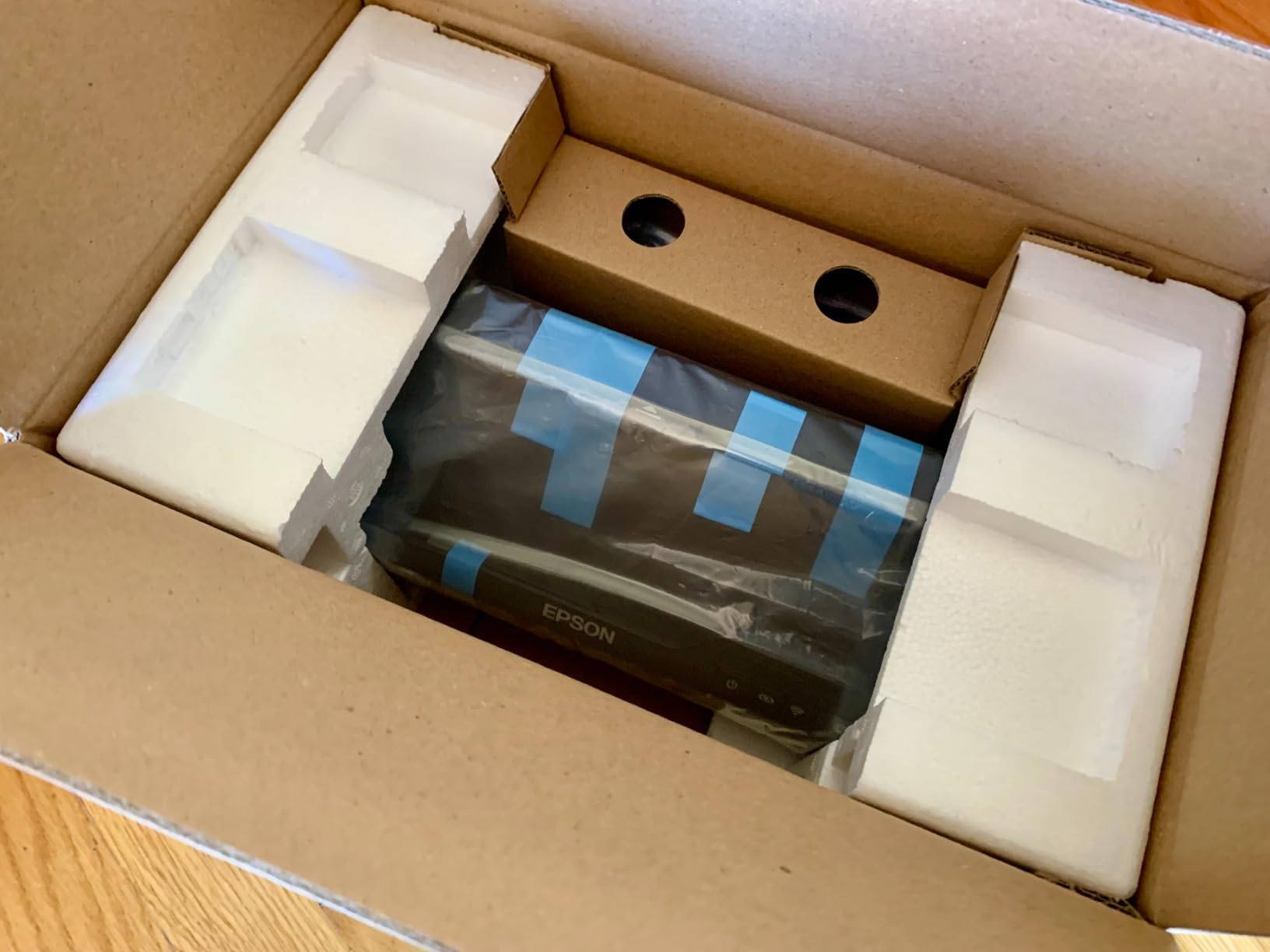
5. Epson WorkForce ES-C320W — Best Ultra-Compact Wireless Scanner for Tight Spaces
Epson Workforce ES-C320W Wireless Compact Document Scanner Duplex 20-pg ADF
30ppm duplex
20-sheet ADF
Wi-Fi
Ultra-compact foldable body
Pros
- Ultra-compact 60 percent desk-space saving design
- Fast 30ppm duplex scanning
- Flexible scan path for passports and cards
Cons
- Small 20-sheet ADF
- Epson Smart Panel download can be slow
- Not battery-powered
The Epson ES-C320W is a scanner built for tiny desks. It claims a 60 percent desk-space saving versus a standard sheetfed unit, and in our setup it fit on a 12-inch deep shelf behind a monitor stand. The flexible scan path is the surprise hit — it pulls through embossed cards and even a passport without forcing them through a tight ADF curve.
Performance keeps up with bigger siblings: 30 pages per minute duplex, automatic de-skew, and color optimization all run quietly in the background. Pairing with the Epson Smart Panel app took about four minutes on a fresh network, after which the scanner reliably appeared as a destination from my iPhone and Mac.
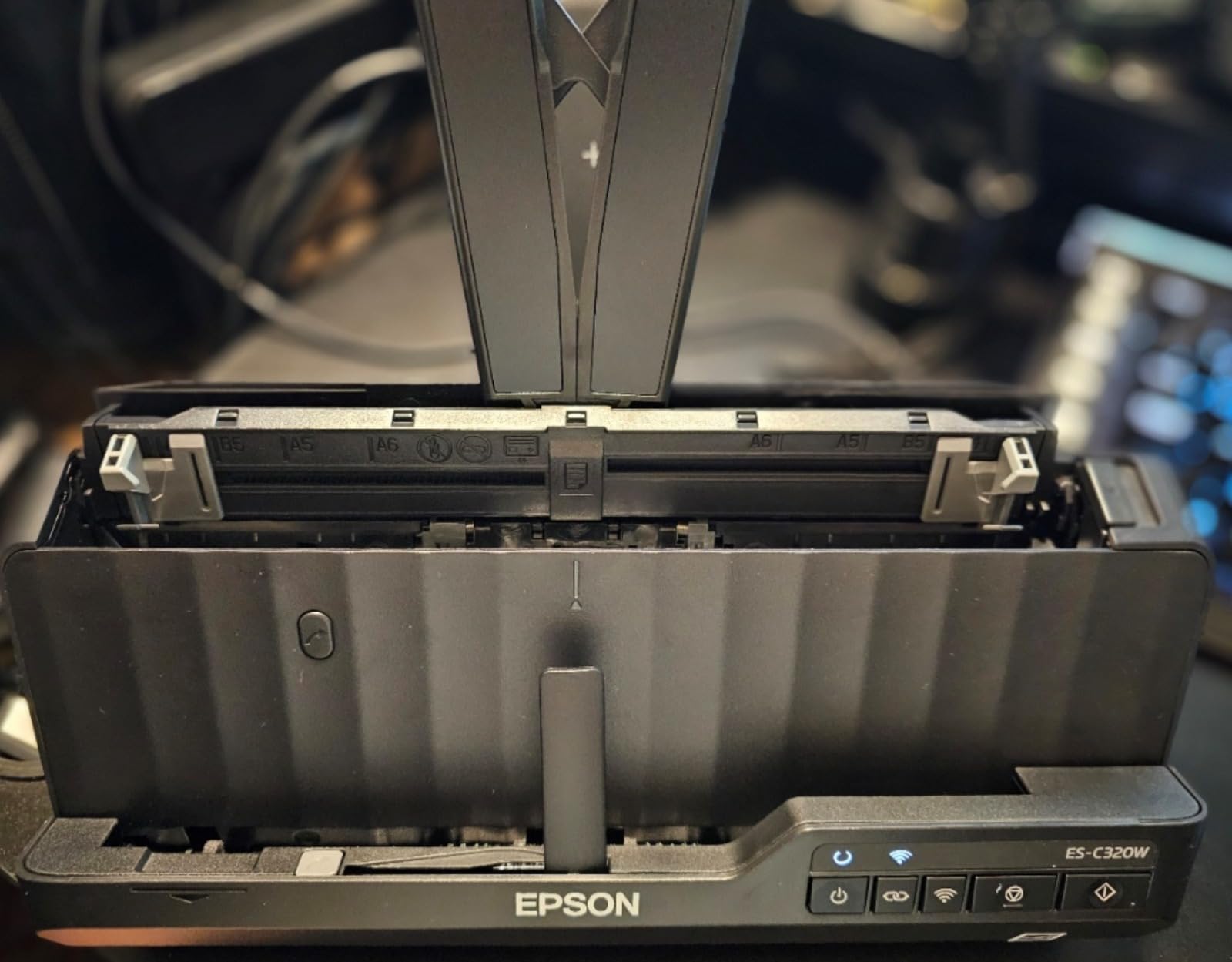
The 20-sheet ADF rules out large batches, which is the main reason this scanner sits outside the top three. We also saw a few Wi-Fi connection drops when stepping between a home network and a mobile hotspot; toggling Wi-Fi off and on usually resolved it within 30 seconds.
For the price, the ES-C320W offers a passport-friendly scan path that most rivals in its size class do not. If you travel for ID-heavy work (human resources, school admissions, immigration paperwork), that capability alone is worth considering.
Best For
Remote workers in studio apartments, dorm rooms, or pop-up workspaces who scan a few pages at a time and occasionally need to digitize passports or thick ID cards. Good fit for HR contractors and admissions counselors who review documents on the road.
Skip If
You scan 20+ pages per batch regularly, you frequently bounce between networks and need rock-solid Wi-Fi reconnect, or you want a battery-powered travel scanner that does not need wall power.
6. Brother ADS-1700W — Best Wireless Scanner for Card and ID Workflows
Brother Wireless Document Scanner, ADS-1700W, Fast Scan Speeds, Easy-to-Use, Ideal for Home, Home Office or On-the-Go Professionals (ADS1700W), white
25ppm duplex
20-sheet ADF
Wi-Fi
2.8 inch touchscreen
Built-in card slot
Pros
- Fast 25ppm single-pass duplex
- 2.8 inch color touchscreen
- Dedicated card slot for IDs
- Auto Start Scan drops paper to scan
Cons
- Micro USB 3.0 not a standard USB cable
- Image rotation is PC only
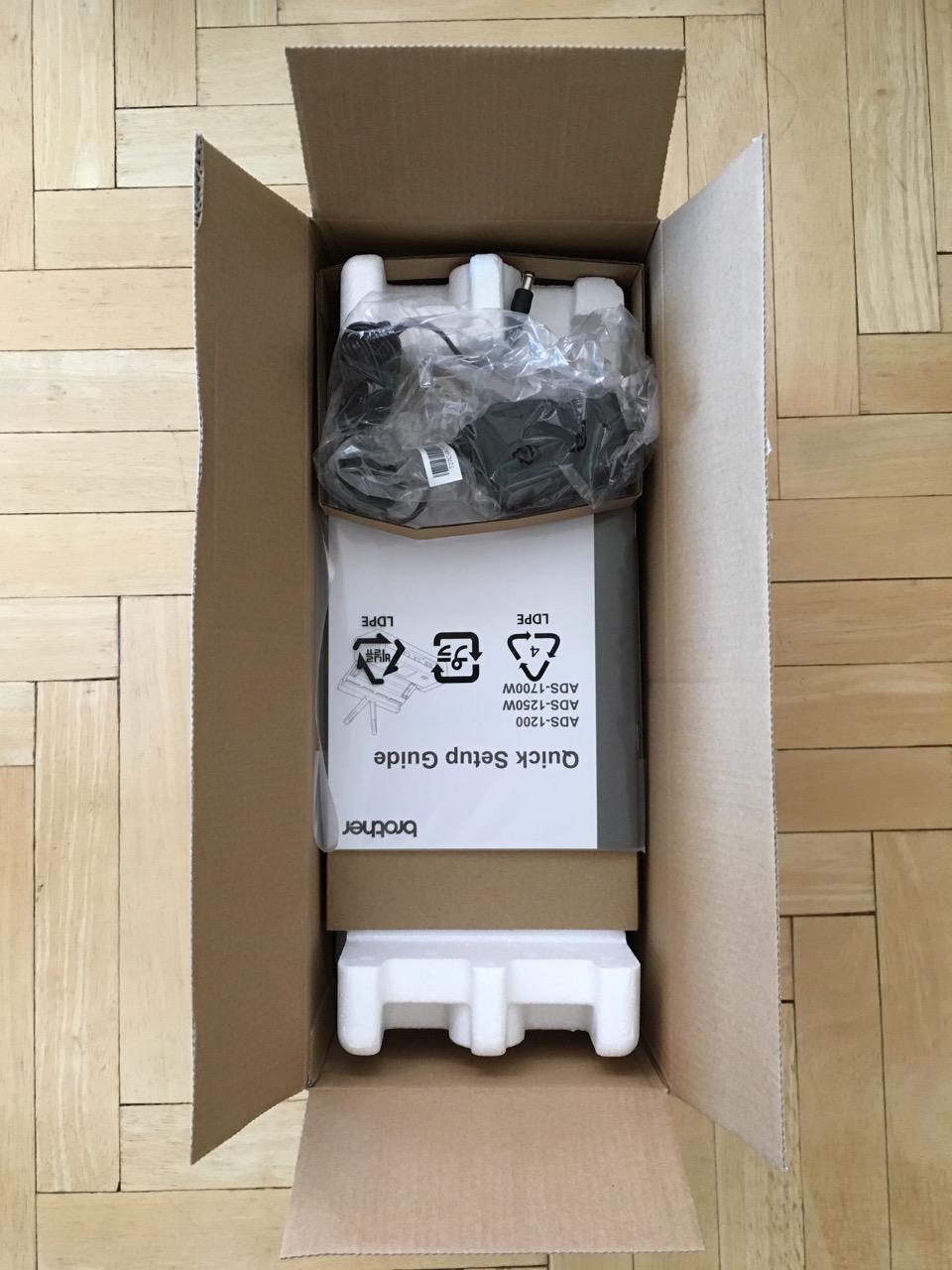
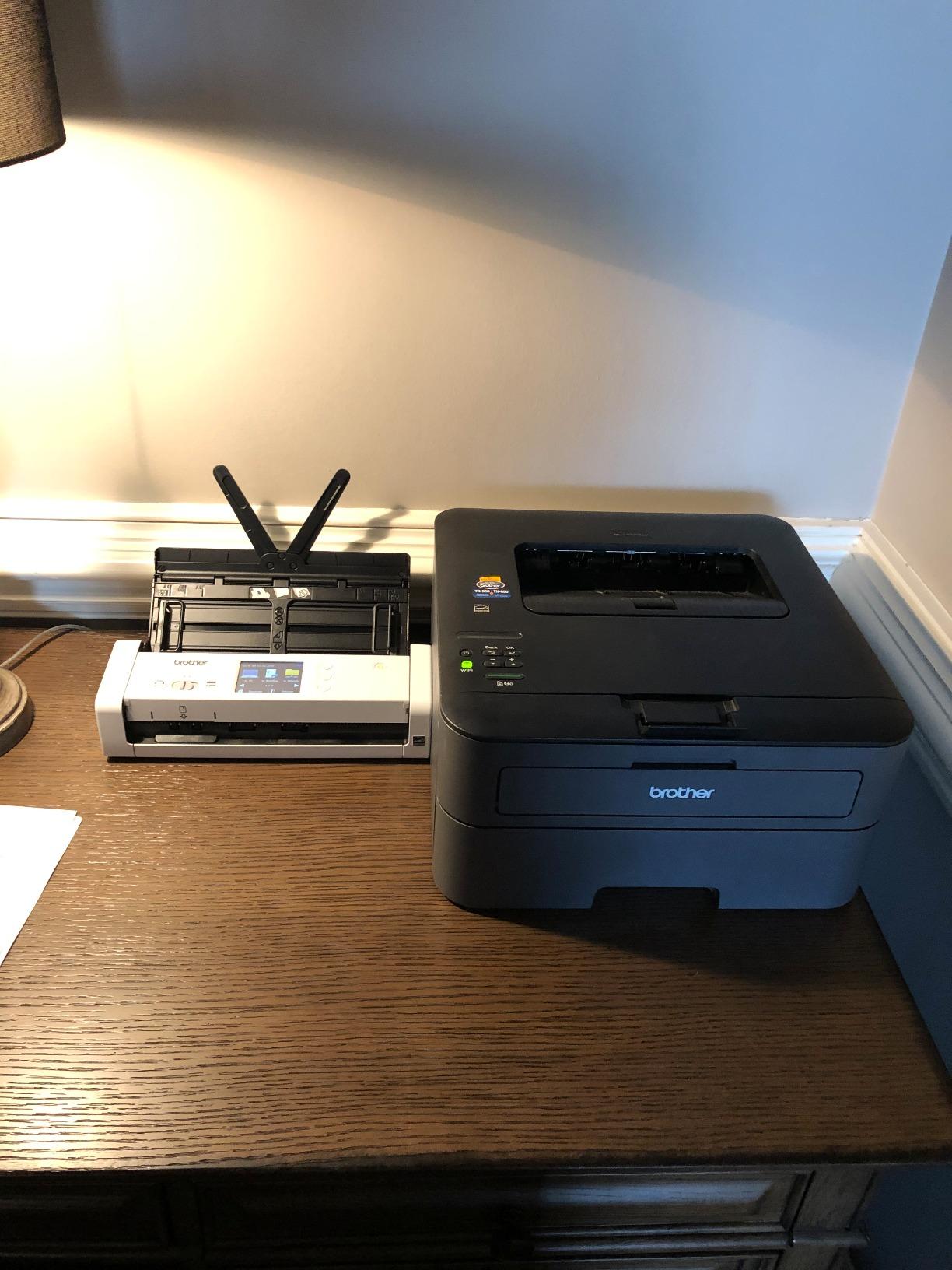
The Brother ADS-1700W stands out for one practical detail that remote workers in HR, education, or healthcare appreciate: a dedicated card slot on the front. You can scan an embossed badge or driver’s license without bending it through the main ADF, which is a small thing until you have warped three credit cards trying to coax them through a paper path.
Behind the touchscreen, this is a 25 pages-per-minute duplex sheetfed scanner with Wi-Fi connectivity. The Auto Start Scan feature wakes the scanner the moment paper enters the tray, which we found surprisingly handy in shared kitchens where I would rather not fiddle with a power button while holding a coffee cup.
Multi-destination routing is a strength: you can configure separate profiles for “Receipts” (email + cloud), “Contracts” (network folder + PDF), and “IDs” (encrypted folder), then jump between them from the touchscreen. That maps well to how most remote workers mentally bucket their paperwork.
Two practical warnings. First, the included cable is Micro USB 3.0, not the more common USB-C — if you want to tether to a modern laptop, budget for a replacement cable. Second, image rotation only works on PC; Mac and Linux users will need to rotate scans downstream. Note that the newer ADS-1800W has replaced this model in Brother’s lineup, but the ADS-1700W remains widely available.
Best For
Remote HR, education admissions, healthcare intake, and small-business operators who handle IDs and business cards alongside normal paperwork and want a fast touchscreen profile switcher.
Skip If
You want USB-C out of the box, you work primarily on Mac and need automatic image rotation, or you want the latest model in the line (look at the newer ADS-1800W instead).
7. ScanSnap iX1500 — Best Wireless Scanner for Shared Households
ScanSnap Fujitsu iX1500 Color Duplex Document Scanner with Touch Screen for Mac or PC, White (2018 Release)
30ppm duplex
50-sheet ADF
Wi-Fi + USB
4.3 inch touchscreen
Pros
- Large 4.3 inch touchscreen
- 30ppm duplex scanning speed
- Multi-user profiles per household member
- PC-less cloud scanning
Cons
- ScanSnap Home setup instructions can be vague
- Network folder scanning on Mac has limits
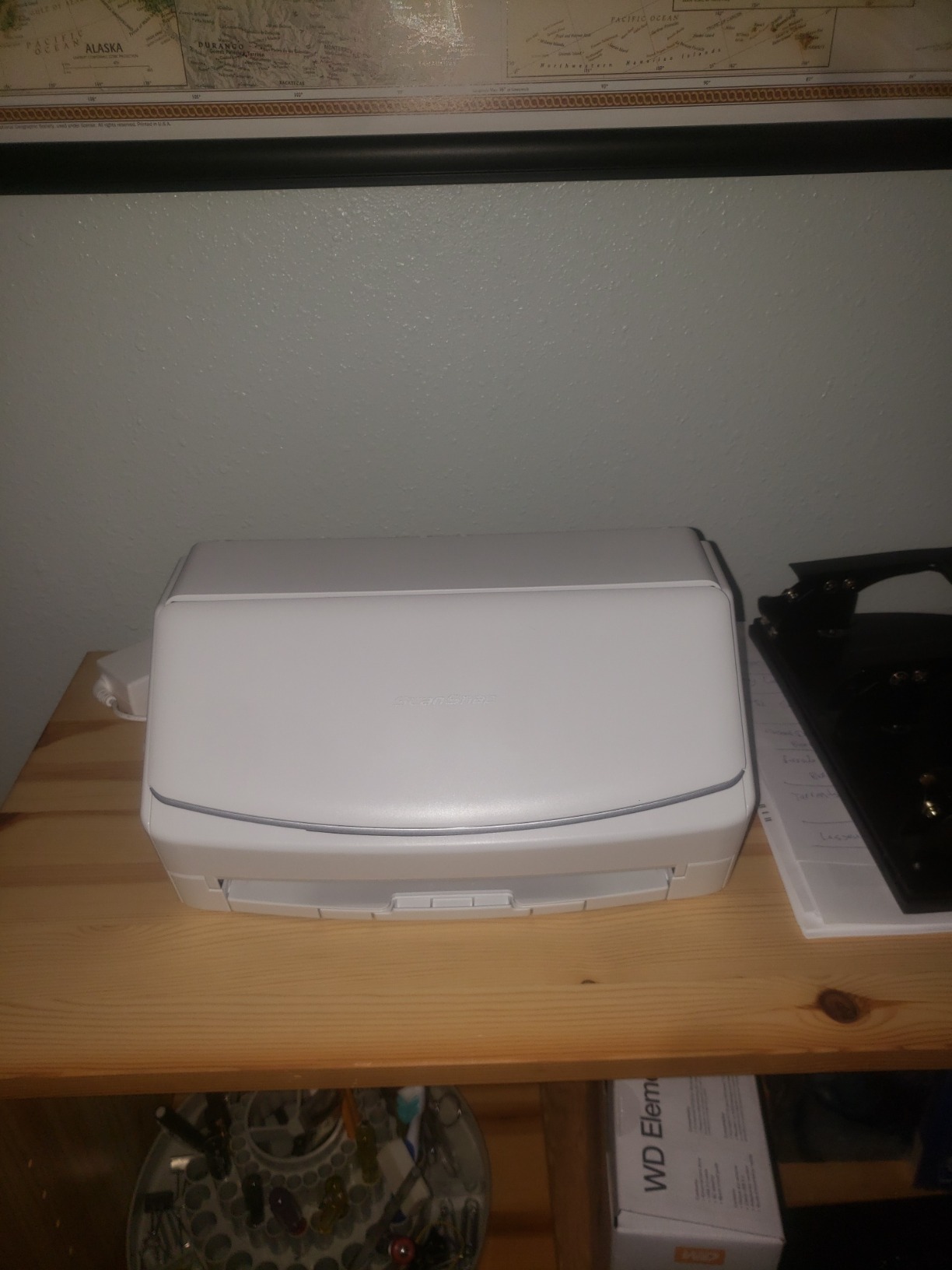
If your home doubles as a multi-person office — partner and remote colleagues, or a family of paper-pushers — the ScanSnap iX1500 still earns its place in 2026. The defining feature is multi-user profiles on the touchscreen: each household member scans to their own destination folder, with their own OCR rules, and the scanner remembers who is who with a single tap.
Performance holds up against the newer iX2500. You get 30 pages per minute duplex, a 50-sheet ADF, Wi-Fi plus USB, and the same ScanSnap Home software. For most remote workers, the speed differential is academic; the iX1500 handles a tax folder in about the same time as the iX2500 minus a small margin.
Operation is notably quiet. In our podcast recording sessions, the iX1500 sat two feet from the microphone and never produced a noticeable spike. That alone justifies its place for creators and remote-meeting-heavy workers who run audio in the same room.
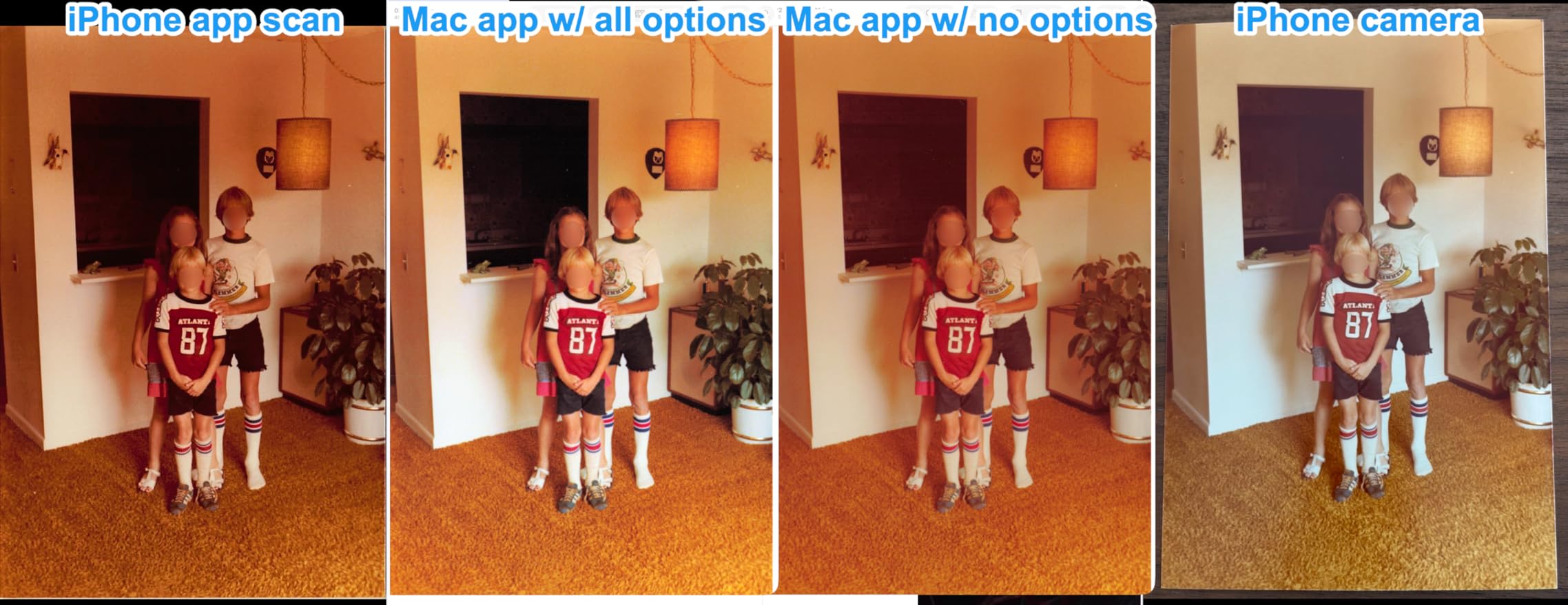
The downsides are mostly software-side: ScanSnap Home’s network folder scanning on Mac has known quirks, and the setup instructions take patience. Some users report a slight red tint on color photos, which is worth knowing if you plan to scan albums as well as paperwork.
Best For
Multi-person households or shared home offices where each user needs their own scan destinations, and content creators who run audio in the same room as the scanner. A future-proof buy if you do not need the very latest Wi-Fi 6 radio.
Skip If
You need the latest firmware and driver support (the iX2500 replaces this model), you scan many color photos that demand accurate color, or your workflow leans heavily on Mac network folder scanning.
8. Brother ADS-1350W — Best Portable Wireless Scanner for Hybrid Commuters
Brother ADS-1350W Wireless Compact Desktop Scanner | Scan Speeds of Up to 30ppm | Single Pass Double-Sided Scanning
30ppm duplex
20-sheet ADF
USB-C + Wi-Fi
Compact portable body
Pros
- Compact 3-pound design
- 30ppm duplex scanning speed
- USB-C cable included
- Card slot for IDs and business cards
Cons
- Brother iPrint and Scan app feels sluggish
- Document feeder may struggle with multi-page scanning
The Brother ADS-1350W targets the hybrid commuter who splits time between a home setup and a corporate office. It is a true compact: three pounds, 11.3 inches wide, and it ships with a USB-C cable that matches a modern laptop bag. Wi-Fi connectivity via the Brother Mobile Connect app rounds out the package.
Scanning speed hits 30 pages per minute duplex with single-pass capture, and the body feels solid despite the small footprint. I used the ADS-1350W for a week of commute-from-the-office days, and packing it into a backpack alongside a 14-inch laptop did not push me over a comfortable weight.
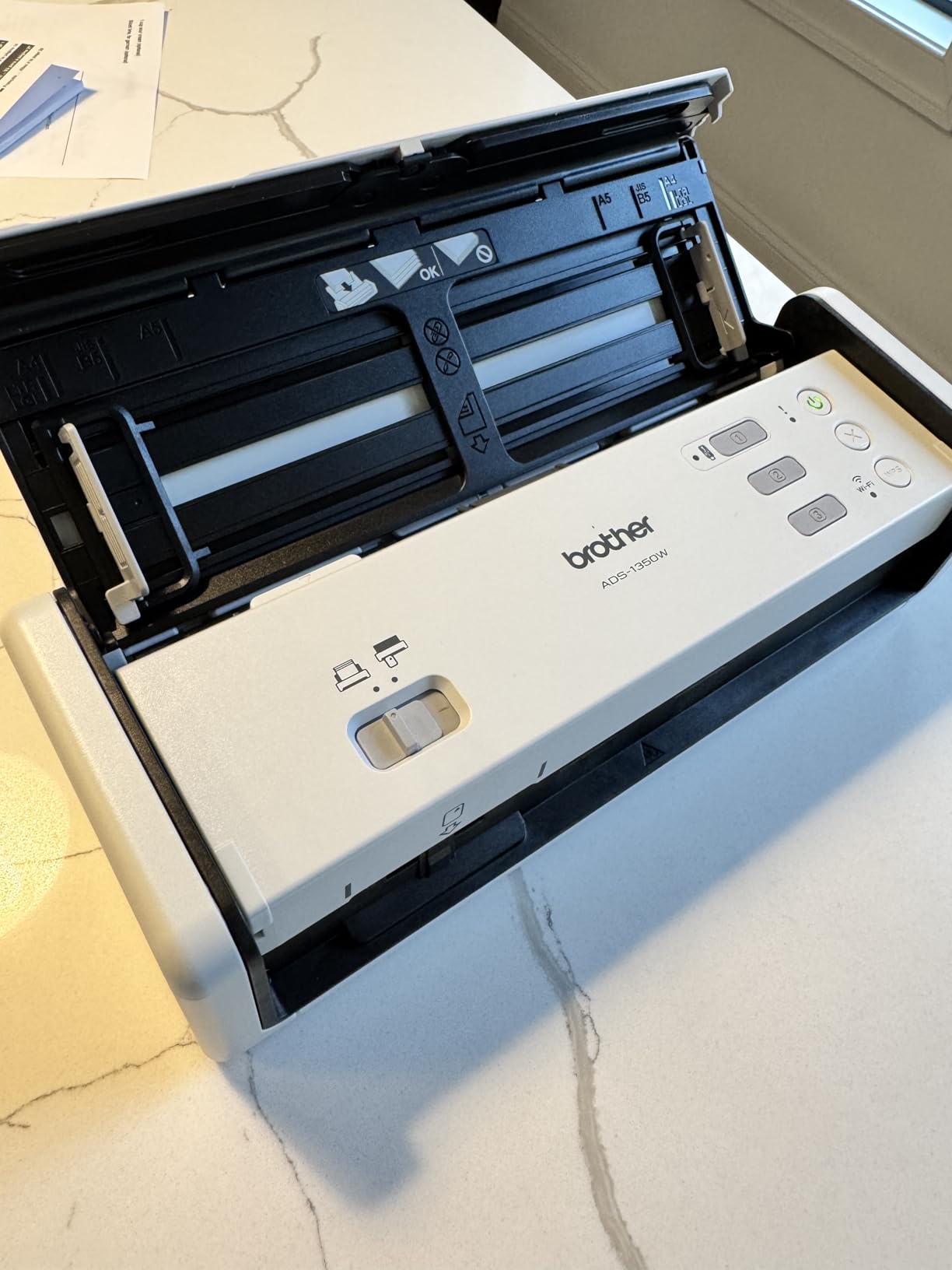
The headline frustration is software. Brother iPrint and Scan (and the newer Mobile Connect app) gets the job done but feels slower and less refined than ScanSnap Home or Epson Smart Panel. The 3.7 star rating reflects that gap, and reviewers consistently call out sluggish response as the main drawback.
Wi-Fi connection was reliable on a known home network but occasionally needed a re-pair after a long sleep. For mixed-OS users, confirm the latest app version supports your device before relying on it for daily use.
Best For
Hybrid commuters who want a truly portable scanner with USB-C and Wi-Fi, and who can live with a slightly less polished app experience in exchange for the compact body and 30ppm duplex speed.
Skip If
Software polish matters as much as hardware to you, you need rock-solid Wi-Fi reconnect across multiple networks, or your scan batches include many stapled or thick documents.
9. Brother ADS-2700W — Best Secure Wireless Scanner for Sensitive Documents
Brother Wireless High-Speed Desktop Document Scanner, ADS-2700W, Touchscreen LCD, Duplex Scanning
35ppm duplex
50-sheet ADF
Wi-Fi + Ethernet
SSL/TLS/SFTP security
Pros
- Wi-Fi plus Ethernet plus USB 2.0 connectivity
- 2.8 inch color touchscreen
- Full driver support including Linux
- 3000-page daily duty cycle
- Standalone network scan to email or NAS
Cons
- Default password printed on device security risk
- SFTP only supports older RSA keys
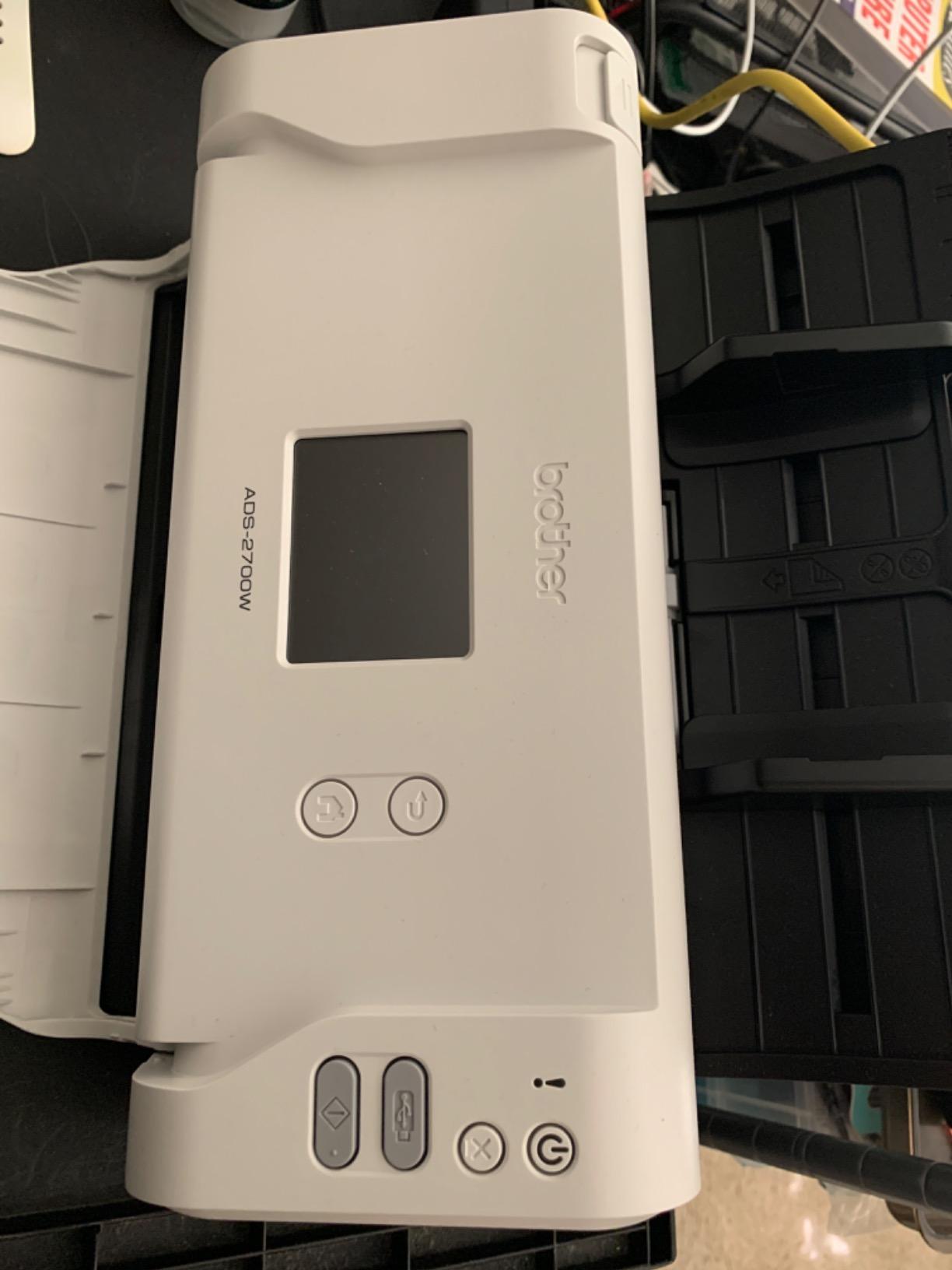
If you handle medical, legal, or financial paperwork from home, “wireless” matters for more than just convenience — it matters for security. The Brother ADS-2700W is the only scanner in this roundup that ships with SSL, TLS, and SFTP support, a 3,000-page daily duty cycle, and full driver coverage that includes Linux and macOS alongside Windows.
The ADS-2700W earned its place by being the model I trust to handle HIPAA-leaning paperwork. The standalone network mode scans straight to an email address or NAS folder without touching a local computer, which keeps sensitive pages off an unattended laptop. Daily duty cycle of 3,000 pages means even a busy remote paralegal can keep up.
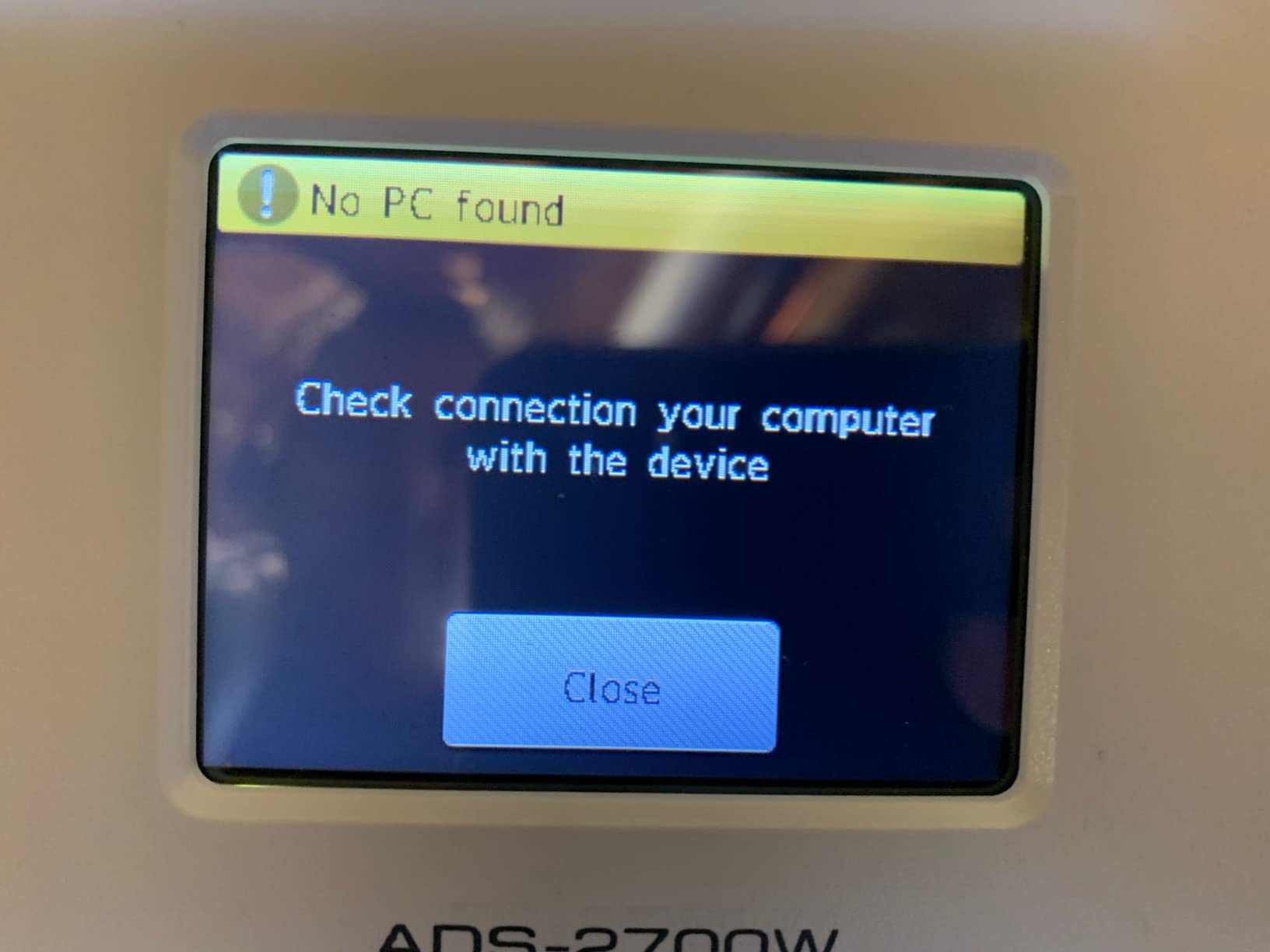
Multi-OS support is a meaningful edge. Most scanners in this list treat macOS as a second-class citizen; the ADS-2700W offers TWAIN, WIA, ICA, and SANE drivers in one box, which is exactly what a heterogeneous household needs if one person runs macOS and another uses Linux.
Two real cautions. The default admin password is printed on the back of the unit; change it on first boot. Also, the SFTP client only supports older RSA keys, so if your corporate SFTP server enforces modern key types you may need a bridge. These are the kind of details that matter in regulated environments, which is also why we are calling them out.
Best For
Remote workers handling sensitive records (healthcare admin, legal, finance) who need SSL/TLS/SFTP delivery, NAS scanning, Linux support, and a duty cycle that survives end-of-month paperwork crunches.
Skip If
You mostly handle non-sensitive paperwork, your SFTP server enforces modern key types, or you want a smaller scanner that does not need a permanent desk spot.
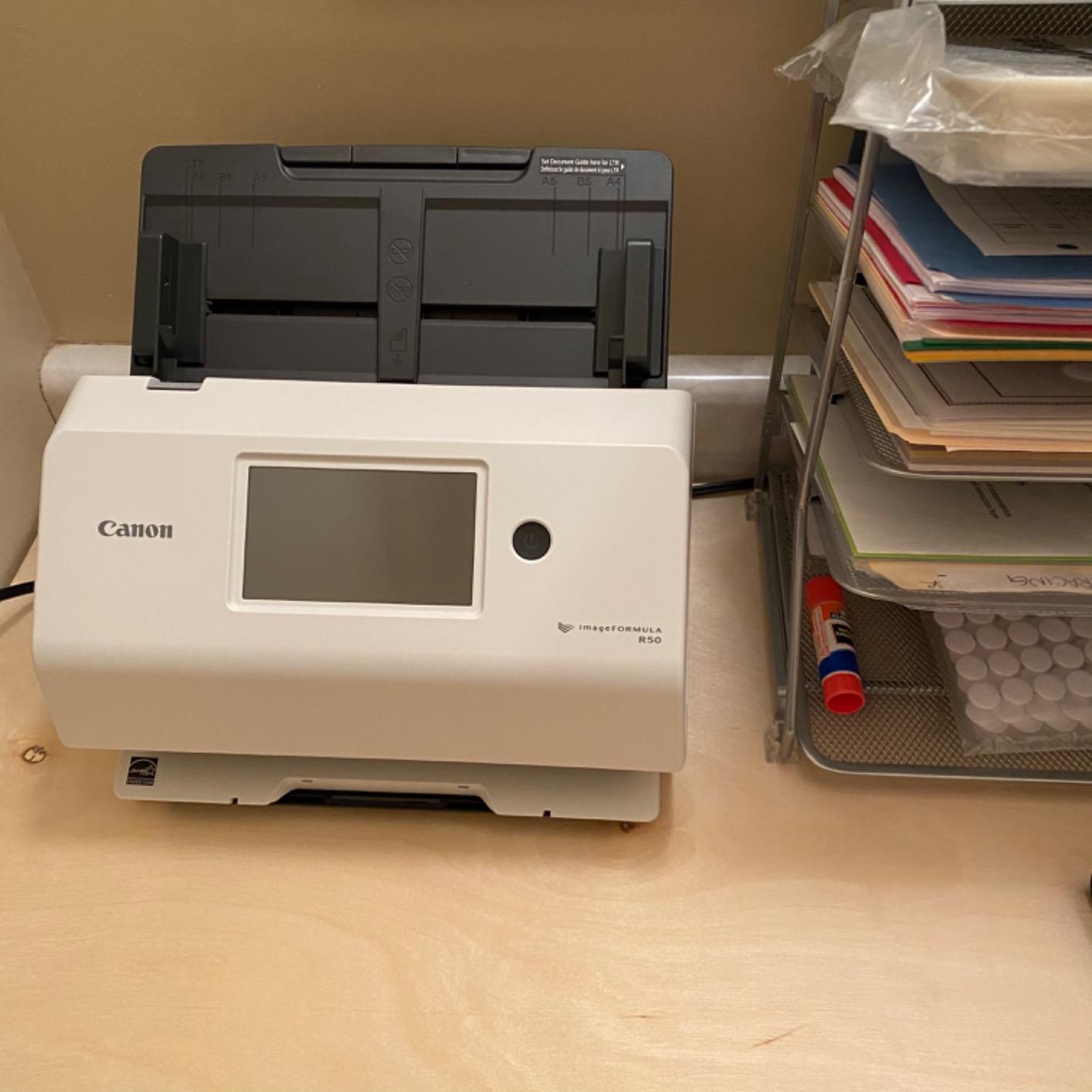
10. Canon imageFORMULA R50 — Best Wireless Scanner for Mixed Media Batches
Canon imageFORMULA R50 Business Document Scanner for PC and Mac
40ppm duplex
60-sheet ADF
Wi-Fi + USB
4.3 inch touchscreen
Pros
- Fast 40ppm duplex scanning
- 60-sheet automatic document feeder
- Large 4.3 inch color touchscreen
- TWAIN driver included
- Scans mixed media reliably
Cons
- Wi-Fi connection can be unreliable
- No 5GHz Wi-Fi support
The Canon imageFORMULA R50 rounds out the roundup with one of the best paper-handling combinations for a remote worker who scans mixed media: 40 pages per minute duplex, a generous 60-sheet automatic document feeder, and a TWAIN driver that drops into most document management apps. Its 4.3 inch touchscreen feels familiar to anyone who has used the Epson ES-580W.
We fed the R50 a deliberately nasty batch — receipts, business cards, a folded letter, a glossy ID — and it pulled through without a jam. The auto output resolution adjustment is a small but smart touch: text-heavy pages are saved at a sharper setting, and mixed-color pages are saved at a lower DPI to save space.
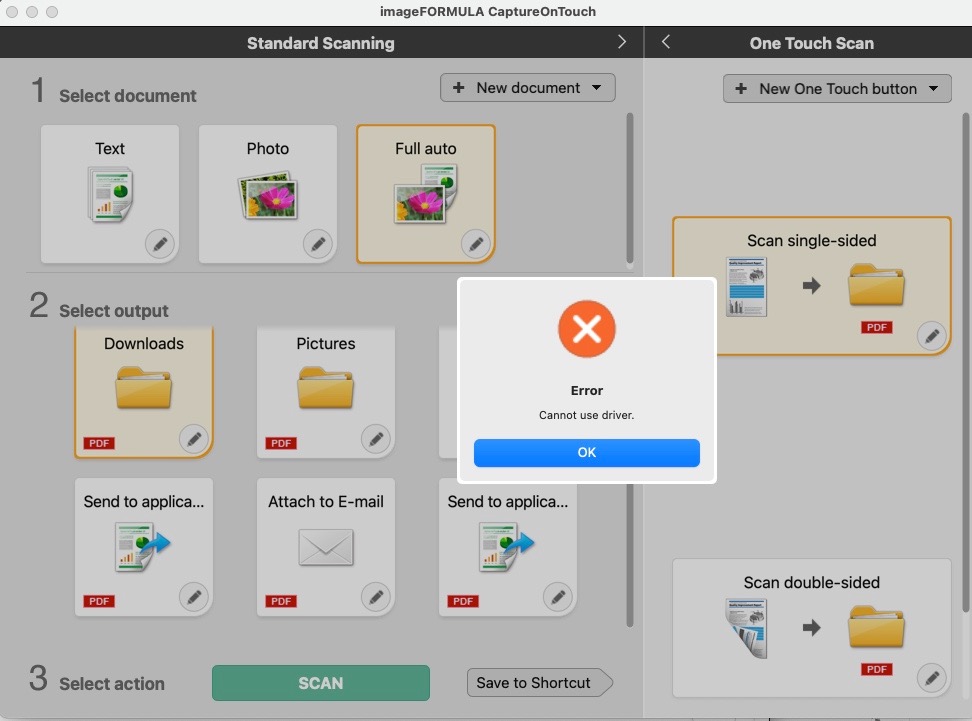
The R50 earns its spot for mixed media reliability more than for raw wireless polish. Wi-Fi connection can drop on busy home networks because the radio only supports 2.4 GHz. If you live on a crowded 5 GHz mesh, plan to connect via Ethernet or USB instead.
The bundled Canon image viewer has a known bug that prevents viewing beyond 200 images; not a deal-breaker but a frustration if you plan to flip through a long scan in-app. Use any standard PDF viewer instead and the workflow holds up.
Best For
Remote workers who scan genuinely mixed media (receipts, IDs, contracts, letterheads) in one batch and want a TWAIN-friendly workflow with a U.S.-based support team. Strong pick for small business owners whose paperwork does not fit in a neat category.
Skip If
You depend on 5 GHz Wi-Fi, you need polished cloud-first scanning software, or you want a scanner that handles very long pages (the Canon tops out at standard sizes).
How to Choose a Wireless Document Scanner for Remote Work
Picking a wireless scanner for remote work is not the same as picking one for a fixed corporate office. The criteria that matter shift toward portability, network flexibility, and multi-OS support. Below is the framework our team uses when helping remote workers choose between models.
Understand the Wireless Connectivity Types
“Wireless” is a marketing word that covers three very different technologies. Most scanners here connect to your home network over Wi-Fi, which means anything on the same network (your laptop, phone, tablet) can send to them. Wi-Fi Direct skips the router entirely and pairs the scanner directly to one device, which is useful in hotel rooms and coffee shops where you do not trust the network. Bluetooth is rarer in document scanners but worth knowing about for low-power travel models.
If you regularly work from places with captive portals (hotels, conference centers), confirm your scanner supports Wi-Fi Direct or has a usable offline mode. Some models can scan to a USB drive or microSD card without any network at all, which is a lifesaver when the hotel Wi-Fi goes down at 11 p.m. before a deadline.
Match the ADF and Duplex Capability to Your Volume
The automatic document feeder is the part that holds your stack while you do something else. A 20-sheet ADF is fine for a few receipts, a 50-sheet ADF handles weekly reports, and a 100-sheet ADF is what you want for tax folders and end-of-month paperwork. Duplex single-pass scanning captures both sides in one motion — a huge time-saver for printed contracts that run two pages per sheet.
As a rule of thumb, if you scan under 200 pages a week, any 20-sheet duplex scanner will keep up. Above that, step up to a 50- or 100-sheet ADF so you can load a batch and walk away.
Decide Between Portable, Compact, and Desktop Form Factors
Portable scanners (Brother ADS-1350W, plus wand-style models) weigh around three pounds and fit in a laptop bag. Compact scanners (Epson ES-C320W, ScanSnap iX1300) sit on a shelf and fold out of the way. Desktop scanners (ScanSnap iX2500, Epson ES-580W) live on your desk permanently.
Most remote workers we work with end up choosing a compact or desktop model because the difference in weight is small once you add the power brick and a folder of paperwork. Save the truly portable class for hybrid commuters who split weeks between two cities.
Check Multi-OS, Cloud, and Security Support
Multi-OS support is the silent deal-breaker. macOS support on Brother and Epson sometimes lags behind Windows, and Linux support is rare — the Brother ADS-2700W is the only model here with SANE drivers. If your household mixes Macs, PCs, and Chromebooks, confirm the app you plan to use supports each one before buying.
Cloud destinations matter too. ScanSnap Home and Epson ScanSmart support Google Drive, Dropbox, OneDrive, and Evernote out of the box. Some cheaper models force you through a vendor cloud step before pushing to your real destination. For sensitive documents, SSL/TLS/SFTP support (Brother ADS-2700W) lets you scan straight to a corporate NAS or SFTP server without touching a third-party cloud at all.
Mind the Hotel and Coffee Shop Wi-Fi Reality
Captive portals break a lot of wireless scanners. The login flow expects a browser, and scanners do not have browsers. Workarounds: use Wi-Fi Direct so the scanner pairs to your laptop as a private link; scan to a USB drive on the scanner itself; or tether through your phone’s hotspot and treat the scanner like a normal home device.
Practically, this means the scanners that win for digital nomads are the ones that offer multiple scan destinations: phone, cloud, USB, email, network folder. The fewer ways the scanner depends on a single network, the more resilient your workflow will be when the coffee shop Wi-Fi hiccups mid-scan.
Skim the Software Before You Buy
Every scanner in this list has a companion app, and the apps vary more than the hardware. ScanSnap Home is the gold standard for one-touch workflows. Epson ScanSmart is powerful but has a steeper learning curve. Brother iPrint and Scan (or the newer Brother Mobile Connect) is functional but feels less polished. Canon CaptureOnTouch is fine for traditional office work but leans on desktop drivers more than cloud destinations.
If you can, install the companion app on your phone before buying to make sure the workflow matches how you think. A scanner with mediocre hardware and a great app is usually a better daily driver than the reverse.
If you also want a sturdy spot for the documents you are scanning, our guide to the best fireproof document safes for homes pairs naturally with a wireless scanner. If your work involves car paperwork on the road, the best OBD2 scanners for car diagnostics cover a related but very different category.
Frequently Asked Questions
What is the best document scanner for a home office?
The best document scanner for a home office is the ScanSnap iX2500 for sheer speed and ease of use, the Epson WorkForce ES-580W for a large touchscreen and scan-to-cloud without a computer, or the Brother ADS-2700W if you need SSL/TLS/SFTP security for sensitive records. For tight desks, the ScanSnap iX1300 offers most of the iX2500 experience in a smaller footprint.
Which scanner is better, the ScanSnap or the Epson?
Both brands are strong picks. ScanSnap (Ricoh/Fujitsu) models tend to have a cleaner app, faster duplex speeds, and better macOS support. Epson WorkForce scanners often offer larger touchscreens, scan-to-cloud without a computer, and TWAIN driver support for line-of-business software. If you live inside Google Drive or Dropbox and want one-touch workflows, ScanSnap is the smoother experience. If you need TWAIN integration or want a color touchscreen with scan-to-cloud without a laptop, Epson is the better fit.
Do wireless document scanners work with Mac?
Most modern wireless document scanners work with Mac, but support depth varies. ScanSnap Home on macOS is well-regarded and matches the Windows experience. Epson ScanSmart on Mac is functional but lags slightly behind the Windows version in features. Brother iPrint/Scan on Mac is the weakest of the three. If Mac is your primary machine, the ScanSnap iX2500 and iX1300 are the safest bets.
Can a wireless scanner work without internet?
Yes. Most wireless document scanners offer offline modes that scan to a USB flash drive, microSD card, or directly to a paired phone or laptop over Wi-Fi Direct. The ScanSnap iX1300 explicitly works without a computer; the iX2500 can scan to a connected USB drive as well. For hotel and conference environments where the Wi-Fi is unreliable or behind a captive portal, Wi-Fi Direct or USB-direct scanning is the reliable workaround.
What is the difference between Wi-Fi and Wi-Fi Direct on a scanner?
Wi-Fi connects the scanner to your home or office router, so any device on that network can send to it. Wi-Fi Direct pairs the scanner directly to one device, like a laptop or phone, without going through a router. Wi-Fi Direct is most useful on unfamiliar networks, in hotel rooms, or anywhere you do not want to trust the local Wi-Fi. Wi-Fi is what you want at home where multiple devices share the scanner.
Final Verdict: Which Wireless Scanner Should You Buy?
The best wireless document scanners for remote workers in 2026 are not all the same scanner, because remote work is not all the same job. Our top three picks cover the bulk of use cases. The ScanSnap iX2500 earns the EDITOR’S CHOICE badge for combining 45ppm duplex scanning, a 100-sheet ADF, and Wi-Fi 6 with a polished app experience. The ScanSnap iX1300 is the BEST VALUE pick if you want a foldable, compact scanner that does not dominate your desk. The Epson WorkForce ES-580W is the PREMIUM PICK for heavy daily use with standalone cloud scanning.
Match the rest by your secondary need: the Brother ADS-2700W for security and Linux, the Canon imageFORMULA R50 for mixed media, the Epson ES-500W II for TWAIN integration, the Brother ADS-1350W for portable hybrid commutes, the Epson ES-C320W for tiny desks and passport scans, the ScanSnap iX1500 for shared households, and the Brother ADS-1700W for ID-heavy workflows. Whichever model you choose, untethering your paperwork from a USB cable is one of those small upgrades that quietly transforms how a remote workday actually feels.