
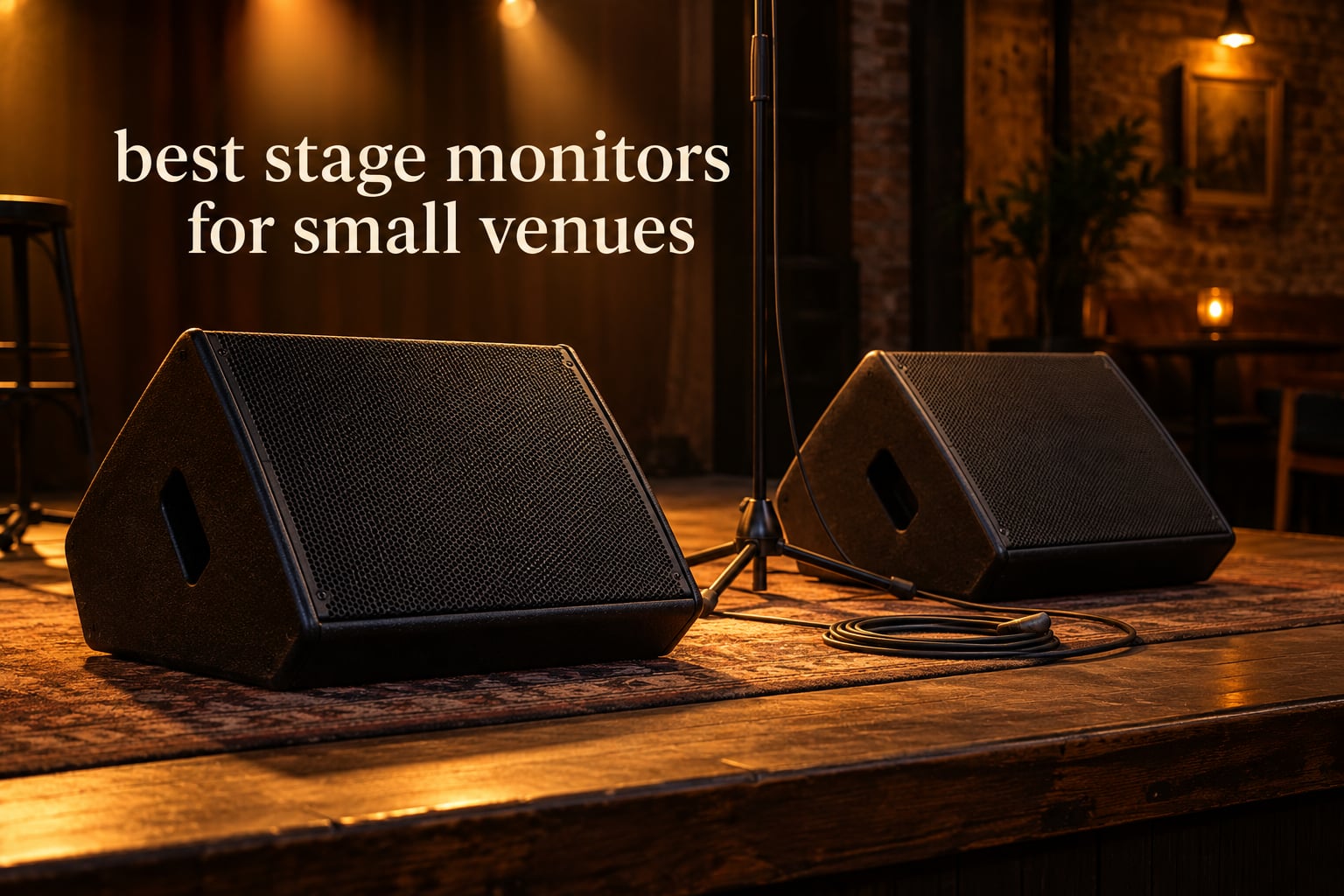
A stage monitor is a wedge-shaped speaker that sits at the front edge of the stage and points back up at the performer. It plays a private mix of that performer’s own voice and instruments, so they can hear themselves without turning the whole room up. Searching for the best stage monitors for small venues is mostly a question about output headroom, weight and how many separate mixes your console can actually send.
Small rooms complicate the decision more than large stages do. A 100-capacity club has a loud drum kit, a narrow stage and no room to move a monitor once it is ringing. The engineers on r/livesound who post about wedge selection keep returning to the same idea: monitor count is driven by mix independence, not by speaker power.
I compared 10 wedges for this guide, weighing published specs such as driver size, power handling, horn type, connector layout and listed weight against the real complaints buyers report. My aim was to find honest pros and real limits for each one, including the units that lose because they are too heavy to carry up a narrow staircase.
If you are also outfitting the rest of the stage, our guide to the best stage lighting systems for bands covers the other half of a small-room rig.
Table of Contents
Top 3 Picks for Small Venues Right Now

All 10 Stage Monitors Compared in 2026
| Product | Specifications | Action |
|---|---|---|
| Behringer EUROLIVE F1220D |
|
Check Latest Price |
 Seismic Audio Single Wedge Floor Monitor Seismic Audio Single Wedge Floor Monitor |
|
Check Latest Price |
 Behringer EUROLIVE F1320D Behringer EUROLIVE F1320D |
|
Check Latest Price |
 Sound Town METIS-10MPW Sound Town METIS-10MPW |
|
Check Latest Price |
 Samson RSXM10A Samson RSXM10A |
|
Check Latest Price |
 Grindhouse Speakers GH10M Grindhouse Speakers GH10M |
|
Check Latest Price |
 Rockville RSM15A Rockville RSM15A |
|
Check Latest Price |
 Peavey PV 12M Peavey PV 12M |
|
Check Latest Price |
 Yamaha BR12M Yamaha BR12M |
|
Check Latest Price |
 Rockville RSM12A V2 Rockville RSM12A V2 |
|
Check Latest Price |
What Is the Best Monitor for a Stage?
The best monitor for a stage is a powered wedge with enough output to be heard over an unpowered drum kit, a flat enough coverage pattern to keep feedback manageable, and a weight one person can lift onto a small stage. For most small-venue buyers that points to a 10 or 12 inch bi-amped wedge with an adjustable feedback filter.
1. Behringer EUROLIVE F1220D – Best Powered Wedge for Most Small Venues
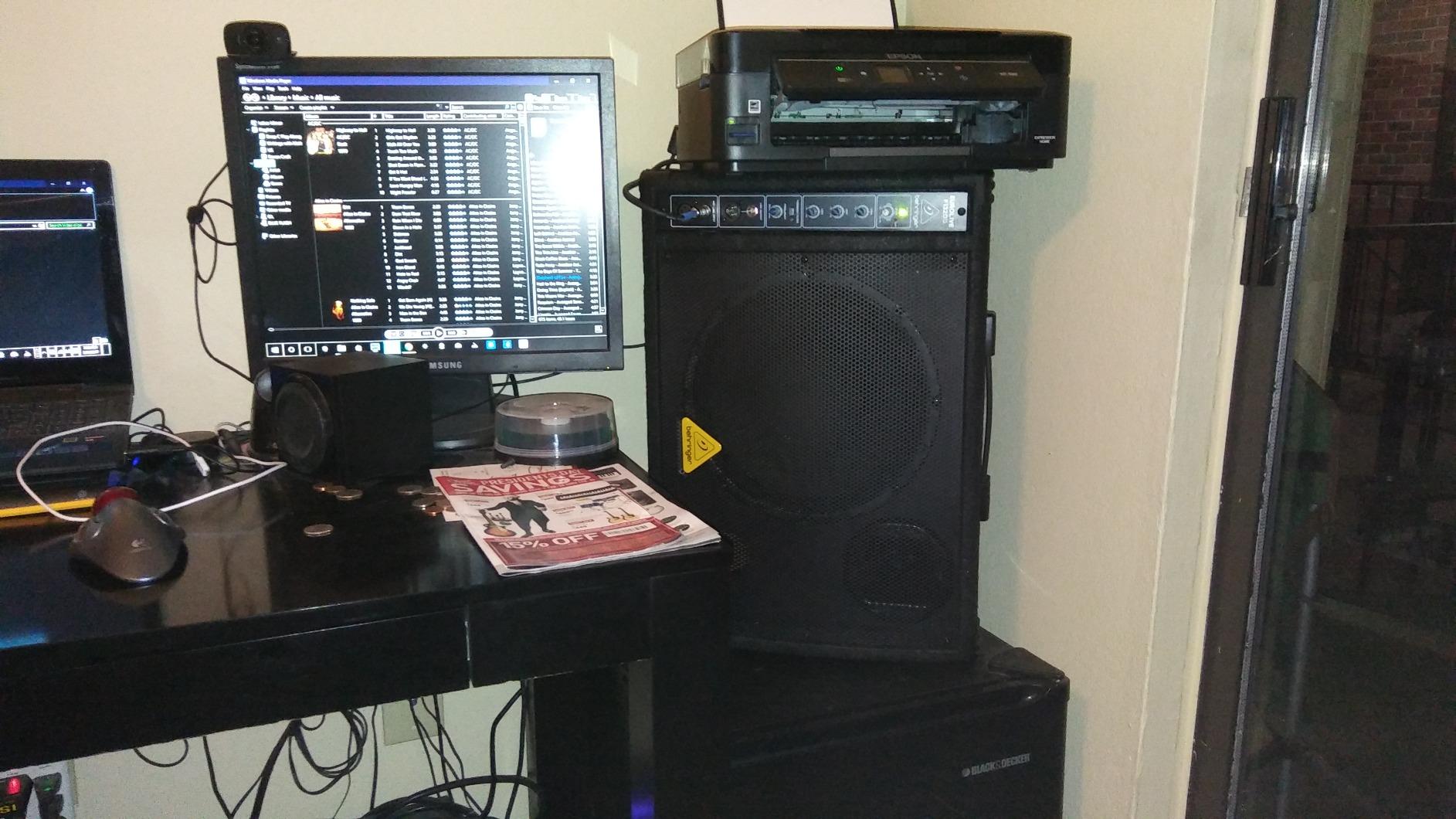
Behringer EUROLIVE F1220D Bi-Amped 250 Watt Monitor Speaker System with 12″ Woofer, 3″ Tweeter and Feedback Filter
12 inch woofer, 3 inch tweeter, 250W Class-D, Feedback filter, 23.6 lb
Pros
- Self-contained bi-amped system needing no external amplifier
- Adjustable feedback filter and integrated limiter
- 12 inch woofer with strong stage-level bass
- Light for its output class at 23.6 lb
Cons
- 23.6 lb is a two-hand lift up a stage stair
- Shallower wedge angle than dedicated low-profile monitors
This is the wedge I keep coming back to for a bar or a small club. It carries a 12 inch woofer, a 3 inch tweeter and a 250 watt Class-D amplifier inside one cabinet, and it holds a 4.5 rating across 168 reviews, the largest review base in this roundup. That is the combination that makes it my default pick: enough owner history to trust, and enough ratings to see the pattern behind the stars.
The engineering choice that matters most here is the adjustable feedback filter paired with an integrated limiter. ProsoundWeb users discussing budget wedges repeatedly point at that filter as the feature that saves a small room, because it lets a performer find their level without the engineer chasing a howl between songs.
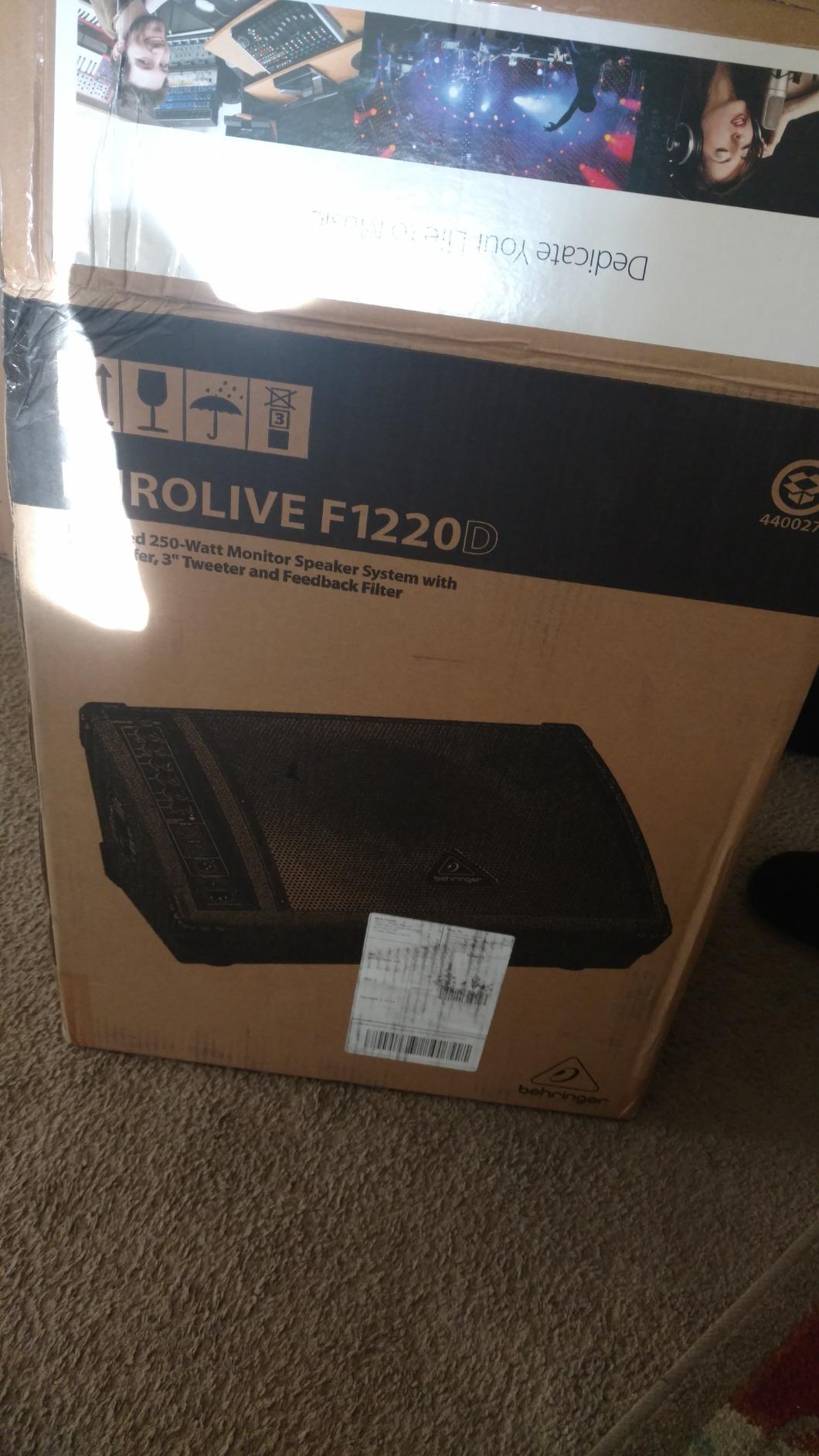
Specs are honest for the class: 45 Hz low-end figure, 8 ohm, and connectivity listed as XLR, 1/4 inch TRS/TS, RCA and Speakon. Reviewers call the bass strong and clear and note the Class-D design keeps the weight manageable, which matters when the stage is up eight stairs and there is no loading dock.
The trade-off is real. At 23.6 pounds it is not a light carry, and the wedge angle is shallower than a purpose-built low-profile monitor, so it takes up more stage depth than the slimmest cabinets here.
Is it light enough to load by yourself?
It is at the lighter end of what a 12 inch powered wedge can manage, and owners moving it solo across a flat club floor report no trouble. Bring a second person for a narrow stairwell. Most 12 inch cabinets in this roundup run between 23 and 33 lb, so anything you buy in that class will be a two-hand job.
The recessed XLR and combo inputs make cable dressing simple on a small stage where backline space is tight. Owners of powered budget monitors often complain about hiss at normal gain, and this model’s reviews do not lead with that complaint, which is worth something.
Where it falls short for a small venue
Shallow wedge geometry means it eats more stage depth than a slim dedicated monitor, which can crowd a four-piece band. If your stage is barely deep enough for four people plus mic stands, footprint is the specification to check before anything else.
It is also a monitor first, not a mini PA. There is no onboard mixer or USB playback, which suits a live band and does nothing for a DJ who wants to stream a set from a phone. For that, read on to the units with line and media inputs.
2. Seismic Audio Single Wedge Floor Monitor – Best Passive Start for a New Rig
Seismic Audio Speakers Single Wedge Style Floor Monitor, Stage Monitor Speaker, PA/DJ
Passive 10 inch, 4x8 piezo horn, 100W RMS, 45Hz-20kHz, 22 lb
Pros
- An honest entry point for buyers who already own an amp
- Purpose-built passive wedge shape tuned for floor monitoring
- 45Hz to 20000 Hz from a 10 inch driver and horn
- Metal cabinet with 18 gauge steel grille
Cons
- Passive design needs an external amplifier
- Only 1/4 inch TS input with no XLR
- 22 lb is not a light carry
This is the pick for someone who already owns an amplifier and wants a straightforward passive wedge that does one job well. It is a passive 10 inch two-way with a 4 x 8 inch piezo horn, rated at 100 watts RMS and 200 watts peak, and it holds a 4.2 rating from 164 reviews.
ProsoundWeb users generally split along one line: passive systems suit established rigs with an amp rack, while powered monitors suit small and mobile productions because they remove amp-matching mistakes. That split is exactly why this cabinet earns its place here rather than a cheaper headline. If you are building from zero with no amp, this is not the one to buy.
Sound quality gets described as wide-ranging for the money, and the 45 Hz to 20,000 Hz response is genuinely useful low-end extension for a passive wedge. The 40 oz magnet, 2 inch voice coil, 8 ohm wiring and dual ports are conventional, well-proven design choices.
What you give up by going passive
You need an amplifier rated sensibly for a 100 watt RMS, 8 ohm load, and you take on the risk of underpowering it. Amp mismatch is the most common way cheap passive rigs disappoint, and the fix is not cheap. ProsoundWeb posters buying budget wedges say powered units with bundled XLR cables are the easier path for a first rig.
The 1/4 inch TS input is the other friction point. There is no XLR, so a balanced run from a console aux send is not available, and the 22 pound weight is heavier than the powered 10 inch cabinets in this list despite the older steel cabinetry. Metal grille and steel handle construction do suggest it will survive being moved repeatedly.
Who this passive wedge suits
It suits a player or engineer who already has a rack or a small mixer with an amp section, and who wants a spare monitor without spending more. Buying two of these and using one wedge per performer keeps each performer on the same mix, which buyers on r/livesound describe as the workable compromise when console aux sends are limited.
If you do not own an amplifier, skip this section and start with the powered wedges above. The saving on the cabinet is spent, and then some, on an amp and cabling you would have to buy anyway.
3. Behringer EUROLIVE F1320D – Best for Loud Drum Kits and Standing Bands
Behringer EUROLIVE F1320D Active 300 Watt 2-Way Monitor Speaker System with 12″ Woofer, 1″ Compression Driver and Feedback Filter
12 inch woofer, 1 inch compression driver, 300W, 3-band EQ, 33.1 lb
Pros
- Designed as a true low-profile monitor rather than a tipped PA cabinet
- Front EQ gain and feedback filter for self-service
- Plenty of stage volume with balanced sound
- One owner reports a 2011 unit still working
Cons
- Clips aggressively at high volume
- 33.1 lb and wood-built
- Musician-facing controls invite mid-show fiddling
If your small room is loud, this is the wedge to look at. The F1320D is a genuine low-profile monitor rather than a PA speaker tipped on its side, with a 12 inch woofer, a 1 inch compression driver and 300 watts of amplification, and it scores 4.5 across 142 reviews.
Several owners who moved from passive monitors describe per-performer powered mixes as transformative for rehearsals. The front-panel EQ, gain and feedback filter let a performer adjust their own wedge during soundcheck instead of waiting for the engineer, which is the difference between a smooth 20 minute setup and a chaotic one.
Buyers report plenty of stage volume and a clean, balanced sound for small clubs, churches and cover bands. The integrated sound processor handles system control and speaker protection, and the cabinet is daisy-chain capable with individual inputs, so you can grow from one wedge to several without changing the plan.
It is also a monitor with mains-adjacent ambitions. At 300 watts it pairs well with additional main speakers in a small room, and one reviewer describes it as a better solution than replacing a pair of mains. That headroom is exactly what a loud drum kit needs.
How does the clipping complaint affect you?
It is the dominant reservation in the reviews, and it matters most for a loud singer pushing near the limit. The sound distorts hard rather than politely at high volume, and some units clip earlier than others. If your vocal is genuinely loud, pair it with mains for the low end instead of expecting the wedge to fill a whole room alone.
At 33.1 pounds and wood-built, this is one of the heavier cabinets here. It also invites a specific small-venue problem: musician-facing controls that get nudged during a set. Mark the gain positions with tape before the first show.
Where it beats the smaller option
Against a 10 inch powered wedge, the difference shows up when the band is loud. A 12 inch woofer moves more air at monitor height, and the compression driver keeps the vocal band clearer over drums than a piezo horn would. That is the single reason to choose this over the F1220D.
The carpet-style finish can pick up debris outdoors, which matters if half your year is courtyard and festival work. Leave it at that, and it is the most capable monitor in this roundup for a band that plays out.
4. Sound Town METIS-10MPW – Best for Churches, Bars and Mobile DJs
Sound Town Powered DJ PA Stage Monitor Speaker 10” 300W with Compression Driver for Live Sound, Bar, Church (METIS-10MPW)
Powered 10 inch, 1 inch titanium compression, 300W amp, XLR and MP3 in
Pros
- Widest connectivity in the roundup with XLR in and out plus aux and MP3 inputs
- Relatively light for its output and sounds full
- Carpet covering metal grille and reinforced corners
- Several buyers report repeat purchases
Cons
- One buyer reports output well below the advertised figure
- Isolated report of a dead unit out of the box
- One 3-star review says singers struggled in a loud church
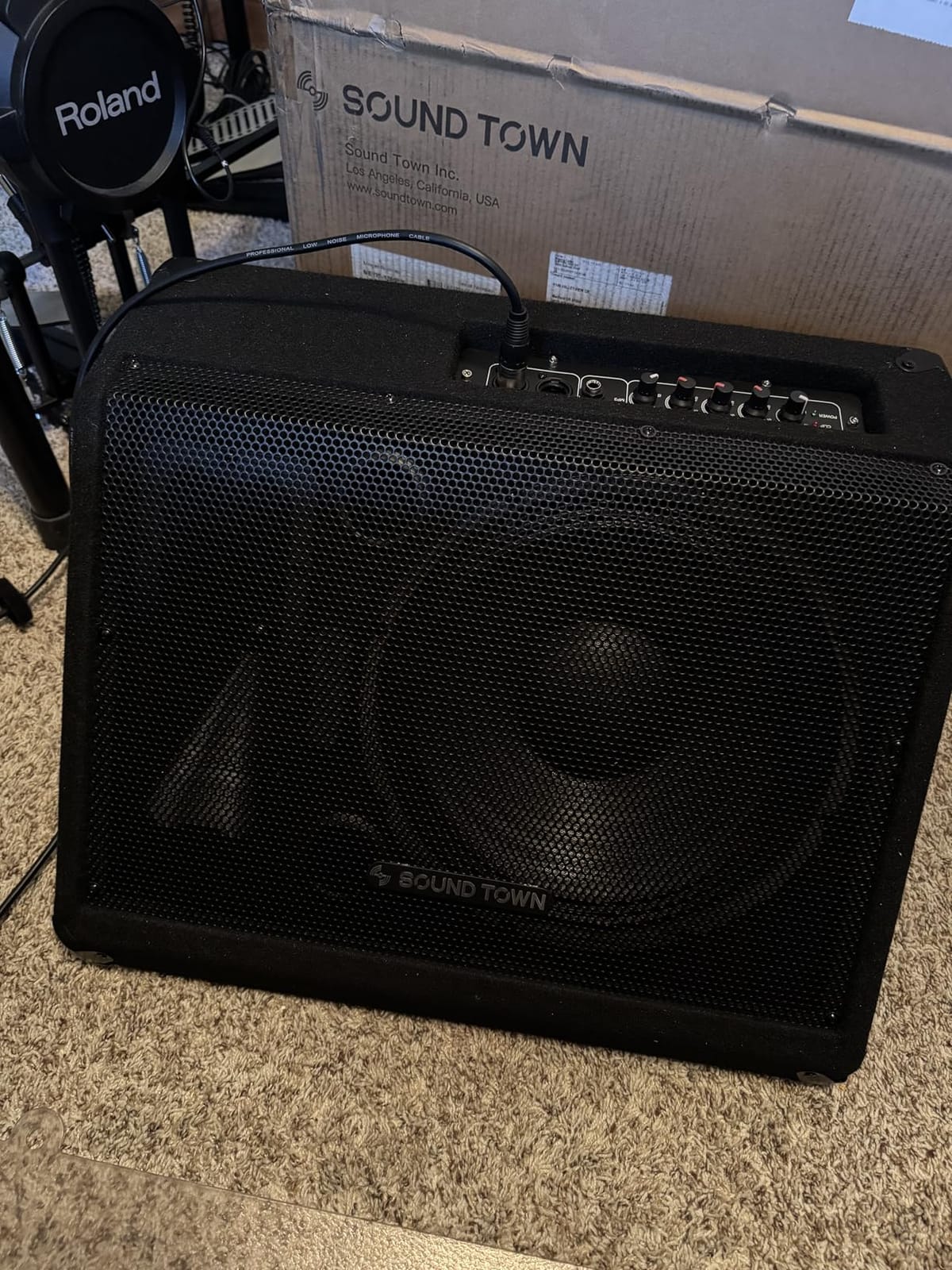
This is the most flexible box in the group for a working musician. It pairs a 10 inch woofer with a 1 inch titanium compression driver and a 300 watt integrated amplifier, and the connectivity list is longer than any other monitor here: XLR line in, XLR line out for daisy chaining, a 1/4 inch auxiliary input and a 1/8 inch MP3 input.
That MP3 input is not a gimmick in the use cases this wedge is popular for. Churches, bars and mobile DJs can run a backing track or a service track straight into the monitor without a laptop, and the XLR output means two of these daisy-chain cleanly into a small sidefill arrangement.
Owners cite strong output, clear sound and responsive customer support, and several describe it as a long-term go-to floor wedge they have bought again. The recessed carry handle and reinforced metal corners are built for transport rather than showroom display.
Does the 300 watt rating hold up?
One buyer reports real-world output well below the advertised 300 watts, and that is exactly the kind of complaint engineers on forums raise about budget powered monitors. The wattage headline style is unreliable as a comparison number, so treat the rating as a class indicator rather than a measurement.
There is also an isolated report of a dead unit in a pair right out of the box, and a 3-star review notes singers still struggled to hear over the band in a loud church setting. None of these are widespread, but all three are worth weighing if your room is loud.
Why churches and bars keep choosing it
It sits in the practical middle of the category. A 10 inch footprint fits a small stage, the amp is built in, and the inputs cover every source a worship leader or a DJ is likely to bring. Very few monitors here do all three at once.
The weight is not listed by the manufacturer, but owners describe it as light for its output class. If single-person load-in is a deciding factor for your room, that is a point in its favour over the 12 and 15 inch cabinets further down.
5. Samson RSXM10A – Premium Pick When One Cabinet Must Do Two Jobs
Samson RSXM10A – 800W 2-Way Active Stage Monitor, Black
10 inch coaxial, 800W Class-D, FOH/monitor switch, XLR link, 30 lb
Pros
- Compact coaxial 10 inch cabinet with a front-of-house and monitor selector
- XLR and 1/4 inch combo input plus XLR link output
- Two-year parts and labor warranty
- Wood cabinet with a pole mount receptacle
Cons
- The most expensive monitor in this roundup
- 30 lb is the heaviest 10 inch cabinet here
The Samson RSXM10A solves a problem none of the other monitors here address. Its FOH/monitor selector switch lets one compact 10 inch coaxial cabinet serve as front-of-house output or as a wedge, which matters enormously in a room too small for a separate main PA and a separate monitor.
It carries a 4.4 rating from 111 reviews with a 74 percent five-star share, and the ratings are consistently strong. The Class-D amplifier delivers 800 watts of output from a wood cabinet with a 1 3/8 inch pole mount receptacle, so it can also sit on a stand when you want it out of the monitor position.
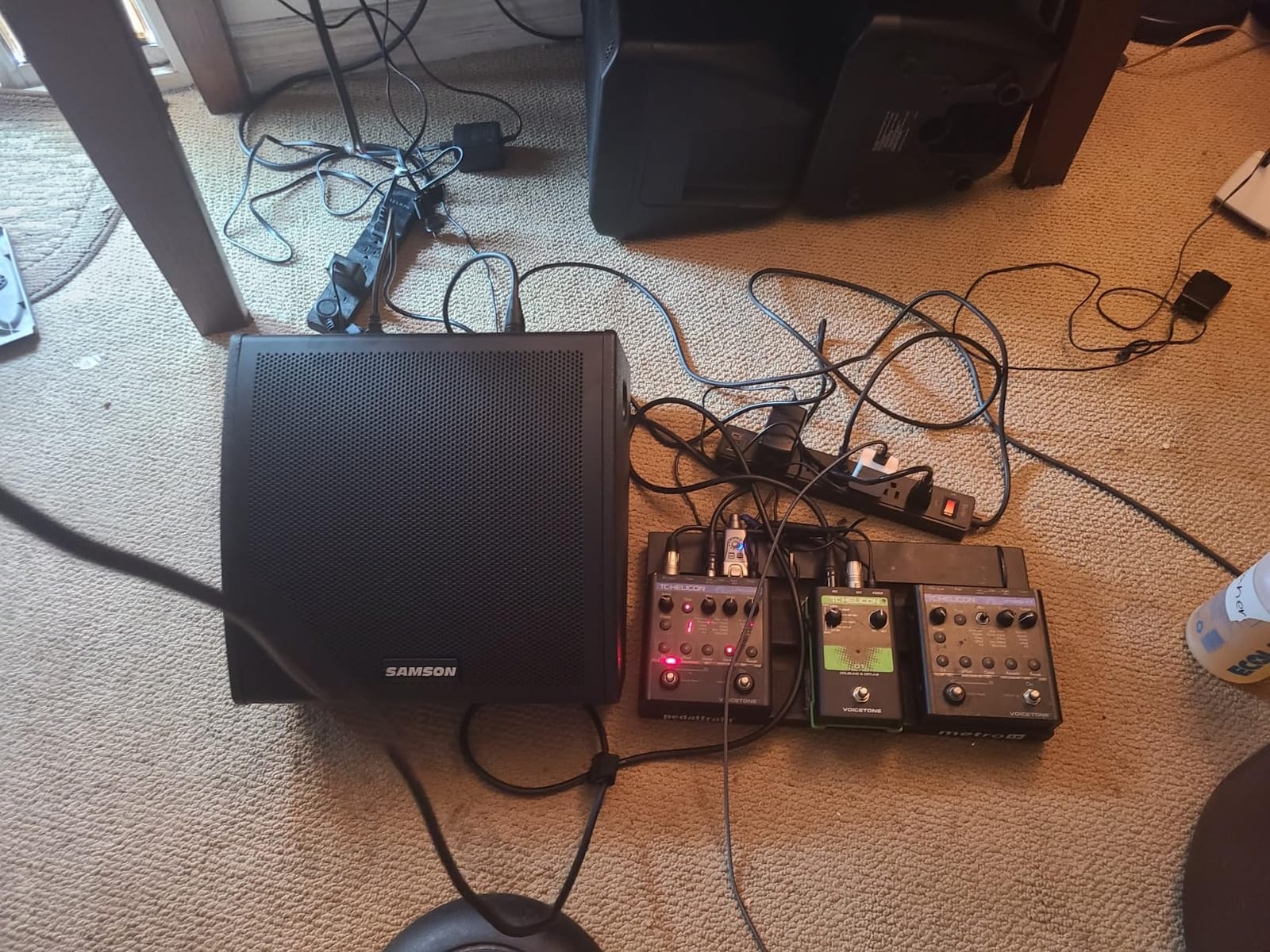
Connectivity is professional in a way most budget wedges are not: an XLR and 1/4 inch combo input plus an XLR link output for daisy chaining. The two-year parts and labor warranty is the longest in this roundup by a wide margin.
Is it really worth more than the rest?
It carries the highest sticker figure of any monitor here, and that is the main pushback in the reviews. Buyers frame it as paying for pro-level connectivity and the dual-duty switch rather than for raw output. If you need one cabinet for two jobs, that is defensible; if you only ever need wedges, a cheaper powered 12 inch does the job.
At 30 pounds it is the heaviest 10 inch cabinet in this group despite the lightweight Class D claim, so the portability advantage is smaller than the spec sheet implies. Check your stair situation before committing.
What does the coaxial design change?
A coaxial driver places the compression driver at the center of the woofer cone so both share one acoustic axis. The practical result is a more symmetrical coverage pattern, which means fewer off-axis frequency surprises and easier feedback control for a singer moving around a small stage.
Buyers like the compact footprint and the front-of-house/monitor switch. It is the pick for a solo performer or duo working a rotation of tiny rooms with no proper PA, where one speaker has to do everything.
6. Grindhouse Speakers GH10M – Best Budget Pick for Acoustic Sets
Grindhouse Speakers – GH10M – 10 Inch Passive Wedge Floor / Stage Monitor 300 Watts RMS – PA/DJ Stage, Studio, Live Sound 10 Inch Monitor
Passive 10 inch, 300W RMS, 600W peak, 1/4 inch TS and terminals
Pros
- Lowest entry cost here with a 5-star-leaning 4.3 average
- Construction described by multiple buyers as very solid
- Light and easy to move between setups
- Speaker wire terminals alongside 1/4 inch TS
Cons
- Passive design needs an external amplifier
- One reviewer reports distortion when pushed or linked from main outputs
The GH10M is the cheapest monitor in this roundup and one of the best-reviewed at that end of the market, with a 4.3 average from 104 reviews and a 71 percent five-star share. It is a passive 10 inch wedge rated at 300 watts RMS and 600 watts peak at 8 ohms.
Reviewers describe the construction as very solid and the weight as lighter than expected, which is why it keeps appearing in acoustic and small-club setups. Several owners say they replaced bigger-brand monitors with it and were satisfied, and the 13 by 19 by 12 inch footprint is genuinely small.
Connections are a step up from the other passive option here. You get 1/4 inch TS plus speaker wire spring terminals, so wiring is flexible if your amplifier uses bare speaker cable rather than plugs.
When will this budget passive wedge distort?
One reviewer reports it easily distorts or peaks, especially when linked from main speaker outputs rather than from a proper amplifier. That is a wiring mistake as much as a product limit, but the margin for error is thin at 300 watts RMS.
Do not try to power it from a mixer’s speaker-level output and expect it to behave. Give it a dedicated amplifier with headroom, and the distortion complaints largely disappear. Members of forums.prosoundweb discussing old-versus-new budget wedges raise the same point about amp matching.
What acoustic players get here
For a singer-songwriter, an acoustic duo or a coffee house set, this is a straightforward answer. A vocal mic preamp into a small amp into the wedge gives the performer their own mix without any DSP to fight.
What you do not get is a feedback filter, EQ or gain control on the cabinet itself. Everything has to happen upstream, so this suits a player who already understands gain staging. If that is a new concept, buy powered.
7. Rockville RSM15A – Best for Low-End Headroom in the Bigger Small Room
Rockville RSM15A 15″ 2-Way Powered Floor Monitor Speaker for Stage
15 inch woofer, 350W RMS, 1400W peak, tunable feedback filter, 61.2 lb
Pros
- Largest woofer here for the deepest low end and most output headroom
- Switchable 115/230V supply works internationally
- 3-band EQ plus a tunable 300Hz to 5kHz feedback filter
- Ergonomic handles and steel grille
Cons
- Heaviest cabinet here at 61.2 lb
- Bulky 15 inch footprint for tight monitor positions
- Listed with no warranty
The RSM15A exists for one reason: output. A 15 inch woofer with 350 watts RMS and 1400 watts peak gives you the deepest low end and the most headroom of any monitor here, and in a small venue with an unpumped backline that headroom is the whole game.
Controls are unusually good for a wedge at this level. You get a 3-band EQ plus an adjustable feedback filter swept from 300 Hz to 5 kHz, which lets you target the exact frequency that is howling in your specific room instead of guessing. Combo XLR and 1/4 inch TRS inputs come with a mic/line level control.
The switchable 115/230V power supply is a genuinely useful detail for anyone playing gigs in Europe or on touring circuits. The tilt-back wedge geometry, aviation-grade carpet and steel grille are all built for the road.
Is 61.2 lb a deal-breaker?
For one person, quite possibly. It is the heaviest cabinet in this roundup and more than double the weight of the lighter powered 10 inch models. Musicians posting about small-venue wedges flag load-in weight as a recurring deal-breaker, since most rooms have stairs and no loading dock.
The bulkier 15 inch footprint also suits larger stages more than a tight monitor position. If your stage is a 2 metre by 2.5 metre platform, a 15 inch wedge at the front edge is cabinet you do not have room for.
When this much low end actually helps
It helps when the band is loud and the wedge has to be heard over a kick drum and two guitar amps at close range. It also does real work for a drummer or percussionist, or as a sidefill for a room with no sidefill.
Being listed with no warranty is the practical concern. On a cabinet this heavy, built to be moved constantly, that is a meaningful gap compared with the two-year cover on the Samson or the five-year limited warranty on the Peavey.
8. Peavey PV 12M – Best for Vocal Clarity on a Fixed Amp Rig
Peavey PV 12M 2-Way Floor Monitor, Sunburst, 12 Inch
Passive 12 inch, 1.4 inch titanium compression driver, 500W program
Pros
- Real 1.4 inch titanium compression driver rather than a piezo
- Adjustable 30 or 45 degree wedge angle
- 500W program handling takes more amp power than most
- Sound Guard IV protection and 5 year limited warranty
Cons
- Passive design needs an external amplifier
- 41 lb makes it the second-heaviest monitor here
- Sunburst finish is dated against modern black gear
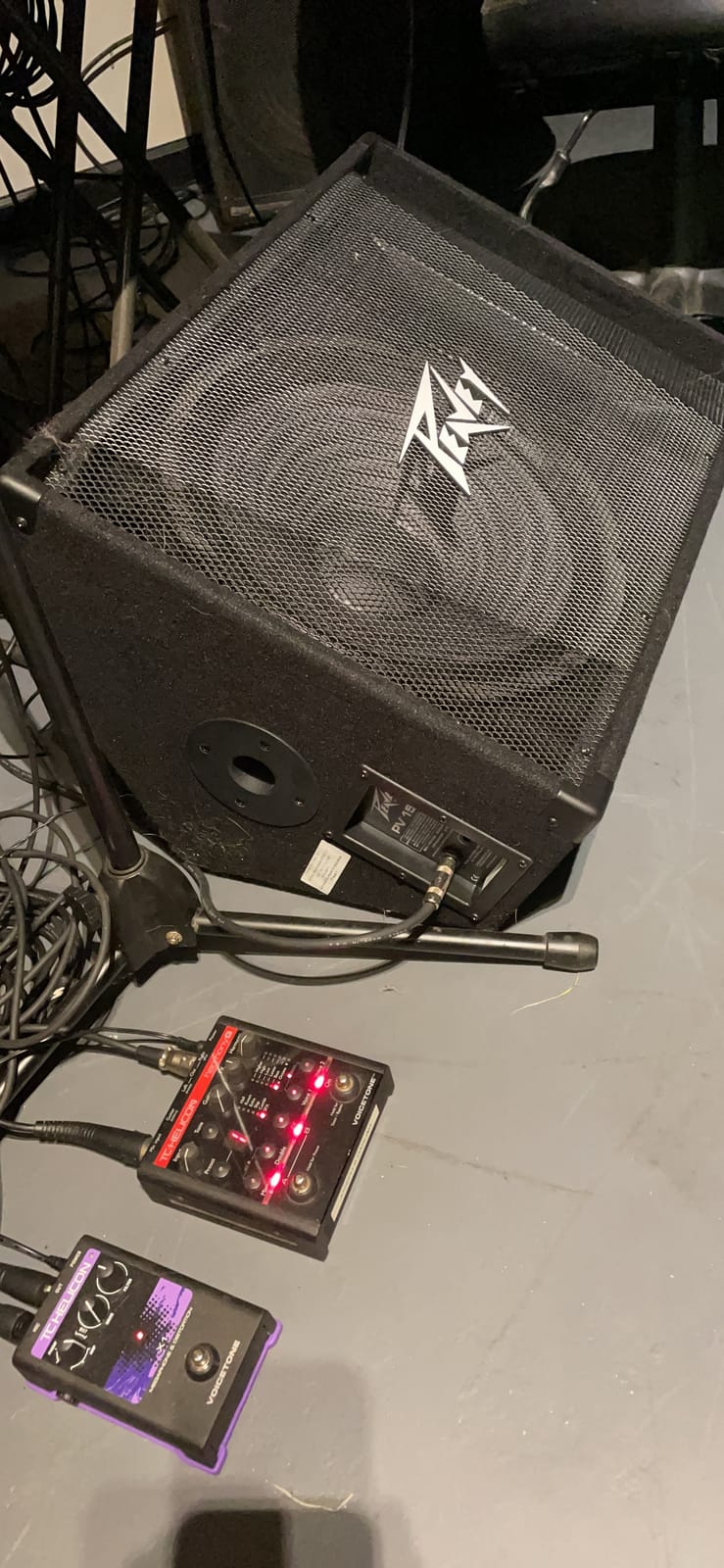
Among budget passive wedges, the one hardware upgrade that changes how a vocal sounds is replacing a piezo horn with a real compression driver, and the Peavey PV 12M does exactly that. It carries a 12 inch Sheffield Pro 1200+ woofer with a 2.5 inch voice coil and a 1.4 inch 14XT titanium compression driver on a constant-directivity horn.
It holds a 4.6 rating from 58 reviews, with 84 percent five-star ratings and nothing below 4 stars. Buyers point to the driver specification and the robust build as what justifies the spend for gigging use.
Power handling is generous at 500 watts program and 1000 watts peak, so it takes more amplifier power than most budget wedges without immediately complaining. Sound Guard IV tweeter protection circuitry adds a layer of driver safety that cheaper cabinets skip.
Why does compression beat piezo for vocals?
A piezo horn is cheap and it works until you push it, at which point it distorts audibly and unevenly. A titanium compression driver has far more headroom before breaking up, which means a singer can sing without the monitor fighting them. On a loud stage that difference is the whole reason to spend more.
The adjustable 30 or 45 degree wedge angle is another quiet advantage. A seated acoustic player and a standing vocalist need different geometry, and this cabinet handles both without a custom cut.
What you take on with a passive 12 inch
You need an amplifier, and the passive path means you own gain staging on the night. At 41 pounds it is the second-heaviest monitor in this group, so load-in is a two-person job on anything with stairs.
There is also a die-cast aluminum pole mount, which is useful if you want to lift the cabinet to a stand position. The sunburst finish is the least modern look here, though that matters less than any of the technical points above.
9. Yamaha BR12M – Best Horn Coverage for a Long Narrow Room
Yamaha BR12M 12-inch 2-Way Floor Monitor
Passive 12 inch, 90x40 CD horn, 300W program, 97dB sensitivity, pole socket
Pros
- Highest rated monitor here at 4.9 with no ratings below 4 stars
- 90x40 degree horn keeps vocalists on the correct axis
- 97 dB sensitivity pairs efficiently with modest amplifiers
- Steel handles and corner protectors for road handling
Cons
- Passive design needs an external amplifier
- Smallest review base here at 27 reviews
- Wedge only with no onboard EQ or feedback filter
The Yamaha BR12M is the highest rated monitor in this roundup at 4.9 out of 5 from 27 reviews, with 89 percent five-star and 11 percent four-star ratings. There are no ratings below 4 stars at all in the distribution.
The specification that matters in a small room is the horn. A 1 inch compression driver on a 90 by 40 degree constant-directivity horn gives you a controlled vertical and horizontal pattern, which keeps a vocalist on the correct axis as they move across the stage and keeps the top end predictable enough to fight feedback with.
Sensitivity is listed at 97 dB, and that number is why this cabinet is efficient. High sensitivity means modest amplifier power produces usable output, so a small amp that costs little can drive it properly. Power handling is 300 watts program and 600 watts peak.
Is 27 reviews enough to trust a 4.9?
It is a thin review base, and long-term owner data is thinner than for the other models here. Treat the 4.9 as a strong signal rather than a settled result, and lean on the Yamaha build reputation and the published 97 dB sensitivity when you decide.
The Yamaha name carries weight in live sound for a reason, and the specification sheet is unusually complete for a budget wedge. Bass reflex design with a 12 inch high power woofer gives tight, punchy lows for the size.
What you give up for no onboard processing
There is no EQ, no gain control and no feedback filter on the cabinet. Every adjustment happens at the console, which is fine if you have an engineer and frustrating if you do not.
There is a built-in pole socket for stand mounting, large steel handles and corner protectors, and integral protection circuitry with a one-year manufacturer warranty. If your room is long and narrow, this horn pattern is the reason to look here first.
10. Rockville RSM12A V2 – Best Powered 12 Inch for Rehearsal and DJ Work
Rockville RSM12A V2 12″ 1000W 2-Way Powered Active Monitor Speaker
Powered 12 inch, 250W RMS, titanium horn, XLR and TRS, 45Hz-20kHz
Pros
- Powered 12 inch monitor with no separate amplifier to buy
- Titanium compression horn over a 45Hz to 20kHz range
- XLR and TRS inputs with adjustable EQ
- Steel grille and MDF enclosure with ergonomic handles
Cons
- Thin review base at 28 with a wide rating spread
- Listed at 52 lb which is heavy for a portable 12 inch wedge
- Specs list a 230V input
- which needs a step-down in 120V venues
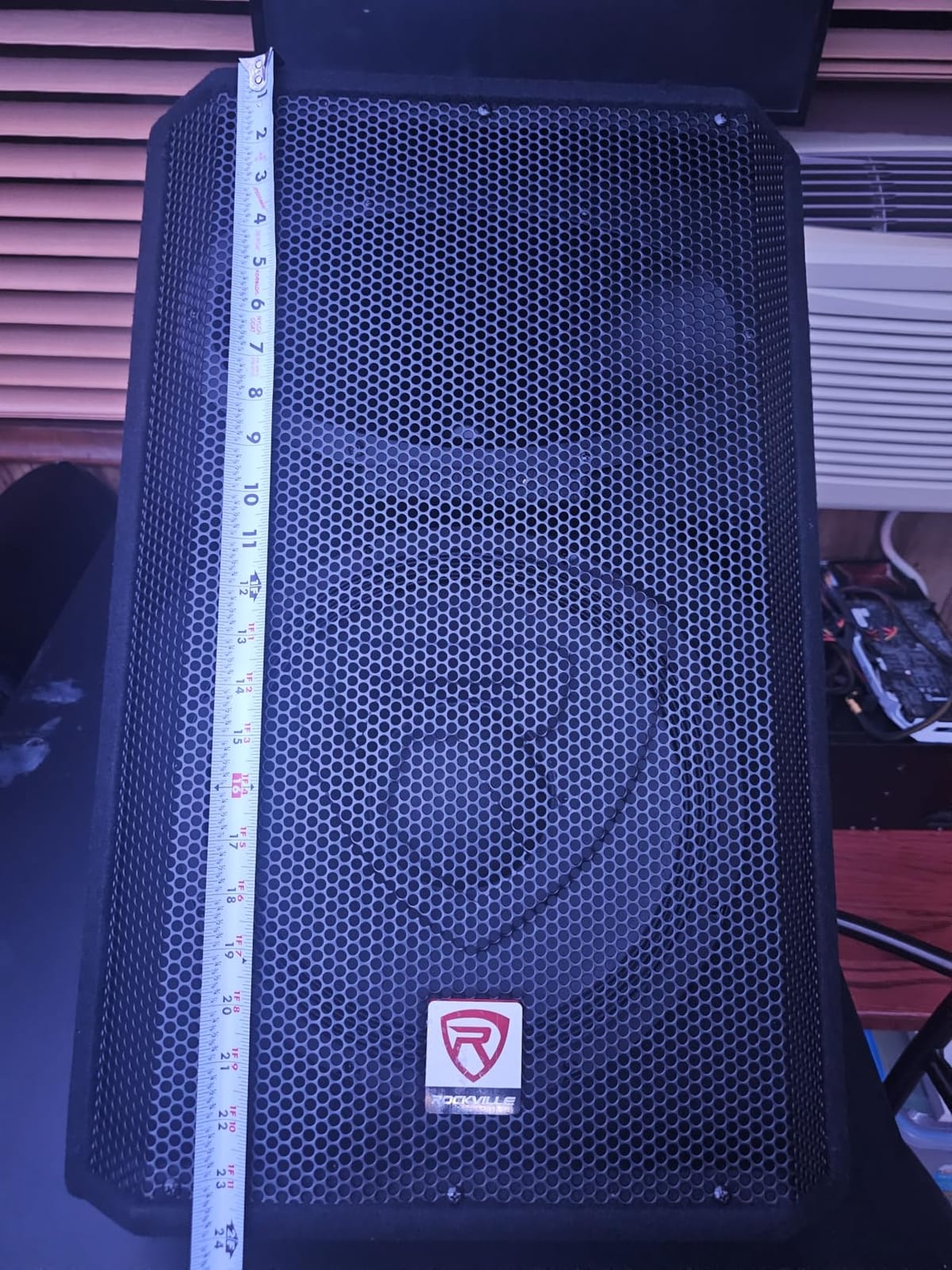
The RSM12A V2 pairs a 12 inch woofer with a 1 inch titanium diaphragm compression horn over a 45 Hz to 20 kHz range, and puts a 250 watt RMS amplifier inside an MDF cabinet. It is the most recent version of that model, and the practical appeal is simple: no separate amplifier to buy.
Owner feedback is favourable on output and voicing for rehearsals, DJ events and small-venue gigs. XLR and TRS inputs with adjustable EQ give you flexible hookup from a mixer, a mic preamp or an instrument, and the ergonomic handles and compact 24 by 16 by 18 inch footprint help with quick setup.
What does a thin review base mean for you?
Its review base is thin at 28, and it carries a wide spread of ratings: 57 percent five-star, 29 percent four-star, 6 percent three-star and 8 percent one-star. More variability in satisfaction than the higher-rated models, and worth knowing before you rely on it as a single point of failure.
Two practical details matter more than the ratings. The listed weight of 52 pounds is heavy for a portable 12 inch wedge, and the specs list a 230V input, which can require a step-down arrangement in 120V venues. Check the label on the cabinet before you commit to a tour.
Where it fits against the other powered 12 inch options
Against the Behringer F1220D it offers more output and a titanium horn, at the cost of 28 pounds of extra weight and a much smaller evidence base. Against the F1320D it is lighter, cheaper and less proven.
If your use is a rehearsal room, a DJ set in a restaurant or a low-volume bar gig where the drum kit is not unamplified, the output and voicing here are more than sufficient. Buy the pair, and you cover two performers at once.
Powered vs Passive: Which One Should a Small Venue Buy?
Powered, also called active, means the amplifier is built into the cabinet and you feed it a line-level signal. Passive means the cabinet is a driver in a box and an external amplifier supplies the power. For a first small-venue rig, powered wins on setup simplicity; passive wins if you already own amplifier racks.
The forum consensus supports that split. ProsoundWeb users note that passive systems suit established rigs with amp racks, while powered monitors are preferred for small and mobile productions precisely because they remove amp-matching errors, and many prefer powered monitors bundled with XLR cables.
Amplification. A powered wedge has its Class-D amplifier built in, while a passive cabinet needs an external amplifier. Setup. Powered cabinets take a line-level XLR or TRS input and are ready to go; passive cabinets must be matched to an amplifier and the correct 8 or 4 ohm load. Protection. Most powered models here include an integrated limiter and DSP, while passive protection varies and depends on adding an amplifier with its own safeguards. Best fit. Powered suits small venues, churches, mobile DJs and first rigs; passive suits established rigs that already have amp racks. Onboard EQ and feedback filter. These are common on most powered models in this guide and not available at all on the passive units.
One thing that wattage marketing gets wrong constantly is worth stating plainly. Peak power is not output, RMS power is not loudness, and a 1400 watt headline tells you almost nothing about how a cabinet sounds. Our wider take on stage monitors for live bands covers how to read these numbers properly.
There is one more option in this list that does not fit the binary. The Samson RSXM10A has a front-of-house/monitor selector, so one powered cabinet can cover both duties in a room too small for a separate PA and a separate wedge.
Monitor Size Guide: 8, 10, 12 and 15 Inch Wedges Compared
Driver size decides how much output you get before the amplifier runs out of headroom, and how much stage depth the cabinet eats. In small venues both matter. Bigger is not better; it is a trade between output, footprint and weight.
8 inch. Best for a solo vocalist, mic-stand personal monitors and tiny rooms. Output is low and portability high, so it is fine for one performer but thin for a band. 10 inch. Best for cover bands, acoustic sets, churches and mobile DJs. Output is medium and portability good, which makes it the safest all-round choice in this guide. 12 inch. Best for full bands with drum kits and standing performers. Output is high and portability mixed, giving the best balance of output and stage depth. 15 inch. Best for loud rooms, drummers and sidefill duty. Output is highest and portability poor, which means more cabinet than a small room usually needs.
Our ten picks span 10, 12 and 15 inch drivers, and that tells you something. There is no 8 inch wedge in this group because below 10 inch you give up too much output to fight an unpumped drum kit, which is the defining problem of a small venue.
The one cabinet that breaks the small-venue logic is the Rockville RSM15A. At 61.2 pounds it delivers the deepest low end here, but you pay in load-in effort and stage depth. Buy it if your room is genuinely loud, not because a bigger number looks better on a spec sheet.
How Many Monitors Does a Small Band Actually Need?
You need one monitor per performer who wants their own balance, and that count is set by console aux sends, not by speaker power. Two wedges on one aux send give one mix. Two wedges on two aux sends give two independent mixes. That is the whole rule, and engineers on r/livesound state it plainly.
For a band of four, that usually means two wedges fed from two aux sends, with the drummer and bass player sharing or going without. A shared mix is the practical compromise when a small digital console runs out of aux outputs, and it is more useful than buying a bigger wedge that still only carries one mix.
Number the wedges and agree a position order with the band before soundcheck. The convention discussed on r/livesound is to number mixes from the engineer’s position at front of house, so wedge one is stage left from the audience’s view. Ten minutes of that conversation prevents twenty minutes of pointing during setup.
Musicians on r/Bass also make the practical economic point: in-ear monitors are not cheap, so using the wedge the venue already provides is the sensible choice for small gigs. Wedges remain the low-cost default for exactly the venues this guide is about.
How to Place a Floor Wedge and Ring Out Feedback in 8 Steps
Feedback is a geometry problem before it is an EQ problem. Move the wedge and you fix most howls that no amount of notching will touch. This is the sequence we recommend and the one stage engineers on forums describe.
Start with all faders down and every monitor muted. Power the front-of-house PA first.
Place the wedge on the stage floor, tilted up toward the performer’s ear position, not toward the ceiling or across the stage.
Point the wedge behind the microphone capsule, not into it. The single most effective feedback fix is putting the mic behind the speaker axis.
Set the front-of-house level first. Bring the monitor up only until the performer can hear themselves comfortably.
Sing or speak at the level you will actually use in the set, not a polite soundcheck whisper.
Pull the monitor level down and high-pass the monitor channel around 100 Hz to keep bass out of the wedge, which reduces howl and protects the driver.
If it still howls, raise the wedge a few centimetres, angle it further up toward the ear, or move the mic stand rather than reaching for the EQ.
Only then notch the offending frequency, and set the wedge level one click below where feedback begins.
Two habits separate a clean monitor mix from a fighting one. High-passing the monitor channel removes a large share of feedback problems before they start, and writing the wedge level down at the end of soundcheck means the performer does not rediscover the howling point mid-set.
Pre-Purchase Checklist for a First Small-Venue Monitor Setup
Before you order, work through this list. Most disappointing first rigs fail on the things around the monitor rather than on the monitor itself.
Count your aux sends. Every independent performer mix needs its own console aux output. Check the count before choosing how many wedges to buy.
Cables. Budget for XLR cables, one per wedge plus spares, and for the length your stage actually needs. Several powered monitors here ship without them.
Power. Confirm the mains voltage. The Rockville RSM15A has a switchable supply; the RSM12A V2 is listed at 230V input and needs attention in a 120V venue.
Placement. Measure your stage depth. A shallow wedge angle and a 15 inch cabinet can both remove space a four-piece band needs to stand.
Load-in. Check the stairs. Anything over 40 pounds is realistically a two-person carry, and 61 pounds is a very different problem on a narrow staircase.
Headroom. Buy one wedge per performer who needs an independent mix rather than one larger wedge for the whole band.
Used versus new. Used passive wedges are a reasonable buy if you can test them for coil damage and buzz at gain. Used powered monitors are harder to assess because the amp is the part that ages.
Forum users buying budget wedges ask constantly whether cheap powered monitors hiss or self-oscillate. Play any new or used cabinet at normal gain with nothing connected before you leave the shop, and that question answers itself.
Once the monitors are placed, lighting is usually the next thing a small venue needs sorted. Our picks for the best par lights for stage lighting cover the budget end of that.
Frequently Asked Questions
What is the best monitor for a stage?
The best monitor for a stage is a powered wedge with enough output to be heard over an unpumped drum kit, a controlled coverage pattern for feedback control, and a weight one person can lift. For small venues that points to a 10 or 12 inch bi-amped wedge with an adjustable feedback filter.
What size stage monitor do I need for a small venue?
A 10 or 12 inch driver is the right range for most small venues. Ten inch wedges suit cover bands, acoustic sets and churches; 12 inch wedges give more output over a loud drum kit at the cost of weight. Below 10 inch you give up too much output, and 15 inch cabinets add weight and stage depth most small stages cannot spare.
Is a powered stage monitor better than a passive one?
For a first small-venue rig, powered is usually easier. The amplifier is built in, you feed it a line-level signal, and you avoid amp-matching errors. Passive monitors make more sense if you already own amplifier racks, since you then gain efficiency and driver choice at the cost of setup complexity.
How many stage monitors does a band of four need?
You need one wedge per performer who wants an independent balance, which is usually two for a band of four, with the drummer and bass player sharing or going without. The limit is your console aux sends: two wedges on one aux send give one mix, while two aux sends give two independent mixes.
Should a small venue use floor wedges or in-ear monitors?
Floor wedges remain the economical default for small venues because in-ear monitor systems add cost and setup time. Players report that a modern digital console can deliver a better personal mix than a shared wedge, but a shared wedge is usually the more practical choice when budget and load-in time are tight.
How do I set up a floor wedge without feedback?
Point the wedge behind the microphone capsule, tilt it up toward the performer’s ear, and set the front-of-house level before raising the monitor. High-pass the monitor channel around 100 Hz, then raise the wedge only until feedback appears, pull it back, and notch that frequency out.
Final Verdict: Which Stage Monitor Should You Buy?
For most small venues, the Behringer EUROLIVE F1220D is the pick: a 12 inch powered wedge with an adjustable feedback filter, 23.6 pounds of weight and the largest review base in this group. If your room is loud, step up to the F1320D for more output and a compression driver. If you already own an amplifier, the Yamaha BR12M and Peavey PV 12M give you the best horn quality and build for passive rigs.
The mistake to avoid is buying one big wedge instead of two small ones. Two performers with independent mixes are worth more than one performer with extra output, and your console aux sends decide how many independent mixes you can actually deliver. Choose the best stage monitors for small venues by counting mixes and measuring your stage depth first, then picking the driver size that fits.