
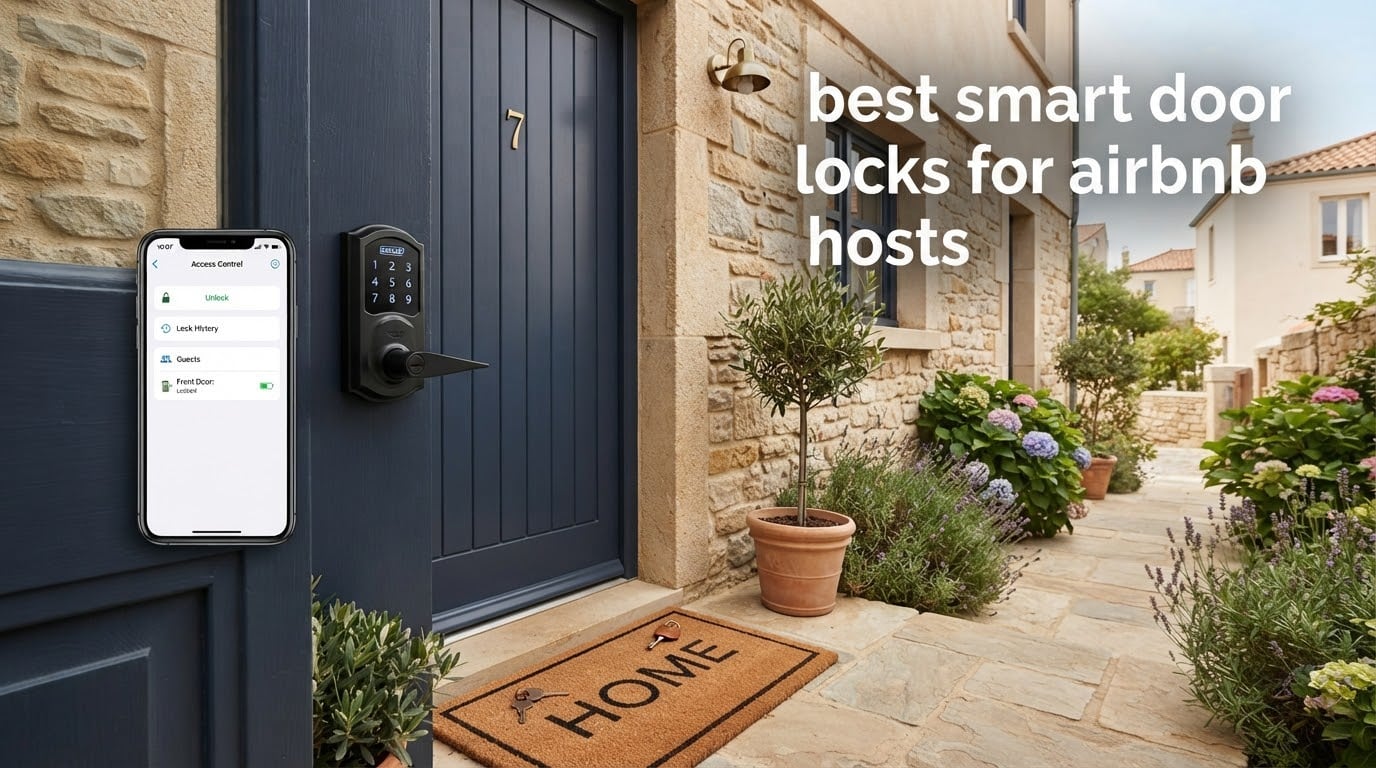
A smart lock for a rental is not a nicer deadbolt. It is a scheduling tool that hands each guest their own PIN, starts working at check-in, and stops working at checkout. That single feature is what removes the lockbox from the equation, and it is why the best smart door locks for Airbnb hosts rank so far above a key in a hidden box on every operational metric except cost per stay.
Airbnb also has its own smart lock integration, and hosts ask about it constantly. In the United States and Canada, listings can be linked to compatible locks so booking codes generate automatically, and the brands Airbnb names for this are Schlage, Yale and August. Outside those two countries the feature is not available, which pushes most international hosts toward manual code creation inside the lock’s own app. Plan for that before you buy anything.
One rule shaped every pick below: the guest should never have to download an app. Guests type a number on a keypad and walk in. Anything that makes a guest create an account before midnight is a support call waiting to happen, and host forums are full of people describing exactly that failure.
Table of Contents
How We Picked These Smart Door Locks
We compared all ten locks on four criteria that decide whether a lock survives a rental calendar, not a showroom.
Code lifecycle at turnover. Separate codes per person, a one-time option for cleaners and vendors, and expiry that does not depend on you remembering to delete it.
Remote reach without a fragile chain. Built-in Wi-Fi is worth more than a cheaper lock plus a bridge, because every bridge is a failure point between you and an unlocked door.
Guest keypad quality. Backlit buttons or a responsive screen, anti-peeping digit padding, and a physical key override for the day the batteries die.
Lockout resilience. Battery life in an empty unit, low battery alerts, a secondary power input, and a mechanical backup that only you control.
Two things that decide fit rather than quality: whether the door lets you replace the deadbolt at all, and how far the lock sits from your router. Both come up again in each review below.
Top 3 Picks for Airbnb Hosts in 2026

Schlage Encode
- Built-in Wi-Fi no hub
- Up to 100 access codes
- Auto-lock with delay
- 4 AA up to 6 months

ULTRALOQ Bolt SE
- Built-in 2.4GHz Wi-Fi
- 50 fingerprints and 50 passcodes
- Up to 18 months battery
- Matter over Thread

LOCKSTAR Smart Lock
- Wi-Fi gateway included in box
- App fingerprint code FOB key
- Auto-lock on door close
All 10 Smart Door Locks Compared Side by Side
| Product | Specifications | Action |
|---|---|---|
| Schlage Encode Smart WiFi Deadbolt |
|
Check Latest Price |
| ULTRALOQ Bolt SE WiFi |
|
Check Latest Price |
 Sifely Fingerprint Lock with Handle Sifely Fingerprint Lock with Handle |
|
Check Latest Price |
 eufy Security Smart Lock C220 eufy Security Smart Lock C220 |
|
Check Latest Price |
 eufy Security Video Smart Lock E330 eufy Security Video Smart Lock E330 |
|
Check Latest Price |
 Philips WiFi Keypad Deadbolt with Handle Philips WiFi Keypad Deadbolt with Handle |
|
Check Latest Price |
 Wyze Palm Lock Wyze Palm Lock |
|
Check Latest Price |
 Tapo Smart Wi-Fi Deadbolt DL100 Tapo Smart Wi-Fi Deadbolt DL100 |
|
Check Latest Price |
 TEEHO TE012W WiFi Fingerprint Lock TEEHO TE012W WiFi Fingerprint Lock |
|
Check Latest Price |
| LOCKSTAR Smart Door Lock |
|
Check Latest Price |
1. Schlage Encode Smart WiFi Deadbolt – Best Overall for Turnover-Heavy Rentals
Schlage Encode Smart WiFi Deadbolt Lock with Century Trim, Matte Black
Built-in Wi-Fi, no hub
Up to 100 access codes
4 AA, up to 6 months
BHMA certified
Pros
- Remote code management and lock history from the app
- Auto-lock with adjustable delay
- 100 code capacity suits multi-guest homes
- Screwdriver-only install
- Alexa and Google Home support
Cons
- Touchscreen shows fingerprints and wear over time
- Four AA batteries need planning in properties you cannot visit
- Heaviest body here at 3.4 pounds
The Schlage Encode is the one hosts keep recommending to each other, and after working through the specs the reason is boring and reliable: Wi-Fi is inside the lock, so there is no bridge to lose, and 100 code slots means you can hand out a separate PIN to every guest, every cleaner and every vendor without recycling anything.
The auto-lock with a settable delay is the underrated part. After a turnover you press once and walk away, and the delay stops the lock from grabbing the door while someone is still pulling it shut. Owners also point to the lock history log, which answers the awkward question of whether a guest or a previous guest let themselves in.
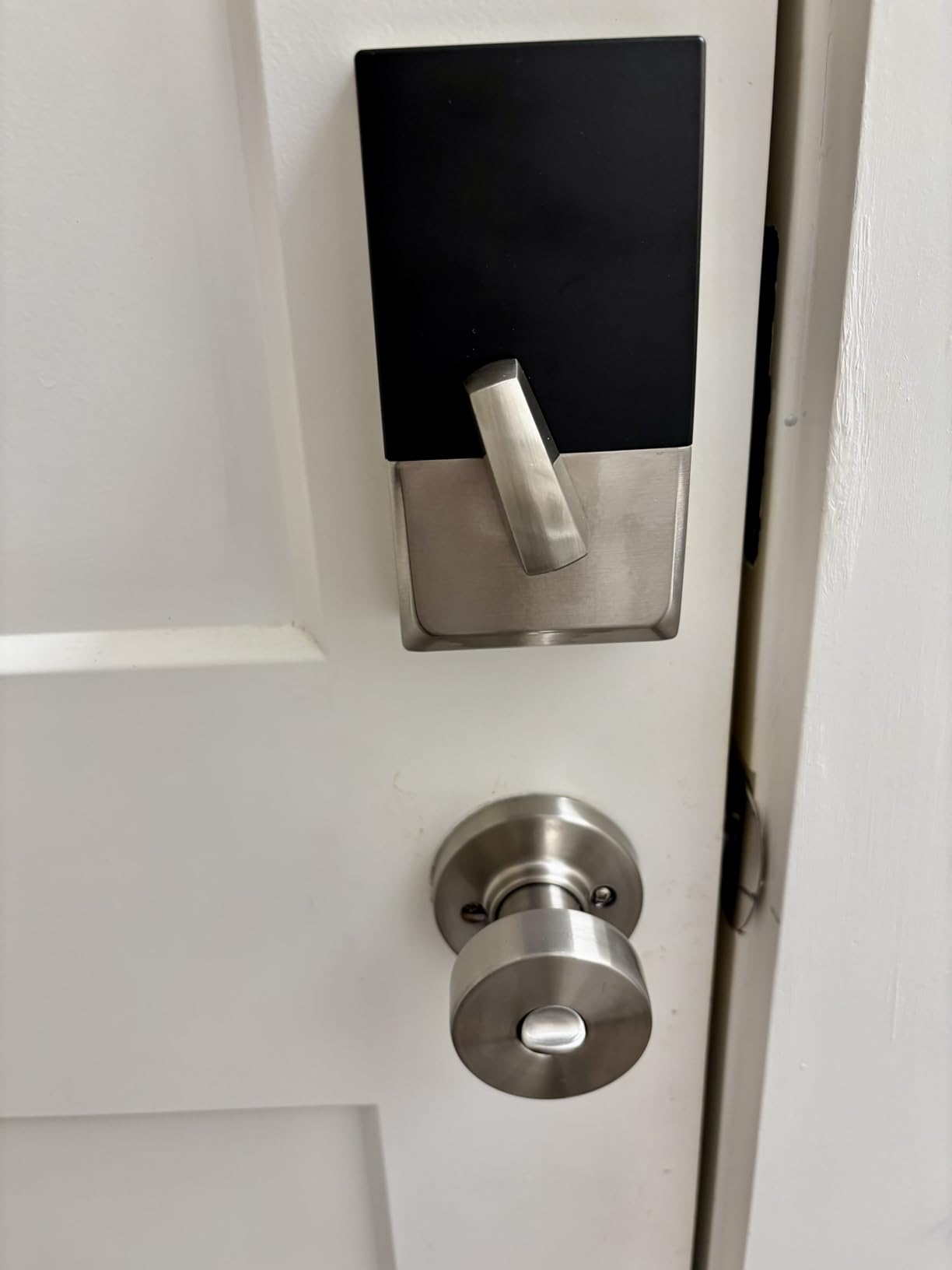
Fit is straightforward if you can replace the deadbolt. It fits doors 1-3/8 to 1-3/4 inches thick with a 2-3/8 or 2-3/4 inch backset, and the install needs a screwdriver rather than a locksmith. One physical backup key ships in the box, which matters more in a rental than it does at home.
The honest drawback is power. Four AA batteries with a stated life of up to six months means your real interval depends on how many entries a month you run and how hot the door is. In an empty coastal property, plan a swap routine rather than trusting the sticker.
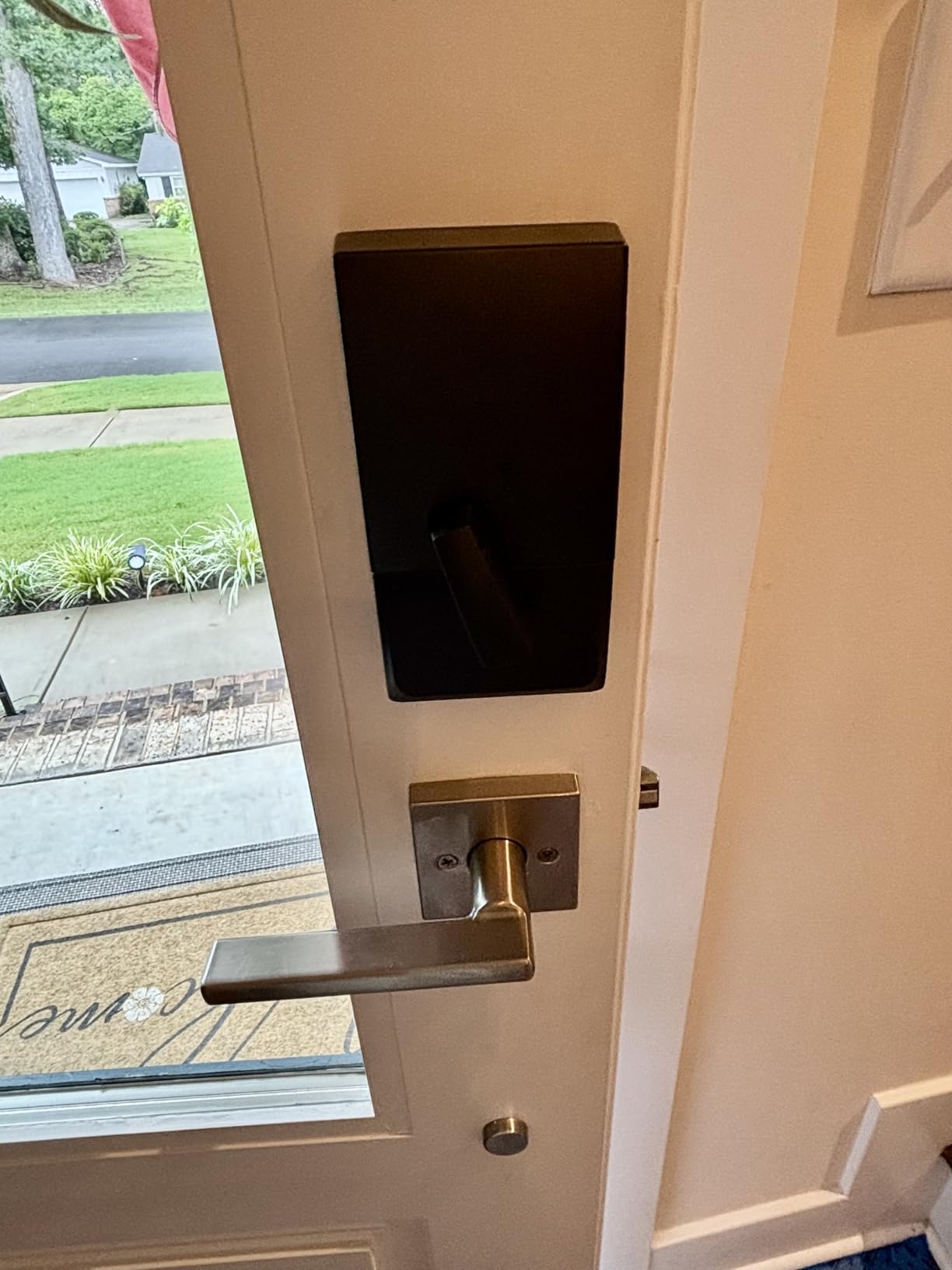
Who this lock suits
It suits a host with several properties who wants one app, one code list and no bridge hardware to mount inside a closet. It also suits anyone who wants the brand Airbnb names in its own integration, which makes the native booking-linked code path the least experimental option available in the US and Canada.
If you have one property and a fixed budget, a fingerprint option below gives you more entry methods for less money. The Encode earns its place on management simplicity rather than on features.
What to watch out for
The touchscreen collects fingerprints and eventually wears visibly on the exterior face, which matters in a listing where the entry is the first thing a reviewer photographs. Reviewers also report some friction pairing Wi-Fi the first time, so set the lock up while you are standing at the door with good signal on your phone.
Finally, treat the six-month battery figure as a ceiling, not a schedule. A property that sits empty with frequent guest entries will eat those cells faster than any spec sheet suggests.
2. ULTRALOQ Bolt SE WiFi – Best Value With Biometrics and Matter
ULTRALOQ Bolt SE Wi-Fi Smart Lock, Matter Over Thread, App Remote Access
Built-in 2.4GHz Wi-Fi
50 prints and 50 codes
Up to 18 months battery
IP65 zinc body
Pros
- Fingerprint plus passcode plus app plus voice
- 18-month stated battery life
- Matter over Thread support
- 10-minute install
- ANSI BHMA certified
Cons
- 2.4GHz only and router must be within 70 ft
- Matter over Thread needs a Thread Border Router
- No door sensor included for ajar detection
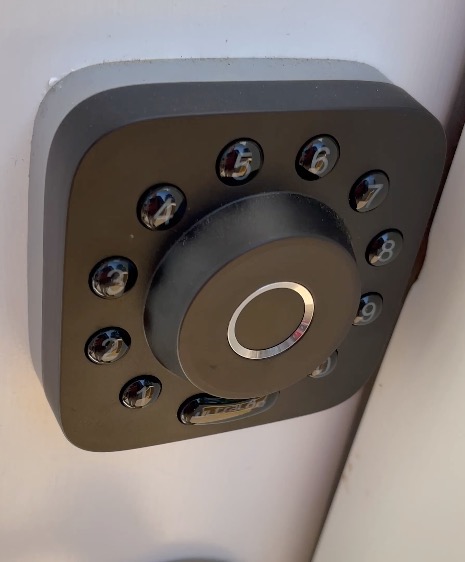
The Bolt SE is the pick that gives you the most working parts per dollar spent on a rental door. Seven entry methods in one body, including fingerprint for up to 50 prints and passcodes for up to 50 guests, and the fingerprint reader is genuinely useful for a house where a cleaner returns every single week.
For a host, the sharing model matters more than the sensor list. You can send a permanent eKey to yourself, a scheduled key to a housekeeper with a defined window, and a temporary key to a guest, and the app keeps an activity history for all three.
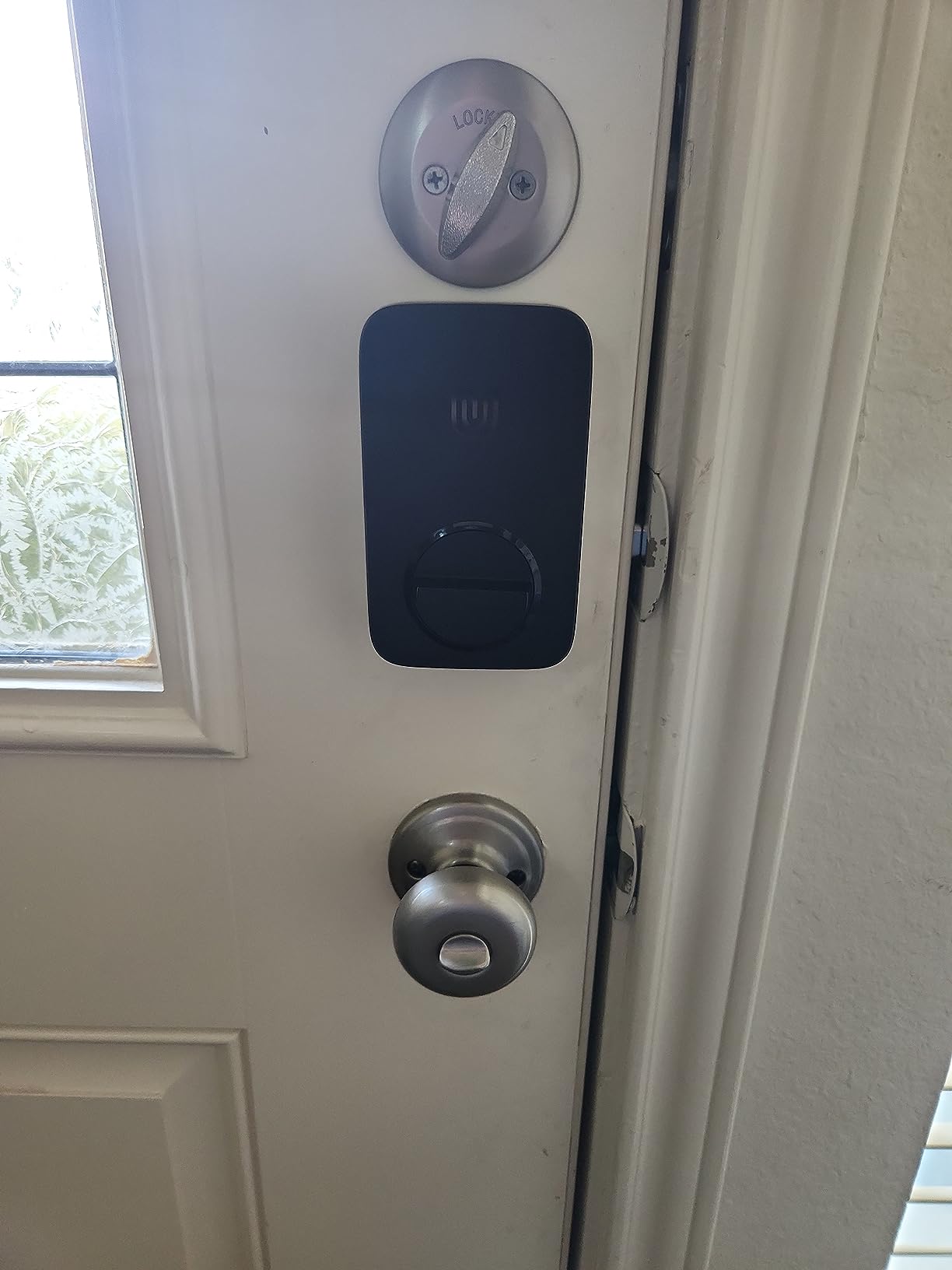
Two specifications will make or break the install. The Wi-Fi radio is 2.4GHz only and needs the router within about 70 feet, so a detached cottage or a rear property in a concrete building may need a mesh node before this lock works as a remote lock rather than a keypad.
Battery life is claimed at up to 18 months on a Thread mesh, which is the longest figure among the Wi-Fi deadbolts here. Owners with heavy nightly traffic will see less, but even a yearly swap schedule beats monthly visits.
Who this lock suits
It suits a host who wants fingerprint entry for repeat staff without paying for a separate bridge, and anyone building toward Matter or Apple Home control as their portfolio grows. The IP65 body also handles a covered exterior door better than most locks in this group.
It also suits properties where the guest count is large, because 50 codes plus 50 prints covers a whole building’s staff and guests without deleting and reissuing anything.
What to watch out for
Matter over Thread is the headline and also the catch. Without a Thread Border Router already in the home, that feature adds hardware you have to buy and maintain, and the underlying Wi-Fi path still needs the 2.4GHz signal within range.
No door sensor is included, so the ajar detection some hosts want has to be added separately. If knowing whether the door is standing open matters to you, budget for that as a second purchase.
3. Sifely Fingerprint Lock with Handle – Best for Standard Doors and Fast Turnover
Fingerprint Smart Door Lock with Handle & Keypad – No More Lost Keys, Keyless Entry & Remote Access for Home, Kids, Airbnb & Rental Property, DIY Install, Alexa & Google Compatible
Guest PINs from app or web
Fingerprint, card, key, PIN
Reversible handle
Bluetooth, gateway for remote
Pros
- Instant guest code generation for short stays
- Multiple backup entry paths
- No-drill install on most standard doors
- Auto-lock removes the did-I-lock-it check
Cons
- Remote access needs the separately sold WiFi Gateway
- Touchscreen can lag waking
- Not weather sealed for fully exposed doors
- Backup keys cannot be rekeyed
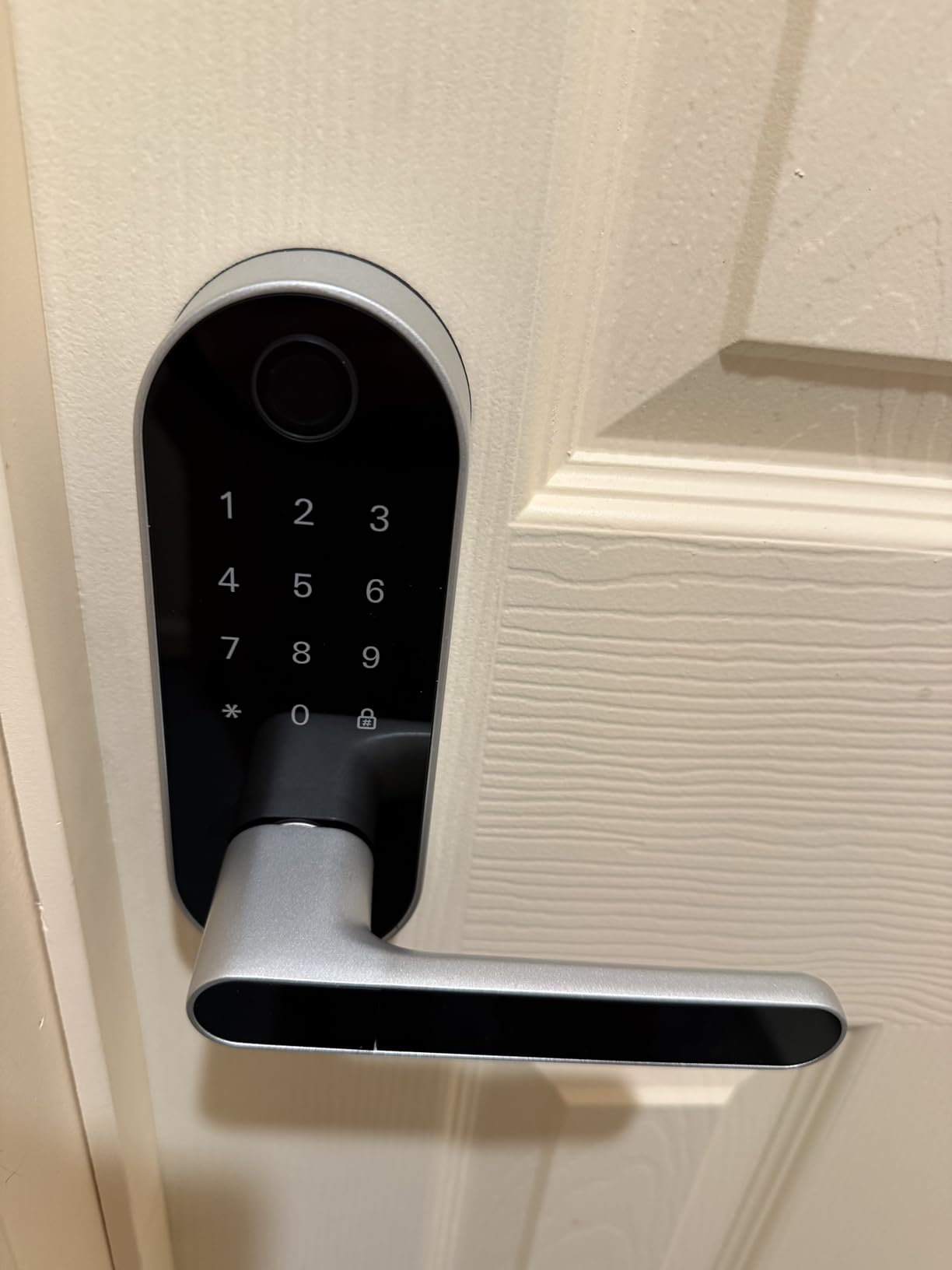
Sifely is the lock that does the single most host-specific thing well: generating a guest PIN from the app or the web portal in a couple of taps, so check-in instructions are ready before the reservation is even confirmed. The handle is included and reversible, which saves a second purchase and works on either door hand.
Entry redundancy is the quiet strength. A guest can use a fingerprint, a PIN, a key card or the physical key, so a wet hand or a smudged sensor at 11pm does not turn into a phone call.
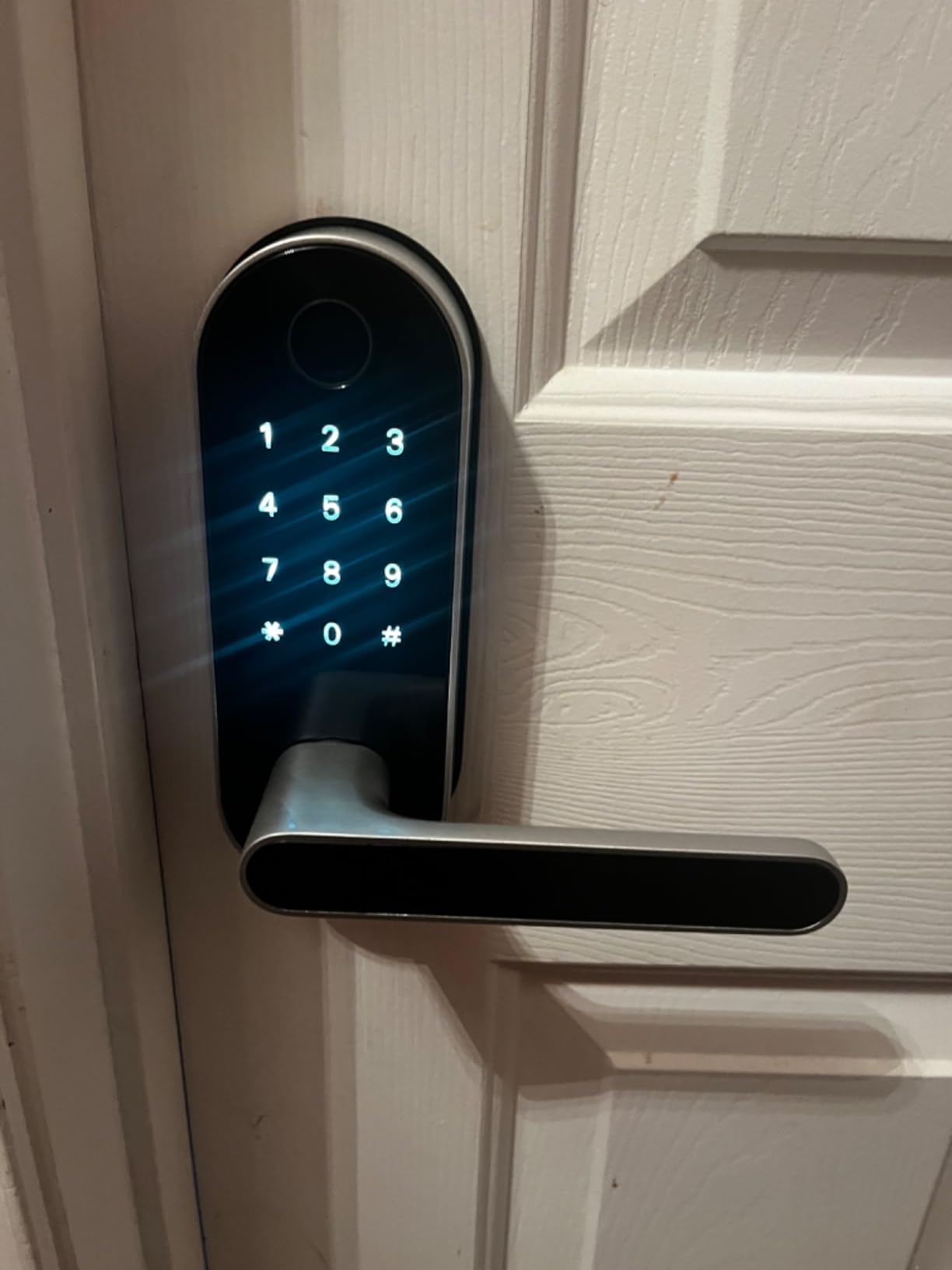
Understand the connectivity before you commit. The lock talks to your phone over Bluetooth by default, and anywhere access needs the separate WiFi Gateway. Hosts with one on-site property can run this perfectly well on Bluetooth alone, since codes created at the door still work with no network at all.
That same split is why it works on a cabin with poor internet. The keypad and the fingerprint reader do not care whether the WiFi reaches the property.
Who this lock suits
It suits a first-time host or a single-property owner who wants app-generated guest codes without committing to a subscription ecosystem. It also suits a host adding a rear entry or an ADU where a full replacement deadbolt is inconvenient.
Owners report the support team replacing faulty units, which matters more for an off-site rental than the spec sheet suggests. You are not driving two hours to diagnose a warranty claim.
What to watch out for
Plan for the gateway in your budget if you want remote unlock. Without it you are running a local Bluetooth lock, which is a perfectly good product but not the one that eliminates midnight lockout calls from another state.
Weather is the other issue. This is not a sealed lock for a door with no overhang, and some owners fitted a cover after heavy rain. Fingerprint recognition also occasionally asks for re-enrollment, which is a small annoyance on a lock that gets handed to strangers.
4. eufy Security Smart Lock C220 – Best No-Bridge Wi-Fi with a Fingerprint Reader
eufy Security Smart Lock C220, Fingerprint Keyless Entry Door Lock
Built-in Wi-Fi, no bridge
Six unlock methods
8 AA, about 8 months
BHMA Grade 3, IP53
Pros
- No hub needed for remote control
- Self-learning fingerprint improves with use
- Eight months on 8 AA batteries
- Works with Apple Watch alongside keypad and key
- 15-minute no-drill install
Cons
- Eufy apps have needed account setup to add accessories
- Fingerprint pad can slow in cold or damp conditions
- Only Black and Nickel finishes offered
The C220 is the middle path for a host who wants a fingerprint reader and true remote unlock without a bridge. Wi-Fi is built in, so the app works from anywhere, and six unlock methods mean the keypad is only one of several ways in.
The self-learning fingerprint module is the part that matters for repeat business. Each recognised touch tunes the reader, so a housekeeper who uses the same finger every Tuesday gets in faster over the season, and a guest with a different print still has the PIN.
Battery life is stated at roughly eight months on eight AA cells, which puts it ahead of most four-battery designs. That matters in a property that sits empty for weeks between bookings.
Who this lock suits
It suits a host with a mixed household or a property shared with family, because the Apple Watch unlock path and the voice options make it a lock for real residents as well as guests. It also fits doors where you want a no-drill install, since it fits bores under 54mm once the spacer is removed.
If you already run eufy cameras or a doorbell at the property, the ecosystem fit is the deciding factor, and the routines tie the lock into the same app as the rest of the entry.
What to watch out for
The ecosystem is a real consideration. Reviewers point out that eufy apps have historically required account setup and cloud access when adding accessories, so test the full flow at the door before you rely on it for a booking that starts after dark.
Cold and damp weather can slow the fingerprint pad, and with only two finishes you may not match an existing door hardware set. If your listing photographs the entry closely, check the finish against your handle before ordering.
5. eufy Security Video Smart Lock E330 – Best With a Built-In Camera
eufy Security Video Smart Lock E330, Fingerprint Keyless Entry Door Lock
2K camera with night vision
10,000mAh rechargeable battery
Built-in Wi-Fi, no bridge
BHMA Grade 3, IP65
Pros
- Camera lets you see who is at the door before unlocking
- Doorbell and deadbolt in one install
- Rechargeable pack avoids AA swaps
- Plenty of fallback entry methods
Cons
- Highest cost in this group
- Largest body so check your door prep and bore size
- Camera features depend on the eufy app and account
- Lower average rating than the rest here
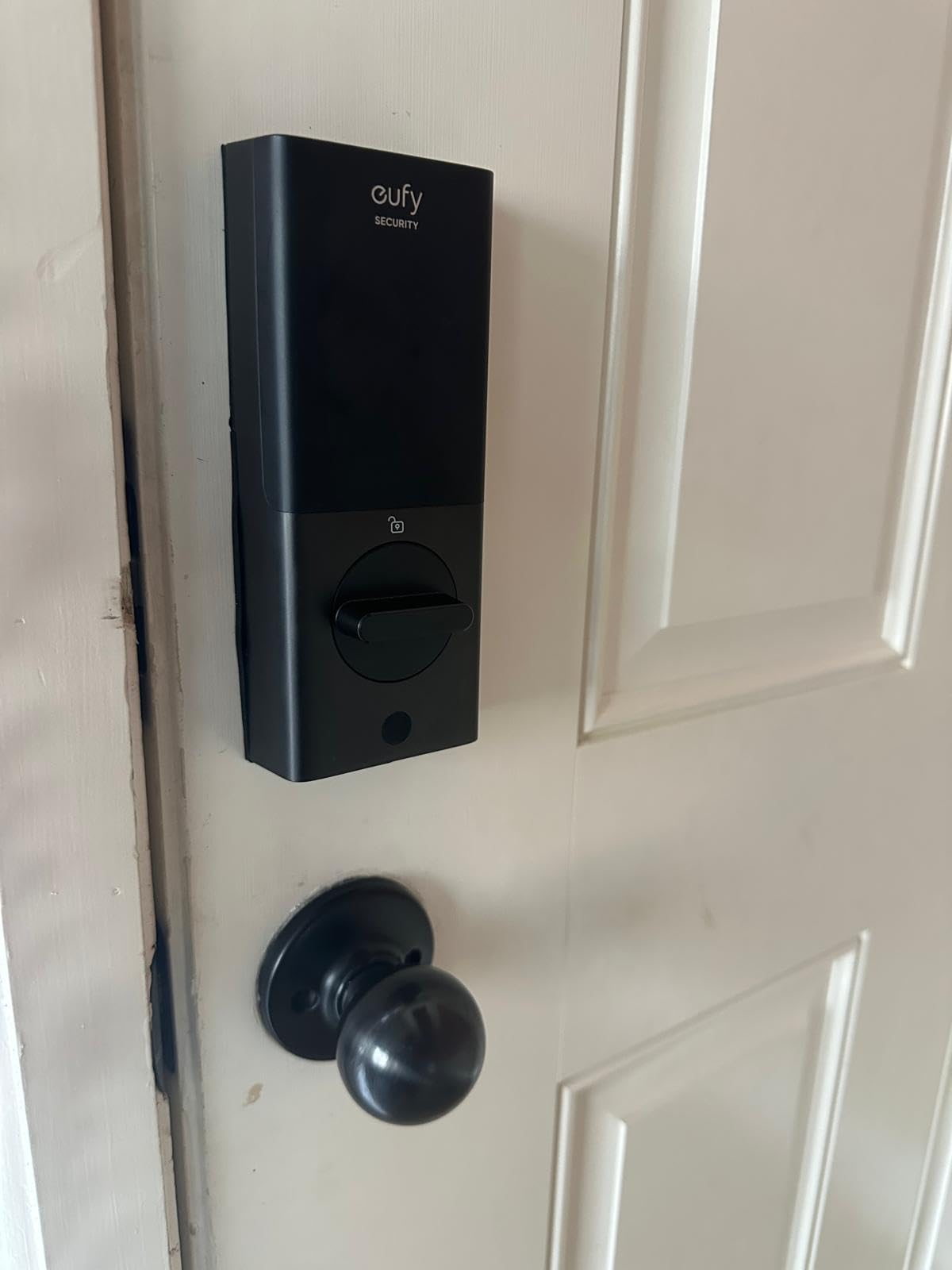
This is the pick for a host who is tired of unlocking a door for someone standing there. The 2K camera with an f/1.6 lens and night vision turns the lock into a verification tool, so you can see a guest, a contractor or a previous guest before the bolt turns.
The rechargeable 10,000mAh pack is the quiet win for a rental. Instead of tracking four or eight AA cells across a portfolio, you charge one lock in place between stays, and owners rate the battery endurance as the reason it holds up in daily service.
Entry options are broad: fingerprint, keypad, physical keys, the app, and voice assistants, so a camera outage does not become a locked-out guest.
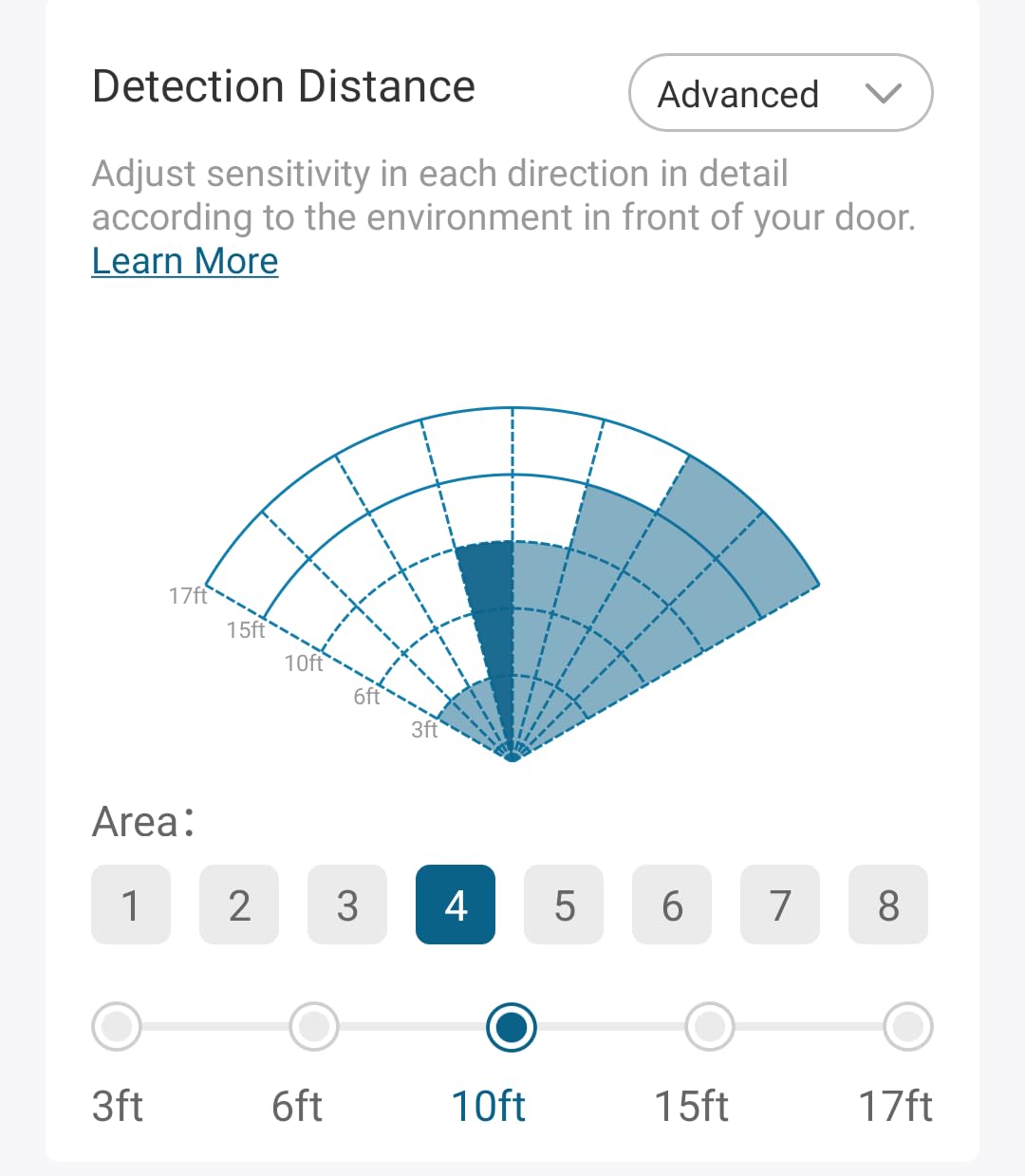
Fit is where this one needs care. The body is larger than a plain deadbolt, so measure your bore and your door prep before you commit, particularly on an older door with a narrow stile. The install is still a 15-minute no-drill job on most standard US deadbolt setups.
Storage is handled locally with 8GB built in, with push notification thumbnails kept temporarily in the cloud. That is a better privacy story than a subscription camera service for a property you do not live in.
Who this lock suits
It suits a high-traffic urban rental where packages, showings and contractors all arrive unannounced, and a host who already uses eufy cameras and wants one app and one chime for the whole entry.
It is also the right pick for a property where you do not want to maintain a battery swap schedule across several doors. One rechargeable pack per lock changes the maintenance math on a five-lock portfolio.
What to watch out for
It is the most expensive lock in this roundup and it carries the lowest average rating here, with a meaningful one-star share concentrated around app reliability and Wi-Fi setup. Test the pairing and the live view at the door before you attach a booking to it.
Guests do not need the camera features, but the lock still depends on the app for the full feature set. If you want the camera, accept that this is an app-first product rather than a keypad-first one.
6. Philips WiFi Keypad Deadbolt with Handle – Best for Flexible Code Scheduling
Philips WiFi Keypad Deadbolt with Handle, Built-in WiFi, APP Remote Control
2.4GHz Wi-Fi, no hub
Permanent, one-time and recurring PINs
Handle set included
Fits 1-3/8 to 1-3/4 inch doors
Pros
- Four code types including recurring schedules
- Matching handle set in the box
- 0.3 second fingerprint access
- Real-time access history
- US-based phone support
Cons
- Auto-lock is off by default until enabled in the app
- Must sit within 33 ft of the router on 2.4GHz
- Batteries not included and rechargeable cells discouraged
- Newer listing with a smaller review base
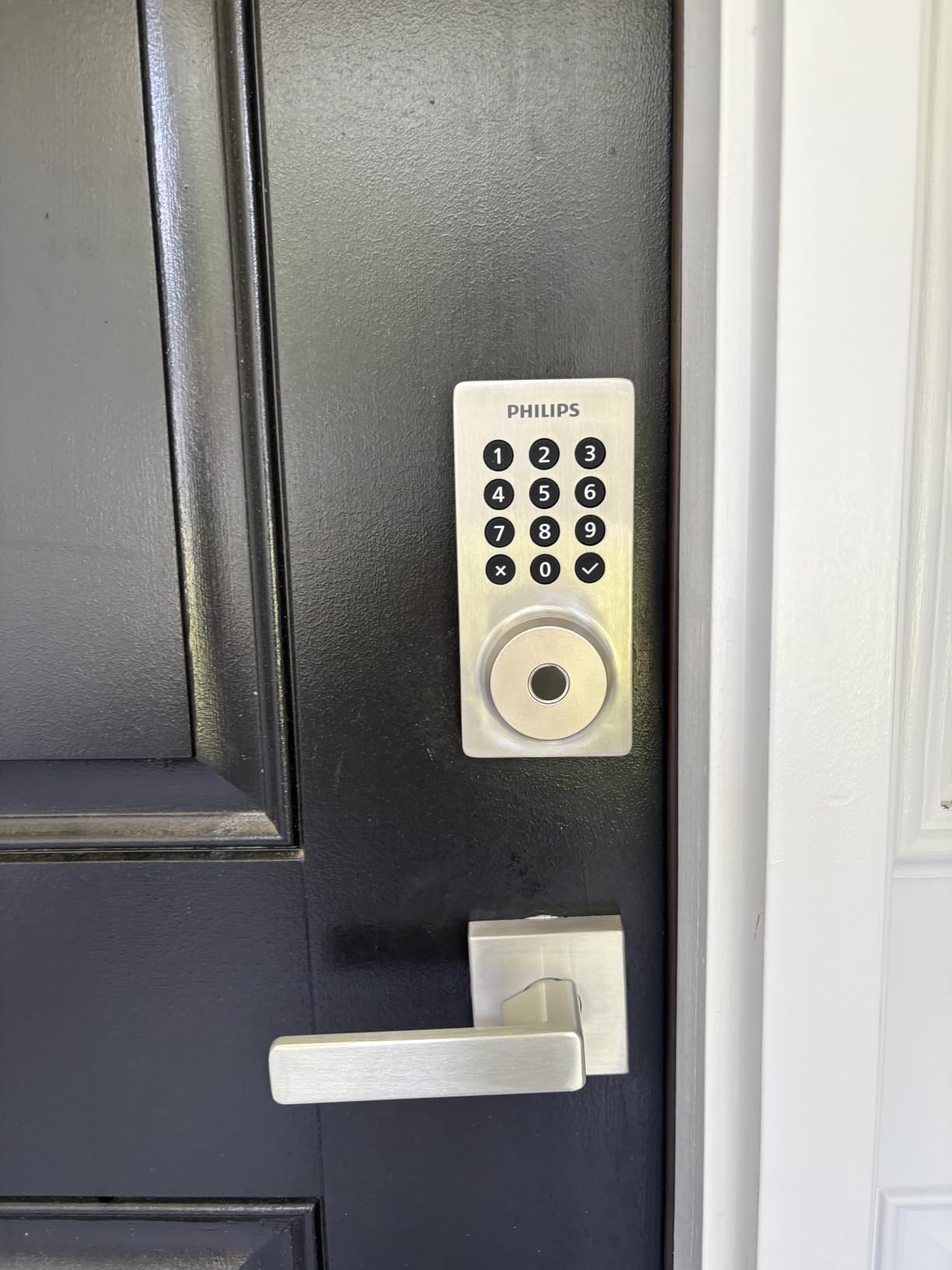
The Philips is the pick when your rental has more than one class of person coming through the door. It is one of the few locks here that separates permanent, one-time, periodic and recurring PINs, so a weekly cleaner and a four-night guest can have genuinely different credentials instead of sharing one code you remember to change.
The bundled handle set is a practical win. If your current lock has a separate lever, you are not hunting for a matching one, and the fingerprint reader responds in about 0.3 seconds for anyone who would rather not type at the door.
The access log shows who entered and when, which is the record hosts reach for when there is a damage question or a dispute about an early arrival.
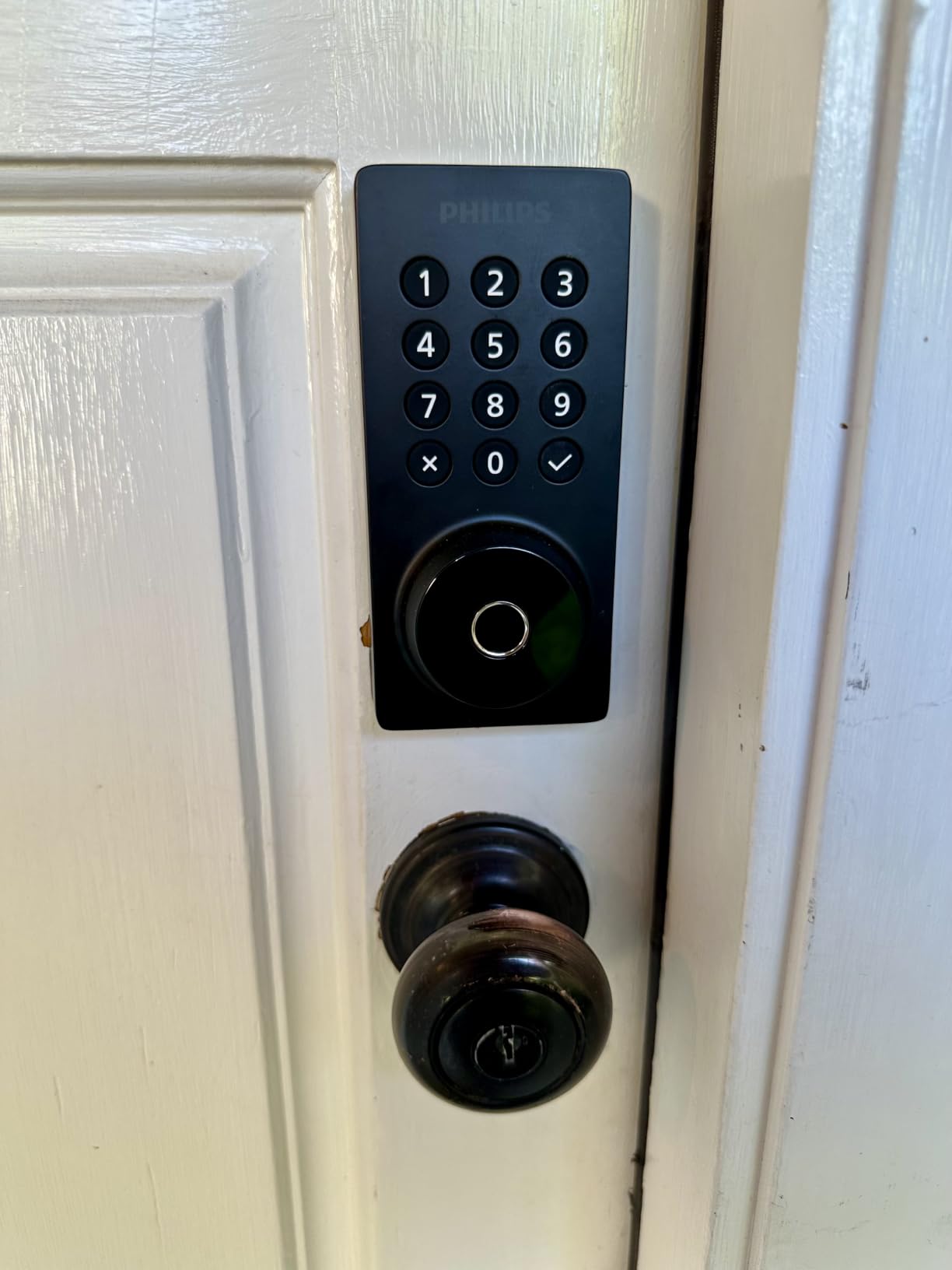
Read the router requirement closely. The lock is 2.4GHz only and needs to be within about 33 feet of the router, which is the tightest range in this roundup. If the front door is at the end of a long hallway behind a masonry wall, plan a mesh node first.
Fit is doors 1-3/8 to 1-3/4 inches thick, right-hand opening by default with a reset option for the other hand. Confirm the hand before the box arrives.
Who this lock suits
It suits a host with recurring staff, a small co-host arrangement, or a property where one person lives on site and needs a permanent code while guests get expiring ones. Recurring windows handle a housekeeper better than a code you have to remember to revoke.
It also suits anyone replacing both a deadbolt and a damaged handle, since both are in the box and the install is screwdriver work.
What to watch out for
Auto-lock ships disabled. That is the single most common complaint in the reviews here, and it is fixable in a minute in the app, but do it during install and not at 9pm when a guest is standing at the door.
Batteries are not included, and the manufacturer asks for alkaline cells rather than rechargeable ones. The 33-foot Wi-Fi ceiling is the harder constraint to solve after the fact.
7. Wyze Palm Lock – Best for Contactless Entry and Lockout Resilience
Wyze Palm Lock, Smart Door Lock with Palm Vein Recognition, Keyless Entry Smart Locks for Front Door, Keypad, Auto Lock, Dual Battery, Wi-Fi, Works with Alexa & Google, BHMA, IP53, Mechanical Key
Contactless palm vein entry
Gyroscope auto-lock on close
Dual battery plus USB-C
50 one-time guest codes
Pros
- Highest average rating in this group
- Contactless entry works with dirty or gloved hands
- Auto-lock only fires once the door has closed
- Dual battery makes lockouts very unlikely
Cons
- Palm vein enrollment takes practice
- Newest listing with the smallest review base
- Only one finish offered
- Handle sold separately
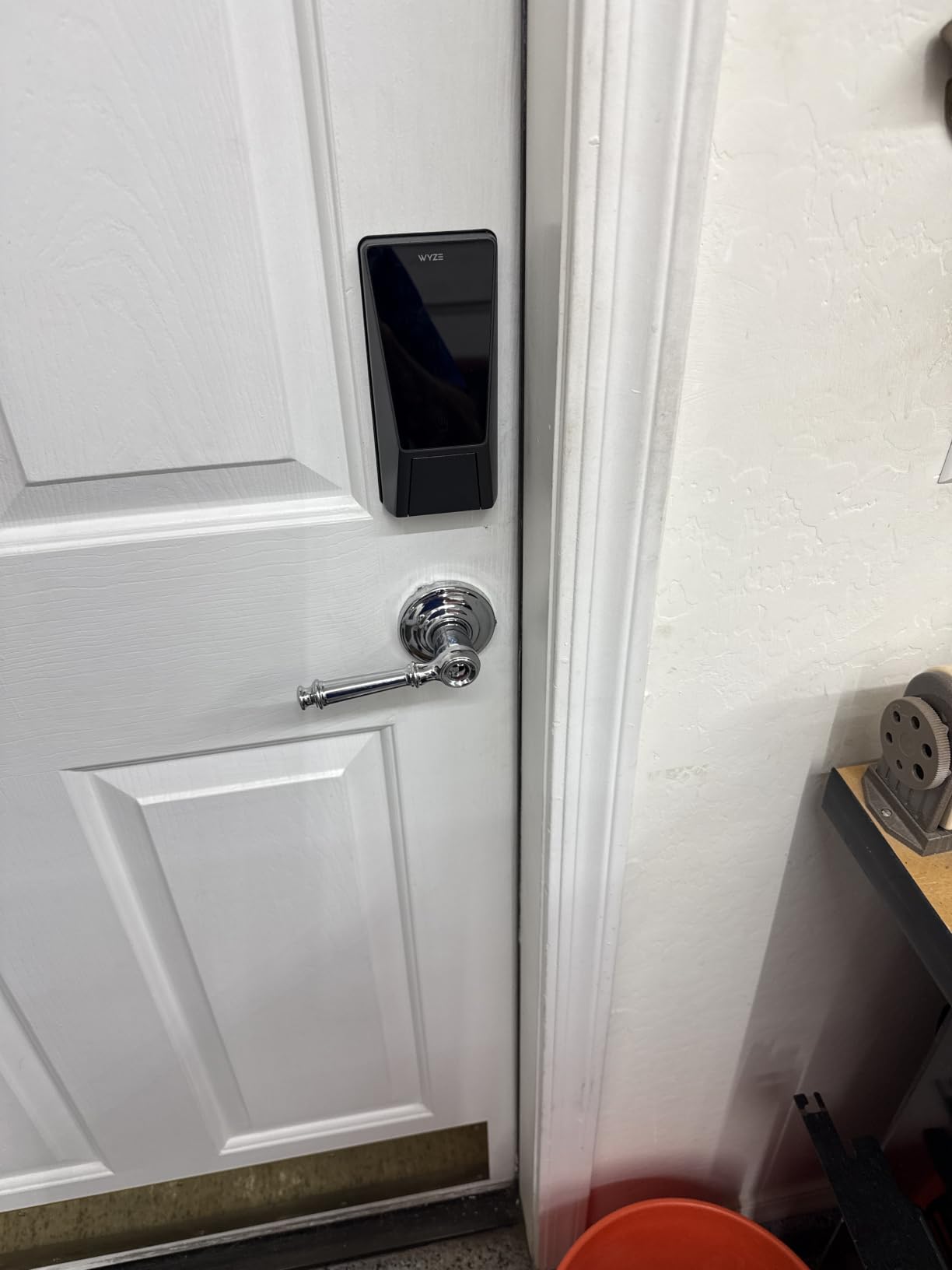
The Wyze Palm Lock changes the entry mechanic in a way that suits guests. Instead of touching a sensor, you hover your palm over the reader, which means a guest carrying two bags, wearing gloves in winter or arriving with wet hands still gets in without fumbling.
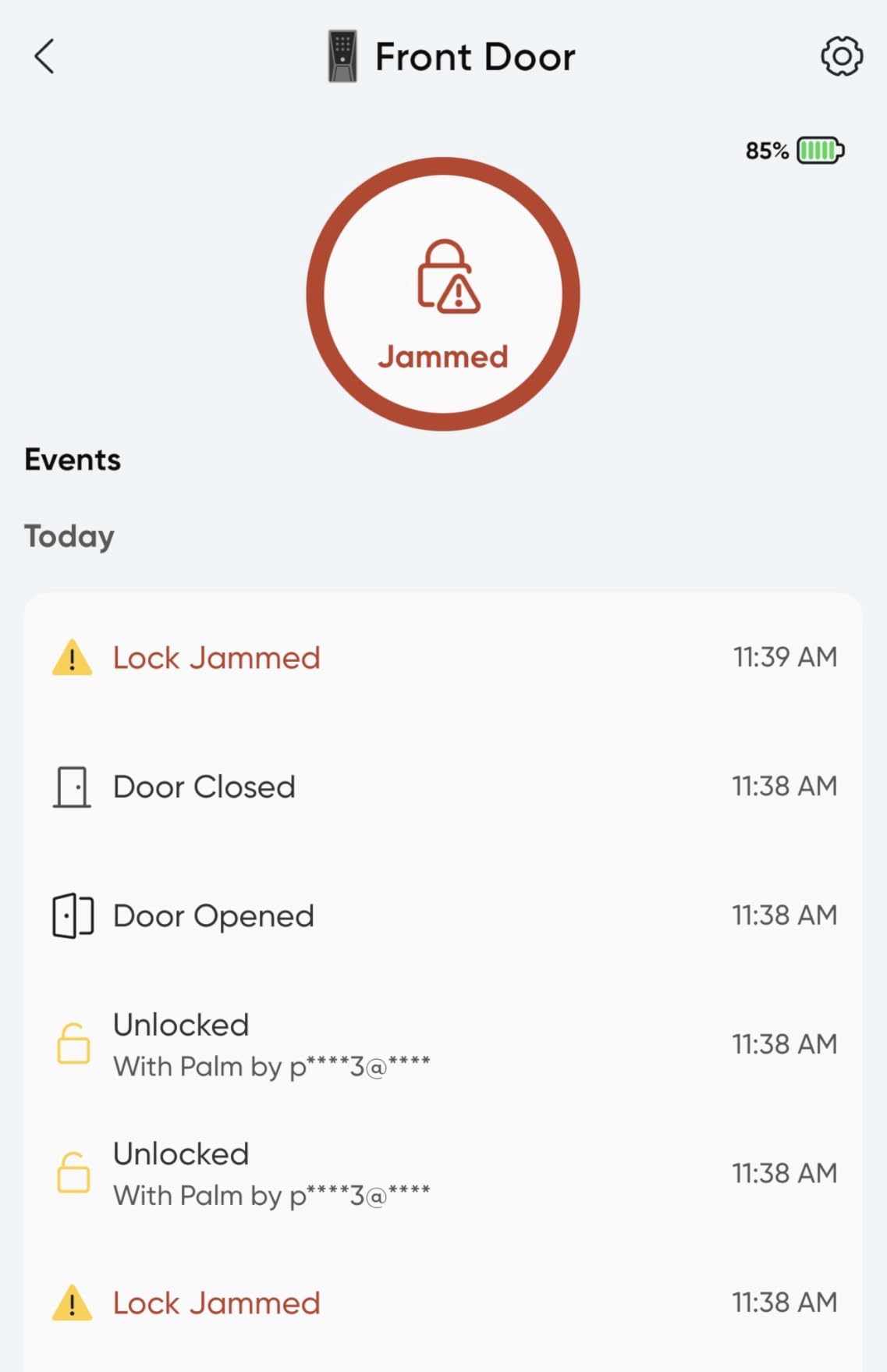
The gyroscope is the feature we would actually build a turnover routine around. It detects the door angle and only latches auto-lock once the door has genuinely closed, which removes the most common smart lock failure in a rental, the guest who pulls the door shut without letting the bolt throw.
Power is the strongest lockout story here: a main battery, a secondary pack that carries about two weeks, and a USB-C emergency input. Even a guest who watches the battery warning cannot strand themselves.
For a host, the code side is solid. Up to 50 unique or one-time guest codes with anti-peep digit padding mean each booking gets its own number, and the padding hides the real PIN from anyone standing behind your guest.
The millimeter wave radar wakes the lock only when a person is near, which is how the main battery stretches to a stated six months despite a sensor-rich lock.
Who this lock suits
It suits hosts in cold or wet climates, families with children, and any listing where a damaged or forced entry would cost more than the lock. The tamper alarm after repeated failed attempts and the door-ajar chime both add evidence in a dispute.
It is a good match for a host who is tired of the question of whether the door is actually locked, because the answer stops depending on guest behaviour.
What to watch out for
It is the newest product in this group and carries the smallest review base, so the long-term field history is short compared with the Schlage. Palm enrollment is also less familiar than a fingerprint and needs a moment of practice from each new guest.
Only one finish is offered, and the package lists the deadbolt alone with the handle sold as a separate item. If your entry door needs a full handleset, that changes the total cost of the job.
8. Tapo Smart Wi-Fi Deadbolt DL100 – Best for Large Code Capacity
Tapo Smart Wi-Fi Deadbolt Door Lock, Keyless Tactile Buttons, DL100
Up to 200 tactile keypad codes
200 days Wi-Fi on 4 AA
App, Bluetooth and voice
BHMA Grade 3, IP54
Pros
- Far more code capacity than most competing locks
- Backlit tactile buttons work in the dark
- Random digit padding hides the PIN from others
- USB-C emergency power port
Cons
- No fingerprint reader
- Four AA cells rather than a larger pack
- Remote features depend on the vendor cloud
- Single finish only
The Tapo DL100 solves a specific multi-tenant problem: code capacity. Two hundred customisable codes means a building with a dozen properties, a cleaning contract and a rotating guest list can all live on one keypad without the host spending Sunday evening deleting codes.
The keypad is tactile buttons with a backlight rather than a glass touch panel. In a rental that matters more than it sounds. A guest with gloves, a wet finger or a scratched screen can still press the right sequence, which is the difference between a smooth check-in and a 2am call.
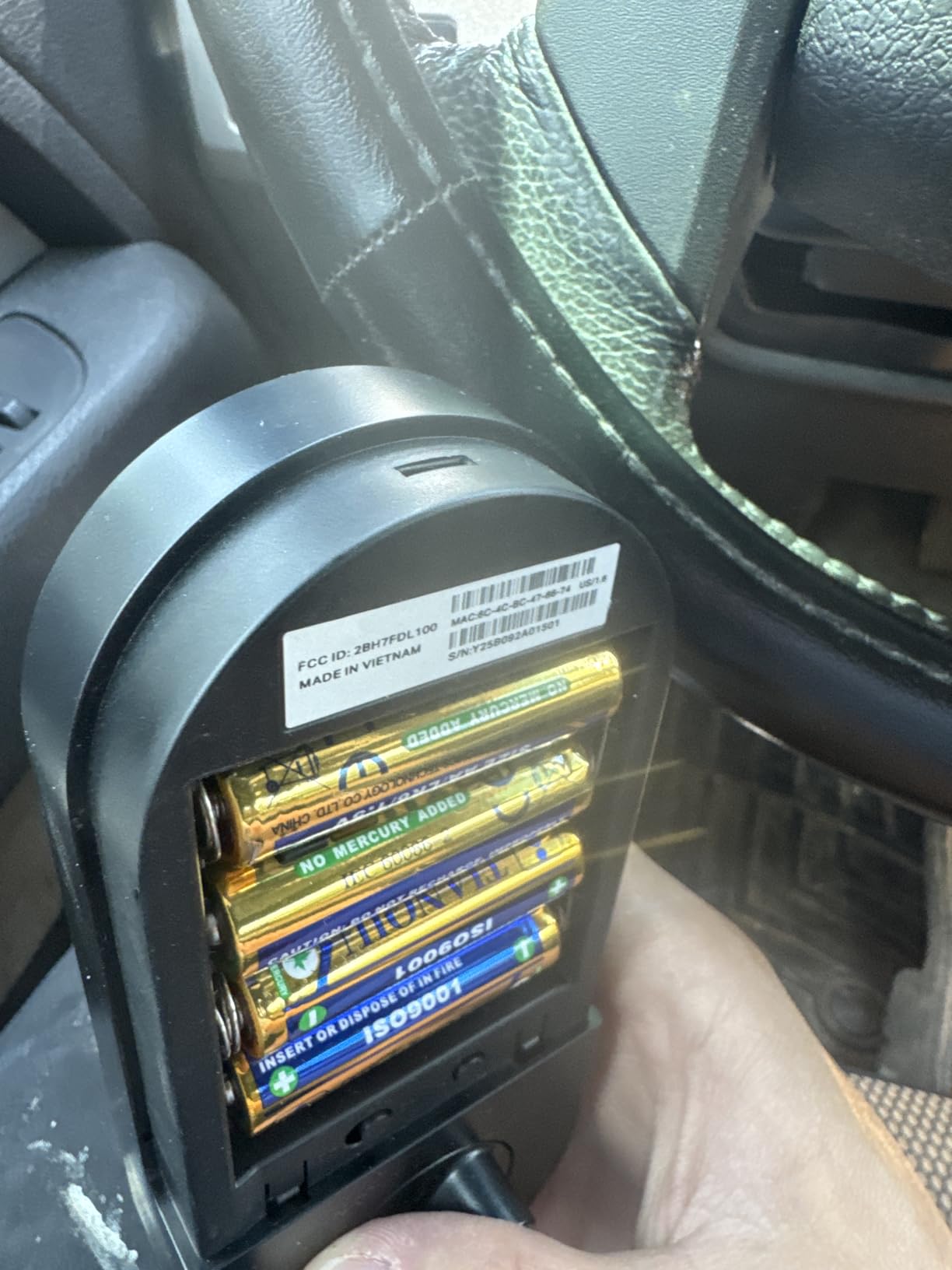
Battery life is stated at up to 200 days in Wi-Fi mode and 300 in Bluetooth, and there is a USB-C port for emergency power if the cells die anyway.
Access groups are managed in the app, so you can hand a whole cleaning crew one shared group and revoke it in a single action rather than removing names one at a time. Real-time alerts and a timestamped activity log cover the audit question.
Fit is easy for most doors. It takes standard 54mm and 38mm bores with no drilling, and the box includes the bolt, strike, dust box, four AA cells, two keys, a silicone cover and a measuring template.
Who this lock suits
It suits a host running several doors under one roof, a small multi-unit building, or anyone who has previously filled a 50-code lock with stale credentials. It also suits a budget-conscious first-time host who still wants app-based remote unlock.
Voice commands require PIN verification, which is an unusual and sensible default for a door that a stranger will be standing at.
What to watch out for
There is no fingerprint reader. For most short-term rentals that is not a problem, but if your guests include older visitors or anyone who struggles with a keypad, a biometric model is the better fit.
Remote unlock depends on the vendor cloud backend. That is the same dependency as every Wi-Fi lock in this roundup, and it is worth knowing that a backend outage does not stop the keypad from working, which is what keeps the property accessible.
9. TEEHO TE012W WiFi Fingerprint Lock – Best for Exposed Exterior Doors
TEEHO TE012W WiFi Fingerprint Smart Door Lock for Front Door, Satin Nickle
BHMA Grade 3 and IP55
20 fingerprints, 100 codes
2.4GHz Wi-Fi, no hub
8 AA batteries
Pros
- Strongest weather rating among the fingerprint models
- Per-profile access notifications with timestamps
- One-time passcodes for turnover
- Keypad locks for 3 minutes after 10 wrong PINs
- Two-year warranty
Cons
- Eight AA cells are a bigger pack to service
- Alexa routines reportedly unreliable
- Remote features need the KK Home app and backend
- Interior housing feels plasticky
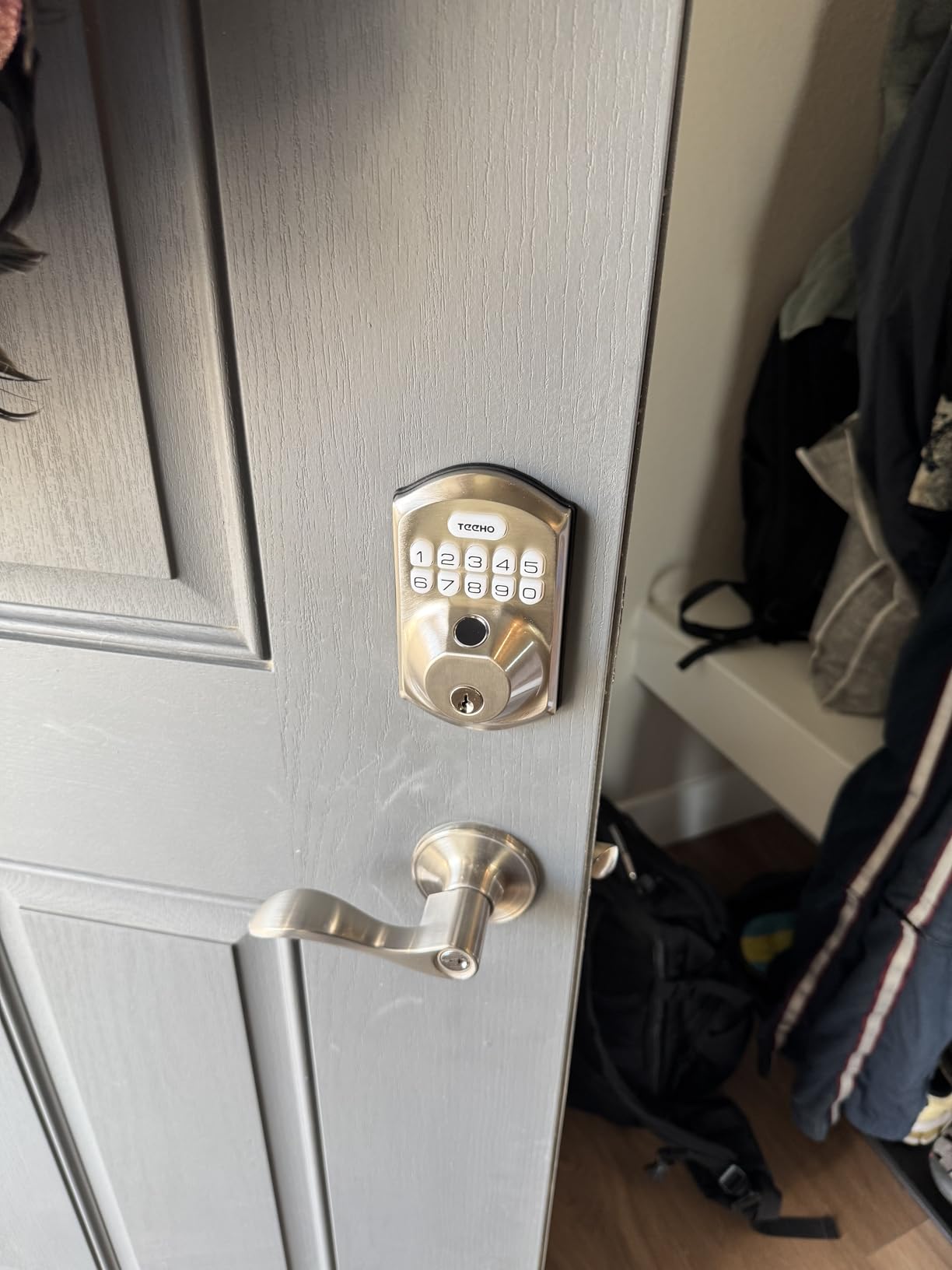
The TEEHO is the weather answer. An IP55 body and a BHMA Grade 3 rating make it the pick for an exterior door with no overhang, no storm door and no shade, where a lock that is only IP53 will eventually let water into the keypad.
Its security behaviour is unusually thorough for a lock at this level. Ten wrong PINs lock the keypad for three minutes and trigger an instant break-in alert, which is a real deterrent at a door guests are fumbling with in the dark.
Storage is 20 fingerprints and up to 100 passcodes, with per-profile notifications telling you which credential opened the door and when. That log is the feature most useful after a claim.
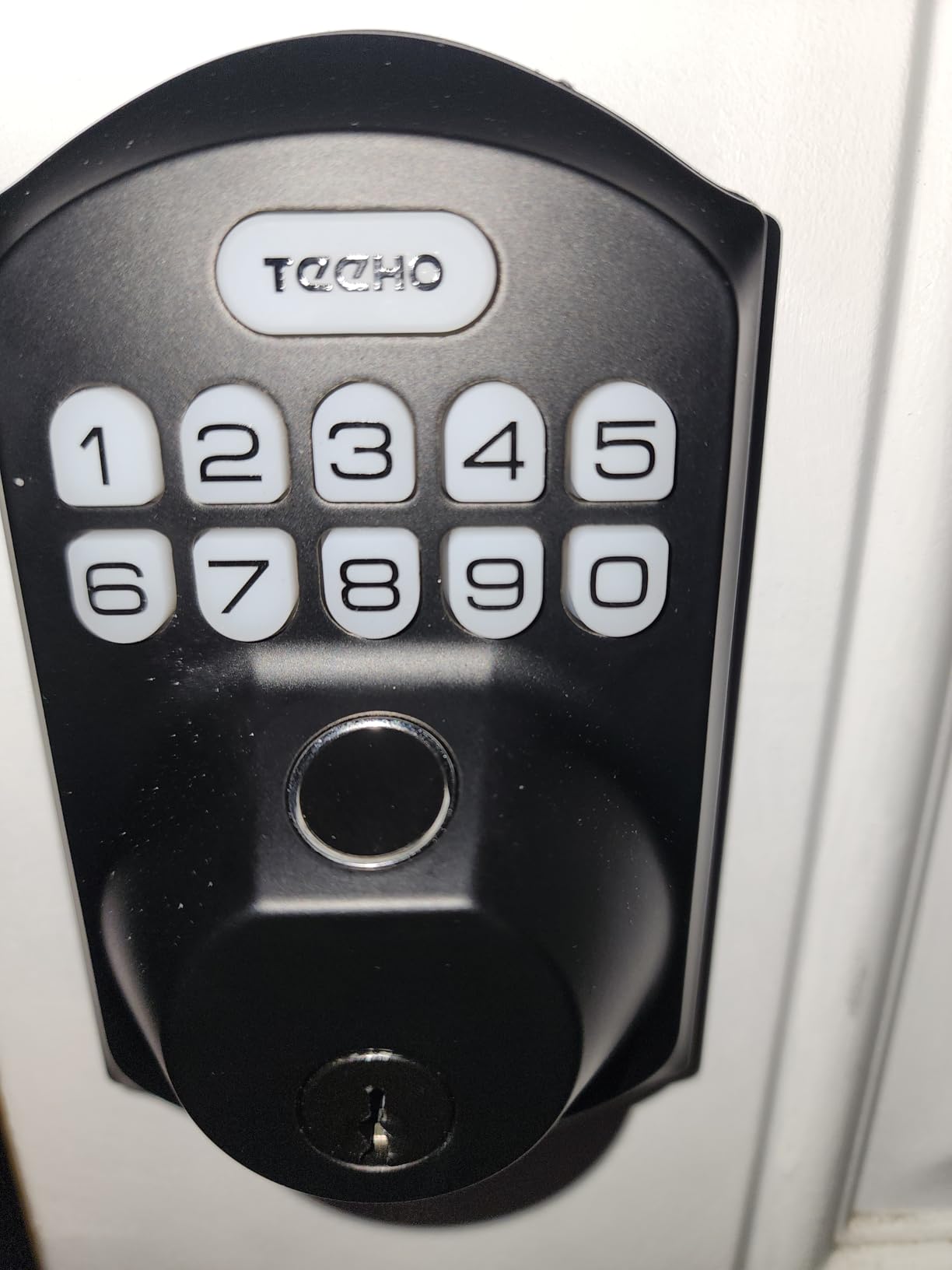
Eight AA cells are a deliberate choice. Reviewers say the larger pack holds a steadier Wi-Fi connection than four-battery designs, which matters because a lock that drops off the network is a lock you cannot unlock from a car.
Install fits doors from 1-3/8 to 2 inches thick on either door hand in 10 to 15 minutes, and auto-lock is adjustable from 10 to 180 seconds.
Who this lock suits
It suits a host with a cabin, a beach house or a mountain rental where weather does the work that a sheltered porch would normally do. It also suits anyone upgrading from a pricier lock and finding the same core functions for a fraction of the outlay.
The two-year warranty and lifetime after-sales support give it an edge over lesser-known brands when a lock is sitting in a property you cannot reach quickly.
What to watch out for
The battery pack is large. Owners report monthly swaps on heavy-traffic doors, so this is a lock to pair with a scheduled reminder rather than an optimistic calendar.
Voice control is limited to basic commands, with reviewers reporting that more complex Alexa routines do not fire reliably. Plan to control automations in the app instead, and treat the app and its backend as part of the remote path.
10. LOCKSTAR Smart Door Lock – Best Complete Kit with the Gateway Included
LOCKSTAR® Smart Door Lock • Keyless Entry Deadbolt Door Lock • Multiple Entry Methods – APP • Fingerprint Touch ID • Keypad Code • Card FOB • Traditional Key • Smart Home Devices
Wi-Fi gateway included in box
App, fingerprint, code, FOB, key
Auto-lock on door close
Full event history
Pros
- Gateway ships in the box so there is no second purchase
- Six entry methods including a card FOB
- Complete event log with push notifications
- Auto-lock on close plus manual long-press lock
- Screwdriver and drill bit included
Cons
- Lightweight zinc body feels less substantial than aluminium rivals
- Only offered in Black
- Setup depends on the vendor app
- Lower Best Sellers Rank than the other picks here
The LOCKSTAR solves a cost problem that catches hosts out. Several good locks need a separate bridge before remote unlock works at all, and this one ships with the Wi-Fi gateway in the box, so the total job is one purchase rather than two.
Entry breadth is the second argument. App, fingerprint Touch ID, keypad code, a card FOB and a traditional key means a guest can use a tap, a number or a key, and a host with a maintenance vendor can hand over an FOB that is not tied to a phone.
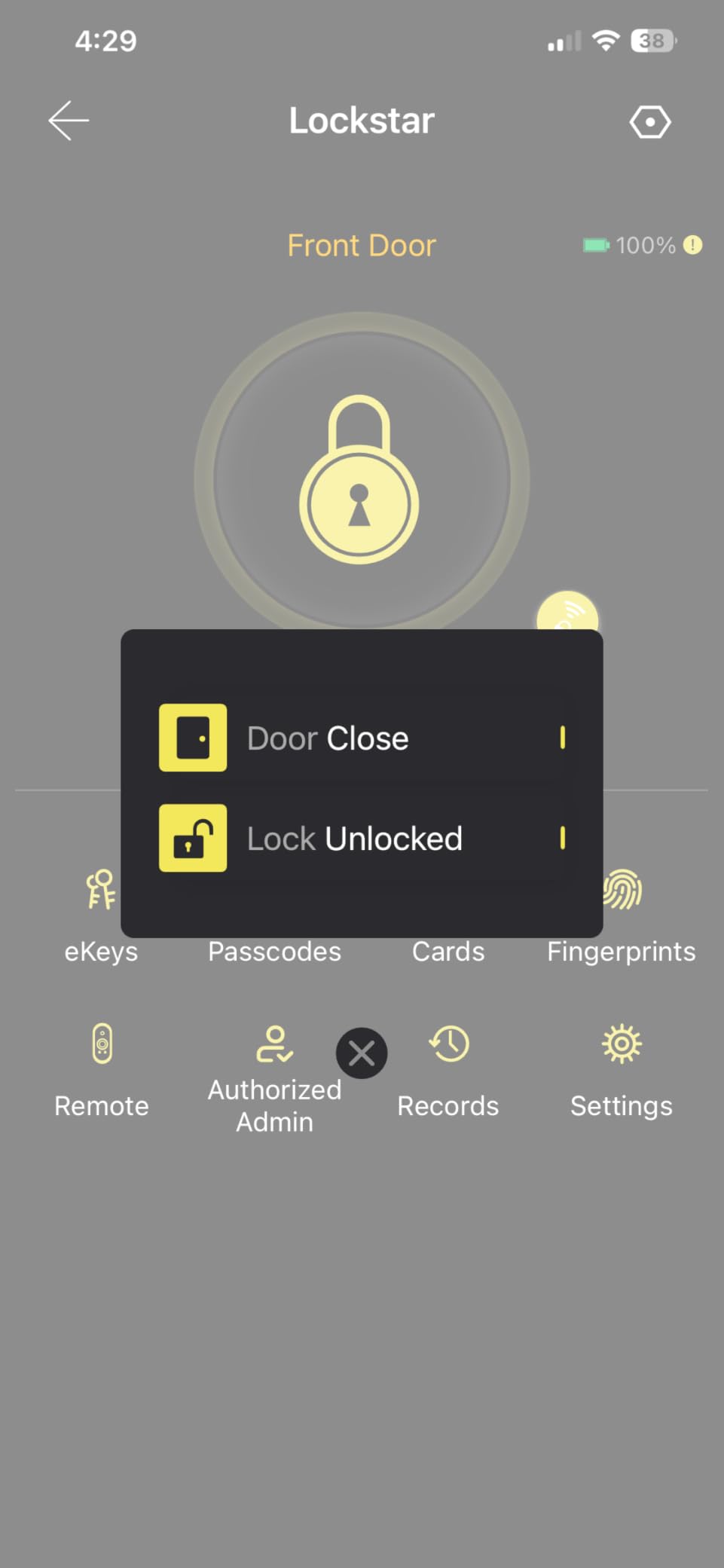
The event history with real-time push notifications is the most complete in this group, and auto-lock fires on door close or manually on a long press of the number pad.
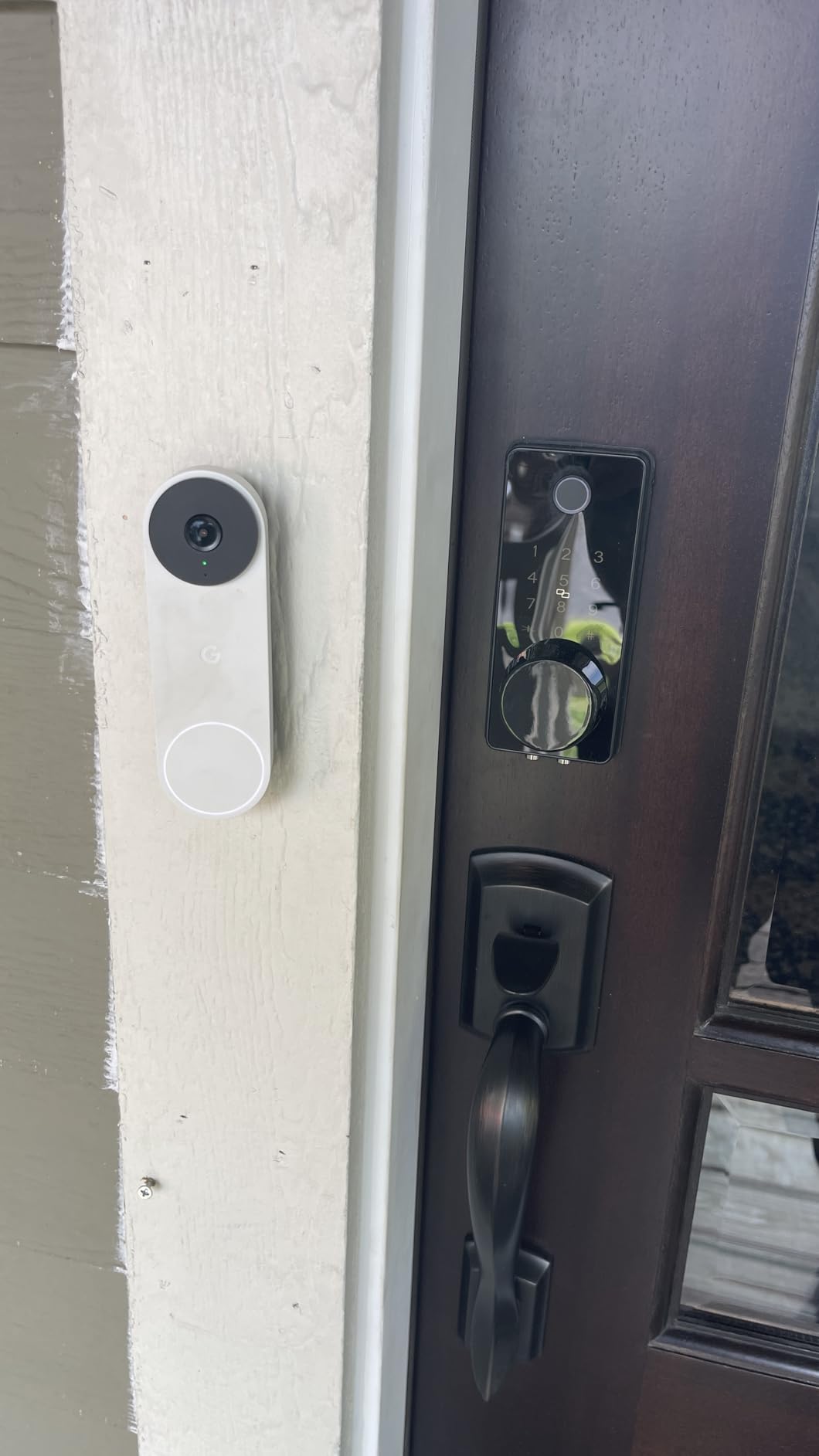
Installation is a single-screwdriver job, and a drill bit is included if there is no existing lock hole. That makes it a good fit for a second door on a property, an ADU, or a rental where the previous lock has already been removed.
For a host managing several doors, the included bridge per lock keeps the setup consistent, since every lock reports into the same app with the same event format.
Who this lock suits
It suits a host who wants a fingerprint lock and a working bridge without researching add-on hardware first, and a maintenance-heavy property where an FOB for a plumber or a cleaner is easier to issue than an app account.
It also suits a rental where the door has no existing lock bore, since the drill bit in the box removes the need for a separate tool run.
What to watch out for
The build is the compromise. At 16 ounces with a zinc body, it feels lighter and less substantial than the aluminium-bodied locks here, and the finish is offered only in black.
It also has the thinnest field history of the group in Deadbolts terms, so you are buying a slightly less proven product. If you already own an eufy or Tapo ecosystem and do not need a bundled bridge, a fingerprint model from one of those brands is the steadier long-term choice.
How to Choose a Smart Lock for a Short-Term Rental
Decide how the codes get made. If you list on Airbnb in the US or Canada, look at the brands the platform names for its own smart lock integration, because the booking-linked code path removes a manual step that hosts otherwise forget. Elsewhere, assume you create codes in the manufacturer’s app and paste them into your listing instructions.
Match connectivity to the building. Built-in Wi-Fi with no bridge is the simplest arrangement. Bluetooth-only locks work fine on site but stop short of remote unlock. Offline PIN codes, where the keypad works with no network at all, are the only real answer for a cabin or a property with unreliable internet, and most of the locks here keep working locally even when the cloud does not.
Check the door before the box. Most of these fit standard US deadbolt setups, but backset and thickness still decide the outcome. Measure the door thickness, the backset from the door edge to the keyhole, and the bore diameter, and confirm the door hand. Condo rules or landlord restrictions sometimes mean you must retrofit over the existing deadbolt rather than replace it.
Plan for power before you need it. A property that sits empty for weeks will drain cells faster than a lived-in home. Set a low battery alert, note the emergency power input on your chosen lock, keep a mechanical key with you, and hold a second set somewhere you can reach. Hosts on forums describe monthly battery swaps in hot climates and describe the lockout calls that follow a missed swap, which is the single argument for a dual battery or rechargeable design.
Keep a backup entry method. The most common host advice is to pair the smart lock with a separate key box or a backup key you control. Guests should never need the app, and you should never need a locksmith. A lock that loses its network, its app account or its integration should still leave the property enterable by code.
Know what a third-party integration can do. Property management platforms connect to certain lock brands, and those connections can change. Forum discussions include a case where a host’s management tool stopped talking to their locks, breaking code generation and remote emergency access at once. Treat the smart lock as the primary path and keep a manual code routine that does not depend on any vendor staying in business.
Skip three categories. App-only locks with no physical keypad leave a guest at the door with nothing to press. Locks with no mechanical key override leave you dependent on a battery you did not check. And locks with no offline code option turn a Wi-Fi outage into a lockout on a property you are not standing next to.
If you are also upgrading the rest of the entry, our guides to entry door handlesets and barn door hardware kits cover the matching hardware decisions, and a deadbolt is only half of how a front door looks to a guest.
Frequently Asked Questions
What smart lock does Airbnb recommend?
In the United States and Canada, Airbnb’s own smart lock integration works with compatible locks from brands including Schlage, Yale and August. Linking the lock to your listing lets booking PINs generate and expire automatically. Outside those two countries the platform feature is not available, so hosts create codes in the lock’s own app instead.
What is the best smart door lock for Airbnb hosts?
The Schlage Encode Smart WiFi Deadbolt is the best all-round choice because Wi-Fi is built in with no bridge, it holds up to 100 access codes, and auto-lock with an adjustable delay survives frequent turnover. Its 4.2 rating across more than 13,000 reviews is the largest review base in this roundup.
What is the best smart lock for short-term rentals?
Short-term rentals need code expiry more than raw security, so a lock with one-time codes and a full activity log is the priority. The Schlage Encode handles frequent turnover, while a Bluetooth model such as the Sifely suits a single on-site property where guests only need a PIN and the host never unlocks remotely.
What are the downsides of using a smart lock?
The main drawbacks are battery dependence, network dependence and vendor dependence. Locks with small battery packs need frequent swaps, Wi-Fi locks lose remote access when a router or cloud service fails, and a property management integration can be deprecated and strand your remote access. Keep a mechanical key and a manual code routine as backup.
Do I need Wi-Fi at my rental for a smart lock?
No. Keypad entry and fingerprint entry work on the lock itself with no network, so a guest can always get in. Wi-Fi is only required for remote unlock, activity history and automatic code creation. For a cabin or a property with poor internet, choose a lock with strong local entry and accept that remote features are limited.
The Bottom Line for Airbnb Hosts in 2026
The Schlage Encode Smart WiFi Deadbolt is the pick we would put on our own door in 2026. Built-in Wi-Fi, no bridge, 100 code slots, a settable auto-lock delay and a physical backup key cover every job a rental door actually has, and its 13,000-review history is the deepest in this group.
Match the rest to your situation. The ULTRALOQ Bolt SE gives you fingerprint entry, Matter support and the longest claimed battery life for the least outlay. The Wyze Palm Lock is the one to buy when lockouts and guests fumbling in the dark are your biggest worry. The TEEHO handles an unsheltered exterior door better than any other fingerprint model here, and the Tapo DL100 solves code bloat on a multi-door building.
Whichever you choose, the hardware is half the job. Issue one code per person, set it to expire at checkout, test the door before you close out each turnover, and keep a backup key somewhere only you can reach. That routine, not the brand on the box, is what makes self check-in work at scale.