
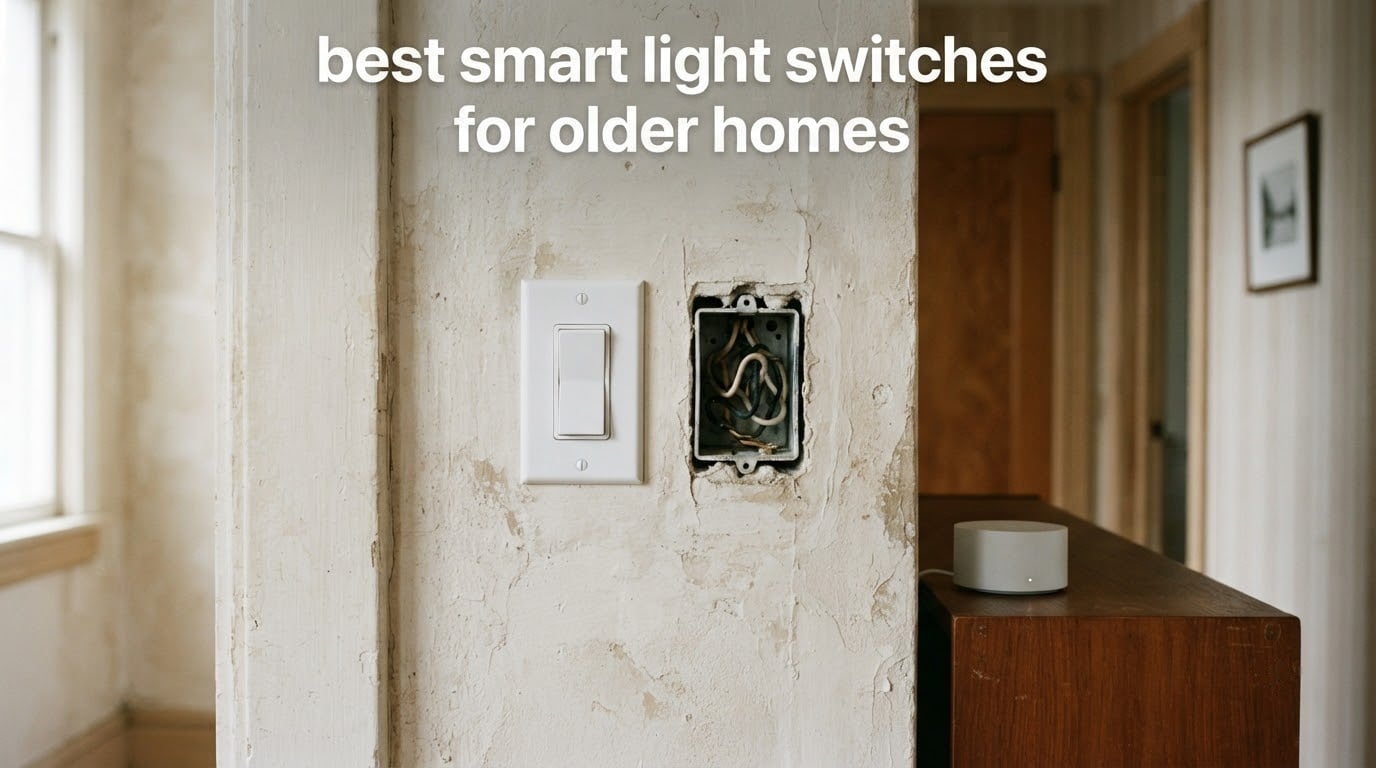
Most smart light switches fail in older homes for one reason: the box behind the wall has no neutral wire. Houses built before the mid-1980s often run a simple switch loop where the cable reaching the switch box carries only hot and switched hot, and a switch that needs a constant power supply simply will not work there, which is why so many roundups are of little use to someone standing in a 1950s bungalow with a screwdriver in hand.
There is a second problem that the standard shopping guides ignore entirely. In the same older home there is often an older person who is aging in place, and for them a small flat touch panel is worse than useless. They need a large paddle, a physical click they can feel in the dark, and a switch that turns the light on with no app, no phone and no working hub anywhere in the chain. If the Wi-Fi drops at night and the only way to get the hallway light on is a voice assistant that cannot hear them, the whole installation has failed at the one job it existed to do.
So this roundup of the best smart light switches for older homes is judged on two axes at once. First, will it physically install in old wiring: no neutral required, fits a shallow or crowded box, survives 3-way stairwell circuits. Second, can a person with limited dexterity or no smartphone control the light by touching the wall. I went through ten in-wall and add-on options, checked what each needs at the box, and paid close attention to what still works when the network does not.
One definition before we start, because it drives every recommendation here. A smart switch suitable for an older home is an in-wall or add-on switch that installs over a pre-1980 switch loop with no neutral wire, offers large tactile physical control so the light works without a phone or app, and keeps working locally when the hub or internet is unreachable. Everything below either meets all three or explains why it does not.
For anyone building this out room by room, it is worth choosing your [home automation hub](https://www.raindropchess.com/best-home-automation-hubs-for-smart-homes/) first, since several of the switches below only reach their full feature set through a bridge device. The same planning logic applies if you are also upgrading [motorized blinds](https://www.raindropchess.com/best-motorized-blinds-for-smart-homes/) on the same walls.
Top 3 Picks for Older-Home Lighting in 2026
The Lutron Caseta Smart Dimmer is the one I recommend to most people in this situation, because it is a genuine in-wall no-neutral dimmer that still toggles the light locally. The SwitchBot Button Pusher is the answer when the wiring cannot be touched at all, and the Thinkbee kit is the value pick that adds a second switch location without opening a wall.

Lutron Caseta Smart Dimmer
- No neutral wire required
- Handles 3-way circuits
- Rock and dim paddle
- Works without Wi-Fi
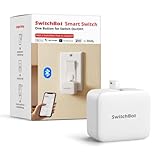
SwitchBot Button Pusher
- Adhesive no-wiring install
- Bluetooth built in
- Large push surface
- Hub optional for voice

Thinkbee Wireless Switch Kit
- Receiver hides behind switch
- No app or hub needed
- 1000W LED capacity
- 328ft indoor RF range
All 10 Switches Side by Side in 2026
Every switch below, ranked as it appears in this guide. The neutral wire question decides most old-home installs, because a switch that needs a neutral cannot be retrofitted into a 1960s switch loop without running new wire back to the box. Read the Key Features column first, then use the reviews to check what each device still does when the network is down.
| Product | Specifications | Action |
|---|---|---|
| Lutron Caseta Smart Dimmer |
|
Check Latest Price |
| SwitchBot Smart Switch Button Pusher |
|
Check Latest Price |
| Thinkbee Wireless Light Switch Kit |
|
Check Latest Price |
 MoesGo WiFi RF433 Touch Switch MoesGo WiFi RF433 Touch Switch |
|
Check Latest Price |
 SURAIELEC Wireless Light Switch Kit SURAIELEC Wireless Light Switch Kit |
|
Check Latest Price |
 SONOFF ZBMINIL2 Zigbee Module 4-Pack SONOFF ZBMINIL2 Zigbee Module 4-Pack |
|
Check Latest Price |
 SONOFF ZBMINIL2 Single Pack SONOFF ZBMINIL2 Single Pack |
|
Check Latest Price |
 Aqara No-Neutral Rocker Switch Aqara No-Neutral Rocker Switch |
|
Check Latest Price |
 YoLink FlexSwitch YoLink FlexSwitch |
|
Check Latest Price |
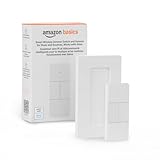 Amazon Basics Smart Dimmer Remote Amazon Basics Smart Dimmer Remote |
|
Check Latest Price |
1. Lutron Caseta Smart Dimmer: Best Overall, No Neutral Wire Needed
Lutron Caseta Smart Dimmer Switch (Smart Hub Required), No Neutral Required
150W LED / 600W incandescent
No neutral required
3-way capable
4.69 inch paddle
Pros
- Installs over old switch loops with no neutral
- Rock and dim paddle feels like a normal switch
- Keeps working when the internet is down
- Supports Alexa Apple Home Google Home Ring and Sonos
- Pico remote adds switch locations
Cons
- Hub and wall plate sold separately
- Lights come on at full power with no default dim level
- Flat paddle on older revisions is hard to find in the dark
The Lutron Caseta Smart Dimmer is the switch I keep coming back to for older homes because it is one of the few that is genuinely designed for a missing neutral. It draws what little power it needs through the load, so it fits a two-wire switch loop, and it carries a 150W LED ceiling alongside 600W of incandescent. For a hallway with a switch at each end it handles 3-way circuits directly, which matters because stairwells are where older homes hurt most.
On r/HomeKit, owners describe Caseta as the gold standard and report years with nothing to report, while conceding the premium is real. Our own read of several thousand reviews lines up with that: the recurring complaints are about money and the wall plate, not about failure. The paddle rocks up for on and down for off, then rocks to dim, and that motion is the first thing that sells people who grew up on toggle switches.
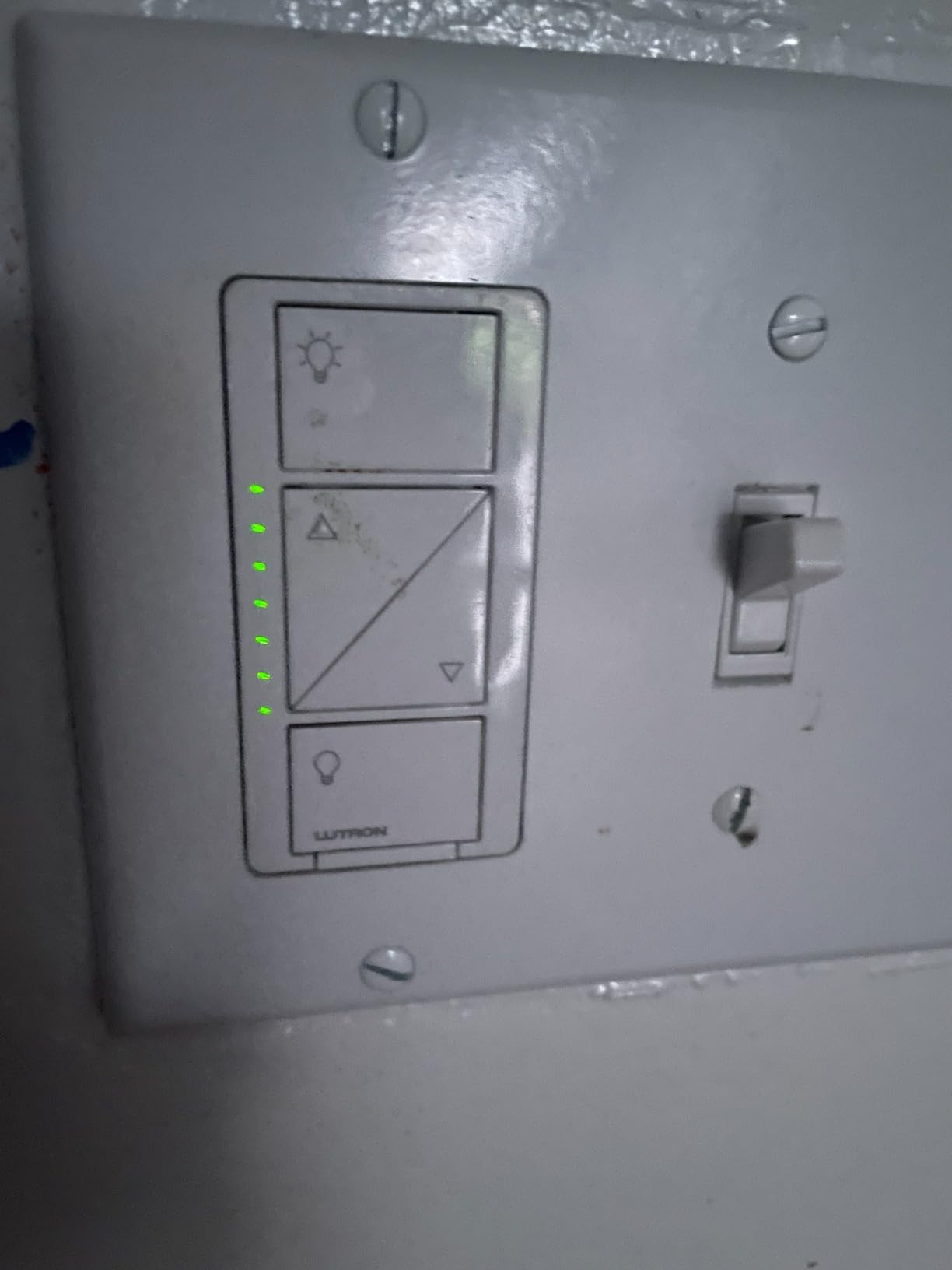
Two real constraints to plan around. The Lutron Smart Hub is a separate purchase, and the in-wall switch will not reach the app, scenes or voice control without it, though the light itself still toggles at the wall if the hub disappears. The other is that you cannot set a default dim level on the in-wall switch, so a bedside lamp comes on at full brightness every time, which is the opposite of what most people want in a bedroom at 2am.
The wiring work itself is small: two screws, three wires, and no neutral to hunt for. What takes longer is matching the 3-way companion correctly in a hallway where you may not know which of the switches is the master, and replacing old toggle plates with the rocker plate, which is an extra piece and an afternoon trip to the hardware store if you do not own one.
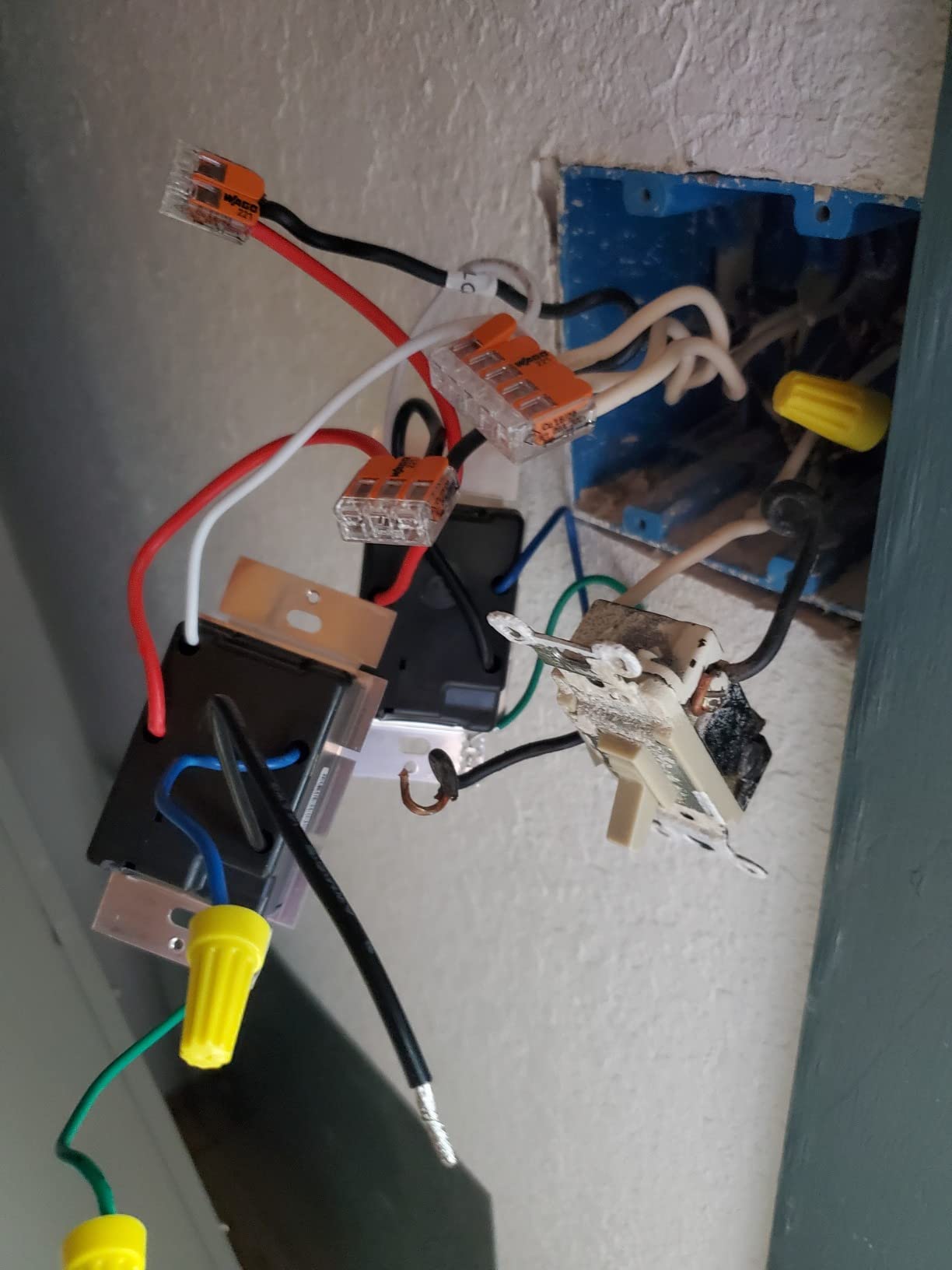
What older residents actually notice about the Caseta paddle
The paddle is a full-size rocker with a decisive feel and a click at each end, so it can be operated by feel alone in a dark hallway. That is a meaningfully better target than a flush glass panel, and the dimming ramp is useful for a stairwell where a bright light at three in the morning is unwelcome.
The weakness is darkness. On earlier revisions the flat face is hard to locate without a light on, and there is no backlit locator strip. If the household has genuinely poor night vision, a switch with a small indicator light is the safer pick, and none of the switches in this roundup combine both a large paddle and an illuminated locator.
Where the Caseta falls short in an old house
The total cost of ownership is the honest objection. The hub plus wall plates plus a Pico for each added location adds up quickly across a house with a dozen switches, and that arithmetic is exactly what shows up in whole-home planning threads when people compare tiers.
It is also the wrong pick for two jobs. It cannot control pumps, fluorescent ballasts, disposals or any non-dimmable load, and pairing requires temporarily mounting the switch near the hub before finishing the install, a step that catches out first-time installers. If your fixture holds a non-dimmable LED, an on-off switch is the honest answer.
2. SwitchBot Smart Switch Button Pusher: Best for Renters and No-Wiring Retrofits
Switchbot Smart Switch Button Pusher (Bluetooth) – Fingerbot for Rocker Switch/One-Way Buttons, App Timer Control, No Wiring, Optional Hub Required for Voice/Remote, White
Adhesive surface mount
Bluetooth plus optional hub
39g and 1.67 inch wide
400W rating
Pros
- Turns an existing switch smart with no wiring at all
- Adhesive install in seconds
- Built-in timers run without a hub
- Large push surface that is easy to hit
- Handles buttons and rocker switches
Cons
- Bluetooth range is short and will not cross the house
- Hub needed for voice control and remote access
- Arm can overshoot on stiff rockers
- Will not work on large toggle throws
The SwitchBot Button Pusher solves the problem no in-wall switch can: you can get smart control into a house where the wiring is untouchable. It sticks to the wall over your existing rocker and physically presses it, and the review base, 28k+ ratings, is the largest of anything in this guide. That volume matters because the product is simple, and simple products accumulate a lot of installation stories.
Nothing at the box is involved at all. No neutral to trace, no shallow-box problem, no wall opening, and it is reversible with a peel. In a rental you plan to leave, or in a house you simply do not want opened up, that is a genuine advantage rather than a compromise.
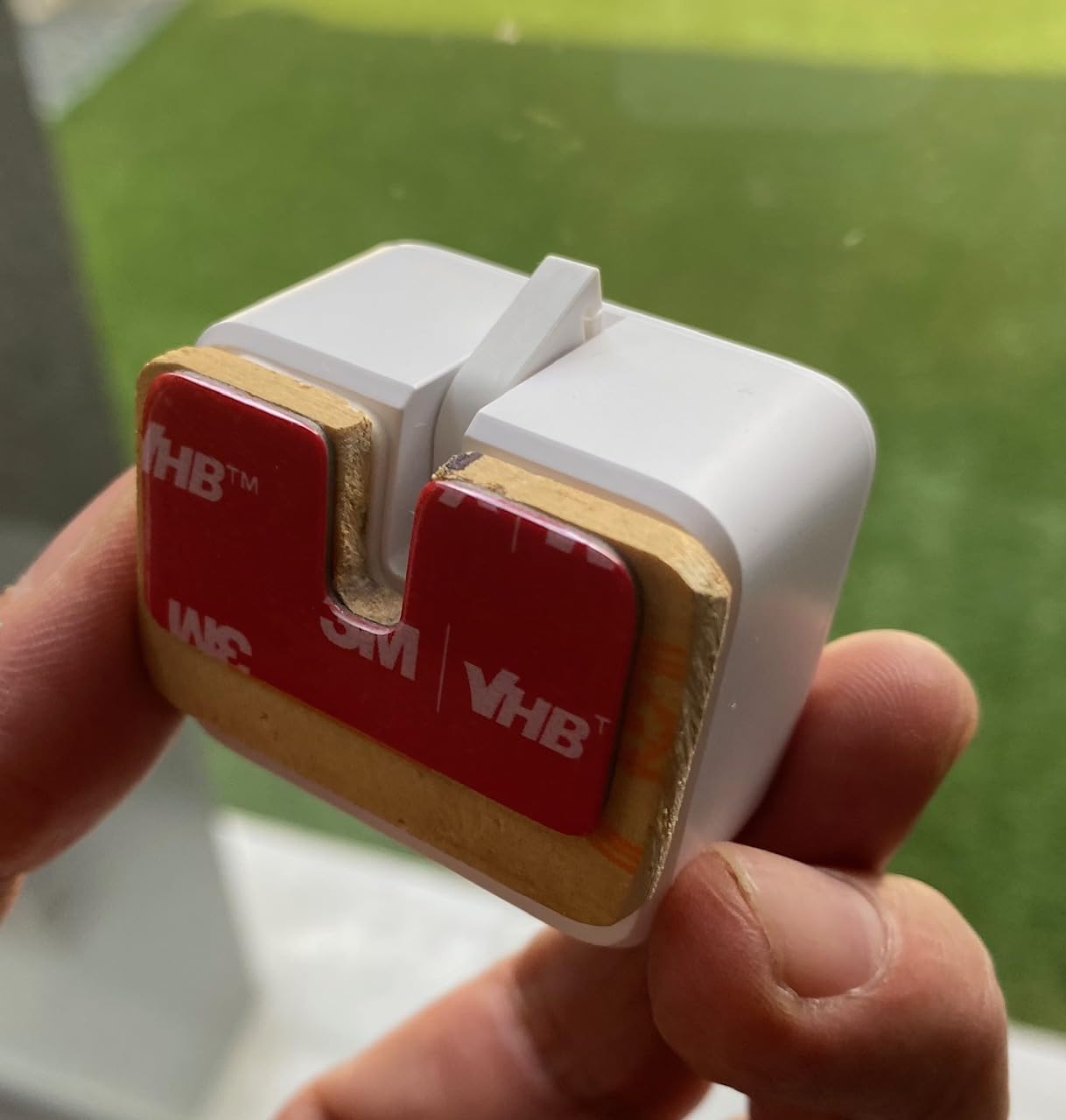
The friction is calibration. The little arm that presses the switch has to be angled so it hits the rocker and not the gap above it, and stiff rockers in older houses are the usual failure point. Reviewers also note that the adhesive mount can creep over time, and that Bluetooth alone will not reach from your phone at the far end of the house, which is the moment people discover they need the optional hub.
What it genuinely cannot do is dim. It is a press and a release, nothing more. It also needs the existing switch to stay in the on position for its Bluetooth wake-up logic, and it is not suited to the big full-throw toggles common in houses from the 1950s, only rockers and standard one-way buttons.
When the SwitchBot is the right call in an older home
Renters, furnished homes and any switch you are not allowed to open. It also handles fixtures with no practical switch at all, such as a pull chain, a floor lamp, a fireplace button or a window shade, and the switch can be placed away from the control if a cable run along a baseboard is acceptable in your situation.
For a resident with hand problems, the large push surface and the fact that it presses a real mechanical switch underneath are both pluses. You are not pressing a small capacitive target, you are pressing the same rocker that has worked for fifty years.
Where it falls short
The hub dependency is the big one. Timers and schedules run locally, which is genuinely useful, but voice control, remote access and most of the app widgets need the SwitchBot Hub. Without it you have a phone-only product in a house where the resident is the person who cannot use a phone.
Bluetooth range is the second. Short range means one unit per room in most houses, so a whole-home plan multiplies into many separate devices rather than a coordinated system, and you are still relying on a cloud account for the app side.
3. Thinkbee Wireless Light Switch Kit: Receiver Hides Behind the Existing Switch
Thinkbee Wireless Light Switch Kit, No Wiring, 1000W LED Load, Long Range
1000W LED ceiling
328ft indoor RF range
2.9 inch panel
No app or hub
Pros
- Receiver hides behind the existing switch
- Very strong RF that penetrates walls
- Handles up to 1000W of LED
- Pairs in about five seconds with no app
- Compact receiver fits standard boxes
Cons
- Non-standard wire colors confuse installers
- Lead wires only about four inches long
- Panel does not fit a standard Decora wall plate
- Battery changes mean pulling the panel off the wall
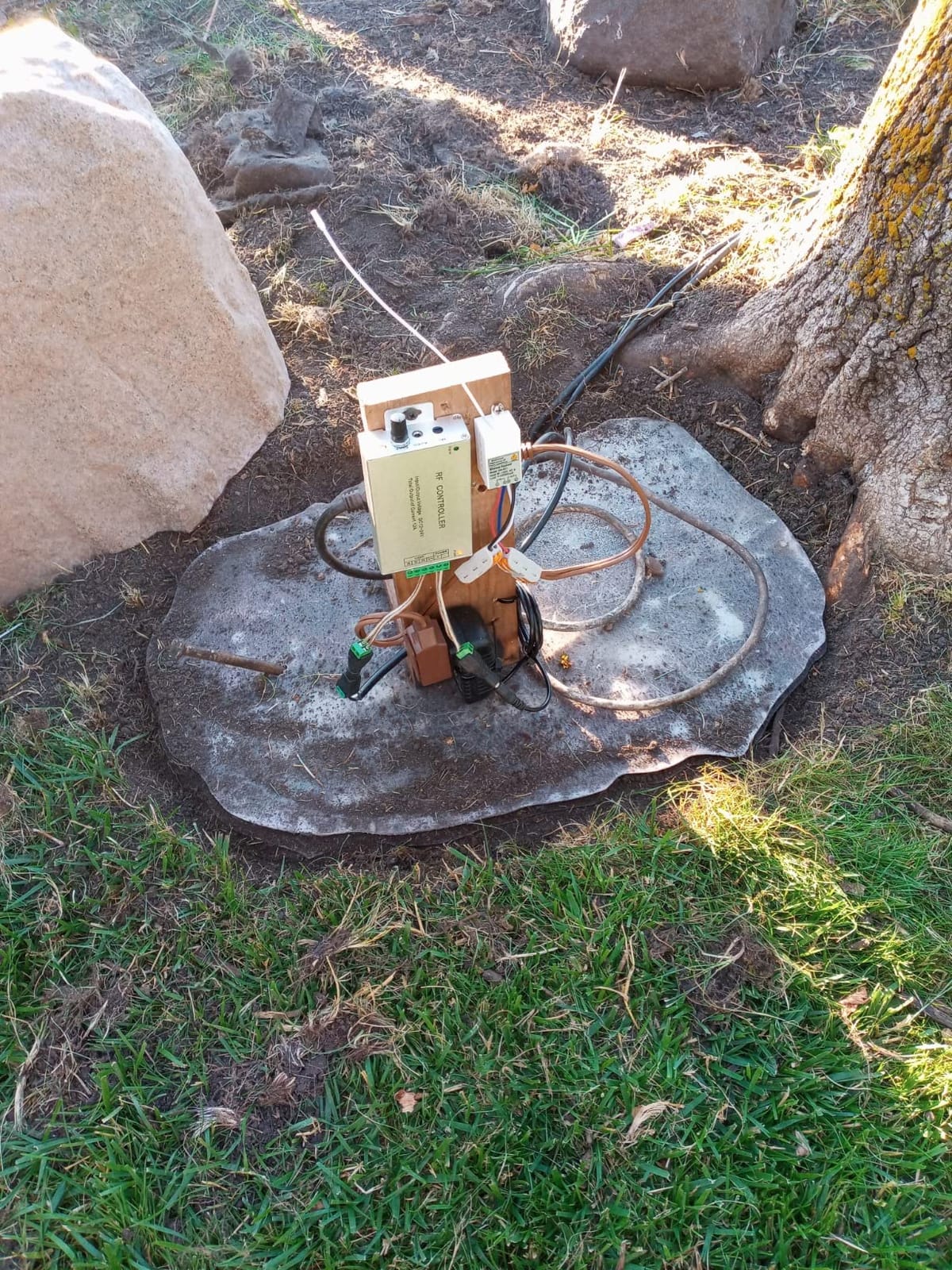
The Thinkbee kit is a low-cost way to add a real switch somewhere it does not currently exist. The receiver sits in the control box between the incoming power and the lamp, and the wireless panel mounts wherever you want a button. No neutral is involved because the receiver takes its power from the circuit it switches, and there is no app, no account and no hub in the chain at all.
That last point is what separates it from most of this list. The RF link is local and keeps working with the internet unplugged, permanently, because there is nothing to disconnect. For a 1000W LED ceiling fan light or a workshop, the capacity is generous, and buyers consistently praise the range for reaching through walls and into an adjacent room.
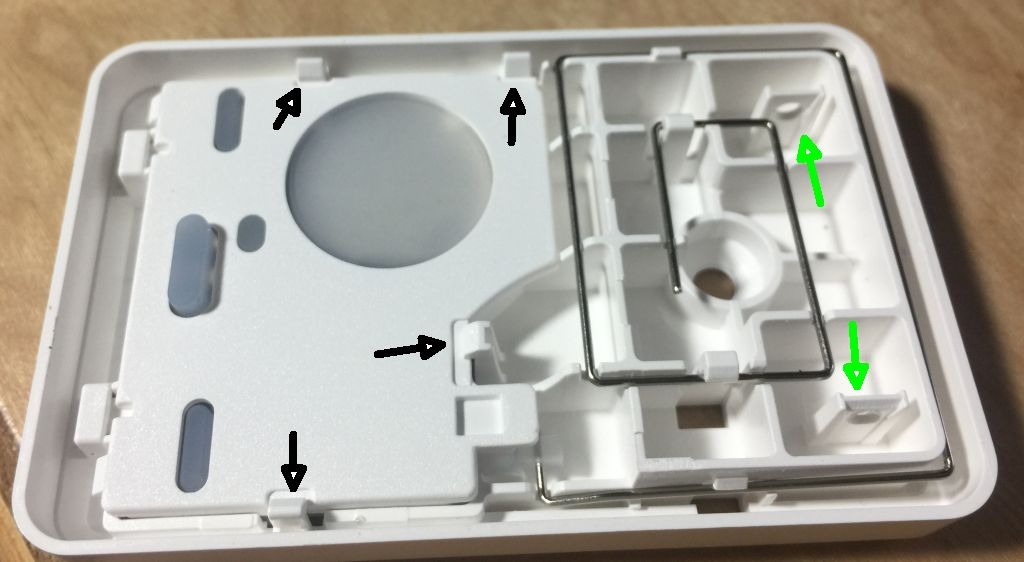
The compromises are physical, and they are consistent across reviews. The receiver leads are short, roughly four inches and exiting the front, so a crowded shallow box in an old house often forces a splice. The wire colors are non-standard, which trips up anyone who has not opened a receiver before. And the switch panel is a chunky surface-mounted block that will not drop into a standard Decora cover plate, so it reads as retrofitted rather than installed.
Replacing the coin cell battery means pulling the panel off the wall and re-taping it, since the transmitter is a simple battery button rather than a mains-powered device. The button itself is also rated around 600,000 cycles, and the relay behind the light is rated lower, at roughly 400,000, so it is a long-lived part rather than a forever part.
What makes the Thinkbee kit good in a 1950s house
Adding a switch at the foot of the bed, by a dark hallway, or at the top and bottom of a staircase, without anyone drilling into a wall. Because one receiver accepts up to eight remote panels, a single fixture can gain multiple control points, which approximates a 3-way retrofit without touching any wiring.
The 1000W ceiling and the AC 80-275v input range mean it will handle LED, halogen, CFL and fluorescent fixtures without the low-load flicker that plagues no-neutral modules. It is also the pick I would trust in an outbuilding or a basement where Wi-Fi coverage does not exist.
Where it falls short
It is a remote control, not an automation platform. There are no schedules, no scenes, no geofencing and no voice integration, so if you want the hallway to come on at dusk you need something else layered on top, and the switch gives you nothing to layer it with.
For an aging-in-place project specifically, the bulky non-Decora panel is a real drawback. It is a large target, which is good, but it is a loose-fitting surface mount on a wall that will get bumped by a walker or a wheelchair, and a panel that lifts off its mount is not what you want beside a bed.
4. MoesGo WiFi RF433 Touch Switch: Best for a Hub-Free Setup
MoesGo WiFi RF433 Smart Touch Light Switch, No Neutral Wire, Black 2 Gang
No neutral required
2.4GHz Wi-Fi only
5W minimum load
Glass touch face
Pros
- No neutral wire required
- No hub needed
- Large full-size glass touch surface
- Schedules and countdown timers
- Alexa and Google Assistant support
Cons
- Touch face gives no tactile click
- 2.4GHz only so dual-band routers can fail
- 5W minimum load can make low-wattage bulbs flicker
- No app-level manual fallback if Wi-Fi drops
The MoesGo touch switch is the rare in-wall smart switch that needs no neutral and no hub, which makes it the only in-wall option in the guide that needs no bridge device at all. It joins a 2.4GHz Wi-Fi network directly from the Smart Life app, carries timers and countdown schedules, and tops out at 220W on a 2A load. In a house that predates neutral wiring and has no interest in a bridge device, that is a clean two-item install.
Reviewers like the size of the touch area, which is a full glass face rather than a small button, and the fact that an older revision supports Alexa and Google Assistant routines. It is also a genuinely single-pole device, so it suits the simple switch loops that dominate older houses rather than stairwell circuits.
Two things to weigh before buying. The 5W minimum controllable load is the detail that trips people up: a single low-wattage LED bulb in an old fixture can flicker or behave erratically because there is not enough current for the module to work through, so this is a poor match for scattered decorative bulbs. And the 2.4GHz-only requirement means a router with 5GHz and 2.4GHz bands on the same name, or a dual-band-only mesh system, can refuse to pair it.
Is a touch panel right for someone with limited dexterity
It is a large target, which is genuinely helpful for someone who cannot make a small, precise movement. There is nothing to aim at beyond the general area of the panel.
What it lacks is the whole category of feedback. A touch panel has zero travel and zero click, so a resident with arthritis or reduced proprioception gets no confirmation that the press registered. For a light that must come on reliably in a dark hallway, that absence of tactile confirmation is a common reason people move away from touch switches.
Where the MoesGo falls short
It is Wi-Fi dependent with no local radio, so when the router reboots the switch is a physical object on the wall that does nothing. The schedules live in the device but the app path is cloud-based, which is a different reliability profile from the Zigbee and RF products elsewhere in this list.
It also cannot dim, cannot do 3-way, and cannot be added to as part of a multi-location setup. Treat it as a one-off for a single simple room rather than a house-wide standard.
5. SURAIELEC Wireless Light Switch Kit: Best for Moving a Switch Without Running Wire
SURAIELEC Wireless Light Switch Kit with Receiver, 15A RF Remote Control
15A / 1875W rating
Up to 100ft RF
Receiver fits standard control box
IP54 rated
Pros
- Lets you place a switch anywhere
- RF works through walls and doors
- 15A rating covers lights and fans
- Quick install with in-box instructions
- Expands to 3-way and 4-way
Cons
- Receiver wires are short and force splices in tight boxes
- Wall panel feels slightly unstable on its mount
- Instructions are thin on mounting the receiver
- Original wall switch must stay on for the remote to work
The SURAIELEC kit answers a problem no in-wall switch can: putting the switch where the person actually needs it. The receiver fits inside the existing control box and the remote panel goes anywhere, so you can put a switch beside a bed, above a sink, next to a pocket door or at the far end of a hallway without running a cable back to the original box. In an older home where walls are plaster or where the switch is in an awkward spot, that flexibility is worth more than any app feature.
The 15A and 1875W rating is generous for lighting and covers ceiling fans too, and the dynamic coding means several independent sets can coexist in one room without interfering. Reviewers rate the RF reliability highly, reporting that it punches through walls and closed doors consistently, and extra transmitters and receivers expand into wireless 3-way and 4-way arrangements.
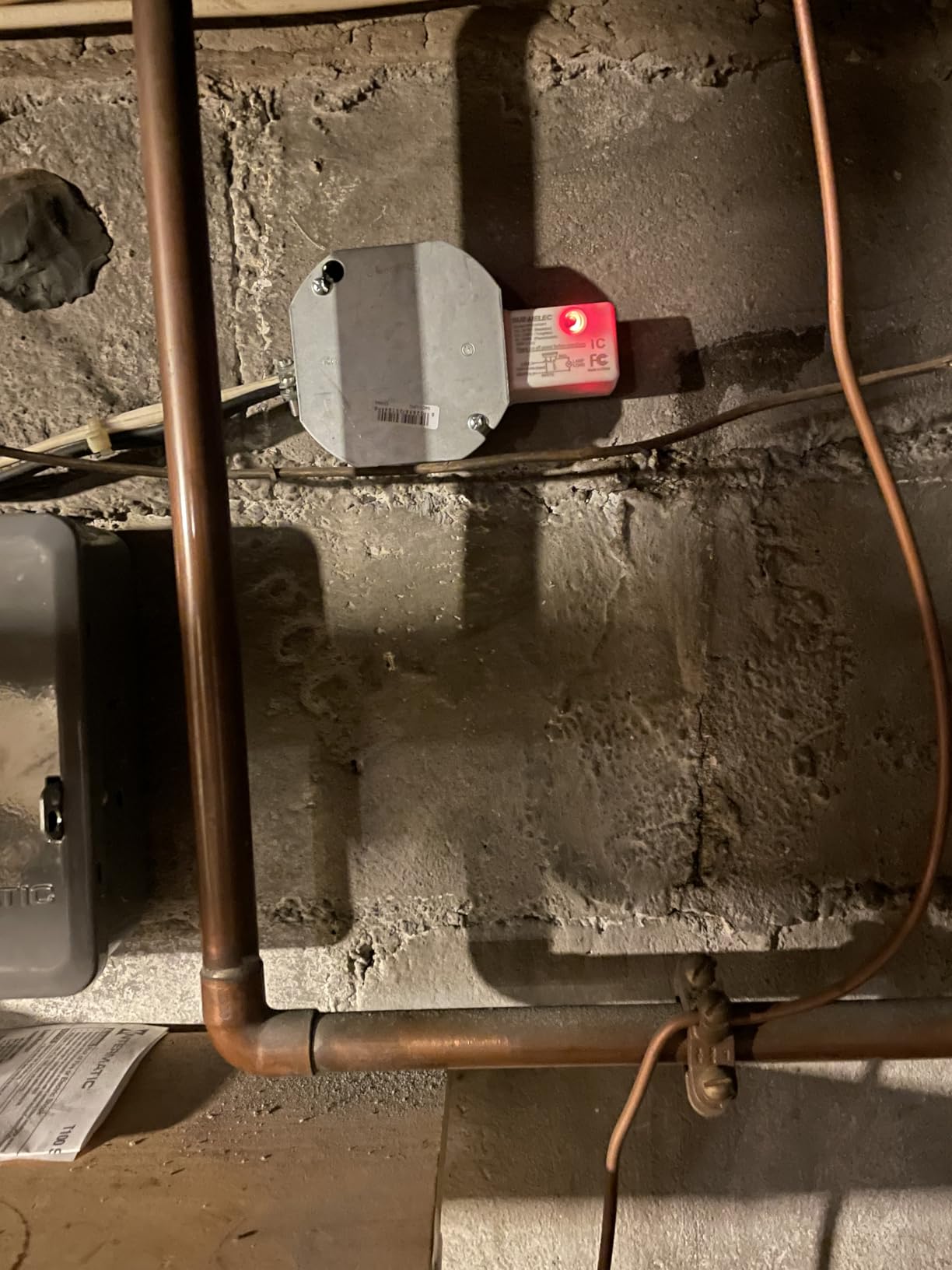
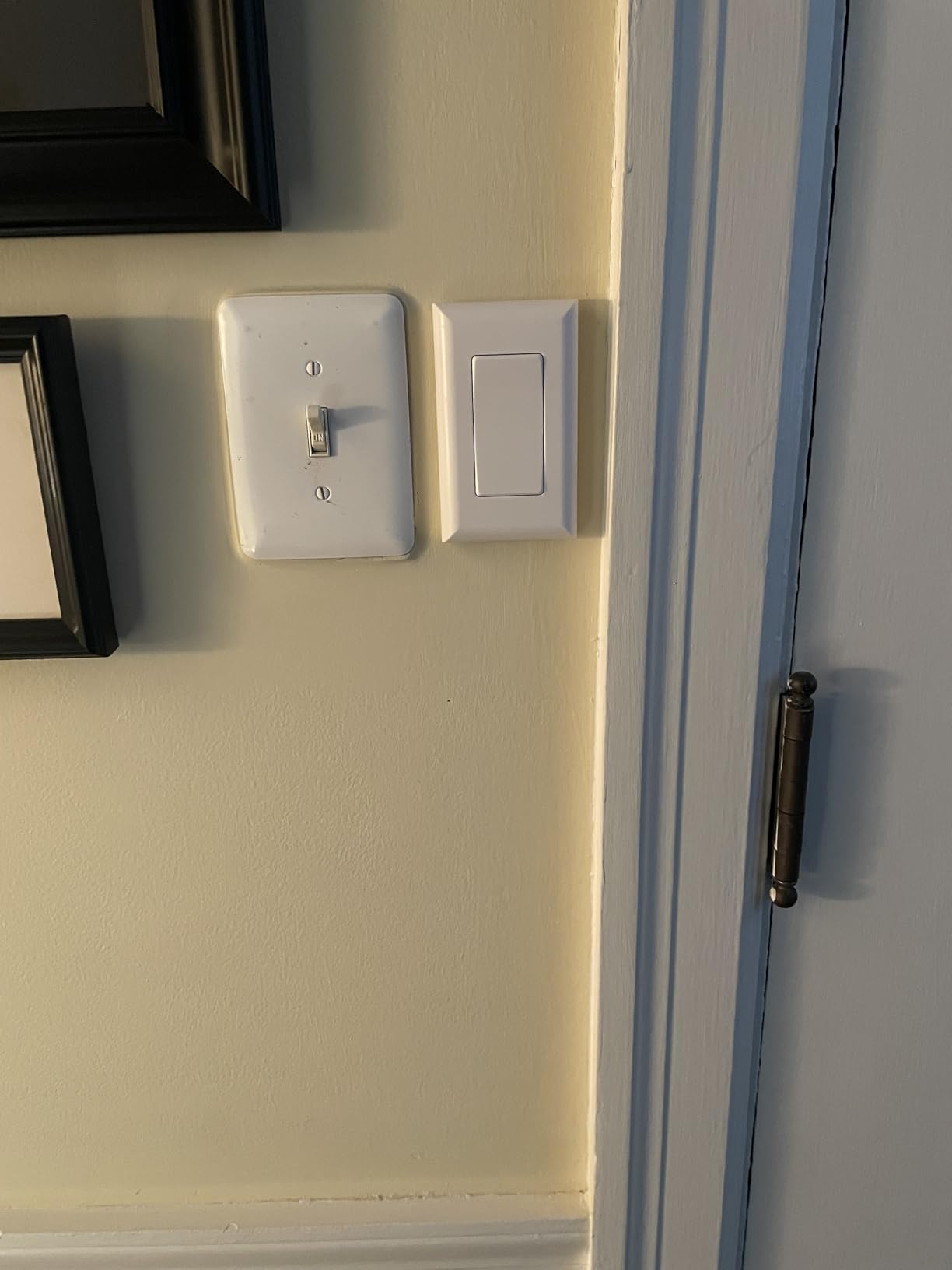
The dependency to understand is that the original wall switch must remain in the on position, because the receiver draws its power through the circuit that switch completes. That means leaving an old mechanical switch powered and stuck on, which looks odd and confuses visitors, and it is the one thing about this kit that people report being surprised by.
The build also has small weaknesses. The receiver leads are short enough that a tight box forces a splice, the switch panel feels slightly loose on its mount, and the instructions do not walk you through physically mounting the receiver, which is the part that matters in a crowded old box. There is also no indicator of the current on or off state on the transmitter.
Why relocation matters more than automation for aging in place
The most valuable outcome of this kit is not voice control or scheduling. It is that a resident can turn a light on from a position they can actually reach, and it is a physical rocker with real travel and a click, not a capacitive panel. Beside a bed, at the top of a stair, or next to a chair, that is the entire point.
Because the range is around 100 feet, a panel at the foot of the bed can control a hallway fixture that has no switch anywhere near the bed, which is exactly the retrofit that gets skipped in a conventional smart switch project because it would mean fishing wire through a wall.
Where it falls short
There is no app, no automation and no voice integration. This is a remote control that happens to use radio, and if you are building a whole-home system it will not sit alongside Zigbee devices in the same automation.
It is also a standalone light control, so it cannot dim. And because it needs the old switch powered, it is a compromise in appearance that some older residents find unsettling, seeing a dead-looking switch still in the on position.
6. SONOFF ZBMINIL2 Zigbee Module 4-Pack: Best for a Whole-Home Retrofit
SONOFF ZBMINIL2 Zigbee Smart Switch, No Neutral Required, Mini Relay Module for Light Switch, 2-Way Control, Compatible with Alexa & Google Home, Requires Zigbee Hub, 4 Pack
39.5 x 32 x 18.4 mm module
No neutral required
Zigbee local control
6A and 1440W
Pros
- No neutral needed in old houses
- Ultra-mini module hides behind the existing toggle
- 2-way control keeps existing switches working
- Zigbee control works without internet
- 4 pack spreads cost across a house
Cons
- Zigbee hub sold separately
- Adds control but no new accessible switch face
- Needs app or voice to gain new capability
- Assumes basic electrical knowledge at the box
The SONOFF ZBMINIL2 is a relay module rather than a switch, and that is exactly why it suits old wiring. At 39.5 by 32 by 18.4 millimeters it hides behind the existing mechanical toggle in a switch box, needs no neutral, and the toggle keeps working as a manual fallback. You gain automation across a house without changing a single wall plate.
Zigbee is the strength that matters here. Local control is fast, and it keeps working when the internet is down, which is a safety property rather than a technical nicety in a house where a resident needs the stair light. The module carries a 6A and 1440W ceiling and supports 2-way control, so existing multi-location circuits can be upgraded without re-pulling the loops.
Owners treat it as a retrofit-first tool, and the recurring caveat in reviews is the hub. A Zigbee bridge is a separate purchase, and while Home Assistant, SmartThings and the major voice ecosystems are supported, everything goes through that bridge and its firmware.
What this module is genuinely good for in an old house
Whole-home cost control. When you are budgeting twelve or fifteen locations, a module behind each existing toggle is one of the lowest-cost routes to automation, and the 2-year warranty is one of the longest offered here.
It is also the right pick for hallways, staircases and landings where the existing switch is already exactly where it should be and only needs smart behavior. Because the original toggle stays functional, a family member can always hit the wall switch.
Where it falls short
It adds no new physical control point. That is the fundamental limitation and it matters enormously for this audience: there is no large paddle, no accessible button and no new switch location. If a resident cannot reach the existing toggle, this product does not help them at all.
It also needs a hub, a working wiring understanding, and confidence that the existing box has room for another device behind the toggle. In a shallow 1950s box that is a genuine unknown until you pull the switch out.
7. SONOFF ZBMINIL2 Single Pack: Budget Zigbee Module for One Smart Location
SONOFF Zigbee Smart Switch, No Neutral Conductor Required, Compatible with Alexa & Google Home, Requires Zigbee Gateway
Same 39.5 mm module as the 4-pack
No neutral required
6A and 1440W
120 to 240v input
Pros
- No neutral required
- Single-unit pack for adding one smart location
- Small enough to hide behind the existing wall switch
- Leaves the mechanical toggle in place as manual fallback
- Zigbee local control works without internet
Cons
- Zigbee gateway required and sold separately
- Adds remote control only with no new switch face
- Needs some wiring knowledge at the box
- Pairing and firmware depend on the hub
This is the single-unit version of the module above, identical in the ways that matter for an old house: same 39.5 millimeter footprint, same no-neutral requirement, same 6A and 1440W ceiling, same 2-way support. It is the sensible way to test the idea on one closet or porch light before committing to a multi-pack, and it sits at the low end of what a smart location costs in this guide.
What reviewers consistently note is the framing. This is control, not a switch, and the mechanical toggle it sits behind remains the physical interface. Zigbee keeps local operation responsive without internet, which means a resident hitting the old wall switch still gets light regardless of the network.
Reviewers also point out the same two limits as the 4-pack. A gateway is a separate purchase, and pairing and firmware updates depend entirely on that hub and its app, so if you are not going to run a Zigbee coordinator somewhere, this product has no reason to exist in your house.
Who should buy the single pack instead of the 4-pack
People with one or two locations in mind, a rental or a single-room project, or anyone who wants to confirm their box has depth for a module before ordering a full set. It is also the way to add a second module later to an existing Zigbee network without changing approach.
For a resident-facing outcome, be clear-eyed that nothing changes about the physical switch. The old toggle is still the old toggle, at the same height, with the same small paddle.
Where it falls short
The lack of a new switch surface is the same limitation as the 4-pack and the same limitation as the Aqara below, for the opposite reason: this one is too small to carry a paddle. If the point of the project is accessibility, a module is the wrong category entirely.
Pairing friction is the other one. With no neutral available, wiring mistakes are easy to make, and a module that behaves oddly is harder to diagnose than a full switch with a faceplate you can read the label on.
8. Aqara No-Neutral Rocker Switch: Best Zigbee Openness for Home Assistant
Aqara Smart Light Switch (No Neutral, Single Rocker), Requires AQARA HUB
No-neutral single rocker
600W incandescent / 200W LED
Requires a ground conductor
Wall plate included
Pros
- Genuine no-neutral design for switch-loop wiring
- Large single rocker that is easy to operate
- Zigbee joins Home Assistant or Zigbee2MQTT without the Aqara hub
- Local control works without internet
- Includes wall plate screws and wire nuts
Cons
- Aqara hub sold separately for full feature access
- Some units drop off the Zigbee network and lose settings
- Deep body is tight in shallow plastic boxes
- Requires a ground conductor some old boxes lack
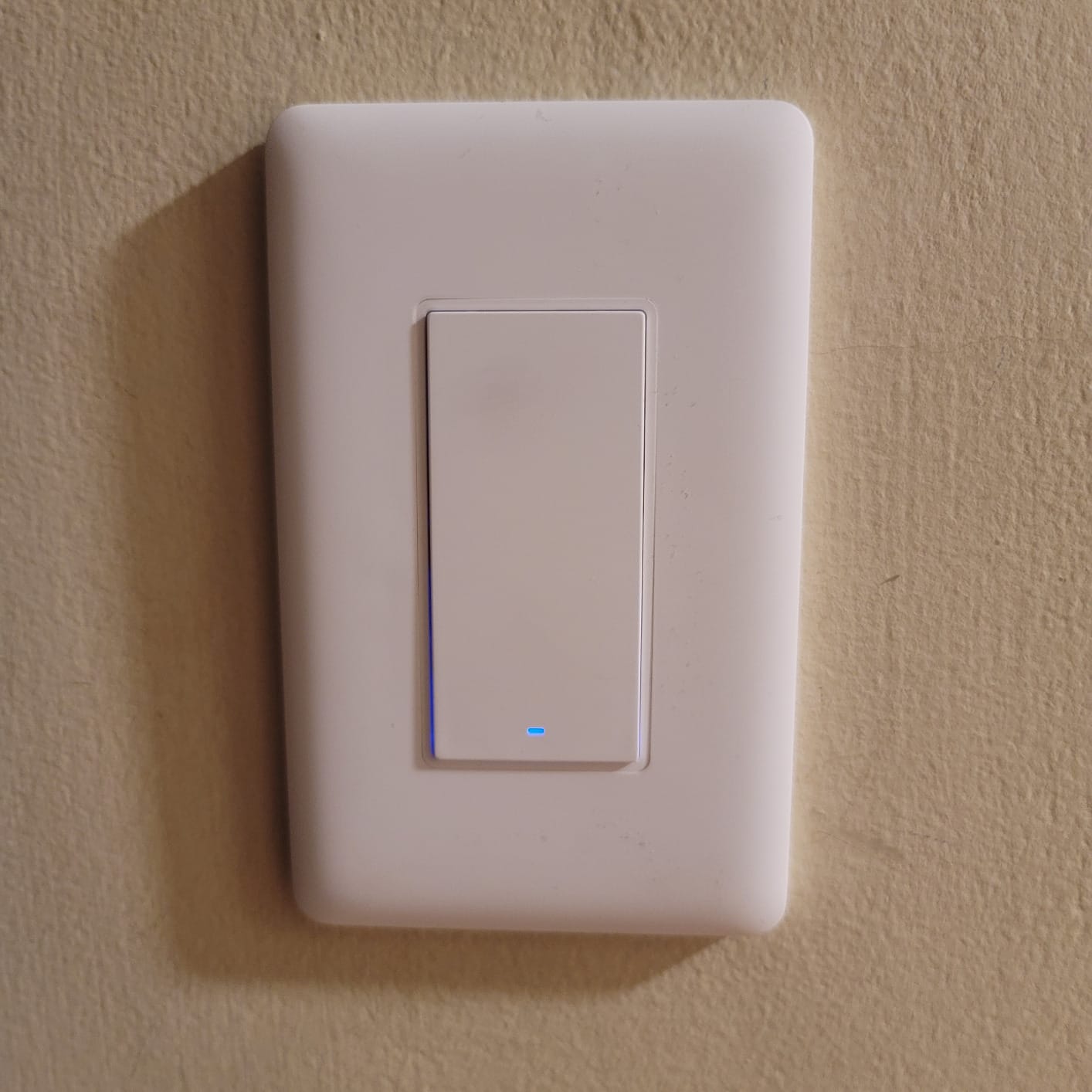
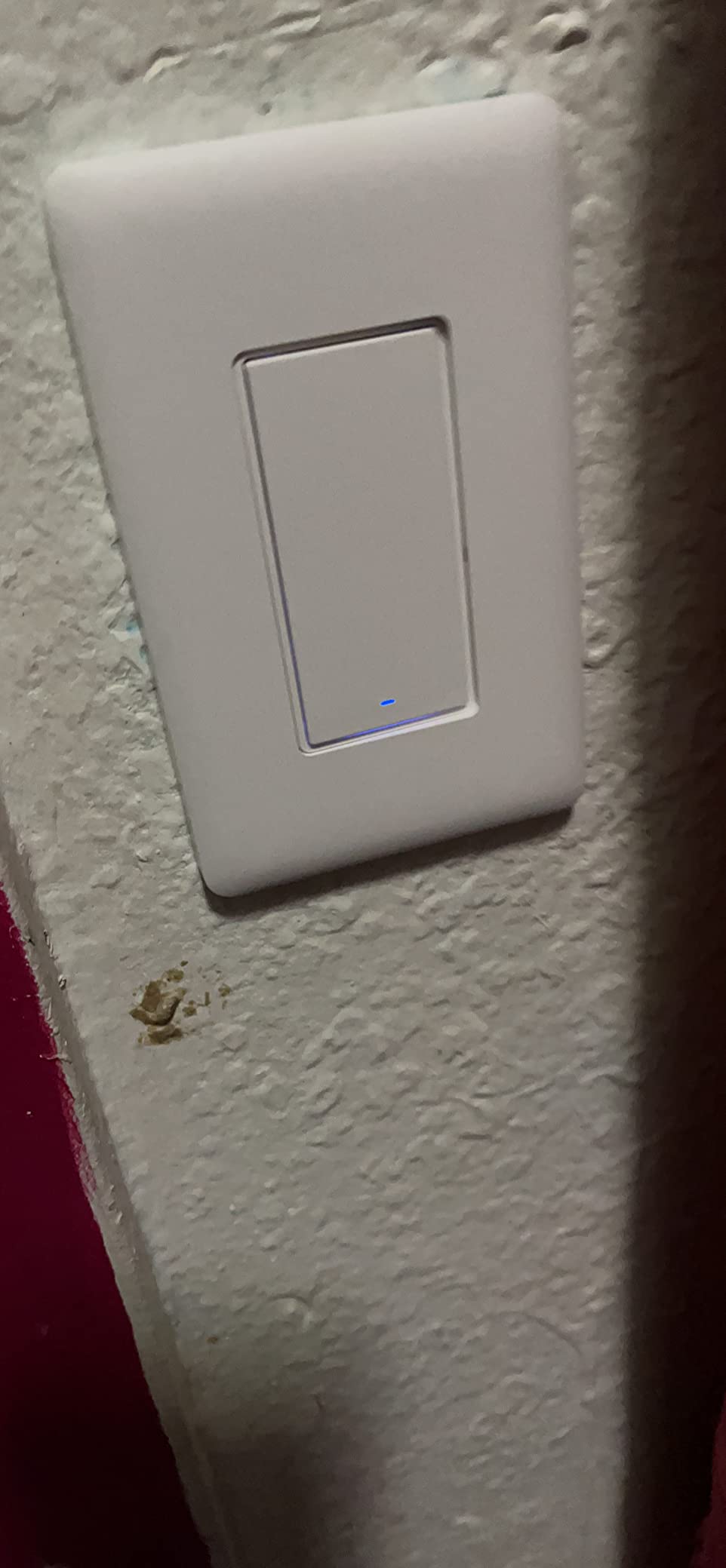
The Aqara no-neutral rocker is the one to buy if your older home runs Home Assistant or you intend to. It is a real in-wall switch with a full-size paddle, it does not need a neutral, and because it is standard Zigbee it can join a third-party coordinator instead of the Aqara hub, which is a level of freedom most no-neutral products on the market do not offer.
Owners frame it as the better-value alternative to premium no-neutral dimmers, and the build supports that: a V-0 flame-retardant panel, an automatic high-temperature cutoff, and a body sized for standard boxes. The load ceiling of 600W incandescent and 200W LED with a 3W minimum covers ordinary household lighting, and it can serve as an Alexa routine trigger.
Reliability is the part to be honest about. Reviews include recurring reports of units dropping off the Zigbee network and losing their configuration, along with an occasional broken rocker button after light use. The 4.2 rating across 527 reviews reflects a product that mostly works well and occasionally needs attention, which is a different risk profile from the Lutron at the top of this list.
Two install cautions for old houses. The deep body is tight in shallow plastic remodel boxes, and the small plate screws are short enough to drop into a wall cavity. Most importantly, this switch requires a ground conductor, and some very old switch boxes have no ground at all, so confirm that before ordering.
What works well for aging in place on the Aqara
A single large rocker with real travel and a mechanical feel, on a standard wall plate that matches the rest of the house. That combination is close to the ideal outcome for a resident who wants an ordinary light switch that also happens to be automated, rather than an obviously different panel bolted to the wall.
Because the local radio stays responsive without internet, hitting the paddle always turns the light on. Whether the resident is using the switch or an app does not change the outcome.
Where it falls short
The Aqara hub is sold separately and is needed for the full feature set, including firmware and LED behavior settings. The good news is that this is one of the few products here where the hub is genuinely optional, since a generic Zigbee coordinator covers the basics.
It is also a 1-way device in this configuration, so a stairwell needs extra planning. And in a house with no ground conductor in the switch box, the whole conversation changes, which is why the ground requirement belongs at the front of any shopping decision for very old housing.
9. YoLink FlexSwitch: Battery Powered, No Neutral and No Wiring at All
YoLink FlexSwitch Smart Light Switch, No Neutral Wire, YS5709
Battery powered on 2 AA
LoRa range up to 2034ft
Over-temperature cutoff at 158F
ETL and UL listed
Pros
- Battery powered so no neutral wire is needed
- Long LoRa range reaches basements and outbuildings
- Works alongside existing mechanical switches
- Two buttons double as remotes for other devices
- Device-to-device control works without internet
- About 2.5 years of battery life
Cons
- YoLink Hub required for schedules and remote access
- Proprietary LoRa so no Zigbee or Home Assistant support
- Battery changes mean repeatedly removing the switch face
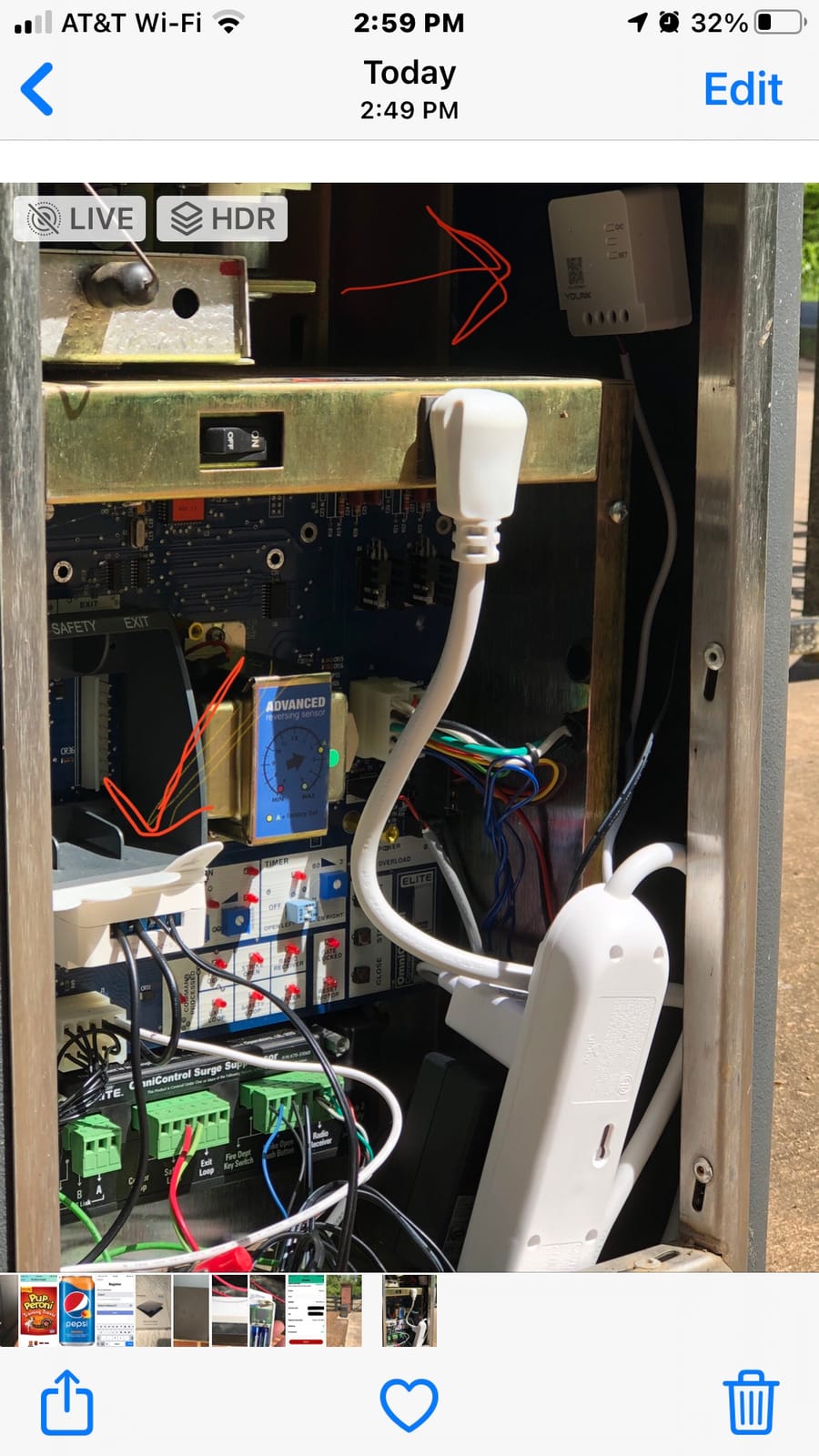
The YoLink FlexSwitch is battery powered, Two AA cells mean no neutral, no ground requirement, no box depth problem and no electrician. It talks over LoRa, and the stated range reaches far enough to cover a basement, a patio, a shed or a separate outbuilding, which is well beyond what Bluetooth or plain Wi-Fi will do through masonry.
That range is why reviewers choose it in older properties. It works alongside your existing mechanical switches rather than replacing them, so the light keeps its original switch and gains an extra control point somewhere more convenient. The two buttons double as fobs for other YoLink devices, and device-to-device control works without the internet at all.
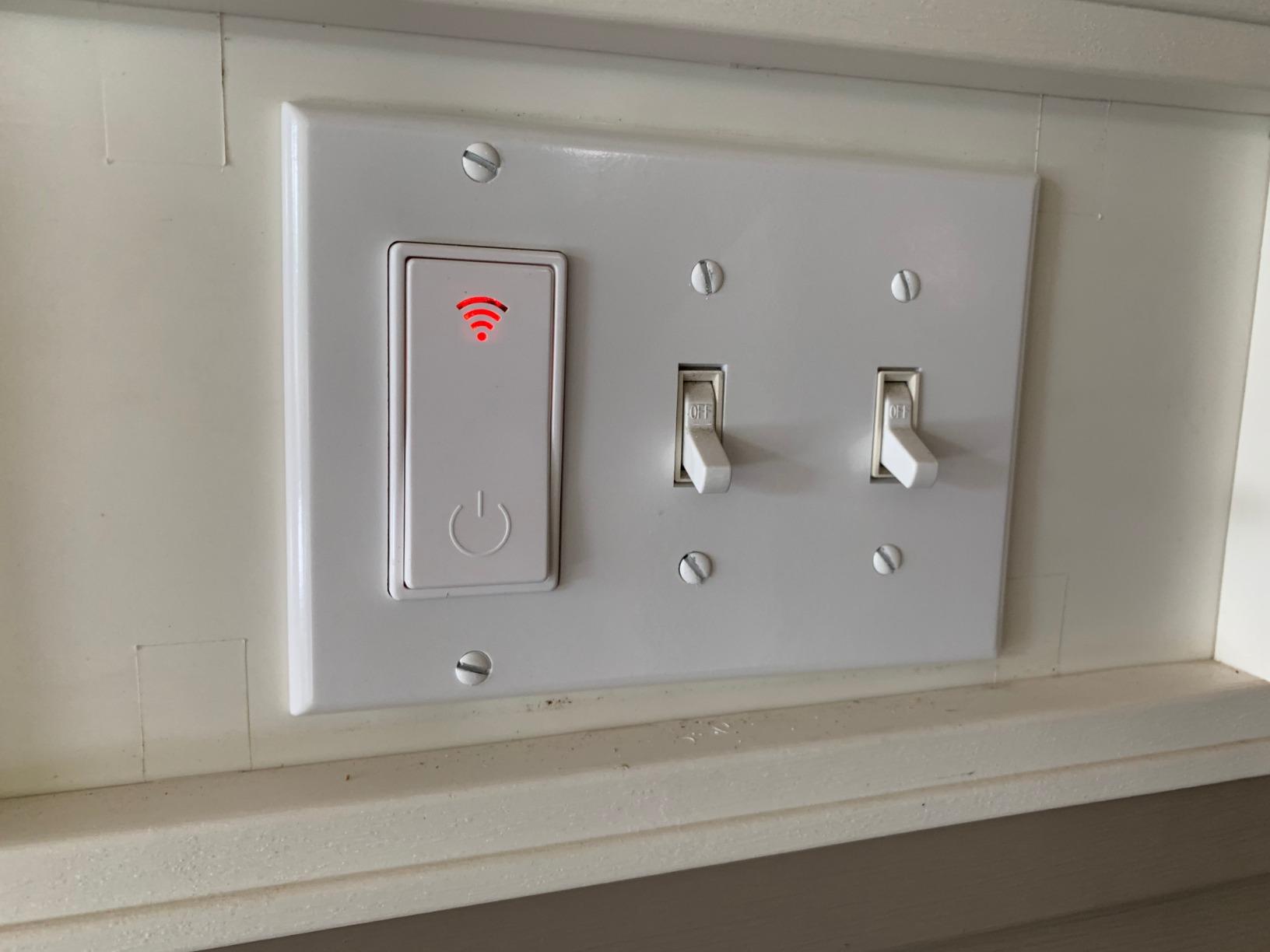
The catch is that LoRa is proprietary. If your plan is Home Assistant, Zigbee2MQTT or any other standard mesh setup, this device is a dead end, and that is a meaningful limitation given how much of the no-neutral category has moved toward open Zigbee. The YoLink Hub is also required before schedules, remote access, automations and third-party integrations do anything.
Then there is the battery reality. Up to 2.5 years on two AA cells is respectable, but each change means pulling the switch face off the wall and refitting it, and unlike an in-wall switch you cannot ignore that task for years. The over-temperature cutoff trips at 158 degrees, which is a sensible safety feature in an older home but another proprietary behavior you cannot reconfigure.
Where the FlexSwitch earns its place
Anywhere a cable run is impossible or absurd: the far end of a basement, a detached garage, a shed, a garden path light, a room whose switch is in an inconvenient spot. The stated LoRa range is far longer than the RF systems above it, and device-to-device control means two switches can talk without a network.
It is also a good fit for a resident who wants a large button in a place they can reach, since it is added rather than substituted and leaves the old switch intact as a fallback.
Where it falls short
The proprietary protocol is the main problem, followed by the hub. You are committing to one manufacturer’s ecosystem for automation, and if that ecosystem is abandoned the wall switches become inert plastic with batteries in them.
It also cannot dim, and the button layout is a two-button device rather than a familiar paddle, so for a bedroom nightstand it reads as a remote control rather than as a light switch. If the goal is an ordinary-looking switch that also automates, this is the wrong shape entirely.
10. Amazon Basics Smart Dimmer Switch and Remote: Best for Silent Alexa Routines
Amazon Basics Smart Dimmer Switch and Remote for Music and Routines, Works with Alexa Only, Compatible Echo Devices Required, Easy Setup, No Wiring Required, Handheld
Battery powered wireless
4 buttons for 8 routines
Echo device required
3.35 inch remote
Pros
- No wiring mounts over an existing switch or anywhere with adhesive
- Four buttons with short and long press give eight routines
- Buttons pop out magnetically to work as a handheld remote
- Guided Alexa setup with no skills to install
- Useful for anyone who cannot or will not speak voice commands
Cons
- Works only with the Alexa ecosystem
- Requires an Echo device
- Alexa has no toggle so on and off need separate routines
- Buttons do not fit standard Decora cover plates
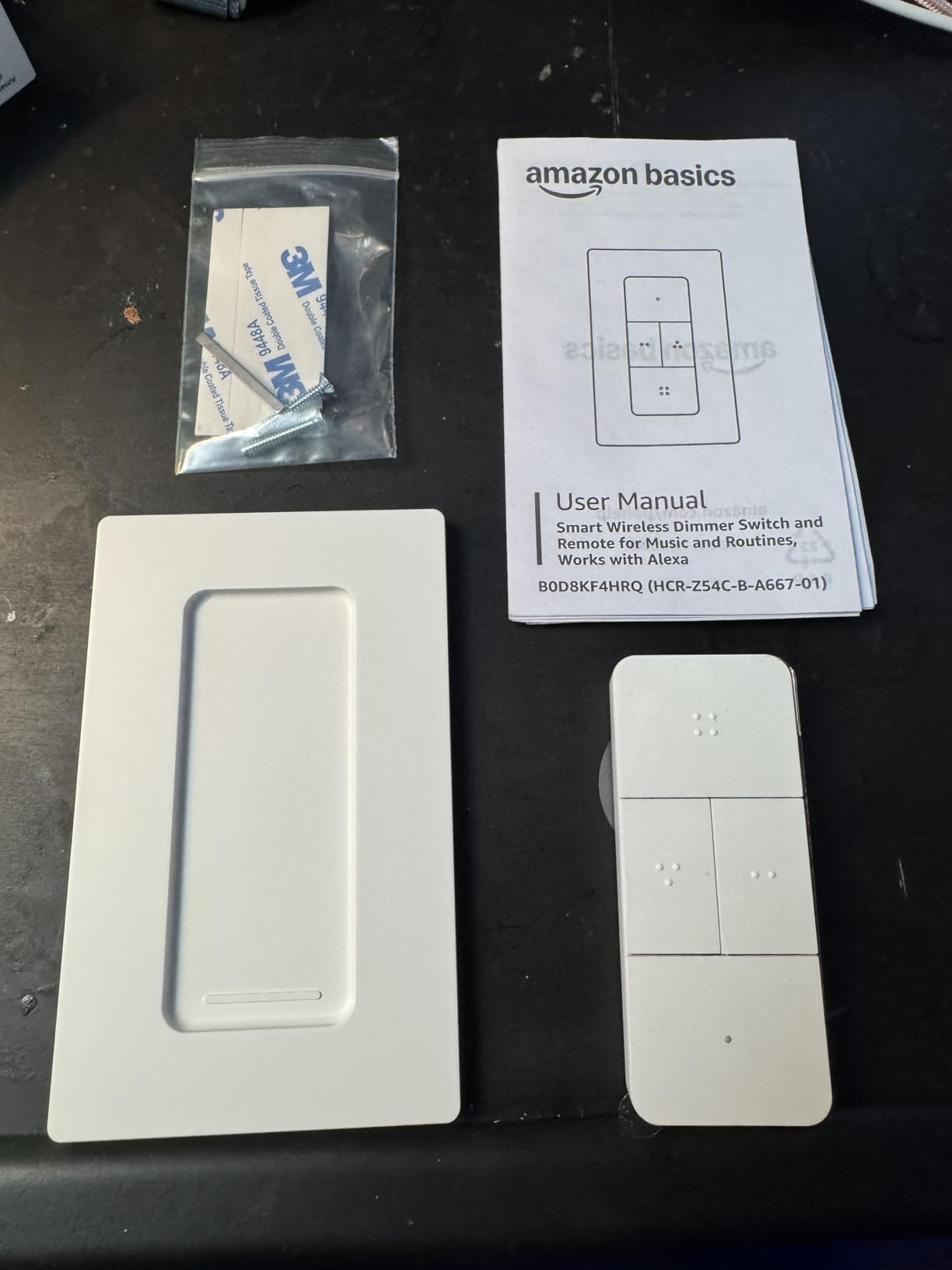
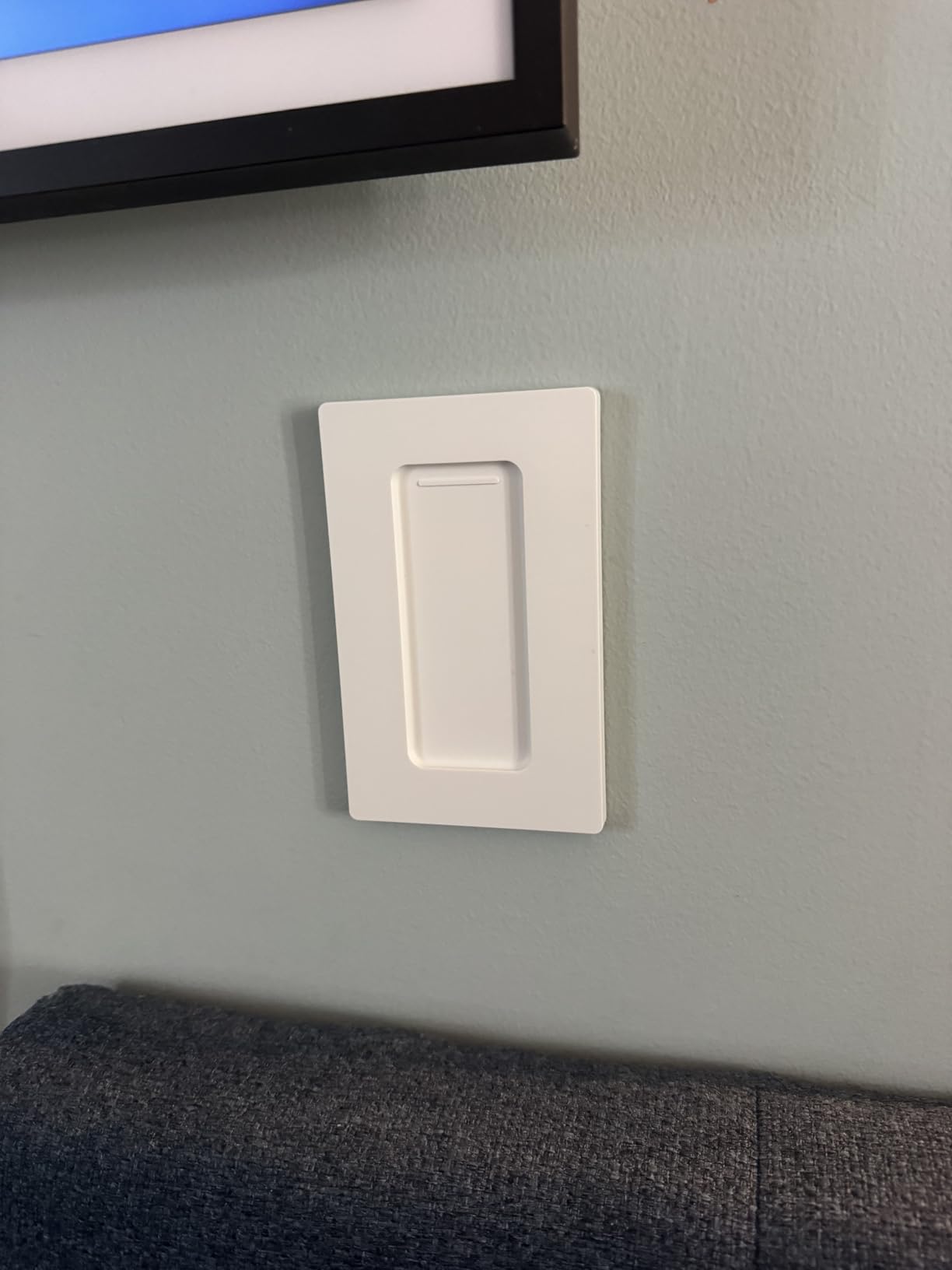
The Amazon Basics remote answers a specific accessibility problem: a resident who cannot speak a voice command clearly enough to be heard by an Echo device, and does not want to use an app. Four buttons with short-press and long-press actions give eight programmable routines, and pressing one runs a scene silently, which is a genuinely different interaction from saying a phrase out loud in a dark hallway.
Setup is close to frictionless. The remote is battery powered, mounts with a bracket and adhesive backing, and the guided Alexa app flow takes about fifteen minutes with nothing to install beyond the app. Owners also point out that pulling the buttons out magnetically turns the whole thing into a handheld remote you can carry between rooms.
The trade-off is total ecosystem lock-in. It works with Amazon Echo devices and nothing else, no Home Assistant and no other hub, and Alexa has no toggle function, which means on and off each need their own routine. A few owners also report a one or two second delay on more complex routines, and the remote will not sit in a standard Decora cover plate, which makes multi-gang boxes awkward.
There is one more design limitation worth planning around. Alexa routines cannot treat sequential button presses as an AND condition, so you cannot build a state-aware sequence. Each button does one thing, which is simpler but also less capable than a real automation platform.
Because it is a wireless button rather than an in-wall switch, it adds a control point rather than upgrading one, so a house that already has working switches keeps them, and this sits alongside.
Why a labelled button beats a voice command in an older home
Whispered voice commands in a hallway are unreliable for many people, and the failure mode is bad, because the resident concludes the light is broken rather than the microphone. A physical button with a printed label has no hearing requirement at all, and the short press plus long press layout means four labelled positions can run eight different scenes.
It is among the least invasive options in this guide, since adhesive mounting means no box, no wiring, no neutral consideration and full reversibility on move-out.
Where it falls short
Alexa-only is not a small limitation, it is the whole scope of the product. If anyone in the household uses Apple Home, Google Home or Home Assistant, this remote does not join that system at all, and you end up maintaining two parallel control schemes.
It is also a remote, not a dimmer, despite the name. The routines can turn lights on, off or set a scene, but there is no dimming hardware in the chain for a fixture wired to a standard switch, and the wall switch itself must stay in the on position for the remote to control the light.
How to Tell If Your Switch Box Has a Neutral Wire
Check the neutral before you buy anything, because it rules out a large share of what is sold as an in-wall smart switch. The test takes a few minutes and needs only a non-contact voltage tester, which is inexpensive and the safest tool for the job. Work carefully and never rely on this as a substitute for turning off the correct breaker and confirming the circuit is dead before touching anything inside the box.
The first step is to identify the breaker. Switch off the breaker that feeds the room, and confirm the switch no longer controls the light before you go any further. If other switches in the house start behaving strangely, you have the wrong circuit and should find the right one rather than guess.
Step two is a count. A switch loop in a pre-1980 house typically shows two or three conductors: the hot going to the switch, the switched hot coming back to the fixture, and a ground. Copper, sheathed in a white or grey jacket, is what you are looking for. A single black or red conductor with no white partner is a strong sign there is no neutral in that box.
Step three is the tester. Hold a non-contact voltage tester near each conductor end. A neutral in a live circuit sits near zero volts relative to ground, while the hot will read clearly. If every conductor in the box reads as hot, you almost certainly have no neutral and should plan around a no-neutral product.
Step four is depth and condition. Push the conductors back in and check the box is at least an inch and a half deep, because most smart switches and modules are deeper than a plain toggle. Look at the wiring itself: if the conductors are clad in a fabric or paper braid, or the insulation is discolored and brittle, that is older aluminum or early copper-clad wiring and it needs an electrician before anything else happens.
Stop and call a professional if the box is crumbly, if the wiring is aluminum or cloth-braided, if there is no ground conductor, if the box is so shallow the device will not seat, or if the conductors are aluminum and the device terminals are copper-only. Torquing a screw terminal onto aluminum without the correct rated connector is one of the most common causes of a warm, unsafe junction, and it is not a risk worth taking for a lighting upgrade. If you want the full picture of what a house-wide install involves before committing, our guide to [home automation hubs](https://www.raindropchess.com/best-home-automation-hubs-for-smart-homes/) covers the ecosystem side of a project like this.
How to Choose a Smart Switch for an Older Home: 6 Decisions
Six decisions stand between you and the right switch, and only the first one is really about electricity. Work through them in order and most of the shopping confusion disappears.
First, establish whether your circuit is single-pole, 3-way or 4-way. A single-pole location has one switch controlling one fixture, and almost every product here fits that case. A 3-way location has two switches at two ends of a hallway, stair or room, and you need a 3-way capable switch plus a companion device at the second location. A 4-way location adds a third and fourth switch, which is common in long hallways and stairwells in older houses, and needs a more involved setup. Count your switches per fixture before you order anything, because mixing a 3-way capable device with a plain mechanical companion is a very common and very fixable ordering mistake.
Second, decide between an on-off switch and a dimmer. Dimmers are more useful, but older fixtures are where dimming goes wrong. Non-dimmable LED bulbs will either flicker or refuse to dim, and very low-wattage bulbs can behave erratically on any dimmer because there is not enough load. If your fixtures take older lamps or mixed bulb types, a plain on-off switch removes an entire category of problems.
Third, pick a protocol and accept its consequences. Wi-Fi switches are the simplest to start with but they talk to the cloud and they stop working when the router has an issue. Zigbee is more reliable, faster locally and survives internet outages, and in this guide both SONOFF modules and the Aqara switch use it, but Zigbee needs a coordinator. RF remote systems like the Thinkbee, SURAIELEC and SwitchBot need no network at all, which is the least capable option and the one that keeps working. The battery LoRa option reaches furthest but locks you into one manufacturer.
Fourth, check the hub requirement and its failure mode. Hub-free products keep working when everything else fails. Hub products keep the light working at the wall in most cases but lose scenes, schedules and voice. The Lutron hub even runs its own local radio so the switch stays responsive without Wi-Fi, which is a meaningful difference from a cloud-dependent product.
Fifth, verify box depth and plate fitment. Smart switches and relay modules are deeper than a standard toggle and will not seat in a shallow box. Measure before you buy, and remember that if a new multi-gang plate is needed, the plate itself has to be deep enough as well, which is the part people forget until the switch is already installed.
Sixth, check the load rating against your bulbs. Look for both a maximum and a minimum, and treat the minimum seriously. A no-neutral module with a 5W minimum, as the MoesGo has, can flicker on a single decorative LED bulb. If your house has a mix of fixtures, the module-free approaches that switch the whole circuit, like the Thinkbee and SURAIELEC kits, are more forgiving because they do not need the load to power anything.
One last piece of planning worth doing before a whole-home job: decide on your ecosystem first and standardize on it. Mixing three protocols in one house is how people end up with three apps and a wall of orphaned hardware. If you already run a particular network, choosing a switch that speaks it is worth more than any individual feature.
Accessibility and Aging in Place: What the Physical Switch Must Do
A usable switch for an aging resident needs four things, and most of the products in this guide deliver only one or two. The surface must be large enough to hit without aiming, roughly the full width of a standard paddle. It must move, with a physical click that confirms the press, because a resident with reduced sensation cannot verify that a touch panel registered. The light must come on from the wall itself, with no app, no voice command and no network. And the installed height and plate type must suit a seated user.
Against that standard, the Lutron Caseta paddle and the Aqara single rocker score highest, because both are full-size mechanical rockers in a standard plate with genuine travel. The SwitchBot inherits the ergonomics of the switch it is stuck onto, so on a rocker it is a large target, and the SURAIELEC kit is a strong option when the problem is reach rather than dexterity, because it puts a physical rocker somewhere the person can actually get to it.
Two of the weaker fits are worth naming so they are easy to rule out. The MoesGo touch panel is a large target with no travel and no click, which is exactly the combination a resident with arthritis struggles with. The SONOFF modules add automation and no new physical control at all, which means they do nothing for accessibility, only for convenience.
There is also a safety question almost no competitor addresses: what happens when the network is down. If the only route to a hallway light is a voice assistant and the internet is out, the resident is in the dark. Products with local radio and a physical paddle, including the Caseta, the Aqara and the RF kits, all keep working in that scenario, and that property should outrank app features when someone in the house is in their eighties.
If you are planning a broader smart home for an older relative, our picks for [digital shower systems](https://www.raindropchess.com/best-digital-shower-systems-for-smart-homes/) follow the same principle, a simple physical control at the point of use with automation behind it, and the same thinking applies when you extend it to networking with the right [VLAN switches](https://www.raindropchess.com/best-vlan-network-switches-for-smart-homes/).
What Happens When the Hub or Wi-Fi Goes Down
The honest answer depends entirely on whether the light still responds at the wall, and that is a design decision rather than a feature you can add later. The RF products, including the Thinkbee, SURAIELEC and SwitchBot, have no network dependency at all, so the light turns on every time with the internet unplugged. The Zigbee options, SONOFF and Aqara, keep local control working through the coordinator, and the existing mechanical toggle behind a SONOFF module remains a working manual switch regardless.
Wi-Fi switches are the weakest case. When the router reboots, a Wi-Fi switch is a plastic object on the wall, and the MoesGo is the clearest example in this list. The Lutron sits in an unusual and better position, because its proprietary radio runs through the Lutron Smart Hub locally, so the switch keeps toggling the light even when the Wi-Fi is down, which is the behavior you want in a house with an older resident.
For any retrofit where safety of access matters more than features, test this before you finish the job. Turn off the router, leave the hub disconnected, and see which lights in the house still respond at the wall. Whichever ones do not are the ones to reconsider.
Frequently Asked Questions
Which smart switch is best for use without neutral wiring?
The Lutron Caseta Smart Dimmer is the strongest all-round answer for a no-neutral box, because it is a true in-wall switch, handles 3-way circuits and keeps working when the internet is down. If you cannot touch the wiring at all, the SwitchBot Button Pusher needs nothing at the box. For whole-house retrofit where you want to keep the existing toggles, the SONOFF ZBMINIL2 modules hide behind them and add Zigbee automation without touching a wall plate.
Can I install a Kasa smart switch without a neutral wire?
Most Kasa and Tapo in-wall switches require a neutral wire at the box, so they are generally not usable in a pre-1980 switch loop without running new wire. For a home with no neutral, look for a product explicitly labelled no-neutral, or choose an add-on approach that needs no wiring at all. That includes button pushers like the SwitchBot, and RF receiver kits such as the Thinkbee and SURAIELEC, which install at the fixture instead of in the switch box.
Is Lutron Caseta compatible with Apple HomeKit?
Yes. Apple Home is one of the ecosystems listed as compatible with the Lutron Caseta Smart Dimmer, alongside Alexa, Google Assistant, Ring and Sonos. The Apple Home connection runs through the Lutron Smart Hub rather than directly from the switch, so the hub is required for the app, scenes and voice control even though the light still toggles locally at the wall.
Can I replace my existing light switch with a smart switch?
Usually yes, provided the box has enough depth and the wiring is in good condition. Turn off the correct breaker, confirm the circuit is dead, remove the old toggle and match line, load and ground. A neutral-required smart switch will not work in a two-wire switch loop, and a no-neutral model is the correct choice there. If the wiring is clad, aluminum or the box is shallow, stop and use an electrician.
What are the disadvantages of smart light switches?
The main drawbacks are dependency on a hub or cloud service, a higher per-switch cost across a whole house, and less physical feedback than a standard toggle. Deep bodies can refuse to fit shallow old boxes, and no-neutral models with a minimum load can make low-wattage bulbs flicker. Installation also assumes basic electrical knowledge, and aluminum or cloth-braided wiring should be handled by a professional rather than a retrofit kit.
Final Verdict: Which Smart Switch Fits Your Old House
The Lutron Caseta Smart Dimmer is the pick for most people reading this. It is a real in-wall switch, it does not need a neutral, it handles 3-way stairwell circuits, and it still turns the light on at the wall when the Wi-Fi is down, which is the property that matters most when an older resident is in the house. Budget for the hub and the rocker plates, and accept that you cannot set a default dim level on the switch itself.
If the wiring cannot be touched, the SwitchBot Button Pusher is the answer that needs nothing at the box, and the SURAIELEC or Thinkbee kits go further by letting you put a physical switch somewhere the person can actually reach. For a whole-house retrofit where you want to keep the existing toggles, the SONOFF ZBMINIL2 modules are a low-cost route to automation with a working manual fallback, though they add no new accessible switch face.
Start by checking for a neutral wire, count your switch locations, and choose an ecosystem before you order a single switch. Get those three answers right and the right model for the best smart light switches for older homes becomes obvious, and the rest is installation.