
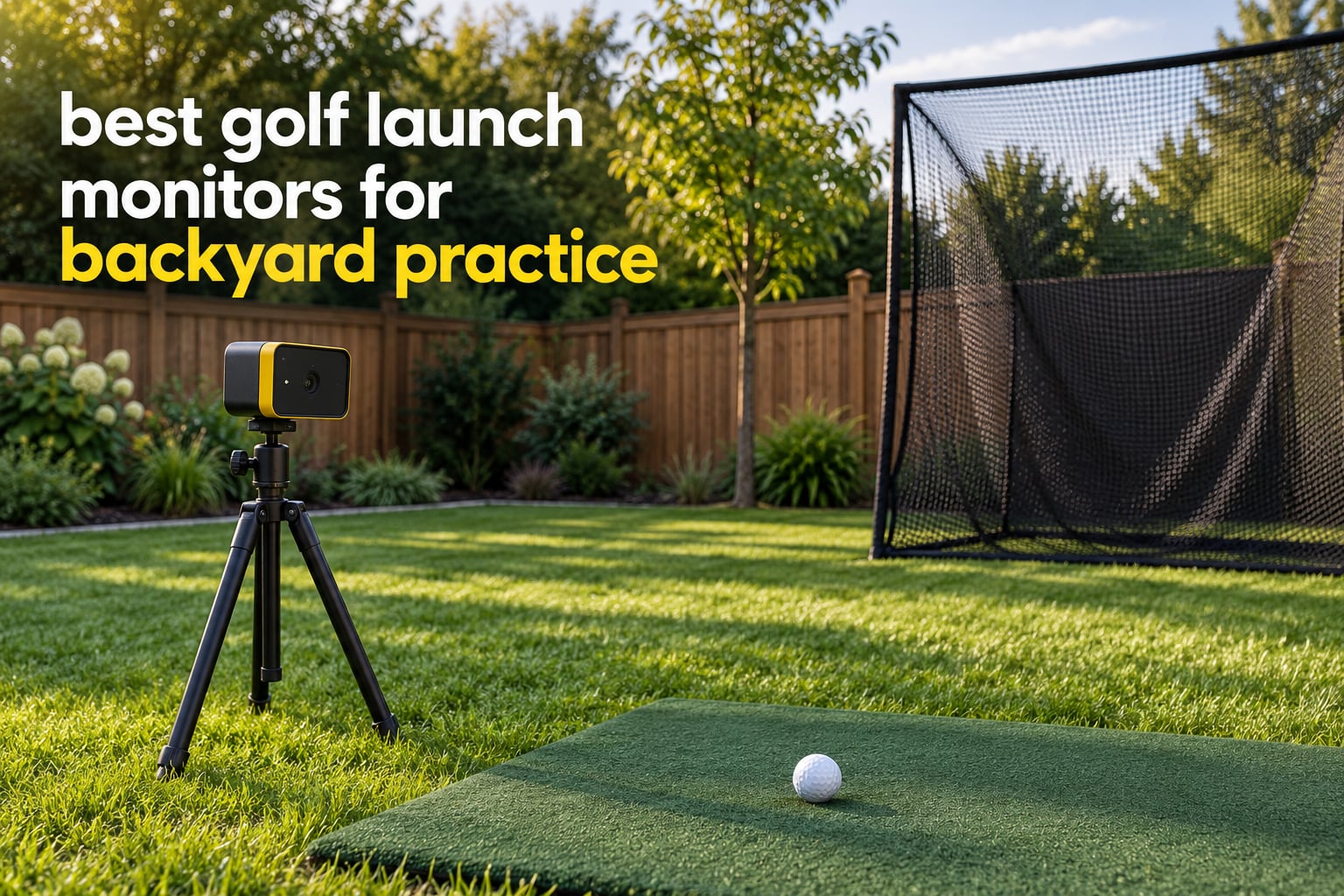
A golf launch monitor is a device that measures the speed, launch angle and spin of your ball at impact, plus usually the speed and movement of the clubhead, so you can see what your swing actually does instead of guessing at it.
Radar monitors fire microwave pulses at the ball and club and track real ball flight, which is why they cope with open sky. Camera monitors photograph the club and ball at impact for precise indoor data, and hybrids do both.
That distinction matters more at home than it does at a commercial range. A range bay gives you a level floor, controlled light and hundreds of yards of clear ball flight. A backyard gives you a sloped lawn, an impact screen 8 feet past your longest club, a lens pointed at the sky and a neighbour’s fence. The best golf launch monitors for backyard practice in 2026 are the ones that keep working under those conditions, not the ones with the longest spec sheet.
We spent October 2026 comparing 10 units across every sensor type available at the home price range: Doppler radar, phone-based radar plus camera, and camera-only systems that read dimple patterns. We weighed them on measured versus calculated spin, how much clear ball flight each one needs before the numbers settle, how they behave when a net is cutting the ball short, whether they need a subscription, and whether the tripod stays level on uneven grass.
If you have not built the hitting side of your setup yet, start with our backyard hitting net guide and our practice net roundup first. Net clearance drives which launch monitor you can even use. If your yard is already built out and you want the software side covered, our swing analysis guide goes deeper on the metric sets.
Top 3 Backyard Launch Monitors for 2026
Our top three cover three genuinely different backyard jobs: full data with no hardware beyond your phone, dependable speed work at a net, and the most complete all-round unit in the mid tier.



Garmin Approach R10
- Ball speed and spin
- IPX7 weatherproof
- 10 hour battery
- Tripod and phone mount
Every Pick at a Glance
Ten monitors, ten different compromises. The table below is the fast way to see which sensor type you are actually buying before you read the individual reviews.
| Product | Specifications | Action |
|---|---|---|
| Rapsodo Mobile Launch Monitor |
|
Check Latest Price |
| PRGR HS-130A Portable Launch Monitor |
|
Check Latest Price |
| Garmin Approach R10 |
|
Check Latest Price |
 Garmin Approach G80 Garmin Approach G80 |
|
Check Latest Price |
 Voice Caddie SC200Plus Voice Caddie SC200Plus |
|
Check Latest Price |
 Rapsodo MLM2PRO Rapsodo MLM2PRO |
|
Check Latest Price |
 TAGCMC GX-10 Portable Monitor TAGCMC GX-10 Portable Monitor |
|
Check Latest Price |
 The Stack Radar The Stack Radar |
|
Check Latest Price |
 Uneekor EYE MINI CORE Uneekor EYE MINI CORE |
|
Check Latest Price |
 FlightScope Mevo Gen2 FlightScope Mevo Gen2 |
|
Check Latest Price |
1. Rapsodo Mobile Launch Monitor: the backyard unit you carry to the range
Rapsodo Mobile Launch Monitor Golf Simulator | MLM iPhone & iPad Only
iOS only
Bluetooth to iPhone or iPad
0.4 kg
1-year limited warranty
1080p shot tracer video
Pros
- Works at the range and into a backyard net with no extra hardware
- Records ball speed club speed launch angle carry and shot shape
- Shot tracer video makes faults visible frame by frame
- Light enough to live in a golf bag
Cons
- iOS only with no Android support
- No true spin rate measurement
- Readings run short on woods and driver
This is the unit we set up first, and it is still the one we reach for when we want numbers without a cable, a tripod or a PC. The sensor clips near the ball, pairs over Bluetooth to an iPhone or iPad, and reports ball speed, club speed, launch angle, carry distance and shot shape on every swing. Nothing has to be levelled beyond getting the phone roughly square to the target line.
Reviewers consistently praise how much it fits in a session with no infrastructure. Owners describe practicing in a garage net or out in the yard with nothing but a phone, and the shot tracer replay does more for diagnosing a swing than a column of numbers does.
The catch is scope. There is no spin rate reading at all, and the system cannot see side spin or club path, so this is not the tool for curve work or for diagnosing why a wedge pull drifts. Owners also report that alignment and calibration take real practice in the first few sessions, and the setup instructions are vague about it.
Two more limits showed up repeatedly in owner feedback. Readings drift short on driver and woods, and the unit can overheat and shut itself down in direct sun on a hot day, which is exactly the scenario a summer backyard session creates. Video playback is also limited to a single rear-of-ball angle with no slow-motion markup.
Who this suits
It suits golfers who want carry distance and ball speed for one club, for one swing, for one adjustment. If your practice plan is hitting the same number of clubs and watching whether the number moved, the Rapsodo Mobile answers that in a session you could fit in before dinner.
Watch out for
Do not buy it if you shoot with an Android phone. The platform limit is hard and will not change. Also skip it if the question driving your practice is why the ball starts right and finishes left, because without side spin or club path data you cannot answer that.
2. PRGR HS-130A: the speed trainer that never asks for anything
PRGR HS 130-A Portable Golf Launch Monitor | Doppler Radar Measures Club & Ball Speed, Smash Factor, Total & Carry Distance | Tracks Swing Speed Training Aids
Doppler radar
4.9 oz body
AAA batteries
Measures 135 to 270 yards
IP54
Pros
- Real Doppler radar speed data at the low end of the market
- Runs on AAA batteries with no Wi-Fi app or subscription
- Stores 500 past swings in memory
- Measures club head speed without hitting a ball
Cons
- No shot tracer video or simulated course play
- Club selection is manual rather than automatic
- Single line LCD with basic analytics
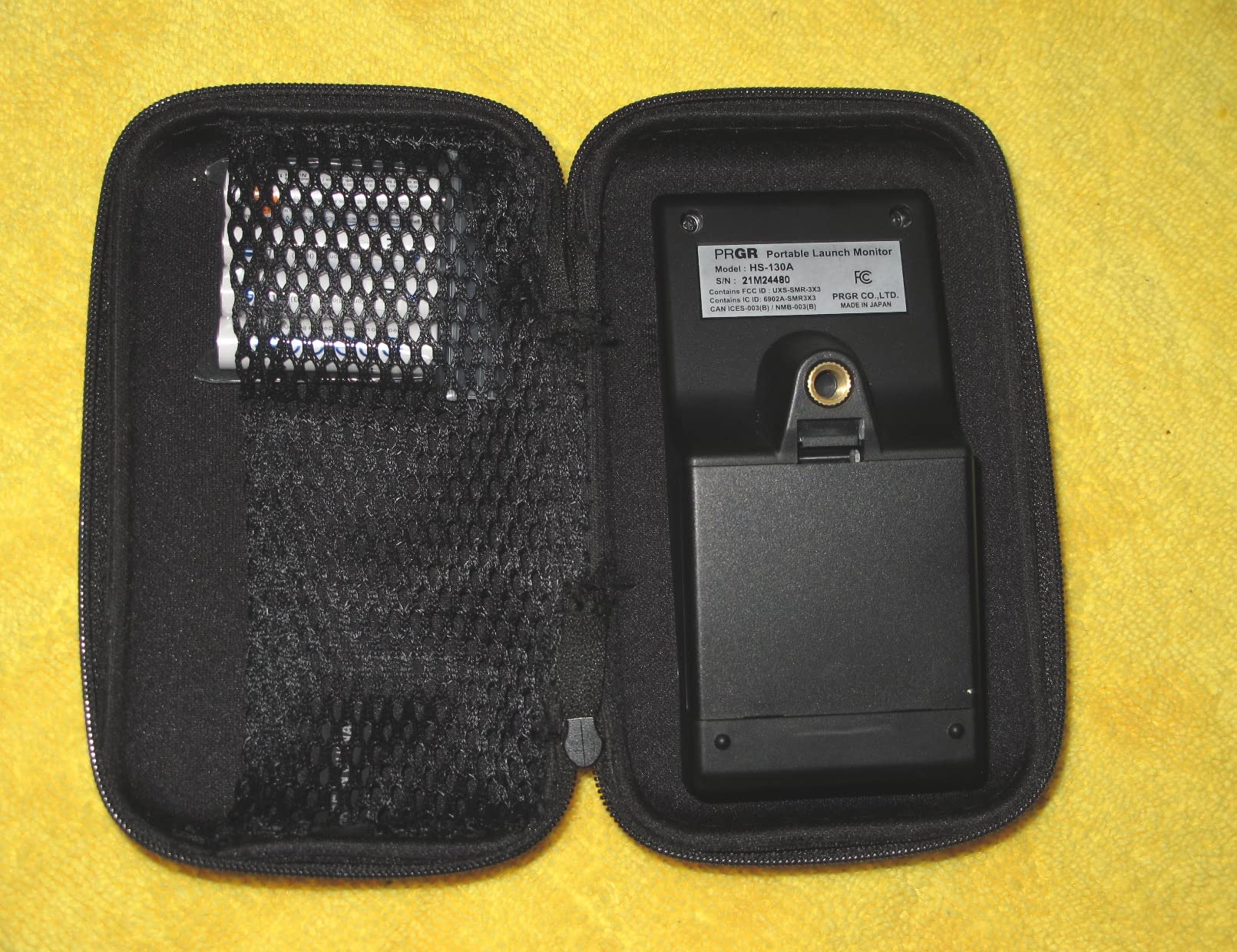
The PRGR does the least and takes the least. It is a 4.9 ounce plastic box with a Doppler radar in it, two AAA batteries and a single line readout, and in exchange it never fails to pair, never drops a connection and never asks you to pay a subscription to see your own numbers. That reliability is why it sits at the top of a lot of forum recommendations for outdoor use.
It reports club head speed, ball speed, smash factor and total and carry distance, and it keeps 500 swings in memory so you can walk back to the device later. The swing speed mode works without striking a ball at all, which makes it genuinely useful for tempo and speed work on cold days or in a garage.
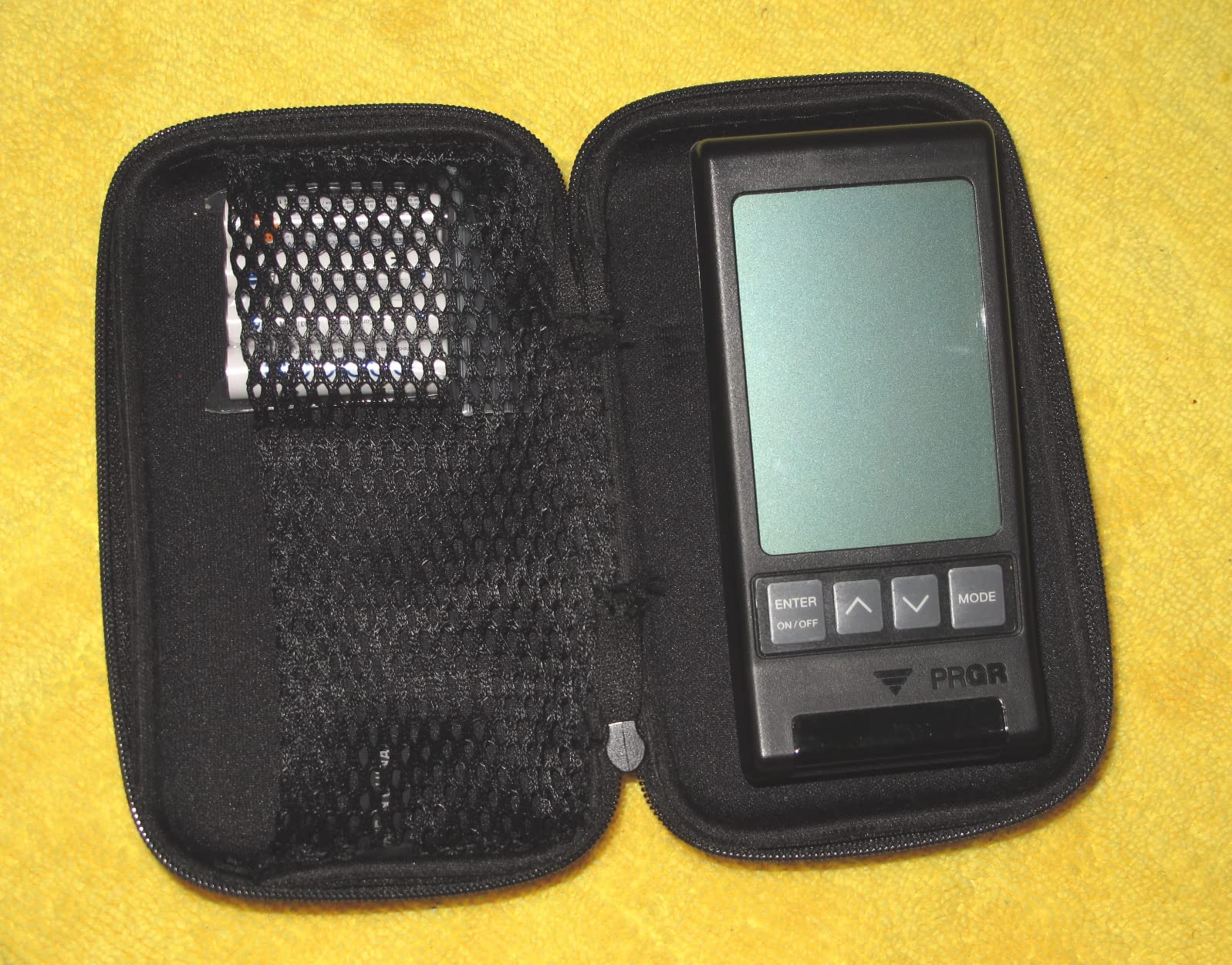
Everything above speed is missing. There is no launch angle, no spin rate, no shot tracer and no course play, and the distance figures depend on the swing speed reading rather than tracking the ball through the air. Reviewers treat it as a speed trainer that happens to report distance, and that framing is accurate.
Club selection is manual, so you set the club before a block of shots rather than the unit working it out for you. The screen is small and simple, which is fine for a session but offers little to review afterwards.
Who this suits
It suits a golfer whose problem is speed, not shape. If you are trying to add club head speed, slow the swing down without losing distance, or just want a number you can trust in any weather with no setup, this is the least complicated way to get there.
Watch out for
Skip it if you want to see launch window or spin. Accurate speeds do not translate into launch angle, and there is no path or face data to work with. It also pairs poorly with simulation software, since there is no data stream to feed a course.
3. Garmin Approach R10: the most complete mid-tier unit for a yard
Garmin Approach R10, Portable Golf Launch Monitor, Take Your Game Home, Indoors or to The Driving Range, Up to 10 Hours Battery Life – 010-02356-00
Ball speed plus spin
IPX7 waterproof
340 g
10 hour battery
Includes tripod and phone mount
Pros
- Published accuracy of plus or minus 1 mph ball speed and 1 degree launch angle
- IPX7 waterproofing for rain or a wet net
- Up to 10 hours of battery for a long session
- Training mode builds per-club dispersion charts
Cons
- No spin axis club path or face-to-path data
- Needs a compatible phone and the Garmin Golf app
- Simulated play sits behind a subscription
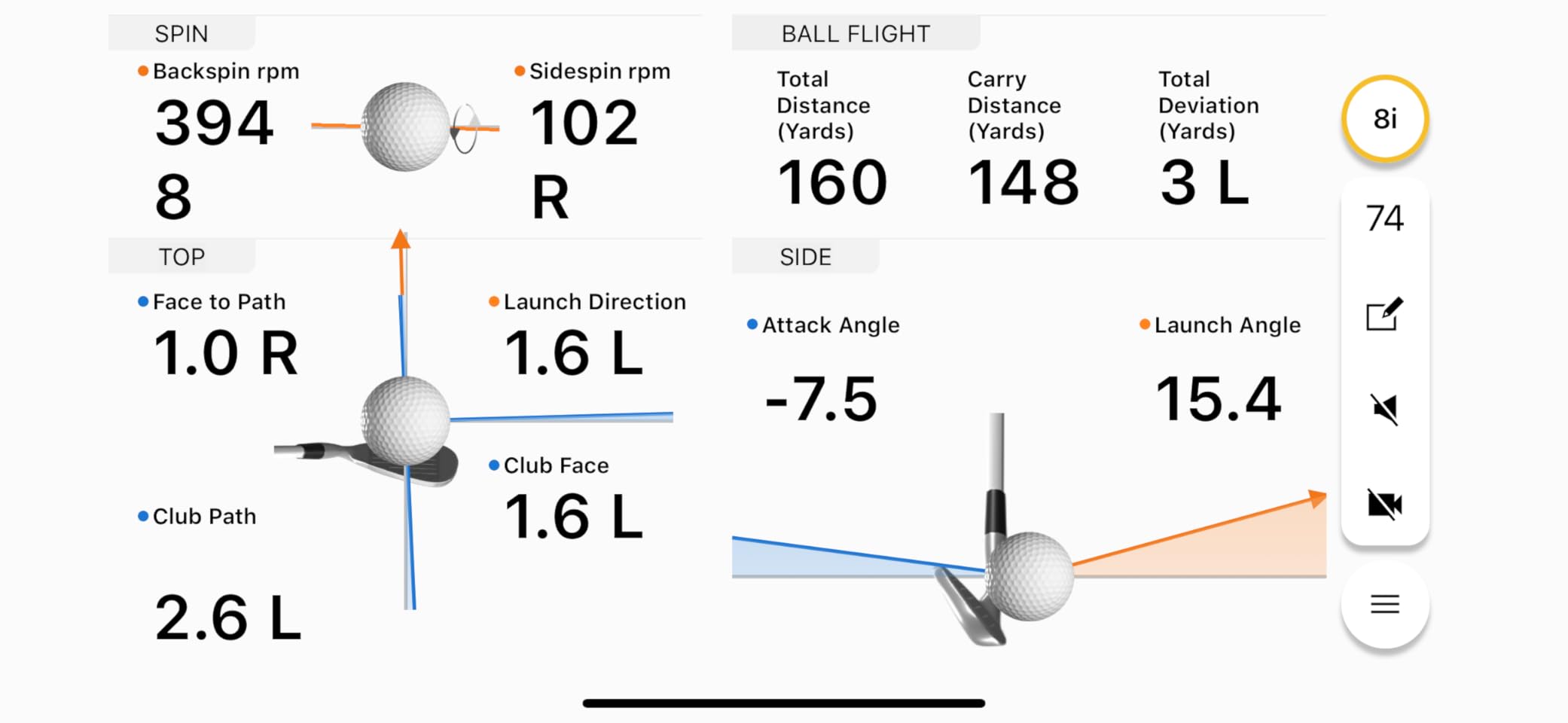
The R10 is the unit we recommend to golfers who want real ball data outdoors without buying into a simulator ecosystem. It is a 340 gram radar box with a 10 hour battery, an IPX7 rating and a bundled tripod and phone mount, and it reports club head speed, ball speed, swing tempo, ball spin, launch angle and launch direction into the Garmin Golf app.
The published accuracy figures are unusually specific for this category, at plus or minus 1 mph on ball speed and plus or minus 1 degree on launch angle, which makes it easy to sanity check what the unit is telling you after a session. Owners rank it as the best-supported all-rounder in the middle of the range.
IPX7 matters more than it sounds. A unit rated for water can sit beside a net that gets hit with spray, or on a wet mat after rain, without you thinking about it. Combined with the 10 hour battery, that means an afternoon session and a rainy week are both non-events.
What you give up is strike-level detail. There is no spin axis, club path or face-to-path reading, so it cannot explain a hook the way a camera unit can. The phone mount also means someone still has to hold or prop the device, and net and wall surfaces close in can confuse the radar indoors.
Who this suits
It suits a golfer practising into a net who wants carry distance, ball speed and spin on the same screen, and who wants the same box in the yard on a sunny afternoon or at the range on a grey morning. The dispersion chart per club is the feature that makes progress visible over a season.
Watch out for
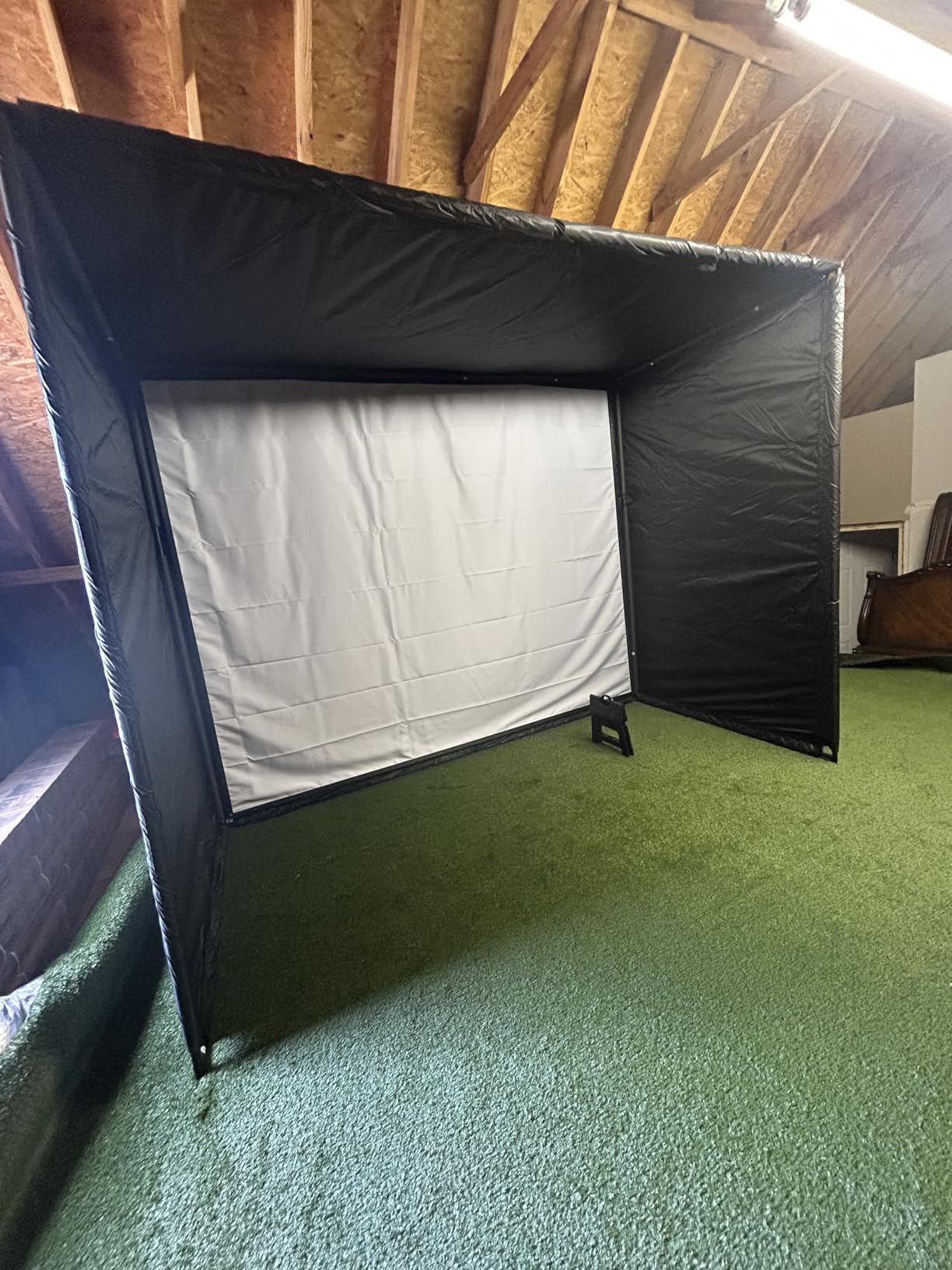
Positioning is not forgiving. It has to sit behind the ball and level with it, and on uneven grass a quick eyeball job will skew your numbers. If your yard slopes, spend the time levelling the tripod before you trust a session, and keep it clear of a wall or net that sits close behind the ball.
4. Garmin Approach G80: one device for the course and the yard
Garmin Approach G80, All-in-One Premium GPS Golf Handheld with Integrated Launch Monitor, 3.5″ Touchscreen
41,000 plus course maps
3.5 inch transflective screen
4.16 oz
15 hour GPS battery
Pros
- Full golf GPS handheld and launch monitor in one device
- Transflective screen stays readable in bright sunlight
- Up to 15 hours of GPS battery on one charge
- Slim handheld fits easily in a golf bag
Cons
- Distances are estimated from swing speed with no spin or launch angle
- Older low-resolution display by handheld standards
- Awkward for continuous range work
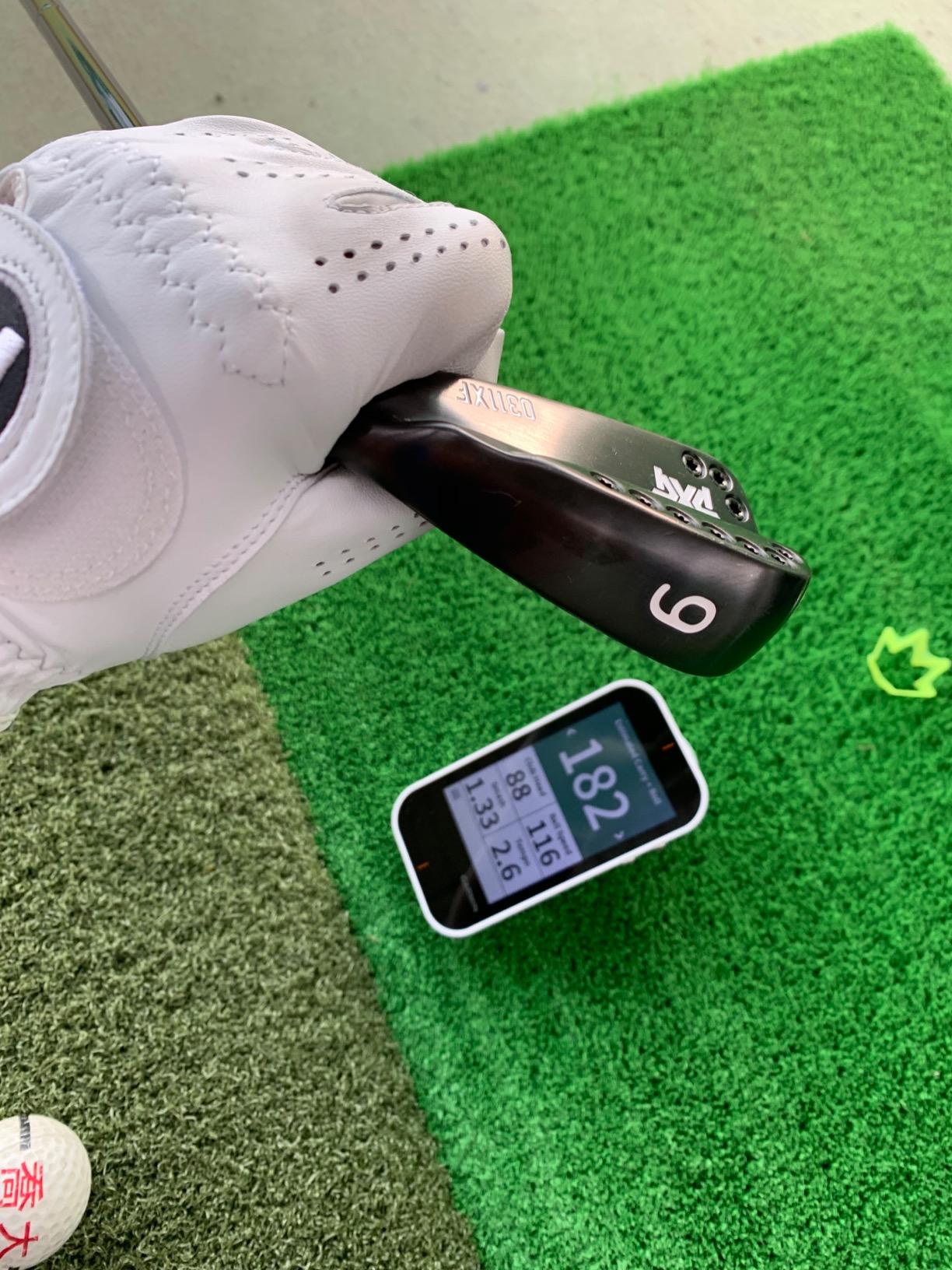
The G80 answers a different question from the rest of this list. Instead of maximising practice data, it packs course navigation and basic swing data into one handheld, with more than 41,000 detailed colour course maps preloaded and a 3.5 inch transflective touchscreen that stays readable in direct sun.
The radar inside tracks club head speed, ball speed, smash factor, swing tempo and estimated distance, and practice mode lets you compare sessions on the same box. At 4.16 ounces and with a 15 hour GPS battery, it is the easiest unit here to carry from the car to the tee to the practice area without thinking about charging.
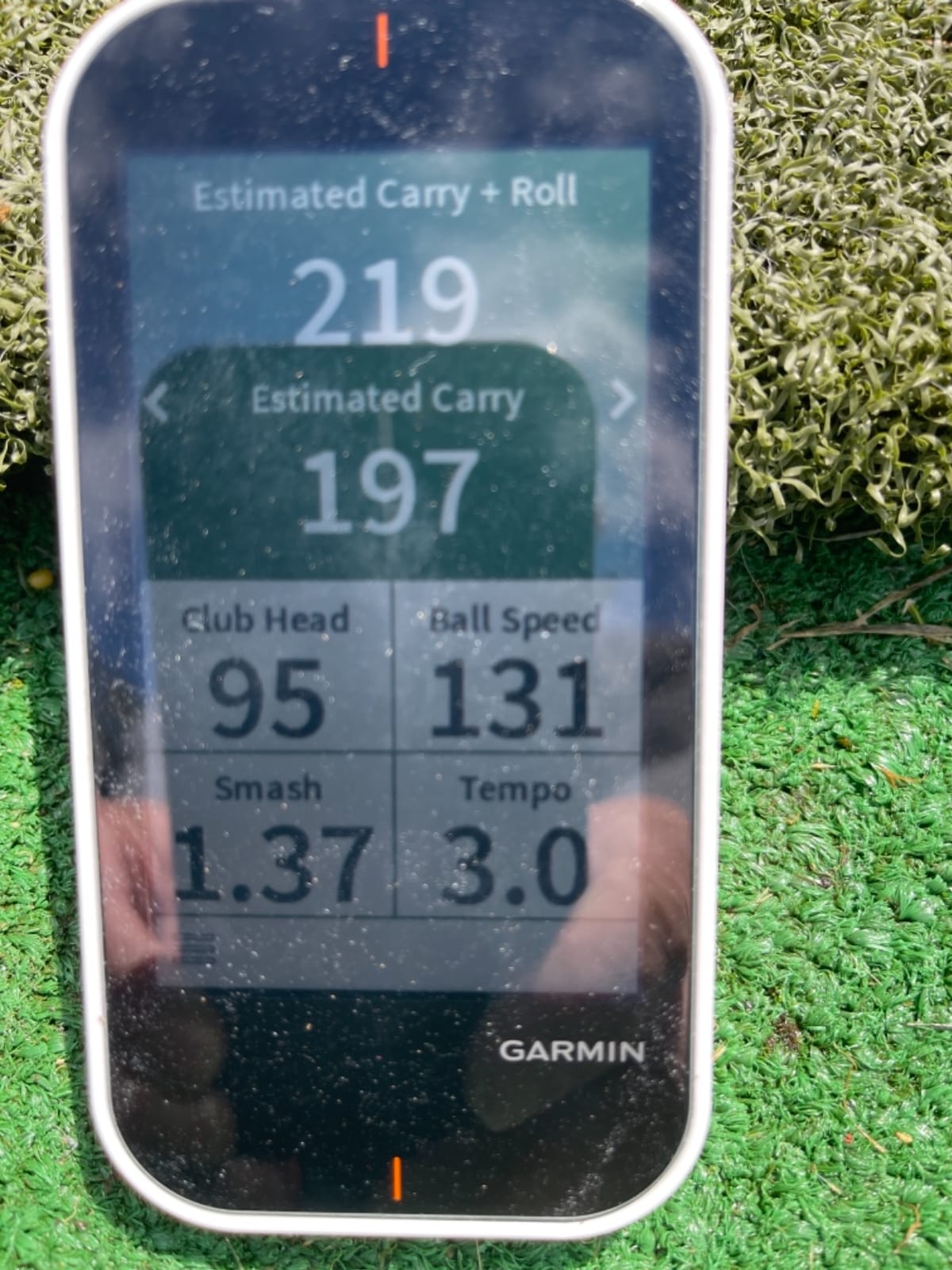
The launch monitor side is a bonus rather than a training tool. Distances are estimated rather than tracked from ball flight, and there is no spin, launch angle or video analysis. The display resolution also looks dated next to a modern phone, even though the transflective panel handles outdoor light better than most screens.
Reviewers are candid that aiming the unit out at each shot is awkward for continuous work, and that it is no substitute for a dedicated home unit. For anything longer than a quick check between holes, it is the wrong tool.
Who this suits
It suits a golfer who plays a lot of rounds, walks unfamiliar courses often, and wants swing numbers in the same device as the course map without carrying two things. For on-course navigation plus a rough speed check, the value is clear.
Watch out for
Do not buy it to build a practice habit around. Estimated distance and smash factor cannot tell you whether a change worked, and the effort of aiming it for every shot is high if you are hitting more than a few balls. It is a caddie accessory with a speed meter attached.
5. Voice Caddie SC200Plus: loud feedback you can hear from the tee
Voice Caddie SC200Plus Portable Golf Launch Monitor and Swing Analyzer with Real-Time Shot Data Tracking – 12-Hour Battery Life
Doppler radar with pressure sensors
8 oz
20 hour battery
Voice readout
Pros
- Voice output announces each shot so you can stand away from the unit
- Up to 20 hours of battery for a full off-season
- Swing speed mode works with no ball in a living room
- Adjustable loft angles for simulating club conditions
Cons
- Distances simulated from swing speed rather than measured flight
- No spin rate launch angle or shot tracer
- Small basic LCD with limited session detail
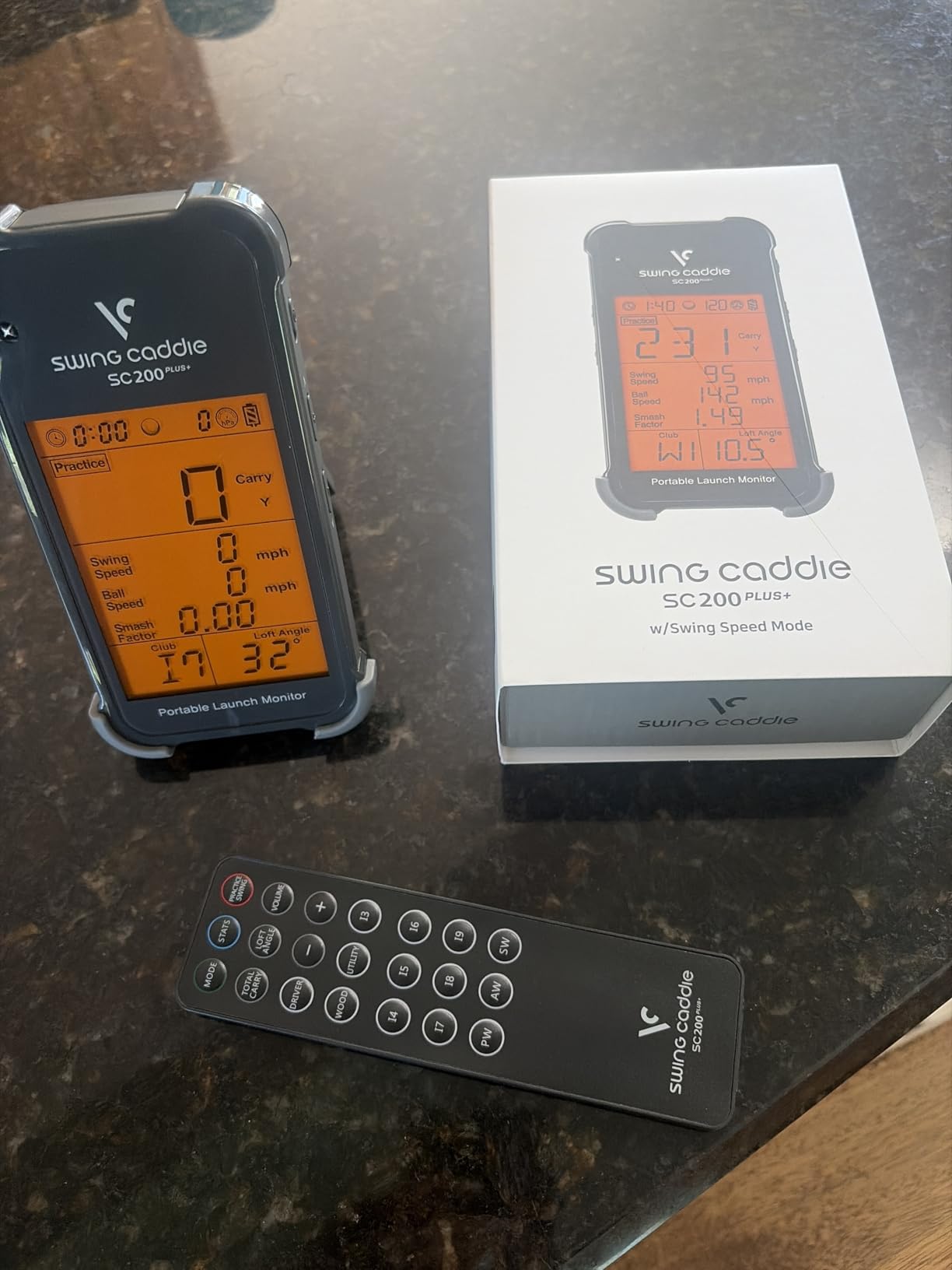
The Voice Caddie sells itself with sound. A voice callout reads each shot back to you, which means you can stand behind the ball, swing and listen rather than crouching near the device reading a small screen. In a backyard that is a genuine usability difference, because you are usually working alone.
The Doppler radar includes atmospheric pressure sensors that calibrate for conditions, and the battery runs up to 20 hours. Adjustable loft angles let you simulate different clubs, and the swing speed mode measures tempo and speed with no ball struck at all. Owners like that it survives an entire off-season without a charge.
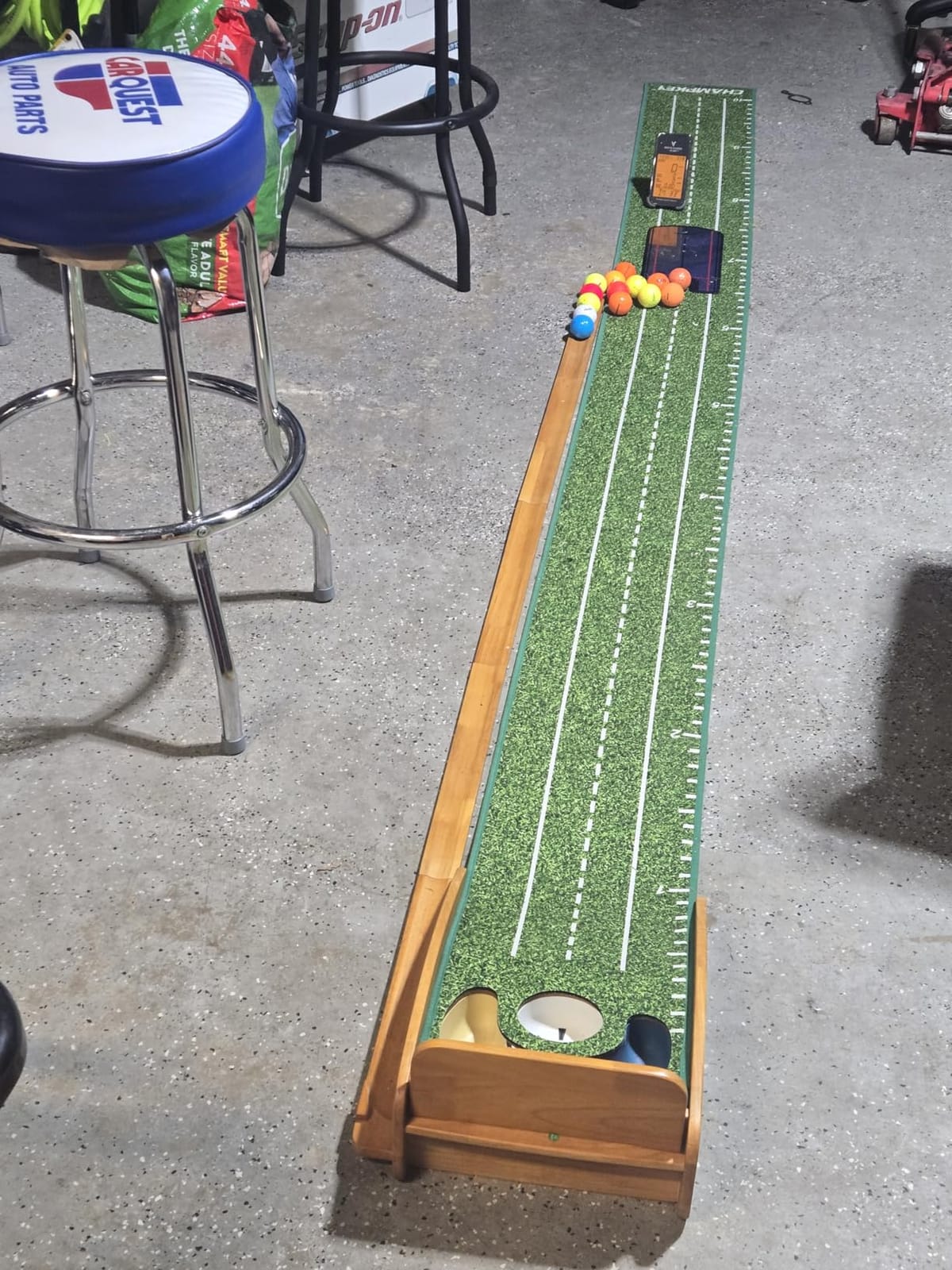
Distance figures here are simulated from swing speed rather than measured from ball flight, which is the single limitation to understand. There is no spin rate, no launch angle, no shot tracer and no video, so this is a speed and tempo trainer that reports a distance figure on the side.
The screen is small and basic, and stored session detail is thin. You get per-club averages rather than a full picture of dispersion or shape.
Who this suits
It suits a golfer working on tempo and raw speed who wants immediate, audible feedback without watching a device. The 20 hour battery and the no-ball swing mode also make it useful indoors on a bad-weather day when you cannot get to the yard.
Watch out for
Skip it if you need to know what your ball is doing, because nothing here is measured from real ball flight. Simulated distance has no idea how your actual spin and launch interact, so it can flatter a swing that does not carry on a real course.
6. Rapsodo MLM2PRO: the richest data set you can carry in a bag
Rapsodo MLM2PRO Mobile Launch Monitor Golf Simulator | 3 Chrome Tour Balls
Radar plus dual camera
15 metrics including spin axis
16 oz
Android,1-year warranty
Pros
- Dual camera plus radar captures spin rate spin axis and club path
- Readings land within roughly 2 to 3 percent of reference hardware on full shots
- Dual cameras film the swing from any angle in slow motion
- Works both at a home net and on the range
Cons
- Shared Wi-Fi pairing drops mid-session
- Premium membership needed for simulation and analysis
- Included radar balls degrade after roughly 70 swings
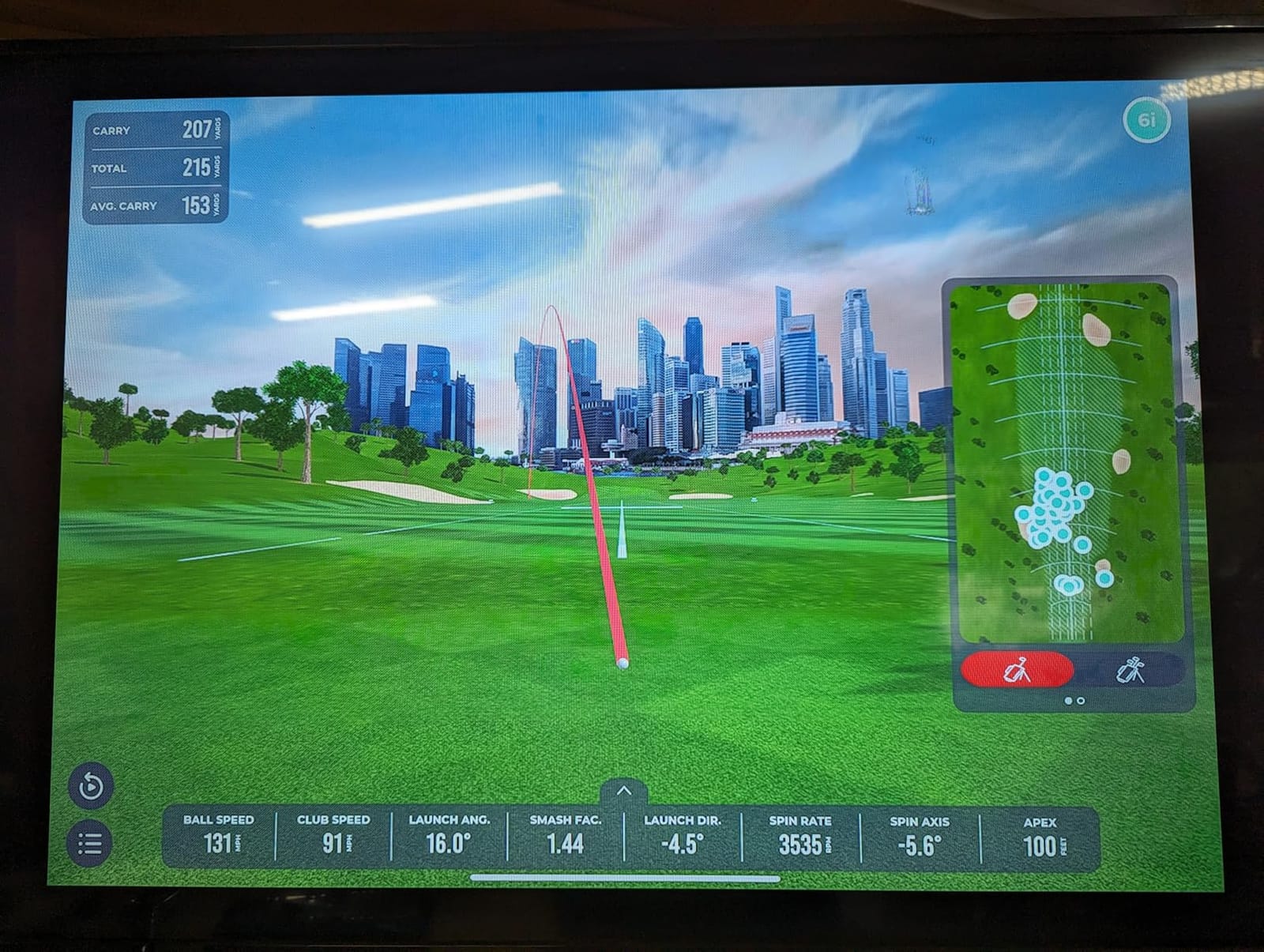
The MLM2PRO is the widest data set in this roundup that still fits in a golf bag. Dual cameras plus Doppler radar produce 15 metrics, including spin rate, spin axis and club path, and reviewers report readings landing within roughly 2 to 3 percent of reference hardware on full shots. That is the level of agreement you need to trust a session of feedback.
The dual cameras film from any angle and show clubface impact in slow motion, and a bundled tripod holds a phone or tablet so you can watch from behind the ball. Three Callaway radar-pattern balls are included, and the hardware is rated for both net work at home and range sessions.
Software is where the friction lives. Shared Wi-Fi pairing is unreliable and drops mid-session, while connecting over direct Wi-Fi forces cellular data for other apps.
A phone screen shows three metrics at a time, six on a tablet. Premium membership is required for the simulation and analysis features, and it is sold annually or as a lifetime option.
Smaller complaints add up: every one of the 30,000 plus courses shares the same flat background with no terrain, chips and putts under 10 yards read poorly, the included radar balls wear out after roughly 70 swings each, and the paired phone takes a heavy battery hit during a session.
Who this suits
It suits a golfer who wants one device that covers the backyard and the range and who cares about spin axis and club path, not just carry distance. If you are comparing your strike to reference hardware rather than chasing a single number, this is the most informative unit here without a PC.
Watch out for
Test the pairing before you commit your practice plan to it. Connection drops and a mandatory premium membership drive most of the unhappy reviews. If you plan to work on chipping or putting under 10 yards, the reading quality is noticeably weaker than for full swings.
7. TAGCMC GX-10: spin readings and no subscription, across both phone platforms
Golf Launch Monitor & Portable Simulator, Tracks 13+ Metrics Swing Analysis
Spin rate and spin axis
Weather sensor compensation
1.4 lb package
iOS Android and HarmonyOS
Pros
- Reports spin rate and spin axis at a low entry price
- No subscription for the app or the 3D range views
- Environmental sensors adjust readings for temperature humidity and pressure
- Adjustable sensitivity lets you calibrate against a known-good unit
Cons
- Thin review base with mixed-product reviews on the listing
- Connection and charging problems reported on some units
- Shipped practice balls need marking before they will read
The GX-10 is unusual in this group because it reports spin rate and spin axis without a subscription, and it runs on iOS, Android and HarmonyOS. Owners who test it directly find the stat breadth genuinely useful for the money, especially the 3D virtual driving range with 45 degree and 90 degree viewing angles.
The environmental sensors are the most interesting feature for a backyard. Built-in temperature, humidity and barometric pressure sensors adjust shot data for real-time conditions, which is a real factor when you are comparing a 90 degree July session to a 45 degree April one. The adjustable sensitivity also lets you tune speed readings against a monitor you already trust.
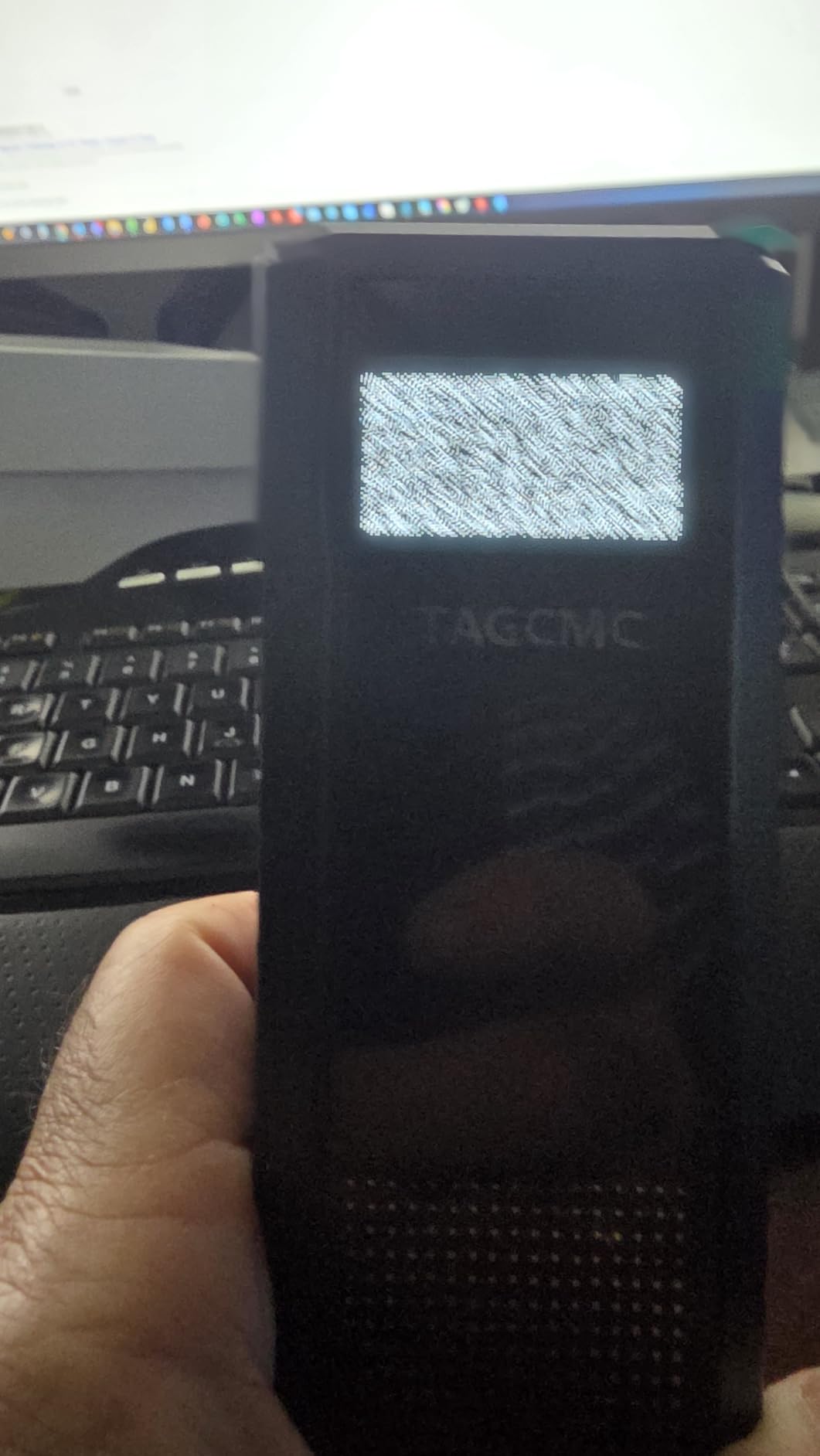
Confidence is held back by the evidence available. The review base is small and several reviews on the listing relate to other products, and some buyers report connection problems out of the box and difficulty getting the unit to hold a charge. A static display fault on power-up was reported until the unit was plugged in.
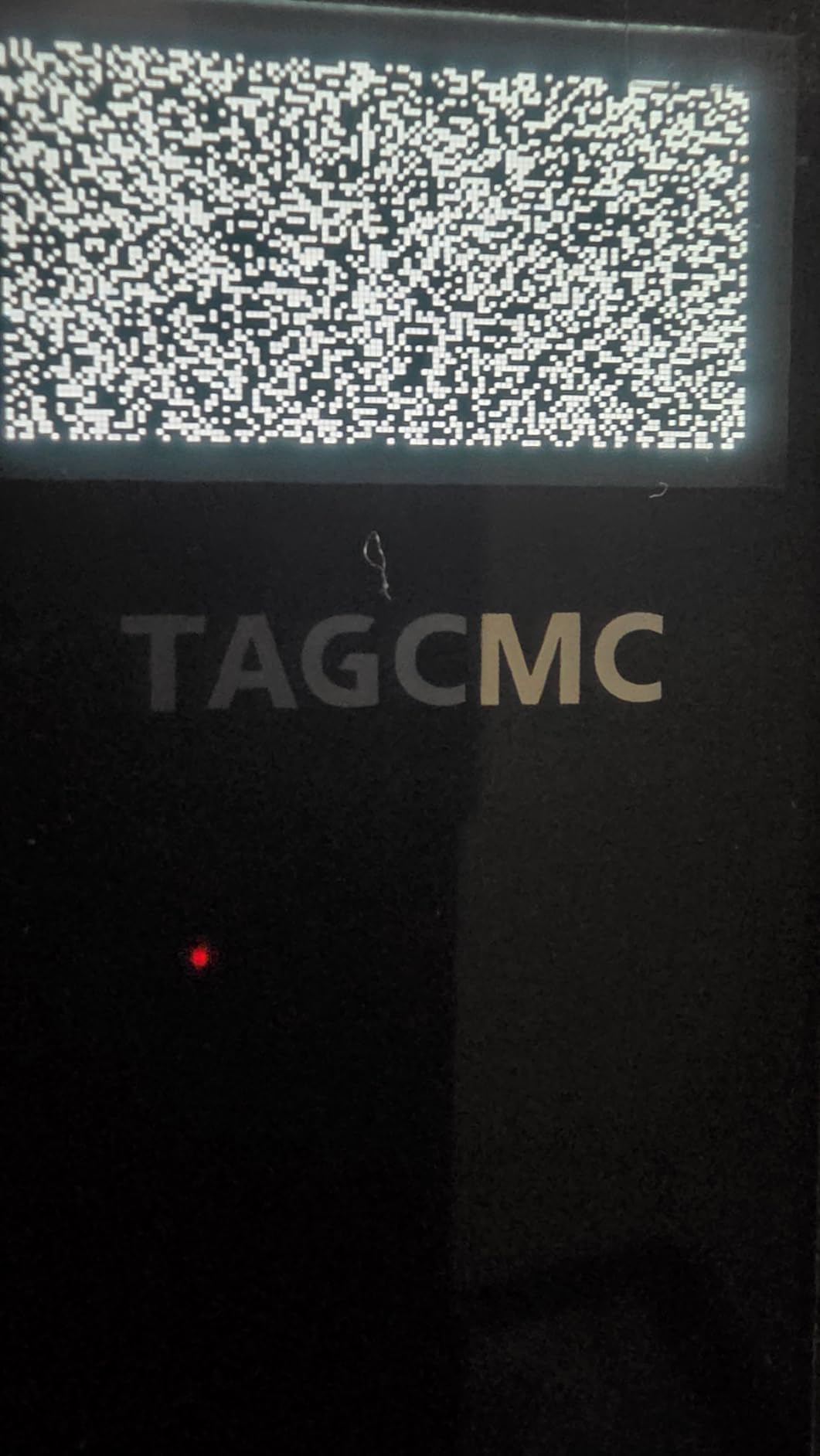
The included practice balls also need marking before the monitor will read them, which is a small friction that catches people out on day one. Accuracy and build quality trail the better-known brands at a comparable price.
Who this suits
It suits an Android user who wants spin readings and refuses to pay an annual fee for simulation. The weather compensation is also a genuine asset if your practice sessions span a wide range of temperatures.
Watch out for
Buy it expecting to spend time on support and calibration rather than on unboxing. With a small review base, you have less community troubleshooting to fall back on when pairing fails, and the first session should be treated as a shakedown rather than real data.
8. The Stack Radar: the best-rated unit here, for a narrow job
TheStack™ Radar – Portable Golf Launch Monitor, Swing Speed & Ball Tracker
Swing and ball speed
0.12 kg
Estimated carry and smash factor
Bluetooth auto-sync
Pros
- Highest average rating in this roundup with 78 percent five-star reviews
- Compact radar unit that sits at a net or clips into a bag
- Readings push to the app automatically over Bluetooth
- Built-in gamified wedge and guided putting practice
Cons
- Only 60 reviews so the rating rests on a small sample
- Reports speed figures only with no spin or launch angle
- Carry distance is calculated rather than measured
The Stack Radar has the highest average rating in this group, at 4.6 out of 5 with 78 percent of reviews at five stars, and it is the most compact option at 0.12 kg. Owners single out the automatic Bluetooth sync, which pushes readings to the app without any pairing ritual at the start of a session.
For wedge work it does something the other units here do not. The Stack Wedging app builds gamified, skill-specific sessions with a one month free trial, and a guided putting app with tendency insights is bundled alongside it. If your practice problem is a gap in your 7 iron to wedge yardage, that focus is more useful than another speed reading.
The scope is narrow. It reports swing speed, ball speed, estimated carry distance and smash factor, and carry is calculated rather than measured from real ball flight. There is no spin rate and no launch angle, so it cannot inform a launch window change.
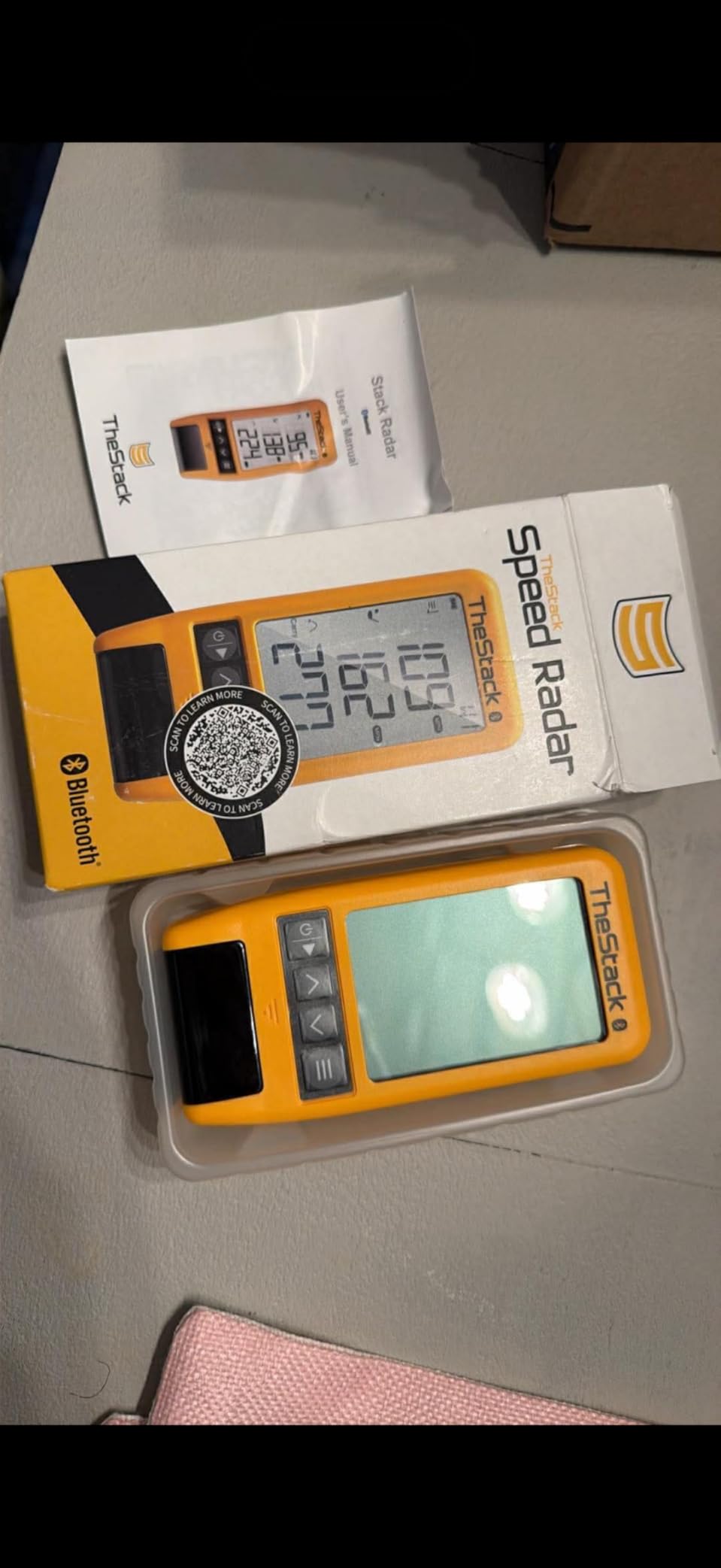
Two caveats. The rating rests on 60 reviews, which is a small sample, and the wedge and putting apps are iOS only, so Android users get speed training alone. It is also designed to pair with The Stack swing trainer for speed work.
Who this suits
It suits a short-game golfer who wants structured practice rather than more data. The wedge sessions give you a plan on days when standing at the net with no idea what to hit is the real obstacle.
Watch out for
Do not treat a high rating as a full launch monitor. Four speed-derived numbers will not tell you why a ball curves, and calculated carry will not notice a change in spin. If you shoot with an Android phone, you lose the practice apps that justify the unit.
9. Uneekor EYE MINI CORE: measured spin without the ball stickers
Uneekor EYE MINI CORE Golf Launch Monitor & Simulator, 15 Ball Data Points, Near-Zero Latency, Works with GSPro, TGC19 & E6
Camera and infrared
8.4 lb
6.5 x 3.38 x 13.9 inches
2-year warranty
Pros
- Reads real spin and full ball flight rather than estimating it
- Dimple Optix recognises any ball pattern so no stickers are needed
- Metal build with a much larger hitting area than rival camera units
- Hardwired Ethernet gives instant results without phone pairing
Cons
- Needs a gaming-class PC and dual monitors or a projector
- Not portable and must stay plugged in
- Club data is not included at this level
This is the only camera-based unit in the roundup, and the difference shows up in the kind of data it produces. The Dimple Optix high-speed cameras and infrared sensors read real spin and full ball flight rather than calculating it, with near-zero latency, and they recognise any dimple pattern, so no special balls or sticker sheets are needed on the ball itself.
The build is the other differentiator. An all-metal body weighing 8.4 pounds with a 6.5 by 3.38 by 13.9 inch footprint gives a much larger hitting area than competing camera units, and owners report close to zero misreads over a thousand shots. The hardwired Ethernet connection returns results essentially instantly and removes phone pairing as a failure point, which matters when you are outside.
The VIEW software supplies 15 ball data points and session reports, and AI Trainer feedback is available with a separate Swing Optix purchase. A three month trial of the ultimate package covers 4K courses and GameDay modes, and the unit works with GSPro, E6 Connect, TGC19 and Creative Golf 3D.
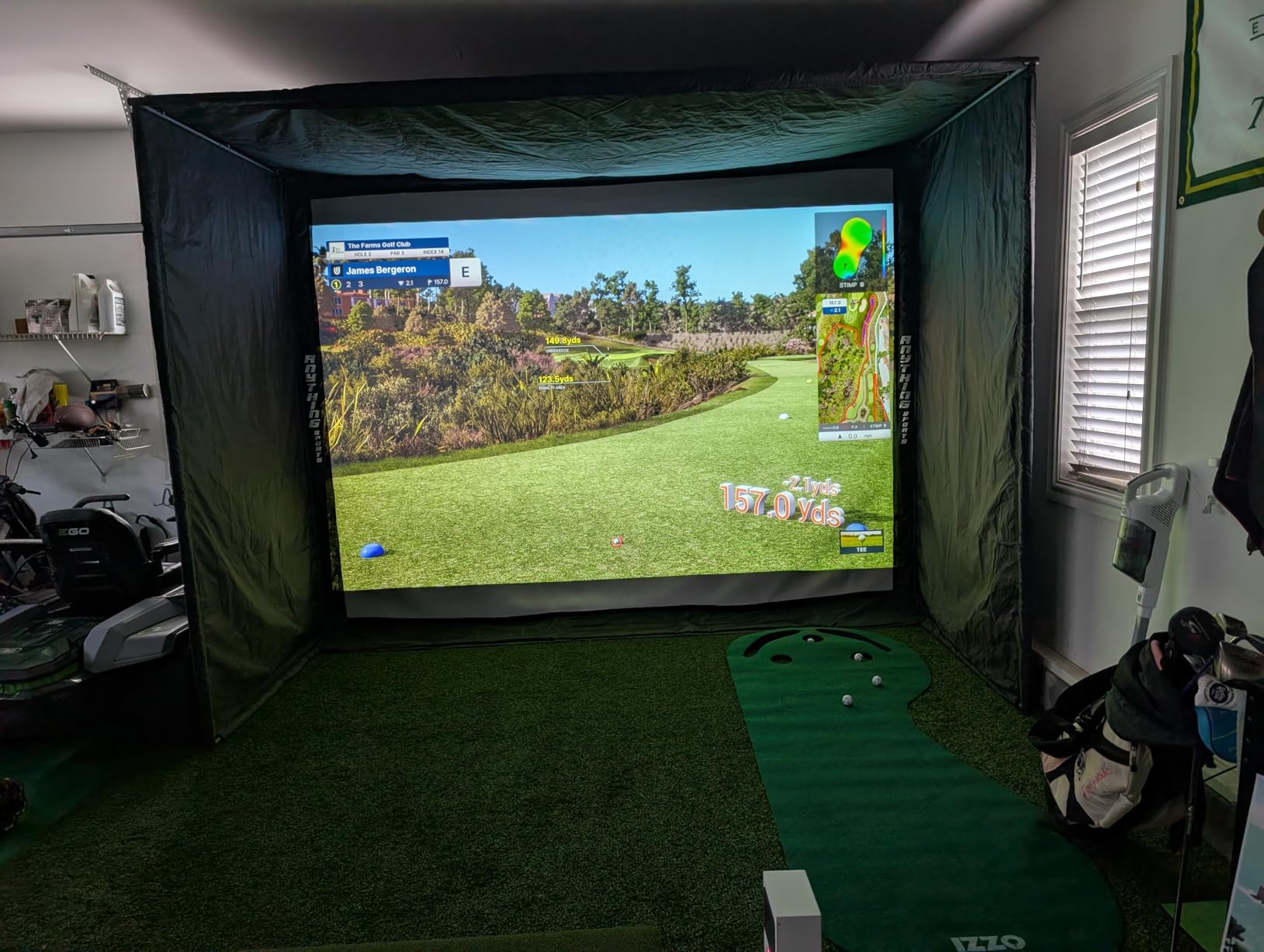
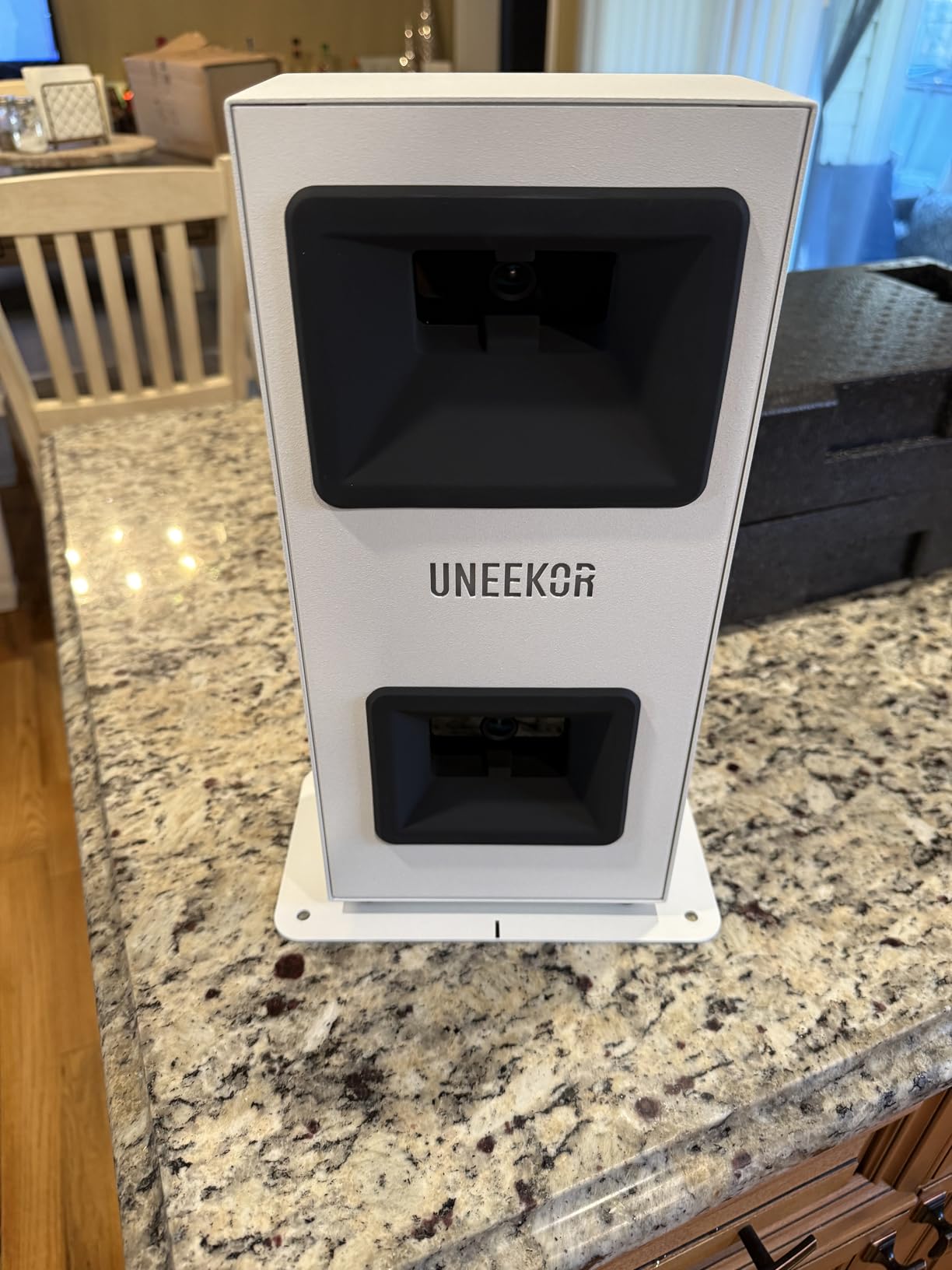
The catch is the whole setup, not the unit. It needs a gaming-class PC, up to an RTX4070 for simulation, plus dual monitors or a projector. It does not work with an iPad, it stays plugged in, putts and delicate chips read less reliably than full swings, and club data such as swing direction and face-to-path is not included at this level.
Who this suits
It suits a golfer with a garage bay who wants genuine measured spin and already owns or plans to build a computer setup. The large hitting area and the no-sticker ball reading also make it far less frustrating than a camera unit that refuses to read your ball.
Watch out for
Skip it for a backyard-only session. A hardwired camera unit belongs beside a desk, not on a lawn, and the specified PC requirements plus a paid third-party suite turn this into a project rather than a purchase. If your only goal is ball speed and carry, this is far more machine than you need.
10. FlightScope Mevo Gen2: 18 parameters and a lifetime course bundle
FlightScope Mevo Gen2 Portable Golf Launch Monitor and Simulator with 18 Swing Data Parameters, Front Facing Camera, 8 E6 Simulation Courses with GPS Overview and Shot Tracer | Indoor and Outdoor
Radar plus image processing
18 data parameters
1.1 lb
6 hour battery
Lifetime course bundle
Pros
- 18 swing chipping and putting parameters in one unit
- Patented Fusion tracking combines 3D Doppler radar with image processing
- Works indoors and outdoors so a net and the range are both covered
- 3D shot tracer shows ball flight with data overlaid
Cons
- iPad pairing is difficult and needs support or firmware updates
- Only one device can connect at a time
- Some units reported tracking as few as 1 in 10 shots
The Mevo Gen2 pairs 3D Doppler radar with synchronised high-speed image processing under FlightScope Fusion Tracking, and outputs 18 swing, chipping and putting parameters with a 3D shot tracer that draws the ball flight path over the video. At 1.1 pounds with up to 6 hours of battery, it moves between a backyard net and the range without ceremony.
The commercial appeal is the software. A lifetime E6 Connect bundle of 8 courses is included with no subscription and no annual licence fee, which removes the recurring cost that drives so many returns in this category. The FS Golf App, FS Skills App and shot tracer are all included, and a range ball setting improves accuracy with driving range balls specifically.
Reliability is the issue. Setup and iPad pairing are difficult, and several buyers needed support or firmware updates before it connected reliably. Only one device can connect at a time, so two golfers cannot share the monitor.
Some monitors reported tracking as few as 1 in 10 shots out of the box, and connection drops and app crashes recur across reviews.
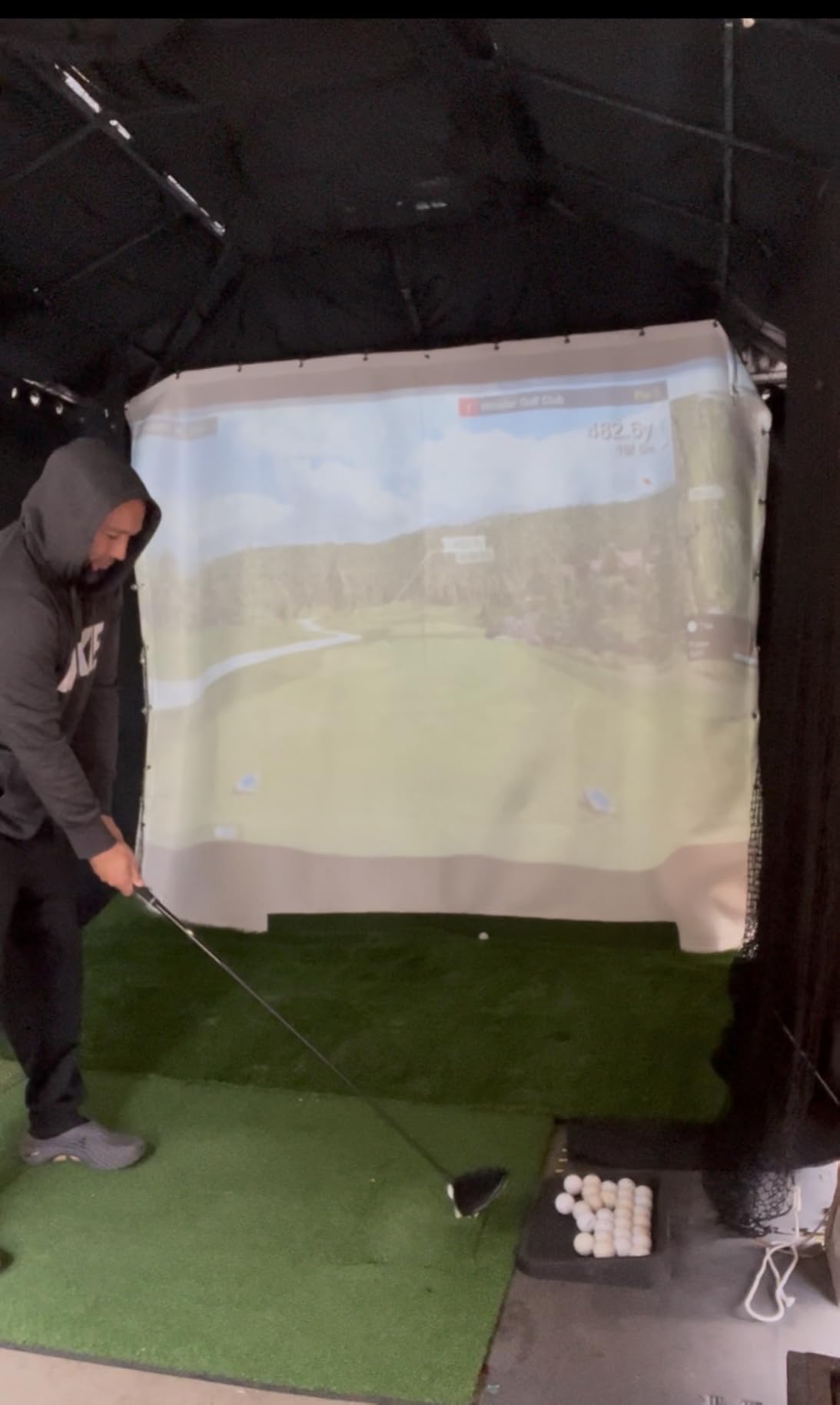
The simulated course visuals also make shots look closer together than they really fly, which is misleading when your goal is distance control. Graphics card requirements are not always clear, and some courses need more than the minimum spec.
Who this suits
It suits a golfer who wants playing-style practice with no recurring fee and who is willing to spend an afternoon sorting out the software. The tracer animation is the clearest visual feedback in this roundup for understanding a ball flight path.
Watch out for
Do not expect it to work the day it arrives. Owners who get past pairing rate the data highly; owners who do not tend to return it. If more than one person in your household would use it, the single-device limit is a real constraint to check first.
How We Picked and Tested for Backyard Conditions
We scored every monitor on five things that change in a yard but not in a range bay: minimum ball flight, measured versus calculated spin, behaviour in direct sun, overcast light and light rain, and how forgiving the setup is on uneven ground.
Minimum ball flight was the first filter. It means how much clear space behind the ball a monitor needs before it produces a reading you would act on. A monitor that cannot get that space will hand you calculated numbers and call them measured, which is the single biggest source of confusion in this category.
Direct sun is the test that eliminated more units than any other. Phone-based systems and the camera unit all lean on a screen or a lens pointed at open sky, which means glare and heat both matter. The Voice Caddie and PRGR are the least affected because they voice or display the result rather than asking you to read a phone in sunlight.
Net proximity was the other big filter. A net 8 feet behind the ball truncates flight before the ball slows enough for most monitors to model it. That is why the calculated-speed monitors in this list stay usable at a net while the measured-flight ones need a longer runway. The section below covers the numbers.
Setup friction mattered in our testing as much as hardware did. Several monitors in this roundup dropped connections, refused to pair on the first attempt or needed firmware updates before they worked. That is a bigger problem alone in a yard than it would be in a room where you can ask someone to help.
Owners on GolfWRX and GolfSimulatorForum threads repeatedly describe abandoning a newer monitor because the setup defeated them, and reverting to a simpler older model.
On uneven ground, level the tripod properly before a session counts. On a slope, a radar unit placed behind the ball and not level with it will read launch angle consistently wrong, and you will spend a month chasing a problem that is really a tripod height. A bubble level on the tripod collar takes two minutes to fix permanently.
Radar vs Camera vs Hybrid in Outdoor Light
Radar wins outdoors, camera wins indoors, and the difference is brightness. Radar units fire microwave pulses and track the reflected signal, so sunlight does not degrade the reading and rain matters far less. Camera systems need to identify the ball and club in a frame, so direct sun, shadows and moisture on the lens all change what they can see.
That rule only holds when the radar has room to work. Radar measures the ball as it slows, which needs clear flight. In a garage with a net a few feet past impact, a camera unit reading the club at the moment of strike has a decisive advantage, and several radar units will pick up net or wall interference at close range.
Hybrids try to have both. The MLM2PRO and the Mevo Gen2 pair radar with cameras, so they read spin from the flight and add strike data from the image. The cost is complexity: more parts to position, and a pairing step that can fail, which is exactly where most of the negative reviews in both cases come from.
For a pure backyard setup with no ceiling, we lean radar. For a garage or a short indoor bay with a net, we lean camera. For golfers who want one box for both places, the hybrids are worth the setup effort, provided the pairing works in your hands.
Net or Open Field: How Much Ball Flight You Actually Need
Yes, launch monitors work when hitting into a net, but the net distance decides which ones you can trust. Below roughly 5 feet of flight, expect calculated figures rather than tracked ones.
Most radar monitors want at least 6 feet of clear flight beyond the ball before a reading settles, and the measured-flight ones want more than that.
Calculated means the device infers distance from swing speed using a model of average ball flight. It is not wrong so much as generic: it will not notice that your spin went up 800 rpm this week and cost you 15 yards.
If your practice is speed and tempo work, calculated numbers are fine. If your practice is distance control, you need real flight.
Two practical answers exist. Either pull the monitor and the ball forward and hit into open ground along the side or front of the yard, which is the setup several owners on r/Golfsimulator describe after running out of depth. Or accept calculated data and treat it as a speed session.
A third answer is to buy a radar-pattern ball and use it at the range, then use the net only for speed work. That is how the MLM2PRO users get both, and it is also why forum advice so often recommends one device that works in the yard and in the bag.
How Much Space a Backyard Launch Monitor Needs
Radar behind the ball needs 6 to 10 feet of clear flight, plus room for a tripod and yourself. Camera units need side clearance instead, plus a stable mounting point roughly waist to shoulder height. Either way, allow 9 feet of swing clearance above and around the shot for taller golfers, and account for a 6 foot golfer standing next to you.
Six steps, in order. First, pick the line with the most depth and the least neighbour exposure, and check the sun angle at your typical practice hour. Second, level the tripod or stand and confirm it with a level.
Third, set the monitor the required distance behind the ball, or to the side for a camera monitor, at the specified height. Fourth, clear the hitting zone and remove obstacles from the flight path. Fifth, pair the app before you walk away from the device, since most pairing failures are discovered too late. Sixth, calibrate against a known club before the real session, then hit ten calibration shots and check the numbers.
That last step matters more than owners expect. Multiple golfers on GolfSimulatorForum independently use the same 8-iron benchmark to work out whether a strange reading comes from the monitor or from their swing.
The benchmark is roughly 143 yards of carry, 150 total, 19 degrees of launch, 82 mph of club speed and 110 mph of ball speed. If your monitor disagrees sharply with a club you know, the setup is wrong rather than your golf.
A side-mounted camera monitor has to sit on the same side as the hand that leads your swing. Repositioning it between golfers is the most common annoyance owners report when a household shares one box, so decide whose swing it will serve before you set it up.
Subscriptions and Three-Year Cost Reality
Some of these units need a subscription to show you the data you bought the hardware for, and some do not. That distinction matters more over three years than the gap in the original hardware cost, which is the point no comparison matrix in this category makes plainly enough.
The Garmin Approach R10 covers basic practice metrics without a fee, with virtual rounds and target range features held back behind a Garmin Golf membership. The MLM2PRO requires premium membership for its simulation and analysis features, sold annually or as a lifetime option, which is the single most common reason buyers return the unit. The Uneekor EYE MINI CORE needs a third-party suite such as GSPro for its simulator layer, and it needs a PC to run it at all.
Three units here carry no recurring charge for core use. The PRGR runs on AAA batteries with no app. The TAGCMC GX-10 includes its app, 3D range and trajectory views with no subscription. The FlightScope Mevo Gen2 bundles a lifetime set of E6 Connect courses with no annual licence fee, alongside The Stack Radar for basic speed work.
If your practice is numbers at a net, a subscription-free unit is a better long-term buy than a cheaper subscription-locked one. If you want course play at home, factor the recurring fee into the comparison from the first year rather than discovering it in month three.
Who Should Skip These Monitors
Skip everything in this list if your goal is a tour-level simulator. Touring players use hardware in a different class entirely, and the accuracy difference shows up in strike data you cannot buy at this range. Households chasing that data end up with a PC, a projector and a subscription, which is a different project with a different budget.
Skip radar-only units if your net sits less than 6 feet behind the ball and you never intend to hit into open ground. You will be reading calculated distance and wondering why it does not match the course. Buy a camera unit or move the hitting area instead.
Skipping a camera monitor makes sense if your practice spot is open ground with no stable mounting point. The FlightScope Mevo Gen2 and the Uneekor are built for a bay with a defined frame, and they lose their advantage outdoors.
Skip anything subscription-locked if you are likely to lose interest in six months. Owners on the forums describe subscription fatigue directly, and a unit that stops reporting because a membership lapsed is worse than one that never had that feature.
And skip buying at all if your real problem is the net, the mat or the surface underfoot. More owners report improving their practice by changing those than by trading up a monitor. Pair whichever monitor you choose with one of our home simulator roundup only after the hitting side is solid.
Frequently Asked Questions
Is radar or camera better for a backyard launch monitor?
Radar is better for open outdoor practice because sunlight and rain do not degrade a microwave reading, but it needs 6 to 10 feet of clear flight behind the ball. Camera units are better indoors and into a close net because they read the club at impact. Hybrids combine both at the cost of a more complicated setup and a pairing step that can fail.
Do launch monitors work when hitting into a net?
They work, but the net distance decides what you can measure. Below roughly 5 feet of flight, most units fall back to calculated distance inferred from swing speed rather than tracked ball flight. Radar units want 6 feet or more of clear space, and the measured-spin units want more than that.
What is the best budget golf launch monitor for backyard practice?
The PRGR HS-130A is the best budget pick because it uses real Doppler radar, runs on AAA batteries, needs no app and charges no subscription, and stores 500 swings. If your phone is an iPhone or iPad and you want video as well as speed, the Rapsodo Mobile adds carry distance, launch angle and a shot tracer at a similar entry cost.
How much space do I need for a backyard launch monitor?
Allow 6 to 10 feet of clear flight behind the ball for a radar unit, plus room for a tripod and for you to stand. Camera units need side clearance and a stable mounting point at roughly waist to shoulder height instead. Budget 9 feet of swing clearance for taller golfers and check your property line before choosing a line.
Do launch monitors need a subscription?
Some do. The MLM2PRO requires premium membership for simulation and analysis features, and the Uneekor EYE MINI CORE needs a paid third-party suite such as GSPro on top of a gaming-class PC. The PRGR, the TAGCMC GX-10 and the FlightScope Mevo Gen2 carry no recurring charge for their core features.
Which golf launch monitor is the most accurate?
Accuracy depends on which data you mean. Ball speed and launch angle are reliable across the mid tier, and the Garmin Approach R10 publishes plus or minus 1 mph ball speed and 1 degree launch angle. Strike-level data such as spin axis and face-to-path is where camera units such as the Rapsodo MLM2PRO and the Uneekor separate themselves, because they measure it rather than estimating it.
Which launch monitor is best if I need one box for the yard and the range?
The Garmin Approach R10 and the Rapsodo MLM2PRO are the two strongest options for a single device used at home and away. The R10 weighs 340 g with a 10 hour battery and no mandatory fee for practice data, while the MLM2PRO gives 15 metrics including spin axis and club path but expects a premium membership for its simulation layer.
The Best Launch Monitor for Your Backyard in 2026
For most yards, the Rapsodo Mobile is our pick, because it needs no cable, no tripod and no subscription to give you carry distance and ball speed. If your phone is an Android device, the Garmin Approach R10 takes that spot with real spin, a 10 hour battery and IPX7 weather resistance.
Whichever unit you choose, level the tripod, check the line, and calibrate against a club you know before you trust a single number. Our full launch monitor roundup covers the wider category if you want to compare beyond the backyard use case.