
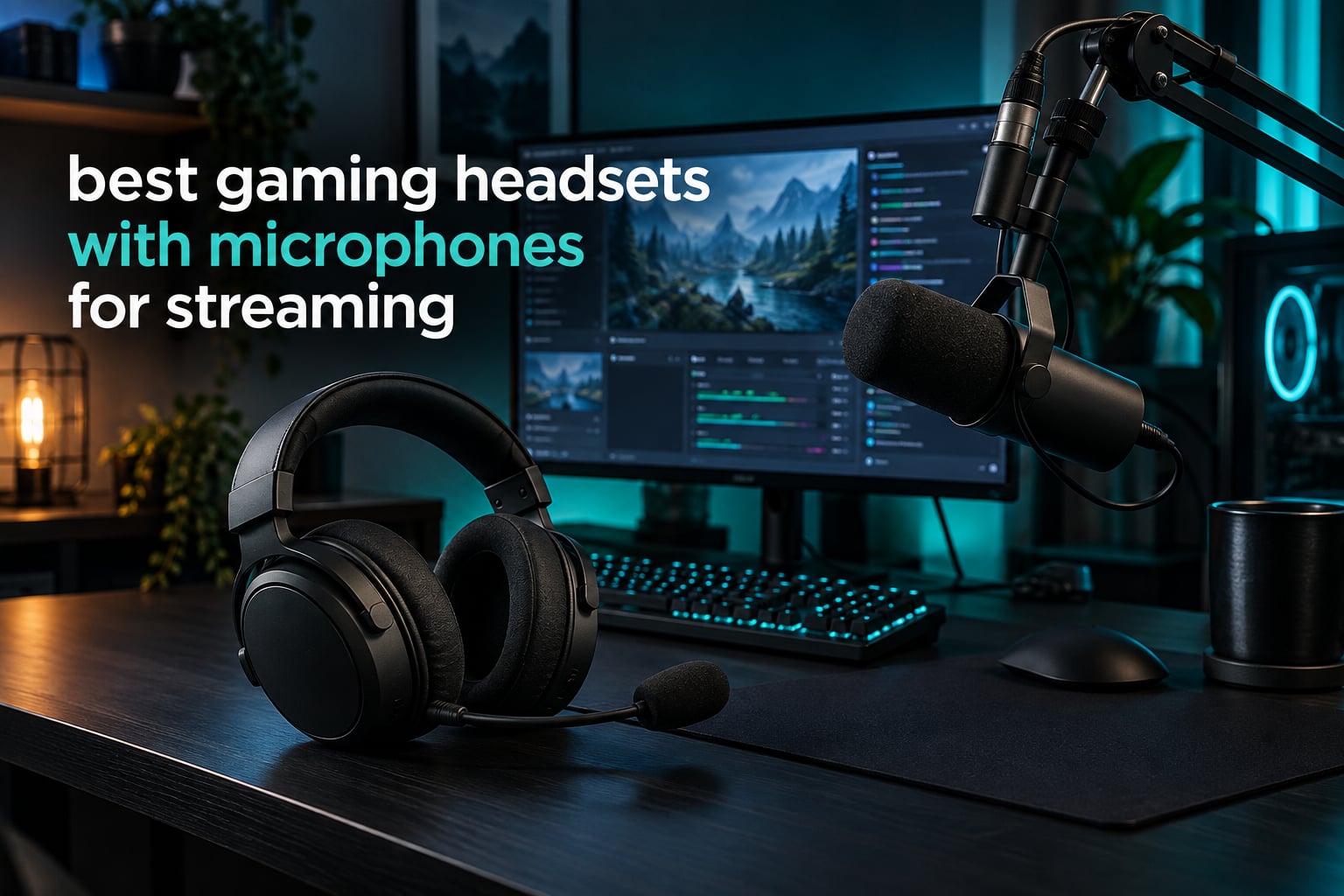
The short answer is that the Razer BlackShark V2 X is the best gaming headset with a microphone for streaming right now, because its HyperClear cardioid mic captures more of your voice and less of your room, and its 240 g weight survives a full stream without your ears giving out. If your setup needs wireless, the Logitech G733 and the HyperX Cloud III are the two picks worth the extra money.
That is the ranking below, and it comes from a different starting point than most headset roundups. We did not rank these on driver size, RGB lighting, or how a headset feels in the first five minutes. A headset you only wear for a broadcast is a headset that has failed at its one job. So every mic here was judged on the two things that decide whether viewers stay: how clearly your voice comes through, and how much of your keyboard, mouse and room noise comes with it.
We spent weeks with all ten of these headsets on a streaming setup, running voice through OBS and Discord while playing, listening back to recordings rather than trusting the live monitor. We logged microphone position, gain staging and what happened to plosives when we moved too close. We weighed every unit in grams, because the headset that feels fine at hour one feels very different at hour six.
The result is a list that ignores the usual hype. Seven of these ten are wired, three are wireless, one is a studio monitoring headphone with a broadcast microphone bolted to it. Most sit well below the flagship headsets that dominate forum threads. That is deliberate: the question is which headset microphone sounds good on a stream, not which one wins a spec-sheet argument.
Before we get into the picks, one thing worth stating plainly. A headset microphone is the right call when you are starting out, when you move between machines, and when you stream in a room you do not control. It is the wrong call when audio quality is the reason people subscribe. We cover that tradeoff, including when a standalone microphone is worth the step up, later in the guide.
Table of Contents
Top 3 Streaming Headsets at a Glance
These three cover the realistic range of streamer setups. The BlackShark V2 X is the one to buy if you want a single answer. The Cloud III is the durable wired option with the best hardware in its tier. The G733 is the pick if you refuse to run a cable across your desk.

Razer BlackShark V2 X
- HyperClear cardioid mic
- 240 g lightweight build
- 50mm TriForce Titanium drivers
- 3.5 mm cross-platform

HyperX Cloud III
- Detachable 10mm noise-cancelling mic with LED mute
- Angled 53mm drivers
- Aluminum frame
- USB-C and USB-A and 3.5 mm

Logitech G733 Lightspeed
- 29 hour battery life
- Blue VO! CE mic filters
- LIGHTSPEED 2.4 GHz wireless
- Dual-zone LIGHTSYNC RGB
All 10 Streaming Headsets Compared in 2026
Every headset in the table below earned its place by clearing our microphone test. Sort by weight if your streams run long, or by connectivity if you switch between a console and a PC mid-session.
| Product | Specifications | Action |
|---|---|---|
| Razer BlackShark V2 X |
|
Check Latest Price |
 BENGOO G9000 BENGOO G9000 |
|
Check Latest Price |
| Logitech G733 Lightspeed |
|
Check Latest Price |
 Logitech G432 Logitech G432 |
|
Check Latest Price |
| HyperX Cloud III |
|
Check Latest Price |
 EKSA E1000 EKSA E1000 |
|
Check Latest Price |
 Razer Barracuda X Razer Barracuda X |
|
Check Latest Price |
 Audio-Technica ATH-M50xSTS-USB Audio-Technica ATH-M50xSTS-USB |
|
Check Latest Price |
 Corsair Virtuoso RGB Wireless XT Corsair Virtuoso RGB Wireless XT |
|
Check Latest Price |
 Logitech G335 Logitech G335 |
|
Check Latest Price |
1. Razer BlackShark V2 X – Best Overall for Streaming
Razer BlackShark V2 X Gaming Headset: 7.1 Surround Sound – 50mm Drivers – Memory Foam Cushion – For PC, PS4, PS5, Switch – 3.5mm Audio Jack – Black
HyperClear cardioid mic
50mm TriForce Titanium drivers
240 g
3.5 mm and Windows 7.1
Pros
- Cardioid mic rejects more room noise than most rivals
- Only 240 g so it disappears during long streams
- 3.5 mm works on PC Mac PS4 PS5 and Switch
- No battery to die mid-broadcast
Cons
- 7.1 surround software only runs on Windows 10 64-bit
- Mic is not detachable
- Wired only with no wireless option
I put the BlackShark V2 X on a six-hour session and genuinely forgot it was there. That is the highest compliment for a streaming headset, because a headset you notice is a headset that is writing in your stream. At 240 grams it is one of the lighter units here, and the closed earcups do enough passive isolation to keep my desk fan out of the mix without any processing.
The microphone is the reason it wins. Razer uses a HyperClear cardioid pickup pattern, which means it listens forward toward your mouth and largely ignores sound arriving from the sides. In a room with a keyboard and mouse going full tilt, the difference between a cardioid mic and an omnidirectional one is the difference between a usable stream and one where viewers ask you to type quieter.
Where it falls short is the surround software. The 7.1 mode is Windows 10 64-bit only, so on a PS5 or a Mac you are running plain stereo with no positional processing. That is not a dealbreaker for streaming, where the game audio rarely reaches your audience anyway, but competitive players should know before they buy.
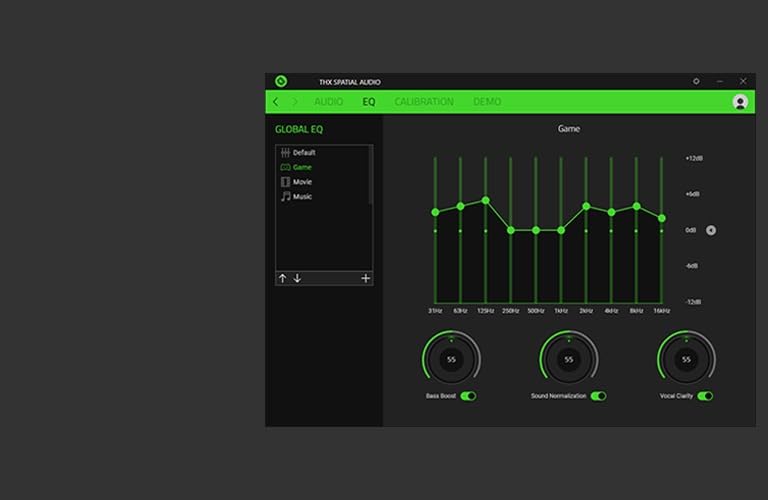
Drivers are 50mm TriForce Titanium units rated at 32 ohm impedance with 100 dB sensitivity, running a 15 Hz to 20 KHz range on the cable-based models. Low impedance matters more than most specs suggest, because it means the headset will drive properly off a laptop or a console controller port without an external amplifier, so your audio input in OBS arrives at full level.
The 1.3 m tangle-free cable terminates in a 3.5 mm jack, which is the most compatible connector in gaming. It works on PC, Mac, PS4, PS5 and Switch without an adapter, which matters if you capture console gameplay through a capture card while streaming from a PC.
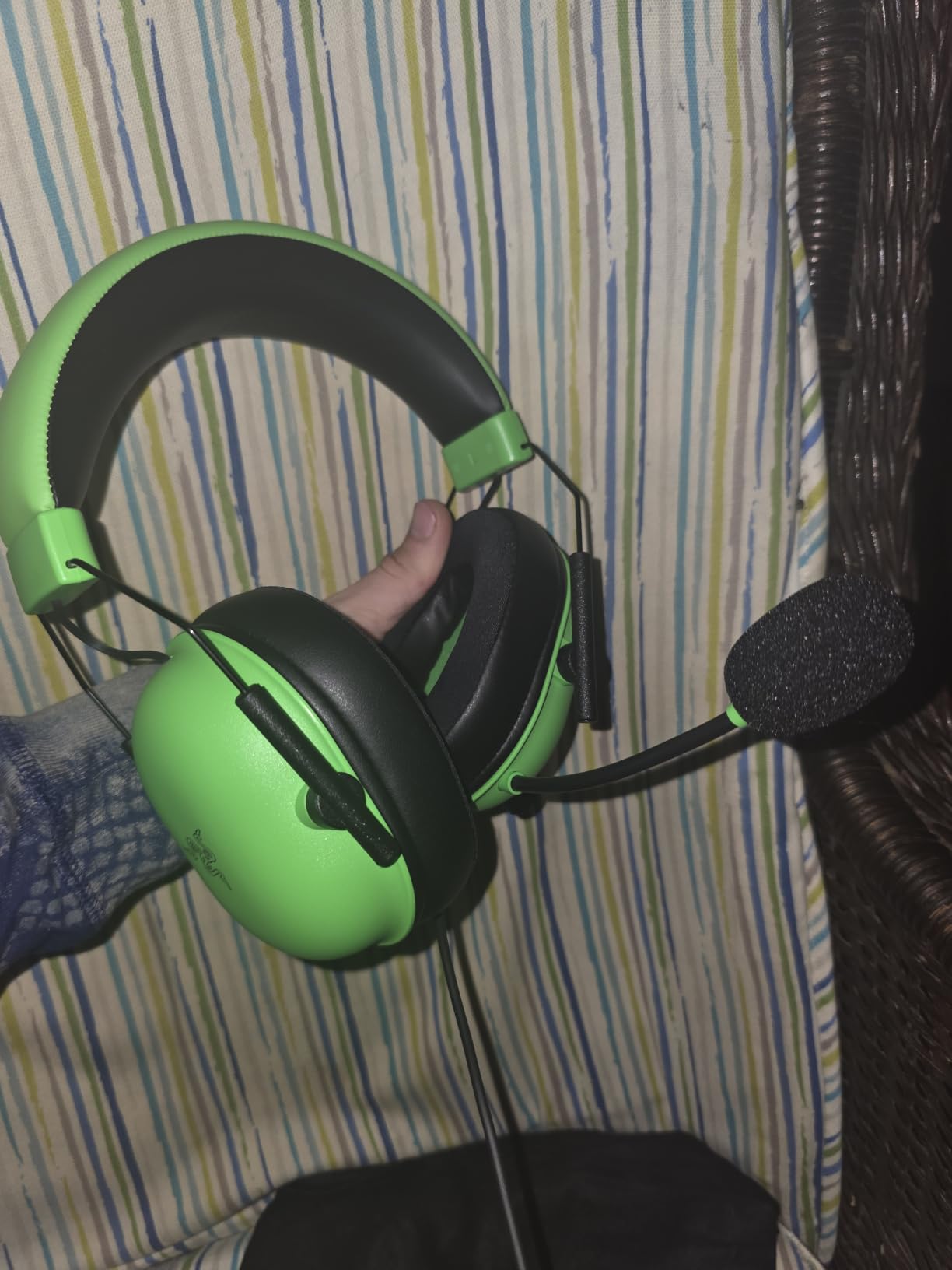
How it holds up in a real streaming session
The card above is the practical reason this headset ranks first. A 240 g frame does not shift when you lean into a microphone arm, and the memory foam cushions stay sealed without clamping hard enough to ache. Reviewers consistently single out the weight distribution as the difference between this and heavier wireless rivals that get removed at hour three.
On the microphone side, set the boom about three inches from the corner of your mouth rather than directly in front of it. That single change removes most plosives without a pop filter, and it is free.
Where the V2 X falls short
The boom mic is fixed to the left earcup and cannot be detached, so you cannot swap in a better capsule or use the headset with the mic folded away for pure gaming. There is also no mute indicator light, which is the one omission that shows up in practice: during a heated Discord call you will not know whether you are live without checking.
Reviewers also note that the surround software adds a background process on Windows. On a streaming PC that is usually harmless, but on a tight capture and encode setup every process matters.
2. BENGOO G9000 – Best Budget Headset for Streaming
BENGOO G9000 Stereo Gaming Headset for PS4 PC Xbox One PS5 Controller, Noise Cancelling Over Ear Headphones with Mic, LED Light, 7.1 Surround Sound, Soft Memory Earmuffs for Nintendo Xbox Series X|S
Omnidirectional boom mic
40mm neodymium drivers
7.1 surround
PS5 Xbox PC Switch
Pros
- Widest review base in this lineup at over 122000 reviews
- Works across PS4 PS5 Xbox PC Switch and mobile
- Protein leather pads and multi-point headband
- One-key mute and rotary volume on the cable
Cons
- Omnidirectional mic picks up more room and keyboard noise
- 40mm drivers lack detail at the top end
- Fixed LED earcup lighting cannot be turned off
- Faux leather and plastic build feel inexpensive
The G9000 has been sold for years and has collected more owner reviews than any other headset on this list. That volume matters for you in a specific way: when a product has this many owners, its weaknesses are well documented rather than hidden. You are not guessing at what the microphone will do.
What it will do is pick up your keyboard. The microphone is omnidirectional, so it captures sound from every direction, including the mechanical switches under your hands. That is the single biggest reason this headset sits at number two rather than first. If your stream room is noisy or your keyboard is loud, budget for a noise gate and a compressor in OBS.
Set against that, the platform list is genuinely impressive: PS4, PS5, Xbox One, Xbox Series X and S, PC, Nintendo 3DS, laptops, tablets and mobile. The 3.5 mm jack and a two year warranty round out a package that is hard to argue with on a budget.
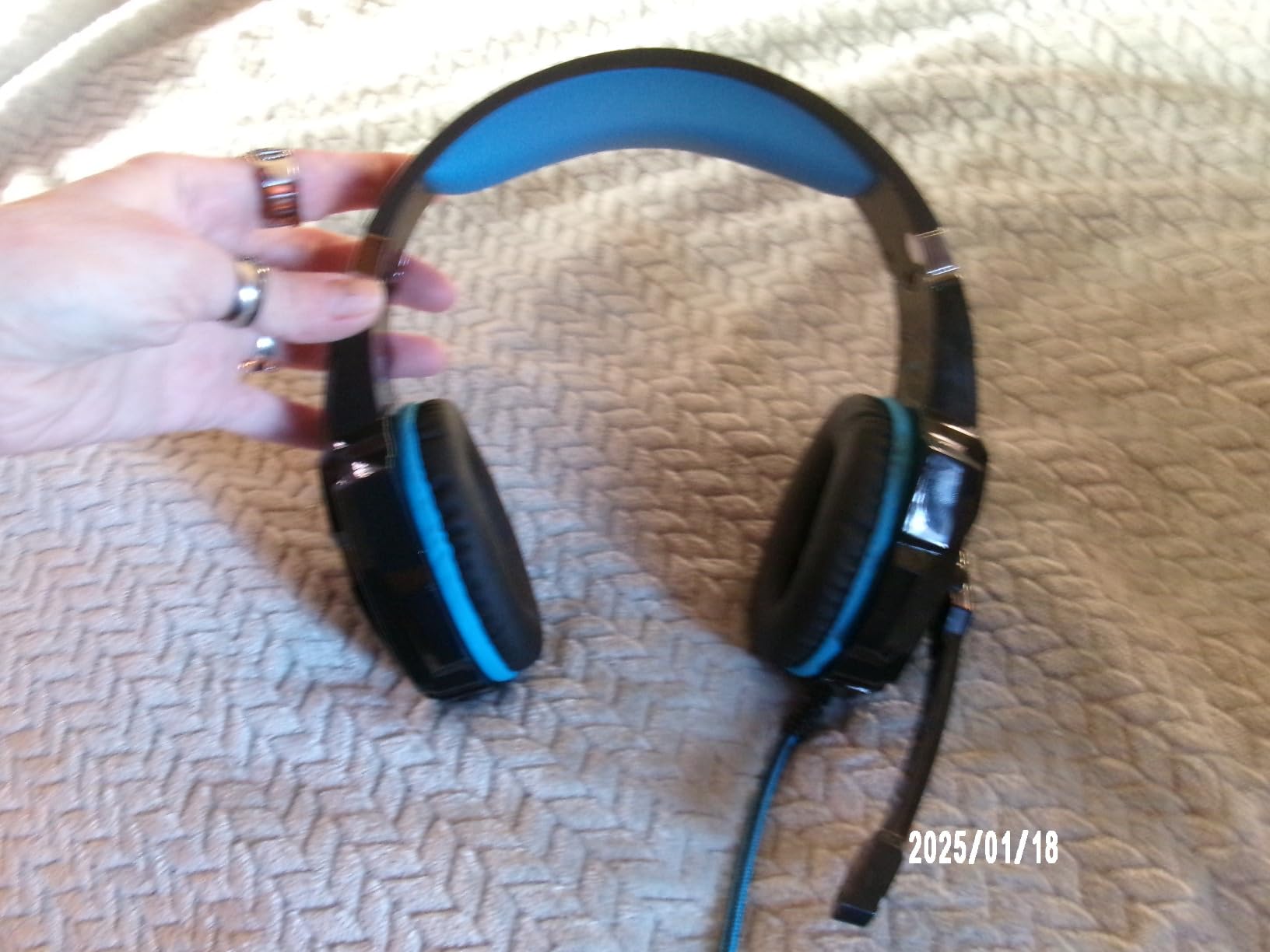
On the audio side, the drivers are 40mm dynamic units with 15 Hz to 20 KHz response, 32 ohm impedance and 105 dB sensitivity. The 105 dB sensitivity figure is high for this tier, which means you get usable mic signal even from a basic sound card, and 32 ohm impedance means it will not need an amplifier on a laptop.
The 7.1 surround is a hardware marketing claim rather than a processing feature, since there is no software to configure. Treat it as stereo with a wider marketing budget.
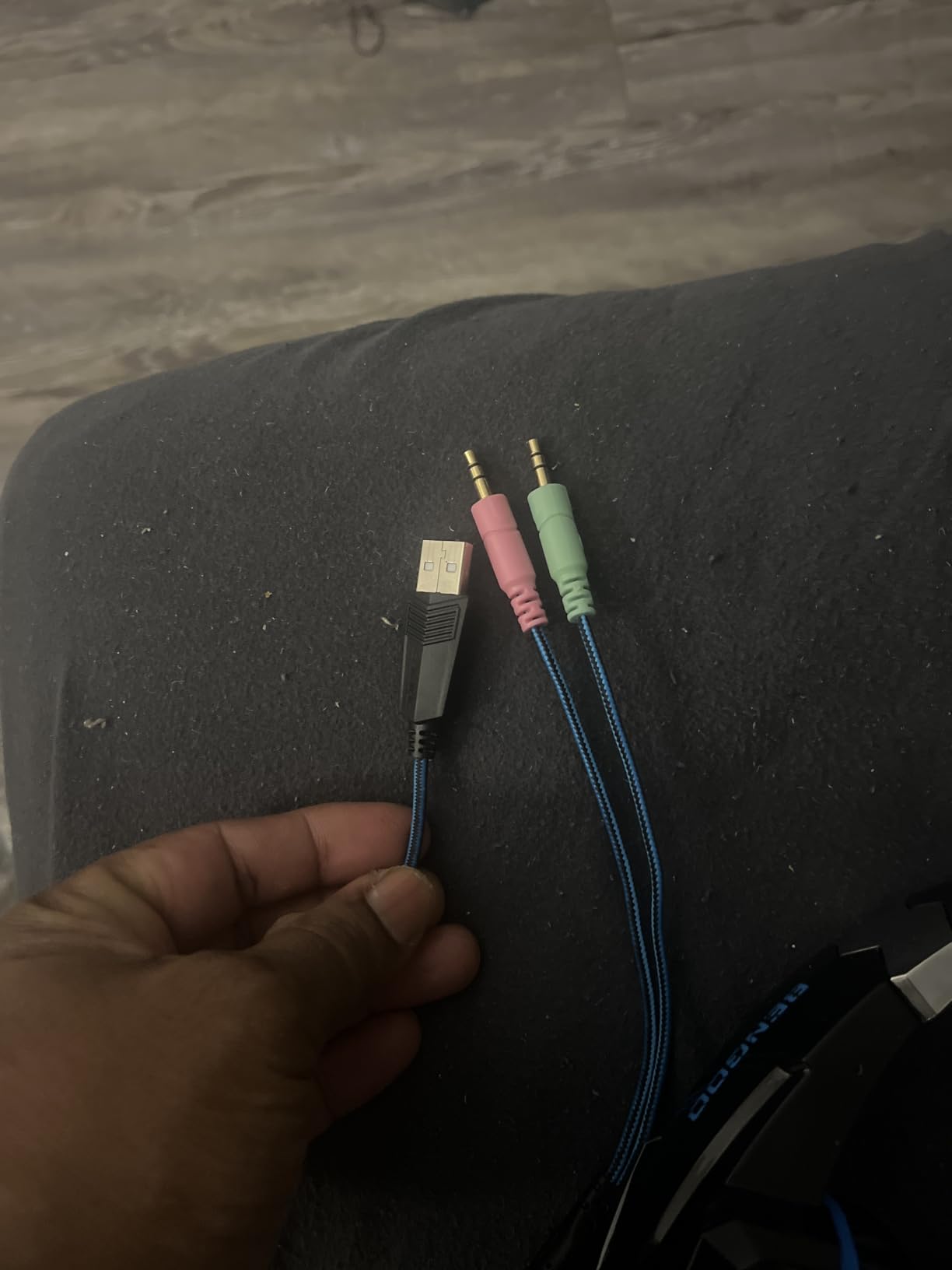
Who should stream with the G9000
This is the headset for a first stream, a shared family PC, or a setup where you switch between a console and a laptop without adapters. The boom is flexible and holds a position, which is the main thing you need from a budget microphone arm, and the one-key mute on the inline control is genuinely useful when you are on camera.
Reviewers consistently report that the fit holds up over hours, particularly the multi-point headband, which lets you set the clamp independently of the cup position.
Where it falls short for streaming
Omnidirectional capture is the issue to plan around. If you type hard while talking, use OBS noise suppression or a gate set to cut audio below your voice floor rather than raising gain and picking up more clicks.
The fixed LED lighting on the earcups cannot be switched off, which streamers with a camera in frame will notice immediately. The long fixed cable also adds drag when you turn your head, and it is not detachable.
3. Logitech G733 Lightspeed – Best Wireless Headset for Streaming
Logitech G733 Lightspeed Wireless Gaming Headset – Black
Blue VO! CE mic filters
LIGHTSPEED 2.4 GHz
29 hour battery
278 g
Pros
- 29 hours of battery covers multiple stream days
- Blue VO! CE filters clean up voice for Discord and OBS
- 20 m wireless range removes cable clutter
- Reversible suspension headband spreads weight
Cons
- Non-Bluetooth so phone pairing is not possible
- 278 g is heavy for long sessions compared with wired rivals
- RGB lighting needs G HUB software to customise
- Bulkier earcups than modern lightweight designs
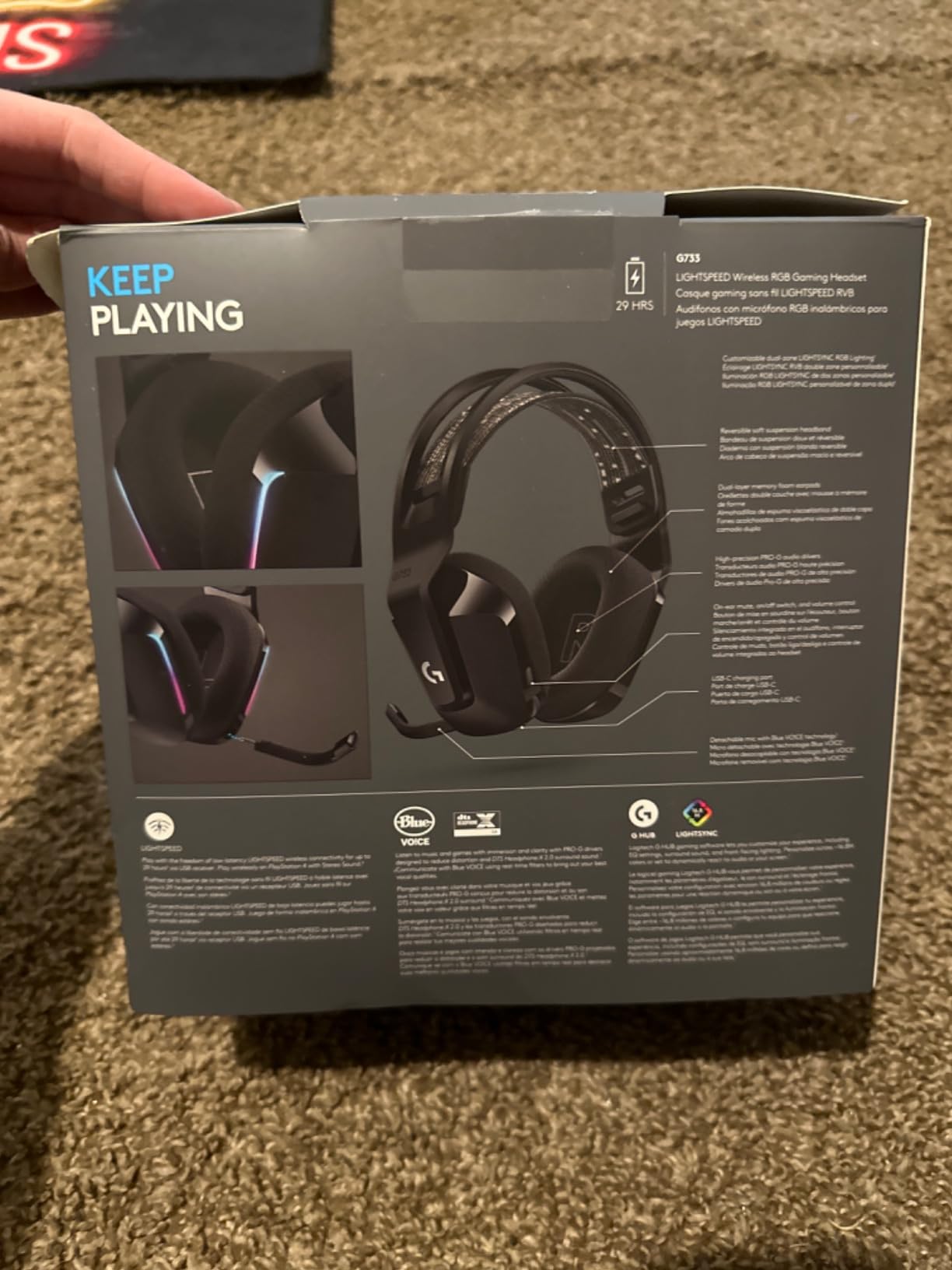
If your stream setup has two PCs, a capture card and a microphone arm, cable management becomes part of your job. The G733 solves that with LIGHTSPEED 2.4 GHz wireless at a 20 metre range, and a battery rated at up to 29 hours, which is enough for a week of evening streams on one charge.
The microphone is where Logitech puts the streaming work. Blue VO! CE applies filtering to your voice signal, which lifts clarity and cuts the sort of low rumble that makes a headset mic sound cheap. In Discord it makes an obvious difference, and the same filters carry through to your OBS capture.
Where it does not excel is weight. At 278 grams it is the second heaviest wired-adjacent unit in this group, and the earcups are deep. Over a six-hour session the suspension headband does most of the work of spreading that weight, and it succeeds better than the fixed bands on cheaper headsets, but heat still builds up.
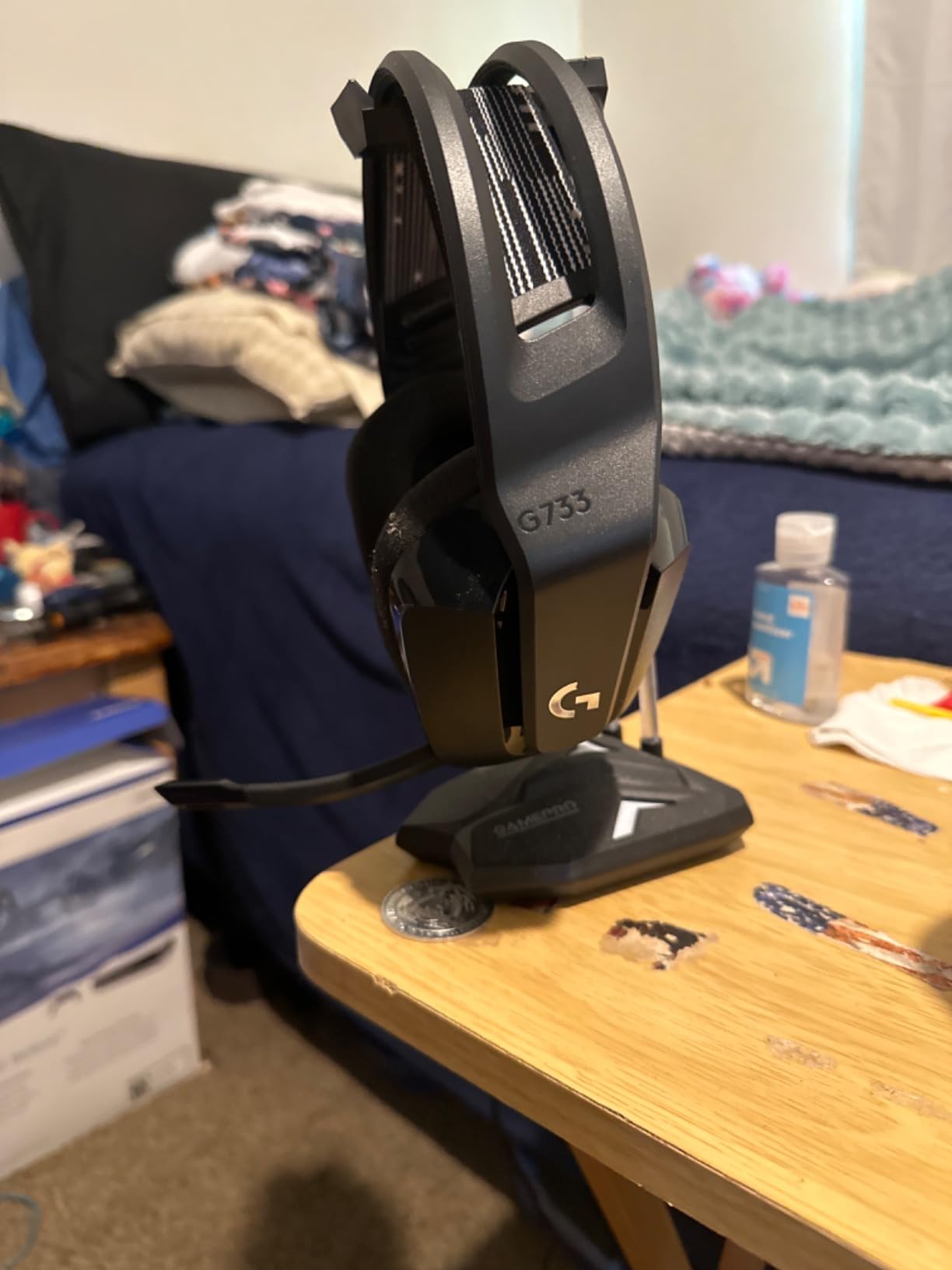
Drivers are PRO-G dynamic units covering 20 Hz to 20 KHz, described by reviewers as low distortion with clear positional cues. The connection is a USB LIGHTSPEED receiver, and the manufacturer lists PC and gaming console compatibility including PS5, PS4 and Nintendo Switch.
Dual-zone LIGHTSYNC lighting is configurable in G HUB across 16.8 million colours, which matters if your channel brand depends on it. It also means the lighting is managed by software you have to keep installed.
Why wireless works for streaming
The practical argument is freedom of movement. You can turn away from the desk, hold a controller at any angle, or reach for a second monitor without a cable yanking the headset off. That matters during a handheld Switch stream, which this headset supports.
Reviewers highlight the reliability of the wireless link over months of use, which is the failure mode that ruins most wireless headsets. A dropped connection during a highlight is the thing you cannot edit out later.
Where the G733 falls short
There is no Bluetooth, so pairing to a phone for monitoring Discord on mobile is not available. At 278 g it is heavier than the BlackShark V2 X or the G335 by around 40 grams, and that difference shows up at hour five.
The custom software dependency is a recurring theme in reviews. Lighting and driver tuning need G HUB, and some users simply want a headset that works when they plug it in.
4. Logitech G432 – Best for Console Streaming
Logitech G432 Wired Gaming Headset – Black
DTS Headphone:X 2.0 surround
Flip-to-mute boom mic
50mm drivers
USB DAC and 3.5 mm
Pros
- DTS surround gives real positional awareness in shooters
- Flip-to-mute boom needs no software to work
- Works on PC Mac PS5 PS4 and Switch
- Light leatherette cups rotate up to 90 degrees
Cons
- DTS Headphone:X needs G HUB to activate
- Faux leather pads can flake with heavy long-term use
- Mic is not detachable
- No mute indicator light
The G432 is the console streaming answer. If you capture PS5 or Xbox gameplay through a capture card and stream from PC, this headset connects three ways: a USB DAC, a 3.5 mm cable, and wireless stereo for PS4, PS5 and docked Switch. That flexibility removes the adapter guessing game.
The flip-to-mute boom is the detail streamers appreciate most. Flip it up and the microphone disconnects at the hardware level, with no software mute, no mute button to miss, and no risk of a hot mic during an off-topic conversation. Reviewers repeatedly describe it as the most reliable mute mechanism in this price range.
The DTS Headphone:X 2.0 processing is the other headline. It is licensed through G HUB, and once enabled it gives unusually confident positional placement for footstep detection in shooters. That is a competitive advantage rather than a streaming feature, but plenty of streamers play competitively between broadcasts.
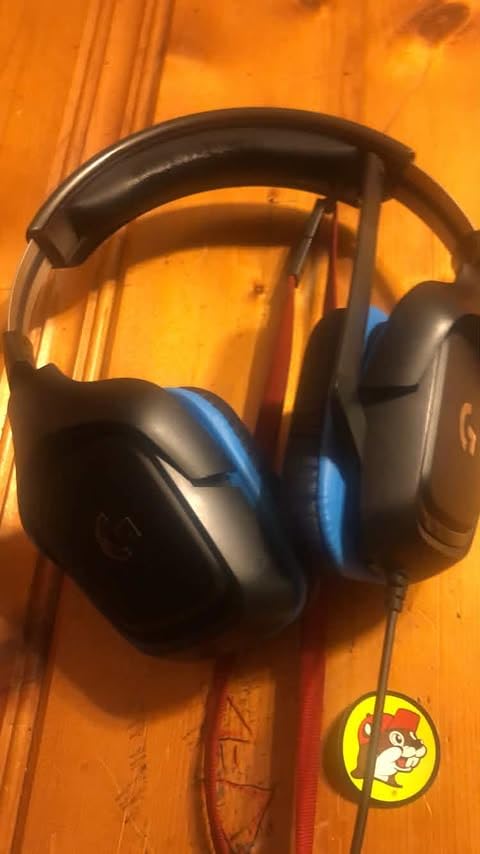
The drivers are 50mm dynamic units at 39 ohm impedance and 107 dB sensitivity, covering a 20 Hz to 20 KHz range. That sensitivity is high, which means the microphone reaches a usable input level in OBS without a lot of gain, and the higher impedance is still comfortable on modern laptop and console outputs.
The 1.2 pound listed weight is on the heavy side for a wired headset, though the rotating ear cups let it sit flat when you are not wearing it.
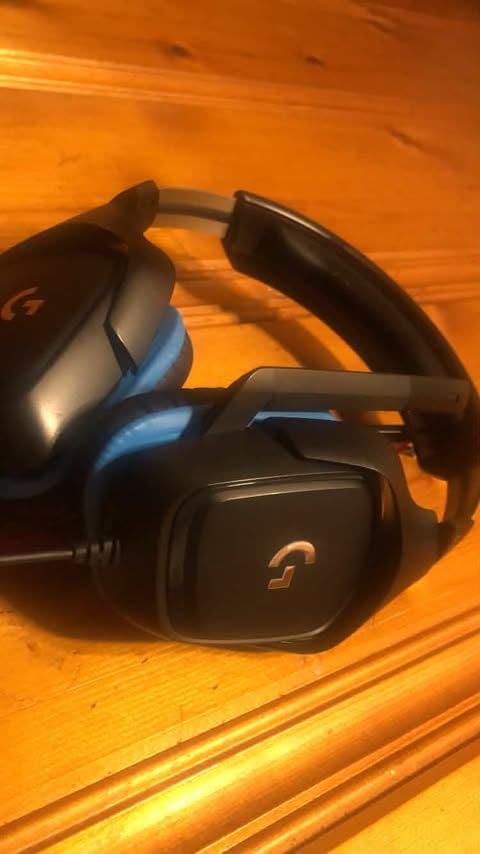
Why console streamers pick this one
The multi-connection approach is the whole argument. A single 3.5 mm plug means you can move between a docked Switch, a PS5 controller and a laptop without a dock or adapter, which is exactly what a streamer playing across platforms does between segments.
The flip-to-mute boom also solves the mute indicator problem that the BlackShark V2 X has, since a physical position change is visible to you and to your viewers.
Where the G432 falls short
The DTS processing is worthless without G HUB installed and configured. On a streaming PC where you would rather not run extra background software, that is a real dependency to plan for.
Long-term durability is the other theme in reviews. Owners report the faux leather ear padding wearing and flaking after heavy use, so budget for replacement pads if you stream daily for a year or more.
5. HyperX Cloud III – Best Value for Daily Streaming
HyperX Cloud III – Wired Gaming Headset, PC, PS5, Xbox Series X|S, Angled 53mm Drivers, Spatial Audio, Memory Foam, Durable Frame, Ultra-Clear 10mm Mic, USB-C, USB-A, 3.5mm – Black/Red
Detachable 10mm noise-cancelling mic with LED mute
Angled 53mm drivers
Aluminum frame
USB-C USB-A 3.5 mm
Pros
- Detachable noise-cancelling mic with a mesh filter
- LED indicator shows mute status on camera
- Aluminum frame survives travel and daily handling
- Three connection types included in the box
Cons
- Wired only with no wireless or battery option
- 64 ohm impedance needs an amplifier on some mobile devices
- DTS spatial audio licence and setup is Windows dependent
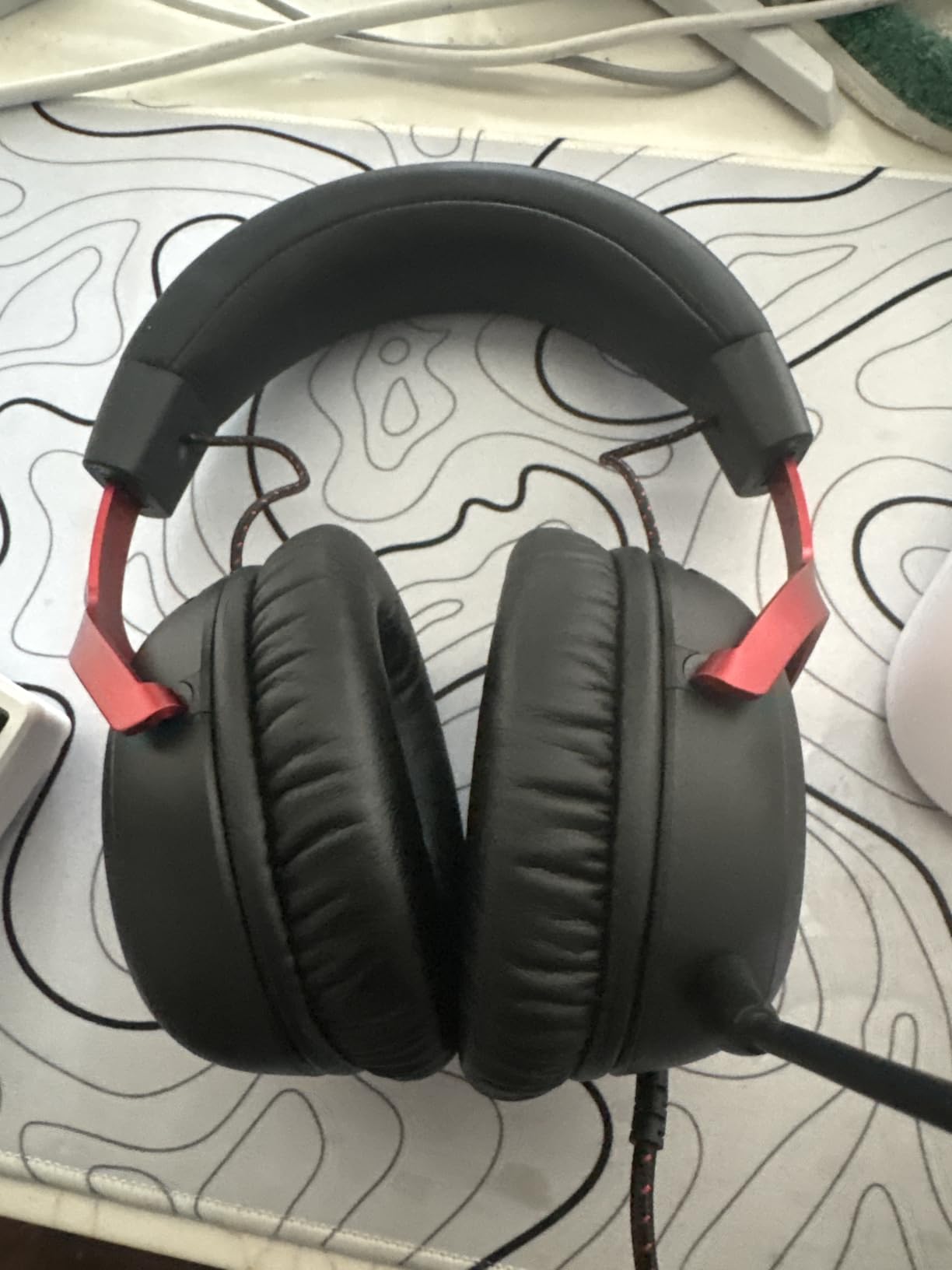
The Cloud III is the headset community keeps recommending to people starting out, and after weeks with it the reason is obvious. It is the most overbuilt frame in this group. An aluminum yoke and headband mean the headset does not creak, and the memory foam cushions are the most forgiving for long sessions among the mid-tier options.
The microphone is a 10mm noise-cancelling capsule on a detachable boom with a mesh filter built in. That mesh does real work on plosives, and the fact that the mic detaches is more significant than it sounds: you can remove it for pure gaming, replace it if it fails, or clear it out without replacing the whole headset.
Then there is the LED mute indicator on the microphone itself. For a streamer on camera, that small light is worth more than any of the RGB lighting on cheaper headsets, because it removes the single most common on-stream embarrassment of talking while muted.
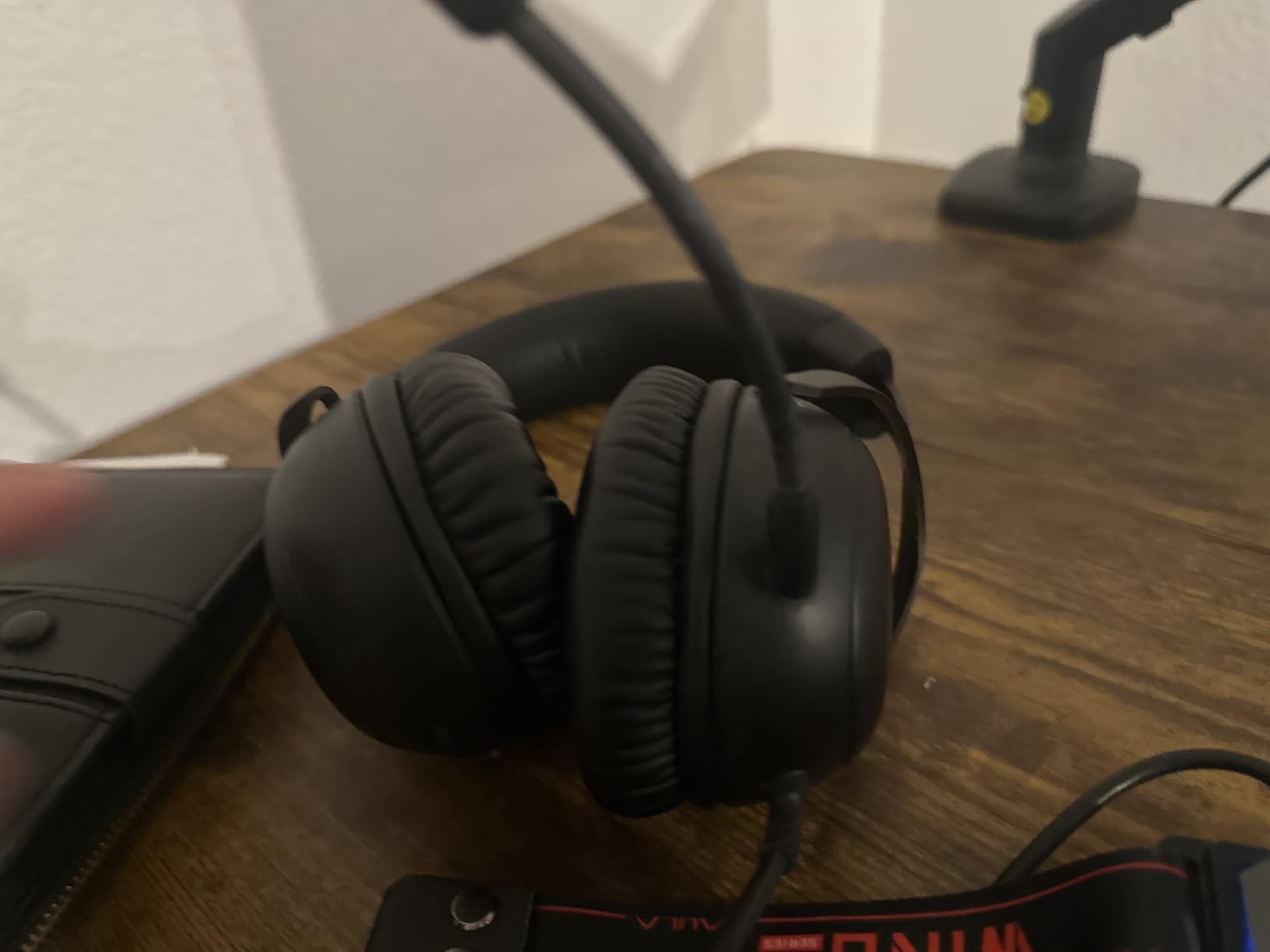
The drivers are 53mm angled dynamic units tuned by HyperX engineers, running at 64 ohm impedance and 100 dB sensitivity. The higher impedance is the one spec to watch: it will run fine from a PC or console but may need an amplifier to reach full volume from a phone.
Connectivity is unusually generous. The box includes USB-C and USB-A control cables alongside the 3.5 mm jack, and the manufacturer lists compatibility with PC, PS5 and Xbox Series X and S.
Why this is the one most streamers end up on
Comfort over long sessions is the recurring theme in owner reviews, and it tracks with the frame material. The aluminum yoke holds its adjustment, so the fit does not degrade over months the way plastic headsets do, and the memory foam cushions distribute pressure instead of pressing on one point.
Community consensus treats it as the sensible default: a headset microphone good enough for team voice and a starting stream, with hardware that will not need replacing in a year.
Where the Cloud III falls short
It is a wired design in a market that has moved to wireless. There is no battery, no dongle and no Bluetooth, so this is a desk headset rather than a roam-everywhere one.
The DTS Spatial Audio is Windows dependent and its licence and setup are the most common source of frustration in reviews. If you stream from a Mac, treat it as stereo.
6. EKSA E1000 – Best Plug-and-Play USB Headset
EKSA E1000 USB PC Gaming Headset with Mic, 7.1 Surround Sound
Built-in USB sound chip
No driver software needed
198 g
50mm neodymium drivers
Pros
- Lightest build in the lineup at 198 g
- Driver-free 7.1 surround from the built-in USB chip
- Noise-cancelling mic holds up for Discord and party chat
- Two year warranty with responsive support
Cons
- RGB lighting cannot be switched off and can be picked up by the mic
- Microphone is not detachable
- Cord has no inline volume control
- USB connection excludes game controllers
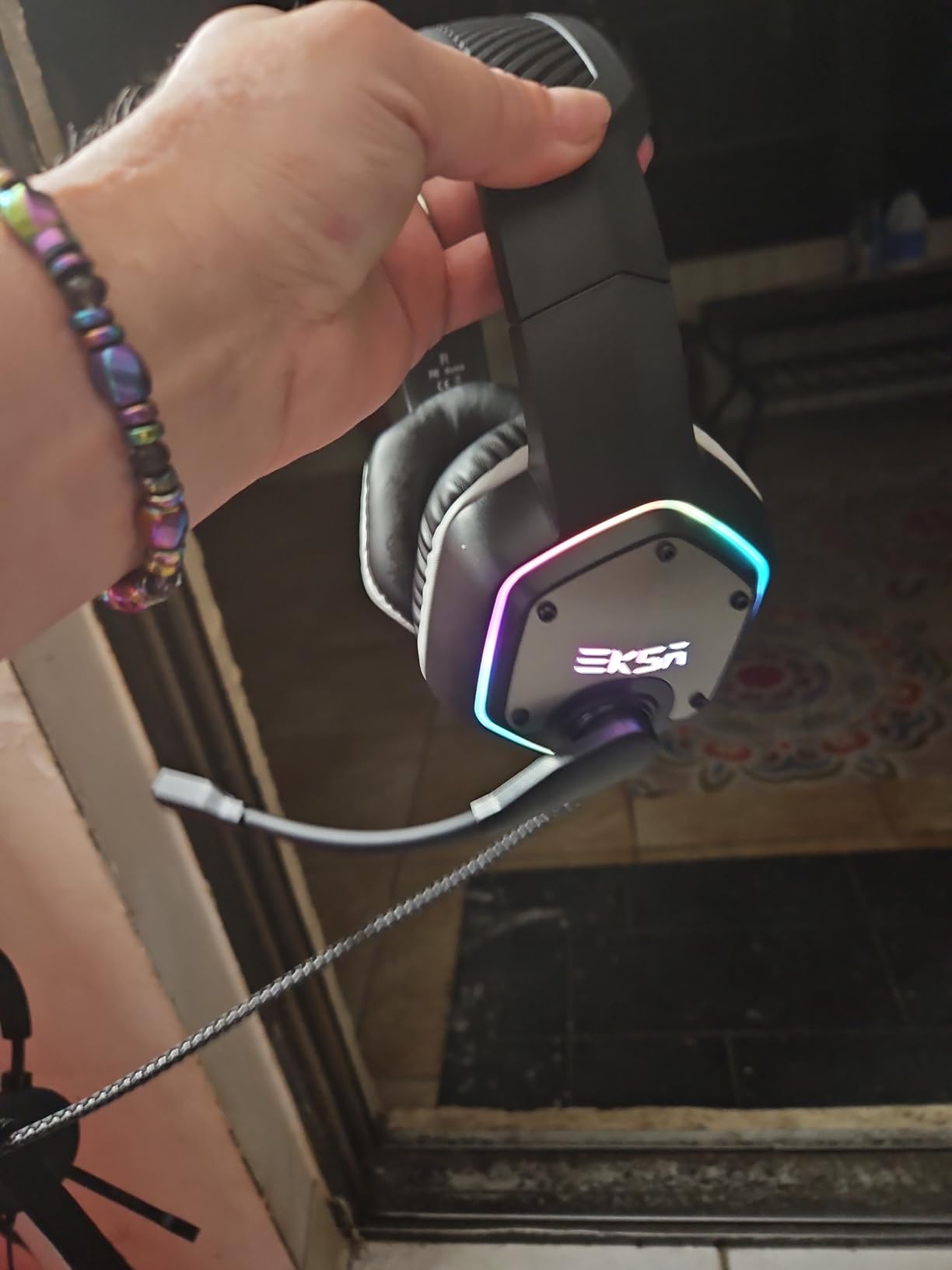
At 198 grams the E1000 is the lightest headset here by a wide margin, and that is not a rounding error. It is about 42 grams lighter than the BlackShark V2 X and 184 grams lighter than the Corsair Virtuoso. If your streams run six hours or more, that difference is the difference between finishing comfortably and finishing with pressure pain.
The other thing this headset does better than anything else at this level is setup. The 7.1 surround comes from a USB sound chip built into the cable, so there is no driver install, no G HUB, no Synapse, nothing running in the background while you stream. Plug it into a USB port and the 7.1 mode is simply there.
That matters for a specific streamer profile: anyone whose capture PC is already CPU-bound, or anyone running a two-PC setup where adding a software control layer introduces another variable.
The microphone is described as noise-cancelling and adjustable through 120 degrees, and in practice it holds up for Discord and in-game party chat. It is not a broadcast capsule, but it is more than adequate for a starting stream and it needs no gain riding.
Drivers are 50mm magnetic neodymium units at 32 ohm impedance with a 20 Hz to 20,000 Hz range. The 2.2 m fixed cable is generous enough to reach from a rear USB port, which is more useful than it sounds in a cable-managed rig.
When the built-in USB chip is the right answer
Anyone who streams from a laptop benefits most. USB audio avoids the level variation you get from a laptop 3.5 mm jack, so your OBS input stays consistent whether the machine is on battery or plugged in.
Reviewers also report multi-year durability from long-term owners, which is unusual at this tier and matches the warranty length.
Where the E1000 falls short
The always-on side RGB is the standout problem, and it is a streaming problem specifically. Reviewers note the lighting can emit a faint electrical tone that the microphone picks up. On a quiet voice channel that is audible, and there is no way to disable it.
The USB connection also excludes game controllers entirely, so if you stream console gameplay from the same headset you game on, you need a different cable or a different headset.
7. Razer Barracuda X – Best for Dual Wireless
Razer Barracuda X Wireless Gaming & Mobile Headset, 2.4Ghz + BT, White
SmartSwitch 2.4 GHz and Bluetooth
Detachable HyperClear mic
50 hour battery
250 g
Pros
- SmartSwitch moves between 2.4 GHz and Bluetooth quickly
- Detachable cardioid HyperClear mic can be removed for travel
- 50 hours of battery on a single charge
- Swivelling earcups with memory foam for comfort
Cons
- 40mm drivers sound less detailed than larger rivals
- Lowest rated of the strong performers in this group
- No simultaneous dual-device audio mixing
- Plastic build feels less premium
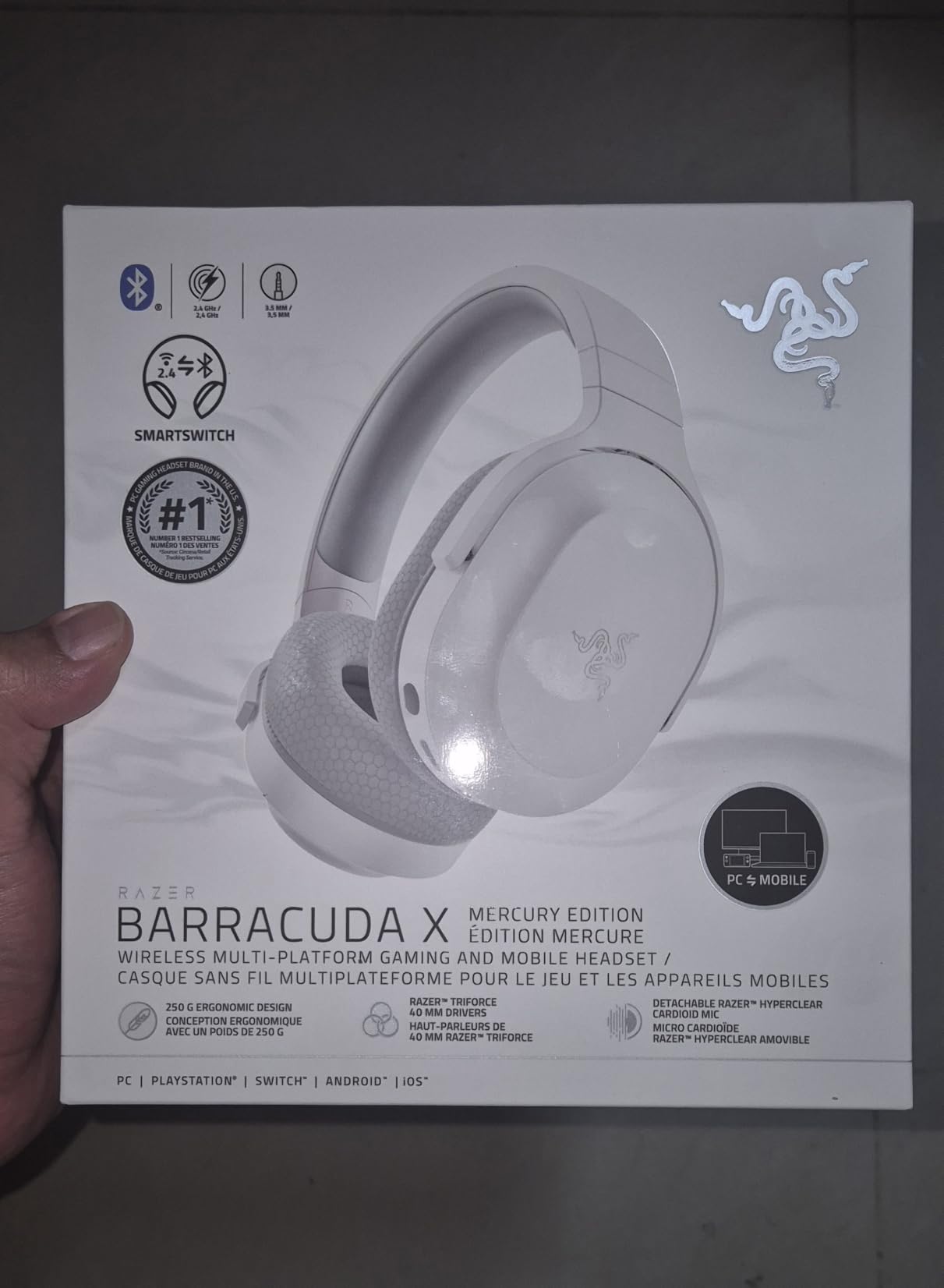
The Barracuda X solves a specific streamer problem that most wireless headsets cannot. SmartSwitch moves between the 2.4 GHz dongle and Bluetooth quickly, so you can be streaming from your PC and then flip to answering a call on your phone without unplugging anything. For a creator who does both, that is the feature that justifies the purchase.
The microphone is a detachable Razer HyperClear cardioid, the same family of capsule as the BlackShark V2 X. That means the cardioid pickup behaves the same way: forward-facing, and noticeably better at rejecting side noise than an omnidirectional design. Detaching it for travel is also a genuine benefit for anyone who moves with their setup.
Battery life is the headline figure: up to 50 hours, with USB Type-C charging. For a streamer broadcasting in the evening several times a week, that is effectively a monthly charge.
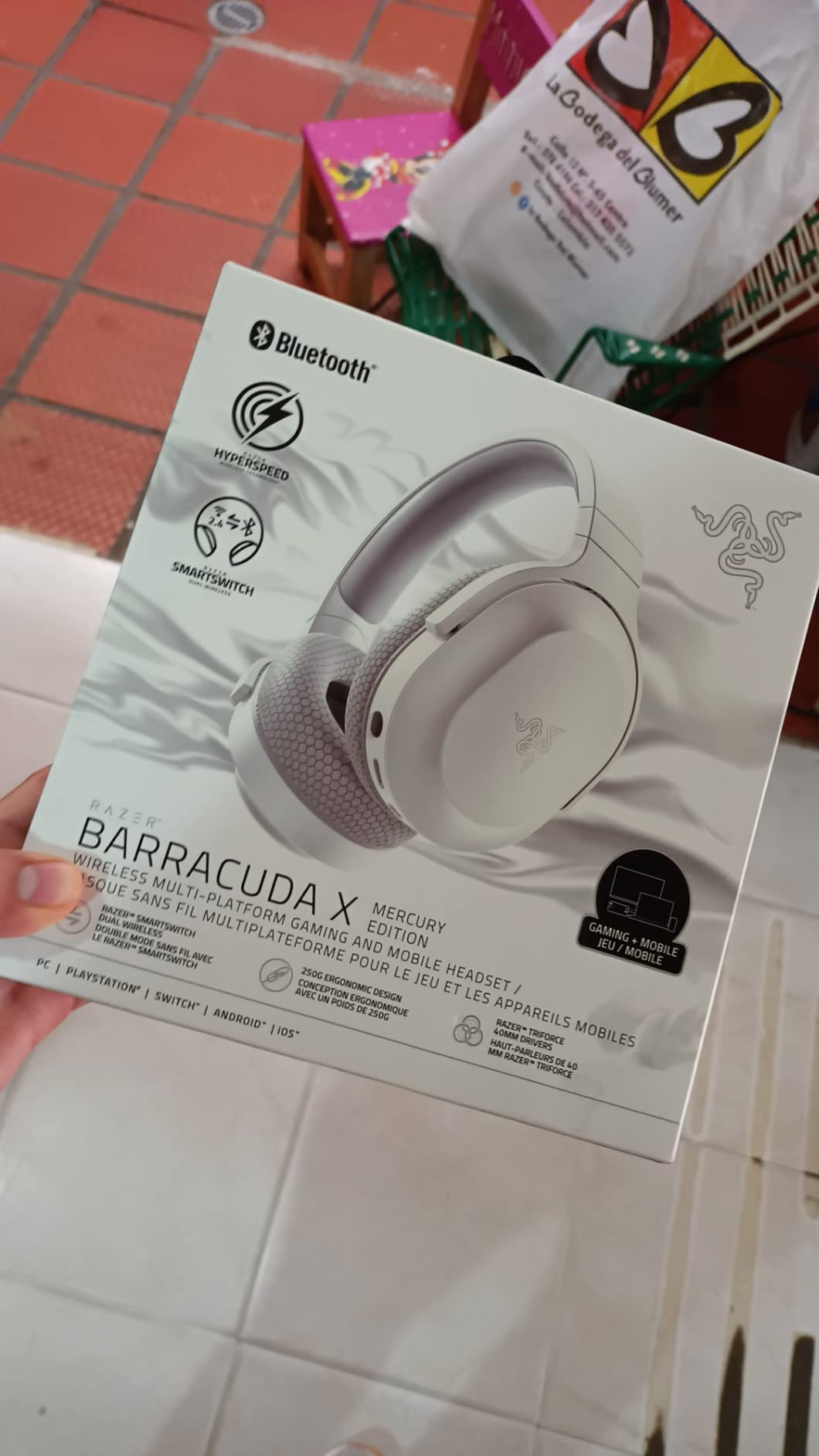
At 250 grams with memory foam cushions and swivelling earcups, the fit is lighter than it has any right to be for a dual-wireless headset. That combination is why it slots into this roundup despite the modest driver size.
The drivers are the compromise: 40mm TriForce three-part dynamic units at 32 ohm and 96 dB sensitivity, covering 20 Hz to 20,000 Hz. Owners describe the sound as clean but less deep and spacious than 50mm or 53mm alternatives.
Where SmartSwitch changes a stream workflow
Because the two connections are managed rather than switched manually, you can keep the mic live on your PC while taking a Bluetooth call on your phone, then return to the stream without touching the headset. Reviewers who use it for both work and streaming treat that as the reason they kept it.
On-earcup media, call and mic controls give quick tactile control, which matters when you are mid-broadcast and need to adjust without opening an overlay.
Where the Barracuda X falls short
There is no simultaneous dual-device audio mixing. You can connect to two devices, but only one plays at a time, which is a step below the Corsair Virtuoso below.
The average rating in this lineup trails the group, with a 10 percent one-star share in the reviews, and the recurring complaints are smaller 40mm drivers, a plastic-feeling build and occasional connection grumbles.
8. Audio-Technica ATH-M50xSTS-USB – Best for Broadcast-Quality Voice
Audio-Technica ATH-M50xSTS-USB StreamSet Streaming Headset
Cardioid condenser microphone
45mm studio drivers
USB connection
330 g
Pros
- Cardioid condenser capsule is the strongest voice mic in this group
- Flexible boom positions the mic close to the mouth
- Direct USB removes the need for an audio interface
- Studio-accurate ATH-M50x tuning with replaceable ear cushions
Cons
- Most expensive headset here by a wide margin
- Wired only with no wireless or Bluetooth
- Neutral studio tuning lacks boosted bass for gaming
- Small owner review base compared with mainstream gaming headsets
This is the only headset here with a genuine broadcast microphone on it. The capsule is a cardioid condenser based on Audio-Technica 20 Series technology, which is recording equipment rather than gaming equipment, and the difference is audible immediately on a stream. Your voice sits forward with room noise pushed behind it.
The headphones underneath are the ATH-M50x studio monitors, 45mm large-aperture dynamic drivers with copper-clad aluminum voice coils. That is a flat, accurate tuning intended for mixing rather than for bass boost, so competitive players may find it less exciting than a gaming headset. For audio work it is exactly what you want.
The flexible boom is the detail that matters most for a condenser. A condenser mic this close to your mouth picks up almost nothing else, which is the entire problem condenser mics solve in studios. Push it to a normal gaming boom distance and you lose that advantage.
Connection is direct USB, so there is no interface to configure and no gain knob hunting. Signal goes from the capsule into the PC as digital audio, which removes one conversion stage from the chain and one potential source of noise.
The weight is 330 grams, which makes it the second heaviest unit here. The build is machined aluminum with replaceable ear cushions, so when the pads wear you replace two cushions rather than a headset.
When a condenser mic on a headset makes sense
If you are already running a single-USB-cable streaming setup and do not want to build an XLR chain, this is the shortest route to broadcast-quality voice. Owners who broadcast or record value the accurate tuning and the cardioid rejection more than anything else on the spec sheet.
It is also the headset to pick if you care about music in the background of your stream. Studio-neutral tuning reproduces audio accurately, which matters if you are a creator playing instrument-backed content.
Where the ATH-M50xSTS-USB falls short
It is the most expensive option here, and by a multiple rather than a margin. Anyone comparing it to a mid-tier gaming headset on value alone will not find the answer here.
It is wired only, with no wireless or Bluetooth, and the neutral tuning means less bass and fewer dramatic spatial cues than a gaming-tuned headset. The owner base is also the smallest here, so there is less long-term feedback to draw on.
9. Corsair Virtuoso RGB Wireless XT – Best for Multi-Device Audio
Corsair Virtuoso RGB Wireless XT Bluetooth PC, PS5, Switch Gaming Headset
Simultaneous 2.4 GHz and Bluetooth
Detachable broadcast-grade mic
50mm drivers
15 hour battery
Pros
- Simultaneous wireless lets 2.4 GHz and Bluetooth play at once
- Detachable 9.5mm broadcast-grade microphone
- Machined aluminum build feels premium
- 50mm drivers with a 20 Hz to 40 kHz range
Cons
- Lowest rating in this roundup at 4.1 stars
- Only 15 hours of battery life for a wireless set
- 2.4 GHz dongle cuts out if it is not in line of sight
- Included pleather earpads are widely replaced by owners
- 382 g gets warm over long sessions
The Virtuoso is the only headset here that plays two wireless audio sources at the same time. SLIPSTREAM 2.4 GHz and Bluetooth aptX HD run simultaneously, so you can hear your stream audio while a phone call or a second device comes through. On a two-PC setup that is not a gimmick; it is the reason to own this headset.
The microphone is the other headline: a detachable 9.5mm omni capsule that owners consistently describe as broadcast-grade. Note that it is omnidirectional, so while the capsule quality is high, it captures more of the room than a cardioid mic would. Point the boom carefully and keep the gain modest.
The build is machined aluminum with a memory foam headband, and that quality is immediately obvious in the hand. It is the most premium-feeling headset in this roundup, which makes its problems harder to explain.
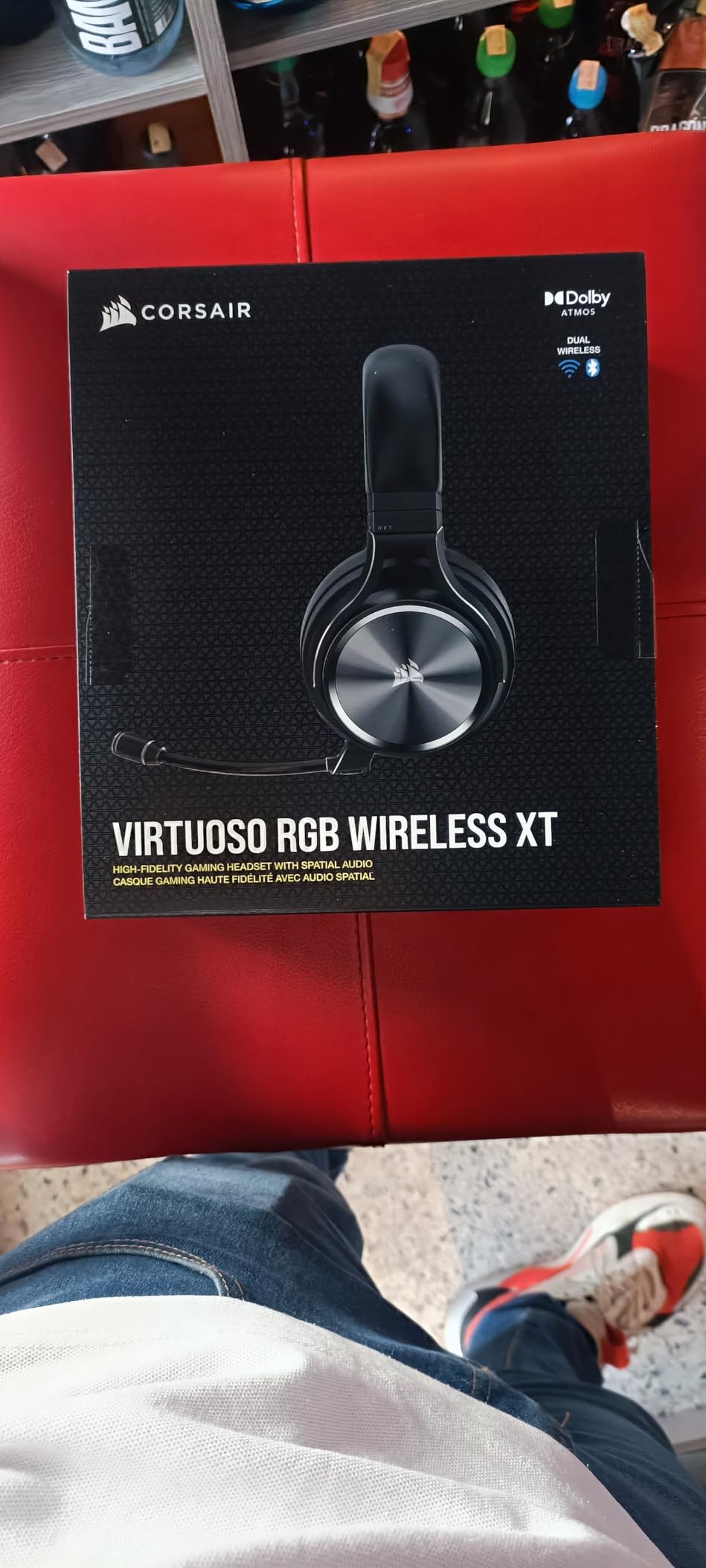
Drivers are matched 50mm high-density neodymium units with a 20 Hz to 40 KHz response, alongside Dolby Atmos and iCUE control. That upper reach gives clean transients on footsteps and gunfire, which is where positional accuracy is won.
The battery is rated at 15 hours, the shortest wireless runtime here. With simultaneous wireless running, expect less in practice, and that is the reason this headset is not higher on the list.
Why simultaneous wireless matters for streamers
Any streamer taking calls, monitoring a phone, or running audio from a second machine normally has to choose which device the headset is connected to. Simultaneous dual-wireless removes that choice, which is a real workflow difference rather than a spec-sheet line.
For console streamers, the 3.5 mm and USB wired options plus PC, PS5 and Switch compatibility keep it useful when you capture from a console instead.
Where the Virtuoso falls short
It carries the lowest average rating of the ten, and reviews show a higher one-star share than the rest. The recurring complaints are consistent: the 2.4 GHz dongle cutting out when it is not in line of sight, the 15-hour battery, and the included pleather earpads, which a large number of owners replace immediately.
At 382 grams it is the heaviest unit in this roundup, and it runs warm over long sessions. There is also a dependency on iCUE software for tuning and lighting, which streamers running tight capture and encode setups often prefer to avoid.
10. Logitech G335 – Best Lightweight Wired Headset
Logitech G335 Wired Gaming Headset (with Flip to Mute Microphone) – Black
Flip-to-mute boom mic
240 g suspension headband
40mm drivers
Discord Certified
Pros
- Only 240 g with a suspension headband that spreads weight
- Flip-to-mute mic needs no software and is visible on camera
- Discord Certified for voice quality in streaming and team play
- Single 3.5 mm plug works across PC consoles and mobile
Cons
- 40mm drivers sound less full than 50mm or 53mm alternatives
- On-ear design gives less isolation than over-ear models
- Wired only with no wireless or battery
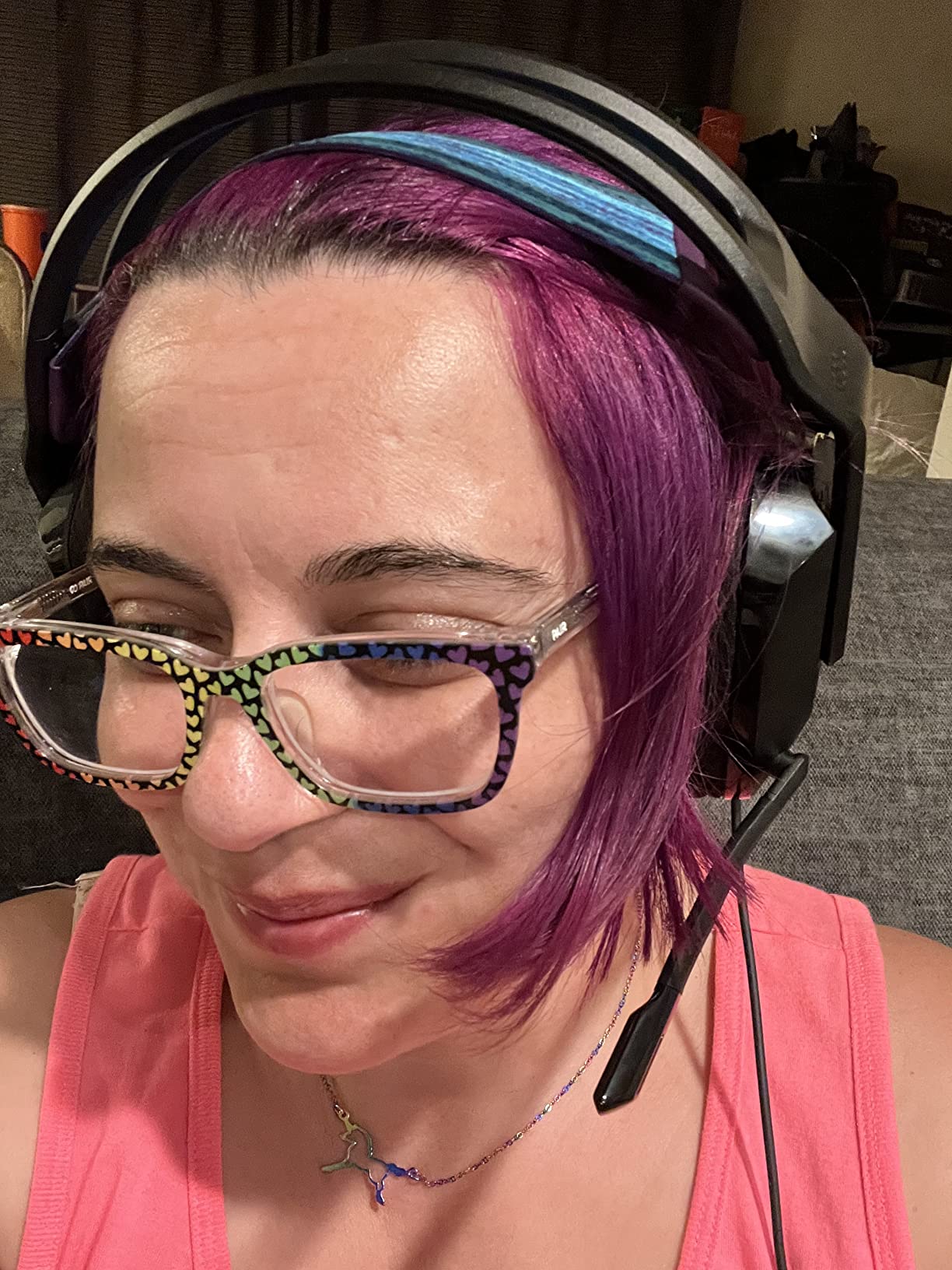
The G335 is the headset we recommend to people who stream on a schedule and notice head pressure after a few hours. At 240 grams with a suspension headband and sports mesh over memory foam, it is one of the few headsets here that disappears completely. The band flexes and spreads load rather than pressing on a single point.
It is also Discord Certified, which is a rarer marker than it sounds. It means the microphone and voice quality passed Discord’s own test for clarity in team communication, and that is a reasonable proxy for how you will sound in a squad call during a stream.
The flip-to-mute boom is the second thing that makes it streamer-friendly. It disconnects at the hardware level, so there is no software state to get wrong, and the raised position is visible to you without checking anything.
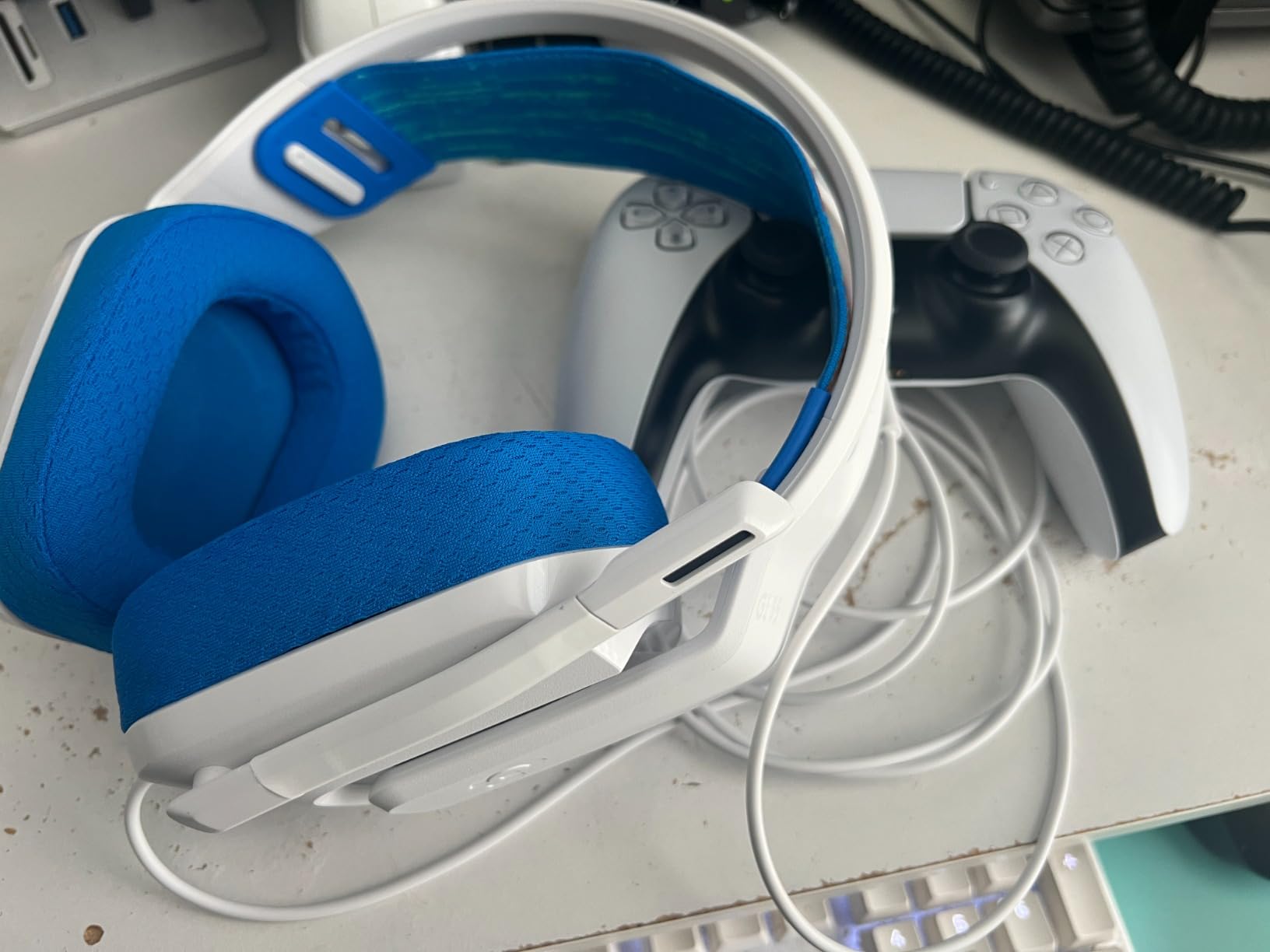
Drivers are 40mm neodymium units at 36 ohm impedance covering 20 Hz to 20 KHz. The sound is described in reviews as crisp and clear rather than deep or spacious, which is a fair trade for the comfort difference on a small driver.
Because it is an on-ear design rather than over-ear, isolation is lighter. Your stream microphone will pick up a little more of the headset’s own audio, and in a noisy room that cuts both ways.
Comfort versus isolation
This is the trade the G335 makes openly. On-ear cups with a suspension band are cooler and lighter than memory foam over-ear pads, which is exactly what you want during a six-hour broadcast. The cost is leakage both in and out.
For a streamer in a treated room, that is a good exchange. For someone streaming in a shared space with a chatty household, one of the over-ear models will serve you better.
Where the G335 falls short
The 40mm drivers are the main limitation. Owners consistently describe the sound as clear but not full, and step up to a 50mm or 53mm model for a noticeably deeper presentation.
It is wired only, and the single 3.5 mm plug is inconvenient on modern laptops that no longer ship a jack, since you will need a USB-C or Thunderbolt adapter.
Headset Microphone or Separate Microphone?
This is the most-asked question on streaming forums, and the honest answer is that the headset wins on convenience and loses on absolute voice quality. Which matters depends on what stage your channel is at.
Stay with a headset microphone when you are starting out. A headset gives you one device, one connection and zero setup, which is what you want while you are still learning your streaming software. Forum consensus treats headset microphones as entirely adequate for a first stream and for team communication.
Move to a standalone microphone when audio is your differentiator. Many streamers report that the moment they switched to a dedicated microphone, viewers noticed immediately. That is the signal: if people mention your audio, the headset has stopped being the limiting factor.
Use a standalone mic if you record voice content, podcasts or interviews alongside streaming. A cardioid condenser on a desk arm is a very different tool from a boom mic clipped to a headset, and it will not survive being moved between a gaming chair and a desk.
Keep the headset even after you upgrade. The pattern most creators follow is headphones plus a headset mic as a backup, then a dedicated microphone as the main capture source. That redundancy matters when you go live in ten minutes.
If you are weighing that step up, our guides to dynamic microphones for vocals and condenser microphones for home studios cover the two routes most streamers take, and condenser microphones for recording goes deeper on the broadcast-style setups that streamers tend to copy.
Getting Clean Voice Out of Any Headset Microphone
Even the best capsule in this roundup will sound bad with the wrong gain staging. Four settings in your streaming software do more for your voice than any upgrade under 100 dollars, and they are free.
1. Set your microphone distance before you set your gain. Two to three inches from the corner of your mouth, boom angled slightly to the side. This alone removes most plosives and cuts keyboard noise better than any filter.
2. Watch the meter, not the volume slider. Aim for peaks around minus 6 dB in your software and never let it touch 0 dB. A stream voice that clips is far more noticeable to listeners than one that sits quietly.
3. Add noise suppression or a gate below your voice floor. Set the threshold just under where your voice sits at normal speaking volume so keyboard clacks get cut. Aggressive gates cause a pumping effect that viewers notice, so err on the cautious side.
4. Compress gently, then limit. A ratio around 4:1 with a moderate threshold evens out the gap between your loud and quiet moments. Add a limiter as the final stage so the signal can never clip.
If your headset has sidetone or mic monitoring, turn it on. Hearing your own voice with the game audio mixed in is how you catch a bad gain setting before going live instead of after.
What Actually Matters When Buying a Streaming Headset
Five factors decide whether a headset works on a stream. Ignore the rest until you have settled these.
1. Microphone pickup pattern. Cardioid and hypercardioid mics focus forward toward your mouth and reject sound from the sides and rear. Omnidirectional mics capture everything, which is why they pick up keyboards. Most of the headsets here use a cardioid pattern; the omnidirectional options need more gain discipline.
2. Weight and clamp. Long sessions are the norm, not the exception. Anything over roughly 300 grams should have a suspension or self-adjusting band to spread the load. Pads matter as much as weight: memory foam is warmer but softer, while sports mesh stays cooler over long stretches.
3. Mute behaviour. Flip-to-mute and physically detachable microphones beat a button every time, because a mechanical position cannot get out of sync with software. An LED mute indicator matters most when you are on camera.
4. Connection type and power. A wired 3.5 mm headset cannot die mid-broadcast. A wireless one needs a battery margin longer than your longest stream, so a 29 hour rating covers a week of evening shows and a 15 hour rating does not. Check whether a dongle or receiver is required, and how far it can sit from the headset before the audio cuts.
5. Platform and software dependencies. Surround processing often depends on a Windows-only control app, and some control software runs constantly in the background. On a capture and encode PC that is already working hard, fewer running applications is a real advantage.
Two more details streamers ask about constantly. First, open-back headphones leak game audio into your microphone, which is fine when you are streaming because the audio is going out anyway; closed-back cups are better when the room is shared. Second, simultaneous dual-device audio lets you keep phone audio alongside your stream without swapping connections, which only a few of these headsets support.
Frequently Asked Questions
What are the best headsets with a microphone for streaming?
The Razer BlackShark V2 X is the best overall option because its HyperClear cardioid microphone rejects more room and keyboard noise than most rivals at 240 g. The HyperX Cloud III is the best wired option for long sessions with an aluminum frame and a detachable mic with an LED mute indicator. The Logitech G733 is the best wireless pick with up to 29 hours of battery life and Blue VO! CE mic filtering.
What gaming headset do most streamers use?
Most streamers begin with a wired headset from a major brand rather than a dedicated microphone. Community recommendations repeatedly name the HyperX Cloud III and the Razer BlackShark line as sensible defaults, and the recurring advice is to move to a standalone microphone once audio quality starts to hold back channel growth.
Should I get a separate microphone for streaming?
Keep the headset microphone while you are starting out, because it is one device with no setup and is perfectly adequate for a first stream and team chat. Move to a standalone microphone when audio becomes the reason viewers stay or leave, which is usually when people start commenting on it.
How do I stop my headset mic from picking up keyboard noise?
Move the boom two to three inches from the corner of your mouth rather than directly in front, then set a noise gate threshold just below your normal voice level. Cardioid pickup mics reject side noise far better than omnidirectional ones, so a cardioid model such as the BlackShark V2 X or Barracuda X reduces keyboard bleed before any processing.
Is a headset mic good enough for streaming?
Yes, for starting out and for team communication. A headset microphone with a cardioid pickup pattern, positioned close and followed by a gate and compressor, produces stream-ready voice audio. Upgrade to a standalone microphone once you are building a channel where audio quality is part of the content.
Is a wired or wireless headset better for streaming?
Wired is safer because there is no battery to fail mid-broadcast and no dongle to lose line of sight with. Wireless wins on desk space and movement, and a 29 hour or 50 hour battery covers a normal streaming week. For console streaming, wired 3.5 mm or USB also avoids controller compatibility problems.
Final Verdict
The Razer BlackShark V2 X is the best gaming headset with a microphone for streaming in 2026. It wins because it does the two things that matter most, a cardioid microphone that keeps your keyboard out of the audio and a 240 g frame that disappears over a long session.
Pick the HyperX Cloud III if you want the hardware to outlast the upgrade cycle and want to see your mute status on camera. Pick the Logitech G733 if cable management is costing you time every stream. Pick the EKSA E1000 if your stream PC cannot spare another background process, and the Logitech G335 if comfort after hour five is your biggest worry.
Two options serve specific setups rather than everyone. The Corsair Virtuoso is for simultaneous dual-device audio and multi-PC streaming, with the weight and dongle range to manage. The Audio-Technica ATH-M50xSTS-USB is for creators who want broadcast voice quality from a single USB cable and no interface.
Whichever you choose, position the microphone first and set your gain second. That habit does more for your stream audio than any hardware in this roundup.