
The best gaming controllers for PC right now are the Xbox Elite Series 2 for overall feel and customisation, the GameSir G7 SE for value, and the 8BitDo Ultimate 2 if you want drift-free sticks plus a charging dock. Below I break down ten pads across budget, mid-range and premium tiers, plus the setup and drift fixes nobody else explains.
Most PC players do not need a controller. If you live in competitive shooters or strategy games, keyboard and mouse still wins, and nothing here will change that. But a huge share of the best games were designed around a pad, and forcing a soulslike onto WASD is a genuinely worse experience.
My team has been putting these pads through single-player, shooter and racing sessions for months, comparing stick technology, polling rate, build quality and battery claims side by side. What consistently matters is not the marketing number on the box but three things: whether the sticks drift, how the pad feels after hour three, and whether the software lets you set a proper dead zone.
If you are still deciding what to build around, our guides to the best graphics cards for gaming PCs and the best CPU coolers for gaming PCs cover the rest of the setup.
Top 3 Picks for PC Gaming in 2026

All 10 Picks Side by Side in 2026
| Product | Specifications | Action |
|---|---|---|
| Xbox Elite Series 2 |
|
Check Latest Price |
 GameSir G7 SE GameSir G7 SE |
|
Check Latest Price |
 8BitDo Ultimate 2 Wireless 8BitDo Ultimate 2 Wireless |
|
Check Latest Price |
 GameSir G7 Pro GameSir G7 Pro |
|
Check Latest Price |
 8BitDo Ultimate 2C Wireless 8BitDo Ultimate 2C Wireless |
|
Check Latest Price |
 PlayStation DualSense Edge PlayStation DualSense Edge |
|
Check Latest Price |
 GameSir Cyclone 2 GameSir Cyclone 2 |
|
Check Latest Price |
 Razer Wolverine V3 Pro 8K Razer Wolverine V3 Pro 8K |
|
Check Latest Price |
 PlayStation DualSense Wireless for PC PlayStation DualSense Wireless for PC |
|
Check Latest Price |
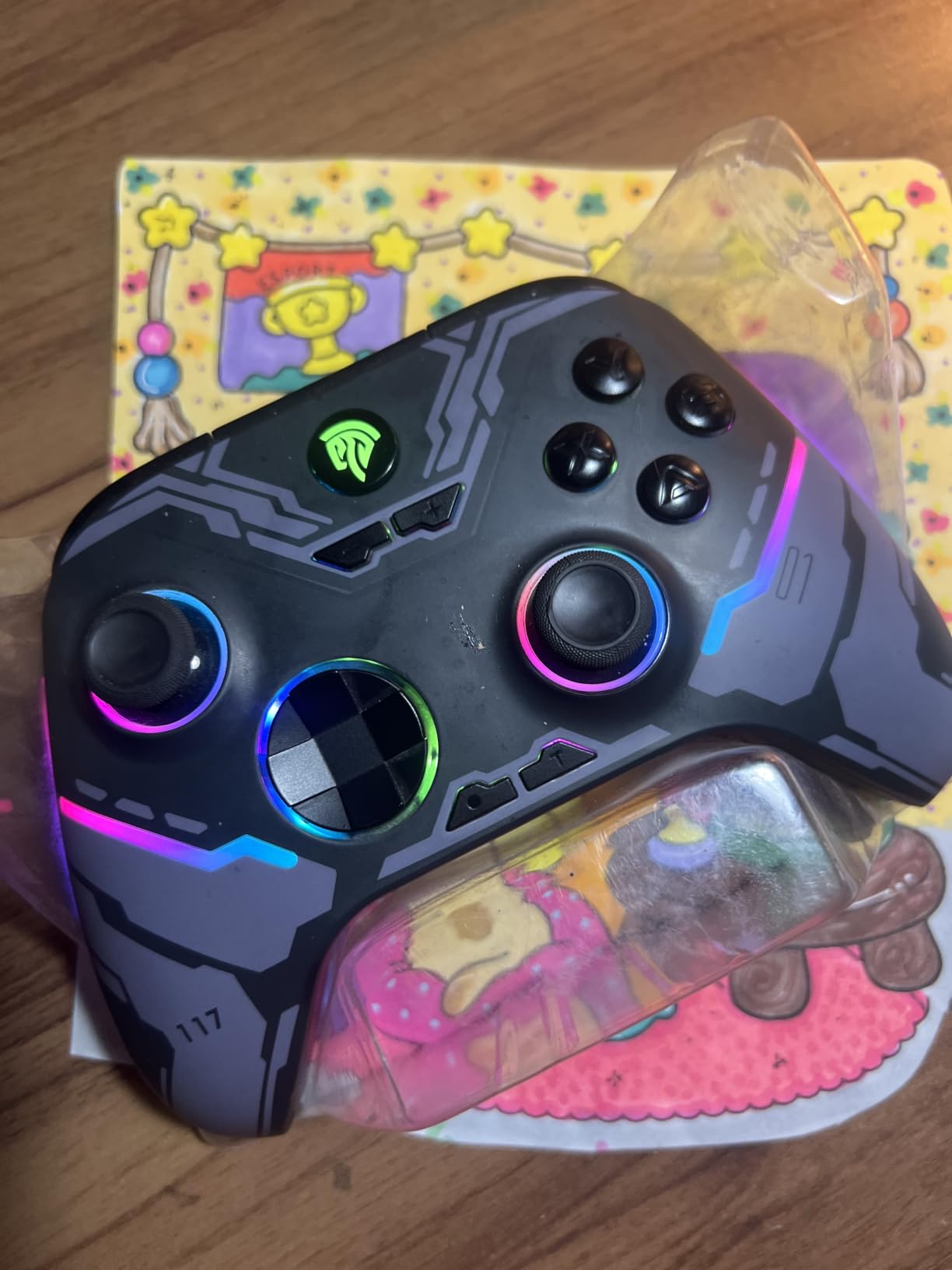
 EasySMX X15 EasySMX X15 |
|
Check Latest Price |
1. Xbox Elite Series 2 – Best Overall PC Controller
Xbox Wireless Gaming Controller | Elite Series 2 | Black | Consoles, PCs, TVs, mobile, and more | Adjustable Thumbsticks | Trigger Locks
Adjustable-tension sticks
Up to 40 hours battery
Swappable paddles and D-pads
Pros
- Excellent textured grips for long sessions
- Metal stick shafts and paddles feel durable
- Deep remapping and dead zone tuning
- Works over Bluetooth
- Xbox Wireless and USB-C
Cons
- Soft rubber-domed face buttons feel mushy
- Some units report stick drift or RB failures
- Rubber grips can peel over time
I keep the Elite Series 2 on my desk and it is the pad I hand to anyone who asks what to buy without explaining the tradeoffs. Nothing else in this list feels as settled in the hand, and with more than 47000 reviews behind it, the shape and weight are ones a lot of hands already know.
The adjustable-tension thumbsticks are the reason it stays my default. Turning the tension ring up gives a shorter, more precise throw for aiming in shooters, while loosening it suits action games where you sweep the stick around constantly. Metal stick shafts also mean the module wears far more slowly than the plastic ones on a standard pad.
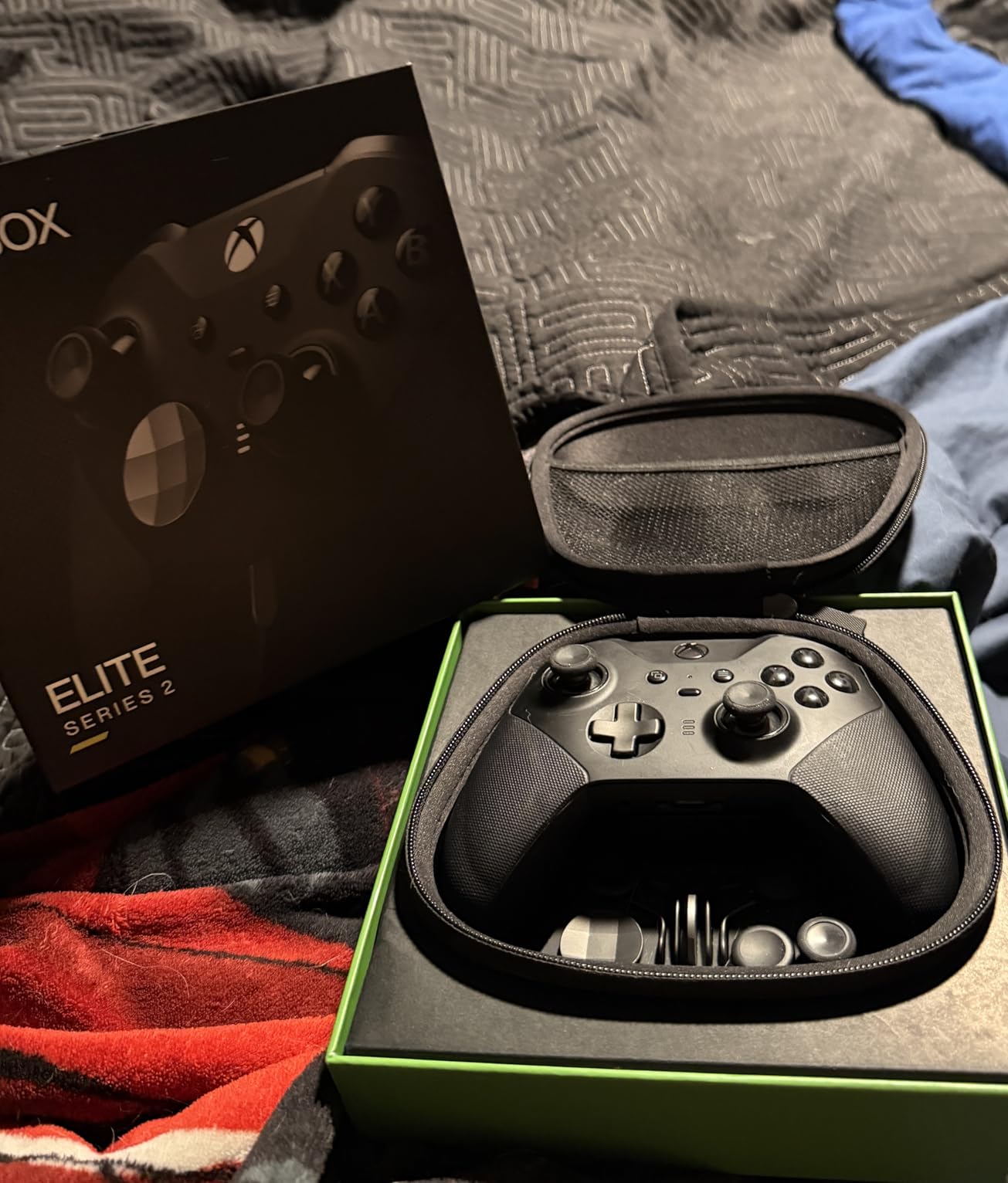
Remapping through the Xbox Accessories app is deep, and you can store three profiles on the controller itself, switching with the profile button on the top edge. Dead zone tuning lives in the same place, which matters if you ever buy a used pad. One limitation worth knowing: paddles can only be mapped to existing controller inputs, not to raw keyboard keys.
Battery life is quoted at up to 40 hours, and in practice a fortnight of evening sessions goes a long way before a charge. Connectivity covers Xbox Wireless, Bluetooth and USB-C, so it moves between a PC and a console without any fuss.
Who the Elite Series 2 suits
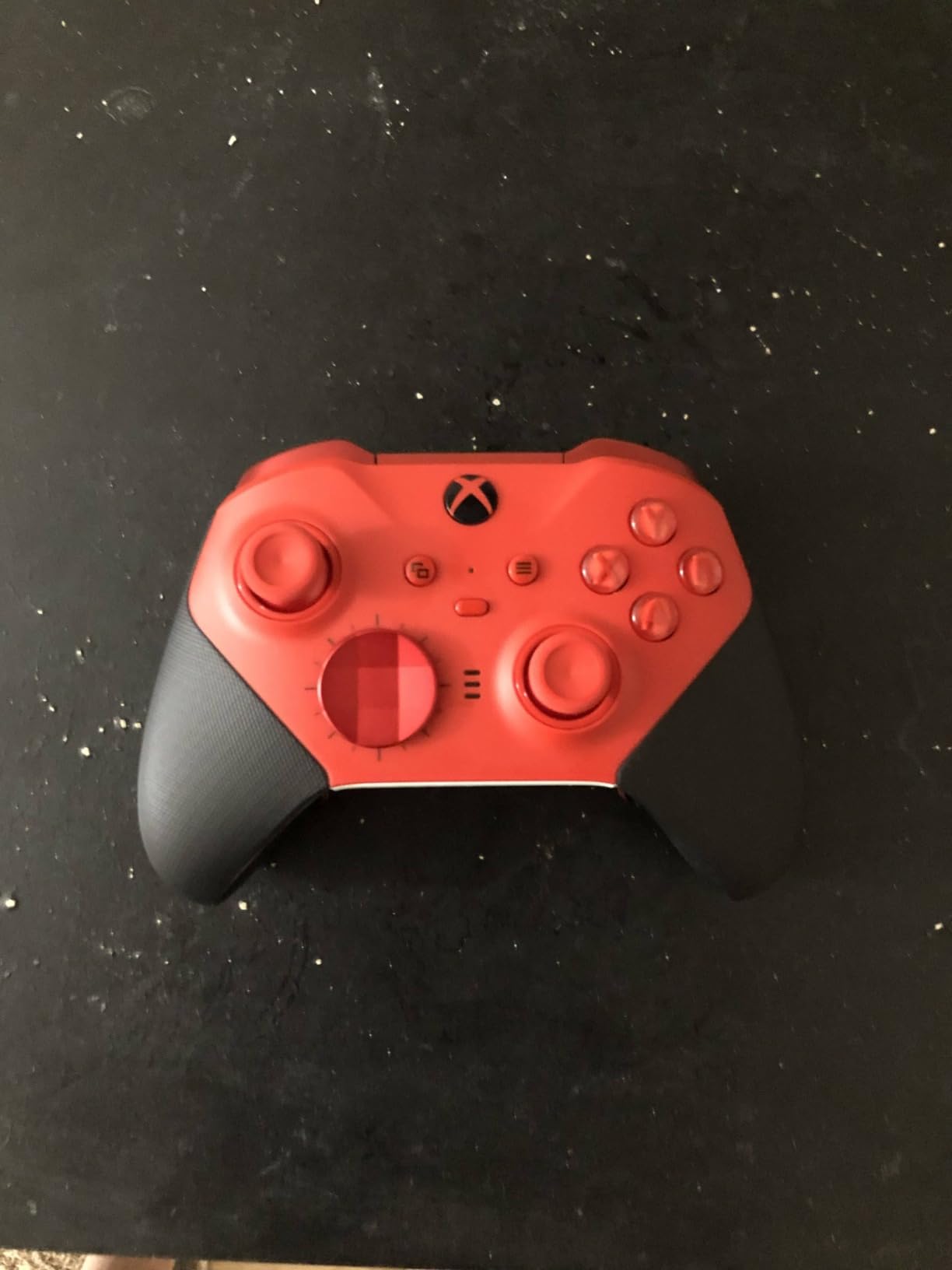
It suits players who want one controller for every session type: shooters, action RPGs, couch gaming and console play on the same hardware. Swappable thumbstick tops, four paddle variants, two D-pads and a carrying case are all in the box, so you can change the feel rather than buy again.
It also suits anyone who grips a pad hard for years. The metal internals and the tool-free swappable parts mean a worn component is a replacement rather than a reason to move on.
Where it falls short
The face buttons use soft rubber domes, and at this price many buyers expect a crisper, more tactile click. It is not a dealbreaker, but if you prefer a heavy mechanical snap, look at the GameSir G7 Pro or the Razer Wolverine V3 Pro instead.
Reviewers also report grip peeling after a few months of heavy use, and a small number of units with unreliable face buttons or RB failures. Check the pad early so you have time to return it if your unit is affected.
2. GameSir G7 SE – Best Value Wired PC Controller
GameSir G7 SE Wired Controller for Xbox Series X|S, Xbox One & Windows 10/11, Plug and Play Gaming Gamepad with Hall Effect Joysticks/Hall Trigger, 3.5mm Audio Jack (White)
Hall effect sticks and triggers
Wired USB-C
Two back buttons
Pros
- Drift-free Hall effect sticks and triggers
- Plug and play on Windows with no drivers
- Two back buttons with a physical lock switch
- Useful companion app for remapping
Cons
- 3.5mm socket reported loose on some units
- One-piece D-pad easy to mis-hit diagonally
- Wired only
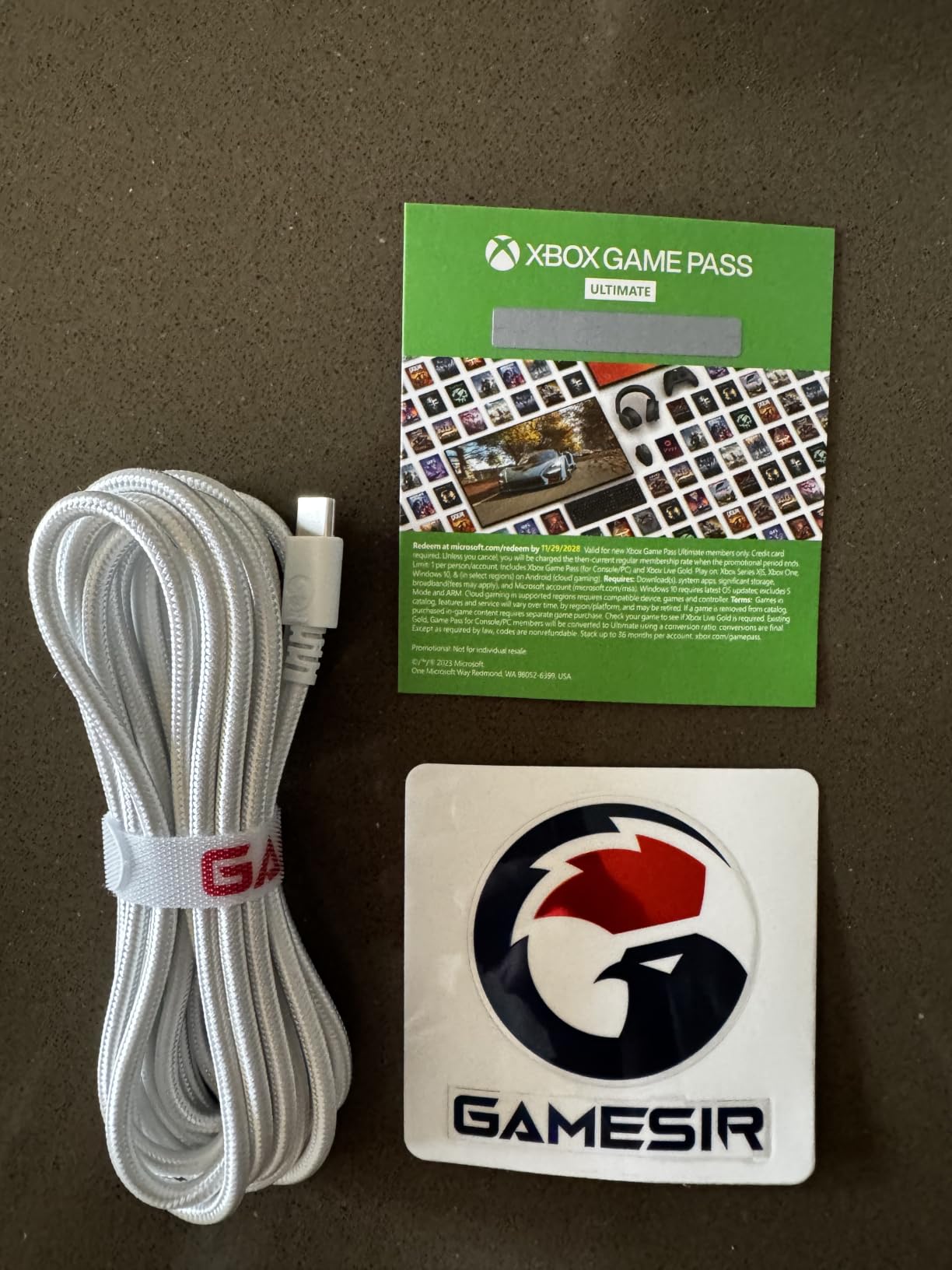
The G7 SE is the pad I recommend to anyone moving from keyboard and mouse without spending serious money. It uses Hall effect joysticks and Hall effect triggers, the two technologies that have largely solved stick drift, and it costs a fraction of the premium options.
Connection is a single wired USB-C run and that is the point. There is no pairing step, no battery, no charging, and no wireless stutter to think about. Windows recognises it as an XInput pad straight away, including inside Steam.
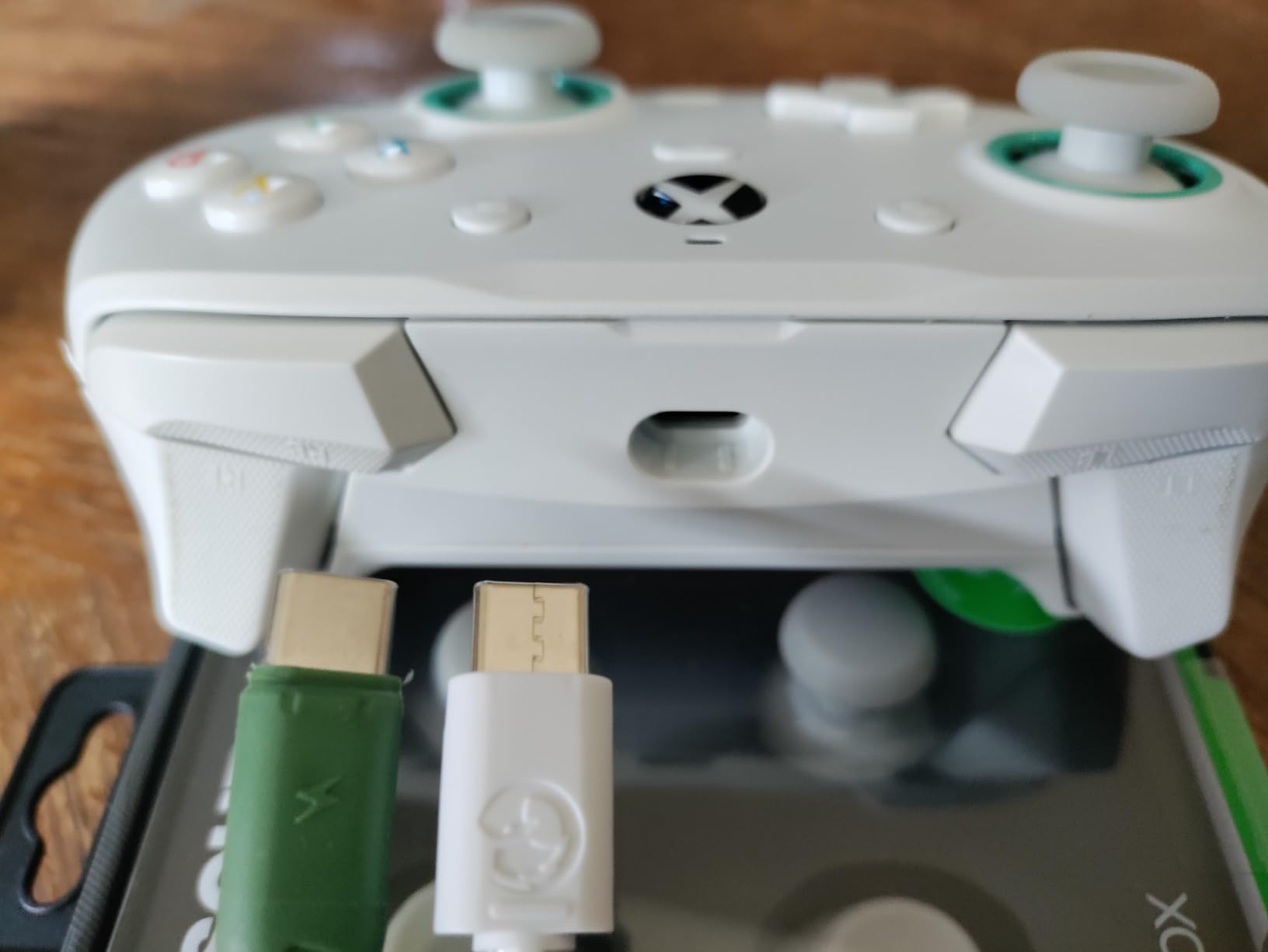
The GameSir Nexus app handles remapping, dead zones and calibration, and you can store three profiles on the pad itself. A firmware update added optional 500Hz and 1000Hz polling modes over the cable, and the two back buttons sit under the grips with a lock switch so they do not fire in the wrong game.
Build quality is better than the tier suggests, and the magnetic face plate is a nice touch that lets you change the look. Sound is handled through a 3.5mm jack with a mic mute button and volume control on the pad.
Who the G7 SE suits
It suits anyone who plays at a desk, hates charging cables, and wants drift-free sticks without thinking about it. Two back buttons give competitive shooters more options without turning the pad into a spaceship.
It also suits players with one primary machine. A wired pad that never drifts and never needs charging is the lowest-maintenance option in this guide.
Where it falls short
The solid one-piece D-pad is the weakest element. Diagonal presses on a fighting game or a retro platformer require more care than on a floating or segmented pad, and reviewers call that out repeatedly.
Some units report a loose or static-prone 3.5mm socket, and the experimental high-polling modes can introduce input spikes while disabling that jack. Stay on the default polling setting unless you have a reason to change it. It is also wired only, so there is no wireless mode at all.
3. 8BitDo Ultimate 2 Wireless – Best TMR Stick Controller
8Bitdo Ultimate 2 Wireless Controller for PC, Apple, Steam & Android, Black
TMR joysticks
Trigger mode switch
Charging dock
Pros
- TMR sticks stay precise and smooth
- Trigger mode switch between linear Hall and tactile
- Charging dock doubles as 2.4G receiver storage
- Works reliably over 2.4G
Cons
- No headphone or mic port
- Not compatible with Xbox consoles
- Sticks can feel loose at the tops
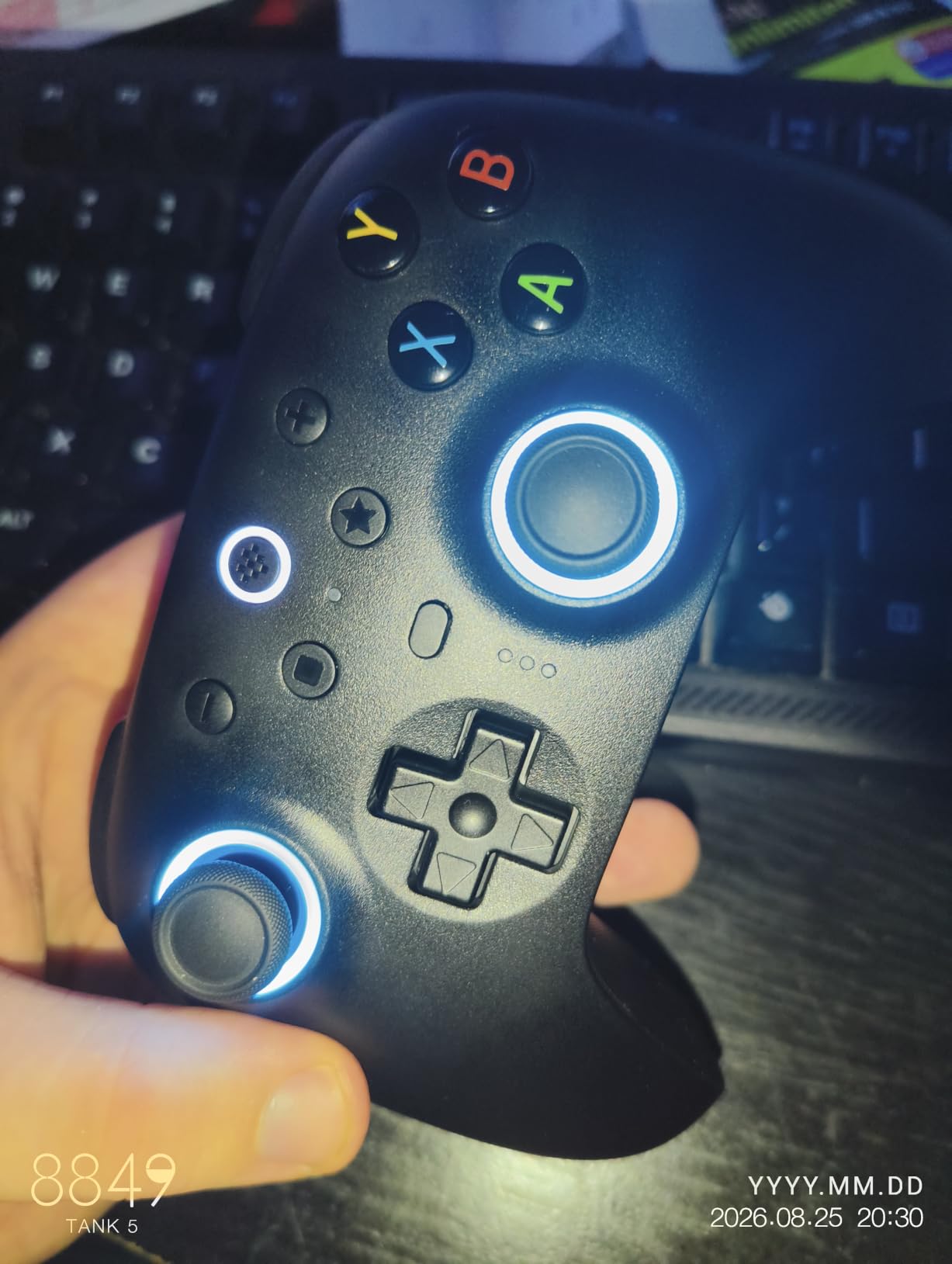
The 8BitDo Ultimate 2 is the most complete package here for the money. You get TMR joysticks, a switchable trigger system, 1000Hz polling, a wireless dock and a carrying case in the box, which is a feature list most pads twice the size do not manage.
TMR sticks are the newer generation of magnetic sensing. Unlike a potentiometer, they do not rely on a contact wiper sliding over a resistive track, so they hold a near-zero dead zone and resist the creep that makes older pads walk on their own.
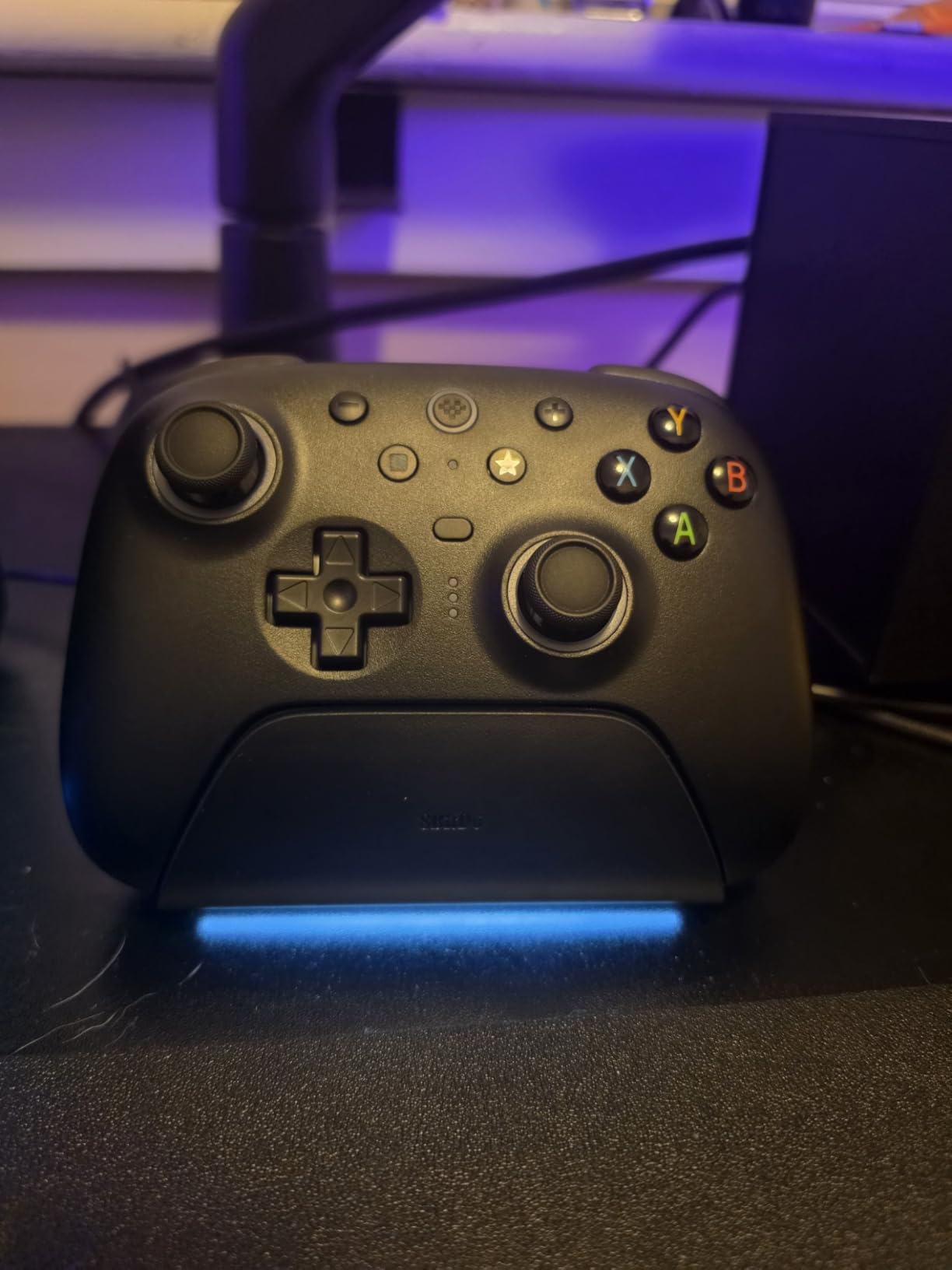
The trigger switch is the feature I did not expect to care about. One position gives linear Hall effect travel for shooters, the other adds a tactile click for action games. Same trigger, two feels, and you change it with a switch on the back rather than a software menu.
Wireless runs through a 2.4G dongle with sub-1ms latency out to around 10 meters, and Bluetooth is there if you also use a handheld or a laptop. The dock charges the pad and stores the dongle, which means one USB port on the PC does the lot.
Who the Ultimate 2 suits
It suits players who bounce between PC, Steam Deck and a screen on the couch and want one pad for all of it. Two pro back paddles plus extra L4 and R4 bumpers cover the competitive layout without going full esports.
It also suits anyone who plans to keep a pad for years. TMR sticks and a trigger mode switch mean the pad adapts as your games change rather than needing replacing.
Where it falls short
There is no 3.5mm headphone or mic port, so audio goes through the PC or a USB headset. It also will not pair with an Xbox console, which is fine for a PC-only build and a real loss if you own one.
Some owners find the sticks slightly loose or slick right at the top of the throw, and the battery is not user replaceable. Front face buttons are also not remappable in software, only through the on-pad options.
4. GameSir G7 Pro – Best TMR Sticks With Rear Buttons
GameSir G7 Pro Wired Controller for Xbox Series X|S, Xbox One, Wireless Gamepad for PC&Android with TMR Sticks, Hall Effect Analog Triggers, 1000Hz Polling Rate, 3.5mm Audio Jack – Black
Mag-Res TMR sticks
Hall effect triggers
1000Hz polling
Pros
- TMR sticks hold a near-zero dead zone
- Crisp microswitch feel on face buttons and D-pad
- Solid wireless holding close to 1000Hz
- PC-only gyroscope mappable to mouse
Cons
- All-click buttons can feel cheap at first
- Xbox mode is wired only
- Some units report trigger-stop issues
The G7 Pro is the pad I recommend when someone wants an Elite-style competitive layout with modern stick technology. It uses GameSir Mag-Res TMR sticks with replaceable modules, plus Hall effect analog triggers with clicky micro switch trigger stops.
Trigger stops shorten the pull for shooters, which gives you a faster reset and cleaner follow-up shots. Switch them off and you get full analog travel for racing and action games. The whole system is handled in the GameSir Nexus app.
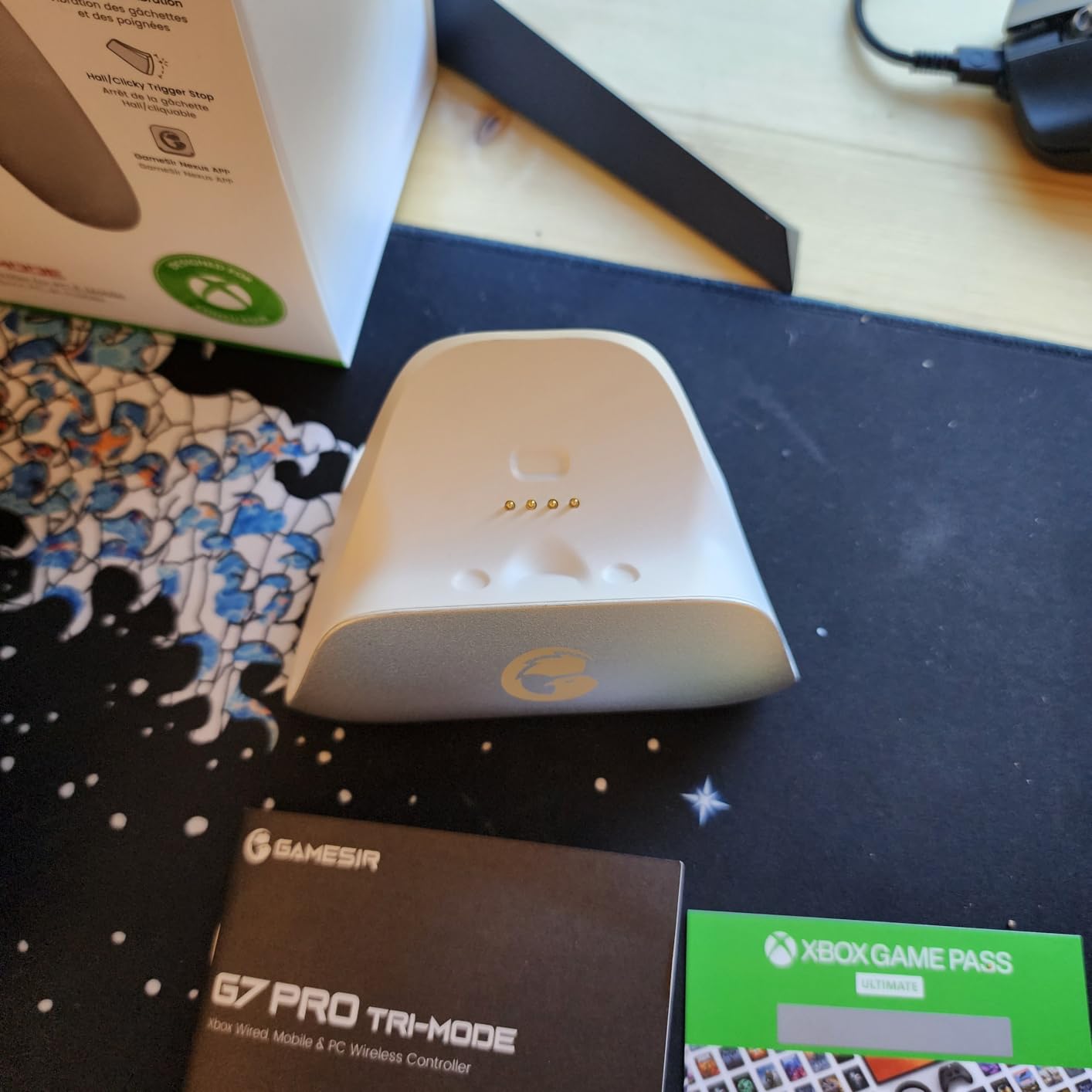
Connectivity is tri-mode: wired on Xbox, wired or 2.4G on PC, and Bluetooth for Android. On PC it polls at 1000Hz over both the cable and the wireless link, and a PC-only gyroscope can be mapped to a stick, a button or mouse movement for aiming assists.
There are four extra buttons beyond a standard pad: L5 and R5 bumpers on top plus a pair of lockable back buttons underneath. The charging station uses a 1200mAh battery with automatic start and stop, and doubles as a cradle with cable protection.
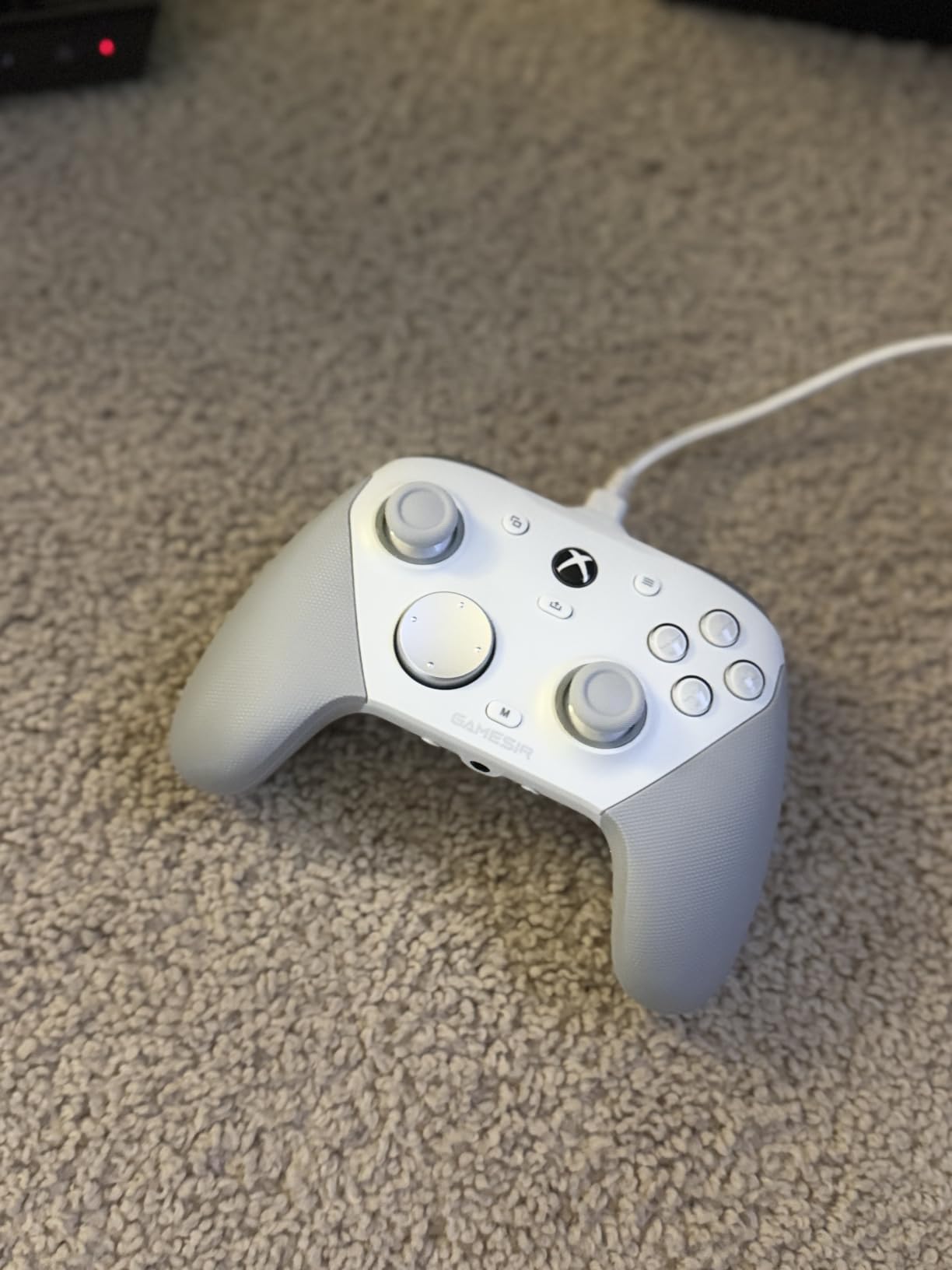
Who the G7 Pro suits
It suits competitive shooter players who want back buttons and a fast trigger but do not want to jump to esports hardware. The Nexus app also handles stick curves and button-to-mouse mapping, which covers the accessibility cases keyboard-only players often need.
It also suits anyone who games on both PC and Xbox and wants a single pad that covers both. Just remember the console side is wired only.
Where it falls short
The uniformly clicky face buttons divide opinion. People coming from rubber-domed pads often find them sharp until they adapt, and it is the single most common reason buyers return it.
A few units report inconsistent right trigger-stop microswitches, the back paddle placement differs from the Elite and Scuf layouts so it takes practice, and the magnetic face plate holes can be tight enough to cause button rub.
5. 8BitDo Ultimate 2C Wireless – Best Budget Hall Effect Pad
8Bitdo Ultimate 2C Wireless Controller for Windows PC and Android, with 1000 Hz Polling Rate, Hall Effect Joysticks and Triggers, and Remappable L4/R4 Bumpers (Transparent Black)
Hall effect sticks
1000Hz polling
Remappable L4 and R4
Pros
- Hall effect sticks with metal wear rings
- 1000Hz over 2.4G and wired
- Long battery life with USB-C charging
- No perceptible lag over the dongle
Cons
- No 3.5mm headset jack
- Extra bumpers can be awkward for small hands
- Face buttons cannot be remapped in software
The Ultimate 2C is the cheapest way onto this list and it barely feels like a compromise. Hall effect joysticks and Hall effect triggers, wear-resistant metal joystick rings and 1000Hz polling are specs that premium pads were charging for a few years ago.
Pairing is painless on Windows over the 2.4G dongle or Bluetooth, and reviewers report no perceptible input lag over the wireless link. Battery life is measured in days for most people, and it charges over USB-C with an ordinary phone charger.
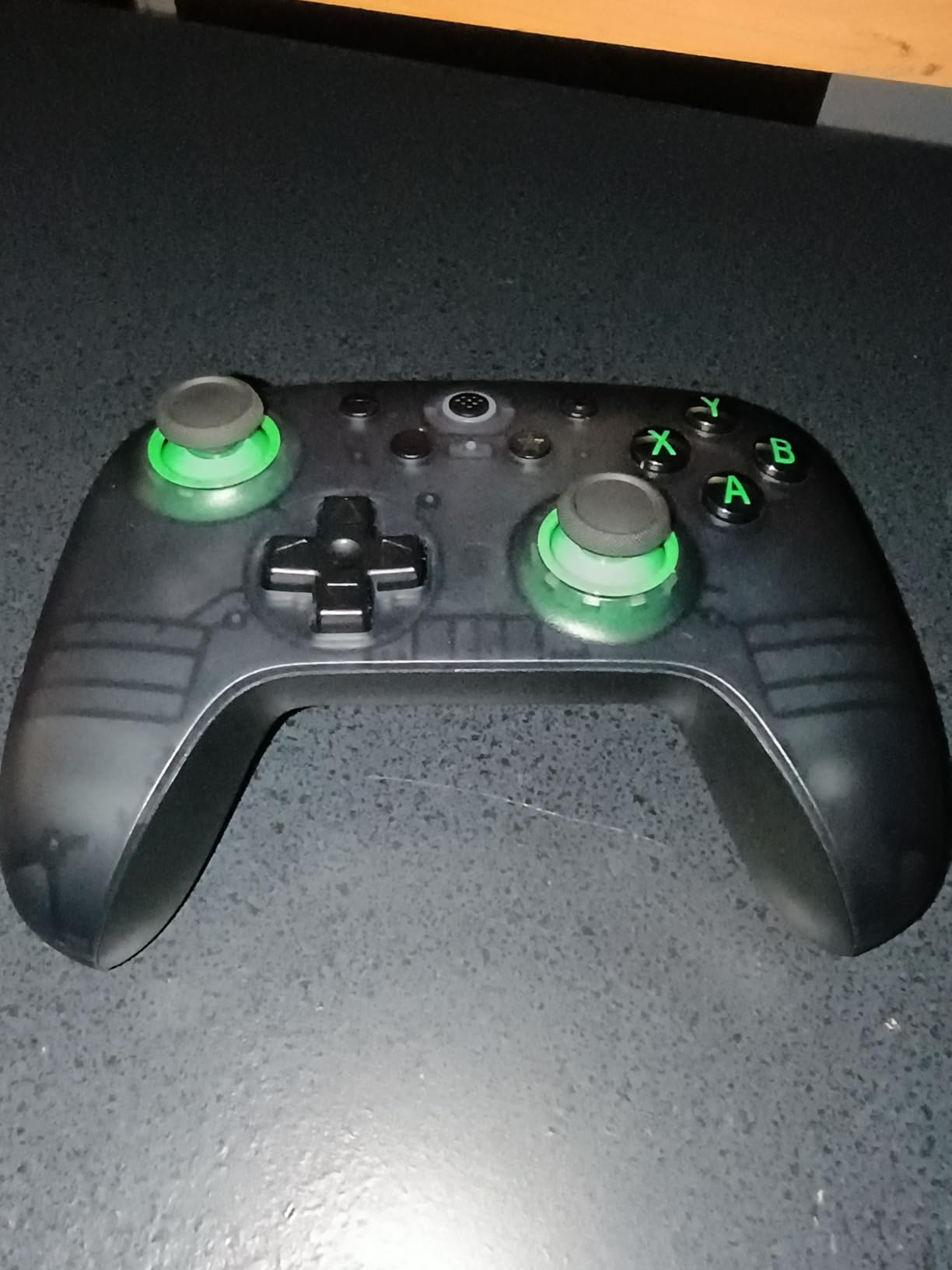
The extra L4 and R4 bumpers are mapped on the controller itself with no software, which is genuinely useful for older games with limited button slots. There is also a turbo function, and the bumpers and D-pad are clicky and light rather than mushy.
The transparent shell shows the internal board, and the lighting inside is a nice detail for a pad this price. It is the one I hand to people who want the cheapest reliable option that will not drift.
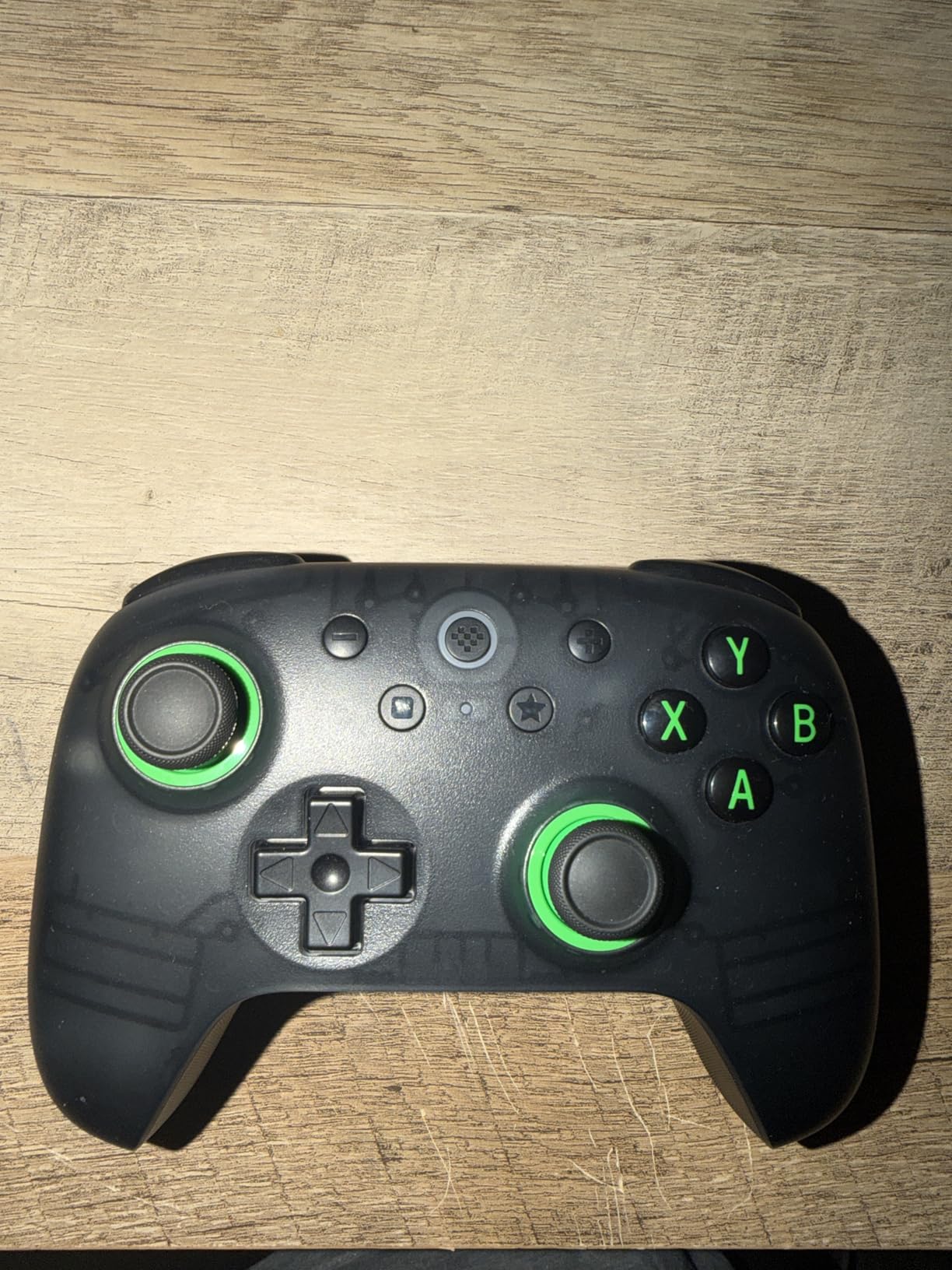
Who the Ultimate 2C suits
It suits first-time controller buyers, students, and anyone playing a few console-style games a week on a PC they share. Drift resistance means it should still behave after a couple of years of daily use.
It also suits players who want high polling numbers and back buttons without spending premium money. The 1000Hz rate and the extra bumpers cover most of what competitive players ask for.
Where it falls short
There is no 3.5mm headset jack, so you need the PC or a USB headset for audio. The top-mounted L4 and R4 buttons sit awkwardly with smaller hands, which is a real problem for younger players.
Face buttons feel a little cheap compared with the rest of the pad, the D-pad is slightly too easy to trigger diagonally on upward presses, and there is no full software remapping beyond those two bumpers.
6. PlayStation DualSense Edge – Best Premium PlayStation Layout Pad
PlayStation DualSense Edge Wireless Controller
Swappable stick modules
Adjustable trigger travel
Two back buttons
Pros
- Very comfortable even for larger hands
- Swappable stick modules extend longevity
- Trigger travel and remapping are genuinely useful
- Adaptive triggers and haptics carry to PC
Cons
- Only two rear buttons
- Battery is short with haptics enabled
- Back buttons limited to controller inputs
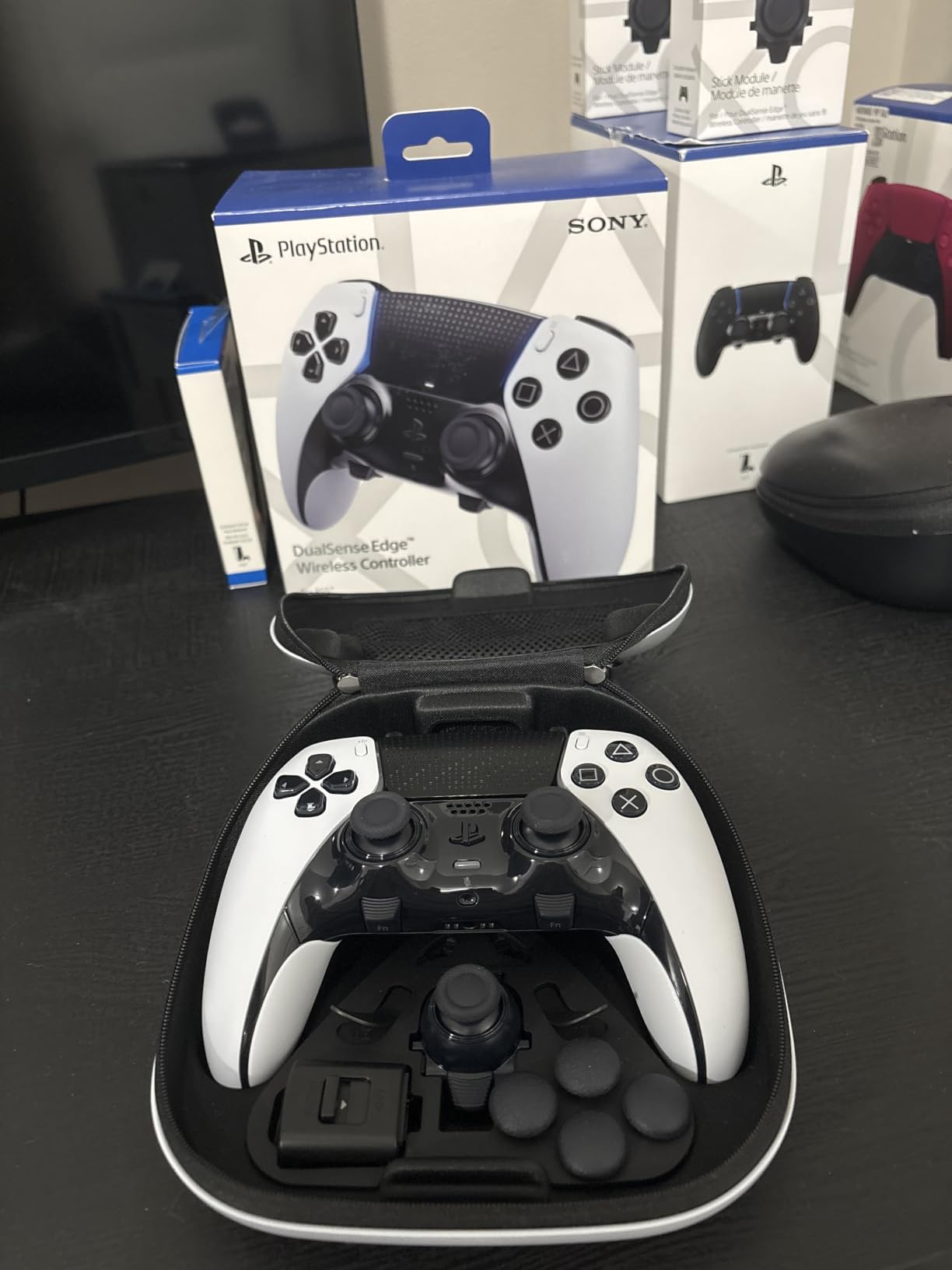
If you grew up on symmetrical sticks, the DualSense layout takes about a week to stop fighting and then never feels wrong again. The Edge is the premium version of that shape, with the same centred sticks but far more adjustability underneath.
Stick modules are interchangeable, and three types of stick cap come in the box. Because the whole module swaps rather than just the rubber top, a worn stick is a fifteen-minute fix rather than a reason to replace the pad.
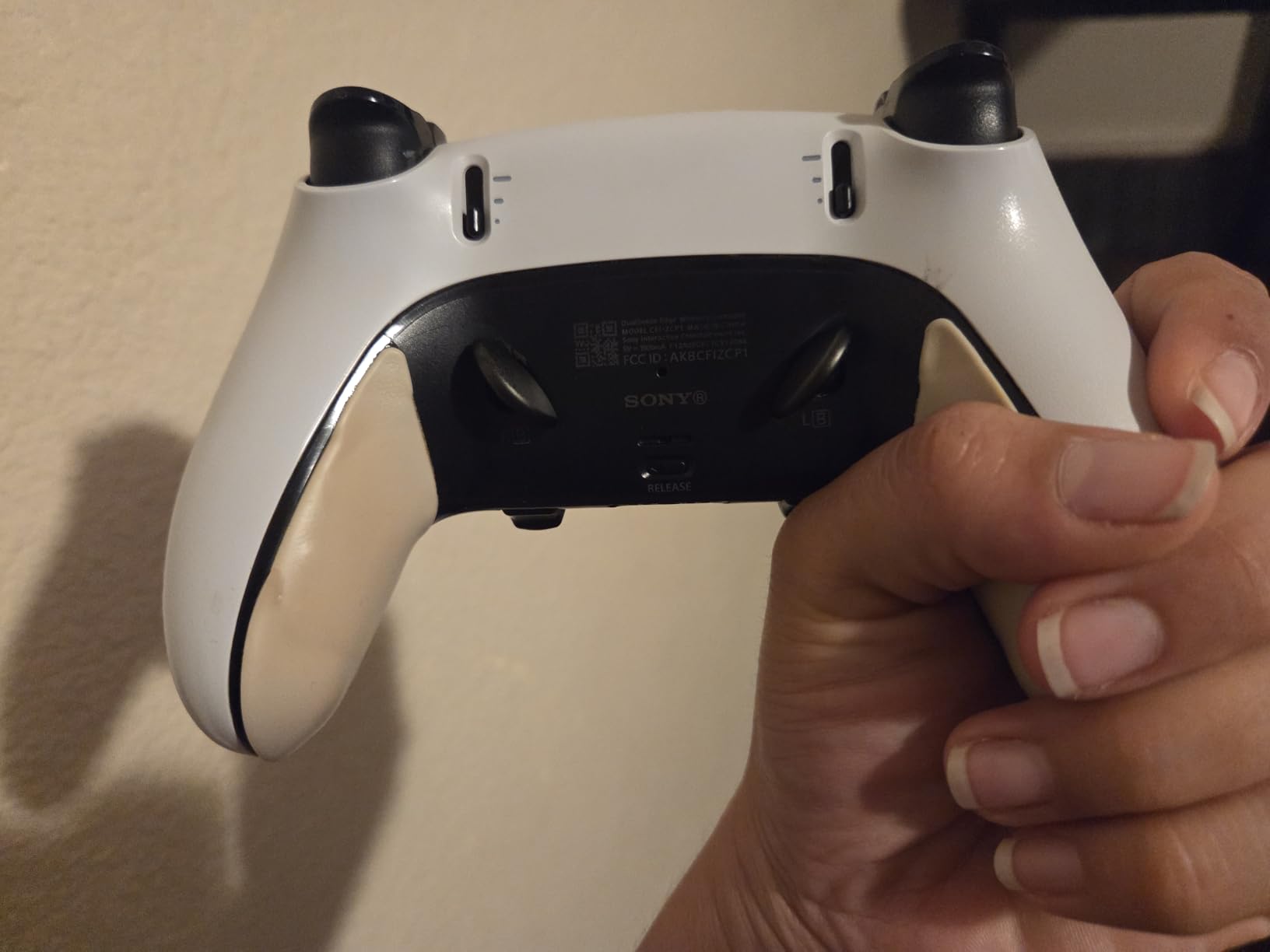
Trigger travel is manually adjustable on each side, which lets you shorten the pull for shooters and restore it for action games. Two mappable back buttons come with a second swappable set, and profiles can be swapped quickly through the Accessories app.
On PC the adaptive triggers and haptics carry over through Steam Input, so the things that make DualSense special on a console still do something at your desk. A built-in microphone and speaker round out the package.
Who the DualSense Edge suits
It suits PlayStation-layout loyalists, and anyone whose hands are larger and prefer the centred stick arrangement. The symmetrical layout also transfers naturally to retro and emulation setups that were designed around PlayStation-style pads.
It also suits players who already own DualSense accessories or subscribe to PS Plus and want one device across console and PC. Owners report very little stick drift even over long ownership.
Where it falls short
Two rear buttons is thin compared with the four found on esports pads, and competitive players will feel that gap. Those back buttons can also only be mapped to existing controller inputs, not to keyboard keys.
Battery life is the biggest practical drawback. With haptics and adaptive triggers running, sessions are noticeably shorter than on a basic pad, and the Edge costs more than the standard DualSense.
7. GameSir Cyclone 2 – Best Wireless TMR Pad With A Charging Dock
GameSir Cyclone 2 Wireless PC Controller,1000Hz,TMR Joysticks
TMR joysticks
1000Hz in both modes
Aluminum charging dock
Pros
- TMR sticks deliver smooth drift-free aim
- Full 1000Hz polling wired and wireless
- Three modes cover PC Switch Android and iOS
- Microswitch face buttons rated for 5 million clicks
Cons
- Not licensed for Xbox consoles
- Very light weight feels less substantial
- No 3.5mm headphone jack
The Cyclone 2 is built PC-first rather than as a console accessory, and you can feel it in the software. Two remappable back buttons, a 6-axis gyroscope, RGB lighting and three instant-switchable profiles are all adjustable through GameSir Connect.
It keeps 1000Hz polling in both the 2.4G wireless and wired modes, which is rare at this tier. Most pads only hit the high number over cable. Hall effect analog triggers can also switch to a hair-trigger micro mode for shooters.
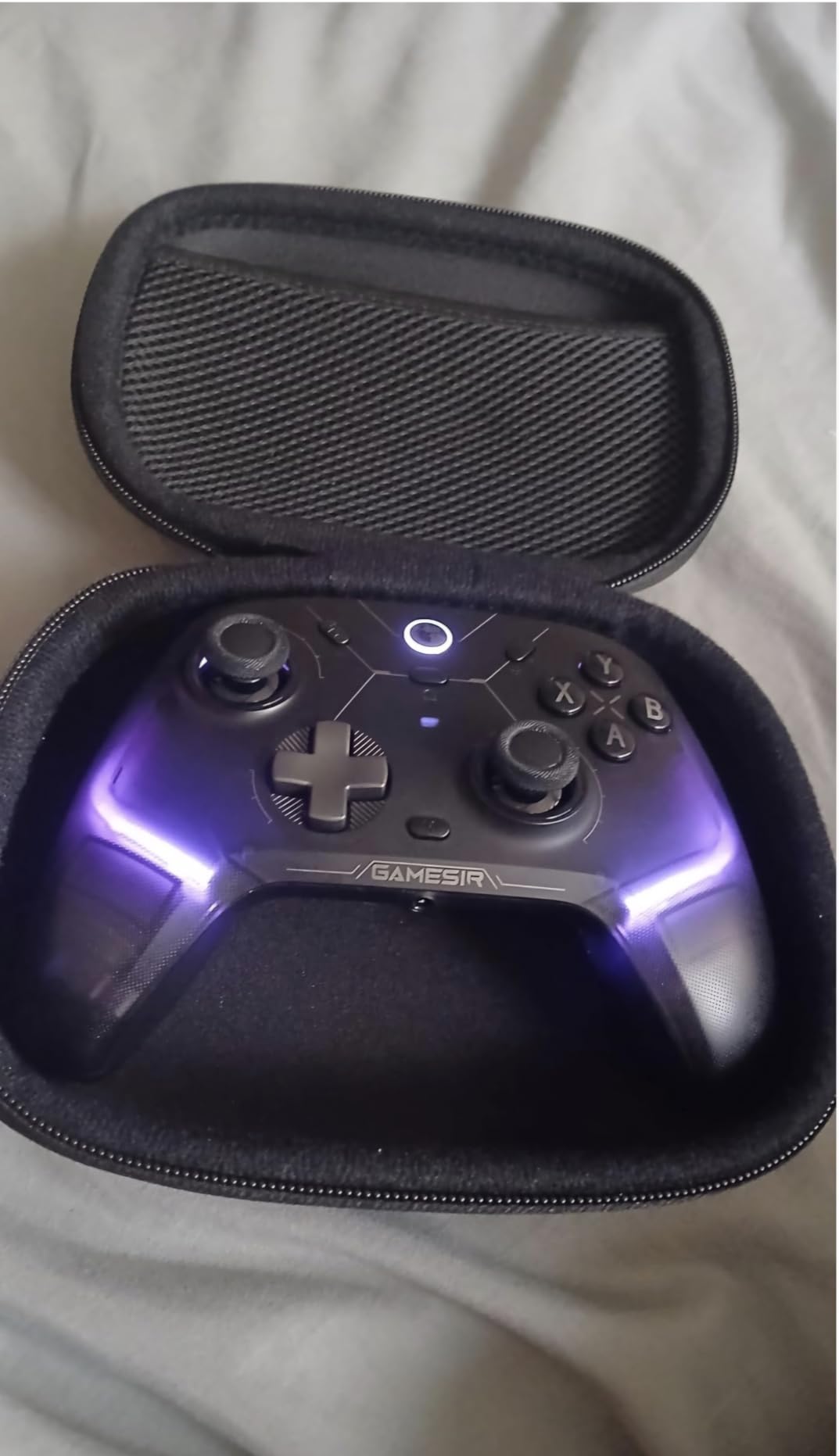
The face buttons are microswitch rated for 5 million clicks, which is the durability argument this pad makes over its rivals. Connectivity covers 2.4G wireless, Bluetooth and USB-C wired, and the Switch layout works too.
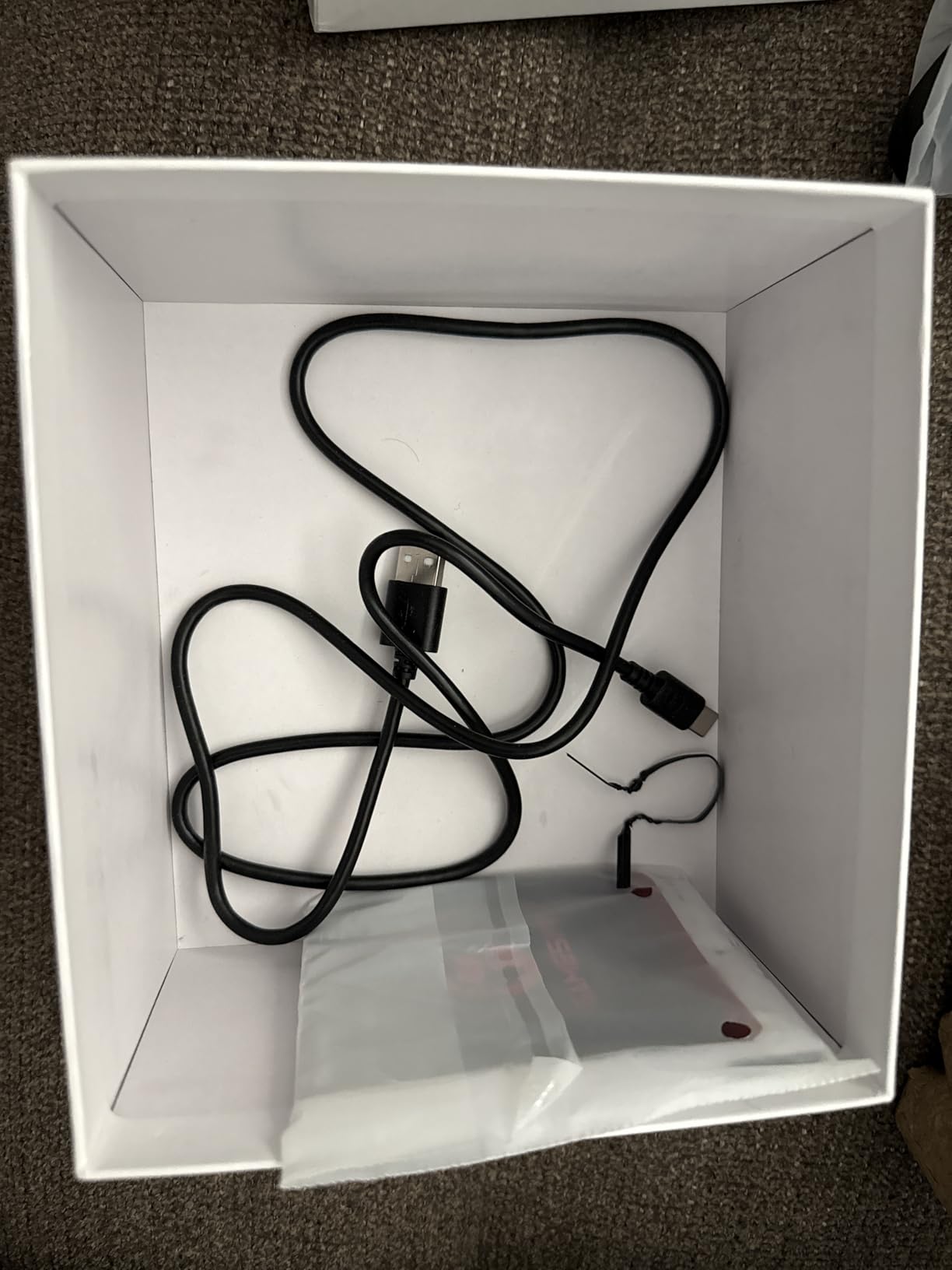
The aluminum alloy charging dock is the piece that sells it. It charges the pad and stores the 2.4G dongle inside, so the wireless receiver is never lost and the desk stays tidy.
Who the Cyclone 2 suits
It suits players who game across PC, Switch and mobile with one pad, and who want the Xbox button layout on devices that use Nintendo labelling. The layout switch between PC and Switch modes is a button combo, no app needed.
It also suits anyone who wants a light pad for long sessions. The 224g body reduces hand fatigue in competitive play, and drift-free TMR sticks mean you are not recalibrating mid-match.
Where it falls short
It is not licensed for or compatible with Xbox consoles, so buying it means committing to PC, Switch and mobile. There is also no 3.5mm headphone jack on the feature list, so audio runs through the PC or a USB headset.
The light weight can read as less substantial in the hand, and deeper customisation needs the GameSir Connect software installed rather than on-pad menus.
8. Razer Wolverine V3 Pro 8K – Best Esports Controller For PC
Razer Wolverine V3 Pro 8K PC Wireless Gaming Controller, Black
8000Hz HyperPolling
TMR sticks
Four mouse-click back buttons
Pros
- Very low input delay with 8000Hz polling
- TMR sticks are smooth and free of drift
- Four-button paddle layout in a sensible position
- Light 580g body for long competitive sessions
Cons
- No adjustable stick tension
- No rumble and no lighting
- PC-only with no console support
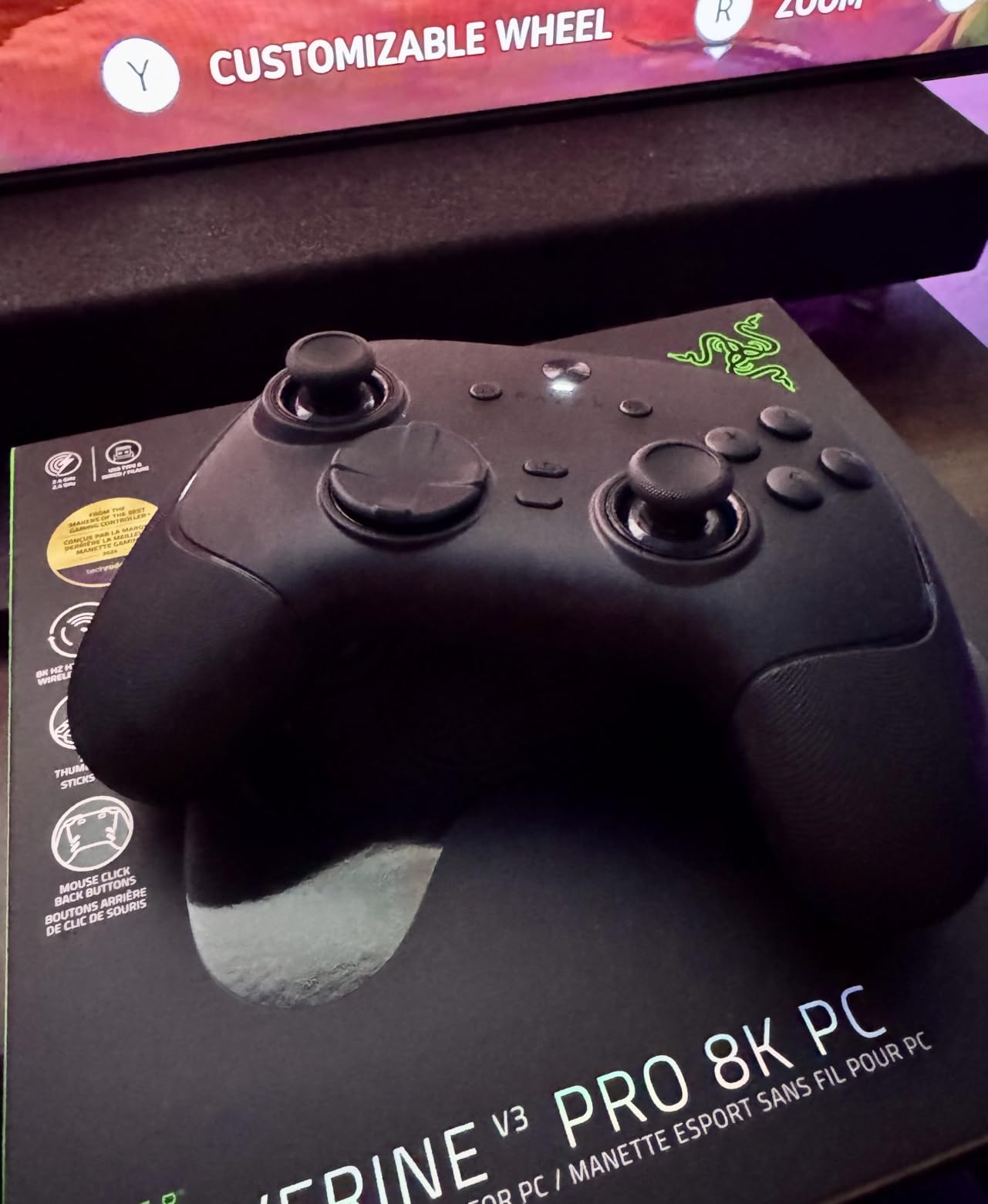
The Wolverine V3 Pro 8K is the only pad here built specifically for competitive PC play, and the compromises show it. It polls at 8000Hz in both wired and wireless modes, which is the headline number in the whole guide.
Does that matter outside tournaments? Almost certainly not. At ordinary frame rates your monitor cannot show the difference, and your reaction time is dominated by the game. Inside a ranked match the sub-millisecond input helps, and that is who this pad is for.
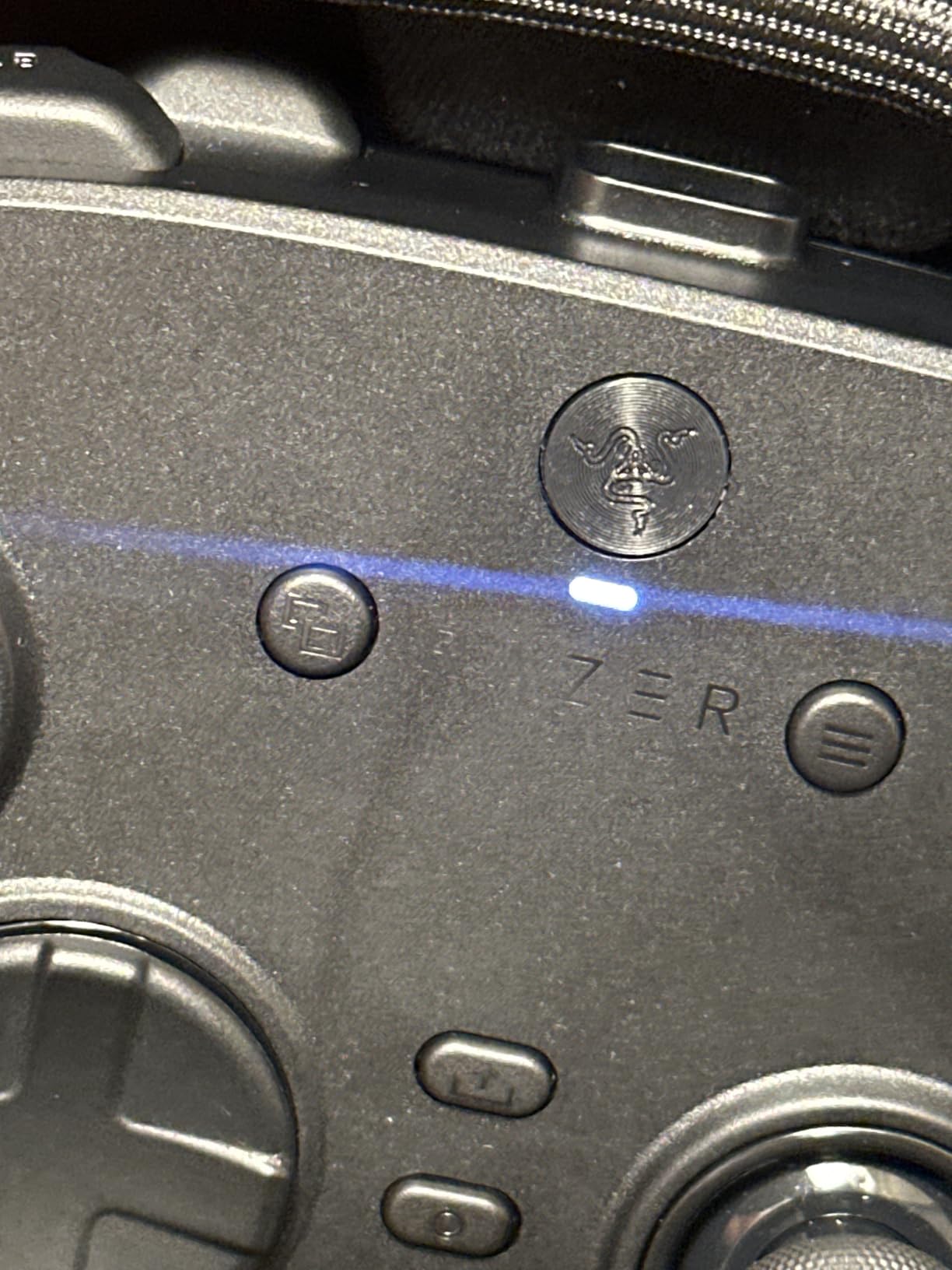
The four mouse-click back buttons sit inside the rubberised grips where your middle and ring fingers naturally rest, which is the layout competitive players ask for. The Pro HyperTriggers also switch between a clicky mouse-click mode and full analog travel.
TMR thumbsticks come with swappable caps, and the action buttons use mecha-tactile PBT doubleshot plastic over hybrid microswitches. There is an 8-way floating D-pad, up to four onboard profiles, and keyboard remapping of six programmable buttons. Synapse setup is straightforward and does not need to stay running.
Who the Wolverine V3 Pro suits
It suits players who queue for ranked shooters every evening and want every input advantage they can get. Four paddles, fast polling and a light body suit long sessions where fatigue is the real limiter.
It also suits anyone with a strong preference for a precise clicky stick. Reviewers specifically note the absence of the notchy feel some Hall effect sensors produce.
Where it falls short
There is no rumble and no RGB lighting. If you want haptics in action games or a pad that feels alive during a story sequence, this is the wrong tool, and the removals are deliberate.
There is also no adjustable stick tension control, the body is short and light enough that some hands find it uncomfortable, and battery life drops to roughly five to eight hours while running 8K polling. It is PC-only, with no Xbox, PlayStation, macOS or mobile support, and a few units report R3 stick-click wear quickly.
9. PlayStation DualSense Wireless – Best PlayStation Style Pad For PC
PlayStation DualSense® Wireless Controller – Midnight Black + USB Cable for PC
Bluetooth to Windows PC
Included USB-C cable
Multi-device pairing
Pros
- Comfortable ergonomic shape for long sessions
- No stick drift reported on these units
- Works on PC and PS5 with the included cable
- Responsive buttons with durable build
Cons
- Included USB-C cable is unbranded and plain
- Matte finish scuffs easily
- No PC-specific features like remappable paddles
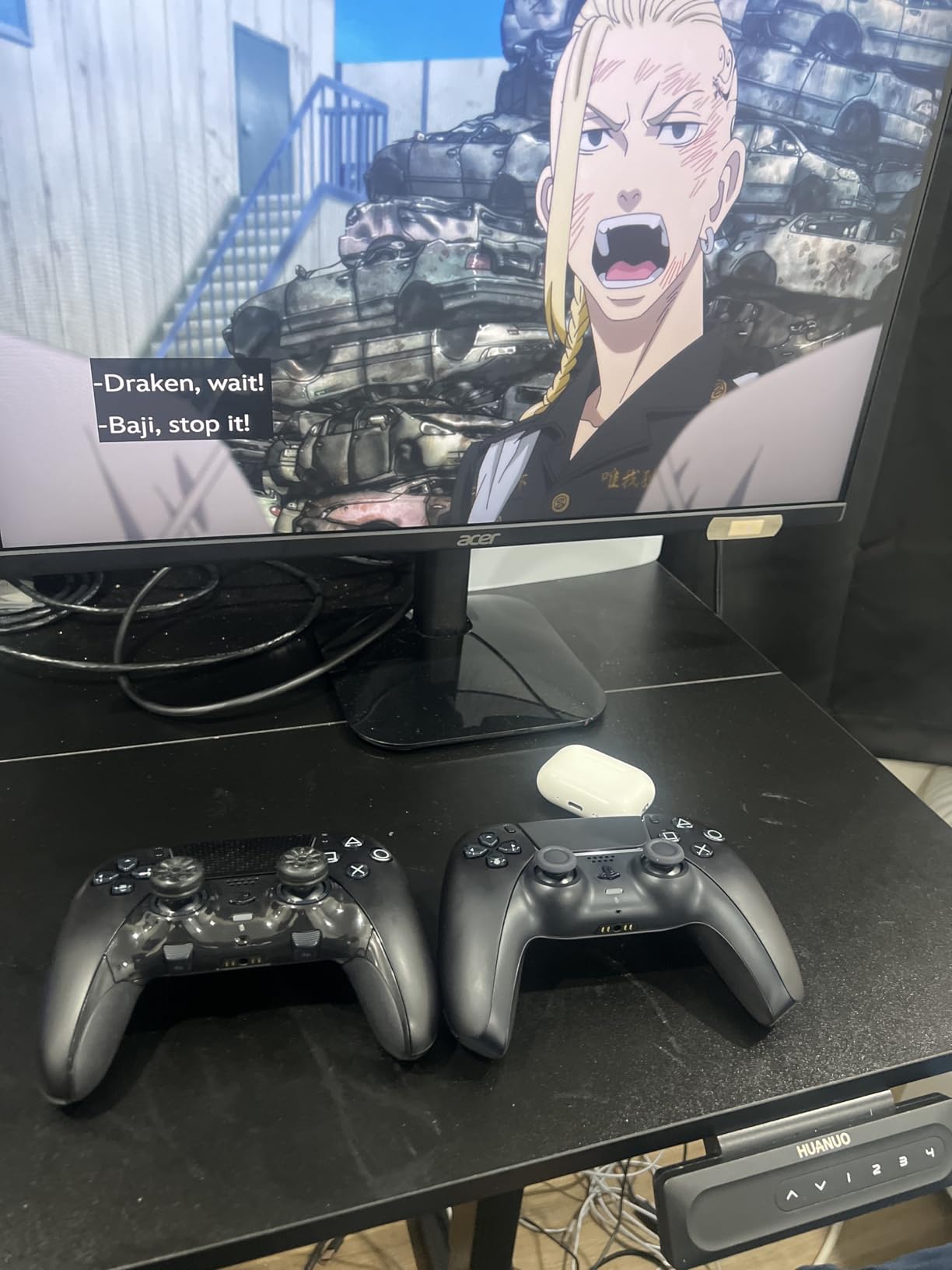
This DualSense bundle is the straightforward PlayStation-style answer for PC, and the USB-C cable in the box removes the usual first-day annoyance of hunting for the right cable. It pairs over Bluetooth to Windows or plays wired while charging.
Support covers more than 10000 Steam games, and it will hold pairing to up to four Bluetooth devices, so switching between a PC, a Mac, a PS5 and a phone is painless. The free PlayStation Accessories app on PC handles firmware updates.
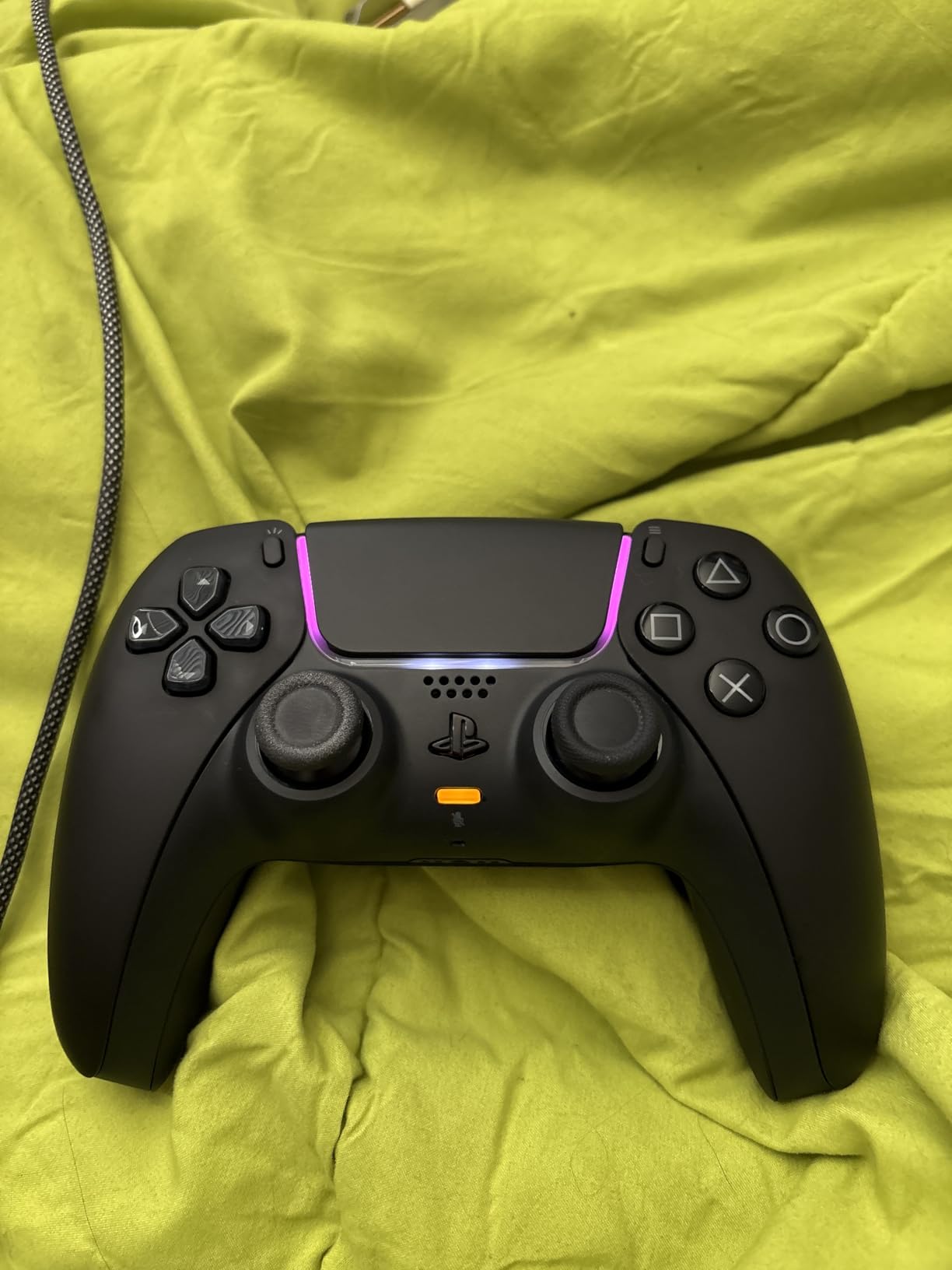
It carries the highest user rating in this list. The shape is genuinely comfortable, the buttons feel responsive, and owners report no stick drift on these units even with regular use.
PS Remote Play support means you can also stream PS4 or PS5 games to your PC with it. For anyone who already owns a PS5, this is the least friction path to playing console games at a desk.
Who the DualSense suits
It suits PS5 owners who want one controller for console and PC, and action RPG players who prefer symmetrical sticks. The centred layout also suits emulation of PlayStation-era titles.
It also suits anyone who just wants a comfortable, reliable pad with no setup fiddling. Plug it in or pair it, and it works.
Where it falls short
There is nothing PC-specific on it. No remappable paddles, no extra buttons, no back buttons at all, and no on-pad software for customising layout. If you want competitive extras you need the DualSense Edge or a different brand.
The matte black finish shows scuffs and paint chips easily, the bundled USB-C cable is a plain unbranded one, and Bluetooth requires you to put the controller into pairing mode first rather than it just connecting.
10. EasySMX X15 – Best Budget Pad For PC, Switch And Mobile
EasySMX X15 Wireless PC & Steam Gaming Controller, Hall Effect, Black
Hall effect sticks
Three connection modes
1000mAh battery
Pros
- Smooth Hall effect sticks and triggers at a low price
- Three modes cover Windows Steam Switch Android and iOS
- Stable wireless with no noticeable latency
- Concave D-pad and textured grips feel good
Cons
- Some users report drift despite Hall effect sticks
- No companion app for back button remapping
- No headphone jack and no gyroscope
The X15 is the no-frills option here, and it covers an unusual amount of ground for the money. Hall effect sticks and triggers, three connection modes and native XInput and DirectInput support on PC, plus an A-to-B layout switch for Switch.
The 1000mAh battery gives up to 20 hours of play, charging over USB. It supports 2.4G wireless, Bluetooth and wired USB-C, so it works on a PC, a Switch and a phone without a second device.
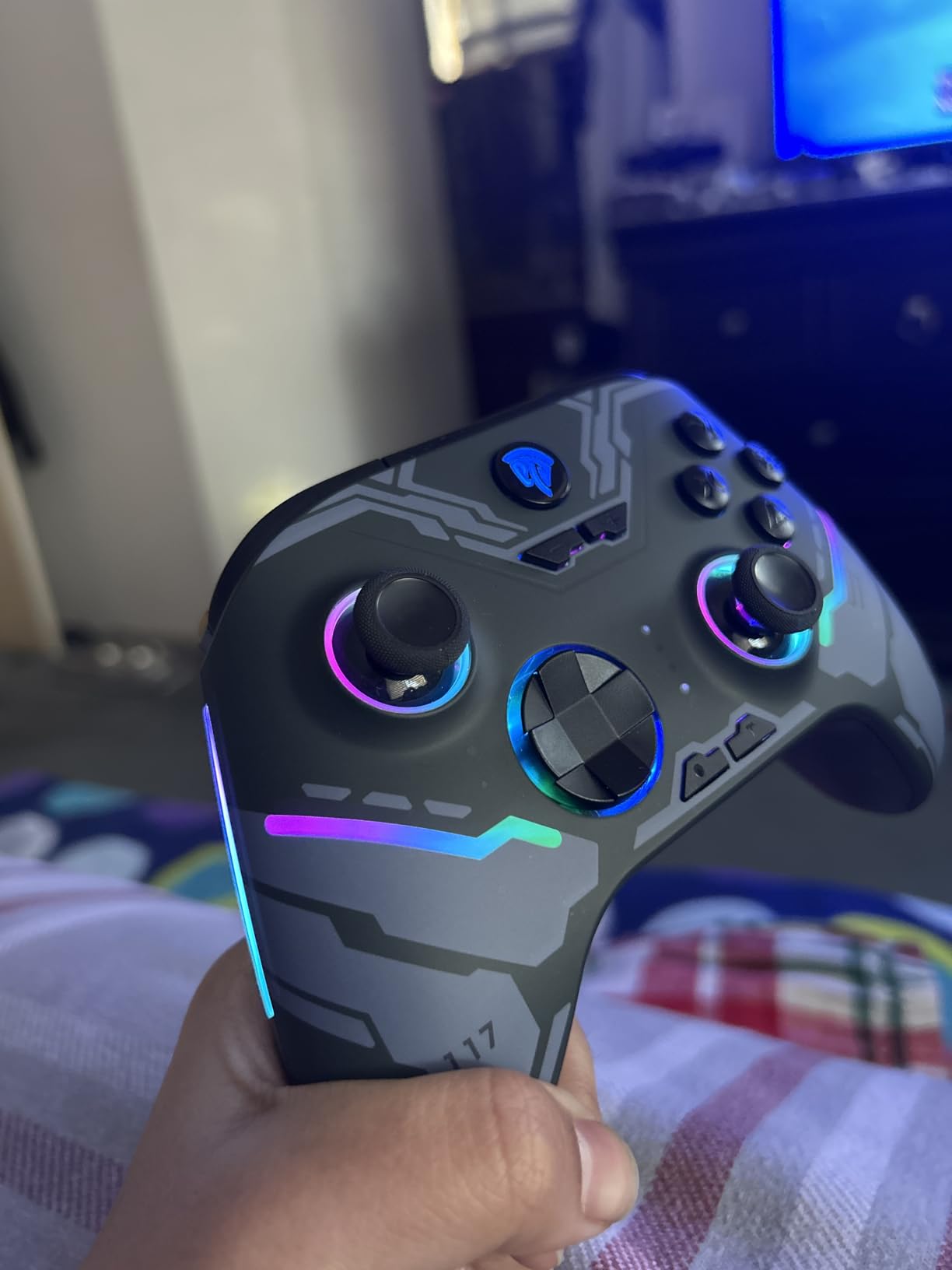
Two programmable back buttons are there for older games, and the textured grips plus concave D-pad feel considered rather than accidental. The shell and finish are reported to hold up after a year of daily use, which is unusual at this tier.
RGB lighting and a turbo function are both on the pad. Turning the lighting off is worth doing, since reviewers find it distracting in dark rooms.
Who the X15 suits
It suits players who split time between a PC, a Switch and a phone and want a single pad that follows them. It also suits anyone playing older or retro titles that need extra buttons the keyboard layout cannot give you.
It suits casual and mid-weight players who want Hall effect sticks at the lowest cost on this list, and who do not want to install software for basic features.
Where it falls short
A small but vocal group of users report stick drift despite the Hall effect claim, and there is no companion app on PC to remap the back buttons. That combination means you have fewer software options if a problem appears.
Rumble is basic next to a standard Xbox 360-style pad, there is no 3.5mm jack and no gyroscope, and some buyers find the build light and plasticky. Trigger throw is long with no adjustable stop, which will disappoint FPS players.
How To Choose A PC Controller
Start with stick technology, because it decides how long the pad lasts. A potentiometer stick reads position from a resistive track with a contact wiper. That contact wears, particles get in the way, and the stick starts drifting without being touched. It is the single most common reason PC players replace a controller.
Hall effect sticks read magnetic field strength instead, with no physical contact on the sensing axis, so they do not develop drift in normal use. TMR sticks go a step further, combining magnetic sensing with a signal that tolerates dirt and wear even better. If drift is your priority, both Hall effect and TMR pads on this list solve it, and every product we recommend uses one of the two.
Next is polling rate, which is how often the pad reports your input to the PC. A 1000Hz pad reports a thousand times a second, eight times a typical console controller. Above that, the Razer Wolverine V3 Pro reaches 8000Hz. For ordinary play the difference is invisible; for competitive shooters it is measurable but still small. Do not pay a large premium for a number you cannot feel outside a tournament.
Connectivity is a straightforward tradeoff. Wired USB-C adds no latency and needs no charging, which is why the GameSir G7 SE is a strong recommendation for a desk. A 2.4GHz dongle gives near-wired latency with the freedom to stand up, at the cost of battery life and one more thing to keep track of. Bluetooth is the most convenient and generally the least consistent for fast input.
Layout matters more than buyers expect. Xbox pads put the analogue sticks offset, with the trigger and thumbstick share a diagonal, which suits shooters and Western games. PlayStation pads use symmetrical sticks with the face buttons at the top, which suits action RPGs and anything designed around a PlayStation controller. Porting muscle memory between the two takes about a week.
Match the pad to your games. Competitive shooters want back paddles and short trigger travel. Soulslikes and action RPGs want symmetrical sticks and heavier bumpers. Fighting games need a crisp D-pad, preferably segmented or floating. Racing wants analog triggers with a long throw. Couch co-op wants battery life and a low-latency wireless link.
Finally, think about hand size and grip. Smaller hands often dislike pads with large grips and top-mounted buttons, which is a repeated complaint about the 8BitDo Ultimate 2C. Ergonomics are personal, and a pad that fits your hands beats a better spec sheet.
Connecting And Setting Up Any Controller On Windows PC
Most PC controllers are recognised automatically. For a wired pad, plug the USB-C cable into a port on the PC, press the Xbox or PlayStation button, and Windows will install the driver and assign it as an XInput controller. This works the same for the DualSense, the DualSense Edge and the GameSir G7 SE.
For a 2.4GHz dongle, insert the small receiver into a free USB port before turning the pad on, then hold the pairing button until the LED settles into a steady state. Steam sees the pad as soon as it connects, and the dongle is worth keeping in a port you never touch so it does not get moved between sessions.
For Bluetooth, press and hold the controller’s pairing button until the light bar flashes rapidly, then open Windows Settings, go to Bluetooth and devices, choose Add device and select the controller from the list. You have to do this pairing dance on the first connection, and again after the controller has been switched on somewhere else.
Open Steam first for almost everything else. Launch Big Picture Mode, go to Settings, then Controller, and Steam Input will offer a configuration screen per game. From there you can remap any button, set per-stick dead zones, adjust the gyro, and force a PlayStation-style layout onto an Xbox pad if a game is built around one.
Two things worth knowing about Steam Input. It only applies inside Steam, so games launched through other launchers or with anti-cheat software active will use the raw controller signal instead. And if you rely on Steam Input to mask a drifting stick, that stick will misbehave the moment you leave Steam. Fix the calibration instead.
GamePass and PC Game Pass titles run fine with these pads, but subscription games sometimes ship with their own button prompts. If the on-screen layout disagrees with the pad, set the layout once in Steam Input and it will carry across most of those titles.
Fixing Stick Drift And Setting A Dead Zone
Is stick drift fixable? Partly. Software can mask the symptom, and replacing the stick module fixes the cause. On a pad with swappable modules or stick caps, the second option takes minutes and costs almost nothing.
First, confirm it is drift. Leave the pad untouched for a few minutes, then check whether the on-screen cursor or in-game camera has moved on its own. In Windows, Game Controllers panel shows the stick position, and anything that does not settle at centre is drift.
Second, set a dead zone in Steam Input. Open Big Picture Mode, go to Settings and Controller, open Steam Input settings, select the game, and enter its configuration. Find the stick settings and raise the radial dead zone until the stick reads centre while untouched. Start small and increase in steps; too large a dead zone makes slow movements near centre impossible.
Third, run a calibration where one exists. The GameSir Nexus app and the Xbox Accessories app both include calibration routines that recentre the sticks, and a recalibration often fixes a pad that has been stored in a hot car or knocked about.
Fourth, if you own an Xbox pad, hold the button combination that triggers its built-in calibration and follow the on-screen prompts. Note that this only re-centres the current reading, so a genuinely worn potentiometer will drift again within days.
Fifth, if drift persists, clean around the stick base with compressed air and check for grit before you assume the sensor has failed. On Hall effect and TMR pads this rarely helps, since there is no contact wiper to clean.
Last, replace the module. The G7 Pro, the Razer Wolverine V3 Pro and the DualSense Edge all ship with or support swappable stick modules, so a worn stick becomes a fifteen-minute fix. On a basic Xbox or DualSense pad the whole controller is the module, and that is when buying a drift-free pad makes more sense than another repair.
Frequently Asked Questions
What controllers do pros use on PC?
Professional PC players mostly use dedicated esports pads built for competitive shooters, such as the Razer Wolverine V3 Pro, Scuf-style paddled controllers and lightweight Xbox-layout pads with swappable sticks. What matters is back buttons, short trigger travel, a light body and a low polling latency, not the brand name. For ordinary play, any of the drift-free picks in this guide performs close enough.
Which controller is best for Windows PC?
The Xbox Elite Series 2 is the best overall controller for a Windows PC because it combines adjustable-tension sticks, deep remapping with saved profiles, adjustable dead zones and Bluetooth, Xbox Wireless and USB-C connectivity. If you want drift-free sticks at a lower cost, the GameSir G7 SE is the strongest value wired option.
Are PC gaming controllers worth it?
Yes, if you play console-first games. Soulslikes, action RPGs, fighting games, racing and sports titles were designed around a pad, and forcing them onto WASD is a worse experience rather than a purer one. If you only play competitive shooters or strategy games, keyboard and mouse remain the better tools and a controller will not change that.
What is the best PC controller in 2026?
The Xbox Elite Series 2 is our best overall pick in 2026 for its ergonomics and customisation, the GameSir G7 SE is the best value wired pad, and the 8BitDo Ultimate 2 is the best mid-tier pick thanks to TMR sticks and a charging dock. Each wins a different category, so the right choice depends on whether you prioritise feel, price or features.
How do I fix controller stick drift on Steam?
Open Steam Big Picture Mode, go to Settings and then Controller, enable Steam Input for the game and enter its configuration, then raise the radial dead zone until the stick reads centre while untouched. Start low and increase in steps, since a large dead zone removes slow movements near centre. If the drift returns within days, the stick module itself is worn and needs replacing.
Is stick drift actually fixable?
It is fixable in two ways. Software can mask it by setting a dead zone in Steam Input or the controller companion app, which stops the drift affecting play. Fixing the cause means replacing the stick module, which is quick and cheap on pads with swappable modules and much harder on a basic pad where drift usually means buying a new controller.
Is 1000Hz polling rate worth it for gaming?
At 1000Hz a controller reports input a thousand times per second, which is a large step up from a typical console pad. Outside competitive play you are unlikely to notice it at normal frame rates. Inside a ranked match the lower latency is real, so it is worth having rather than worth overspending on, and rates above 1000Hz mostly benefit tournament players.
Are TMR sticks better than Hall effect sticks?
Both remove the physical contact that causes potentiometer drift, so either solves the problem in daily use. TMR sensing tolerates dirt and wear better over a long ownership period and tends to read as smoother and lighter, while Hall effect remains cheaper and more widely available. If drift is your main concern you do not need to choose between them carefully; both beat a potentiometer stick.
The Verdict On The Best Gaming Controllers For PC In 2026
After months of play, the Xbox Elite Series 2 remains the best gaming controller for PC overall. The adjustable-tension sticks, swappable parts and deep remapping with saved profiles are the combination nothing else matches, and its build quality holds up where cheaper pads do not.
Buy the GameSir G7 SE if you want drift-free Hall effect sticks and never want to charge anything again. Buy the 8BitDo Ultimate 2 if you want TMR sticks, a charging dock and a strong feature list for the money. Step up to the Razer Wolverine V3 Pro 8K only if you compete, and pick the DualSense Edge if you want the PlayStation layout with premium adjustability.
Whatever you choose, set a proper dead zone before you set anything else. It costs five minutes and it is the difference between a controller that feels precise and one that fights you. For the rest of your build, our picks for prebuilt gaming PCs and power supplies for gaming PCs cover the parts that keep that frame rate steady.