
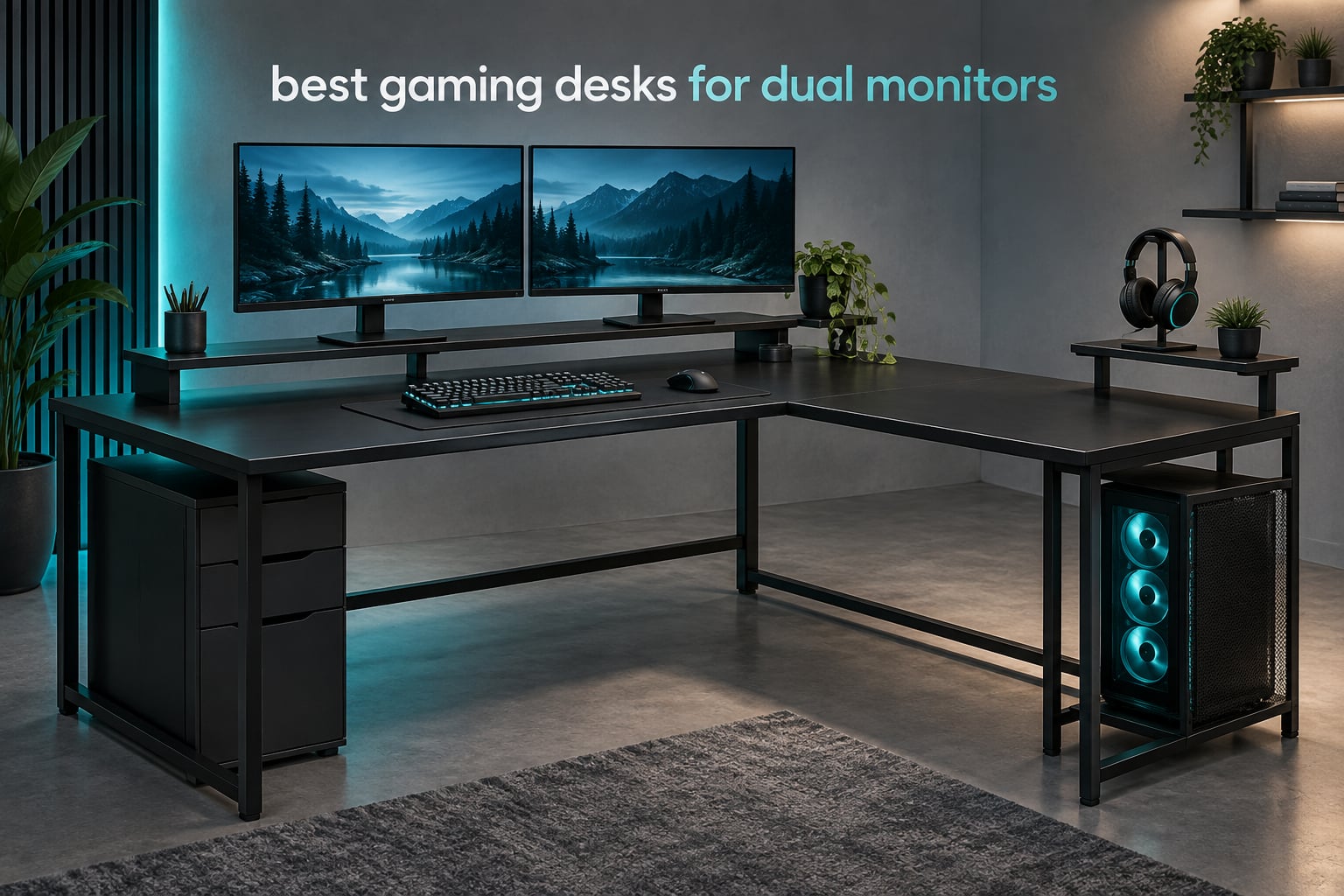
Two monitors change how you use a desk, and most desks sold as “gaming desks” are not sized for it. A dual monitor setup needs real width, a rigid frame, cable routing and enough load capacity to carry two panels plus a PC tower without flexing every time you lean on it. Here is the sizing rule I use: 48 inches wide is the minimum for two 24-inch screens, 60 inches wide covers two 27-inch screens plus a tower on the same surface, and 30 inches of depth is the floor for a comfortable keyboard and mouse placement.
That rule matters more than any lighting feature. A desk that is a few inches too narrow forces one monitor off-centre, which pushes your neck into a constant twist and is the single most common complaint in dual monitor setups. A desk that is too shallow pushes the mouse pad under the screens and puts your wrists at the edge. Both problems cost you more in a long gaming session than an RGB strip ever adds back.
I have spent the last few weeks going through ten of the most-reviewed gaming desks in this category, checking desktop dimensions, frame material, weight ratings, power options and the details buyers complain about once the box is open. Every desk below is reviewed with its real specs, including the awkward ones like assembly time and thin tops. Where reviewers report problems, I have said so plainly.
If you are still deciding on the screens themselves, the best KVM switches for dual monitors guide covers how to switch two machines through one keyboard and mouse, which changes how much desk space you actually need.
One note before we start: most of the desks here are fixed-height. The one electric sit-stand option in the list is the Veken 55-inch, and it is the only pick here with adjustable height range and memory presets. If you want to alternate between sitting and standing, that is the only one of these ten built for it.
Table of Contents
Top 3 Picks for Gaming Desks for Dual Monitors

ODK 53 Inch L-Shape
- 53 inch L-shaped top
- Interchangeable return
- 300 pound rating
- 3 outlets and 2 USB

Veken 55 Inch Standing Desk
- 28.3 to 46.5 inch range
- 4 memory presets
- Quiet motor under 52 dB
- 154 pound rating

ODK 55 Inch Desk
- 55 inch rectangular top
- Monitor riser included
- X-bar steel frame
- Power outlets and USB
The Best Gaming Desks for Dual Monitors in 2026
Here is the short version. The ODK 53-inch L-shape is the one I would buy, because a corner layout gives you the usable width of a much longer rectangular desk without pushing the footprint into a whole wall. The Veken 55-inch is the pick if standing matters to you, and the ODK 55-inch is the strongest all-round rectangular option per dollar of build quality. The full ten, with every decisive spec, are in the table below.
| Product | Specifications | Action |
|---|---|---|
| ODK 53 Inch L Shaped Gaming Desk |
|
Check Latest Price |
| ODK 55 Inch Gaming Desk with LED |
|
Check Latest Price |
 AODK 59 Inch Desk with PC Showcase Stand AODK 59 Inch Desk with PC Showcase Stand |
|
Check Latest Price |
 SEDETA 79 Inch Gaming Desk with Hutch SEDETA 79 Inch Gaming Desk with Hutch |
|
Check Latest Price |
 PRAISUN 66 Inch Convertible L Shape Desk PRAISUN 66 Inch Convertible L Shape Desk |
|
Check Latest Price |
 SEDETA 64.5 Inch Reversible L Shape Desk SEDETA 64.5 Inch Reversible L Shape Desk |
|
Check Latest Price |
 Furologee 60 Inch Desk with 4 Drawers Furologee 60 Inch Desk with 4 Drawers |
|
Check Latest Price |
 Mericonia 60 Inch Reversible Desk Mericonia 60 Inch Reversible Desk |
|
Check Latest Price |
| Veken 55 Inch Electric Standing Desk |
|
Check Latest Price |
 SEDETA 60 Inch Desk with Hutch and Cabinet SEDETA 60 Inch Desk with Hutch and Cabinet |
|
Check Latest Price |
1. ODK 53-Inch L-Shape – Best Overall for Two Monitors
ODK 53″ L Shaped Gaming Desk with Shelves, LED & Outlets, Black
53 inch L-shaped top
Interchangeable return
300 pound rating
3 outlets and 2 USB
Pros
- Wide corner surface holds two 27 inch screens plus tower
- Built-in 3 AC outlets and 2 USB ports
- X-shaped alloy steel frame with adjustable foot pads
- Return side can be swapped for either room layout
Cons
- Full L-shape footprint needs a real corner
- Engineered wood top rather than solid timber
- Assembly covers numerous small parts
The workstation surface measures 53 inches by 29.8 inches, which puts two 27-inch panels side by side with a usable strip in front for a keyboard and mouse. Reviewers consistently single out the width as the reason the desk holds a dual monitor setup without one screen being pushed out past the edge.
What sealed the deal for me is the interchangeable side module. The same desk works in a room where the corner runs one way or the other, which removes the single biggest gamble when buying an L-shape online. Add the adjustable foot pads and it stays planted on uneven flooring, which matters more than it sounds if you are in an older building.

The 300-pound maximum weight recommendation is a genuine number rather than a marketing phrase, and on a desk that gets arm leverage from a dual monitor mount, a real rating is the difference between a setup that feels solid and one that rocks when you type. The X-shaped alloy steel frame is the reason for that rating.
Power is built in: three AC outlets and two USB ports sit in the desk, so you are not daisy-chaining a power strip off the wall. The RGB strip runs along the frame with ten colour presets, eight brightness levels and ten dynamic modes, and it keeps its setting after you power it down.
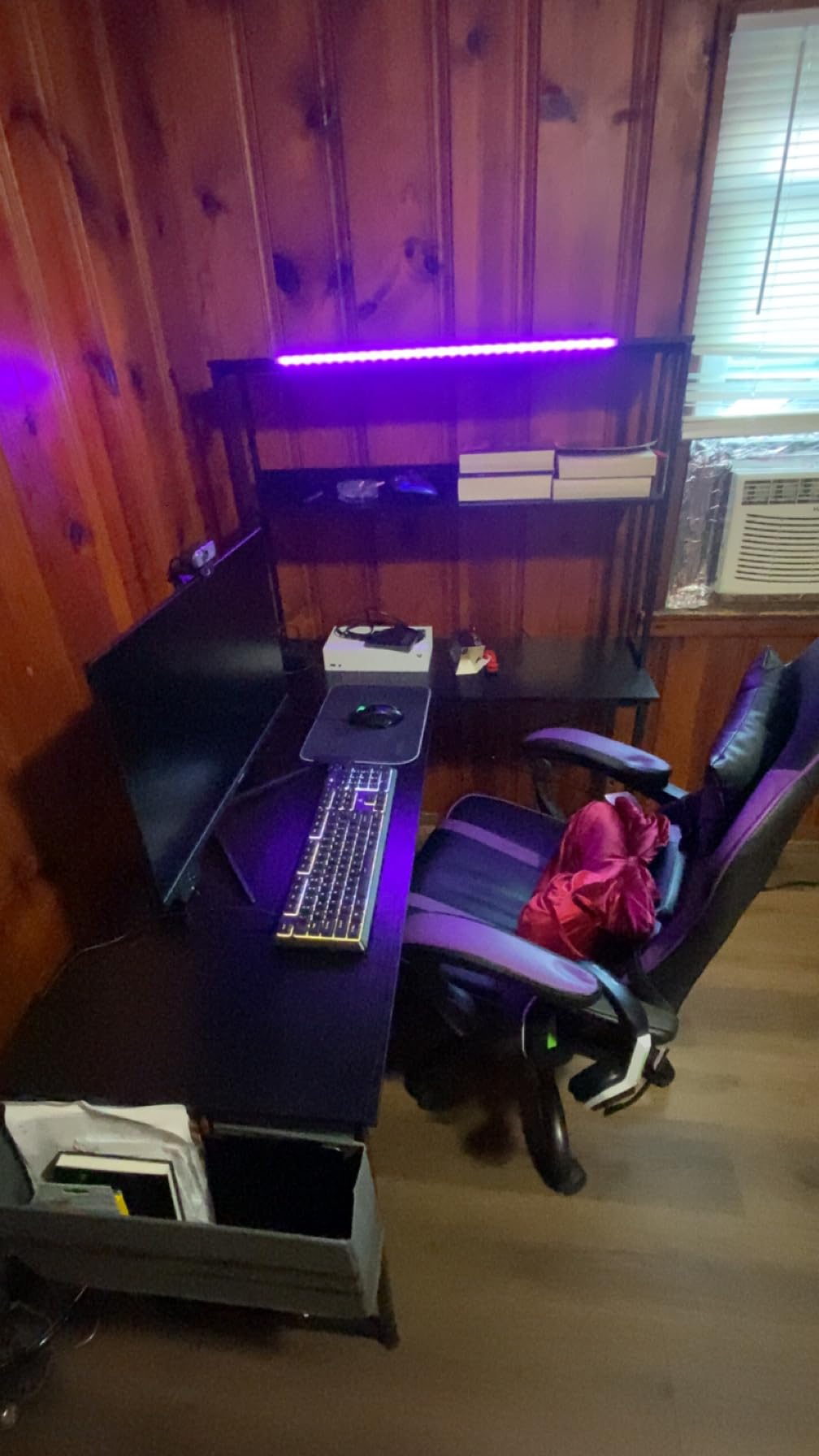
How the L-Shape Handles Two Monitors and a Tower
The long arm of the L carries both screens and the riser, while the return arm holds the tower, the CPU stand or a second keyboard. That split is why a 53-inch L-shape gives you more working room than a 55-inch rectangle in the same room, because depth you do not need for the mouse is not lost.
Shelf height measures 11.8 inches, which suits a mid-tower or a console underneath without putting the floor fan against a solid panel. The accessory hook and tool bag are small touches, but they keep a headset and spare cables off the surface.
Where This Desk Falls Short
The tabletop is engineered wood with a one-inch thickness. It is perfectly rigid in normal use, but if you push hard on the front edge with a monitor arm mounted, you will feel more give than a solid wood or thick MDF top gives you.
Assembly is the other real cost. Buyers describe it as straightforward with labelled parts and included tools, but it is not a fifteen-minute job, and the L-shape frame is heavier to manoeuvre than a straight one. Plan an hour and a second pair of hands if you can.
2. ODK 55-Inch Gaming Desk – Best Value Rectangular Pick
ODK 55 Inch Gaming Desk with LED Lights & Storage Shelves, Black
55.1 x 19.6 inch top
1 inch engineered wood
Steel frame with X crossbar
1 drawer
Pros
- 55 inch width fits two monitors with room for peripherals
- Raised monitor riser improves viewing angle
- Reversible shelves and dedicated CPU stand
- X-bar frame resists wobble
Cons
- Single drawer gives limited hidden storage
- Top marks with water rings and scratches
- Two-person assembly recommended
This is the straight rectangle that does the basic job without pretending to be more than it is. At 55.11 inches wide by 19.6 inches deep, it clears the two-27-inch-plus-tower threshold from my sizing rule, with the tower on the desk or on the CPU stand beneath it.
With more than 1700 reviews at a 4.6 average, this is the second most proven desk in the group after the Veken. That volume matters on furniture, because defects that show up in the first fifty units get filtered out of the reviews you actually read.
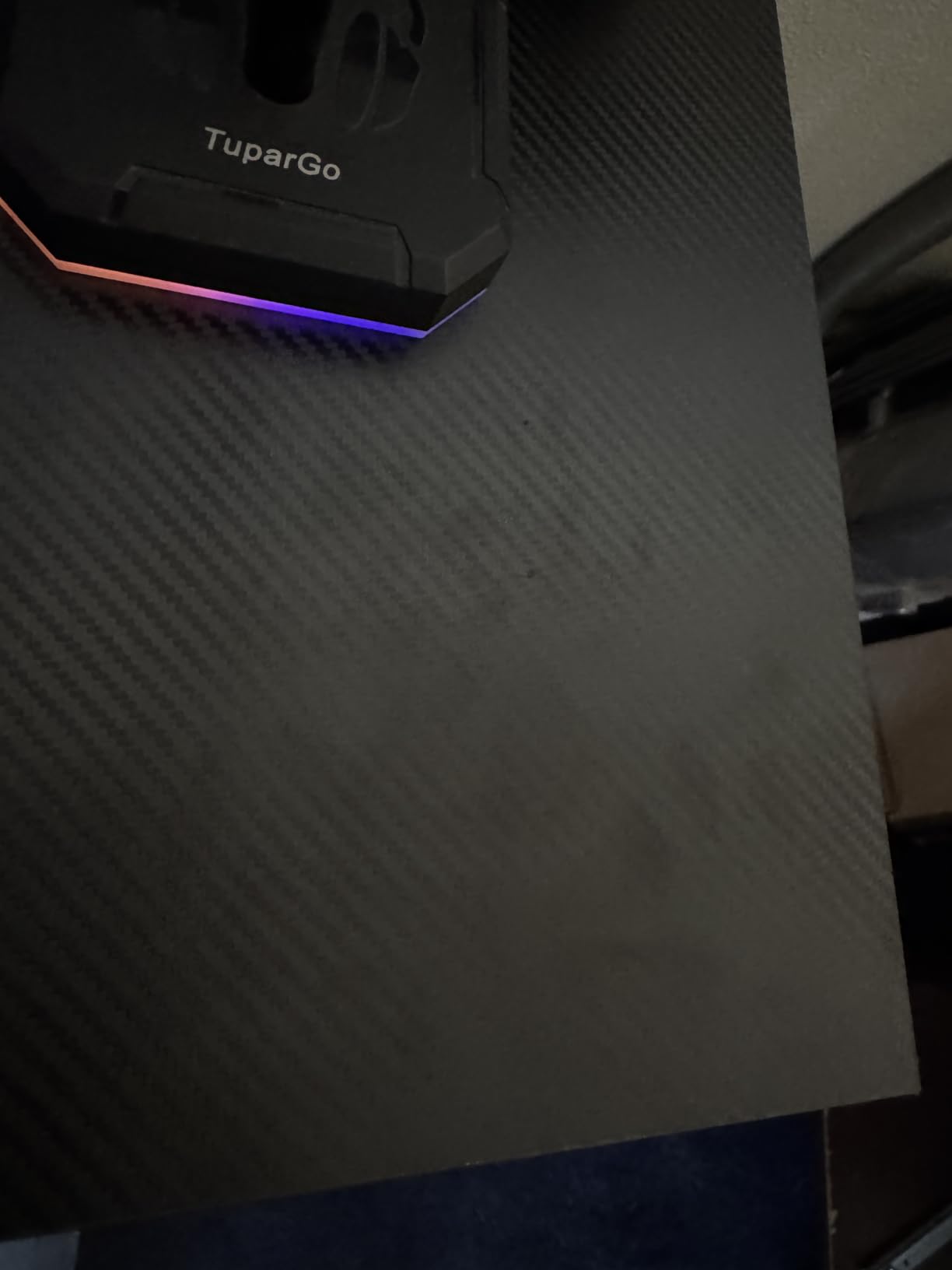
The reinforced steel frame with an X-shaped crossbar is what keeps it from rocking under a dual arm, and it is the detail I look for first on any desk in this category. The monitor riser raises the screens toward eye level, which is the cheapest ergonomic improvement available to a dual monitor setup.
There is one drawer, a set of reversible shelves, a CPU stand, built-in power outlets, a USB port and a headphone hook. The LED strip offers ten static colours, eight brightness levels and ten dynamic modes with a memory function.
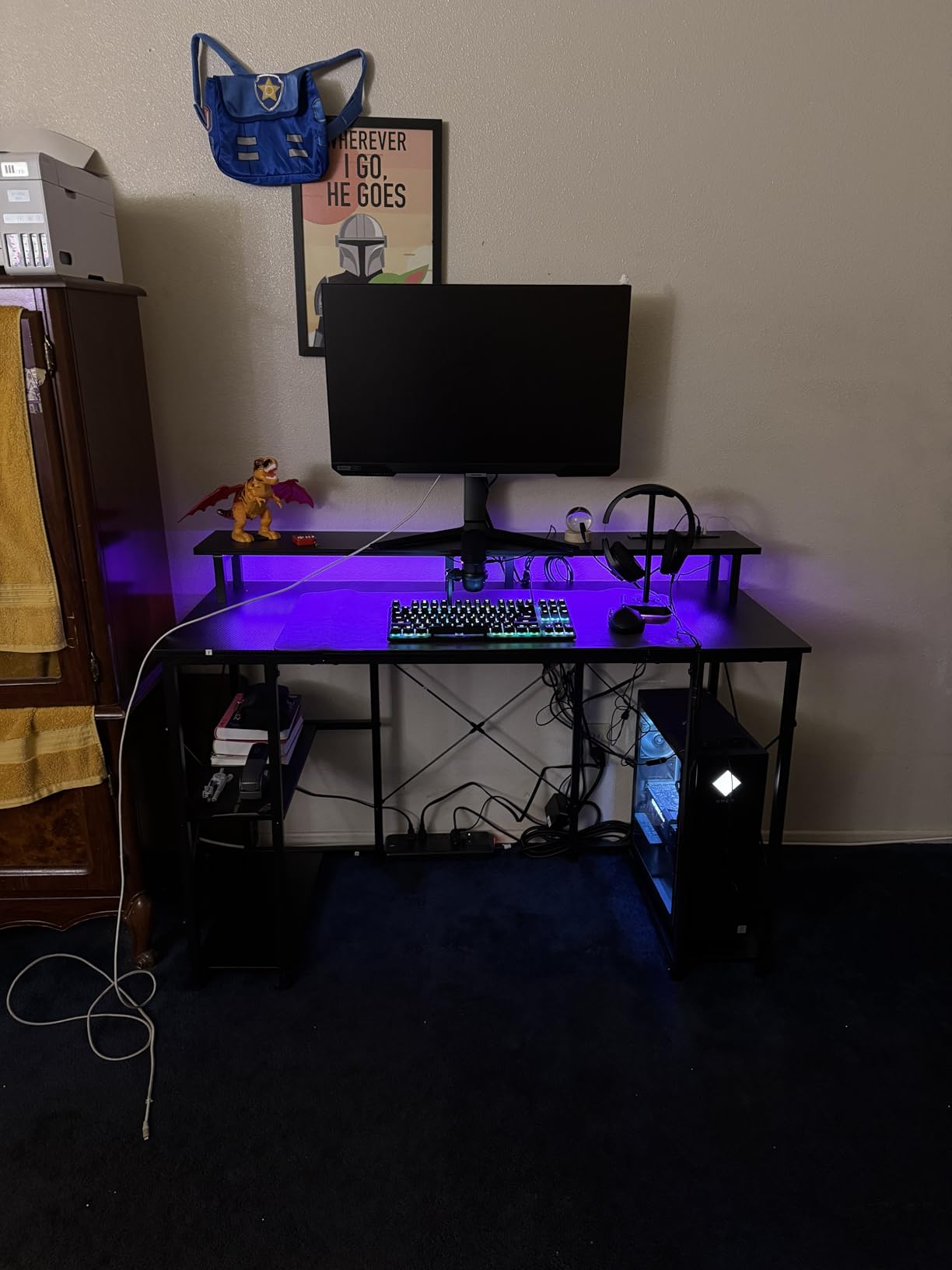
Is 55 Inches Wide Enough for Two Monitors?
Yes, with room to spare. Two 27-inch panels need roughly 54 inches of screen width including bezels, and the 55.11-inch surface leaves a usable margin at both ends. You still need a monitor arm or a riser at the edges, because the screens occupy almost the entire width at their stands.
The 19.6-inch depth is on the tighter side. A full-size mouse mat plus keyboard fits, but a large mat and a speaker on each side will crowd the front edge. If you run a big deskmat, measure before you commit.
Who Should Skip It
Anyone who wants real concealed storage. One drawer holds a keyboard, cables and a mouse, and that is the limit. If your desk doubles as an office, the drawers and shelving on picks five through seven serve you better.
The engineered wood top is the other limitation. Reviewers note it is susceptible to water rings and scratches, so coasters and a mat are worth adding from day one. Assembly is a two-person job, though the instructions and hardware are included.
3. AODK 59-Inch Desk – Best for a Showcase PC Build
AODK Gaming Desk w/PC Showcase Stand, 59″ Reversible, RGB LED
59.44 inch reversible top
19.69 inch depth
3 fabric drawers
RGB under shelf
Pros
- Elevated PC stand displays glass-sided cases
- 59 inch reversible surface
- Three fabric drawers absorb cable clutter
- Side display shelf for speakers and figures
Cons
- 19.69 inch depth needs a wide wall
- Acrylic and engineered wood show wear
- Fabric drawers feel light
The defining feature here is the elevated PC showcase stand, which lifts a tempered glass side-panel tower to eye level instead of leaving it on the floor. If your build is something you want to look at, this is the only desk in the group designed around that.
The desktop is 59.44 inches wide and 19.69 inches deep, which is one of the deeper tops here. Depth costs floor space, so measure the wall you plan to use before you fall for it, and leave roughly two inches of clearance behind for the power strip.
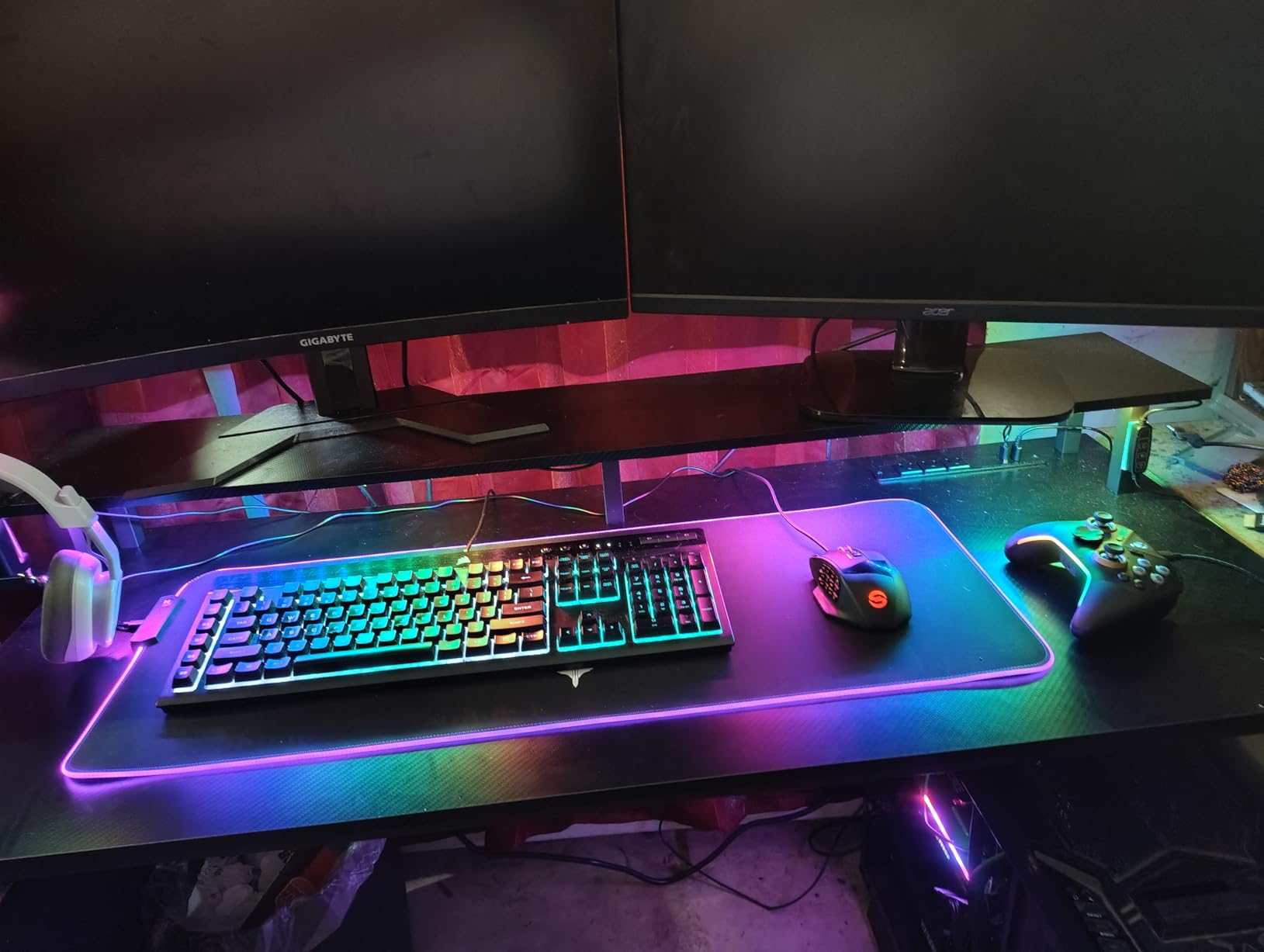
Two 27-inch monitors fit comfortably on the main surface, and the raised platform means the screens sit higher than they would on a bare top. The welded industrial steel frame holds heavy panoramic builds without the wobble that bolted frames on lighter desks develop.
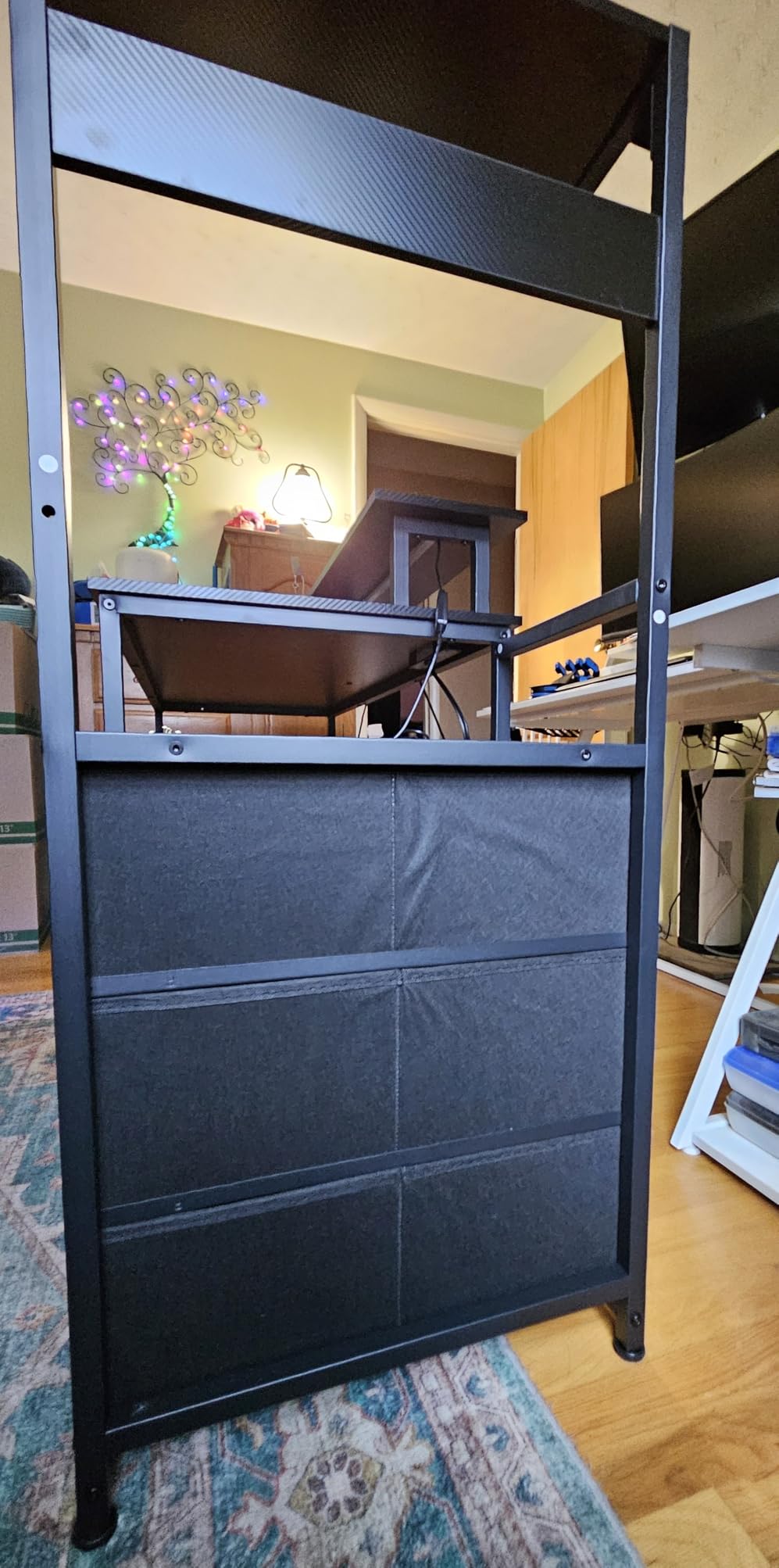
Storage is handled by three fabric drawers, which buyers say absorbs controller and cable clutter well, plus a dedicated side display shelf. The RGB strip under the monitor shelf syncs with the lighting in a typical gaming PC case.
Why the Deep Top Helps a Two-Screen Layout
Nineteen point six nine inches of depth means you can push both monitors back, keep a monitor riser under each, and still have a clear working area in front. That is the layout that stops the outer edges of two 27-inch panels from curving away from you.
It also gives a dual monitor arm somewhere to clamp without eating your keyboard space. On shallower tops, a clamp-mounted arm has to sit near the rear edge, and the moment you reach for your mouse you hit the clamp body.
Where the Extra Size Costs You
The footprint is the trade-off. A 59-inch by 19.69-inch desk needs a long uninterrupted wall or a corner, and it is harder to move through a doorway than the narrower picks here. Reviewers also mention acrylic and engineered wood showing wear over time, particularly on the showcase panel.
Three fabric drawers are useful but light. If you are storing power supplies, adapter bricks or a stack of controllers, expect the fabric to feel thin compared with the wood shelving on the SEDETA models.
4. SEDETA 78.8-Inch Desk – Best for Maximum Surface Area
SEDETA 79” Gaming Desk with LED Lights, Hutch and Storage Shelves, Black
78.8 inch overall width
P2 MDF surface
Alloy steel to 300 pounds
88.7 pounds item weight
Pros
- Enormous surface holds two large monitors plus full peripheral set
- Monitor tray lifts screens to a comfortable height
- Two shelves fit towers speakers and consoles
- Alloy steel frame rated 300 pounds
Cons
- 88.7 pound weight makes it very hard to move
- Two to three hours of assembly
- Some units arrive with chipped edges
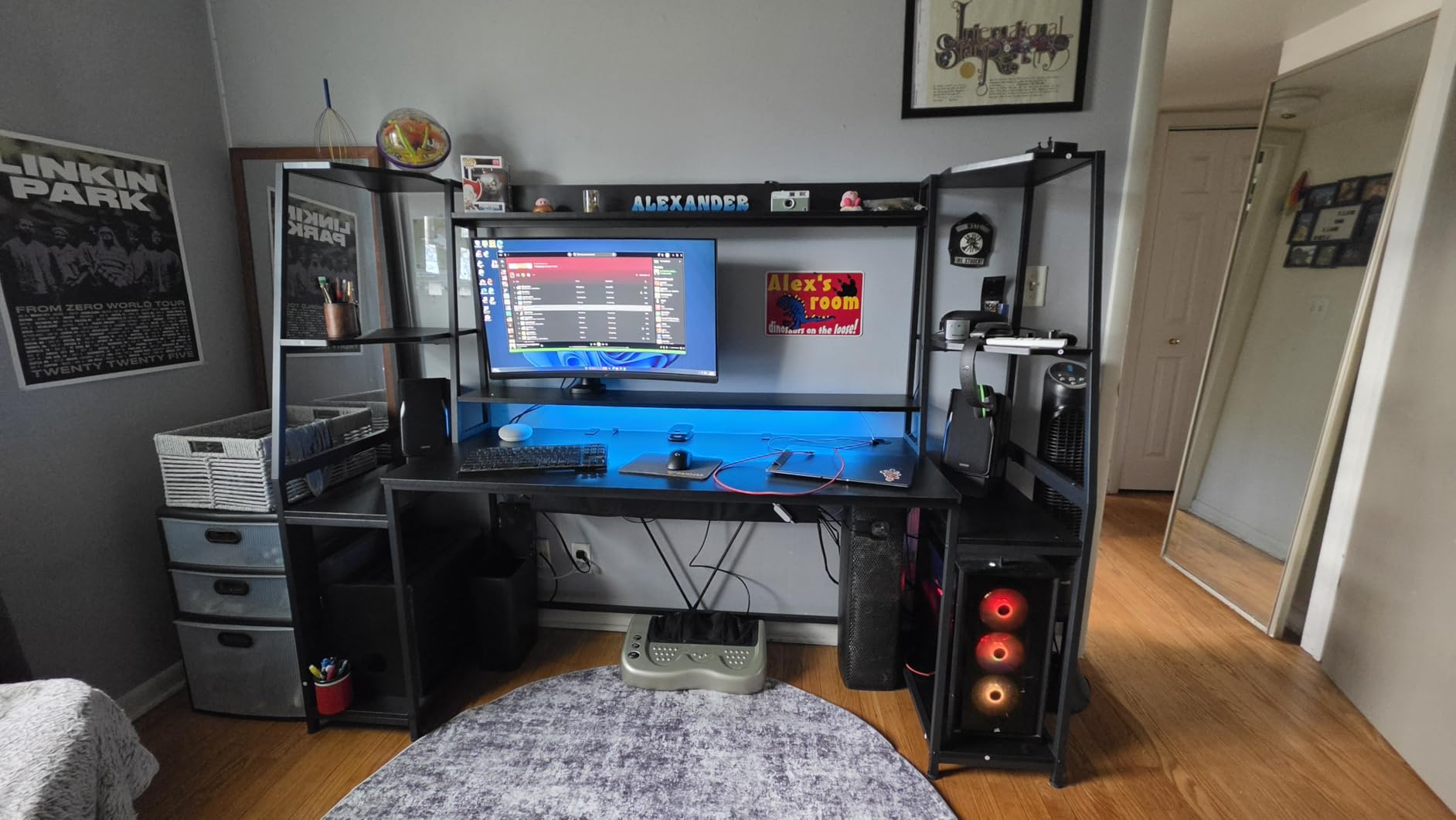
This is the desk for the setup where nothing can be off the desk. The overall width is 78.8 inches, with a 55-inch by 21.6-inch main work surface, and reviewers describe fitting dual 28-inch monitors with a keyboard, mouse, speakers and collectibles all at once.
The monitor tray lifts both screens to a comfortable height rather than letting you stack risers yourself, which is the difference between a clean two-screen line and two monitors at different heights. That alignment matters more for neck strain than most buyers expect.
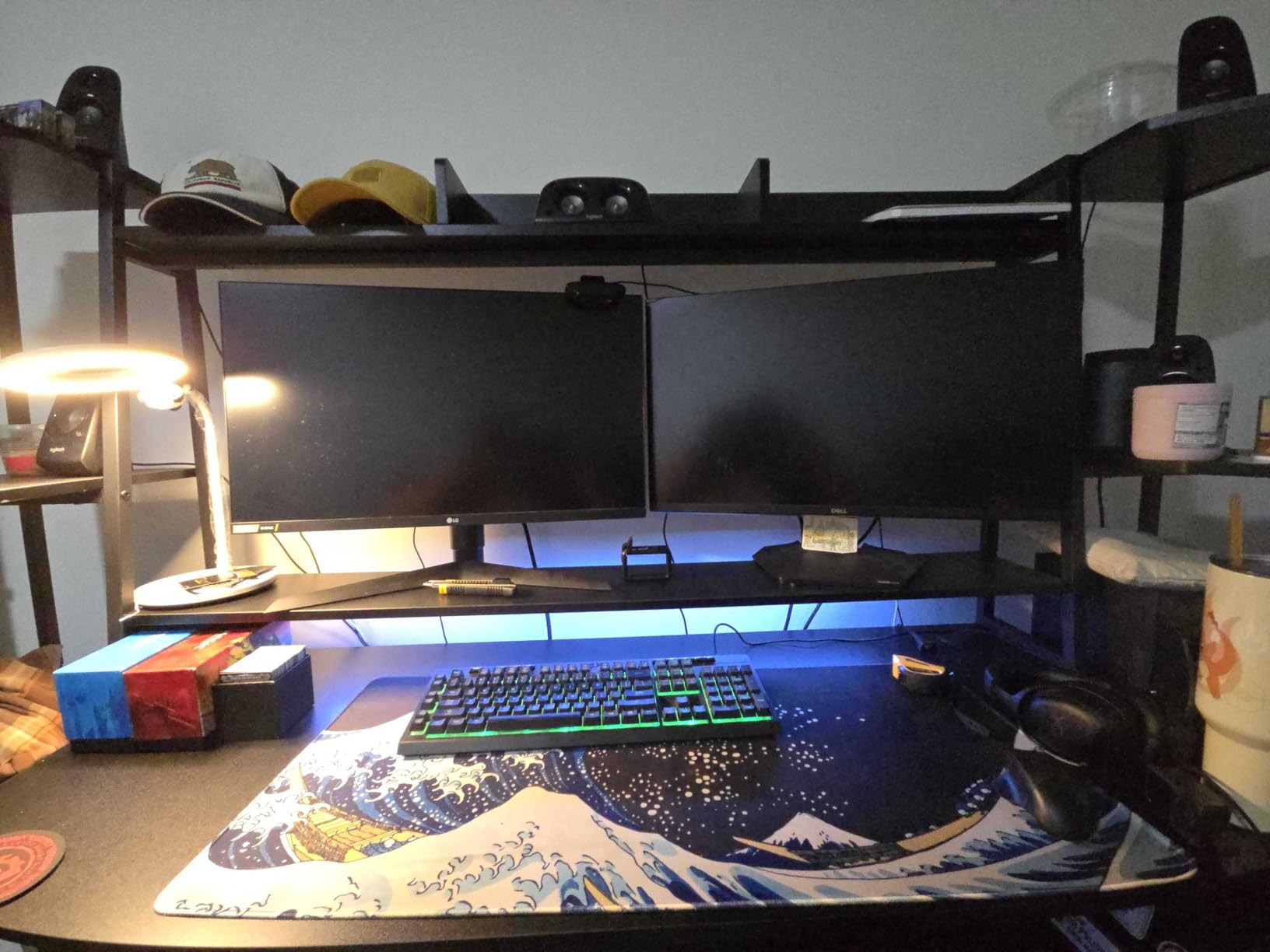
Two large storage shelves underneath hold full-size towers, speakers, a PS4 or an Xbox, keeping the floor clear and the desktop uncluttered. The surface is P2 MDF with metal framing, and the alloy steel legs carry a 300 pound rating.
The RGB strip runs across the hutch with more than 60000 colours, 29 flashing modes, app control and music sync. Cable grommets are pre-cut into the desktop, which is a small detail that saves a lot of drilling.
Who Needs a Desk This Large?
Anyone running a console and a PC on one surface, or a dual PC streaming setup with capture gear. The shelves are sized for towers and consoles rather than keyboards, so the equipment that would otherwise sit on the floor goes underneath instead.
It is also the pick for a work-from-home hybrid setup where the same surface hosts two screens for office work during the day and gaming at night, with all the cabling parked behind the tray.
The Problems With Maximum Size
At 88.7 pounds, this desk is effectively furniture in place. Reviewers mention limited legroom under the main shelf and rear support poles that can be kicked, and moving it through a room requires two people and some planning.
Assembly takes two to three hours with many small parts, a screwdriver is recommended, and a few buyers report chipped edges on units arriving in the box. Check the corners before you start building, because you will not want to reassemble it after a return window closes.
5. PRAISUN 66-Inch Convertible Desk – Best Convertible L-Shape
PRAISUN 66″ L Shaped Gaming Desk with LED Lights & Power Outlets
L-shape 66.1 x 47.2 inches
Straight 94.9 x 18.5 inches
4 outlets plus USB-C
FSC-certified panels
Pros
- Converts between a corner L and a 94.9 inch straight run
- Charging station with 4 outlets plus USB-C and 2 USB-A
- Printer stand keeps floor clear
- FSC-certified panels on a metal frame
Cons
- Monitor riser gap can catch a chair in straight mode
- Support bars may need a spacer for C-clamps
- Fabric drawers are light duty
The 2-in-1 layout is the reason this desk is on the list. In corner mode it measures 66.1 inches by 47.2 inches; reconfigured, the same frame gives you a 94.9-inch straight run. That is genuinely two desks in one, and buyers who moved rooms describe it as the feature that made the purchase feel worth it.
For two monitors, the corner mode is the better of the two. You get a wide main surface for a dual screen cockpit plus a deep return for the tower, keyboard tray and printer stand, without needing two separate desks.
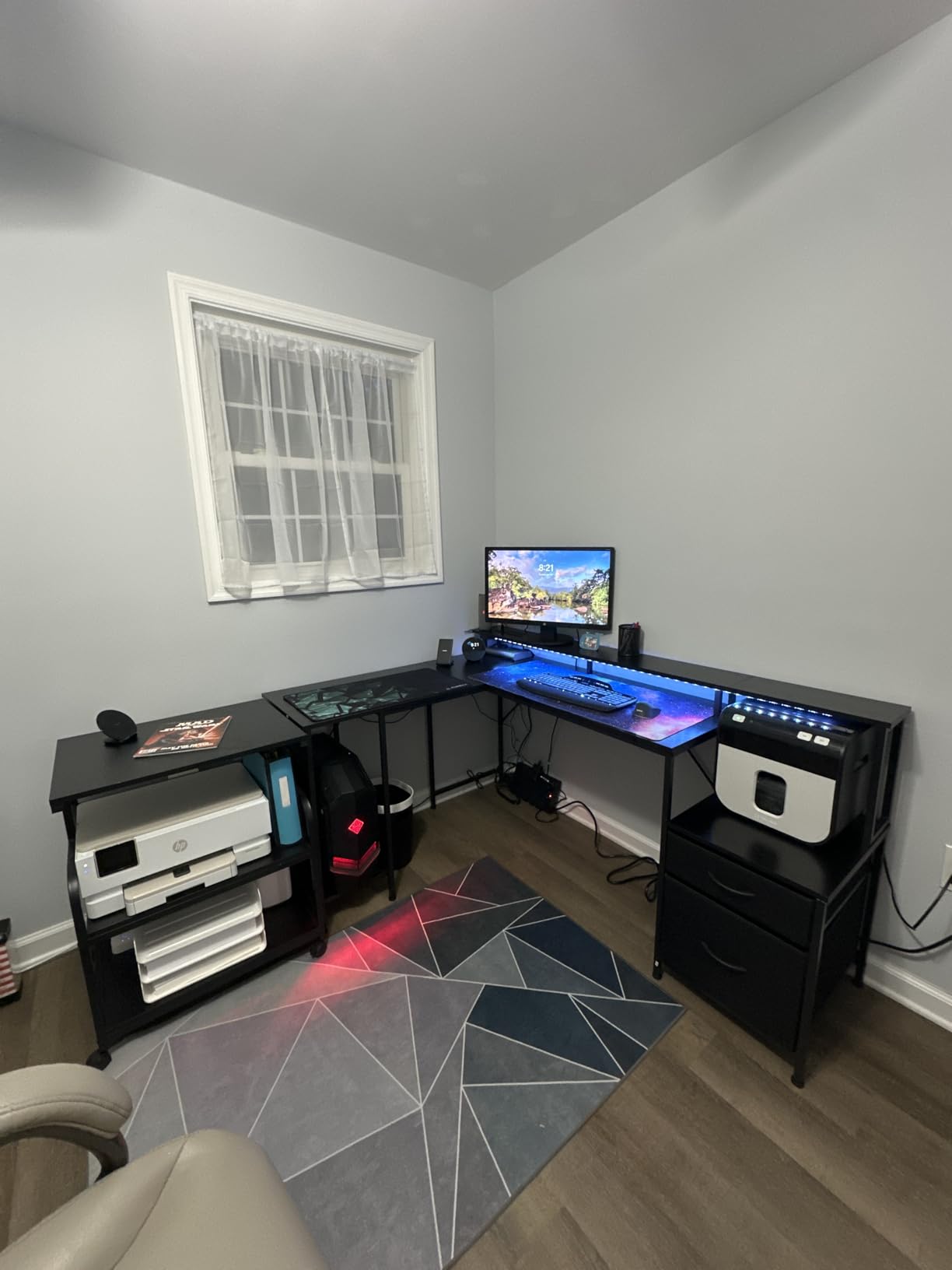
The built-in charging station is the strongest in this group: four AC outlets, one USB-C and two USB-A ports. That is enough to run two monitors, a PC, peripherals and a phone from the desk itself, which removes the extension cord clutter that cable management is meant to solve.
There is an extended monitor riser for eye-level screens, two fabric drawers, a printer stand with a removable top shelf and a mesh CPU stand. The surface is water- and scratch-resistant and comes in five colours.
How to Configure It for Two Screens
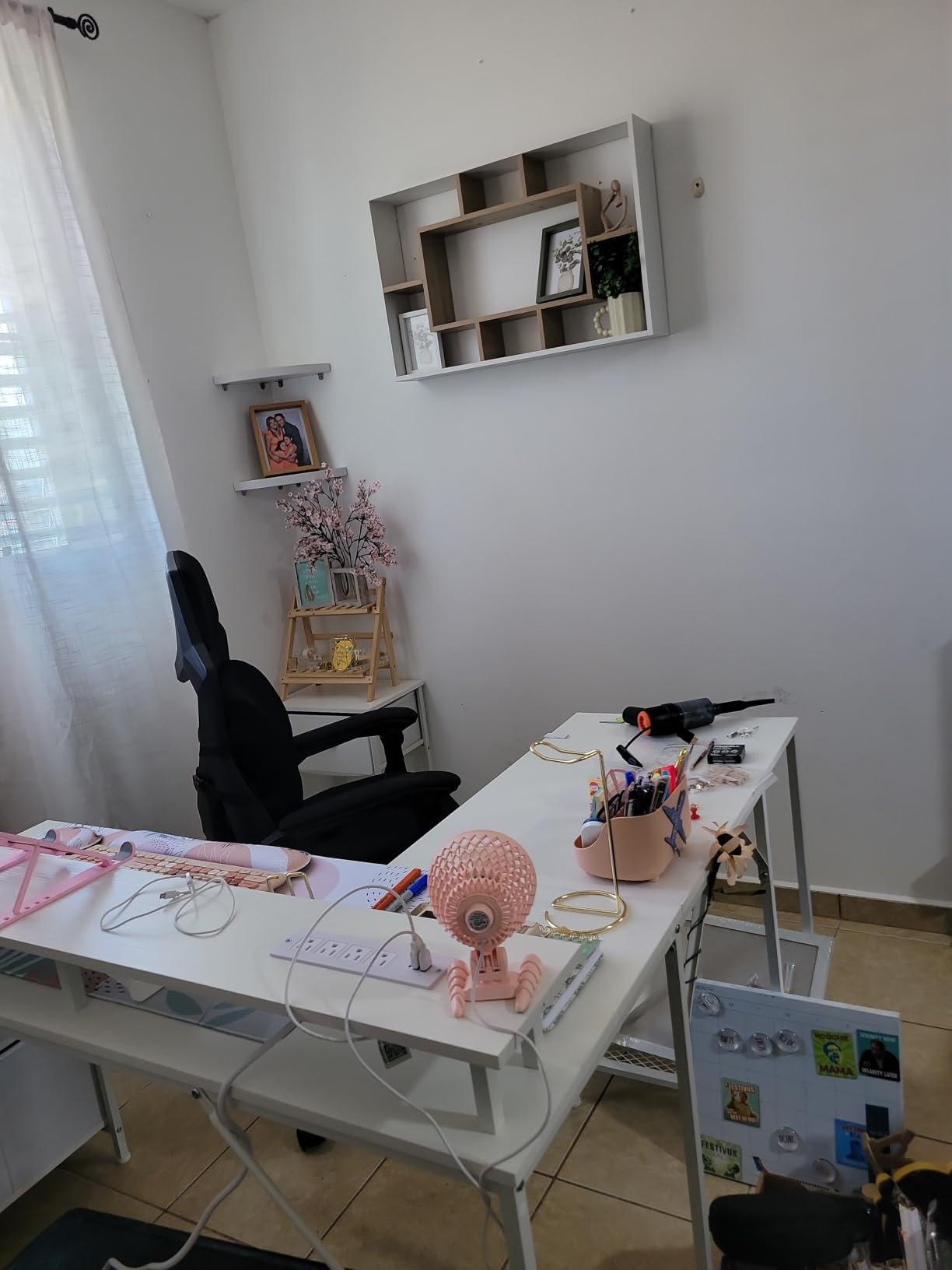
Use corner mode. Put both monitors on the long run, angled slightly inward, and use the return for the tower on the mesh stand and the keyboard in front of it. The straight mode is better for a single wide screen plus a laptop, not for a dual setup.
If you plan to add a monitor arm, read the note in the specs first: the metal support bars under the desktop can interfere with a C-clamp mount, and reviewers add a spacer block to fix it. A grommet mount avoids the issue entirely if the desk has holes for it.
What to Watch Before You Reconfigure
In straight mode the gap under the monitor riser narrows, and buyers report it catching the back of a chair. If you plan to switch layouts often, make sure your chair fits under the straight configuration too.
The fabric drawers are lighter duty than the wood shelving on picks six and ten. They are fine for cables, controllers and a manual. They are not the place for a heavy desktop or a stack of hard drives.
6. SEDETA 64.5-Inch L-Shape – Best for Storage
SEDETA 64.5″ Reversible L Shaped Gaming Desk with Storage Drawers, Shelves
64.5 inch L-shaped top
Iron frame and engineered wood
3 drawers and 5 shelves
76 pounds item weight
Pros
- Reversible L-shape suits either room orientation
- Three fabric drawers including a legal and A4 file drawer
- Five-tier shelving fits a full-size printer
- Charging station with 4 outlets and 2 USB ports
Cons
- 76 pound build is hard to reposition
- Fabric and iron feel less refined than solid wood
- Two-person assembly for the L-shape frame
This is bought for storage, not for width. The 64.5-inch L-shaped top gives you room for two monitors, and the real draw is below: three fabric drawers, including a file drawer sized for Legal, Letter and A4 paper, plus five tiers of shelving.
That shelving is sized for a full-size printer, which is the item most often exiled to the floor. Reviewers describe the desktop staying almost empty with two screens on the riser and everything else underneath.
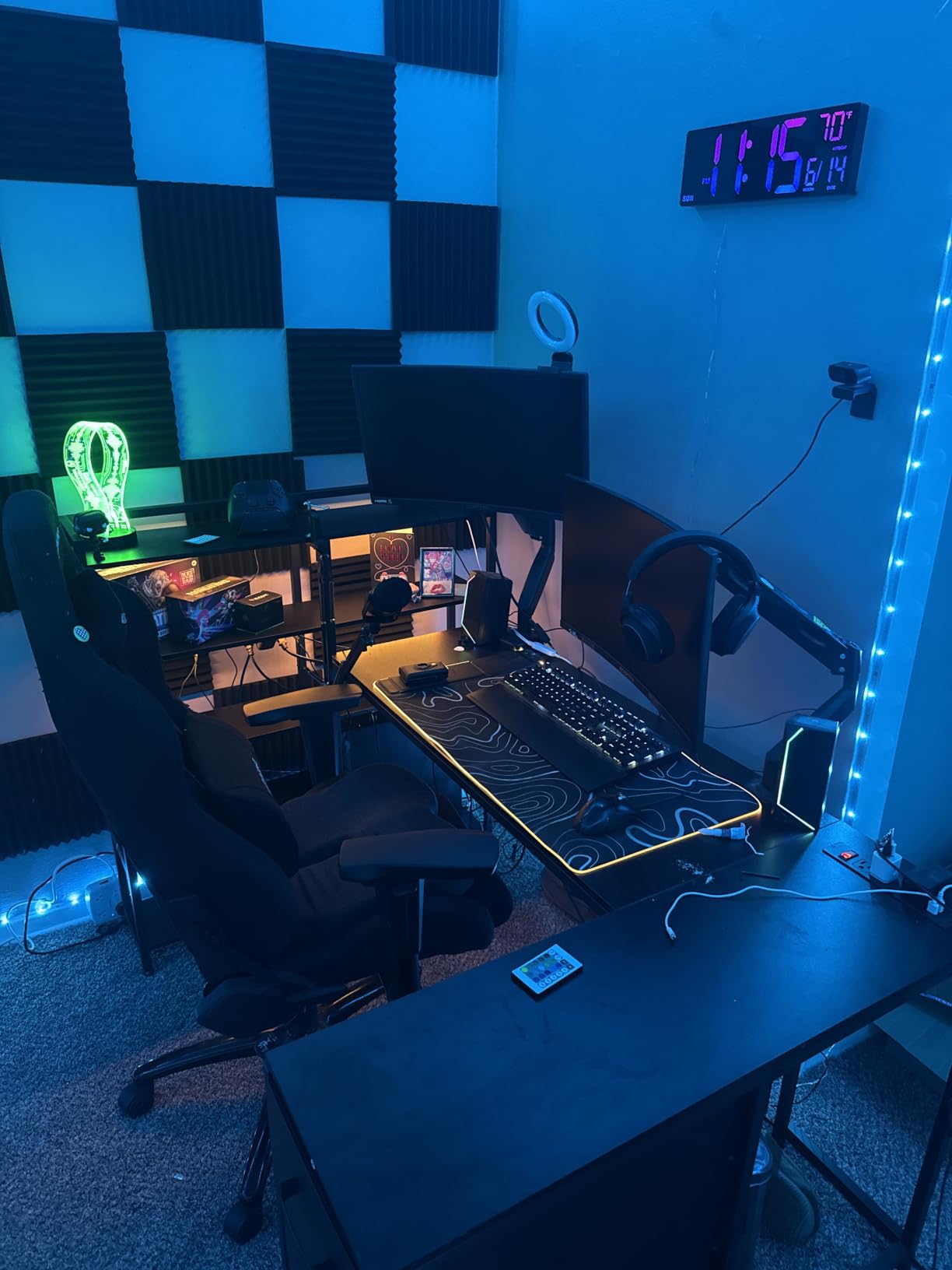
The charging station carries four outlets and two USB ports with a one-button power switch, so you can cut power to the whole desk at the frame rather than hunting for a switch on a wall strip. Buyers call that switch a recurring convenience.
The frame is iron with engineered wood surfaces and a 0.75-inch tabletop thickness. The L-shape is reversible, so the return can face whichever wall suits the room.
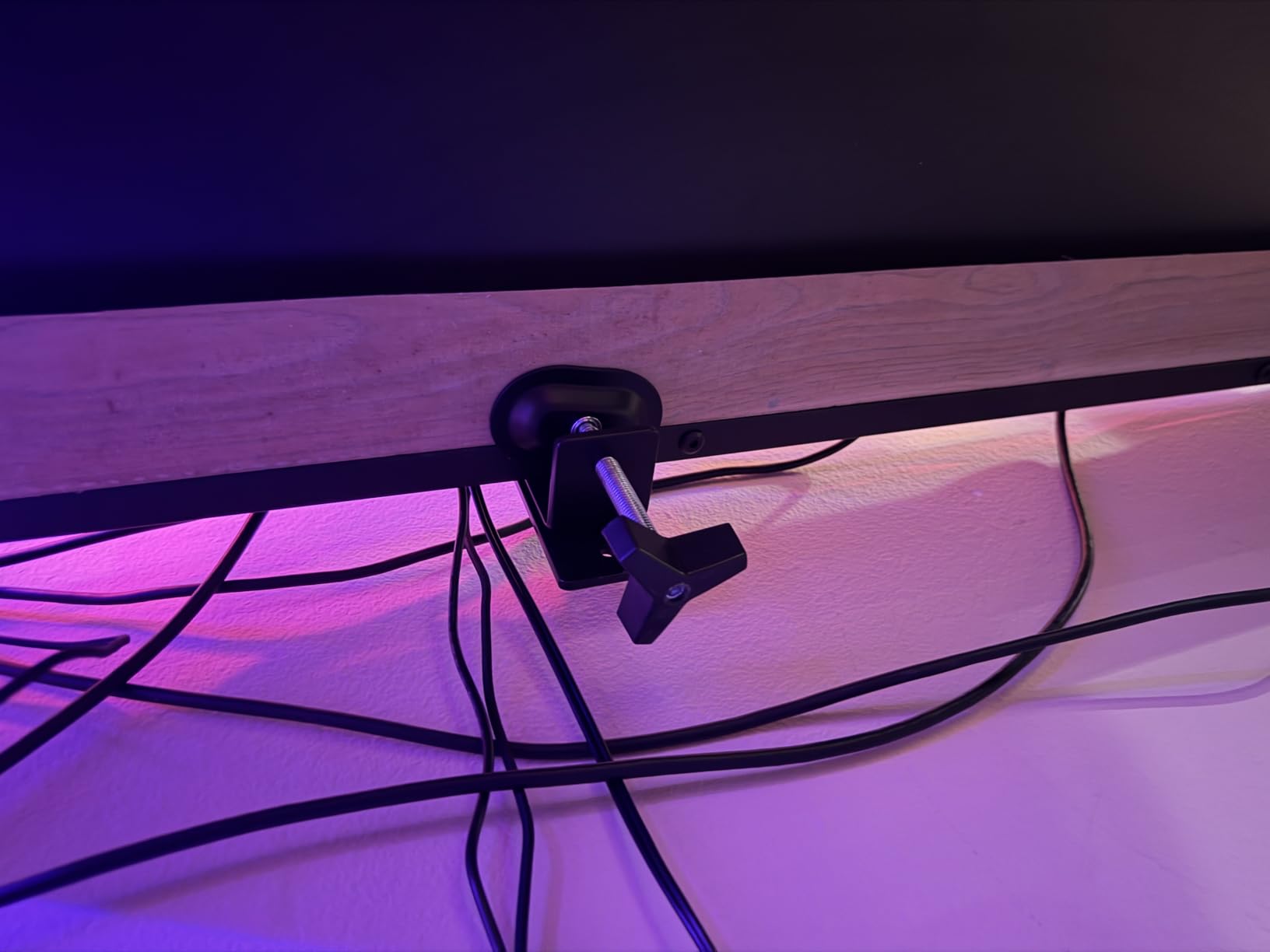
How Much of the Desk Is Actually Desktop
Less than the width suggests, and that is the trade you accept here. Storage volume comes from shelving and drawers built into the frame, which reduces clear surface area. Plan for two monitors on the main run with the keyboard centred and not much spare.
The desk can hold two desktop computers and a laptop, which matters for anyone running a work machine and a gaming machine side by side. One goes on the desktop, one goes on a shelf, and the laptop sits on the return.
Who Should Look Elsewhere
If you care about how the desk feels under your hands, reviewers note the fabric drawers and iron construction feel less premium than solid wood models. The rating sits slightly below comparable picks for the same reason.
At 76 pounds it is not a desk you move often. Assembly needs two people for the L-shape frame, so arrange help before the box arrives rather than after.
7. Furologee 60-Inch Desk – Best for Printer and File Storage
Furologee 60″ Gaming Desk with 4 Drawers & LED Lights, Power Outlet, Black
60 inch desktop
Rated to 220 pounds
4 drawers and 3 shelves
18.8 inch depth
Pros
- 60 inch top with a full-length monitor riser for two screens
- Three drawers plus a letter and A4 file cabinet
- Three open shelves sized for printers and scanners
- Built-in 3 outlets and 2 USB charging ports
Cons
- Fabric drawers are stiff and less durable
- Rated to 220 pounds rather than 300
- Some units arrive with misaligned holes or chipped corners
At 60 inches by 18.8 inches, this hits my width threshold for two 27-inch screens and keeps enough depth for a keyboard and a moderate mouse mat. The depth is the tightest of the 60-inch picks here, so plan your mat size accordingly.
The full-length monitor riser spans the width of the desk and is screwed in rather than resting loose. That detail matters more than it sounds: free-standing risers are the item that tips a screen when you bump the desk, and owners specifically praise the screw-in version.
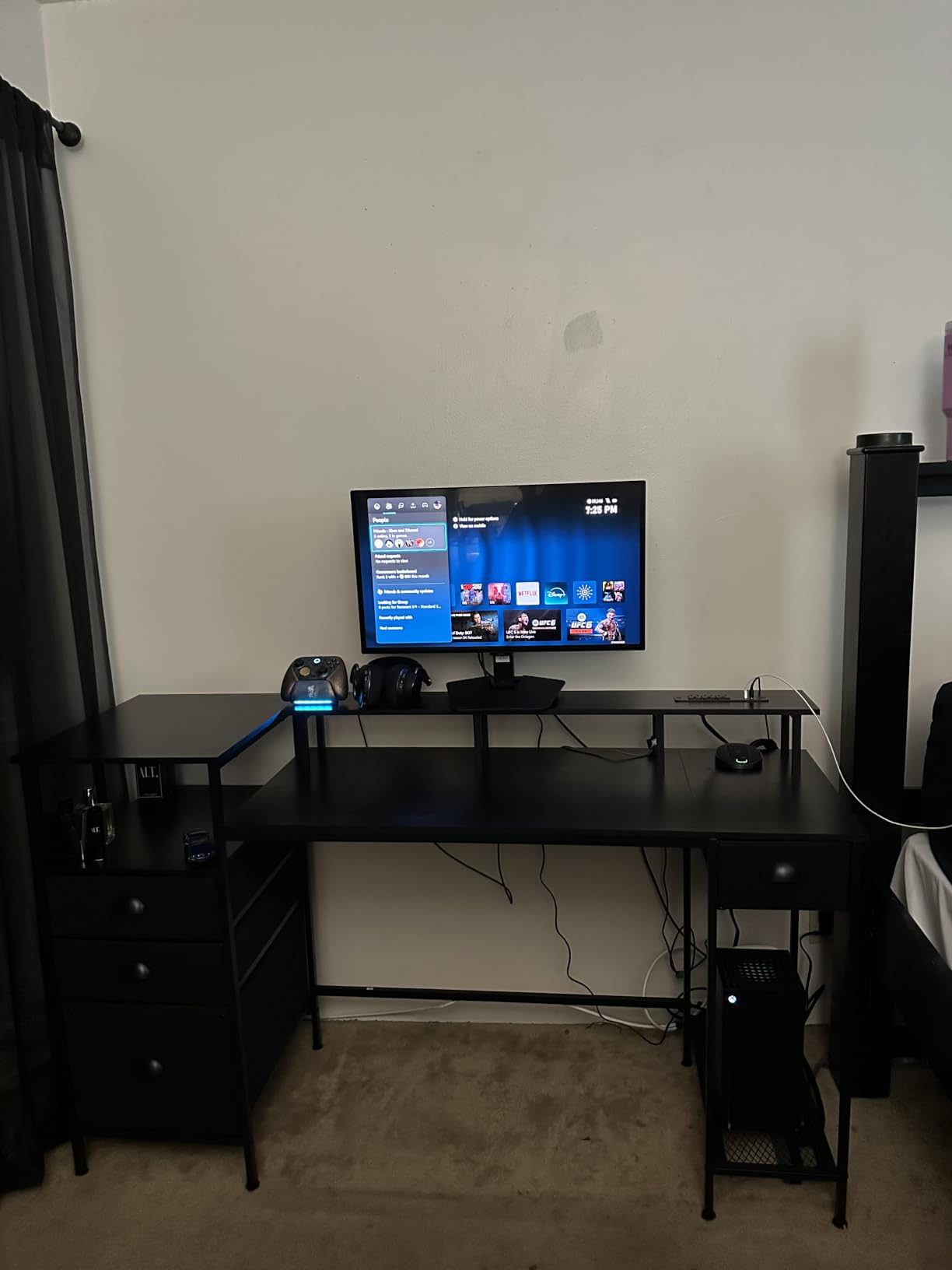
Storage is the reason to pick this one: three fabric drawers, a letter and A4 file cabinet and three open shelves that hold printers and scanners. That combination covers a home office and a gaming setup in the same footprint.
Power is built in with three AC outlets and two USB charging ports, which removes the extension cord from the desk entirely. The RGB strip has 20 colours, 22 dynamic modes, five brightness levels and ten rhythm patterns.
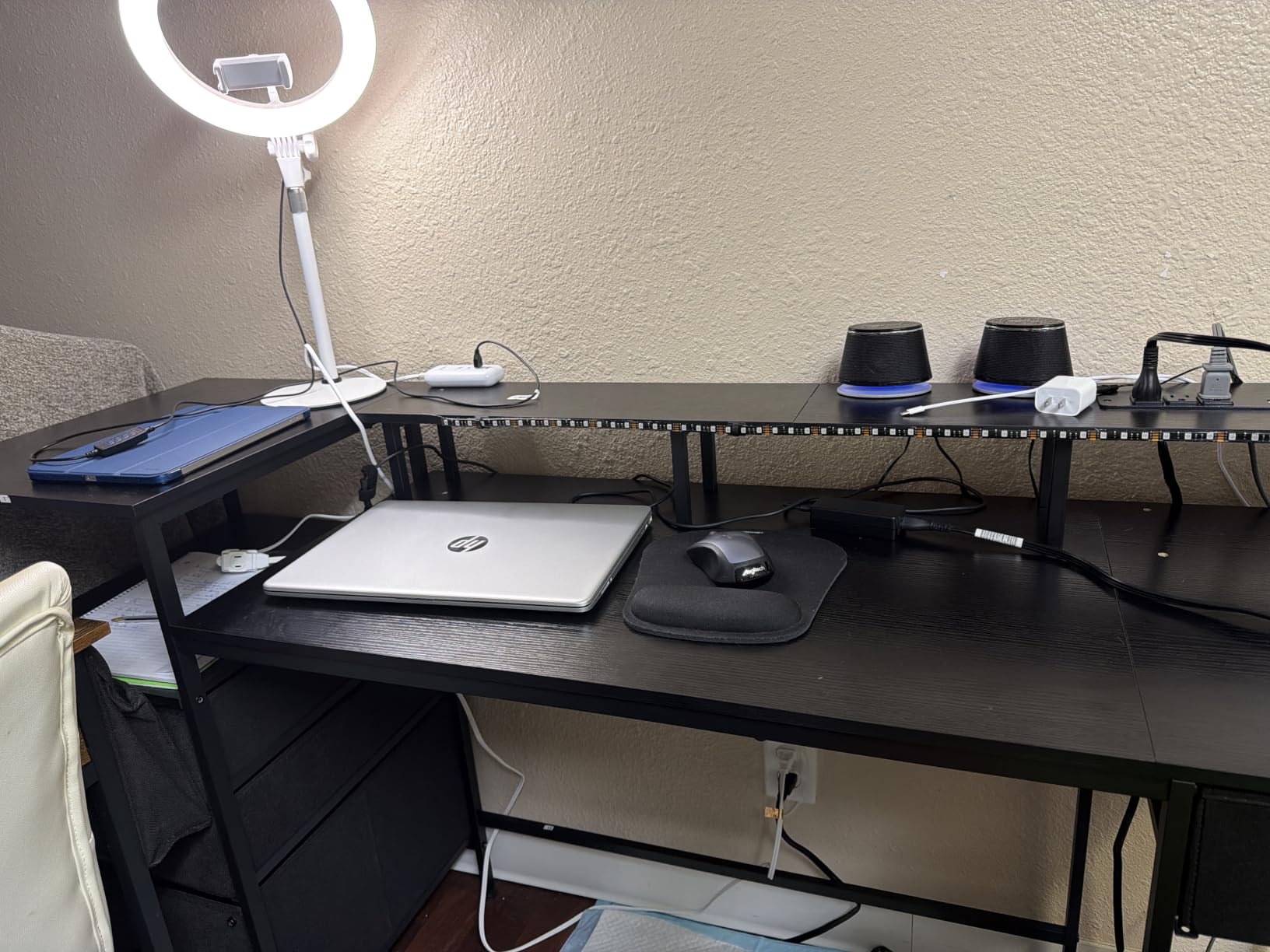
Does a 60-Inch Desk Fit Two Monitors and a PC?
Two 27-inch panels take up about 54 inches of width, so a 60-inch top leaves roughly six inches to spare. That is enough for a small tower on one side, or enough for a monitor arm clamp and a slim riser on each end without crowding.
The 220-pound maximum weight recommendation is lower than the 300-pound frames on picks one and four. For a typical two-monitor plus tower setup you are well inside that, but it is worth noting if you plan a full custom loop or a heavy glass case.
Assembly and Quality Control
Owners report occasional misaligned pre-drilled holes at the front frame and chipped corners on the tabletop. Check the frame alignment before you drive every screw, because that is the failure that turns a one-hour build into a return.
The LED remote does not always respond, and the fabric drawers are described as stiff and less durable than wood. Neither is disqualifying, but neither is invisible once you have owned the desk for a few months.
8. Mericonia 60-Inch Desk – Budget Pick
Mericonia 60 inch Gaming Desk with Drawers, Reversible Computer Desk, Black
59.8 x 19.7 inch top
0.6 inch top thickness
Metal frame
Fixed 28.4 inch height
Pros
- 60 inch surface with an ergonomic monitor riser
- Three-drawer pedestal and top shelf mount on either side
- Built-in 2 outlets and 2 USB ports
- Single-person assembly with included Allen key
Cons
- 0.6 inch top is thinner than competitors
- No height adjustment at a fixed 28.4 inch surface
- Fabric drawers lack dividers
- Carbon fibre finish shows fingerprints
This is the cheapest way into a genuine dual monitor desk, and the 59.8-inch width with a 19.7-inch depth clears the sizing threshold for two 27-inch screens. Buyers treat it as a straightforward budget battlestation rather than a display piece.
The reversible pedestal is the useful part. Three fabric drawers and a top shelf mount on either side of the frame, so you can put the storage under the monitors or under the return depending on your chair and your legroom.
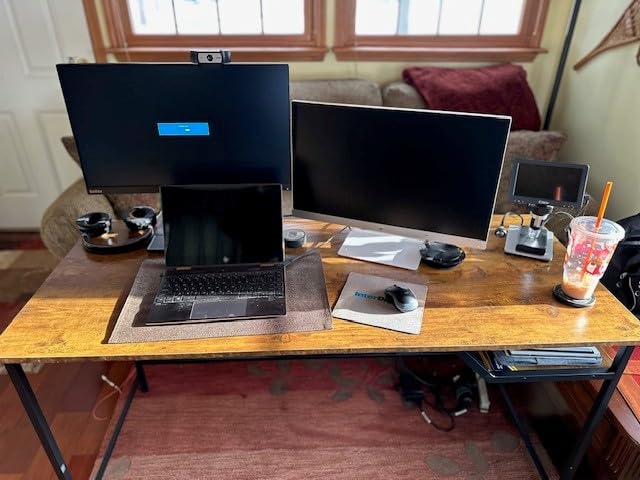
There is an RGB case display window for showing off a PC build, a built-in charging hub with two AC outlets and two USB ports, and a monitor stand that raises both screens to eye level. The LED strip has ten colours, eight brightness levels and ten dynamic modes with memory.
Assembly is genuinely single-person. The included parts list has an Allen key, and owners describe it as quick compared with the two-person builds in this roundup.
What You Give Up at This Tier
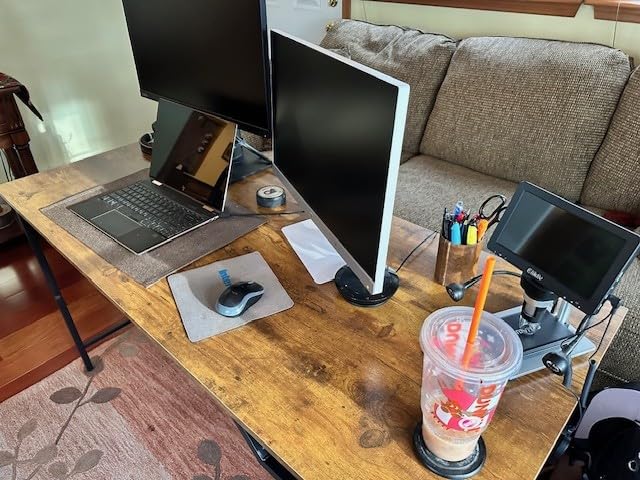
The 0.6-inch tabletop is thinner than the one-inch tops on the ODK picks and the 0.75-inch SEDETA tops. On a 60-inch span that difference shows up as more give under a clamp-mounted dual monitor arm, and it is the first thing to notice when you push the surface.
There is no height adjustment. The work surface sits at a fixed 28.4 inches, which is a comfortable seated height and a poor standing one. If you expect to alternate positions, this is not the desk.
Is It Worth Buying?
For a fixed setup in a bedroom or dorm room, yes. The laminated board is scratch- and water-resistant, the frame is metal with non-slip feet, and the RGB case window adds a look that costs nothing extra here.
The two caveats are consistent across reviews: the fabric drawers are lightweight with no dividers, and the carbon fibre finish shows fingerprints. Keep a microfibre cloth nearby if the look matters to you.
9. Veken 55-Inch Electric Standing Desk – Best for Standing
Veken 55 Inch Large Electric Standing Desk, Gaming Table, White
55.1 x 23.6 inch top
Lifts 28.3 to 46.5 inches
4 memory presets
Rated to 154 pounds
Pros
- Electric range from 28.3 to 46.5 inches with memory presets
- Quiet motor under 52 dB
- 55 inch surface holds dual monitors and gear
- Cable clips and two headphone hooks included
- Two-year parts and labour warranty
Cons
- Desktop is two joined boards that can show a seam
- 154 pound limit is lower than fixed frames
- 0.6 inch top on a 55 inch span
- No drawers or shelving
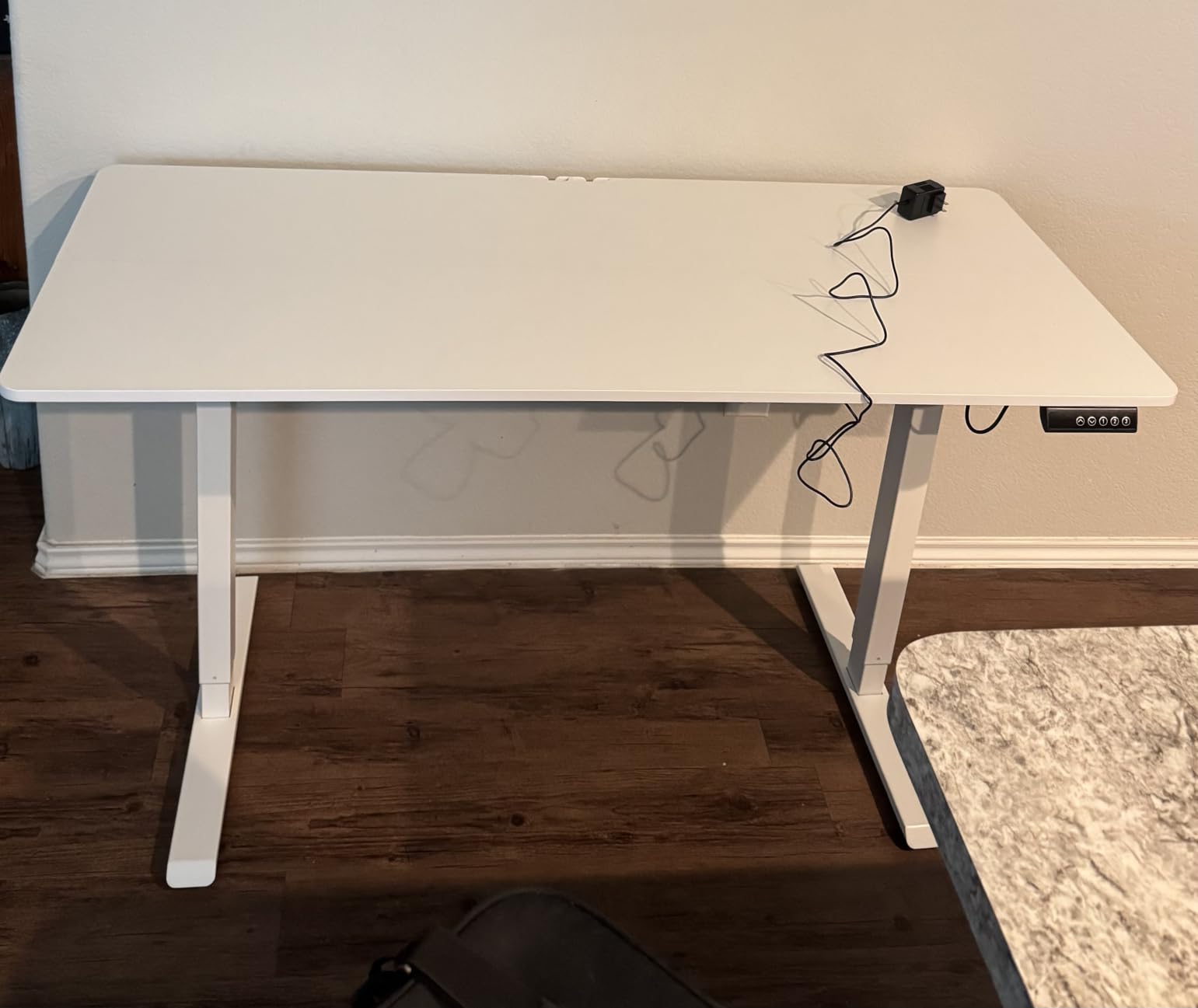
This is the only adjustable-height desk in the roundup, and with more than 2500 reviews it is also the most proven. The lift range runs from 28.3 inches to 46.5 inches, which covers a seated position through to a full standing height for a 5-foot-10 player or taller.
The four memory presets matter more than they look. Two people sharing one desk can each store a height and switch in one press, which solves the height argument that otherwise happens every morning. It is the feature people mention most in setup communities.
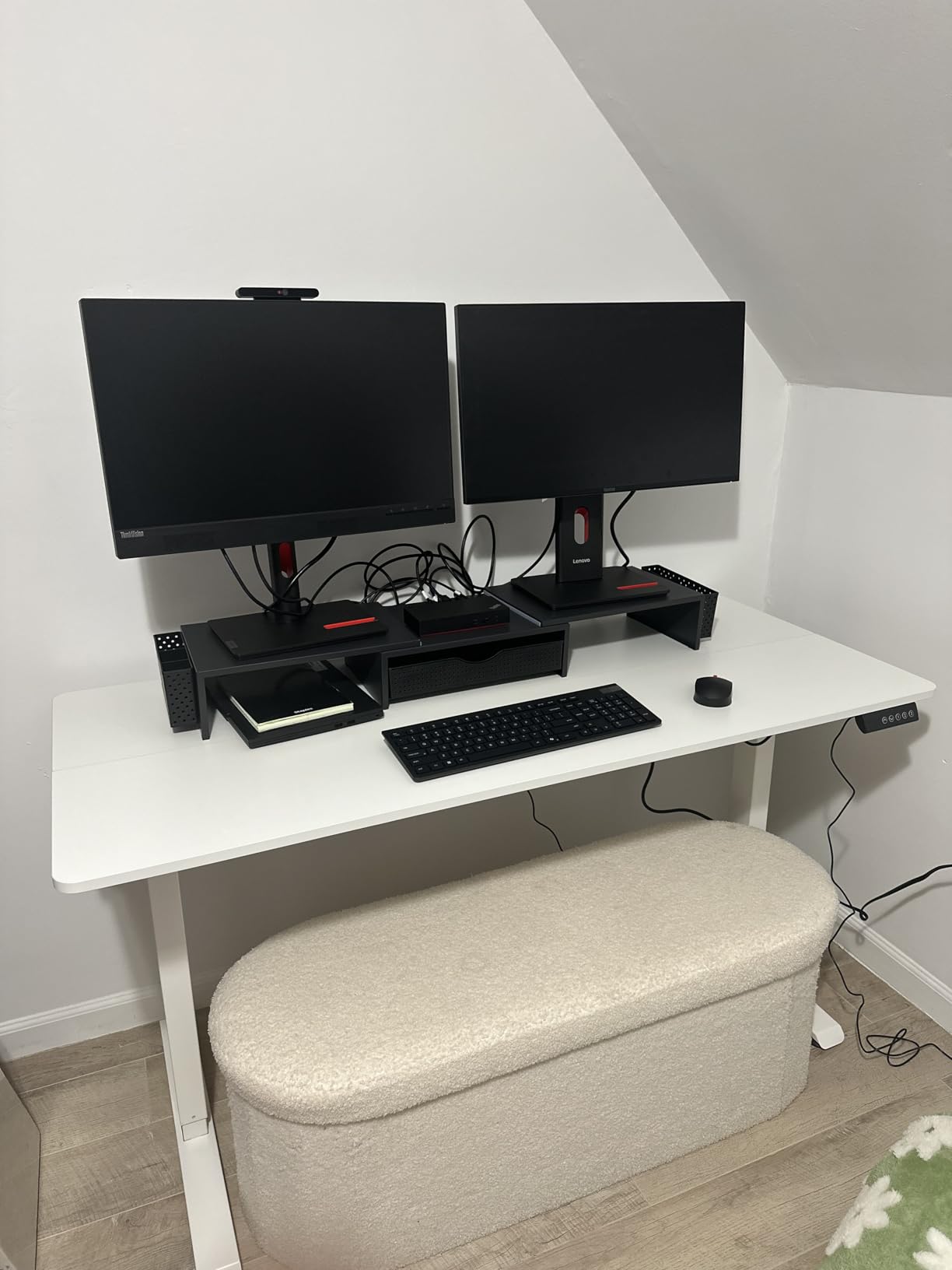
The motor measures under 52 dB, so raising the desk during a stream or a late-night session does not carry into your microphone the way a loud gearbox would. The surface is 55.12 inches by 23.64 inches, which is deep enough for a full-size mat with the monitors at the back.
Frame construction is stainless steel with carbon steel legs rated to 154 pounds, and there is a two-year parts and labour warranty, which is the longest stated warranty among the budget-tier picks in this group. Cable clips and two headphone hooks are included.
Does a Standing Desk Work for Two Monitors?
It does, with the right load maths. Two 27-inch panels on stands come in around 30 pounds, a tower adds 20 to 35 pounds, and an arm plus peripherals adds more. Against a 154-pound rating you have room, but the frame is the part that moves, so keep the tower on the floor if you can.
One thing to plan for is cable slack. A desk that travels 18 inches vertically needs cables loose enough to follow it, or they pull the monitor riser over. Clips that guide rather than pinch make this painless, which is why the included ones help.
Where This Desk Falls Short
The desktop is made of two joined boards, so a seam can run along the surface. It does not affect stability, but on a wide mat you may notice it under the palm, and it means the top is not a single piece of laminate.
At 0.6 inches thick across a 55-inch span, the surface is on the thin side, and the 154-pound rating is well below the 300-pound figures on the fixed-frame picks. There is also no storage, so everything lives on the surface or in a separate unit.
10. SEDETA 60-Inch Desk with Hutch – Best for Display Collectibles
SEDETA 60” Gaming Desk with Storage, Hutch, Display Cabinet and LED Lights
60 x 21.2 inch desktop
60.4 inch overall height
3 drawers and 4 shelves
Wall-anchorable base
Pros
- Hutch with 3 compartments and 2 acrylic display cabinets
- Separate monitor and printer stands keep the surface clear
- Four power sockets plus 2 USB ports with a switch key
- Metal base can be anchored to the wall
Cons
- LED strip adhesive loosens over time
- Large panoramic cases may need the bottom shelf removed
- Two-hour assembly that needs two people
- 60.4 inch profile takes up a lot of wall
This desk treats the monitor riser as part of a wall unit rather than a desk accessory. The hutch rises above the 60-inch surface with three compartments and two acrylic display cabinets, so figures, boxes and speakers sit in frame instead of disappearing behind a screen.
The main surface is 60 inches by 21.2 inches, one of the deeper tops here, and the separate monitor stand and printer stand keep both screens and a printer off the working area. That leaves a clean strip for keyboard and mouse.
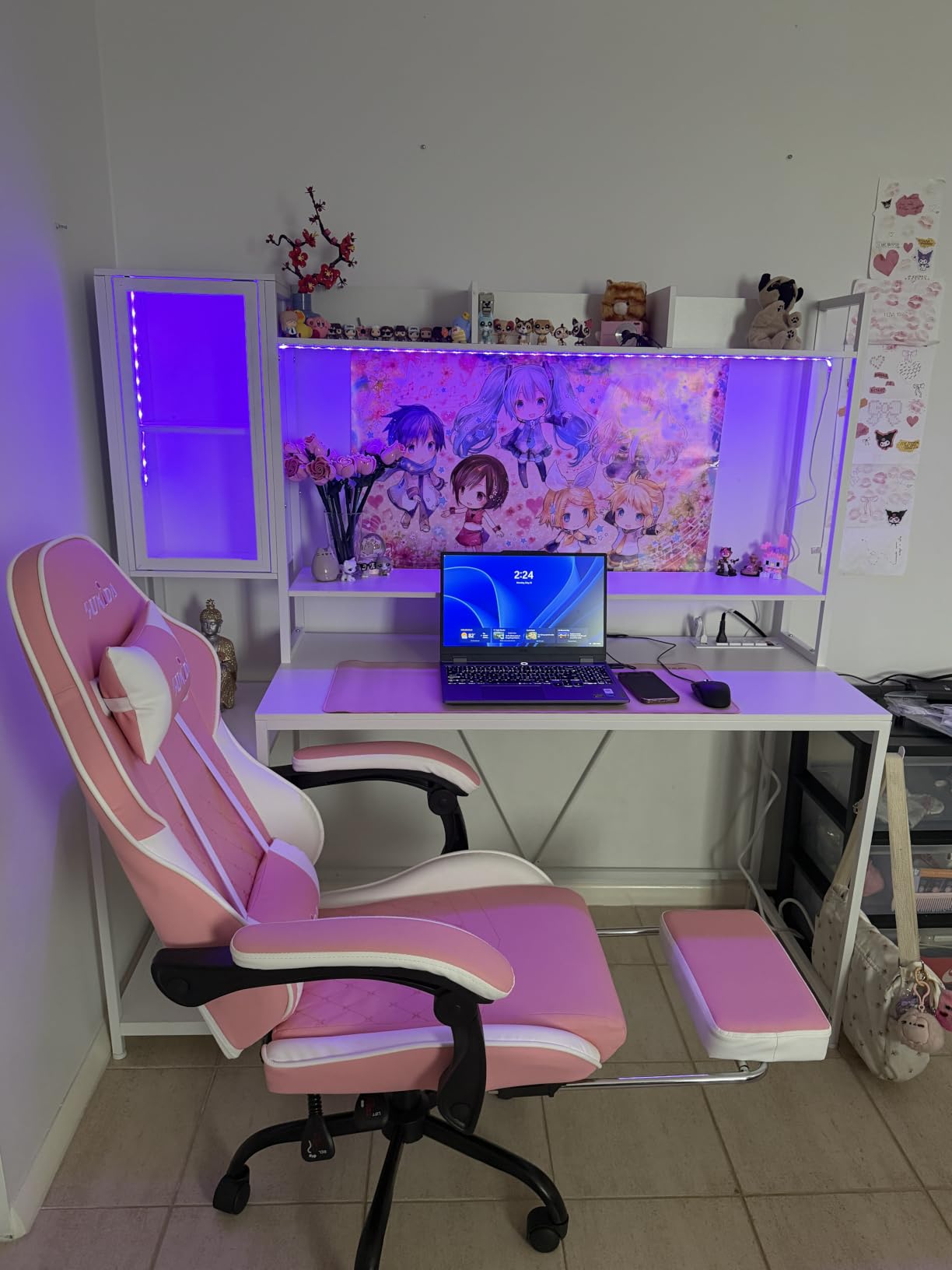
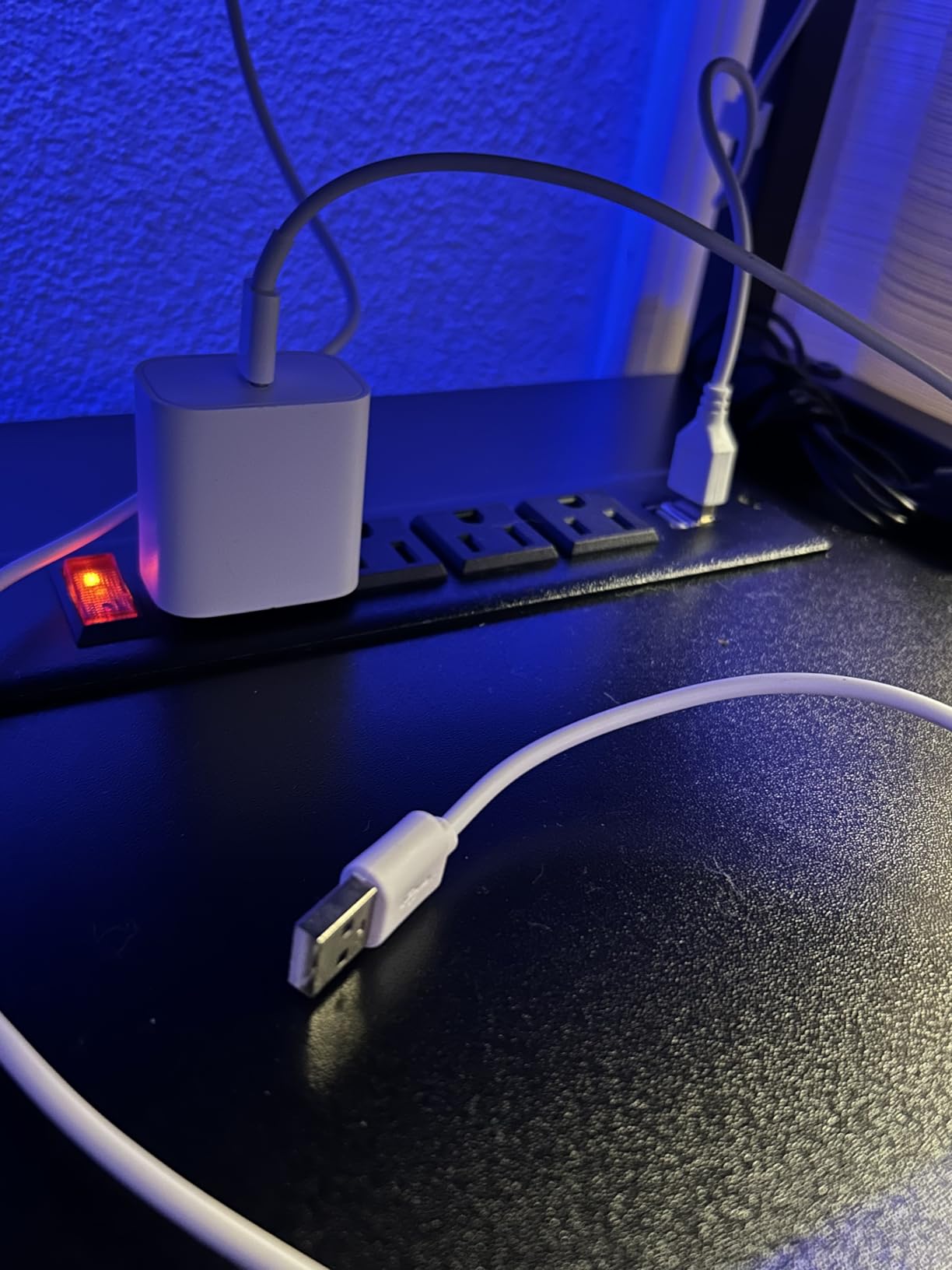
The charging station has four sockets, two USB ports and a one-touch power switch key, which lets you cut power to the whole desk at once. The LED strip runs 6000 colours across 29 flashing modes and syncs to music.
Below, three drawers and four shelves hold consoles and full-size towers, with a bottom shelf that can be removed if you fit a wide panoramic case. The metal base with bolt-type joints can be anchored to the wall, which is the smart move for a unit this tall.
Is a Hutch Worth the Height?
If you display anything above the screens, yes. The cabinets turn vertical space into storage instead of letting it sit empty above a monitor. If you do not, the 60.4-inch total height is a lot of wall for no benefit, and a flat desk is a better use of the same footprint.
Buyers also mention that one of the acrylic cabinets is smaller than expected, so treat the display capacity as three useful compartments rather than five large ones. Measure the figures you want to display before you commit.
Setup Notes and Known Issues
The most common complaint is the LED strip adhesive loosening as heat builds and the remote hangs below it. Several owners work around this with a cable clip. If the lighting matters to you, plan to re-secure it rather than assume it stays put.
Assembly takes around two hours and typically needs two people. Tall, narrow composite constructions are unforgiving of a rushed build, so clear the floor space first and keep the fixings organised.
How Big Does a Desk Need to Be for Two Monitors?
A dual monitor gaming desk should be at least 48 inches wide and 30 inches deep, with a stated weight capacity of 100 pounds or more. Two 24-inch screens fit across 48 inches. Two 27-inch screens need 60 inches of width, and adding an on-desk tower to that setup pushes you toward 60 to 66 inches.
The width maths is simple to do yourself. Measure the outer edge to outer edge of both monitors including bezels, add four inches for the gap between them and the edge clearance, then add another six inches if a monitor arm or a riser needs space at each end.
Depth is where people get caught. Monitor stands eat roughly eight inches, so 30 inches of depth leaves 22 inches of usable surface. A keyboard is six inches deep and a full-size mouse mat adds another three, which is why the picks with 19-inch depths feel tight and the 23-inch depths feel generous.
Loaded weight is the calculation most people skip. Two monitors on stands come to roughly 30 pounds, a tower adds 20 to 35 pounds, peripherals and a monitor arm add another 15. That puts a realistic dual setup between 65 and 85 pounds, which is why we treat anything rated below 100 pounds as too close to the line.
A monitor arm changes that math in a useful direction. Two clamped arms carry the screens’ weight into the frame rather than the surface, but they also add leverage that makes a weak frame wobble. This is why we look for a steel frame with a crossbar before anything else.
Dual Monitor Desk Setup: Arms, Risers and the Cockpit Layout
Run the wobble test before you buy a desk: press firmly on each front corner and on the middle of the surface with your monitors already in place. If the desk rocks or the screens visibly shake, the frame will not improve once a dual arm adds leverage. Move on.
Skip hollow-core and thin particleboard tops. A 0.75-inch MDF or engineered wood board on a steel frame is the combination that holds two 27-inch panels steady, and it is what most of the desks in this roundup use.
Choose between an arm and a riser based on what moves. A clamp-mounted dual arm frees back the eight to ten inches each stand occupies and lets you set screen height and angle precisely, at the cost of a clamp that needs desk thickness clearance and about 30 pounds of added load. A screw-in riser is more forgiving on weight and simpler to set up, and it will not catch your chair.
Mount the arm with a C-clamp if the desk has no grommet holes, and check the desktop thickness against the clamp range first. If the top is thinner than the clamp closes on, a spacer block solves it. Grommet mounting is cleaner and stronger where holes already exist.
Check VESA patterns before you commit to either. Most 27-inch panels use a 100x100mm pattern while smaller monitors often use 75x75mm, and an arm with the wrong plate pattern will not hold the screen you already own.
For cable management, leave roughly 30 percent extra slack on any desk that moves vertically, and route power first, video second and peripherals last. Zip ties work; soft velcro sleeves work better because they let you retension a bundle as hardware changes.
Gaming Desk Buying Guide: What Actually Matters
Weight capacity is the first filter, and it needs a real number rather than “heavy duty”. Calculate your loaded weight as described above, then look for a frame rated at least 30 pounds above it. The 300-pound frames here give you headroom for a heavier build later, and the 154-pound Veken is fine for two monitors and a floor-standing tower.
Material decides how the desk feels six months in. Steel frames with bolted joints outlast welded light-gauge frames, and a one-inch top resists flex far better than a 0.6-inch top on a 60-inch span. Glossy laminate shows fingerprints; a matte or textured finish forgives more.
Sit-stand capability is the feature people regret skipping. Only pick nine in this roundup offers electric adjustment, and its 28.3 to 46.5 inch range with four memory presets covers both positions. If you will spend more than a few hours seated, a fixed desk is fine; if you alternate, budget for a frame with real travel.
Integrated power is genuinely useful, not a gimmick. Four AC outlets plus USB ports at desk level removes an extension cord and the daisy chain that goes with it. Two of the picks here have four sockets, and that is enough for two monitors, a PC and peripherals.
RGB adds atmosphere and nothing else. Every desk here has a light strip, and every one of them works about the same. Judge these desks on frame stiffness, top thickness, load rating and storage, then treat the lighting as free decoration.
Before settling, consider the ultrawide alternative. A single 34-inch super-ultrawide gives you the same pixel width as two 27-inch screens with no bezel gap and one cable, and it frees roughly ten inches of desk width. The trade is a curved panel you must sit square to and a higher price per screen. If your desk space is genuinely tight, that trade is often worth making.
The DIY route is legitimate too. A wide solid wood tabletop on adjustable steel legs gives you a stiffer desk than most of these at a similar outlay, and it is widely endorsed in hardware forums for two-monitor setups. The downside is that you own the assembly and the cable routing problem entirely.
If your desk also serves as a recording or editing station, the desk selection criteria overlap heavily with our studio desks for producers guide. For heavier storage needs in a work setup, our architect desks with storage picks cover the drawer and shelving side in more depth.
Finally, check the desk against your chair. Two-person assembly, a monitor riser under tension and a pedestal on the wrong side can all collide with a chair that fits perfectly in an empty room. Sit in your chair at the desk before you buy, not after.
Frequently Asked Questions
What is the best gaming desk to fit two monitors?
A wide desk with a steel frame, at least 48 inches across for two 24-inch screens or 60 inches for two 27-inch screens, a stated weight capacity of 100 pounds or more, and 30 inches of depth works for almost every dual monitor gaming setup. Among the ten we reviewed, the ODK 53-inch L-shape is the strongest all-round choice because a corner layout returns more usable width per foot of wall.
What is the best size desk for two monitors and a PC?
For two 27-inch monitors with the PC tower on the same surface, aim for a 60-inch wide by 24-inch deep desktop or larger. Two 24-inch monitors plus a tower fit comfortably on 48 inches of width, but 55 to 60 inches gives you room for a monitor arm and a full-size mouse mat without crowding the front edge.
What is the best desk setup for dual monitors?
Start with the widest desk your room allows, then measure both monitors bezel to bezel before ordering an arm or riser. Mount a dual arm through a grommet or a correctly sized C-clamp, set screen height so the top of each panel sits at or just below eye level, angle the outer edges slightly inward, keep the tower on the floor if you can, and leave about 30 percent cable slack if the desk adjusts in height.
Do I need a bigger desk for two monitors?
Only if your current desk is under 48 inches wide or less than 24 inches deep, or if it wobbles under pressure. Two 24-inch screens fit on a 48-inch surface and two 27-inch screens need 60 inches. If the frame is solid but the top is thin particleboard, adding a monitor arm and a second screen will reveal flex that no amount of desk width fixes, and that is a reason to change desks rather than size up.
Final Verdict: Which Gaming Desk Should You Buy?
After working through all ten, the ODK 53-inch L-shape is the best of the best gaming desks for dual monitors we found. A 300-pound rating, an alloy steel frame and a return you can flip for either room make it the one that solves the width problem without demanding a whole wall.
Pick the ODK 55-inch if you want a straight rectangle and would rather not manage a corner layout. Pick the Veken 55-inch if you intend to stand. Pick the SEDETA 78.8-inch if everything has to live on one surface, and measure the room twice before it arrives.
Whichever you choose, size it first: 48 inches minimum for two 24-inch screens, 60 inches for two 27-inch screens plus a tower, and 30 inches of depth. The right desk for 2026 is the one that fits your monitors, your tower and your chair at the same time.