
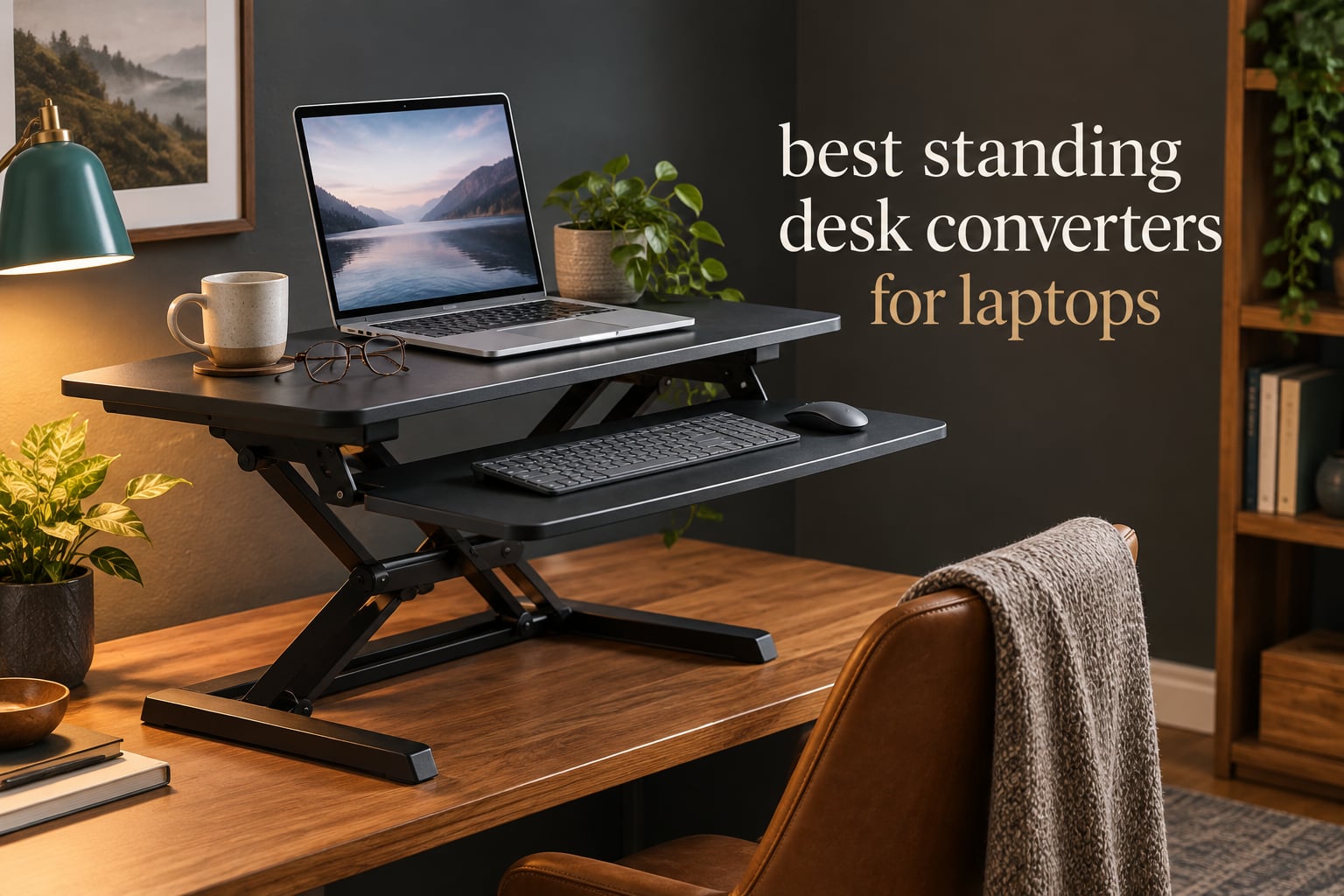
You can absolutely use a standing desk with a laptop, but only if you fix the height problem most people get wrong. A laptop screen and a laptop keyboard cannot both sit at the right height at the same time, because they are welded to the same panel. The screen wants to be near eye level and the typing surface wants to be at elbow level, and those two numbers are several inches apart. So the best standing desk converters for laptops are the ones that let you separate them, either by lifting a screen onto a riser or by giving you a flat tray for an external keyboard.
That is the whole idea behind this roundup. I put 12 laptop risers and sit-stand converters side by side and looked at the same things for each one: how high it will actually carry your screen, how much weight the platform takes, how much desk depth it eats when it rises, and whether it stays steady when you lean on the keyboard. Most of these are cheap, most arrive in a box already built, and the differences that matter are not the ones on the box.
If you are still choosing hardware, our guides to the 10 best kids laptops and the 7 best laptops for video editing cover the machines themselves. The riser is the piece that decides whether that machine ends up comfortable at your desk.
Top 3 Picks for Laptop Standing Desk Converters in 2026

VIVO 32 inch DESK-V000K
- Height 4.2 to 19.7 in
- 33 lb lift assist
- 31.5 in surface for dual monitors
- 3-year warranty

tounee Telescopic Laptop Stand
- Height 2.1 to 21 in
- 22 lb capacity
- 360 degree swivel base
- Folds flat

Nulaxy 18 inch Rotating Stand
- Up to 18 in extension
- 22 lb capacity
- 360 degree swivel
- Adjustable tilt
The VIVO DESK-V000K takes the top slot because it is the only unit here that solves the whole laptop problem in one box. Its keyboard tray is 31.3 in wide with 10.5 in of clear space in the middle, which is enough for a full-size keyboard, a mouse and a notepad, and the top platform lifts in sync so your laptop riser stays put. The lift runs 4.2 in to 19.7 in, so it works for a seated setup and a full standing one without any accessories.
The tounee telescopic stand is the simplest route to eye-level video, and the Nulaxy takes the same idea with a slightly different frame. Both raise a laptop screen and expect you to bring your own keyboard.
All 12 Converters and Laptop Risers Compared in 2026
| Product | Specifications | Action |
|---|---|---|
| VIVO 32 inch DESK-V000K |
|
Check Latest Price |
| tounee Telescopic Laptop Stand |
|
Check Latest Price |
| Nulaxy 18 inch Rotating Stand |
|
Check Latest Price |
 Vari VariDesk Pro Plus 36 Vari VariDesk Pro Plus 36 |
|
Check Latest Price |
 TechOrbits 32 inch OF-S06-1-BL TechOrbits 32 inch OF-S06-1-BL |
|
Check Latest Price |
 Urmust 360 Rotating Laptop Stand Urmust 360 Rotating Laptop Stand |
|
Check Latest Price |
 VIVO 26 inch DESK-V001J VIVO 26 inch DESK-V001J |
|
Check Latest Price |
 Vari VariDesk Essential 30 Vari VariDesk Essential 30 |
|
Check Latest Price |
 Mount-It! 32 x 22 inch Converter Mount-It! 32 x 22 inch Converter |
|
Check Latest Price |
 JOY worker 32 inch Converter JOY worker 32 inch Converter |
|
Check Latest Price |
 VERSADESK PowerPro 36 Electric VERSADESK PowerPro 36 Electric |
|
Check Latest Price |
 SAIJI Laptop Stand 20.5 inch SAIJI Laptop Stand 20.5 inch |
|
Check Latest Price |
1. VIVO 32 inch DESK-V000K: The Complete Laptop Workstation
VIVO Black 32 in Standing Desk Converter, DESK-V000K
Height 4.2 to 19.7 in
33 lb lift assist
31.5 x 15.7 in top
Steel frame
Pros
- Nearly complete factory assembly
- Steel frame stays solid when fully raised
- 31.5 in surface fits two monitors plus a laptop
- One-handed lift lever for fast transitions
Cons
- Real effort needed to push the platform back down
- Fixed keyboard tray overhangs the desk when seated
- Textured black surface is felt when writing
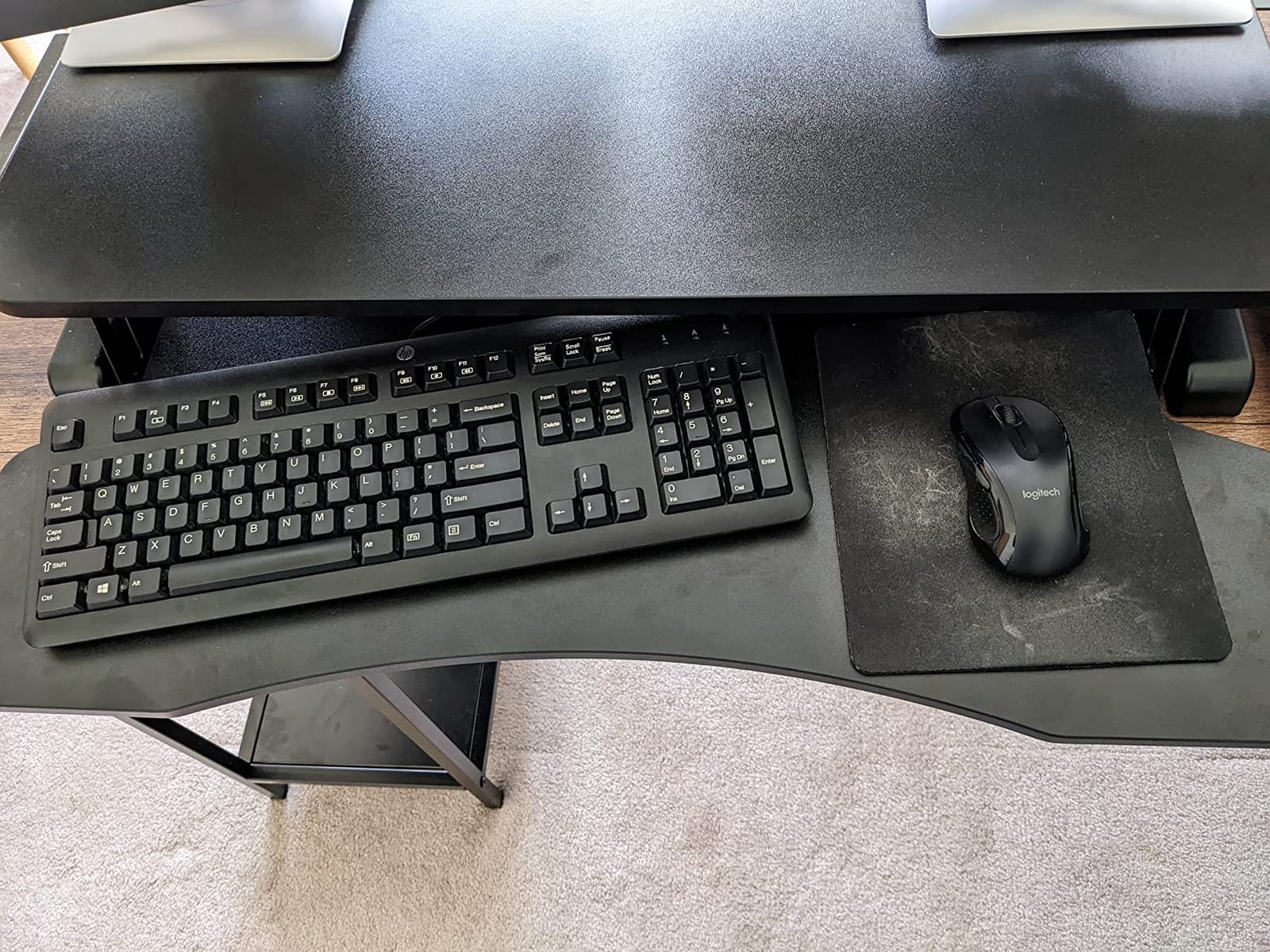
This is the converter I keep coming back to for laptop work because the tray is the story. It measures 31.3 in by 11.8 in with 10.5 in of clear space in the middle, so a ten-key board, a mouse and a legal pad all fit at once. On a laptop-only setup that matters more than any other spec, because the moment you add an external keyboard you need tray width to put the mouse somewhere sensible.
The platform travels from 4.2 in to 19.7 in on a pneumatic lift rated for 33 lbs, and the design pushes straight up rather than sweeping forward. Reviewers consistently note that the lift path going vertical is what keeps the footprint honest on a normal desk.
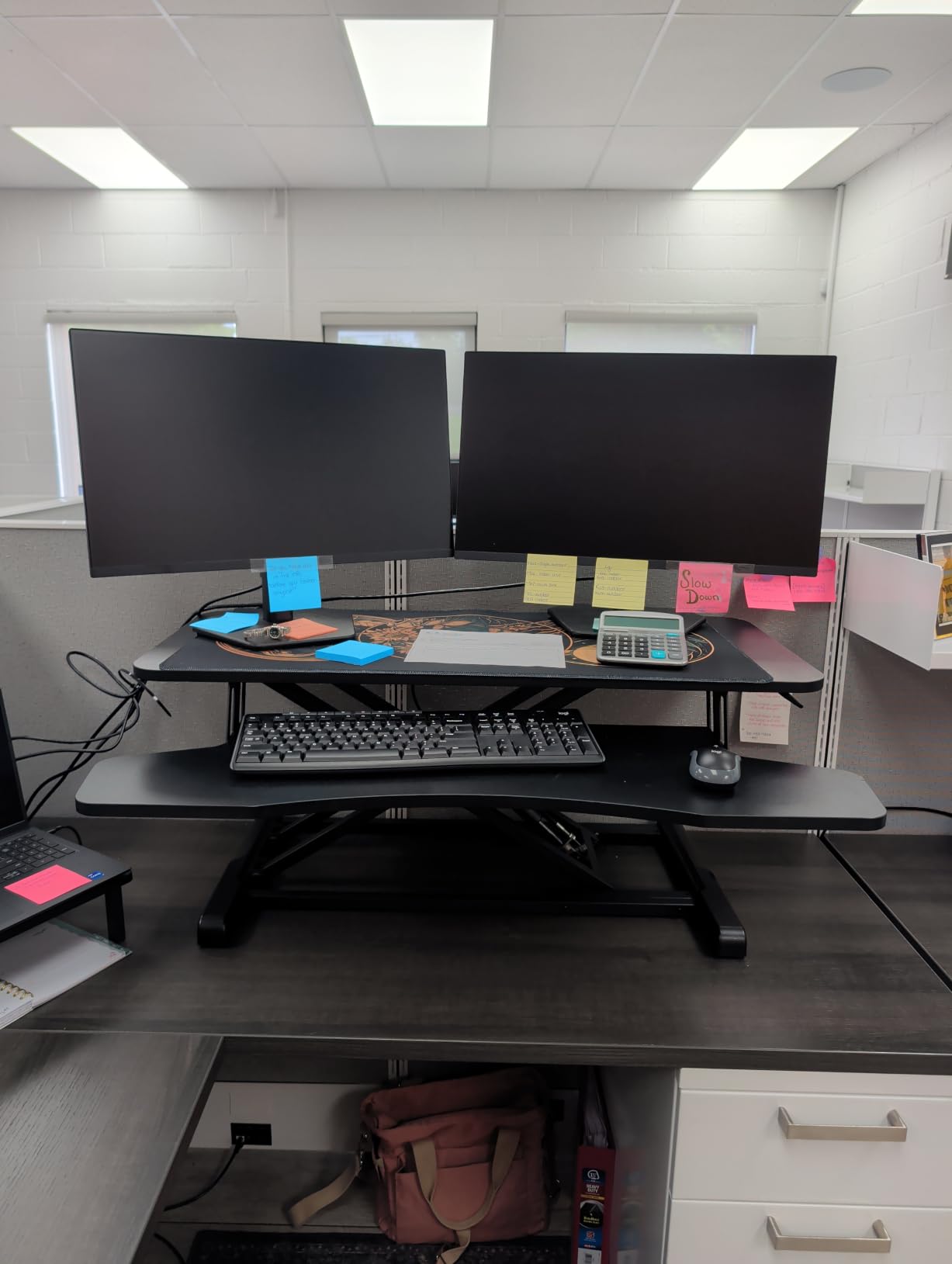
Setup is genuinely close to nothing. It arrives with the frame built, and the only job is attaching the keyboard tray and the bumpers, which is a one-person job even though the parts are heavy at 26 lbs. Owners in the reviews frequently mention buying a second one for a colleague rather than going back to their old setup.
Where it loses ground is the downstroke. Pushing the platform back to seated position takes noticeably more arm and back effort than pulling it up, and that is the single complaint that shows up most often across more than 15,000 reviews. If you plan to drop into a chair twenty times a day, you will feel it by week three.
How the height range affects your seated and standing setup
The 4.2 in floor is the part that decides whether this works in your room. A converter with a tall minimum height forces you to raise your chair, and then your elbows sit too high while you sit, which is exactly the neck and shoulder strain people buy a converter to escape.
What you give up compared with a two-tier design
The keyboard tray is fixed and it does not retract, so when the riser is down it still eats desk depth in front of you. That is fine if you never write by hand and slightly annoying if you do.
2. tounee Telescopic Laptop Stand: A Low-Cost Fix for Screen Height
tounee Telescopic Laptop Stand for Desk with 360° Swivel Base, Sit to Stand, Height Adjustable, Portable Riser Holder for Good Posture, Compatible with MacBook Pro, All Laptops 10-17″-Gray
2.1 to 21 in travel
22 lb capacity
360 degree swivel
Fits 10-17 in
Pros
- Tallest telescoping travel in the group
- Swivel base makes screen sharing easy
- Aluminum dual-pivot frame holds 22 lb
- Folds flat and uses little desk space
Cons
- Raises the screen only so a monitor will not fit
- External keyboard and mouse are required
- Collapsed column is bulkier than a shelf riser
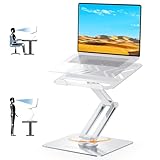
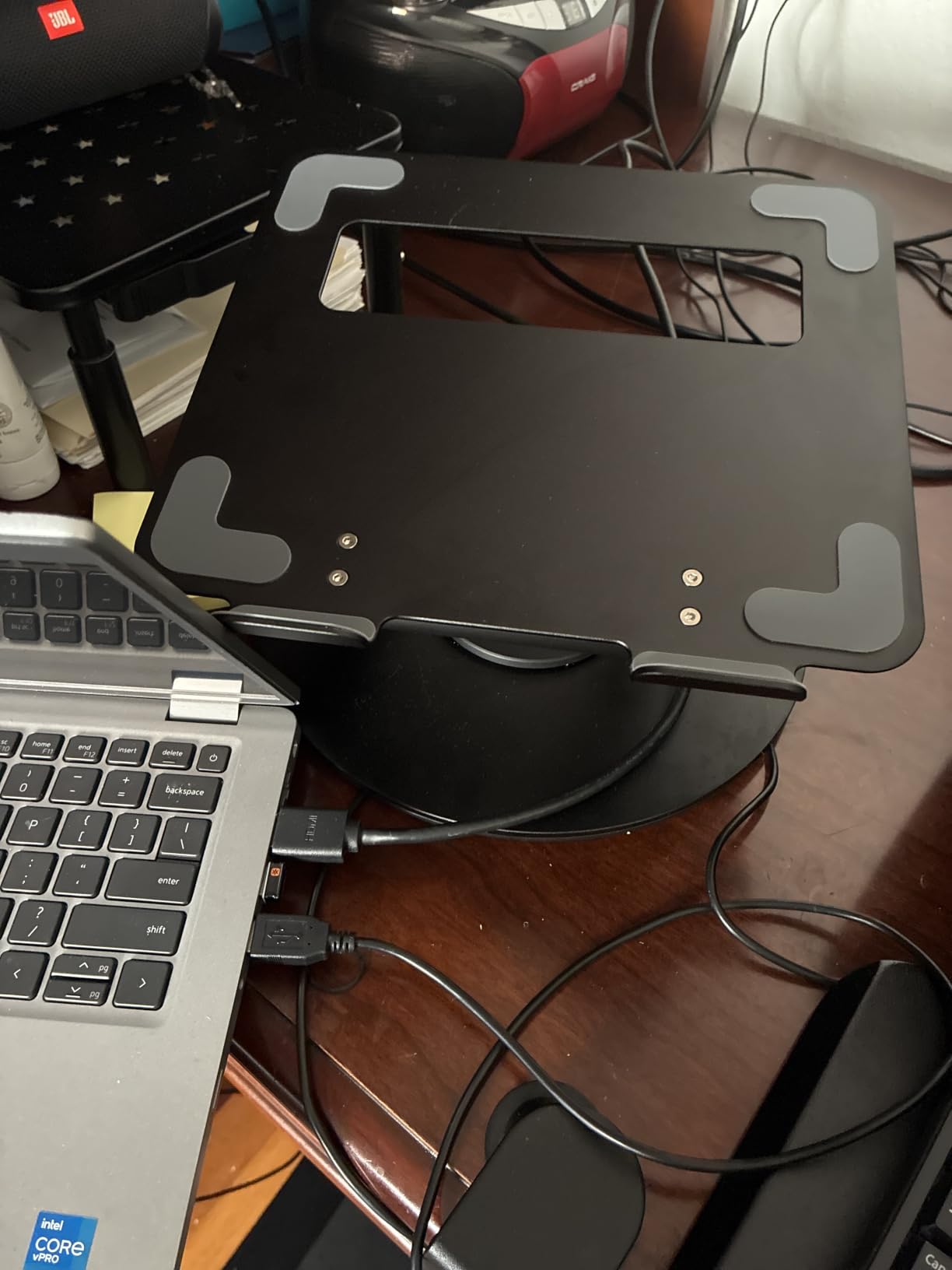
This is a laptop stand, not a converter, and the distinction matters if you read the rest of this roundup. It lifts the screen to whatever height you want between 2.1 in and 21 in, and it expects your keyboard to stay down on the desk. That is a perfectly good arrangement for a laptop-only workspace, and it costs far less than the full converters.
The rotating turntable at the base is the feature owners mention most. On a video call you swing the screen toward a colleague without shoving the whole column across the desk, and the dual pivot joints are what keep the frame from going soft when the stand is fully extended.
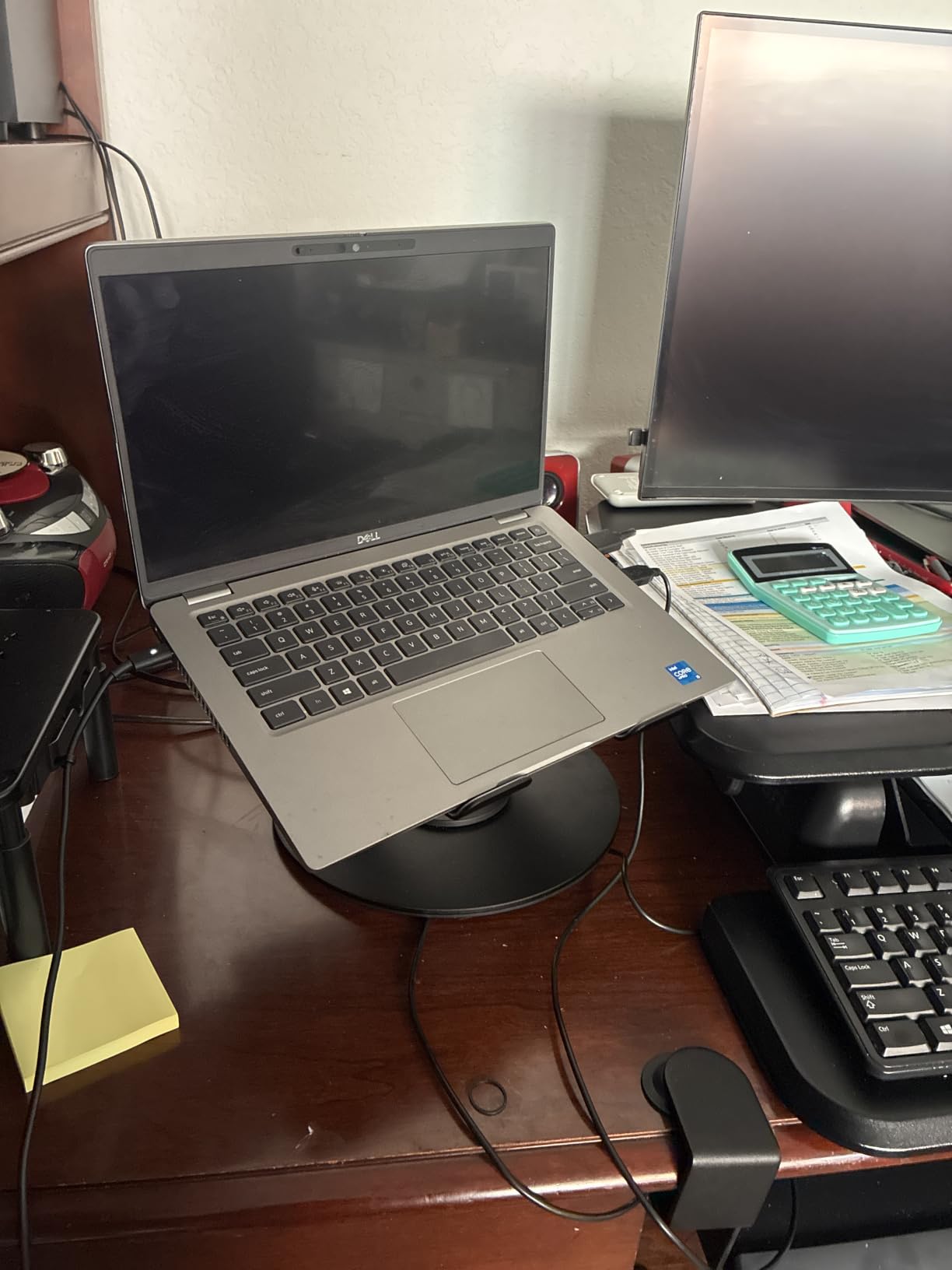
It folds flat, which matters in the apartment and dorm scenarios people buy these for. The aluminum body handles 22 lb, comfortably more than any laptop, so capacity is never the limiting factor here.
The trade-off is inherent to the category. Raising a laptop means raising its keyboard too, and reviewers repeatedly say the same thing: once the screen is up high, you want an external keyboard and mouse. That is not a flaw, it is the deal.
Whether this counts as a converter in your setup
If your desk is a fixed height and you only need the screen to move, this solves the problem on its own for a fraction of the cost. Add a keyboard and you have a full standing workstation.
What the telescoping column costs you at the low end
At 2.1 in the screen sits low, which is exactly what you want seated at a standard desk. The trade is that the collapsed column still occupies a vertical footprint that a simple shelf riser would not.
3. Nulaxy 18 inch Rotating Laptop Stand: Tilt and Swivel in One Column
Nulaxy 18″ Height Telescopic 360 Rotating Aluminum Laptop Stand Desk, Gray
Up to 18 in extension
22 lb capacity
360 degree swivel
Adjustable tilt
Pros
- 18 in extension brings the screen near eye level
- Smooth swivel base for meetings
- Tilt adjustment for the right viewing angle
- Vented aluminum body moves heat
Cons
- Manufacturer says to remove the device before adjusting
- Laptop keyboard is awkward to use at full height
- No support for an external monitor
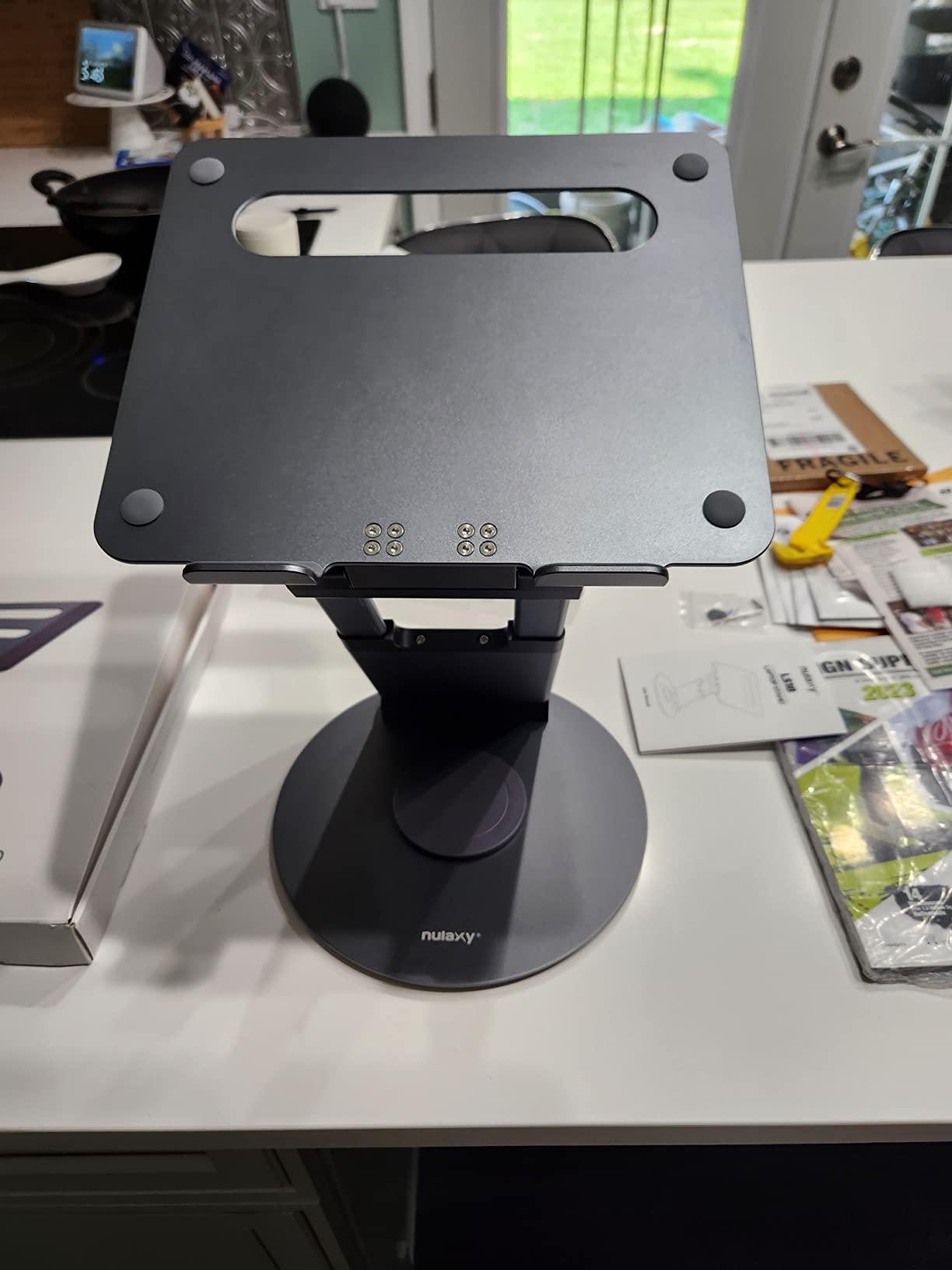
This is the same basic idea as the tounee stand with one extra degree of freedom: tilt. The panel angle is adjustable, so you can tip the screen back toward your eyes rather than craning your neck down at a vertical panel. For a laptop user that adjustment is worth more than another inch of travel.
It extends to 18 in, which is a little shorter than the tounee column, and it rotates a full 360 degrees at the base. The aluminum body has venting cut into it, which does a real job of moving heat off a machine that is running with its stand propped open underneath.
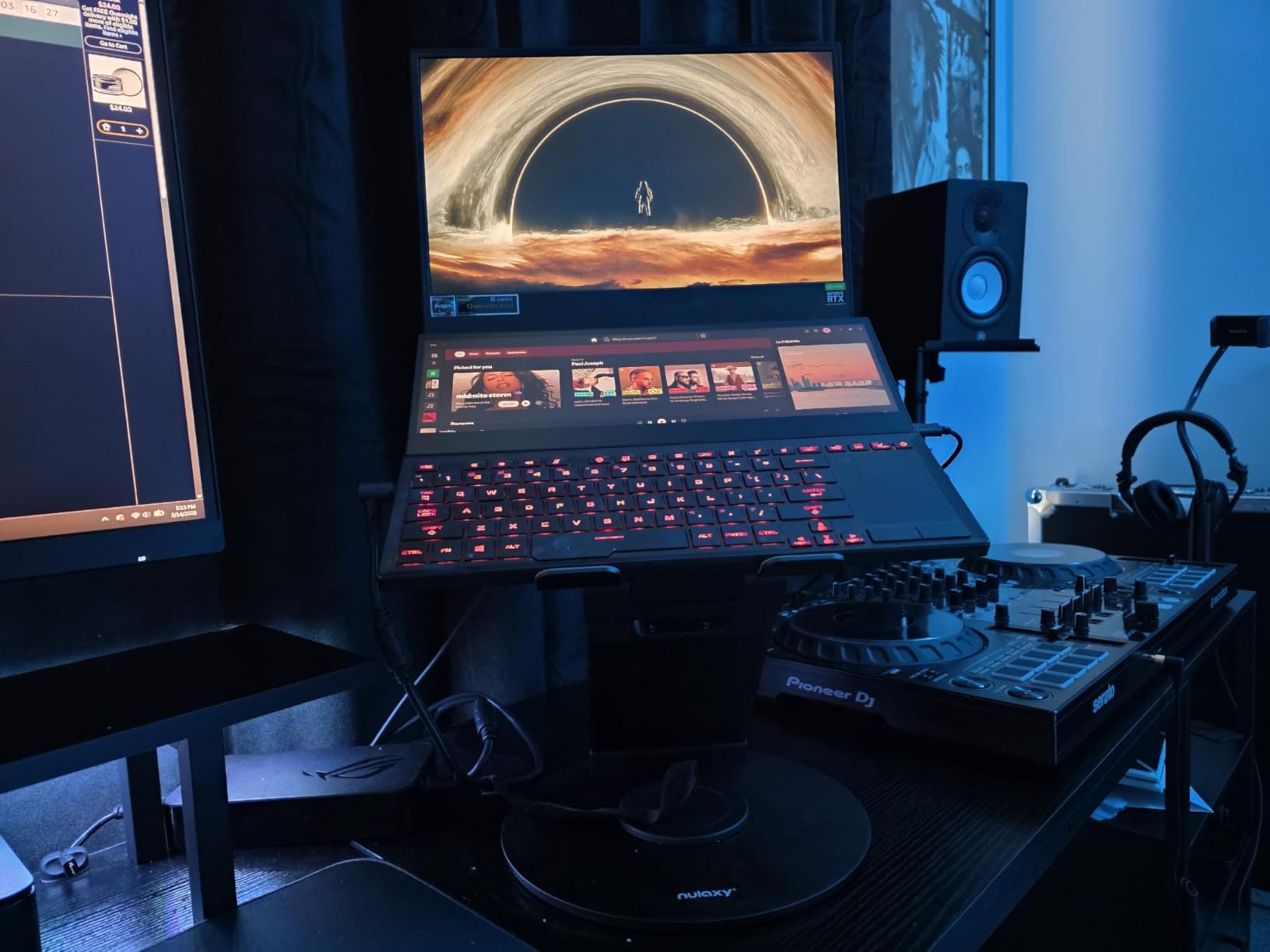
Nulaxy builds it to hold 22 lb, and reviewers confirm the base does not tip when you type on the laptop keyboard with a drawing pen or when the machine is a heavier workstation laptop. It fits anything from a 10 in netbook up to a 17 in machine.
The company’s own guidance is worth reading before you buy. They suggest an external keyboard and mouse, and they ask you to take the laptop off the stand before changing height or angle. Both pieces of advice show up in the reviews too.
How this compares with the tounee column
The tounee reaches 21 in and has a heavier base. The Nulaxy stops at 18 in but adds tilt and a swivel that reviewers find smoother. For a user with neck trouble, tilt is usually the more valuable of the two.
What the tilt does not solve
Tilt fixes your neck. It does nothing for your wrists, because a raised laptop keyboard stays raised. Every ergonomic setup built on this kind of stand needs a separate keyboard and mouse at desk level.
4. Vari VariDesk Pro Plus 36: For a Laptop Alongside Two Monitors
Vari VariDesk Pro Plus 36 – Adjustable Desk Converter with 11 Height Settings – Laptop Sit Stand Desk Riser for Home Office, Table Tops, Workspace – Fully Assembled with Spring Loaded Lift – Black
17.5 in max height
35 lb rating
36 x 12.25 in top tier
Fully assembled
Pros
- Arrives fully assembled and ready to place
- Spring rowing lift is quiet and smooth
- Dual stability bars hold at full extension
- Rowing motion pushes the platform away from your body
Cons
- About 50 lb needs two people to place it
- Lifts forward so it consumes desk depth
- 17.5 in max height suits users to roughly 6 ft
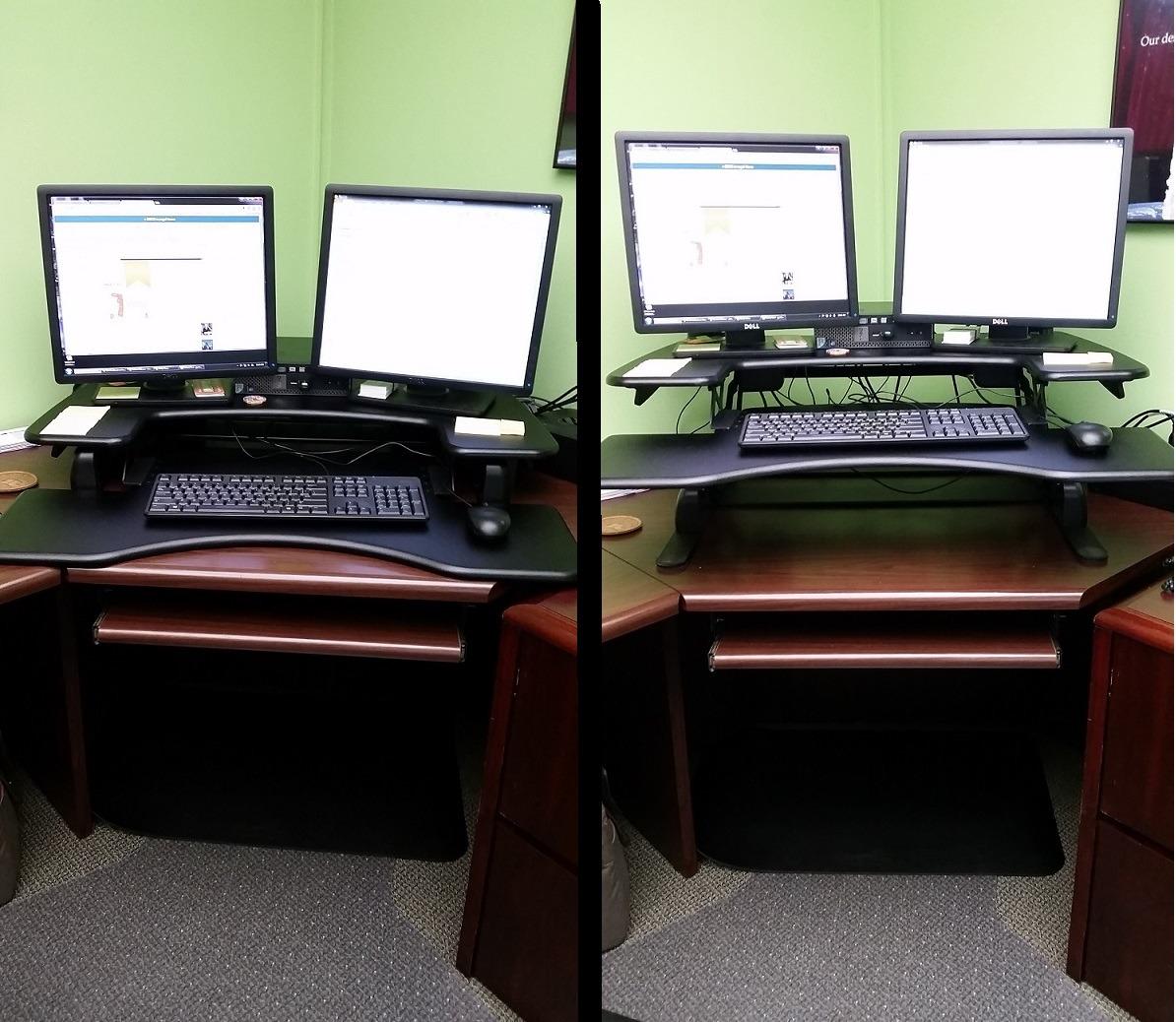
If your laptop is the third screen rather than the only one, the Pro Plus 36 is the shape that works. The upper tier is 36 in by 12.25 in, which fits two 27 in monitors with a 13 in laptop wedged in beside them, and the lower deck holds the keyboard, mouse and whatever else you need within reach.
The rowing lift is the reason it feels solid. Rather than pulling toward you to raise it, the handles push the platform up and out, so you move the load instead of leaning into it. It raises smoothly and quietly, and reviewers report that a light user can operate it easily.
There are 11 nominal height settings, but the mechanism can stop anywhere between them, so the listed number is really a range rather than a set of fixed stops. Dual stability bars and a weighted base keep it rigid with two 23 in displays at full extension.
Back and neck relief is the benefit owners describe most often, particularly for people working long days at a screen. Nearly everyone pairs it with an anti-fatigue mat, which you should budget for separately.
Whether your desk has room for the rowing motion
This is the practical question with rowing lifts. The platform travels up and forward as it rises, so at full height it needs considerably more desk depth than the 36 in width suggests. Measure the depth of your desk with the riser at rest and add the forward travel before you commit.
How tall you need to be for this one
The 17.5 in maximum is fine for most users up to about 6 ft. Taller people report needing blocks under their feet or a riser on top, and that combination is fiddly.
5. TechOrbits 32 inch OF-S06-1-BL: A Lighter Take on the 32 Inch Format
TechOrbits 32 in Standing Desk Converter, Adjustable Workstation
4.3 to 19.9 in range
33 lb capacity
32 in work area
Minimal assembly
Pros
- Wide 32 in surface for dual monitors
- Pneumatic lift with an aluminum frame
- Broad height range suits many users
- Light at 16.7 lb compared with steel rivals
Cons
- Particle board construction feels less durable than steel
- Keyboard tray has to be attached before use
- Some assembly required unlike ready-to-place rivals
This is the same basic 32 in footprint as the VIVO at roughly ten pounds lighter, which matters if you plan to move it between rooms or work in a rented space. It arrives mostly assembled, with the keyboard tray as the only fitting job.
The 4.3 in to 19.9 in range is the widest adjustment among the 32 in units here, and the 33 lb rating matches the VIVO. For a laptop plus one external monitor that is more than enough headroom.
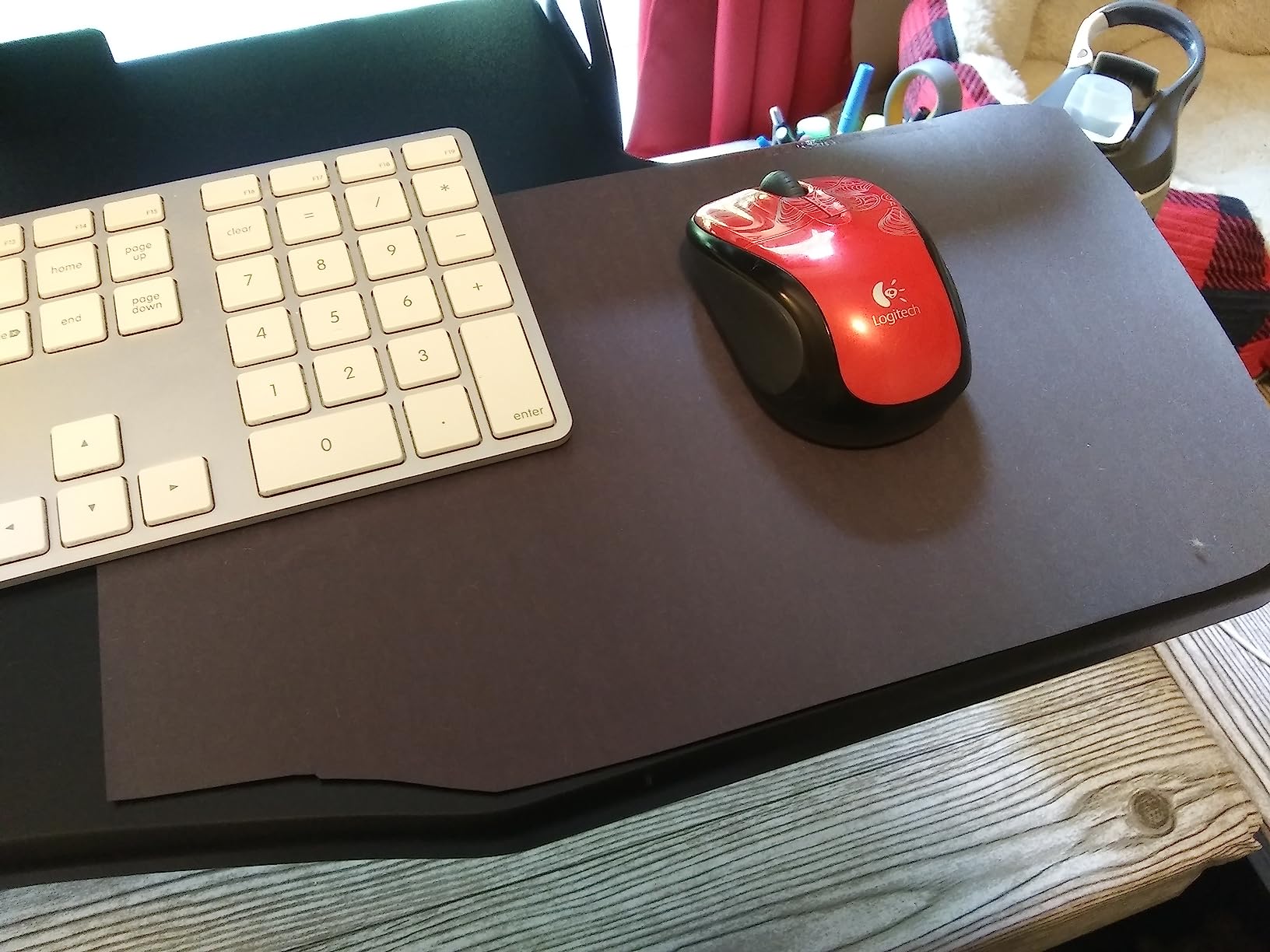
Height changes use a squeeze handle and your own body weight rather than a lever, which some people find easier to control at speed. Reviewers point to the wide work area as the reason they chose it over a single-tier design.
The frame is aluminum and the surface is laminated particle board, and that combination is where the reviews get critical. It feels a step below the all-steel units in terms of density and long-term durability, particularly around the moving joints.
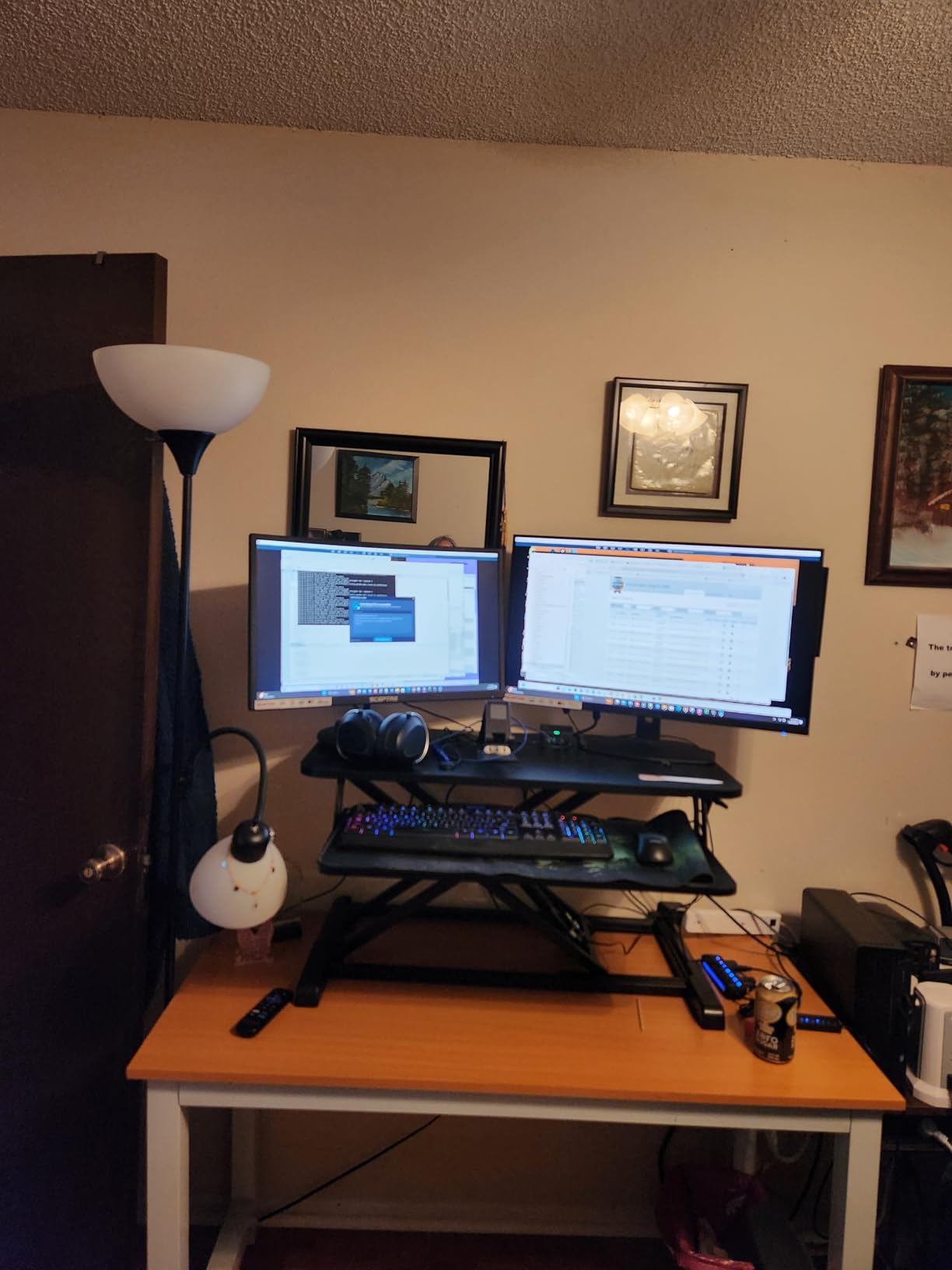
Whether the board construction matters for your load
For a laptop, a keyboard and a mouse, the 33 lb rating is not the constraint. The concern is how the surface feels and how the frame wears over years of daily movement.
If you intend to add a second monitor arm or heavy speakers, an aluminum-frame steel unit will outlast this one. If your load stays light, it performs fine.
How this compares with the VIVO 32 inch
They share a width, a load rating and a near-identical height range. The differences are material, weight and warranty length, with three years on the VIVO against two here.
If you move desks often or carry equipment between spaces, the lighter frame here is a genuine advantage.
6. Urmust 360 Rotating Laptop Stand: Best Rated in the Group
Urmust 360° Rotating Laptop Stand for Desk fit 10-17″ Device
22 lb rating
360 degree head
10 to 17 in laptops
850 g weight
Pros
- Dual pivot metal joints stay steady when extended
- Handles 22 lb with little wobble
- Rotating head shares the screen without moving the laptop
- Vented metal body cools the machine
- Light at 850 g so it moves between setups
Cons
- Remove the device before adjusting height or angle
- Laptop only so no external monitor
- 12-month warranty is the shortest here
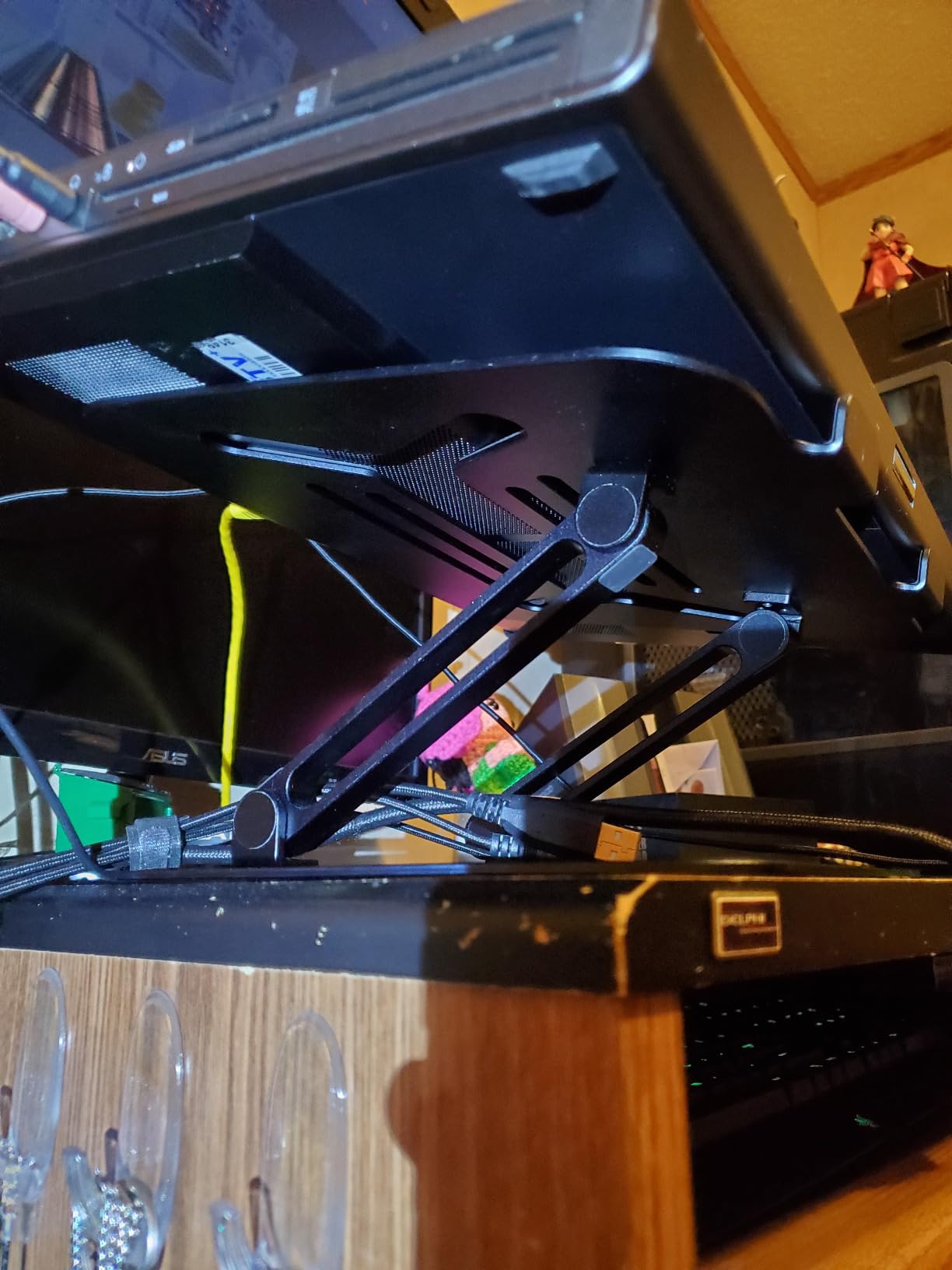
This stand carries the highest average rating in the roundup, and the reason is the joint design rather than the range. Two pivot points instead of one roughly double the strength at the elbow of the arm, and reviewers single out the heavy metal base as the difference between a stand that stays put and one that creeps across the desk.
Height and tilt both adjust to bring the screen to eye level, and the head rotates 360 degrees so you can turn it toward a colleague without lifting the machine.
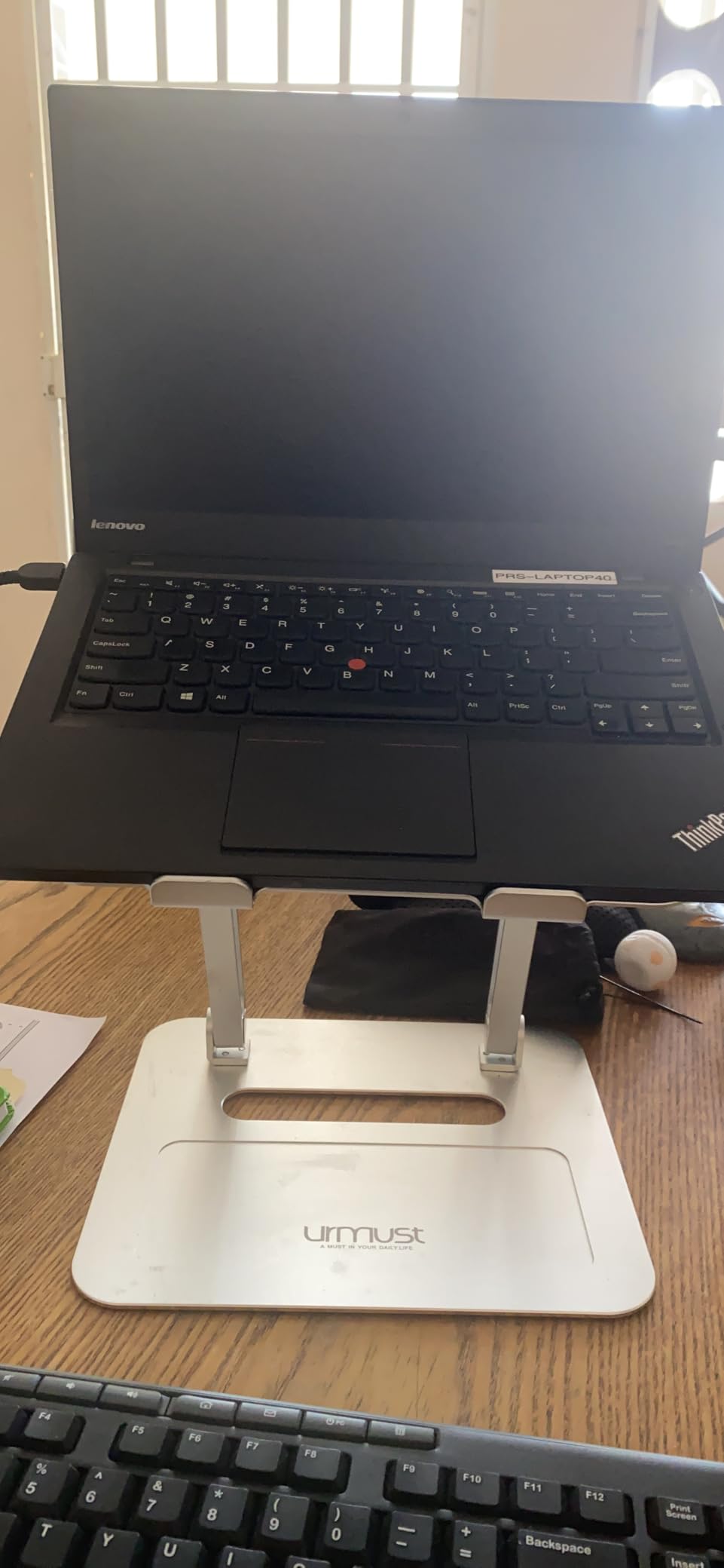
It weighs 850 g, so moving it between a desk and a kitchen table takes seconds. That portability makes it a good fit for hot-desking and for anyone working from more than one space.
The all-metal vented body does a genuine job of cooling. Reviewers running sustained workloads report that the machine stays cooler than it does flat on a desk.
What you give up for the rating
The warranty runs twelve months, which is the shortest in this group, and several of the converter designs here carry three years or more. On a piece of metal and plastic with no moving gas spring, that risk is smaller than it sounds.
The height range is also narrower than the telescoping columns. It will bring the screen to eye level at a desk, but it is not built for very tall users working at a counter-height surface.
How the rotating head performs in practice
It rotates smoothly and lightly, which is exactly what you want mid-call. You can turn the screen to face someone across a table without interrupting whatever is running on the machine.
That makes it a strong pairing for a laptop used in meetings. Buy a separate keyboard and mouse and the ergonomics hold up.
7. VIVO 26 inch DESK-V001J: The Small Desk Option
VIVO 26 in Single Top Standing Desk Converter, Ultra-Slim Desk Riser
Five heights to 15.9 in
17.6 lb capacity
26.4 x 18.5 in top
Zero assembly
Pros
- Compact 26.4 in footprint for small desks
- Collapses to 1.8 in so it disappears when seated
- Five lockable heights change in seconds
- No assembly needed at all
- Backed by a 3-year warranty
Cons
- 17.6 lb load limit is the lowest here
- No separate keyboard tray
- 15.9 in max height is low for taller users
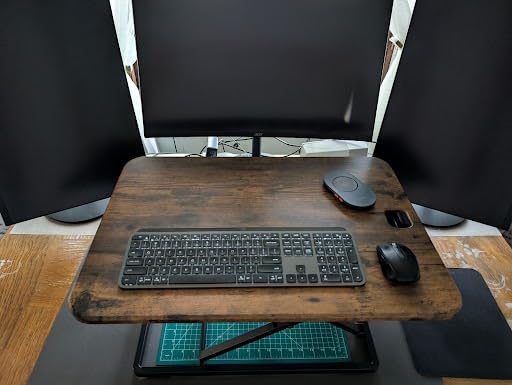
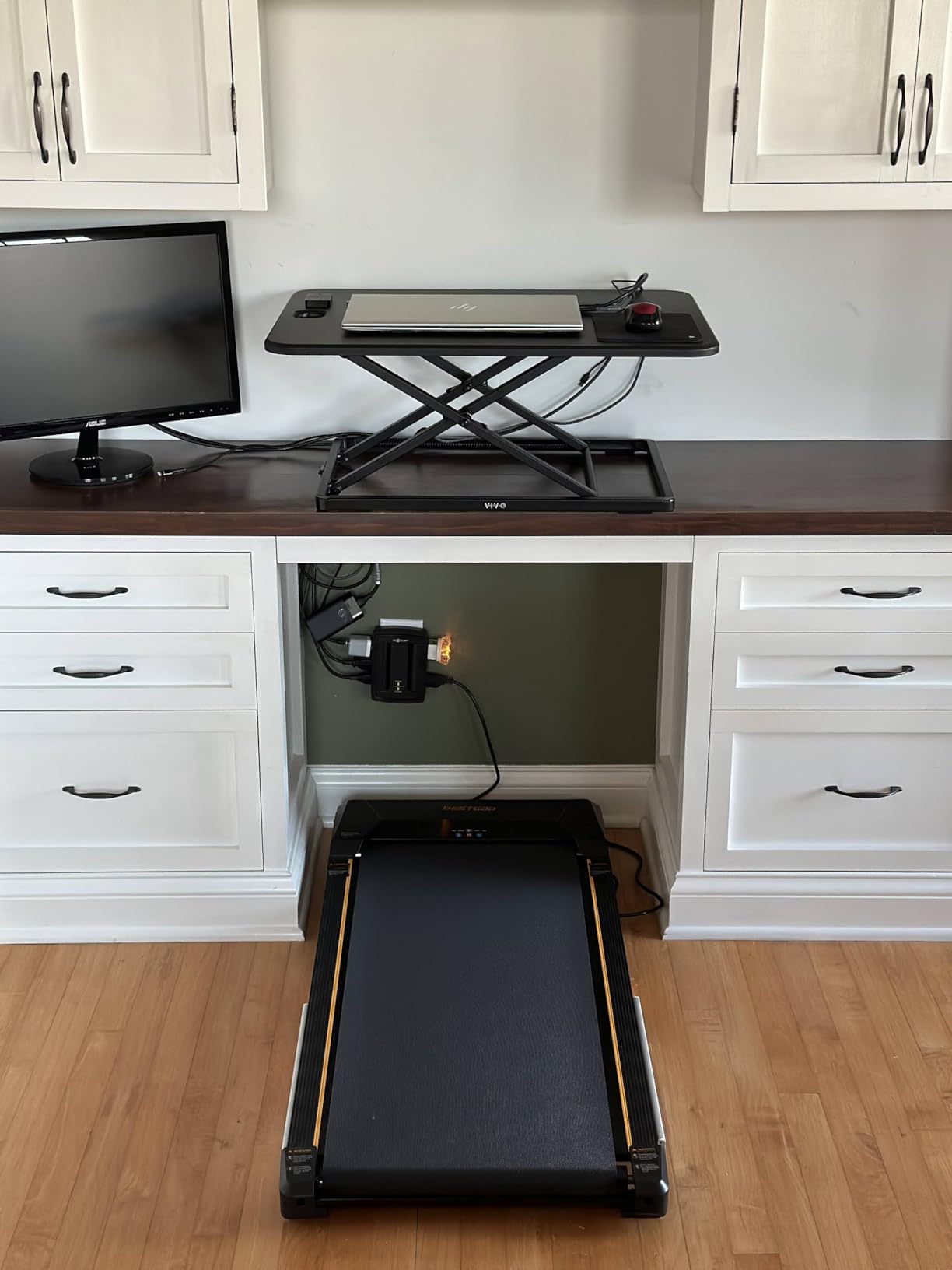
This is the one to buy when desk real estate is the problem. The surface measures 26.4 in by 18.5 in and drops to a resting height of 1.8 in, so when you are sitting it is basically a thin layer between you and the desk rather than a box in your way.
It has five lockable height stops at 8.5, 10.4, 12, 14.4 and 15.9 in, and the squeeze handle changes them in seconds. For a laptop with an external keyboard, one monitor and a mouse, 26 in of width is workable.
It arrives complete. There is no assembly step of any kind, which matters when you are setting up in a small apartment where you would rather not lay out tools on the floor.
Because there is no separate keyboard tray, the keyboard sits on the same surface as the laptop. That is the ergonomic compromise here, and you can partly solve it with a low-profile external keyboard.
How the load limit affects laptop setups
The 17.6 lb rating is the tightest in this roundup. A 14 in laptop, a compact keyboard, a mouse and a small monitor come in well under it.
Two larger monitors or a heavy arm mount will push past the limit, and adding weight above a converter changes how the frame behaves. If you plan to expand, buy the wider model instead.
Whether 15.9 in is high enough for you
At 5 ft 9 in or under, 15.9 in puts the screen at a comfortable standing height with a riser. Taller users will find themselves looking down at a standing desk, which defeats the purpose.
The thin 1.8 in resting height is the real win in a small room, because it costs you almost nothing the rest of the time.
8. Vari VariDesk Essential 30: A Two-Tier Design for a Narrower Desk
Vari – VariDesk Essential 30 – Two-Tier Standing Desk Converter for Home Office – Adjustable Sit Stand Desk with 11 Height Settings – Standing Desk Riser for Monitor & Accessories – 30″ Wide, Black
11 height settings
17.75 in lift
30 in width
25 lb rating
Pros
- 30 in width fits desks the 36 in model cannot
- Spring counterbalance makes frequent changes easy
- Weighted base stays steady while typing
- Fully assembled on arrival
- 3-year warranty replaces the whole product
Cons
- Keyboard shelf is narrow
- Mouse can slide off the shelf
- 42.6 lb unit needs two people to place
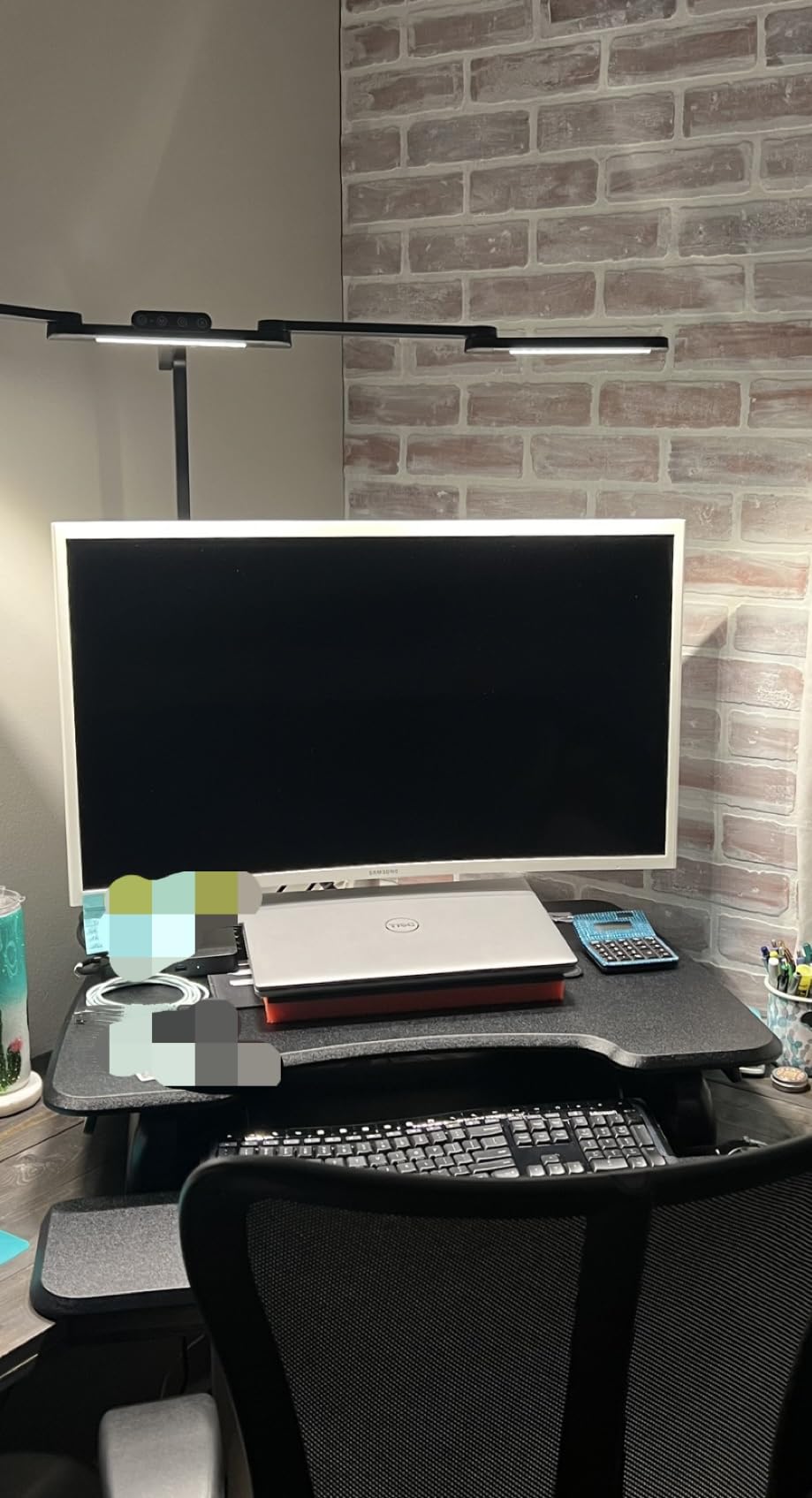
This is the compact member of the Vari line and the one that fits desks where the 36 in Pro Plus would overhang the edges. At 30 in wide it can sit in a corner or on a smaller work surface, and the two tiers still give you a separate deck for the keyboard and mouse.
The spring counterbalance is the part owners praise. Switching several times a day stays easy because the lift is balanced rather than spring-loaded against your full load.
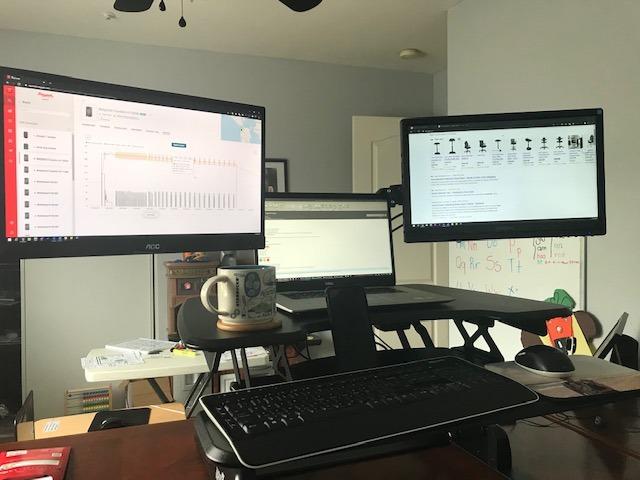
When fully retracted it adds only a couple of inches of desk height, so it stays usable for seated work on a table you also eat at. Reviewers report it working well for a shorter user around 5 ft 2 in, because the range starts low.
Brand service came up positively too, with owners describing fast replacement of a unit damaged in transit.
How the keyboard shelf measures up
This is the sharpest complaint in the reviews and the one to check against your own equipment. The shelf is narrow enough that a full ergonomic keyboard only just fits, and users with gel wrist pads or a trackball report the mouse sliding off onto the floor.
If you use a compact keyboard and a small mouse, you will be fine. If your board has a numpad, test it before you commit.
Whether the forward sweep will fit your desk
Like the rowing designs, this one lifts up and outward rather than straight up, so it consumes desk depth as it rises. It is smaller than the Pro Plus, but it is not a flat-footprint design.
At 42.6 lb it still needs two people to lift into place, so plan the move before you order.
9. Mount-It! 32 x 22 inch Converter: A True Straight-Up Lift
Mount-It! Standing Desk Converter 32″ x 22″ – Sit Stand Desk Riser with Gas Spring Lift, Slim 2.5″ Low Profile, Height Adjustable Desktop Workstation, Preassembled Sit-Stand Solution for Home & Office
2.5 to 16.9 in range
20 lb rating
32 x 22 in top
Zero assembly
Pros
- Rises straight up with no forward sweep
- Collapses to a 2.5 in profile
- Quiet gas spring holds its position
- Sturdy enough to lean on
- Rubberized base protects the desk
Cons
- 17.3 kg is hard to reposition
- Single level so the keyboard shares the top
- Cannot lock just above the lowest position
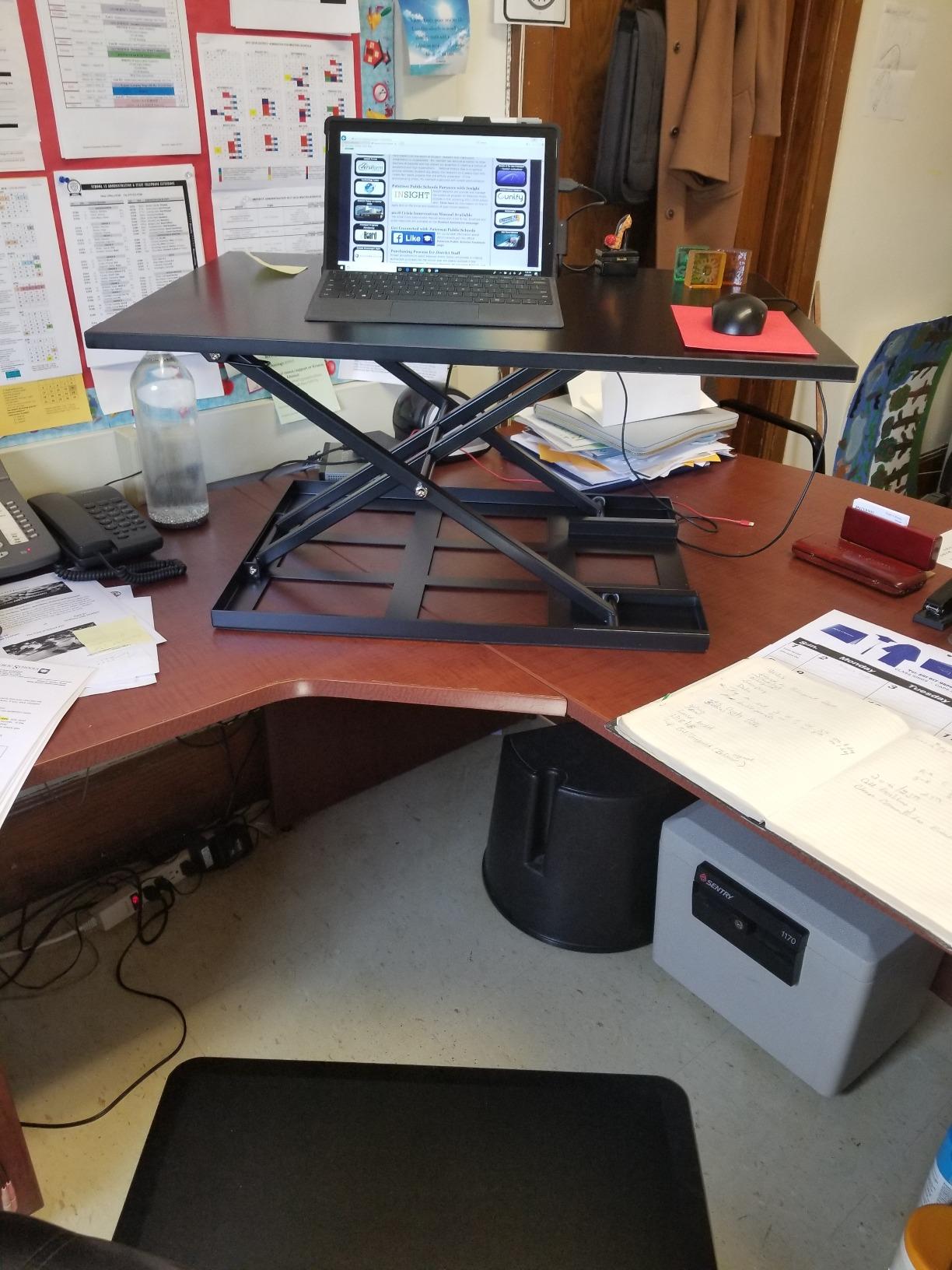
The distinguishing feature here is the lift path. Most converters sweep forward as they rise and eat desk depth on the way up. This one travels vertically, so the footprint on your desk stays exactly what it was at rest.
It also collapses to a thin 2.5 in, which leaves useful room on the desk when you are seated, and the rubberized base protects the surface underneath. The gas spring is quiet and holds position rather than slowly sinking.
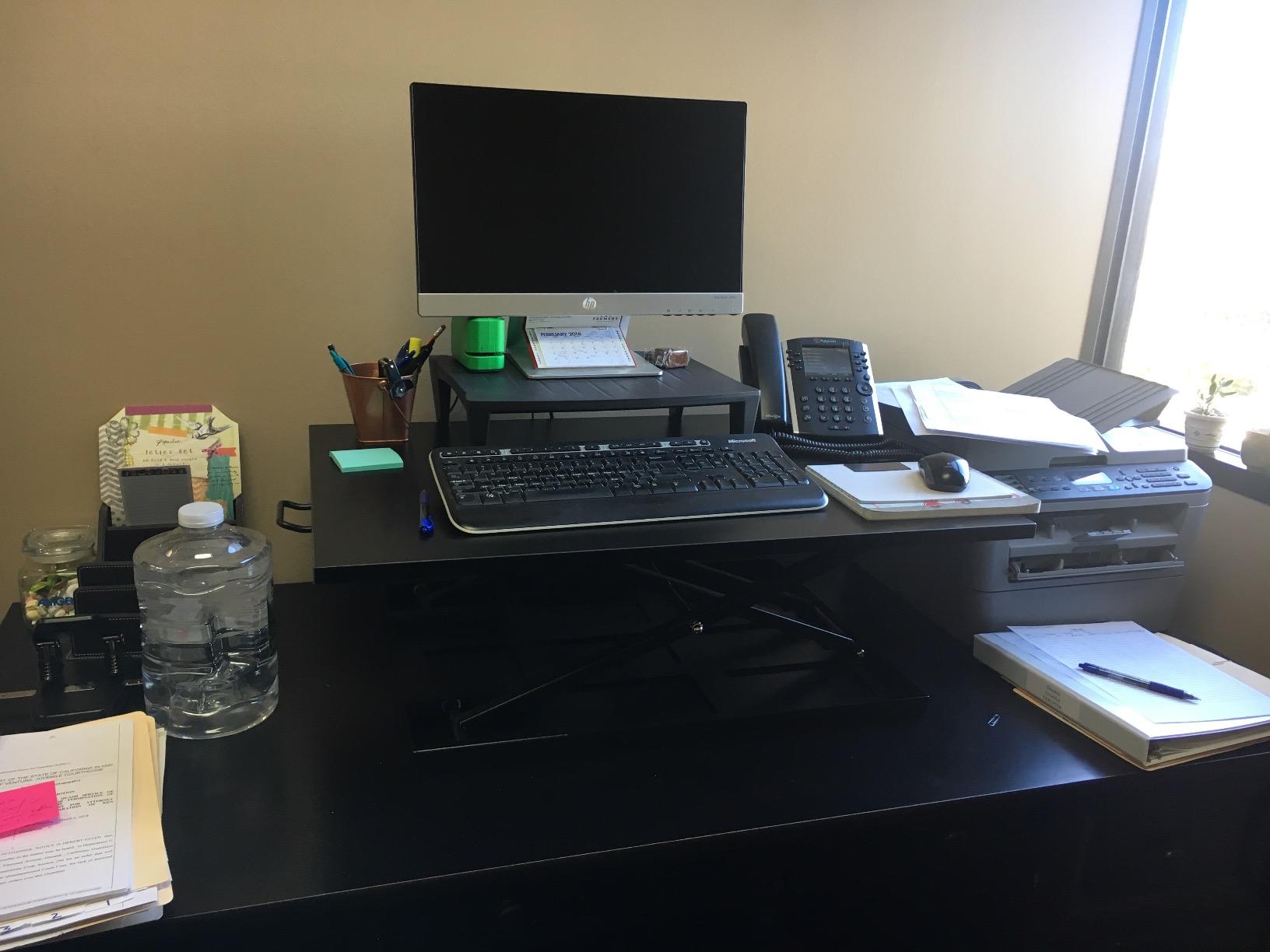
Stability is a strength. Reviewers describe leaning on the platform without it moving, including from a user well over six feet tall. The 32 in by 22 in surface holds a 27 in monitor, keyboard, mouse and roughly a foot of writing space.
Back pain relief is the outcome owners report most, which tracks with the vertical lift keeping the working position square over your base of support.
How to handle the low-position gap
The gas spring will not latch just above the bottom, so a seated setting near the desk surface needs a prop. Plan for that, because a low seated position is exactly what a laptop user with a short chair wants.
The 2.5 in collapsed profile partly compensates, since even unlatched the platform sits close to the desk.
Whether the weight and rating suit a laptop setup
At 17.3 kg this is a heavy piece, and repositioning it takes two people. It is a fixture rather than something you move around a small apartment.
The 20 lb rating covers a laptop, an external keyboard and one monitor comfortably. Two large displays would be pushing it.
10. JOY worker 32 inch Converter: A Tidy Two-Tier at a Lower Rating
JOY worker 32″ Standing Desk Converter, Height Adjustable Stand Up Riser
4.9 to 19.3 in range
28.6 lb top rating
31.5 in top tier
Two-step assembly
Pros
- Smooth low-force raise and lower
- 31.5 in top tier fits two monitors
- Lower deck organizes the desk and cuts clutter
- Available in white black and rustic brown
- Relief from lower back strain is the top benefit
Cons
- 4.5 star rating with more critical reviews than most
- Keyboard tray cannot be retracted
- Lower tier rated at only 4.4 lb
- Assembly instructions are unclear
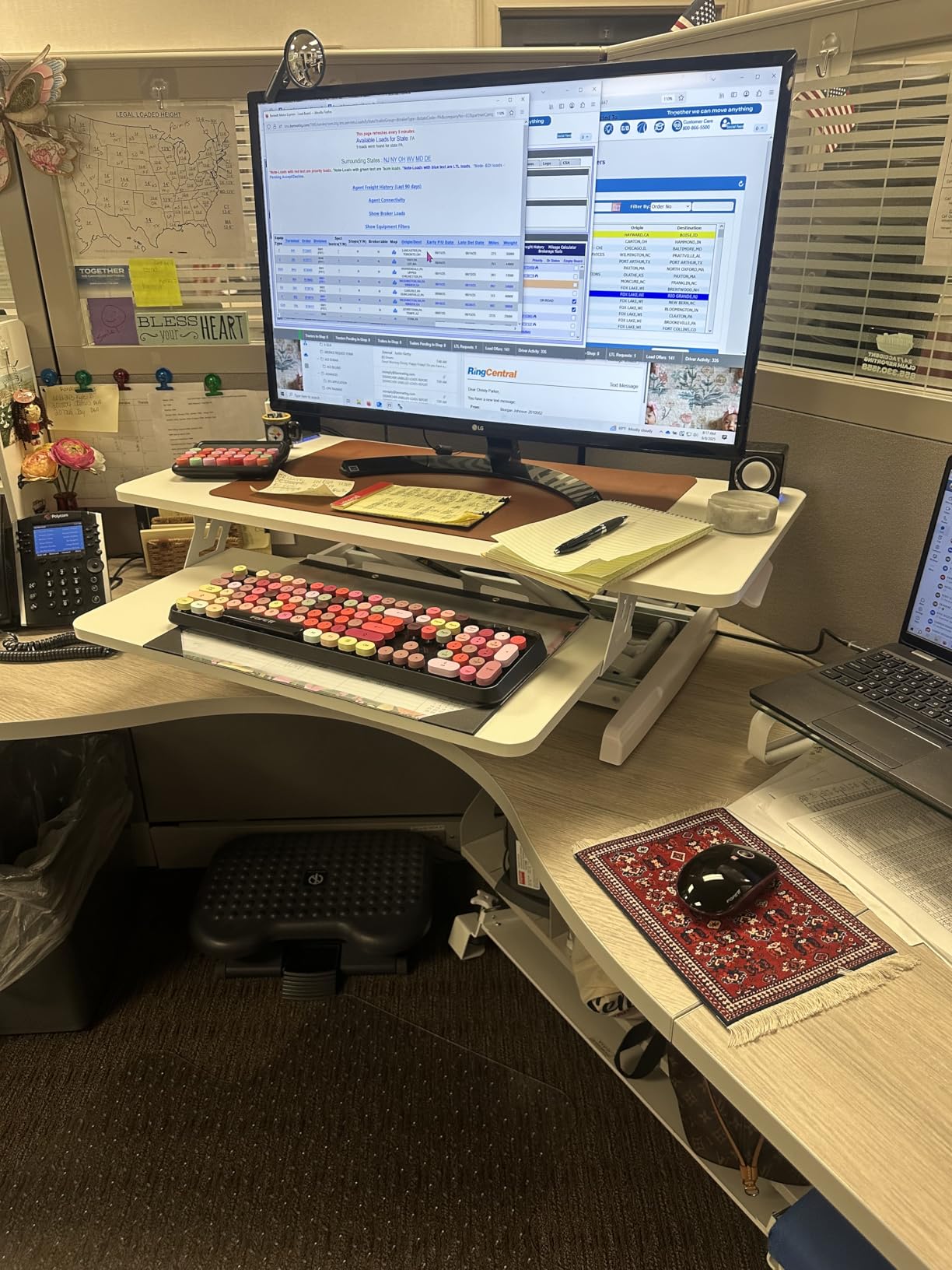
This one earns its place because of the lower deck. The keyboard and mouse tray sits below the main platform, which keeps the desk surface clear and gives you somewhere to put notebooks and a water glass without them riding up and down with the screen.
Owners report the lift is smooth and light, with one reviewer saying it still needs no muscle effort after two years of daily use. The X-frame handles 28.6 lb on the top tier.
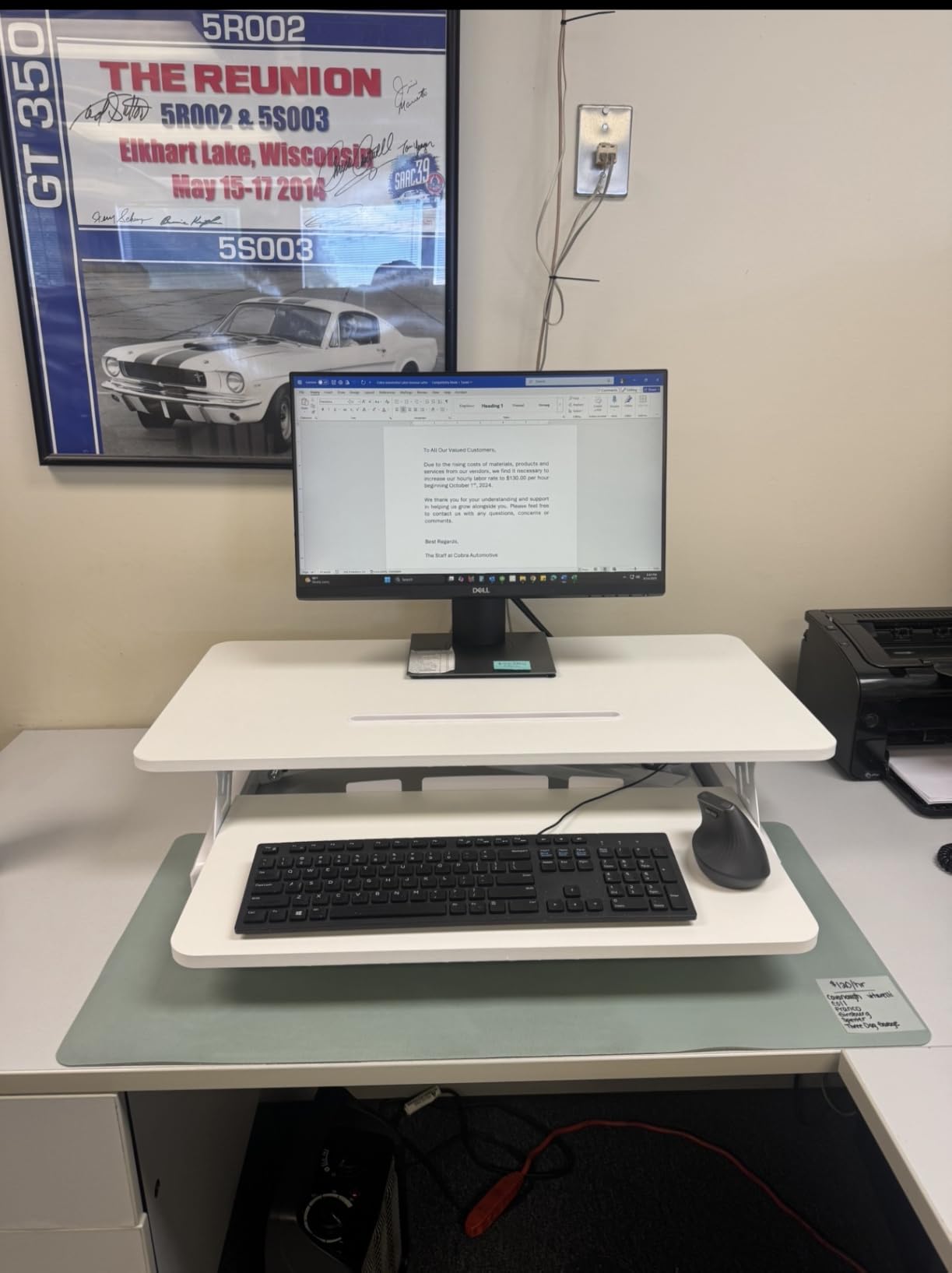
The finish options are a genuine perk. A white riser on a light desk disappears in a way that black steel frames never do, and the same model comes in a rustic brown.
The rating here sits below most of the field at 4.5, with a larger share of critical reviews than the others. That is still a solidly positive score, but it reflects real complaints.
How much desk space the fixed tray costs you
The keyboard tray does not retract, so it occupies desk space in front of you even when the riser is down. On a small desk that is the difference between fitting and not.
The lower tier is also rated at only 4.4 lb, which limits what can live there. A keyboard, a mouse and a phone are fine. A second laptop is not.
Why the rating sits below the rest
Reviewers point at assembly. The tray installation is a two-step job in principle, but several people found the printed instructions unclear, and a few found unidentified accessories in the box.
The particle board construction also feels less substantial than the steel-framed rivals, which lines up with that rating.
11. VERSADESK PowerPro 36 Electric: The Motorized Option
VERSADESK PowerPro 36 Inch Electric Standing Desk Converter – Push-Button Height Adjustable Sit to Stand Desk Riser for Dual Monitors & Laptop – Motorized Desktop Workstation with Wide Keyboard Tray
Electric push-button lift
80 lb rating
36 in surface
Three cable grommets
Pros
- 80 lb load rating is the highest here
- Quiet motorized lift needs no physical effort
- Three grommet holes route cables properly
- Built-in USB charging port on the unit
- Lifetime warranty
Cons
- Motor raises and lowers more slowly than manual risers
- Shallow non-retractable keyboard tray
- Bent steel tray brackets can feel bouncy
- Slow customer support on reported defects
Everything else here is moved by hand. This one uses push buttons and a motor, and the 80 lb rating gives you room for a dual-monitor workstation with arms mounted on top. For a laptop user adding a portable monitor, that headroom means you will not be near the limit.
The cable grommets are the detail laptop users care about most. Three holes let charging cables drop through the platform rather than running across it, and the built-in USB port reduces the number of adapters on the desk.
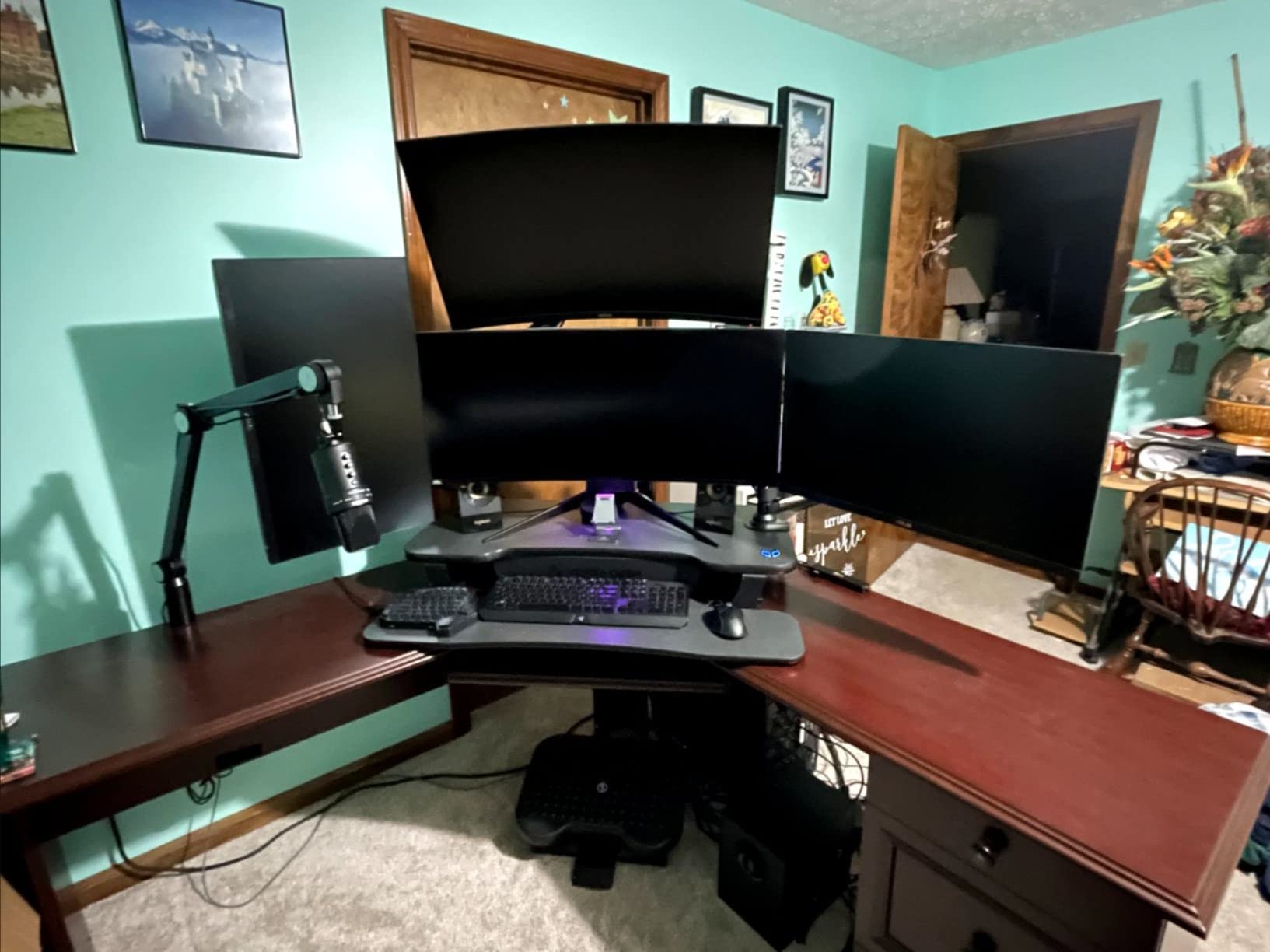
It arrives fully assembled and the reinforced carbon steel frame is noticeably thicker than what you get at the entry level. Owners describe it as solid rather than merely functional.
A child safety lock on the motor is included, which matters if kids share the room and start pressing buttons.
How the motor speed affects daily use
The lift is quiet but slow compared with a manual riser. If you are someone who drops into a chair for twenty minutes at a time and back up several times an hour, a five-second rise becomes a small annoyance over a full week.
If you settle into one posture for two-hour blocks, the speed matters much less and the hands-free convenience is worth a lot.
Where the build falls short
The keyboard tray is shallow and does not retract, and reviewers describe the bent steel brackets as slightly bouncy under typing pressure. That is the part you will feel most, since a laptop setup lives on that tray.
A few buyers also reported arriving units with paint transfer, scratches or a partially stripped screw, and slow support response when they raised it.
12. SAIJI Laptop Stand: Walnut Finish With a Foldable Mouse Pad
SAIJI Laptop Stand for Desk, Adjustable Standing Desk Riser Up to 20.5″
9.9 to 20.5 in range
44 lb capacity
18 degree tilt
Walnut panel
Pros
- Walnut panel looks more refined than black metal
- Silicone pads protect the desktop
- Buttons on both sides for height control
- Foldable mouse pad keeps the mouse usable standing
- Six pounds so it moves easily between rooms
Cons
- Tilt and height range may not suit users needing a flat surface
- Fixed range stops short of the tallest stands
This is the one that does not look like office equipment. The panel is walnut-toned with aluminum supports, and at six pounds it moves between a desk and a coffee table without effort.
Height runs from 9.9 in to 20.5 in with buttons on both sides of the frame, and the panel tilts 18 degrees. That tilt is what tips it toward eye level without a column taking up much room.
The 44 lb rating is the highest of the telescoping stands here, and the six silicone pads grip the desktop without scratching it. That matters if your desk is finished wood.
The foldable mouse pad is a small idea with real consequences. When the laptop is raised, the mouse pad unfolds so you keep a usable surface instead of working with a mouse on bare desk.
When a wood riser makes more sense
If your workspace is shared, on camera, or in a living room rather than a dedicated office, the walnut finish blends in where a black steel column reads as clutter. Reviewers single out the appearance as the reason they kept it.
It is also lighter than the metal telescoping stands, so moving it between rooms takes one hand.
What the fixed angle and range cost
The panel always tilts, so if you need a flat surface for a drawing tablet or a large trackpad, this is the wrong shape. The tilt is not adjustable away.
At a 20.5 in ceiling it suits users up to about six feet. Taller users would need to combine it with a separate riser.
How to Set Up a Converter for Laptop-Only Work
Start by separating the screen from the keyboard. Put the laptop on a riser like the Urmust, Nulaxy or tounee stand, or on the raised platform of a two-tier converter, and put an external keyboard and mouse at desk level. Once you do that, the height math becomes simple instead of impossible.
The target is straightforward. The top edge of your screen should sit roughly at eye level or just below it, with your neck neutral. Your elbows should hang at about 90 degrees when your hands are on the keys, which for most people means the desk surface itself rather than the raised platform. Measure from the floor to the top of your screen when standing, and from the floor to your elbow when seated. Those two numbers tell you which riser you need.
Cable and dongle management is the part laptop users get wrong. Keep the power brick and any hub on the desk rather than on the raised platform, run the charging cable through a grommet hole or over the rear clamp, and leave enough slack in the cable so it does not tug when the platform moves. Cable ties to the frame leg keep a hub within reach without adding weight to the lift.
Finally, if you are shorter than about 5 ft 9 in and your desk is a fixed height, add a footrest. It changes your seated height far more cheaply than moving the desk. Our guides to the 10 best under desk ellipticals cover the movement side of the same idea for people who want to stay moving during standing work.
What to Look for When Buying a Converter for a Laptop
Height range is the first filter. Look at the minimum height, not the maximum, because that is what decides whether you can still sit comfortably on your existing desk. Anything above about 5 in at the bottom end will push your elbows up while seated. Then check the maximum against your standing eye level.
Weight capacity is mostly a formality for a laptop, but it tells you how much room you have to grow. A 17.6 lb rating covers a laptop and small accessories. An 80 lb rating covers a full dual-monitor workstation with arms. Do not plan to add a second monitor later if you buy the light-rated unit.
Desk depth is the binding constraint in most small spaces, and width is what people check by mistake. Measure the depth of your desk first, then look at the riser depth at full extension, not at rest. Rowing lifts and Z-lift designs travel forward as they rise, so add that forward travel to your available depth. A straight-up lift like the Mount-It holds its footprint.
Lift type decides how the thing feels. Pneumatic and gas spring units move in one smooth motion and hold wherever you leave them. Rowing lifts push the platform away from your body and are easier on your back. Electric lifts need no physical effort but move slowly. A press-lever design is the fastest for frequent transitions.
Warranty length is a rough proxy for how the manufacturer expects the mechanism to wear. Two to three years is common on the manual risers here, and the electric model carries a lifetime warranty. Our notes on laptops for programming cover the long sessions where a frame that shifts under your hands becomes obvious.
Why Converters Wobble and How to Fix It
Wobble is the complaint that comes up most in owner discussions, and the cause is usually one of five things. Work through them in order.
First, put the load in the middle of the platform. Weight toward the rear edge or far to one side levers the frame, and the levering is what you feel as shake under your wrists.
Second, stop pressing on the keyboard tray. Resting your forearms on the tray while it is extended puts a sideways force on the mechanism that no adjustment ring is designed to take.
Third, check the floor. On carpet, even well-built converters will creep, because the feet sink into the pile. Hard flooring or a hard mat under the desk is close to a precondition for these risers.
Fourth, level the desk. A converter on a desk with three wobbling legs will wobble regardless of its own build.
Fifth, if a monitor shakes rather than the whole desk, the problem is usually a monitor arm at full extension rather than the converter. Bring the arm in closer and re-check.
Converter vs Full Standing Desk: Which Should a Laptop User Buy?
Buy a converter if you like your current desk, rent your space, want to try standing before committing, or need to move between locations. It is cheaper, portable, and takes minutes to set up.
Buy a full sit-stand desk if you want a wider surface, if you type and use a mouse at standing height rather than a laptop with a separate keyboard, or if you move desks often enough that carrying a converter is annoying.
For a laptop-only setup specifically, the converter wins. The laptop already needs external peripherals, so you get most of the benefit without replacing furniture you are happy with.
How We Tested
We compared 12 units on the same five criteria: measured height range rather than the advertised maximum, weight capacity against a realistic laptop load, desk depth consumed at full extension, stability with weight pushed toward the rear edge, and how much assembly was required before first use.
We also logged owner complaints from customer reviews, because the same issues show up across brands. Specifications were checked against the manufacturer listings, and heights are given in inches as measured rather than converted.
Frequently Asked Questions
Can you use a standing desk with a laptop?
Yes, and you should pair it with an external keyboard and a laptop riser. A laptop screen and its keyboard are fixed to the same panel, so you cannot get the screen at eye level and the keys at elbow height at the same time. Raising the laptop on a riser or converter platform and typing on a separate keyboard solves it.
Should I get a standing desk or a standing desk converter?
Buy a converter if you like your current desk, rent, or want to test the standing habit cheaply. Buy a full sit-stand desk if you want more surface area or you type with a full keyboard and mouse at standing height. For a laptop-only setup a converter delivers most of the benefit at a fraction of the cost and effort.
Do I need an external keyboard with a standing desk?
With a laptop, yes. Once the screen is raised to eye level, the attached keyboard is raised with it, which puts your wrists and shoulders in an awkward position. An external keyboard and mouse at desk level is the fix, and it is why the two-tier designs in this roundup include a dedicated tray.
How much weight can a standing desk converter hold?
It depends on the model. The compact single-surface units here are rated from 17.6 to 20 lb, the 32 in converters sit at 28.6 to 33 lb, the two-tier Vari designs run 25 to 35 lb, and the electric model is rated at 80 lb. A laptop, external keyboard and one monitor sit well under any of them.
What is the 20-8-2 rule for standing desks?
It is a guideline for alternating posture rather than standing all day. Sit for about 20 minutes, stand for about 8, then sit for about 2. The point is frequent movement instead of long unbroken stretches in one position, which is why a fast riser you can adjust in seconds suits the rule better than a slow electric lift.
How can I stabilize a wobbly standing desk converter?
Center the load on the platform, stop resting your forearms on the extended keyboard tray, and make sure the desk itself sits on a hard floor. Carpet lets feet sink and lets the unit creep. Leveling the desk legs and pulling a monitor arm closer in also removes most of the shake people notice at standing height.
How high should my monitor or laptop screen be when standing?
Set the top of the screen near eye level with your neck neutral and your eyes looking slightly downward. Measure from the floor to the top of the screen, then compare that with the maximum height of the riser. If the riser cannot reach your measured number, you need a taller unit or a laptop stand rather than a compromise position.
The Bottom Line
The VIVO 32 inch DESK-V000K is the best standing desk converter for laptops in 2026 because it solves the screen and keyboard problem in one unit, with a tray wide enough for a full-size keyboard and a mouse, a 4.2 to 19.7 in lift and a steel frame that holds still. Pair it with a separate laptop riser if you also use an external monitor.
If your setup is laptop only and the budget is tight, the Urmust, Nulaxy or tounee stands get your screen to eye level for a fraction of the cost, and you add your own keyboard. Whichever route you take, measure your desk depth before you order and keep the load centered.