
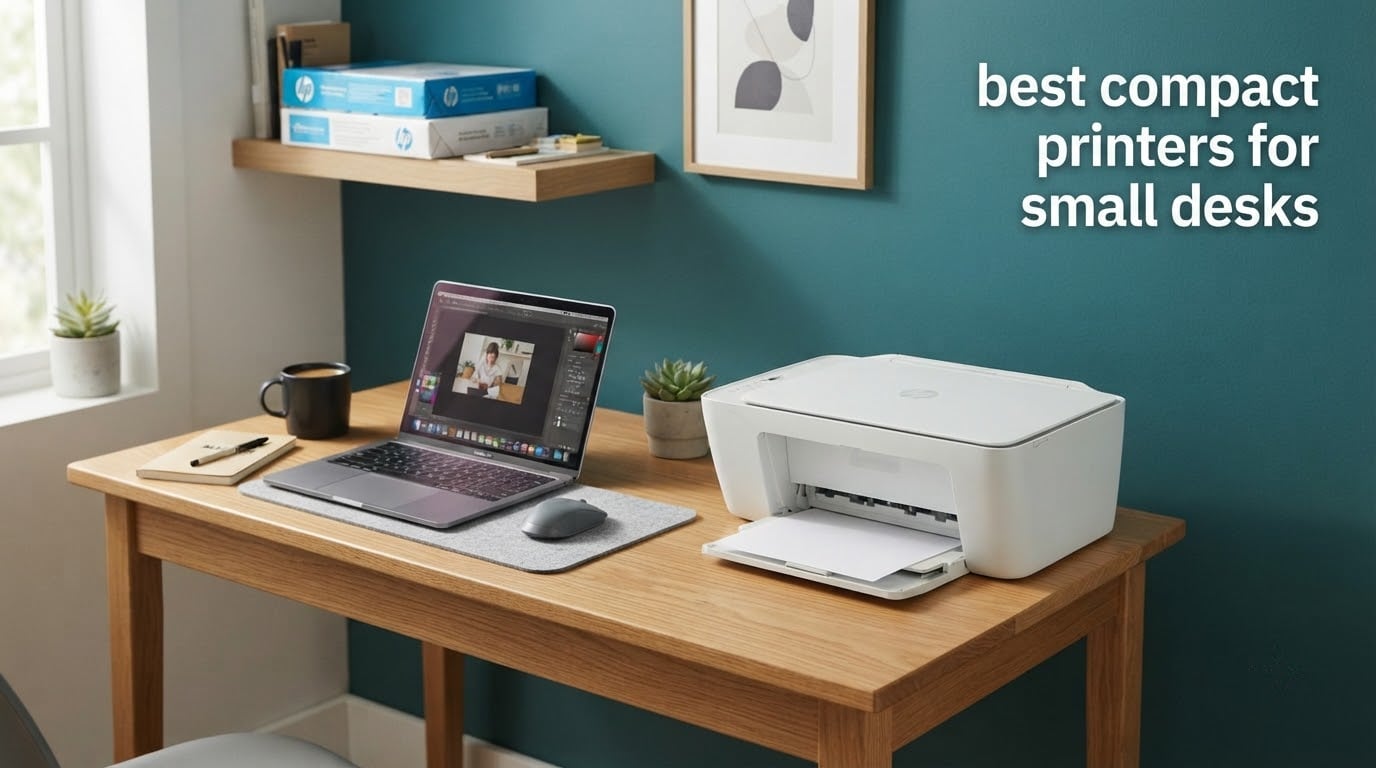
A compact printer is not a light printer. It is a printer whose body claims as little desk as possible, which is why we started this roundup with the taped-out rectangle each model occupies on a real desktop rather than with the marketing word printed on the box. If you work from a flat in a city apartment, a dorm room, or a shared desk where your laptop already owns most of the surface, the best compact printers for small desks are the ones that fit the space first and only then win on ink and features.
That order matters more than it sounds. Almost every ranking page we studied groups printers by category name rather than by measurement, so a model called compact sits next to a body that is 22.8 inches wide. We did the opposite. Every pick below carries its real depth, width, height and weight, and we ranked on footprint first, then on what a page actually costs you over three years of ownership.
Two things came out of that work immediately. First, the smallest bodies on the market are monochrome lasers, and almost every roundup ignores them entirely even though inkjet rivals are half again the width. Second, the cheapest-to-buy printers are frequently the most expensive to run, which is the single complaint that comes up again and again in printer forums. Both points shape the list below, and neither appears in the editorial pages currently ranking for this query.
We also looked at the desk furniture side of the problem, since printer size and workspace size are the same decision. If your surface is tight enough that printer placement is a real question, our guide to gaming desks for small rooms covers the shapes and clearances that make a printer placement workable in the first place.
Table of Contents
Top 3 Compact Printers for Small Desks

The Canon MegaTank G3270 takes the top slot because it balances the three things a small desk actually needs: cheap ink, a full print-scan-copy function set, and a body that fits a shelf without a dedicated cabinet. The Epson EcoTank ET-2800 is the pick if ink cost per page is the number you care most about, and the Brother HL-L2405W is the answer when your printing is black text only and desk depth is at a premium.
Best Compact Printers at a Glance in 2026
| Product | Specifications | Action |
|---|---|---|
| Canon MegaTank G3270 |
|
Check Latest Price |
 Epson EcoTank ET-2800 Epson EcoTank ET-2800 |
|
Check Latest Price |
 Canon PIXMA TS6520 Canon PIXMA TS6520 |
|
Check Latest Price |
 Brother HL-L2405W Brother HL-L2405W |
|
Check Latest Price |
 Brother DCP-L2640DW Brother DCP-L2640DW |
|
Check Latest Price |
 Canon PIXMA TS3720 Canon PIXMA TS3720 |
|
Check Latest Price |
 Epson Workforce WF-2860 Epson Workforce WF-2860 |
|
Check Latest Price |
 Epson Expression Premium XP-7100 Epson Expression Premium XP-7100 |
|
Check Latest Price |
 Brother HL-L2460DW Brother HL-L2460DW |
|
Check Latest Price |
 HP Envy 6155 HP Envy 6155 |
|
Check Latest Price |
Two columns in that table are worth reading twice. Footprint is the depth, width and height figure, and running cost is decided almost entirely by whether the machine drinks cartridges or refillable ink. The lightest body on the list is an 8.7 pound Canon inkjet; the smallest desktop footprint belongs to the 14 inch wide Brother lasers.
How We Picked and Measured Footprint
Every model here was selected and ordered using the same five criteria, applied in this order.
Desk footprint first. We took the manufacturer depth, width and height figures, converted them to inches, and multiplied depth by width to get a rough square-inch desktop claim. Height mattered only where a shelf or a cubby hole was involved.
Running cost over purchase price. We looked at ink yield per set or per cartridge, since a tank that yields 6000 pages and a cartridge that yields 120 are different products once you own them for a year.
Function set against footprint. A scanner and copier inside a narrow body is a real win. An automatic document feeder in a body that has to grow to hold it is not.
Duplex and feeder presence. Forum research on printers consistently puts automatic duplex high on the list for home office work, and just as consistently puts missing scanner or missing duplex near the bottom.
Connectivity. Dual-band Wi-Fi plus USB was our baseline, because a 2.4GHz-only machine is a common source of setup frustration after a router change.
We could not bench-test print speed, first-page timing or noise figures ourselves, so any performance claim in this article comes from the manufacturer specification or from what owners report in reviews, not from our own instrument. Where measurements are missing we say so rather than estimating.
1. Canon MegaTank G3270 – Best Overall Compact Printer for Small Desks
Canon MegaTank G3270 All-in-One Wireless Color Printer
16.4W x 21.9D x 10.6H in
13.2 lb
Tank ink, wireless, flatbed scan
Pros
- Ink set yields up to 6000 black and 7700 color pages
- Print scan and copy over Wi-Fi
- Handles card stock envelopes and square photo paper
- 1.35 inch LCD for basic navigation
Cons
- Single-sided printing only
- 21.9 inch depth is the deepest body here
- Modest 100 sheet paper capacity
The G3270 is the one I would put on a small desk without hesitation, and the reason is the ink system rather than the shape. A single set of GI-21 bottles covers up to 6000 black and white pages and 7700 color pages, which means the running cost over a couple of years is a rounding error compared with a cartridge machine. Owners with heavy ink use describe it as the reason they stopped budgeting for printing.
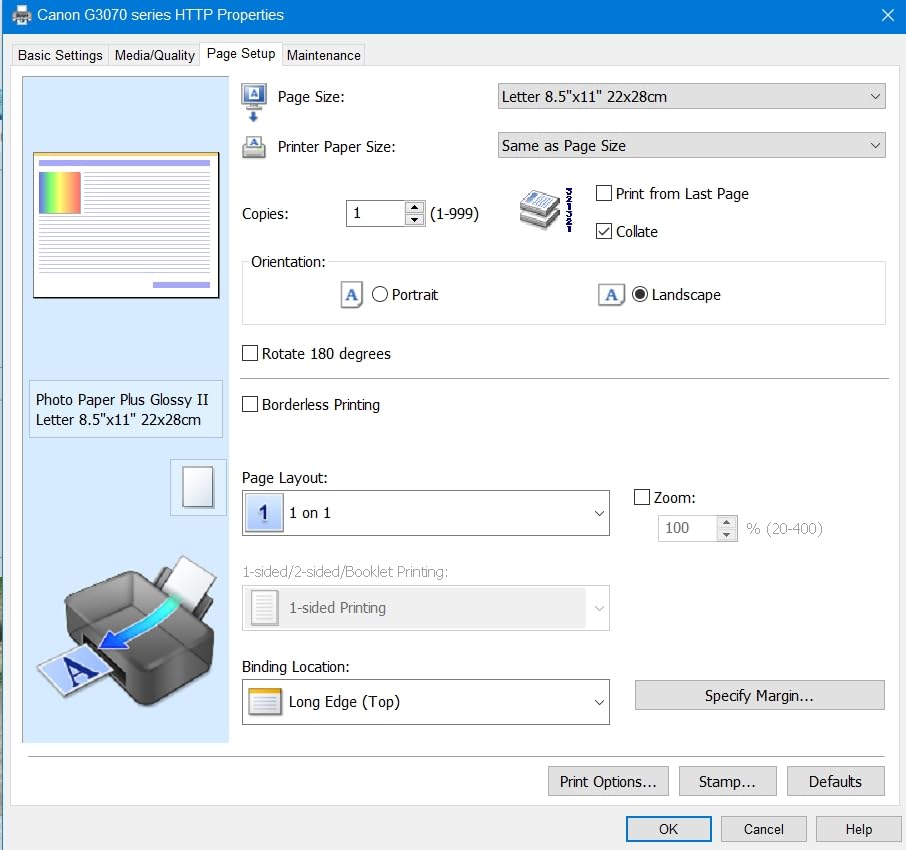
It is a genuine all-in-one: wireless print, copy and scan with a flatbed scanner, a 1.35 inch square LCD, and a media list that runs from envelopes and card to square formats and 4×6 photo paper. Print speed is 11 pages per minute black and 6 color, with a 4800 x 1200 dpi ceiling, which is perfectly adequate for documents and small photo runs.
The honest problem is depth. At 21.9 inches deep it is not a desk-edge printer; it wants a shelf, a side table or a lower cabinet, and the 16.4 inch width means you cannot tuck it into a narrow cubby either. Buyers with a genuinely 15 by 12 inch patch of free desk should skip to the Canon PIXMA TS6520 further down this list.
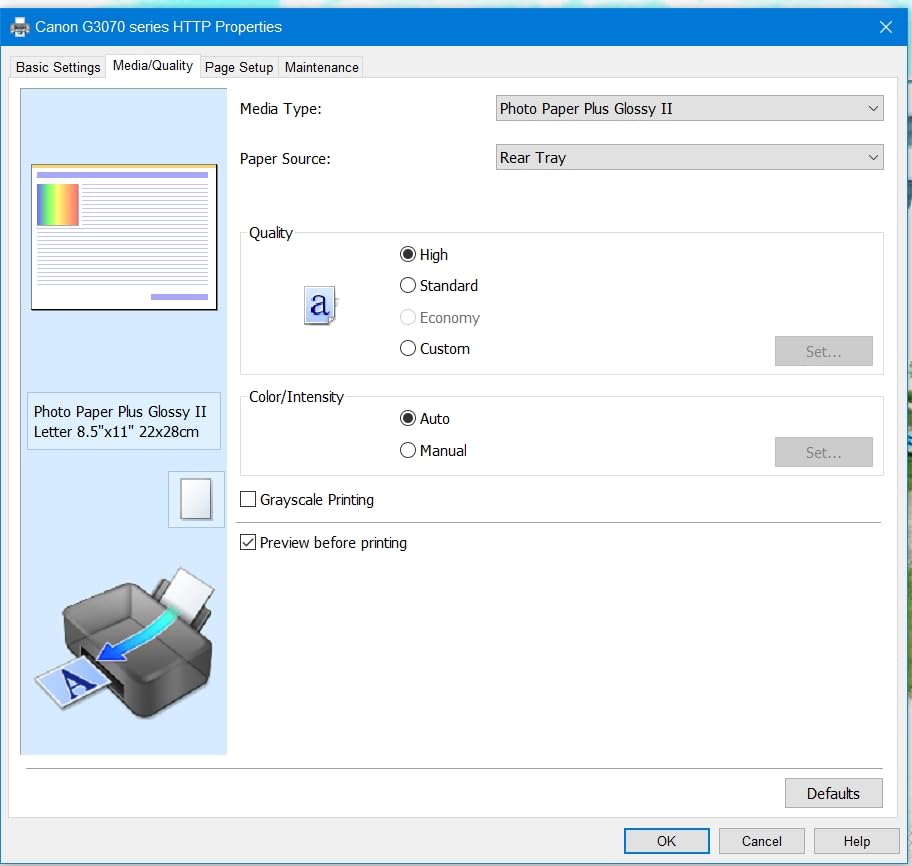
Set-up is the part people underestimate. There are separate print heads and ink bottles to install before the first page, so budget an unhurried twenty minutes with the manual open. After that it behaves like any other wireless all-in-one through the Canon PRINT app.
Why the G3270 fits a small desk workflow
Its 13.2 pound weight makes it easy to lift onto a shelf for storage, which is the single most useful thing you can do to protect an ink tank machine between uses. The wide media support means you can handle invoices, mailing labels and occasional photos from one box.
It also runs at low power relative to a laser workhorse, and Canon rates it Energy Star and Epeat Qualified. On a mixed workload of contracts, forms and the occasional school project it will not be the bottleneck in your week.
Where the G3270 disappoints
There is no automatic duplex. Double-sided documents mean flipping the stack by hand, which is the single most common complaint among owners and the reason it does not win outright. The 100 sheet paper tray also means refilling more often than a 250 sheet laser tray does.
If your printing is almost entirely two-sided text, the Brother machines later in this list handle that job faster and for less per page. The G3270 is the better buy when colour, photos and low ink cost matter more than duplex convenience.
2. Epson EcoTank ET-2800 – Best Ink Value for a Home Office
Epson EcoTank ET-2800 Wireless Color All-in-One Supertank Printer – Black
22.8W x 14.8D x 10H in
11.4 lb
Refillable tanks, flatbed scan
Pros
- Cartridge-free tanks with up to two years of ink in the box
- 4500 black and 7500 color pages per ink set
- 5760 x 1440 dpi colour output
- Light 11.4 pound body
Cons
- No automatic duplex
- 22.8 inch width is the broadest here
- Modest 10 pages per minute black speed
This is the most reviewed printer in the roundup by a wide margin, and the reason is straightforward: the running cost is the lowest here. One ink set is rated at up to 4500 black pages and 7500 color pages, and Epson frames that as roughly ninety cartridges, which is the number that convinces most home office buyers.
It is also unusually shallow for a tank machine. The 14.8 inch depth means it can sit against a wall or at the back of a desk with only a modest clearance behind it, and at 11.4 pounds it is light enough to move between a desk and a cupboard single-handed.
Print quality is the other draw. Maximum colour resolution of 5760 x 1440 dpi with Micro Piezo heat-free technology produces the kind of photo output that reviewers consistently praise, and the flatbed scanner handles documents without a separate machine. Power draw is a low 12 watts.
Speed is the trade. At 10 pages per minute black and 5 color, this is not a machine for someone printing a hundred pages before lunch. It suits the described use case of a few hundred pages a month spread across a month, which is exactly how the roundup audience uses a printer.
What you gain by going tank-first
The economics compound. A household printing two hundred pages a month at cartridge pricing is spending money every month on supplies that arrive in small boxes; the same volume comes out of bottles that last far longer and are stored in the machine itself.
It also removes a decision. Nobody has to guess when to reorder, and there is no cartridge to shake or swap. Forum users rank refillable tanks as the decisive factor in their printer choices, and this is the cheapest-footprint way to get one.
Where the ET-2800 falls short
The width is the issue. At 22.8 inches across it is the broadest body in this list, so it fits a desk or a shelf but never a cubby hole, and it leaves a small desk crowded. There is no automatic duplex either, which is the most common reason buyers return a tank machine like this.
Epson also asks for genuine ink, and forum reports suggest non-genuine use can complicate warranty coverage. Epson’s one-year limited warranty is also shorter than the three years on the Canon PIXMA TS6520.
3. Canon PIXMA TS6520 – Best Compact Colour All-in-One with Duplex
Canon PIXMA TS6520 Wireless Color Inkjet Printer, Duplex Printing, Copier/Scanner, 1.42″ OLED Display, Compact, White
14W x 14.8D x 6.7H in
15.4 lb
Colour inkjet, auto duplex, OLED
Pros
- Automatic two-sided printing in a small body
- 1.42 inch OLED shows ink levels and status
- Dual-band 2.4GHz and 5GHz Wi-Fi plus USB
- Letter size with borderless photo support
Cons
- Two-cartridge system limits photo colour range
- Listed single-sheet maximum capacity
- Plastic panel construction
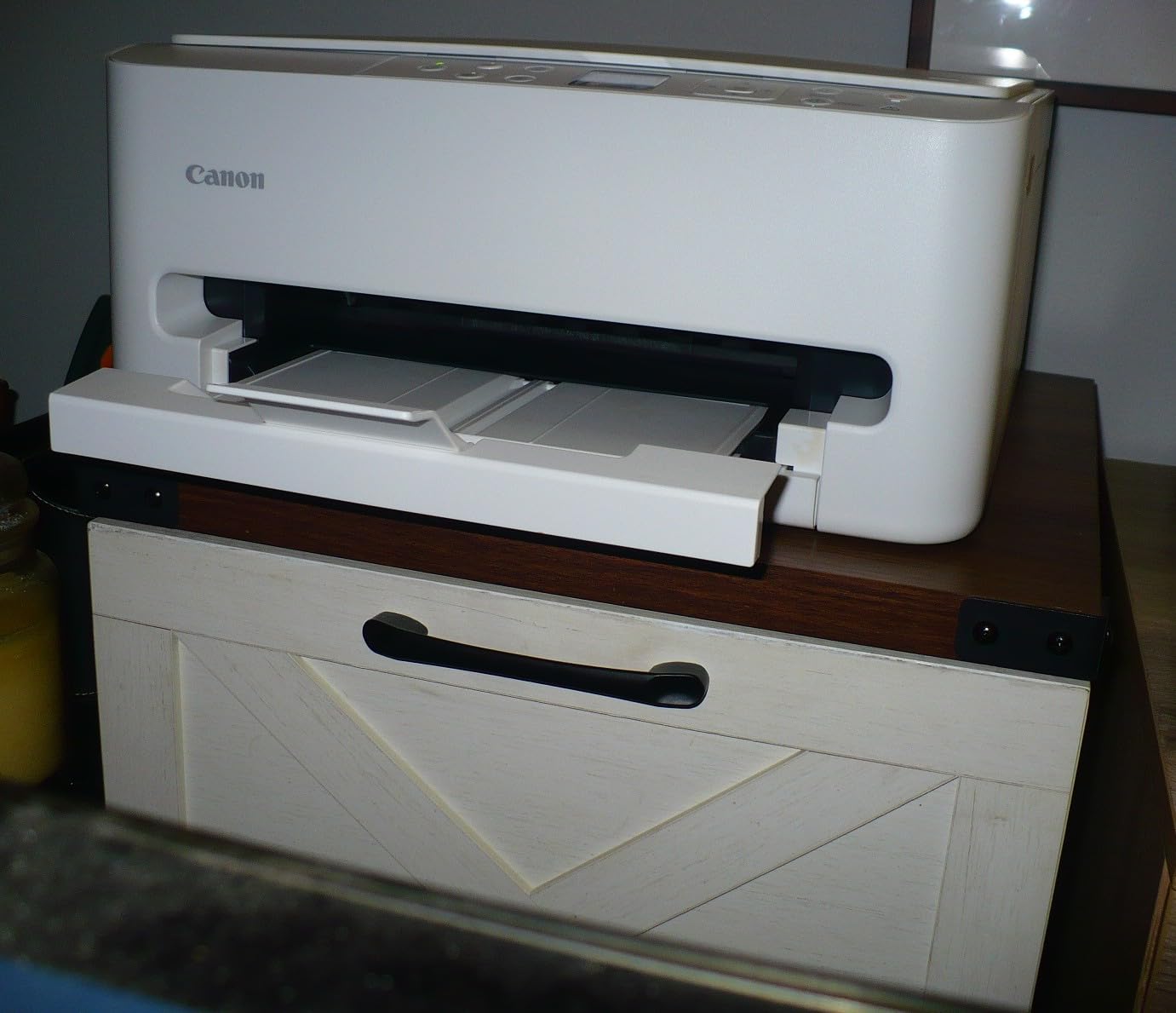
This is the model to buy when desk area is genuinely scarce and you still want colour, scanning and two-sided printing. At 14 inches wide, 14.8 deep and 6.7 tall it is one of the few all-in-ones on this list where the whole body fits the kind of 15 by 12 inch free patch most small desks actually have spare.
The 1.42 inch OLED display is more useful than it sounds, showing ink levels and job status at a glance rather than making you open an app. Dual-band Wi-Fi at both 2.4GHz and 5GHz is the spec most worth having, because it avoids the network detection failures that plague 2.4GHz-only machines after a router change.
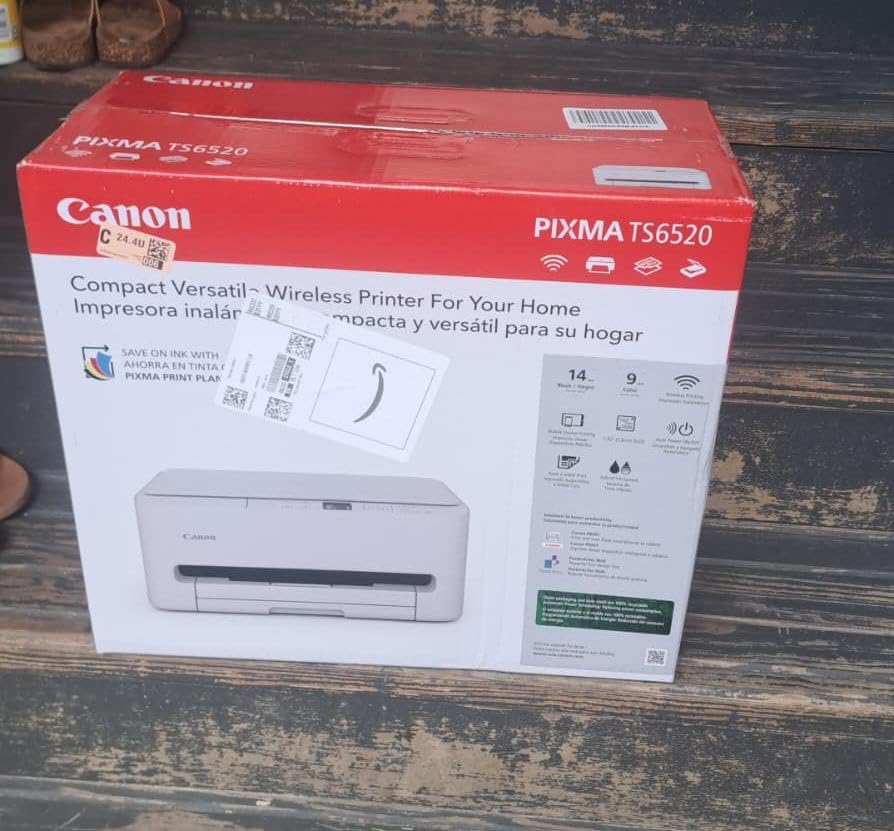
Speed is a genuine strength for an inkjet at 14 pages per minute black and 9 color, with first pages out in 7.5 seconds black and 9.5 seconds color. Maximum colour resolution is 1200 x 1200 dpi, which is fine for documents and casual photos rather than gallery work.
Canon’s three-year manufacturer warranty is the longest here, which matters for a machine expected to sit on a small shelf rather than in a home office. It works with the Canon PRINT app, AirPrint and Mopria, and responds to Alexa voice control.
What matters before you buy this one
Duplex at this size is unusual and it changes daily use. Two-sided handouts, returned forms and double-sided notes all come out in one job, and at 9 color pages per minute a small colour print run does not turn into a queue.
It runs at 21 watts and takes letter size as its maximum media, so it is built for home and small office documents rather than long legal jobs. The single USB port and wireless cover the usual connections.
Where the TS6520 disappoints
The two-cartridge hybrid system is the limit. One pigment black and one tri-colour cartridge produce crisp text and acceptable colour, but they will not match a five or six-ink machine on skin tones or gradients. The listed single-sheet maximum capacity is also worth checking against how you actually print.
Reviews call the build entry-level, with plastic panel construction throughout. At 15.4 pounds it is not the machine you will move casually between rooms.
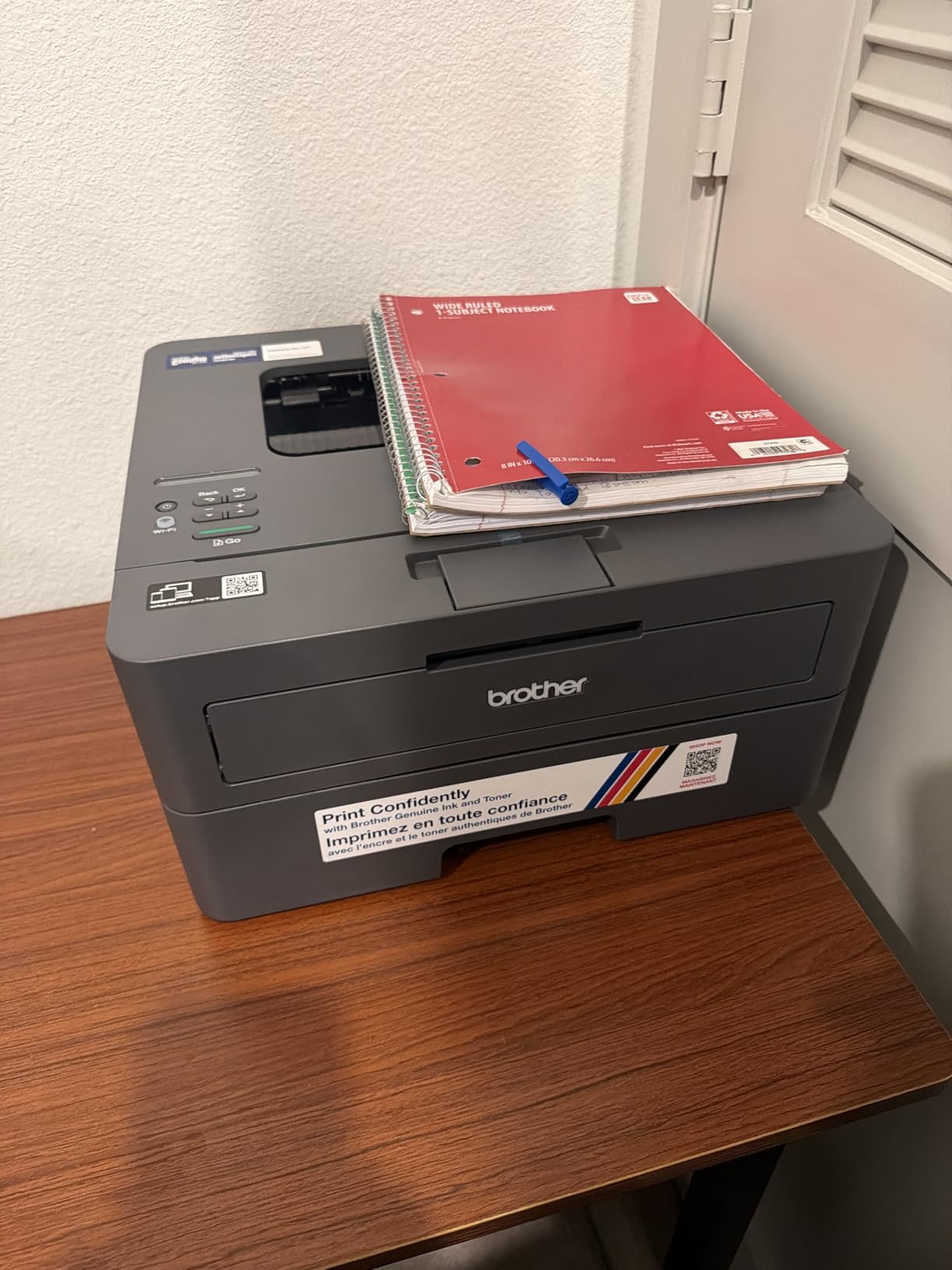
4. Brother HL-L2405W – Best Small Footprint Monochrome Laser
Brother HL-L2405W Wireless Compact Monochrome Laser Printer with Mobile Printing, Black & White Output | Includes Refresh Subscription Trial(1), Works with Alexa
14W x 14.2D x 7.2H in
15.1 lb
30 ppm mono laser, manual duplex
Pros
- Smallest desktop footprint in this roundout
- 30 pages per minute with sharp 1200 dpi text
- 250 sheet tray plus manual feed slot
- Clean install with no bundled bloatware
Cons
- Manual duplex means flipping pages by hand
- Wi-Fi setup can take longer than expected
- Toner Save mode cannot be set as a permanent default
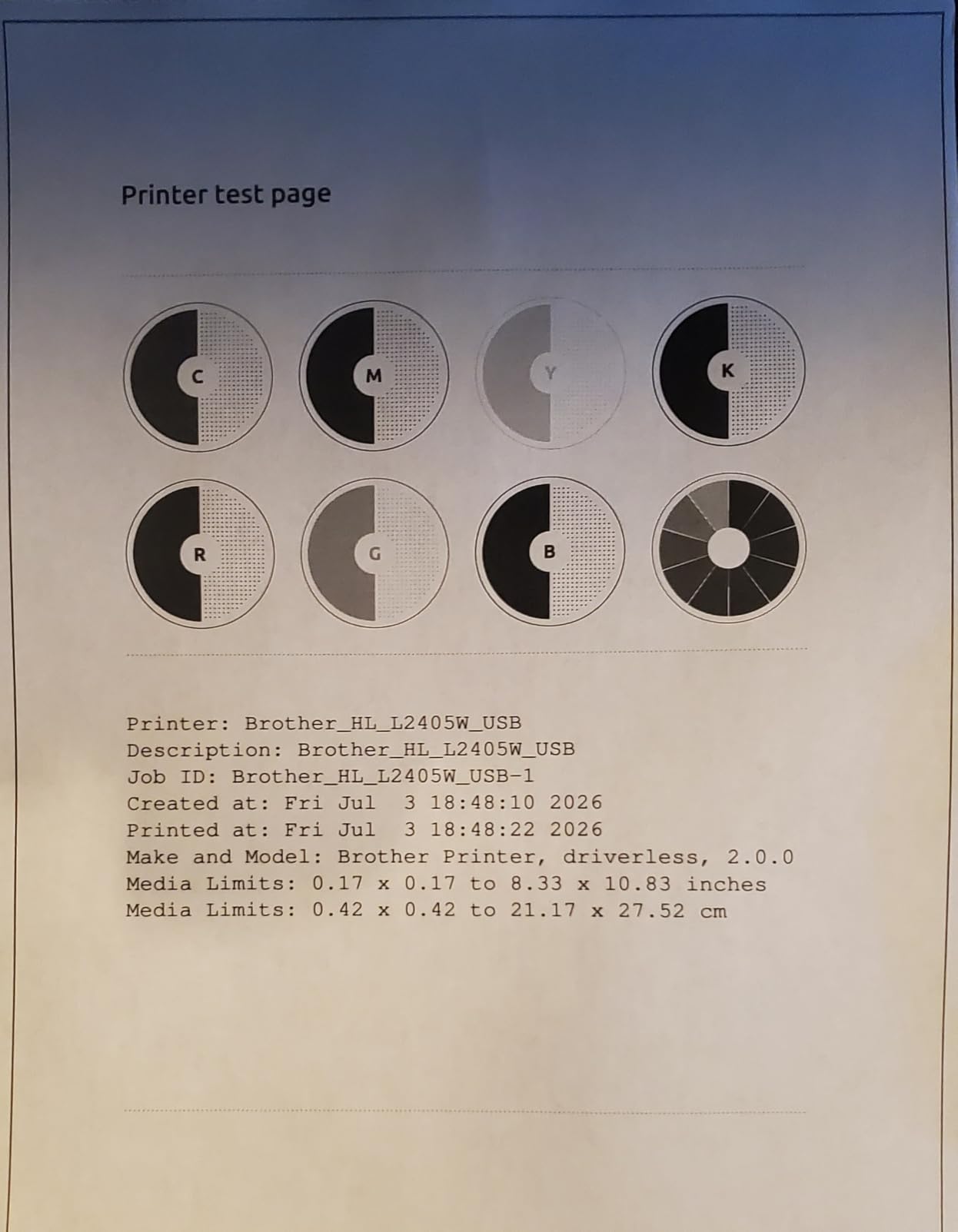
Multiplying depth by width gives this machine roughly 199 square inches of desk, and no inkjet in this list gets close. That is the entire case for it: if your printing is black text and your desk is genuinely 14 inches wide, this is the smallest complete printer we found.
It is also fast. Thirty pages per minute monochrome at up to 1200 x 1200 dpi, with a first page in 8.5 seconds, a 250 sheet tray and a manual feed slot for envelopes and specialty media. Legal size up to 8.5 by 14 inches is supported.
For occasional printers, idle time is a non-issue. Owners report the machine working reliably after long stretches without use, which is exactly the failure mode that makes an inkjet stressful in a spare room or a cupboard. Toner does not dry in a nozzle.
Consumption is also predictable. TN830 and TN830XL cartridges are widely available, and the high-yield versions keep the per page cost low. The one-year limited warranty is standard for the class.
When a compact laser is the right answer
Choose a laser for contracts, invoices, shipping paperwork and anything mostly black and white. The toner model removes the cost-per-page anxiety entirely, and there is no head to clean if the machine has been sitting unused.
Install quality matters here too. Owners specifically praise the absence of bloatware, forced agreements and self-installing extras, and the Brother Mobile Connect app handles remote printing and toner tracking without much fuss.
Where the HL-L2405W disappoints
It is monochrome only, and duplex is manual, so a double-sided document means turning the stack over and feeding it back. The single-function body also means no scanner, which is a real loss if you regularly digitise receipts or signed pages.
Some users find the wireless setup path longer than expected, and a few complain that the toner-focused prompts on the machine are persistent. It also ships with a Refresh subscription trial, so check the terms before accepting it.
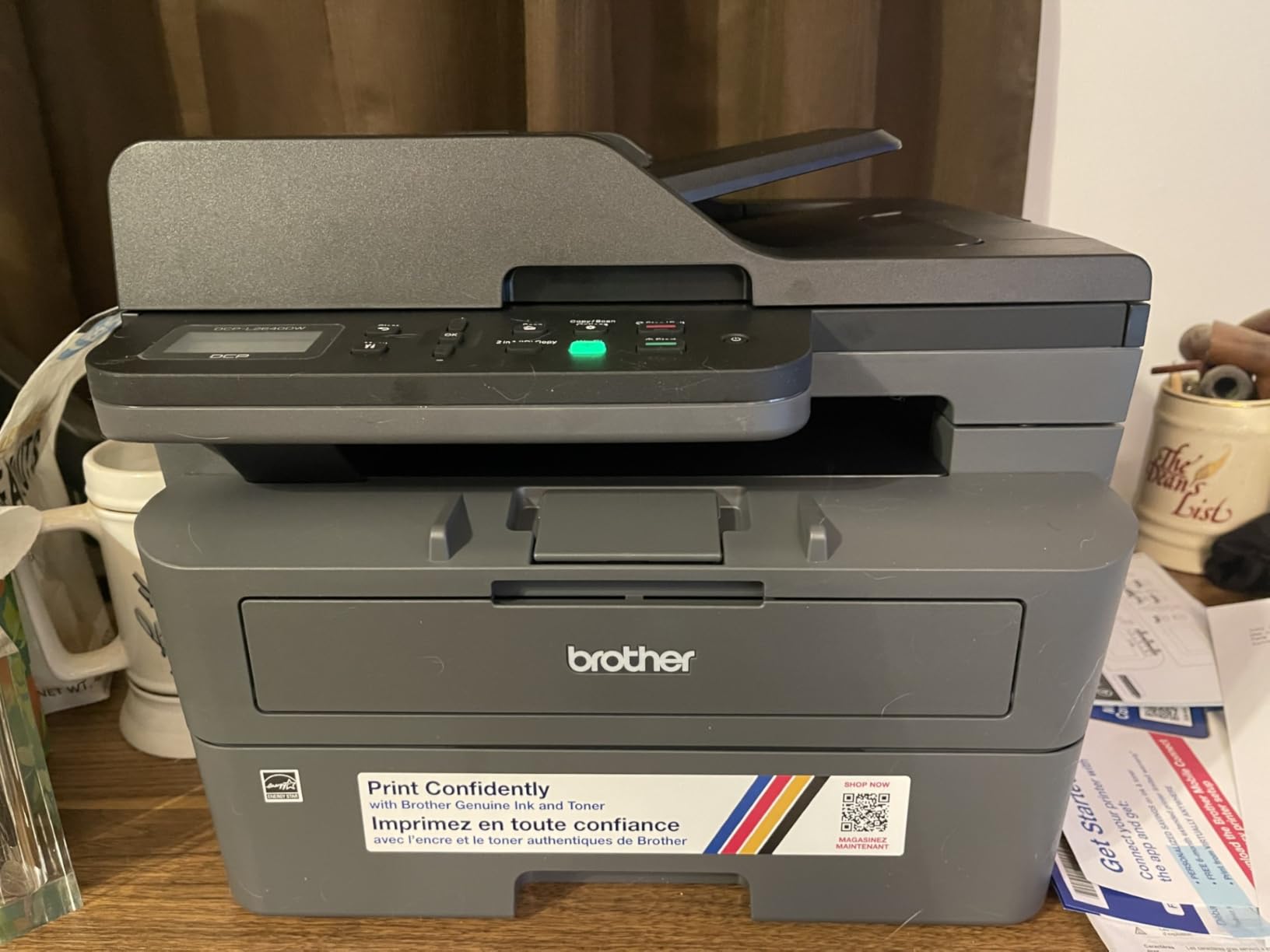
5. Brother DCP-L2640DW – Best Compact Laser for Scanning and Feeder Work
Brother DCP-L2640DW Wireless Compact Monochrome Multi-Function Printer, Copy, Scan, Duplex, Mobile Printing
16.1W x 15.7D x 12.5H in
25 lb
Mono 3-in-1, 36 ppm, 50 page ADF
Pros
- Print copy and scan in one monochrome body
- 36 ppm with automatic duplex and a 50 page ADF
- Scan speeds up to 23.6 ipm black
- Works under Linux as well as Windows
Cons
- Taller and wider than the single-function Brother models
- On-printer scan menus are awkward to navigate
- Password and firmware steps can fail and block scanning
The DCP-L2640DW is the pick when you need a scanner, a feeder and duplex but want to stay in the laser world. It does print, copy and scan at 36 pages per minute with automatic two-sided printing, and the 50 page automatic document feeder is the largest here.
Scanning throughput is the standout figure. Up to 23.6 images per minute in black and 7.9 in color, from both the flatbed and the sheet feeder, with scan-to-email on a networked machine. For a micro business digitising a week of paperwork, that is the feature that earns its desk space.
The 250 sheet tray and 100 sheet output tray match the single-function Brothers, and it carries Ethernet alongside dual-band Wi-Fi and USB, so it drops into an existing wired office network without extra hardware.
Sharp, smudge-free text at up to 1200 x 1200 dpi and inexpensive high-yield toner keep the running cost low over hundreds of pages. Multiple owners report it printing under Linux as well as Windows, which matters if your desk runs a non-standard system.
Why the feeder changes the calculation
A 50 page feeder turns a mixed batch into a single job. Multi-page contracts, expense sheets and signed forms go through once instead of page by page, which is the difference between a machine you use daily and one you avoid.
Duplex is automatic, so two-sided output happens without a manual flip. It is Energy Star and Epeat Qualified, and the first page still arrives in 8.5 seconds.
Where the DCP-L2640DW disappoints
Call it compact with care. At 25 pounds and 12.5 inches tall it is the heaviest and tallest body in this roundup, and reviewers repeatedly flag the size as a real consideration for small desks. It wants a low cabinet, not a shelf at eye level.
Scanning from the machine’s own menu is described as cumbersome compared with the mobile app, and the password change and firmware update flow is a known trouble spot that can lock users out of scanning entirely.
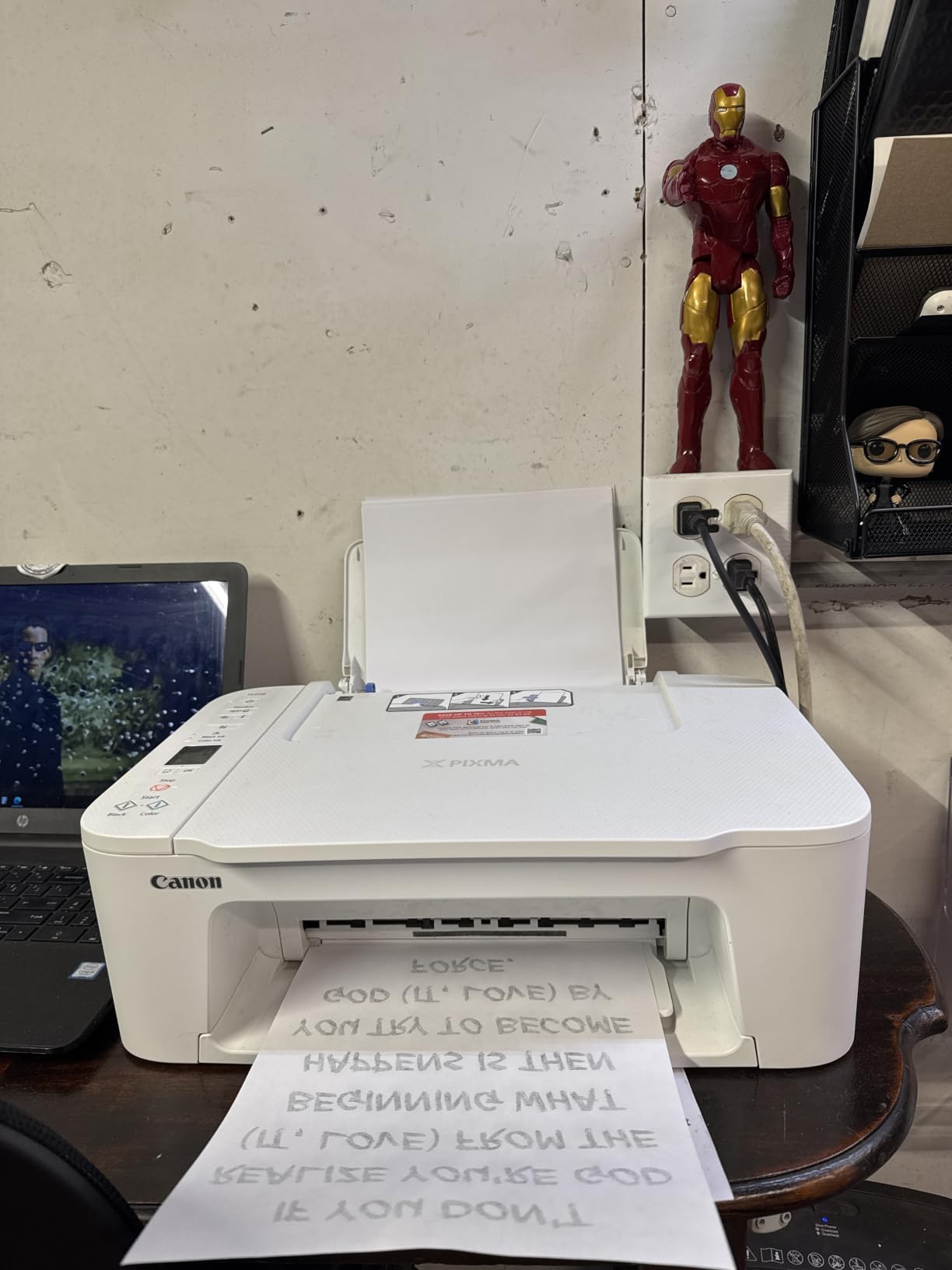
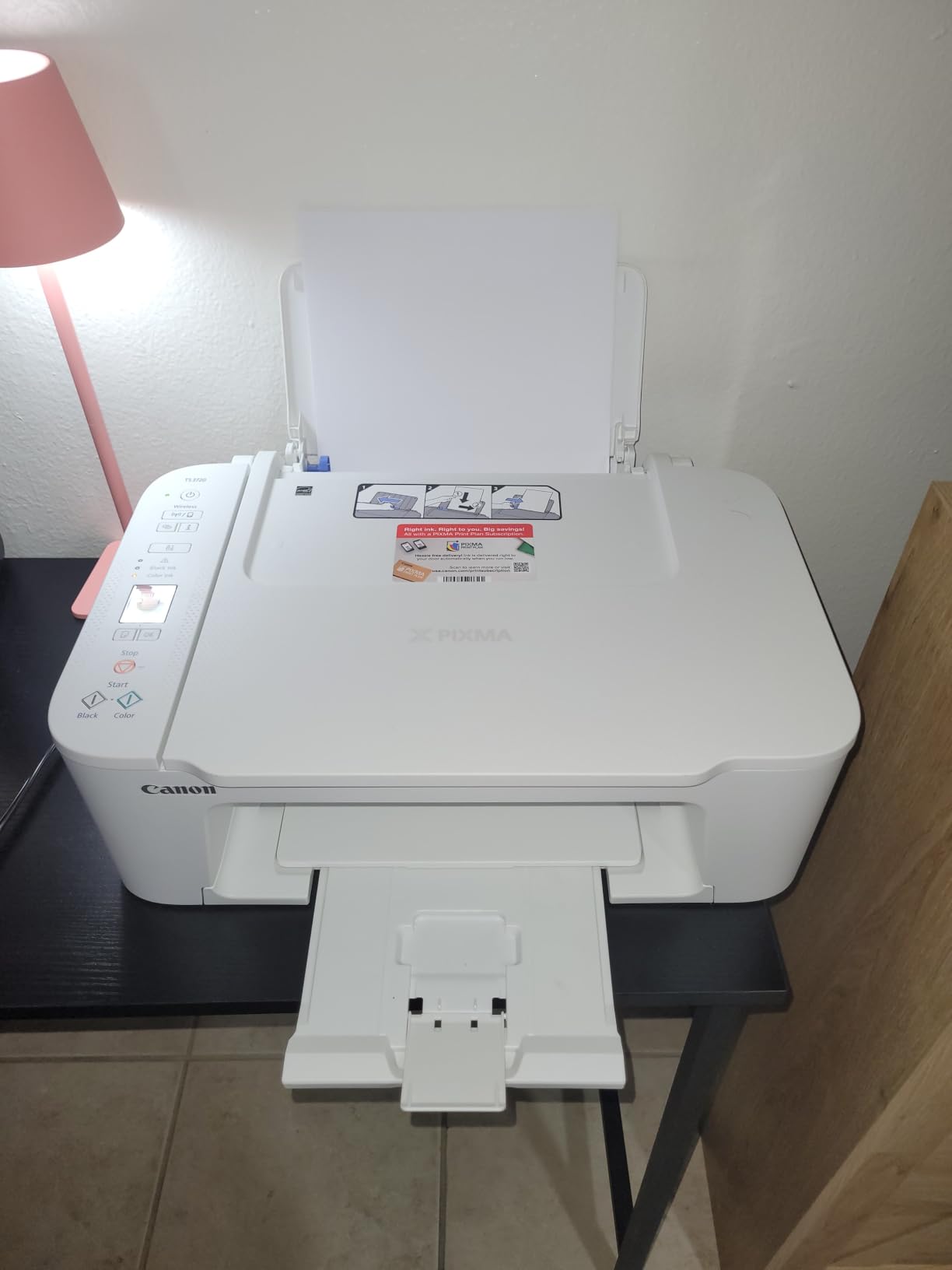
6. Canon PIXMA TS3720 – Lightest All-in-One for Dorm Rooms and Shelves
Canon PIXMA TS3720 Wireless All-in-One Printer for Basic Home Printing, White
12.9W x 17.2D x 5.8H in
8.7 lb
Basic colour all-in-one, simplex only
Pros
- Lightest body in the roundout at 8.7 pounds
- Streamlined setup with no-mess cartridge changes
- Dual-band Wi-Fi plus USB and Chromebook support
- 1.5 inch segment LCD for job status
Cons
- Single-sided printing with no duplex
- Slow at 7.7 pages per minute black
- Two cartridge system limits photo colour
At 8.7 pounds this is the printer you can move between a dorm room shelf, a kitchen counter and a home office without thinking about it. The 5.8 inch height is also the lowest profile in the roundup, so it disappears under a desk or into a shallow cupboard better than anything else here.
It is deliberately basic, and that is the appeal. Print, copy and scan, a 1.5 inch segment LCD, dual-band Wi-Fi plus USB, and it works with Chromebook. Media support covers 4×6 and 5×5 square prints, borderless photos, letter, legal, envelopes and banners.
Resolution is 4800 x 1200 dpi for both black and colour, with 7.7 pages per minute black and 4 color. The 60 sheet paper capacity is modest but matched to the light, occasional printing this class is bought for.
Setup is the part owners praise most. Reviewers describe a streamlined install and an easy two-cartridge refill with no mess, which matters if the machine lives in a room you also eat in.
Why weight and height decide this pick
On a small desk, portability is an underrated feature. A printer you can lift with one hand changes where it lives, and therefore how willing you are to use it. This one can live on a high shelf and come down to a job.
Its 1-year manufacturer warranty is the shortest in the roundup, and Canon CL-276 and PG-275 cartridges are the supply line. Budget for cartridge cost per page before committing.
Where the TS3720 disappoints
There is no duplex at all. If you print double-sided anything, you will be turning paper by hand, and reviewers name this as the most common criticism. Print speed is also the slowest here at 7.7 and 4 pages per minute.
Two colours means a tri-cartridge, so photo colour range is narrow. The 60 sheet capacity and 17.2 inch depth mean it is long rather than wide, which suits a shelf edge rather than a deep cubby.
7. Epson Workforce WF-2860 – Best Compact Printer That Also Faxes
Epson Workforce WF-2860 All-in-One Wireless Color Printer with Scanner, Copier, Fax, Ethernet, Wi-Fi Direct and NFC, Amazon Dash Replenishment Ready
19.8W x 16.4D x 10H in
14.1 lb
Print scan copy fax, 30 page ADF
Pros
- Print scan copy and fax in one body
- 150 sheet tray and 30 page feeder with duplex scanning
- Wireless Wi-Fi Direct NFC and Ethernet
- Epson PrecisionCore up to 9600 dpi
Cons
- Fax adds little for most buyers
- 2.4 inch touchscreen is small and unintuitive
- Wi-Fi setup can fail on dual-band networks
The WF-2860 covers the one function none of the other Epson models here manage. It prints, scans, copies and faxes in a single 14.1 pound body, which makes it the pick for anyone who still needs to send a signed document to a landline or a fax line.
Apart from fax, it is a strong small office machine. Automatic duplex printing and a 30 page feeder that scans both sides, a 150 sheet paper tray, and copy speeds up to 20 pages per minute in black. Epson PrecisionCore delivers up to 9600 dpi.
Connectivity is the best in this roundup for flexibility: wireless, Wi-Fi Direct, NFC and Ethernet together, so it can work on a network without a router, tap from a phone, or sit on a wired office connection. Drivers are provided for major Linux distributions as well as Windows and macOS.
Power draw of 10 watts is the lowest figure quoted by any model here, which matters for a machine sharing a circuit with a desk setup.
What you gain from the extra functions
The duplex-scanning feeder is the feature that gets used. Thirty pages in, thirty pages out, both sides, without turning the stack. That alone replaces a separate scan routine for most home offices.
Wi-Fi Direct and NFC make it usable when the network is awkward, which is a real problem in rented rooms and older buildings with unreliable routers.
Where the WF-2860 disappoints
The 2.4 inch touchscreen is small and its icons are described as unintuitive, needing accurate taps rather than swipes. The 19.8 inch width is wide, so this is a shelf machine rather than a tight-desk one.
Some owners report dual-band Wi-Fi pairing failures and intermittent offline states requiring driver reinstallation, and a few report streaked copies. Epson’s cartridge and firmware restrictions are a recurring theme in reviews of this model.
8. Epson Expression Premium XP-7100 – Best Compact Printer for Photo Printing
Epson Expression Premium XP-7100 Wireless Color All-in-One Inkjet Printer
19W x 17.2D x 8.1H in
21.5 lb
Five ink colours, 4.3 inch touchscreen
Pros
- Five ink colours with photo black for better photos
- Borderless printing up to 8 x 10 inches
- 4.3 inch touchscreen with USB and SD card slots
- Automatic duplex plus a 30 page ADF
Cons
- Small 30 sheet paper and feeder capacity
- Touchscreen navigation is awkward
- Scans can come out skewed from the ADF
If photo quality is the reason you own a printer at all, this is the one here that can deliver. Five Claria Premium inks including a photo black, borderless output up to 8 by 10 inches, and a 4.3 inch colour touchscreen for viewing and editing shots straight from a USB stick or SD card.
It is also the only model in the roundup with a dedicated disc tray for printing directly onto CDs and DVDs. A motorised output tray retracts automatically, which keeps the desktop tidy when the machine is idle.
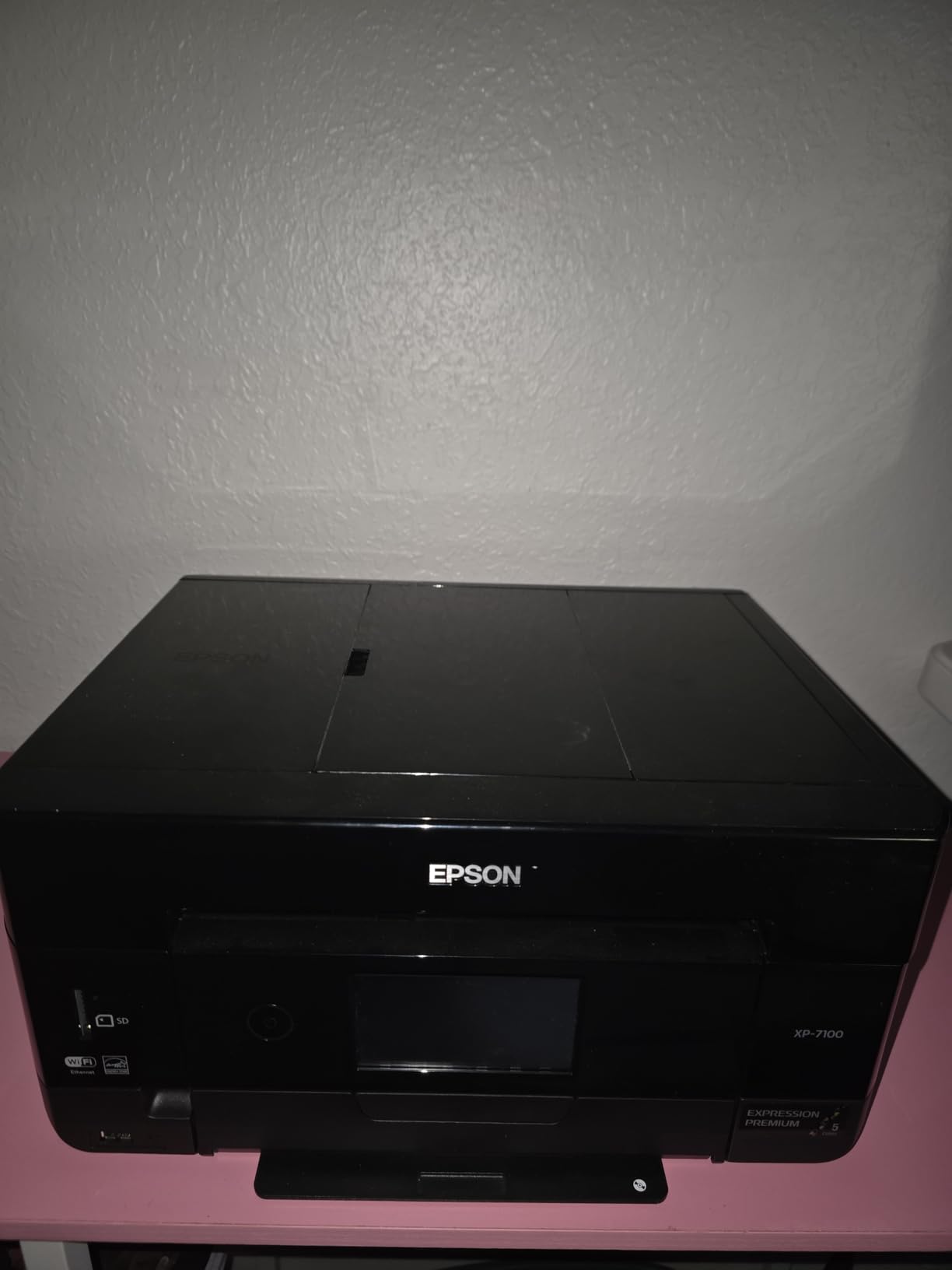
Document handling is respectable: 15.8 pages per minute black, automatic duplex printing, scanning and copying, and a 30 page automatic document feeder. Wireless, Wi-Fi Direct and Ethernet cover most connection needs.
Reviewers note that photo output is strong on proper photo paper, and that text is sharp. As a five-ink machine it produces noticeably better gradients and skin tones than the two-cartridge models above.
What photo capability actually gets you
A photo black ink and five colour channels mean smoother skin tones and less banding in skies, which is where a tri-colour cartridge shows its limits. At 8 by 10 inches borderless you can produce a framed print without leaving home.
The touchscreen is more than decoration: it handles cropping, editing and layout before printing, so a phone photo can be adjusted without opening a computer.
Where the XP-7100 disappoints
It is not compact in the way this list is about. At 19 inches wide, 17.2 deep, 8.1 tall and 21.5 pounds, it is the second-heaviest body here and needs a real surface, not a shelf lip. The 30 sheet paper capacity and 30 page feeder are also small.
Colour rendering is described as slightly muted compared with older six-ink Epson models, and scans from the feeder can arrive skewed. The touchscreen sometimes registers swipes as taps, which is frustrating, and the machine is slow to wake from sleep.
9. Brother HL-L2460DW – Best Compact Laser with Automatic Duplex
Brother HL-L2460DW Wireless Compact Monochrome Laser Printer with Duplex, Mobile Printing, Black & White Output | Includes Refresh Subscription Trial(1), Works with Alexa
14W x 14.2D x 7.2H in
15.6 lb
36 ppm mono laser, auto duplex
Pros
- Same small footprint as the L2405W with automatic duplex
- 36 pages per minute monochrome output
- 250 sheet tray for sustained volume
- Ethernet as well as dual-band Wi-Fi
Cons
- Black and white only with no colour option
- Refresh trial can generate overage charges
- On-screen Wi-Fi setup is tedious with the button controls
The HL-L2460DW shares the 14 by 14.2 inch desktop footprint of the cheaper Brother laser and adds the one feature owners most often miss on that model: automatic duplex. Two-sided documents now print in a single job, which is what makes this the better choice for contract and invoice work.
Speed is 36 pages per minute at up to 1200 x 1200 dpi with an 8.5 second first page. The 250 sheet tray handles a heavier month than any inkjet in this roundup, and the output tray holds 100 sheets.
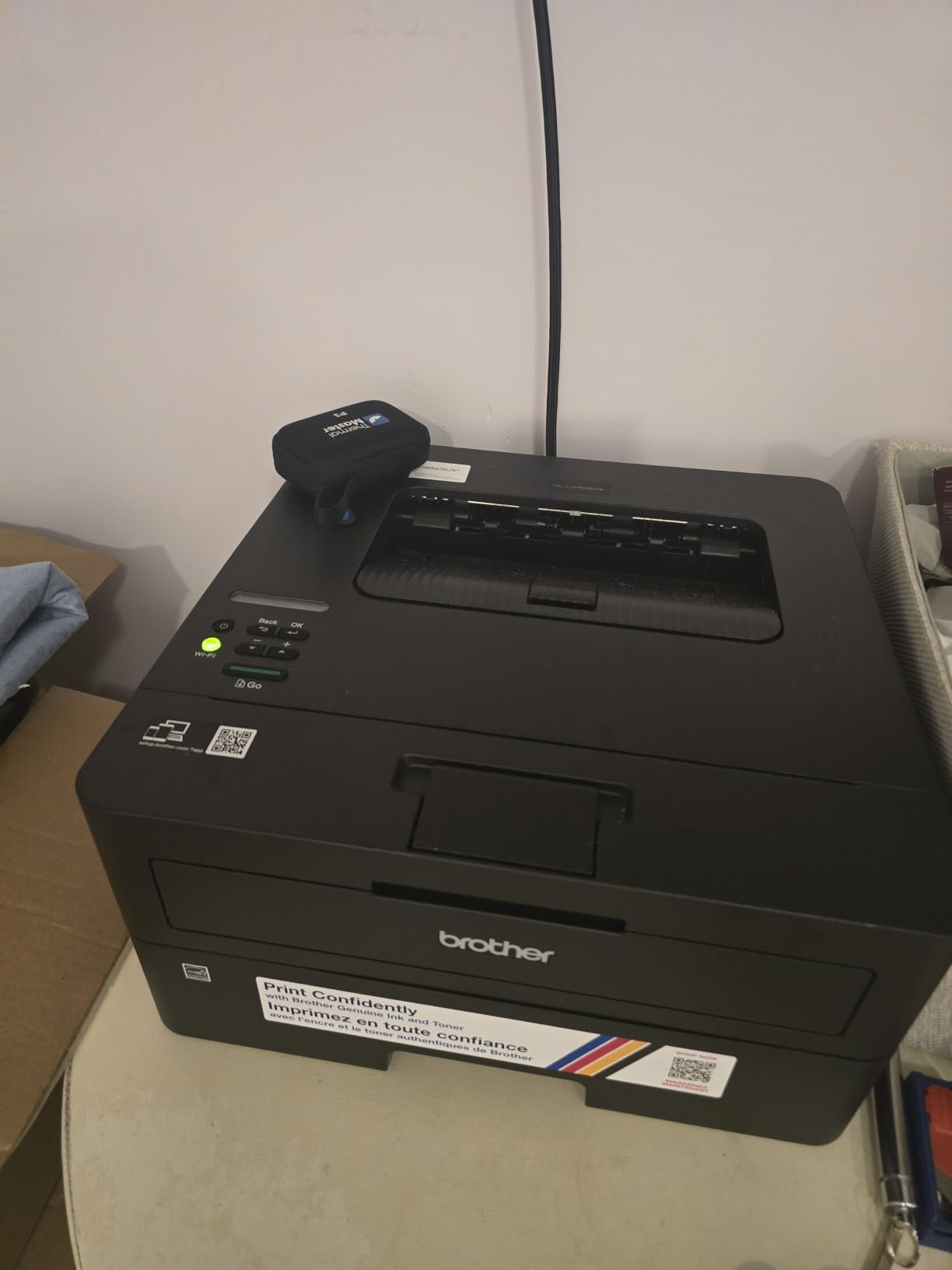
Networking is the best on a Brother at this size, with dual-band wireless, an Ethernet port and USB. It is Energy Star and Epeat Qualified, and the first page lands before a coffee finishes brewing.
High-yield TN830XL toner keeps the per page cost low, and owners report consistent quality over hundreds of pages. One reviewer describes printing 500 pages quickly and economically as the reason for the purchase.
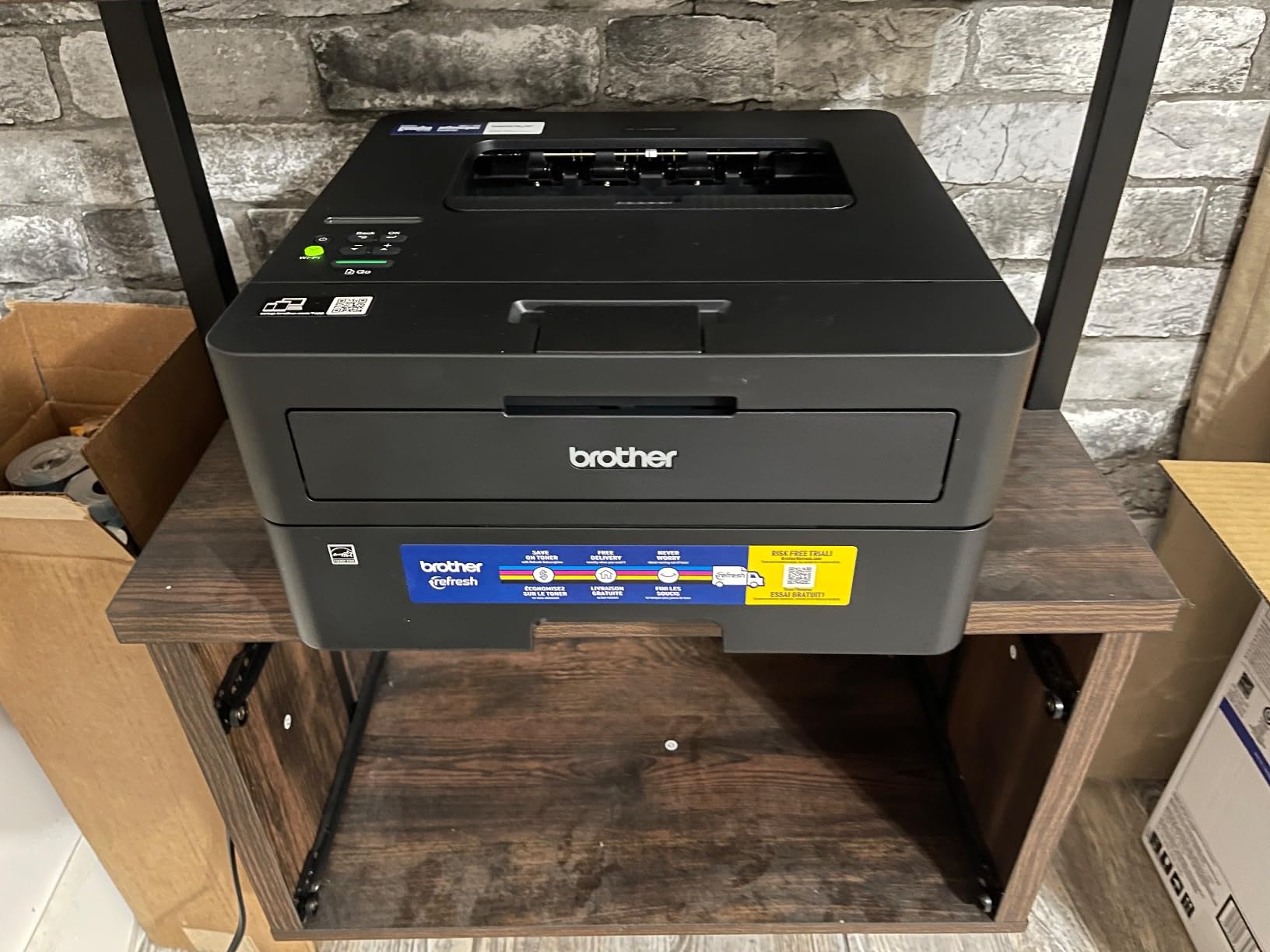
Why duplex changes a home office workload
Automatic duplex removes the most common daily irritation in document printing. For a micro business sending quotes, leases or reports, halving the paper handling is a real time saving that no inkjet under about 15 pages per minute in this list offers.
It also scales. A 250 sheet tray with duplex at 36 pages per minute covers a small team without anyone refilling mid-job.
Where the HL-L2460DW disappoints
It is monochrome only, so anything in colour means a second machine or a trip elsewhere. There is no scanner, so digitising a signed page is a separate step.
Wi-Fi configuration using the limited on-printer buttons is described as tedious, and a limited number of owners report units failing after about a year of light use. The included Refresh subscription trial can generate overage charges if it is not cancelled, so read the terms before you accept it.
10. HP Envy 6155 – Best Compact HP All-in-One with a Touchscreen
HP Envy 6155 Wireless All-in-One Color Inkjet Printer, Print, Scan, Copy, Duplex Printing Best-for-Home, 3 Month Trial of Instant Ink Included, AI-Capable (C2WR7A) Portobello
17.05D x 14.21H in body
11.2 lb
Colour all-in-one, 2.4 inch touchscreen
Pros
- Automatic duplex printing in an entry-level all-in-one
- 2.4 inch colour touchscreen for on-printer control
- Dual-band Wi-Fi that resolves connection issues
- 100 sheet tray and 4800 x 1200 dpi colour
Cons
- Works only with HP cartridges containing original HP chips
- Small starter cartridges of about 120 and 75 pages
- Wi-Fi only with no Ethernet port
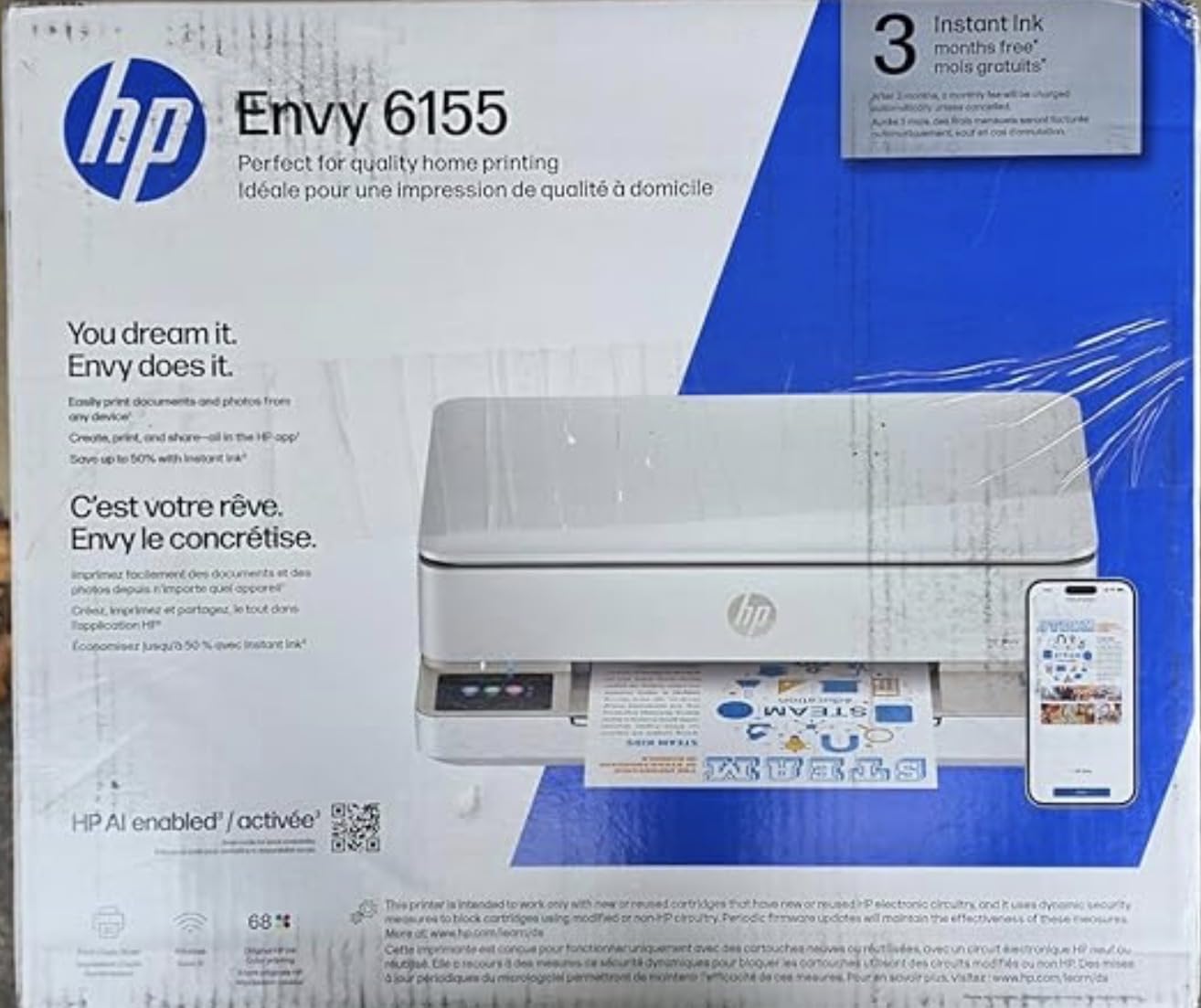
The Envy 6155 is the newest entry-level all-in-one in this roundup and the only one with a full colour touchscreen, at 2.4 inches. Automatic duplex on both print and copy at this size and weight is unusual, and it is the main reason this machine edges the Canon PIXMA models.
It prints 10 pages per minute black and 7 color at up to 4800 x 1200 dpi, with a 100 sheet input tray and a flatbed scanner. HP P3 colour technology is designed to match screen output, and the HP app includes formatting tools for web pages and email before printing.
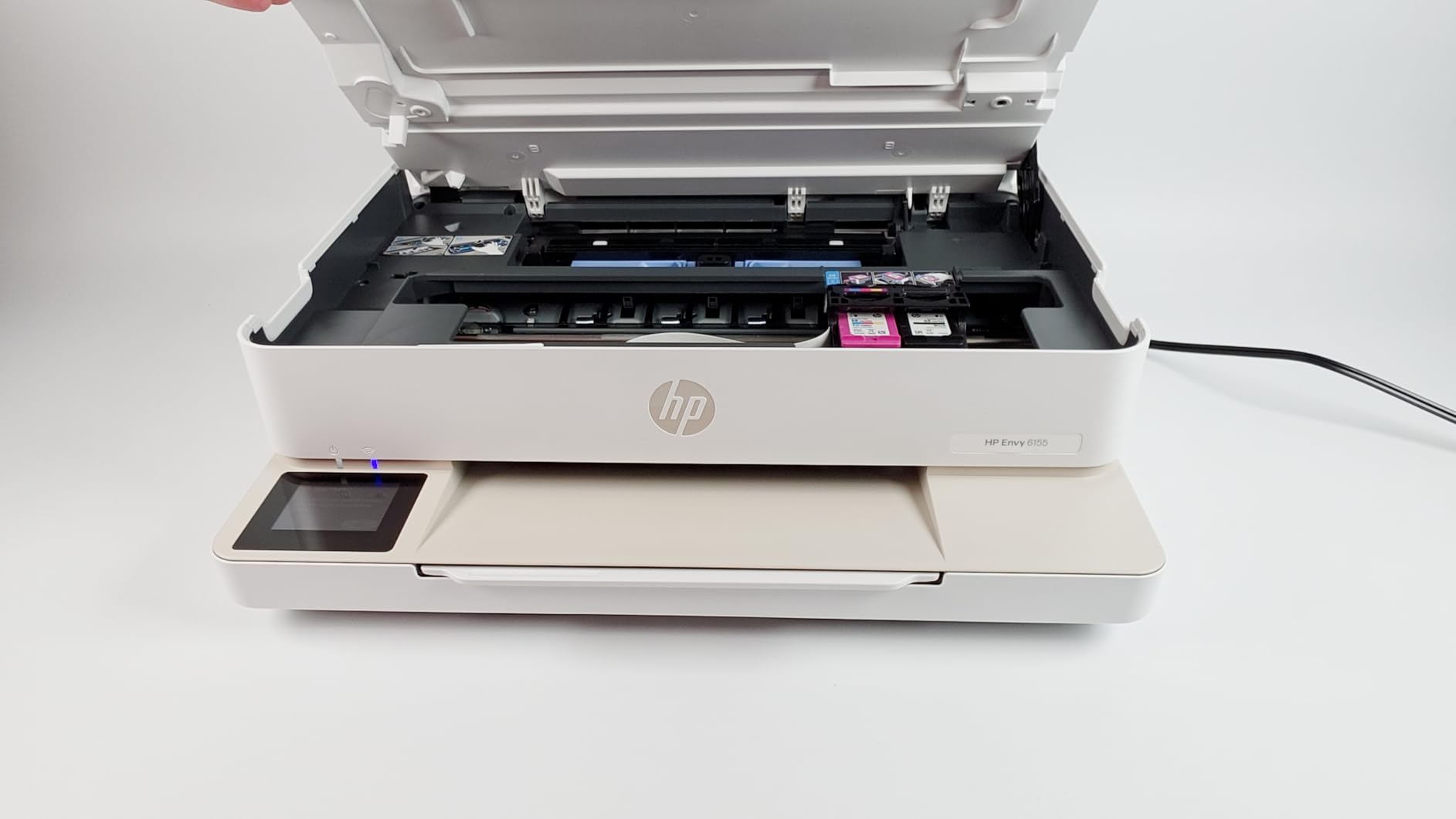
Connectivity is dual-band Wi-Fi with automatic detection and resolution of connection issues, which addresses one of the most common setup complaints about HP models after a router change. There is no Ethernet port, so a wired office is not an option.
It is also the one machine here made with at least 60 percent recycled plastic content, and it runs at 12.2 watts. At 11.2 pounds it is the second-lightest body in the roundup.
What the cartridge lock-in means for you
This printer only accepts HP cartridges containing original HP chips, so third-party and remanufactured cartridges are blocked. That is a deliberate HP decision and it directly affects your long-term running cost, so factor it into the total ownership calculation before you commit.
The bundled setup cartridges run to roughly 120 pages black and 75 pages tri-color, so an early replacement is likely in the first few months. HP’s Instant Ink subscription trial runs three months and applies a monthly fee afterwards unless cancelled.
Where the Envy 6155 disappoints
Its review count is the lowest in this roundup by some distance, so the long-term reliability record is shorter than what owners of the Brother lasers and the EcoTank machines have accumulated. That matters for a machine you plan to keep for years.
The quoted dimensions read as a deep 17.05 inch body with a low profile, which suits the back of a desk better than a side shelf. And with cartridge lock-in plus a subscription option, the cost per page over three years is less predictable than any tank machine on this list.
What Actually Matters on a Small Desk
Six factors decide whether a printer works on a small desk. The first three matter most, and the last three decide how much you will enjoy owning it.
Measure the footprint before anything else
Depth times width is the number that decides whether a printer can share your desk. The two Brother HL-L2405W and HL-L2460DW occupy about 199 square inches of desktop, the Canon PIXMA TS6520 about 207, and the Canon PIXMA TS3720 about 222. At the other end, the Epson EcoTank ET-2800 needs roughly 338 square inches before you allow for the output tray.
Height is the second measurement, and it is the one that decides shelf and cupboard storage. The Canon PIXMA TS3720 at 5.8 inches tall tucks under a standard desk, while the Brother DCP-L2640DW at 12.5 inches tall will not.
Ink tank versus cartridge is a running cost decision
The difference is not marginal. A tank set rated at up to 6000 black pages, as on the Canon MegaTank G3270, or 4500 black pages on the Epson EcoTank ET-2800, spreads its cost over far more pages than a cartridge rated at around 120. Over a few hundred pages a month the cartridge machines cost several times more to operate, which is why forum users rank refillable tanks as the decisive factor.
The trade on the other side is cartridge simplicity. Machines like the HP Envy 6155 and the Canon PIXMA TS6520 use small cartridges you can swap in seconds, and the Canon PIXMA TS3720’s no-mess refill system is a genuine convenience in a shared living space. Just do the arithmetic on pages per year before choosing.
Laser versus inkjet on a tiny desk
If your printing is black and white, a compact laser wins on three counts: the smallest footprints available, no dried nozzles when the machine sits unused, and a predictable toner cost per page. Forum experience is clear on the idle point, with owners warning repeatedly that inkjets left for weeks need a print or a cleaning cycle.
If you need colour, photos or scanning on the platen, an inkjet is the only option, and the trade is speed, size and ink cost. Also weigh the noise difference in an apartment: laser mechanisms are louder during a job, while inkjets are quiet enough to sit beside a conversation.
Duplex and the document feeder are the two features you will miss
Automatic duplex appears on the Canon PIXMA TS6520, the HP Envy 6155, the Epson XP-7100, the Epson WF-2860 and both Brother duplex models. If you print two-sided documents at all, this is the spec that changes your day, and it is the one most often missing from the smallest bodies.
A feeder is a different upgrade. Only three machines here have one: the Brother DCP-L2640DW with 50 pages, the Epson XP-7100 and the Epson WF-2860 with 30 pages each. Without one, a 20 page document becomes 20 separate flatbed trips.
Connectivity decides whether setup is a five-minute job or an afternoon
Dual-band Wi-Fi at both 2.4GHz and 5GHz is the standard worth paying a little more for, and it appears on most of the list. Both Epson models here carry the known caveat that pairing can fail on networks running both bands simultaneously.
Wi-Fi Direct and NFC, on the Epson WF-2860, let you print without a router at all. Ethernet, on the two duplex Brother models and the DCP-L2640DW, matters if you are in a wired office. And check the subscription trial on any Brother or HP machine you consider, since the trial terms can convert into a recurring fee.
Storing a compact printer without clogging it
This is the gap none of the ranking pages we studied covers, and it matters because storing a printer is exactly why you bought a small one. Inkjets left idle for weeks need a print or a manual cleaning cycle, and owners run head test patterns from the driver or the machine display when a clog appears.
Three habits reduce the risk. Run one test page every couple of weeks if the machine is stored rather than powered. Store it upright, on its side, or flat as the manual specifies, never on its side with the ink ports uncovered. And keep the tanks or cartridges seated the whole time, so no air enters the ink path.
Where the same machine also handles other paperwork, our guides to thermal label printers for small businesses and sublimation printers for small businesses cover the narrower jobs where a full-size all-in-one is overkill.
Frequently Asked Questions
What is the best printer for a small office?
The Canon MegaTank G3270 is our pick for a small office because it combines the lowest running cost with a full print, scan and copy function set. It yields up to 6000 black and white pages per ink set, supports wireless printing, and handles a wide range of media. The main limitation is that it prints single-sided only, so buyers needing automatic duplex should consider the Epson Workforce WF-2860 instead.
What are some good small desktop printers?
Good small desktop printers in our roundup include the Canon PIXMA TS6520 at 14 inches wide with automatic duplex, the Brother HL-L2405W and HL-L2460DW at roughly 14 by 14.2 inches, and the Canon PIXMA TS3720 at 8.7 pounds. The Brother lasers take the least desk area, while the Canon models add colour and scanning. Choose by function set first, then by depth times width.
Which printer is good for small office use?
For a small office printing a few hundred pages a month, running cost matters more than speed. A refillable ink tank such as the Canon MegaTank G3270 or Epson EcoTank ET-2800 costs far less per page than a cartridge machine. If your printing is mostly black text, a compact monochrome laser like the Brother HL-L2460DW adds automatic duplex and a 250 sheet tray at the smallest footprint available.
What is the best HP all-in-one printer for a small business?
The HP Envy 6155 is the best HP all-in-one in our roundup. It offers automatic duplex printing, a 2.4 inch colour touchscreen and dual-band Wi-Fi that resolves connection issues automatically. Be aware that it only accepts HP cartridges containing original HP chips, that the setup cartridges run to roughly 120 black and 75 color pages, and that the Instant Ink trial applies a monthly fee after three months if not cancelled.
Which ink tank printer has the best print quality?
The Epson EcoTank ET-2800 has the highest stated resolution among the tank machines here at 5760 x 1440 dpi using Micro Piezo heat-free technology, and owners consistently praise its photo output. The Canon MegaTank G3270 is close behind at 4800 x 1200 dpi. If you need the best possible photo quality rather than the lowest ink cost, the Epson Expression Premium XP-7100 with five Claria Premium inks goes further.
What is the downside of an ink tank printer?
The main downsides of an ink tank printer are physical and feature-related rather than ink-related. Nearly every tank machine we reviewed prints single-sided only, so duplex is manual. Several also have wide bodies that need shelf space rather than desk space, and they still need a periodic print if stored to stop nozzles drying. A tank protects your running cost but not your desk.
How small is the smallest printer?
The smallest desktop footprint in our roundup belongs to the Brother HL-L2405W and HL-L2460DW, each measuring 14 inches wide by 14.2 inches deep, or roughly 199 square inches of desk. The shortest body is the Canon PIXMA TS3720 at 8.7 pounds and 5.8 inches tall, which fits under a standard desk. The narrowest colour all-in-one is the Canon PIXMA TS6520 at 14 inches wide.
Is a laser printer better for a small desk?
A laser printer is better for a small desk when your printing is mostly black and white. Compact mono lasers occupy the smallest footprints available, their toner does not dry out when the machine sits unused, and the per page cost is predictable. An inkjet is the better choice when you need colour photos, borderless printing or a flatbed scanner. Noise is higher on a laser during a job, which matters in shared rooms.
Final Verdict
The Canon MegaTank G3270 is the best compact printer for small desks overall, because it protects your running cost, gives you a full function set, and stays light enough to move when you need the space back. If desk width is the binding constraint, the Brother HL-L2405W and HL-L2460DW take the least room of anything we tested, and the Canon PIXMA TS6520 adds colour with automatic duplex in a 14 inch body.
Whichever you pick, measure the space, do the running cost arithmetic, and expect to print something every couple of weeks if you store it. Those three steps prevent nearly every regret we heard about in printer forums, and they take about ten minutes.