
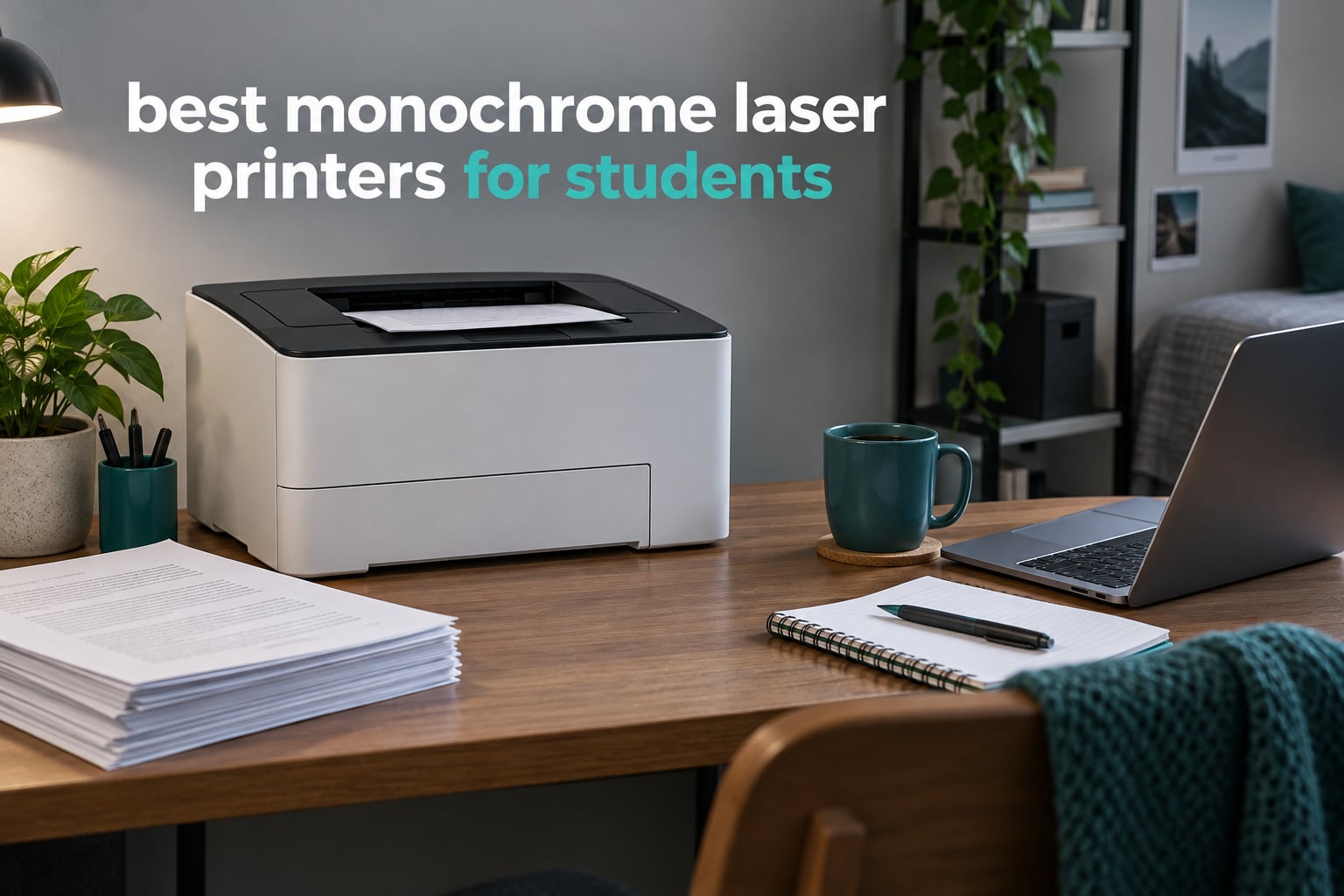
The Brother DCP-L2640DW is the best monochrome laser printer for students in 2026. It prints up to 36 pages per minute, duplexes automatically, includes a 50-page document feeder, and connects over dual-band Wi-Fi, Ethernet or USB. Two more standouts: the Brother HL-L2460DW if you never need a scanner, and the HP LaserJet MFP M140w if your desk is tiny.
Here is the thing about student printing. Your workload arrives in bursts – a 20-page essay the night before a deadline, a stack of lab reports at the end of a semester, nothing at all for six weeks in between. That pattern matters more than any spec on the box, and it is exactly where a monochrome laser printer separates itself from an inkjet.
A mono laser uses dry toner powder fused onto the page with heat. Nothing liquid sits in nozzles waiting to dry out, so the machine can sit untouched through a whole reading block and still print cleanly on the first try. A cartridge-based inkjet left idle for weeks often needs several test pages, or a cleaning cycle, or a new cartridge. For a student with a small print budget and an unpredictable schedule, that reliability is the whole argument.
I have put eight monochrome laser printers through their paces for this guide, weighing print speed, paper capacity, duplex behaviour, toner economics, footprint and the frictions that only show up after a few weeks of real use. Four are Brother machines, two are HP, and two are Canon. Every one of them prints black and white only, which is the point: colour output goes to the campus library or a print shop, where it is far cheaper per page anyway.
Before the picks, one clarification worth stating plainly. A monochrome laser printer cannot print photographs or colour diagrams, and toner melts into an even, slightly flat black. Text looks razor sharp. Greyscale images come out darker and heavier than you would like. If your degree is graphic design, photography or architecture, you will need colour capability and this list is the wrong one.
Top 3 Monochrome Laser Printers for Students in 2026

Brother DCP-L2640DW
- 36 ppm monochrome
- Automatic duplex
- 50-page ADF
- Dual-band Wi-Fi plus Ethernet


All 8 Monochrome Laser Printers Compared in 2026
Every pick below appears in this table with the same set of criteria applied. Read across the rows to see the trade-offs rather than scrolling through individual reviews.
| Product | Specifications | Action |
|---|---|---|
| Brother DCP-L2640DW |
|
Check Latest Price |
| Brother HL-L2460DW |
|
Check Latest Price |
| Brother HL-L2405W |
|
Check Latest Price |
 HP LaserJet MFP M140w HP LaserJet MFP M140w |
|
Check Latest Price |
 HP LaserJet M209d HP LaserJet M209d |
|
Check Latest Price |
 HP LaserJet Pro 3001dw HP LaserJet Pro 3001dw |
|
Check Latest Price |
 Canon imageCLASS MF273dw Canon imageCLASS MF273dw |
|
Check Latest Price |
 Canon imageCLASS MF465dw II Canon imageCLASS MF465dw II |
|
Check Latest Price |
1. Brother DCP-L2640DW Review – Best Overall Monochrome Laser Printer for Students
Brother DCP-L2640DW Wireless Compact Monochrome Multi-Function Printer, Copy, Scan, Duplex, Mobile Printing
36 ppm
Automatic duplex
50-page ADF
250-sheet tray
25 pounds
Pros
- Fastest text output in this group alongside the HL-L2460DW
- Automatic duplex on every job
- 50-page feeder for scanning handwritten notes
- Dual-band Wi-Fi plus Ethernet and USB
- Toner that does not dry out between semesters
Cons
- Initial Wi-Fi pairing is fiddly
- Bundled scan software is clunky
- Password and firmware prompts have locked some owners out
The DCP-L2640DW is the one I would put on a dorm desk without hesitating. It does three jobs – print, scan and copy – in a single body, and the numbers back up the general usefulness. Black and white output runs at up to 36 pages per minute with a first page out in 8.5 seconds, at a maximum resolution of 1200 x 1200 dpi.
Owners consistently describe the output as sharp, crisp text that arrives fast, and they single out the feeder for handling multi-page scanning without babysitting. Automatic duplex means a 30-page essay prints on 15 sheets with no flipping, which quietly halves your paper use over a degree.
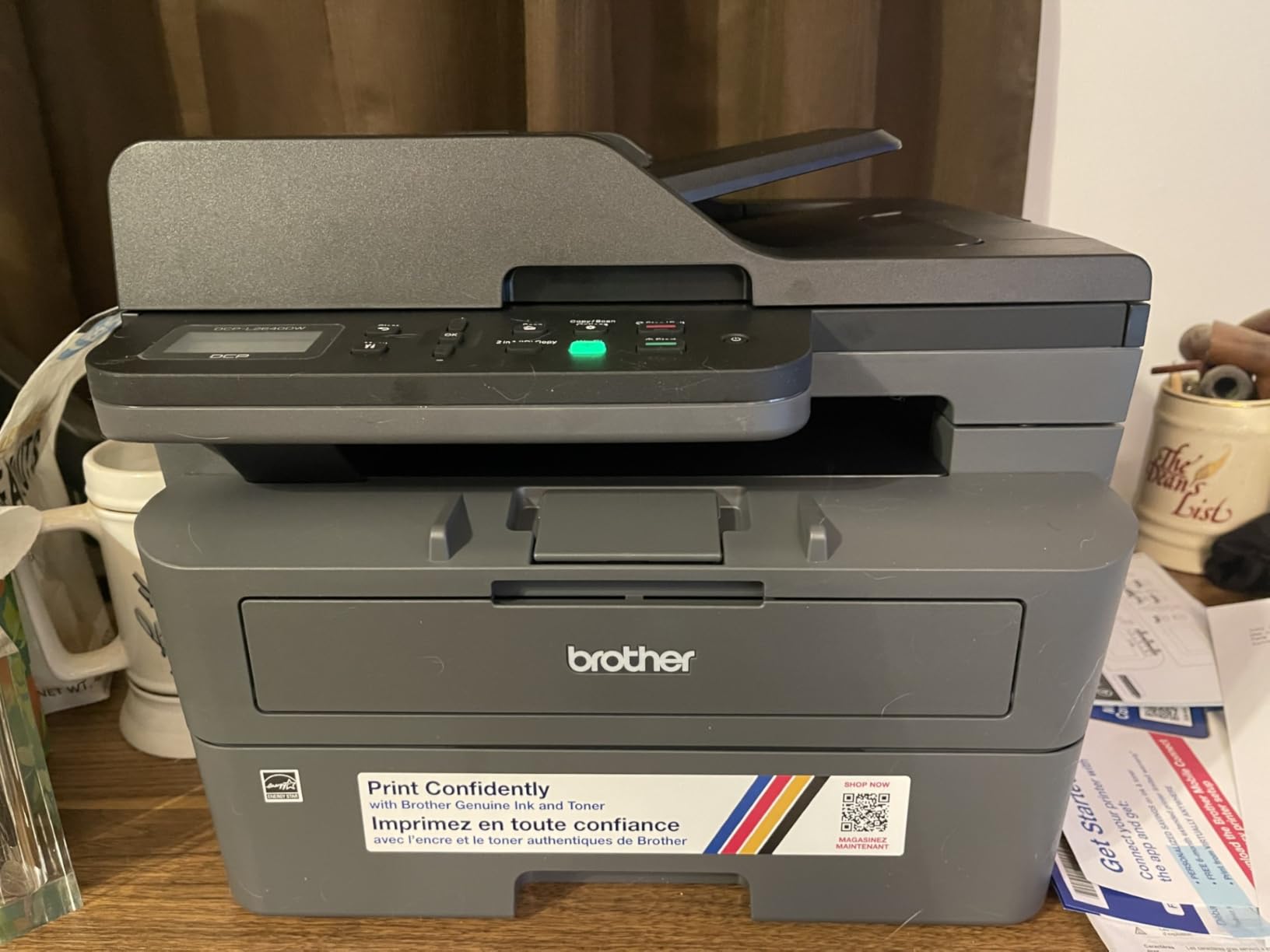
The friction here is software, not hardware. A visible minority of PC users report frustration with Wi-Fi pairing, with password and firmware update prompts that have locked them out, and with a scan-to-PC save window that can freeze and need a restart. The on-printer menu is awkward for scanning compared with the mobile app.
Set it up from the Brother Mobile Connect app rather than the tiny LCD panel, and most of that friction disappears. The app handles printing, scanning and toner ordering, and it runs on the phones and laptops a student actually owns.
Who the DCP-L2640DW suits
Students who hand in scanned assignments, annotated readings or signed forms. The 50-page automatic document feeder takes a chapter of notes in one go instead of fifteen separate flatbed trips.
It is also the safer all-round bet if you share a room or a house, because the copy and scan functions stop you queueing behind a roommate who needs to digitise a worksheet.
Who should skip it
Anyone who wants a completely hands-off setup. The connection and software complaints are real and recurring, and they cluster around firmware updates and password changes rather than around the printing itself.
It is also the heaviest machine at 25 pounds, with a body measuring 15.7 by 16.1 by 12.5 inches. Moving it between rooms takes two hands and a plan.
2. Brother HL-L2460DW Review – Best Print-Only Value
Brother HL-L2460DW Wireless Compact Monochrome Laser Printer with Duplex, Mobile Printing, Black & White Output | Includes Refresh Subscription Trial(1), Works with Alexa
36 ppm
Automatic duplex
250-sheet tray
1200 x 1200 dpi
15.6 pounds
Pros
- Same 36 ppm speed as the DCP-L2640DW
- Automatic duplex as standard
- 250-sheet tray cuts refills
- Light and easy to move between rooms
Cons
- No scanner or copier at all
- On-screen Wi-Fi setup is tedious with so few buttons
- Refresh subscription trial has caught users out
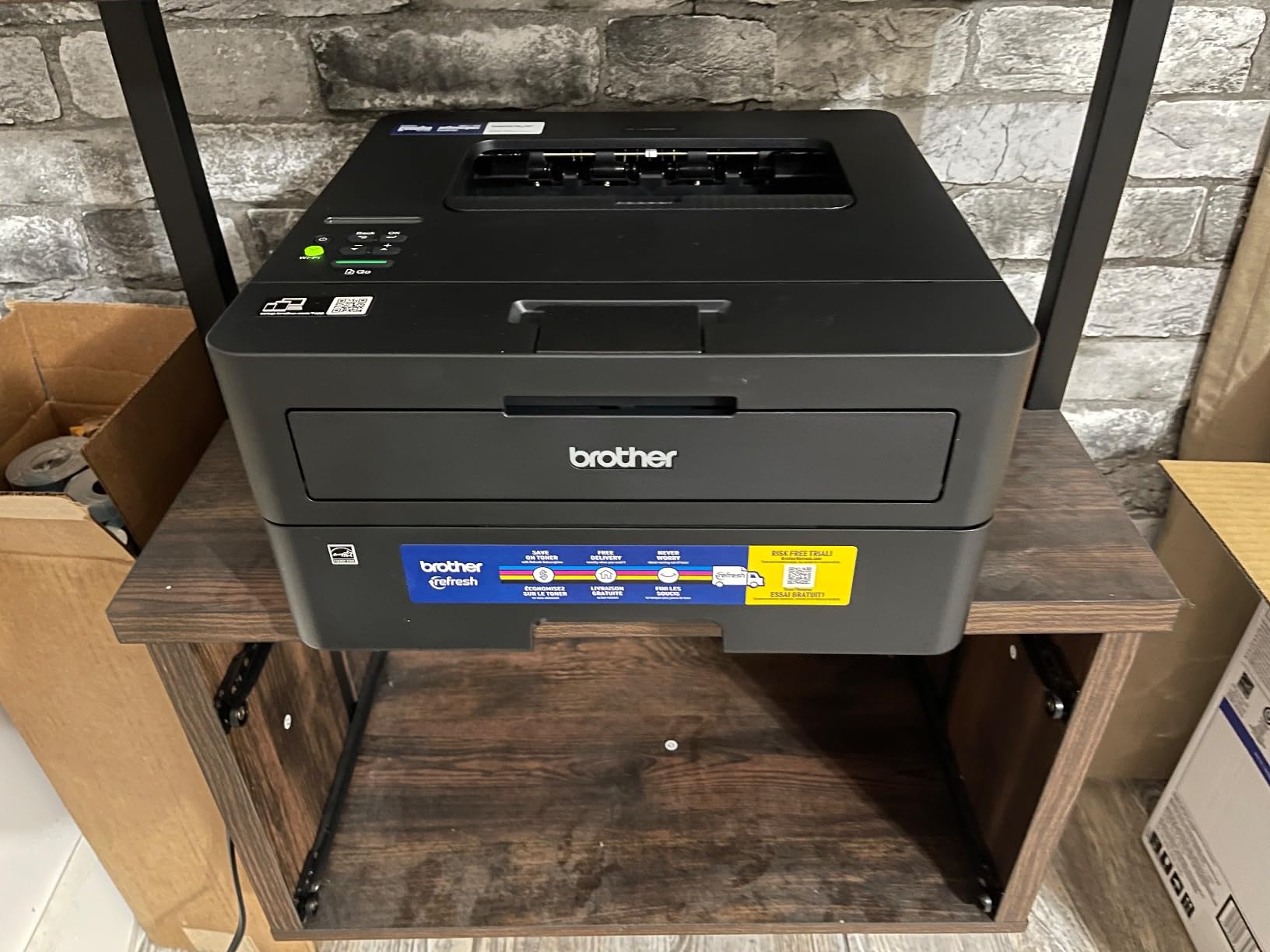
If you print and never scan or copy, the HL-L2460DW is the more honest buy. You give up the scanner, the feeder and the LCD controls, and in return you get the same 36 pages per minute of black and white output, automatic duplex, and a machine that weighs 15.6 pounds and measures 14.2 by 14 by 7.2 inches.
That footprint is the quiet advantage in a dorm. It is short enough to sit under a desk or beside a monitor without taking over the surface, and light enough to carry to a library common room when a group project needs a printer.
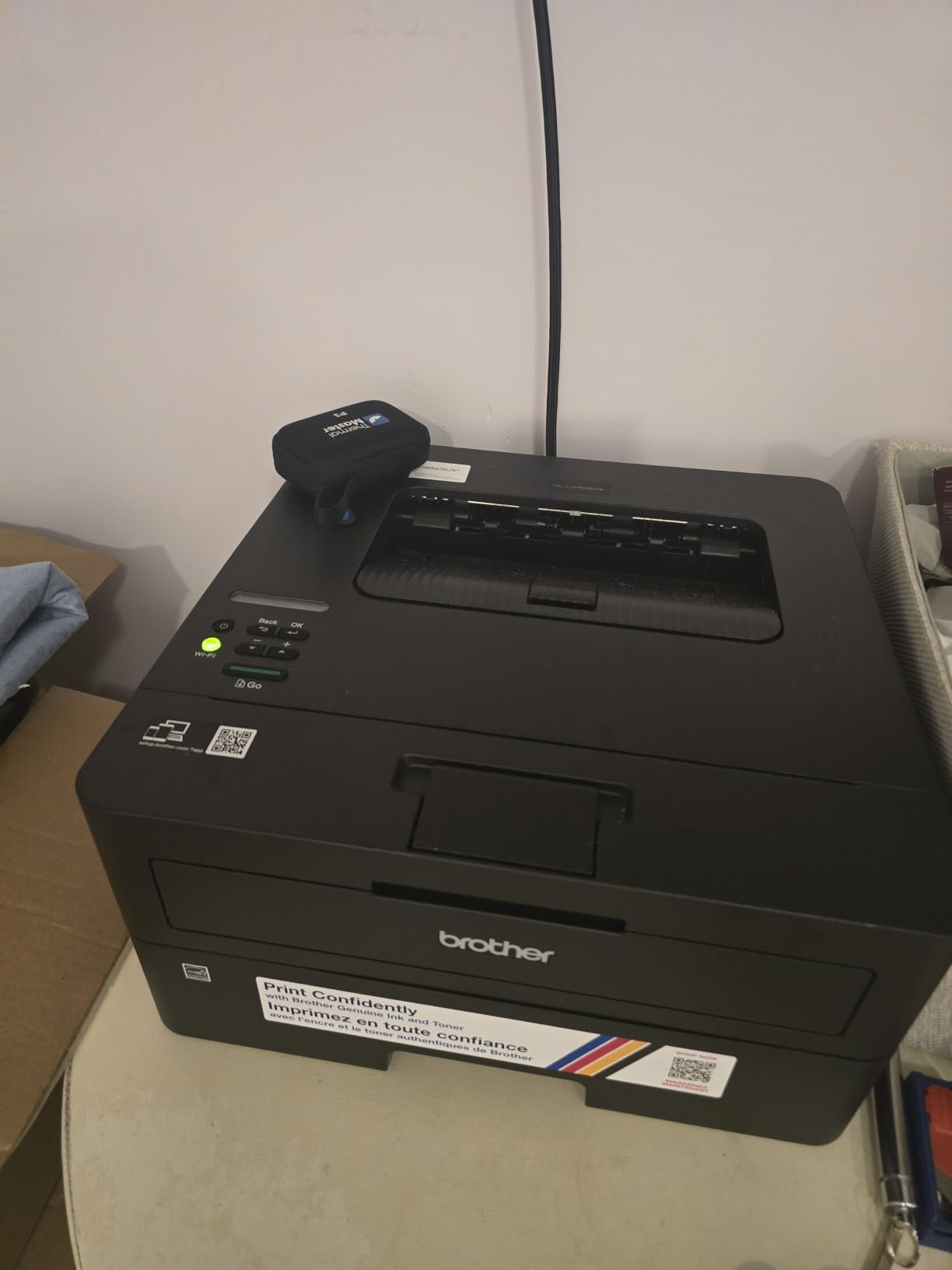
Reviewers rate it as affordable, fast and dependable, with excellent duplex performance on multi-page jobs and low running costs. The 250-sheet main tray plus a manual feed slot for envelopes means you are not refilling it every other print run.
The common complaint is the setup interface. With so few buttons on a small screen, the on-screen Wi-Fi configuration is tedious. Separately, several owners note that the Brother Mobile Connect app only registers the printer if you accept toner auto-delivery terms, and that the Refresh EZ Print trial has generated charges people did not intend. Opt out before you register.
What the HL-L2460DW gets right
Duplex and tray size are the two things students notice most, and this machine has both. A 250-sheet tray means a full reading list loads once, and automatic two-sided printing means a long essay does not double your paper consumption.
Output is described as crisp and smudge-free, and it works with both Windows and Linux systems, which matters if your coursework involves a lab machine rather than your own laptop.
Where it falls short
It is a print-only device. If a course requires you to submit a scanned signature page or a photocopy of an annotated book, you will be queueing at the library for that part of the job.
The build is plain all-plastic with a small screen, so expect to navigate almost everything through the app. If you are not comfortable with phone-based configuration, budget extra time for the first afternoon.
3. Brother HL-L2405W Review – Best Budget Laser Printer for Students
Brother HL-L2405W Wireless Compact Monochrome Laser Printer with Mobile Printing, Black & White Output | Includes Refresh Subscription Trial(1), Works with Alexa
30 ppm
Manual duplex
250-sheet tray
1200 x 1200 dpi
15.1 pounds
Pros
- Cleanest install of the group with no bloatware
- 30 ppm output with a 250-sheet tray
- Works with laptops and Android phones over Wi-Fi
- Toner is widely available and easy to swap
Cons
- Manual duplex only for a 30-page essay
- QR-code-first setup adds time on PC
- Can drop offline on some mesh routers
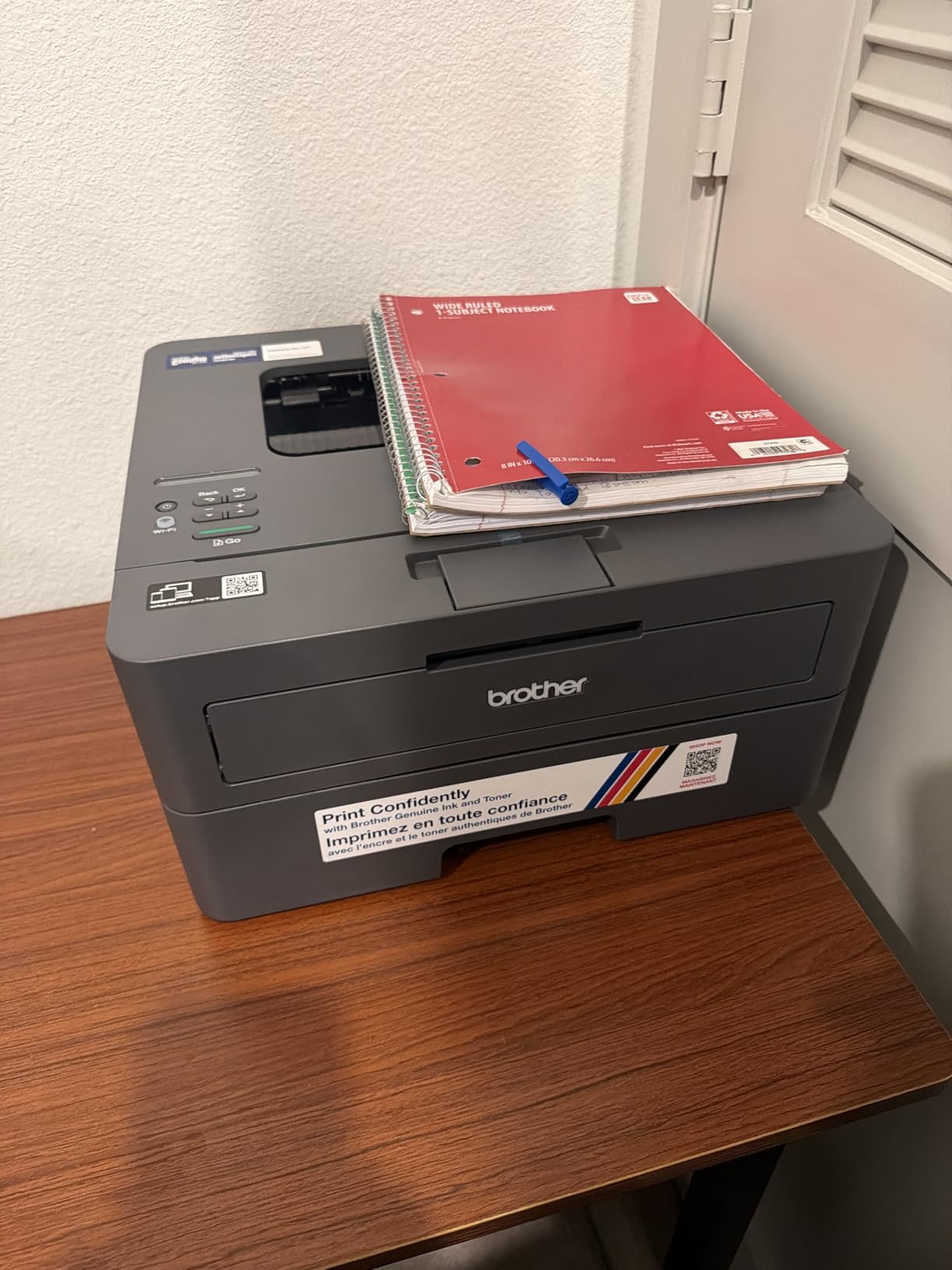
The HL-L2405W is the interesting one in this lineup because of what it does not do. No forced software, no terms click-through, no mandatory apps, no auto-delivery prompts. Owners repeatedly call it the cleanest install experience they have had, and for a student who just wants to print a reading list, that is worth more than another feature line.
Underneath, it is a competent machine. Black and white output runs at up to 30 pages per minute with a first page in 8.5 seconds, at up to 1200 x 1200 dpi, and the 250-sheet tray plus a manual feed slot handle envelopes and labels.
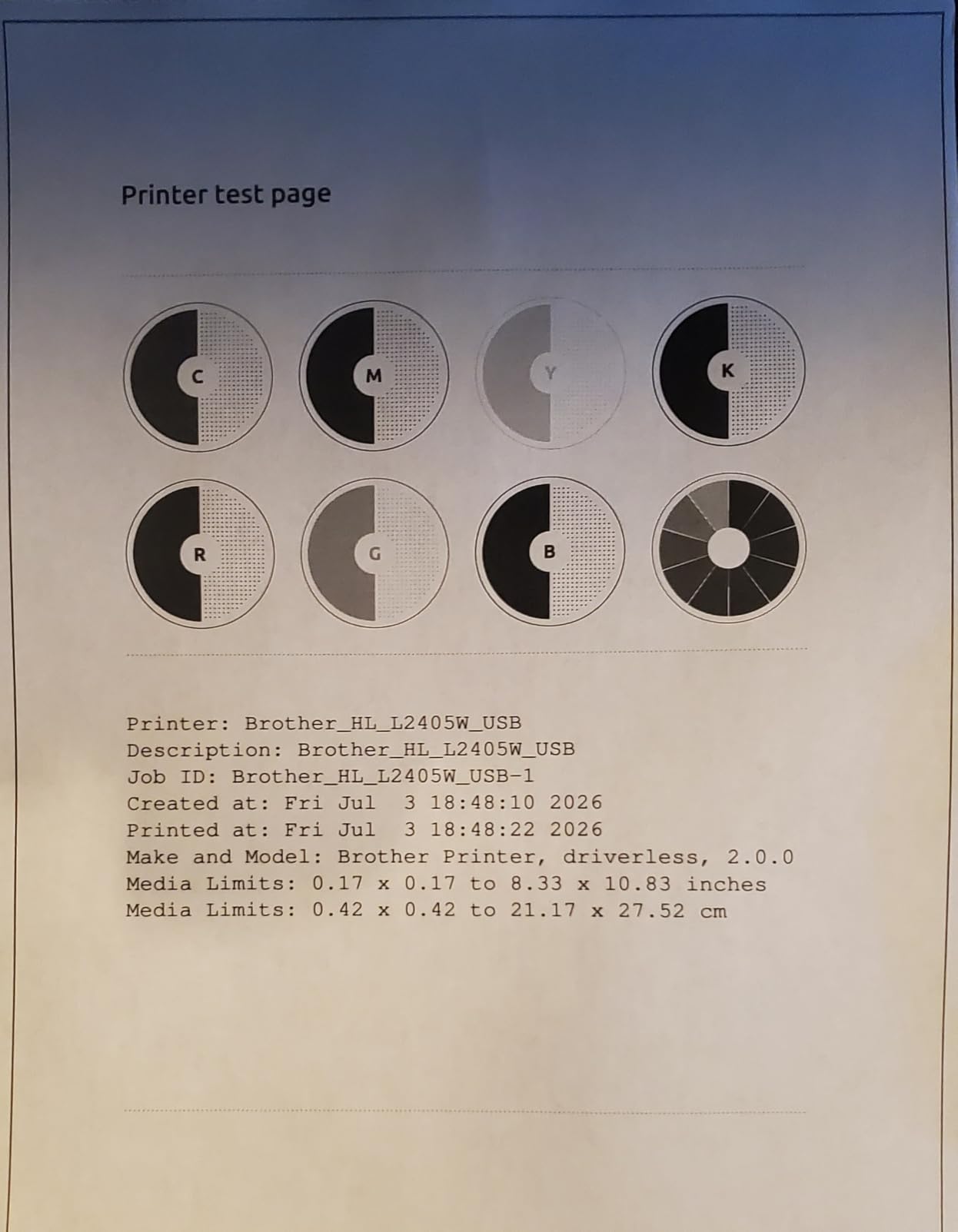
The compromise is duplex. This is a manual duplex printer, so a 30-page essay means flipping the stack by hand halfway through. Students consistently underrate how annoying that is until they have done it three times, and it also doubles the paper you go through.
Setup is pushed through a mobile QR code flow, which is quick from a phone and slow from a laptop. Some owners on mesh Wi-Fi routers report the printer dropping offline, and toner save mode cannot be set as a permanent default.
Why this one earns its place
It stays reliable after weeks of sitting unused, which is the single most student-specific feature on this list. Print two pages the night before a deadline after a six-week gap and it works first time.
Toner cartridges are widely available and simple to change, so a cartridge swap in a residence hall corridor is not a special event. If your course load is light, printing is inexpensive and you will not think about the machine again.
Where it will frustrate you
Manual duplex is the deal-breaker for anyone with long essays, dissertations or anything bound for submission. You will also spend longer on first-time setup if you never touch your phone during installation.
Owners also note the footprint is larger than expected for a printer marketed as compact, and some mesh router setups cause repeated disconnections that need a power cycle to clear.
4. HP LaserJet MFP M140w Review – Smallest All-in-One Here
HP Laserjet MFP M140w Wireless Black & White Printer, Print, scan, Copy, Fast speeds, Easy Setup, Mobile Printing, Best-for-Small Teams
21 ppm
Scan and copy
99-sheet tray
600 x 600 dpi
11.9 pounds
Pros
- Very small body at 11.9 pounds
- Print scan and copy in one unit
- Wireless printing from Mac Chromebook and Android
- ID card copy puts both sides on one sheet
Cons
- No automatic duplex at all
- Only 99 sheets of input and output capacity
- 21 ppm is slow for a laser
- Works only with cartridges that have original HP chips
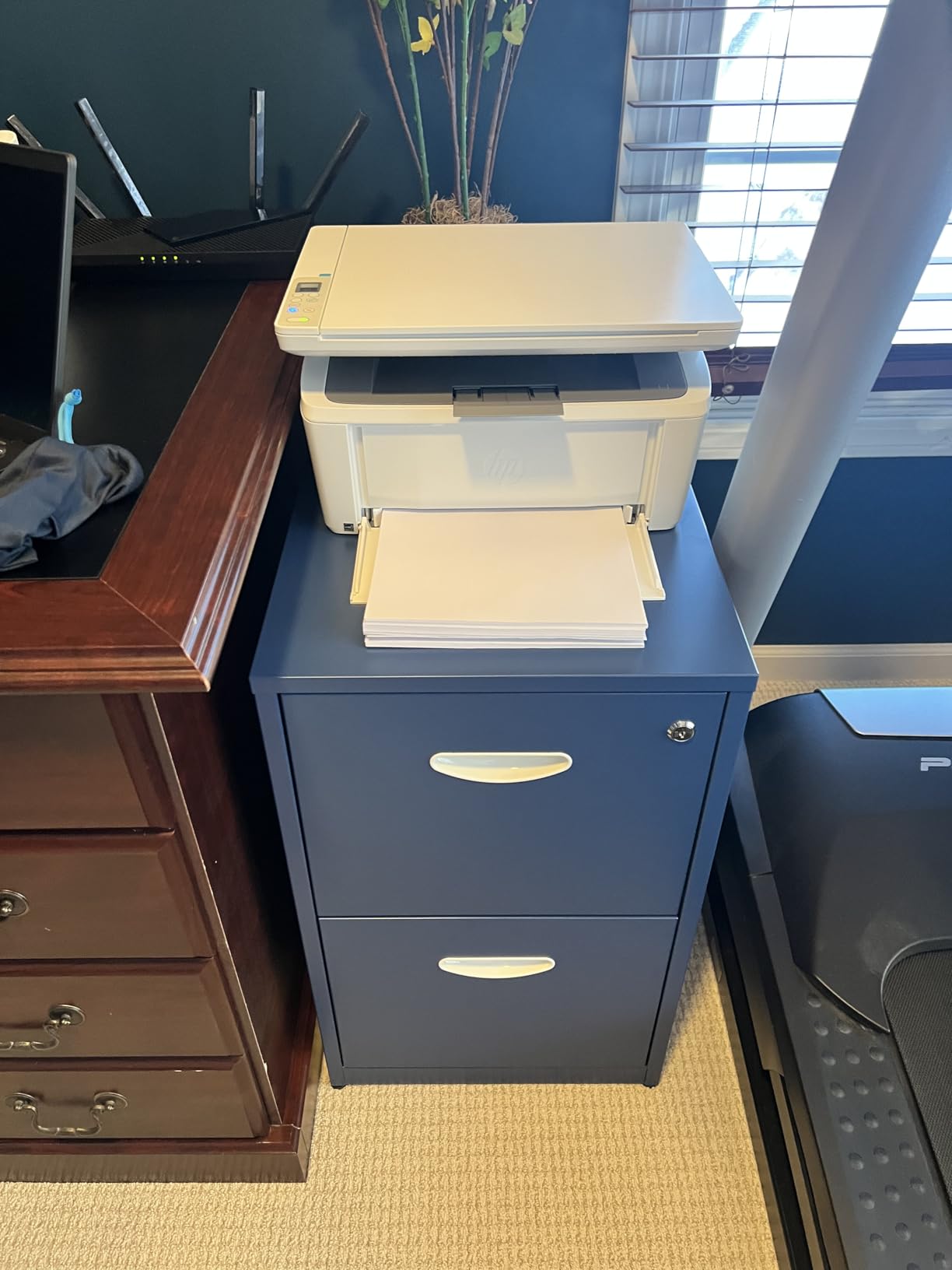
Where desk space is the binding constraint, the M140w is the answer. At 11.9 pounds and 10.4 by 14.2 by 7.8 inches, it is the lightest machine in the roundup and reviewers describe it as the smallest laser printer in its class. It prints, scans and copies black and white in one body, which is more capability than the print-only Brother at a similar desk footprint.
It is also a strong dorm performer for another reason. Because toner is dry powder, this machine can sit through a semester of near-non-use without developing the dried ink problems that plague a cartridge inkjet in the same cupboard.
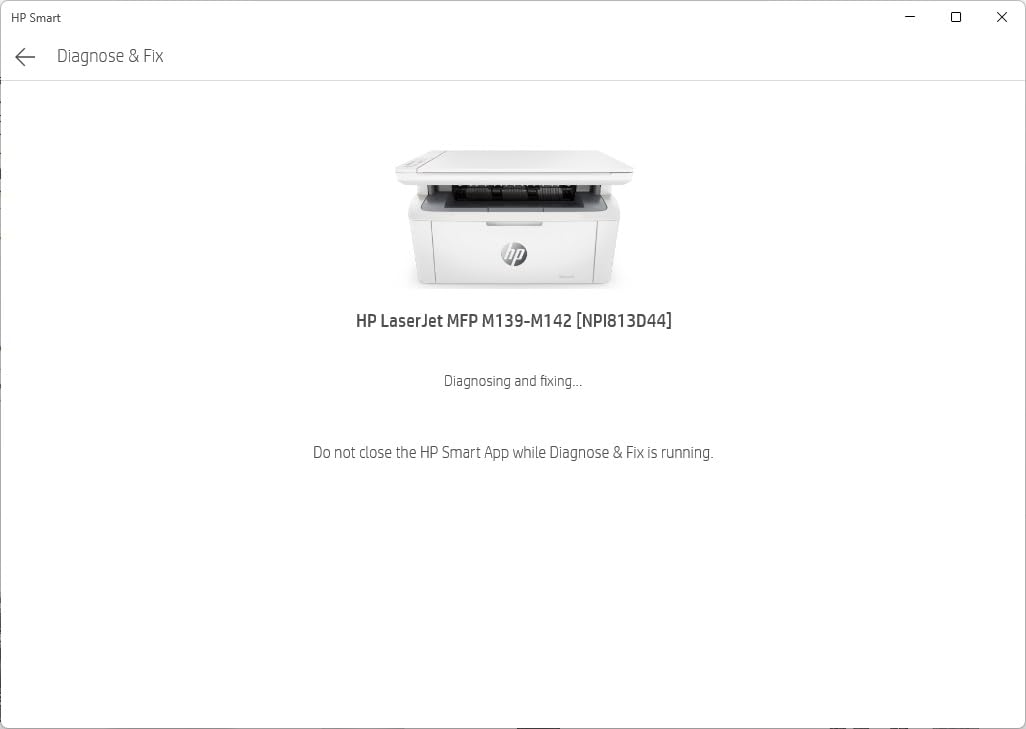
Spec-wise it is the entry point of this group. Output runs at up to 21 pages per minute, resolution tops out at 600 x 600 dpi, and both the input and output trays hold 99 sheets. AirPrint and Mopria certification mean iPhone, iPad, Mac, Chromebook and Android printing works through HP Smart, including cloud scanning.
There is no automatic duplex, so two-sided printing is manual. The 600 x 600 dpi ceiling also means fine small text and dense tables look softer than the 1200 x 1200 dpi Brother output. And a meaningful share of one-star reviews are not about print quality at all – they are about the cartridge restriction. This machine works only with cartridges containing original HP chips or circuitry, which removes the cheaper third-party option.
Where the M140w makes sense
Small dorm rooms, shared flats, and anyone who needs to scan occasionally. The flatbed scanner plus the ID card copy function, which places both sides of a small document on one sheet, are genuinely useful for forms and assignments.
It is a good fit for one or two people, not a small team. Wireless self-reset means it reconnects on its own after a power cut, which is useful in halls with unreliable sockets.
Where it falls down
Ninety-nine sheets of paper means refilling constantly compared with the 250-sheet trays elsewhere on this list, and 21 pages per minute is slow enough that a 50-page reading pack takes noticeable time.
If you already own an HP printer or expect to buy more toner, the original-chip requirement is a running cost decision rather than a small detail. Budget for it from the first cartridge.
5. HP LaserJet M209d Review – Best Wired Desk Printer
HP LaserJet M209d Laser Printer, Black and White, Automatic Duplex, Wired Connection Only (USB Cable Included), Best-for-Home Office (8J9L0F)
30 ppm
Automatic duplex
USB only
150-sheet tray
600 dpi
Pros
- Automatic duplex at up to 30 ppm
- Plug-and-play USB setup with no network config
- Quiet operation compared with inkjets
- Compact body that saves desk space
Cons
- USB only with no Wi-Fi or Ethernet
- HP drivers and app have issues on newer macOS
- 600 x 600 dpi maximum resolution
- Most online setup guides assume wireless
The M209d is the simplest machine here to install, because there is nothing to install. It ships with a USB cable, connects to one laptop, and many owners were printing within minutes of unboxing. No router, no app, no password, no pairing dance.
It also carries automatic two-sided printing at up to 30 pages per minute through a 150-sheet tray, and owners repeatedly praise how quiet it runs compared with an inkjet. In a shared room, that matters. The body measures 13.98 by 8.07 by 11 inches, which is narrow enough to tuck against a wall.
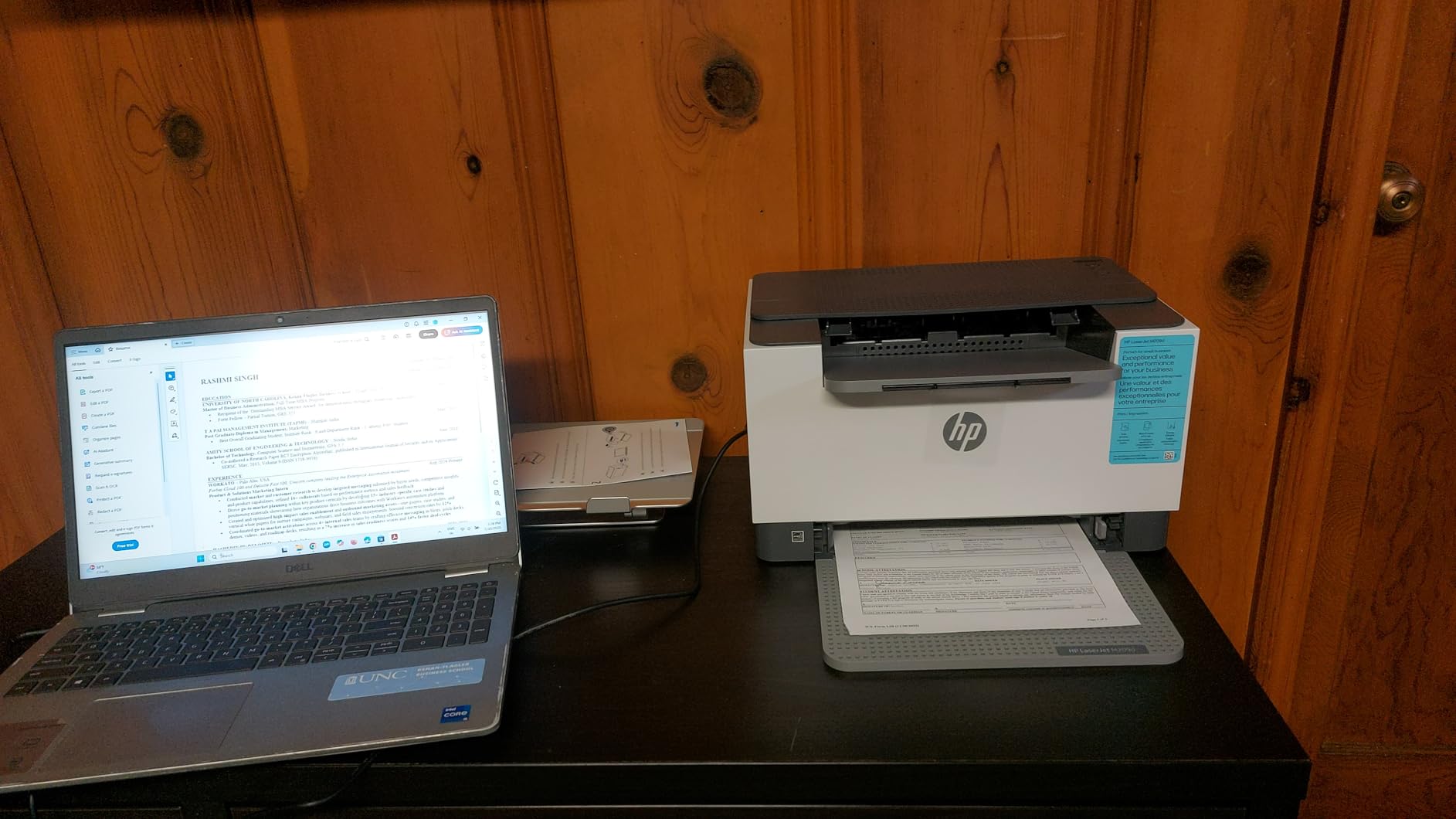
Output resolution is 600 x 600 dpi, so text is clean rather than exceptional, and the same original HP chip requirement applies as on the M140w. Print quality is otherwise described as consistent, smudge-free and water-resistant, which suits printed handouts and worksheets.
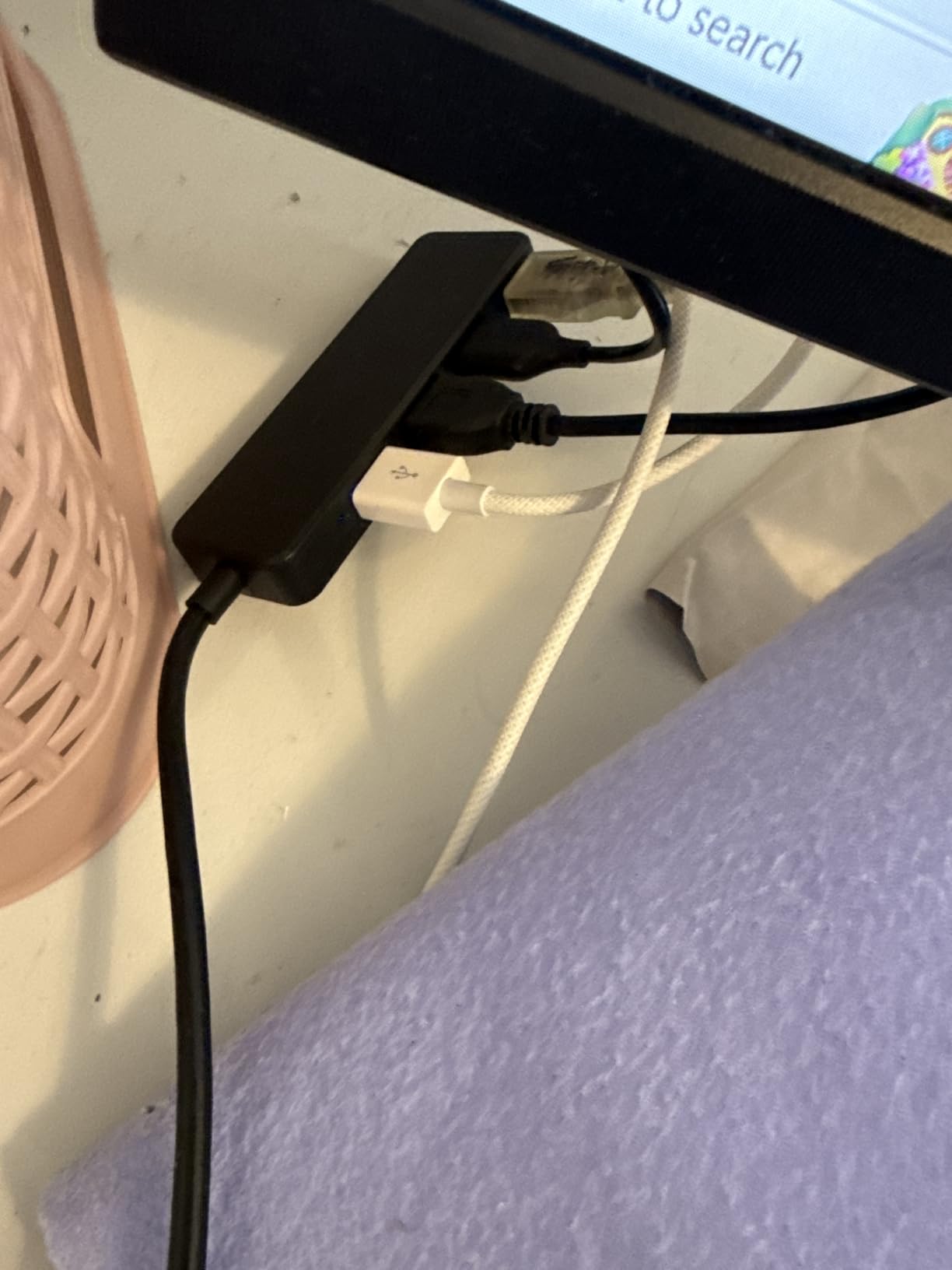
The catch is absolute: this is a wired-only printer. There is no Wi-Fi, no Bluetooth and no Ethernet. It works well on Linux, Mac and Windows when drivers are installed correctly, but the HP drivers and the HP Smart app are widely reported as broken on macOS 12 and later, and most online setup instructions target wireless connections that this model does not have.
Why buy a wired printer in 2026
If your printing happens from a single desk, a wired connection is not a compromise – it is fewer things going wrong. No mesh router drops, no offline events, no reconnection prompts at 1am before a deadline.
Auto duplex at this speed and size is unusual in a compact machine, and reviewers describe consistent, waterproof output that survives being handled and passed around.
Who should not buy it
Anyone printing from a phone, a shared flat, or more than one computer. A Mac user on a recent version of the operating system should check driver availability for their specific model before committing.
It is also one of the quieter picks only by comparison with inkjets – owners still note a little noise when the first page starts printing, which can carry in a thin-walled dorm room.
6. HP LaserJet Pro 3001dw Review – Best for Heavy Coursework Volumes
HP Laserjet Pro 3001dw Wireless Black & White Printer, Best-for-Office (3G65OF)
35 ppm
Automatic duplex
250-sheet tray
Bluetooth and Ethernet
Pros
- 35 ppm output with a 6.6 second first page
- Automatic duplex handles full workloads
- Wi-Fi plus Ethernet plus Bluetooth
- Handles thicker paper for craft and art work
Cons
- Drops offline on some mesh Wi-Fi networks
- Needs a manual power-on after deep sleep
- No duplex on A5 despite the tray marking
- Requires cartridges with original HP chips
When the volume is real – a teaching assistant producing weekly handouts, a group project printing a full report, a research module with a 200-page reading requirement – the LaserJet Pro 3001dw is built for it. It runs at up to 35 pages per minute with a first page in roughly 6.6 seconds, automatic duplex, and a 250-sheet tray that means one load per job rather than three.
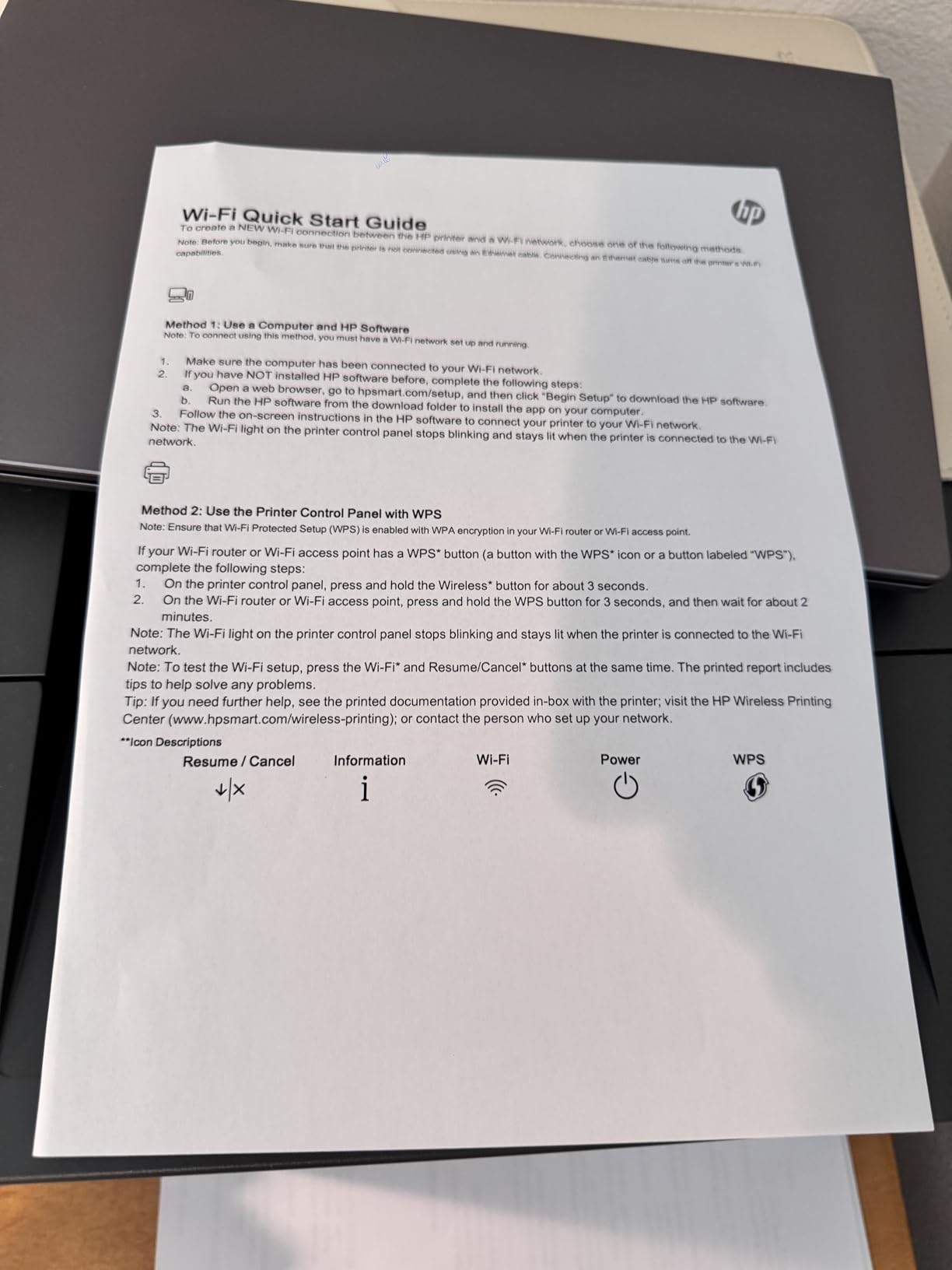
Connectivity is the best on this list: Wi-Fi, Ethernet, USB and Bluetooth together, at 1200 x 1200 dpi output. It works with AirPrint, Android and Chromebook, and it prints from phones and tablets once set up. HP Wolf Pro Security is included for anyone printing on a shared network.
It is also built for office work rather than a desk. At 16.1 pounds and 15.7 by 14.4 by 8.5 inches it needs real space, and it handles thicker paper for craft and art projects.
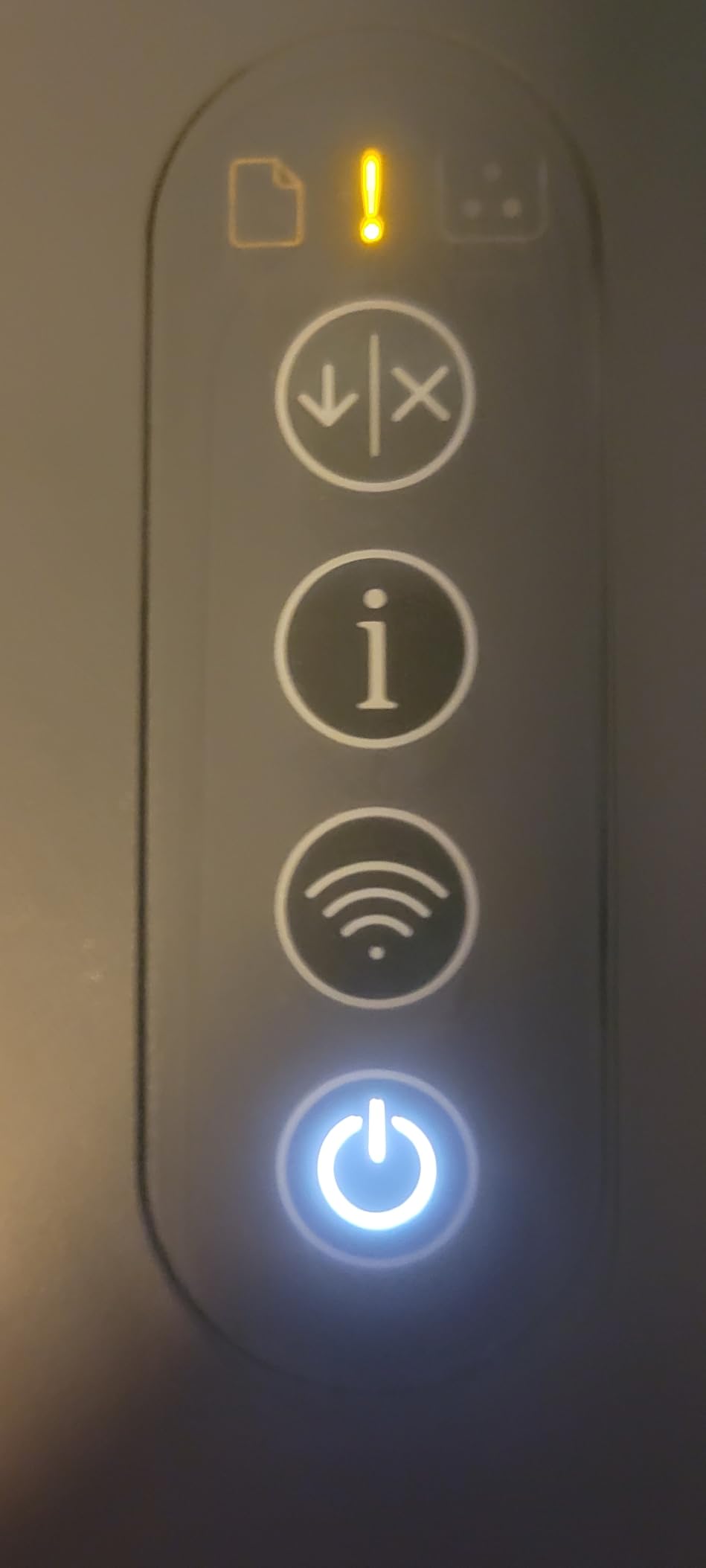
The recurring complaints are all network-related rather than print-related. Owners report the printer dropping offline, particularly on mesh router networks, needing to be powered on manually after deep sleep before it will accept a job, and failing to duplex A5 sheets even though the tray is marked for them. Setup also took some users several attempts.
What you get for the size
The 250-sheet tray and 35 ppm speed mean a 100-page double-sided report completes in minutes and loads once. Toner cost per page stays low compared with inkjet output, which is the difference that shows up across a heavy semester.
For a shared house or a small group, the combination of Ethernet, Bluetooth and Wi-Fi is the most flexible here, and printing from an Android phone works wirelessly once configured.
Where it will cause friction
Mesh networks are the common failure point. If your hall uses a mesh router, expect to spend time on the connection or fall back to a USB cable. The deep-sleep power-on habit is irritating when you need to print immediately.
It is a print-only device with a business body, and it is one of the heavier options in the roundup, so it is a poor fit for a small dorm desk.
7. Canon imageCLASS MF273dw Review – Best Canon All-in-One
Canon imageCLASS MF273dw – Monochrome Wireless Laser Printer, Multifunction With Scanner, Copier, Auto Document Feeder, With 1 Year Limited Warranty, 30 PPM, Black
30 ppm
Automatic duplex
ADF and copy
5.3 second first page
Pros
- First page out in about 5.3 seconds
- Print copy and scan with an auto document feeder
- Automatic two-sided printing
- Wi-Fi Direct prints without a router
- Energy Star and EPEAT qualified
Cons
- Bulky at 24.7 pounds
- Sheetfed scanner with no flatbed glass
- Only 150 sheets of paper capacity
- No Ethernet port
The MF273dw does three things at once – print, copy and scan – with automatic duplex and an auto document feeder, and it produces its first page in about 5.3 seconds, the fastest first-page time of the Canon machines here. It runs at up to 30 pages per minute, with a maximum black and white resolution up to 2400 x 600 dpi.
Connectivity is wireless, Wi-Fi Direct and USB. Wi-Fi Direct matters in a dorm because it lets you print straight from a phone with no router involved, which sidesteps the campus network entirely. It is also Energy Star and EPEAT qualified.
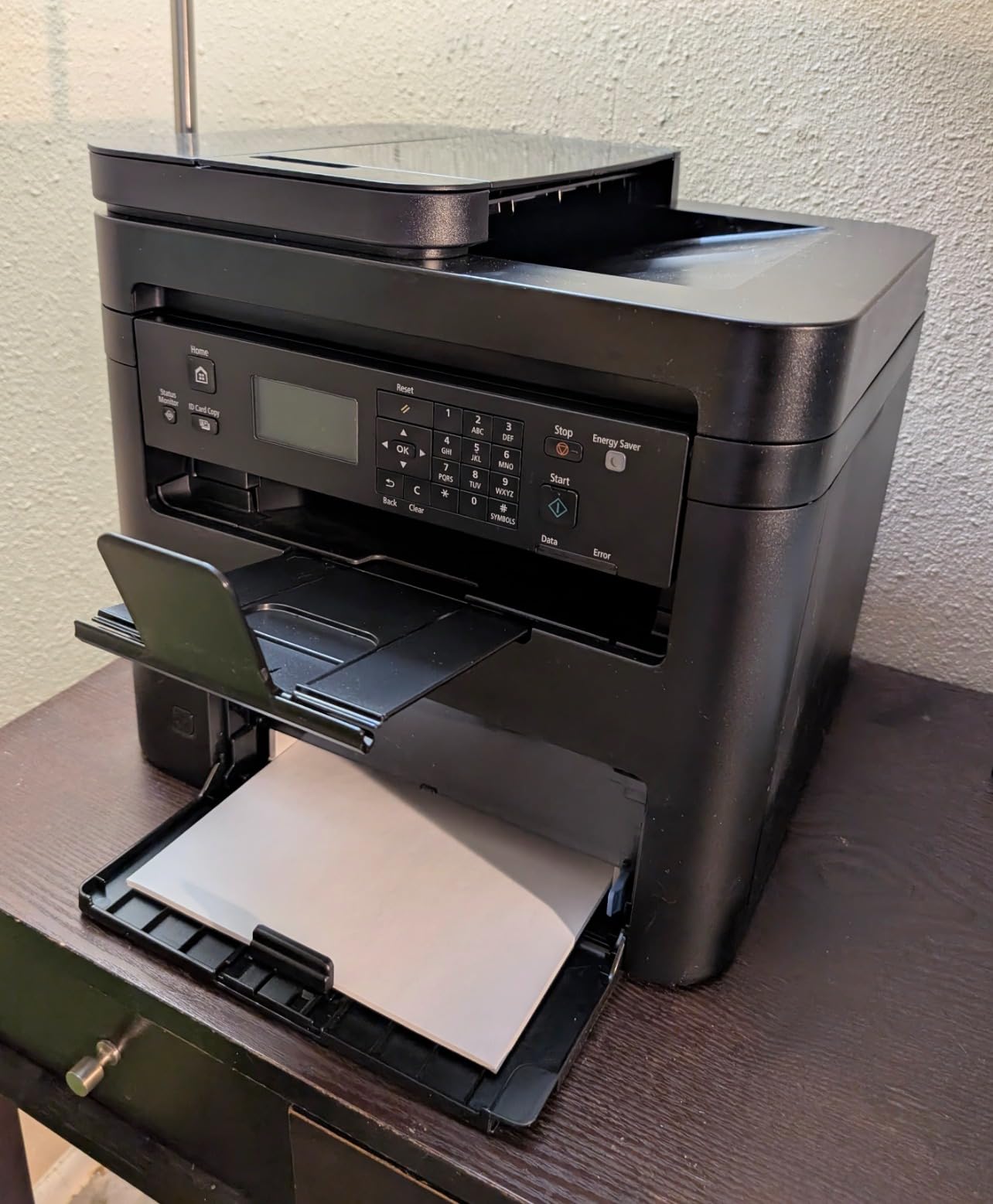
Two limitations shape who this suits. The scanner is sheetfed only, with no flatbed glass, so you cannot scan a page from an open book, a poster or anything larger than the feeder accepts. And the paper capacity is 150 sheets, modest next to the 250-sheet trays on the Brother machines.
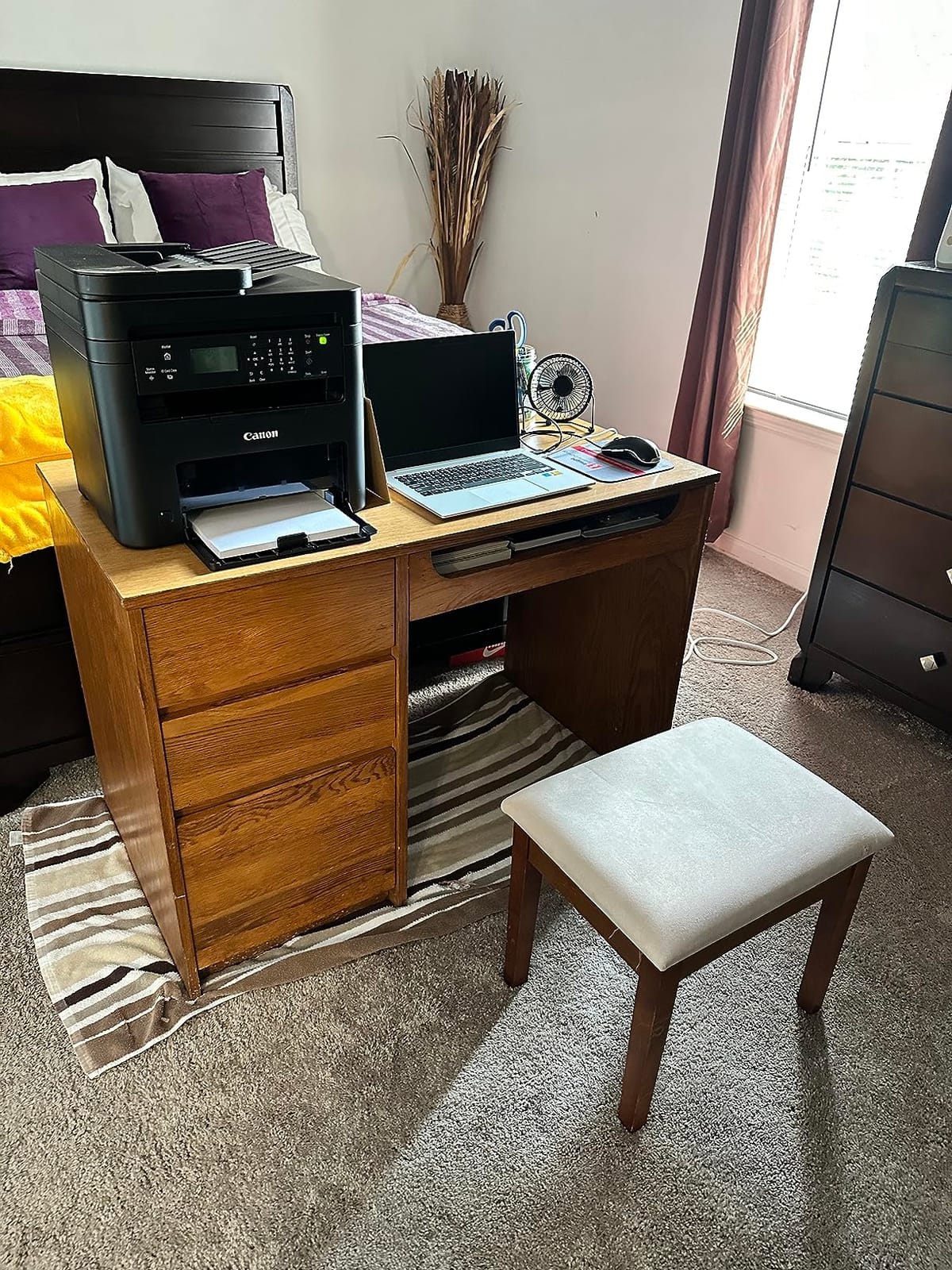
There is no Ethernet port either, so on a wired campus network it is wireless or USB only. The body is the other issue: 24.7 pounds and 14.6 by 15.4 by 14.4 inches makes it a two-hand move and a dedicated corner of the room rather than a desk-top machine.
Why the MF273dw stands out
It is the only Canon here that balances three functions, duplex and wireless without ballooning in price or size. For a student who scans a lot of paper but never needs a flatbed, the sheet feeder is fast rather than limited.
High toner yield options are available in the 071 and 071 high-capacity cartridges, which means you can move to a bigger cartridge once your printing volume picks up rather than replacing small ones constantly.
Where it does not fit
If your course involves scanning diagrams, textbook spreads or anything oversized, a sheetfed-only scanner is a genuine loss and you should look at a flatbed model such as the Brother DCP-L2640DW.
Also weigh the weight and the missing Ethernet port. It is a solid office-capable machine, but it is physically the second bulkest option here and less flexible on a wired network.
8. Canon imageCLASS MF465dw II Review – Best with Fax and Expandable Paper
Canon imageCLASS MF465dw II – Monochrome Wireless Duplex Laser Printer with Print, Copy, Scan, Fax, Expandable Paper Capacity, 42 PPM
42 ppm
Print copy scan fax
900-sheet capacity
5-inch touchscreen
Pros
- Fastest output in the roundup at 42 ppm
- Four functions including fax
- Capacity expandable to 900 sheets
- 3-year manufacturer warranty
- 5-inch touchscreen control
Cons
- Largest and heaviest body on the list
- Fax adds setup complexity if you do not need it
- Smallest review base of the eight
- Uses Canon Genuine Toner 070 cartridges
This is the specialist pick. The MF465dw II is the fastest printer in the roundup at up to 42 pages per minute, with a first page in 4.9 seconds, and it is the only one that includes fax alongside print, copy and scan. Some internships and faculty placements still ask for a faxable document, and almost nothing else in a student price bracket covers that.
Paper capacity is the other headline. Two trays give expandable storage up to 900 sheets, so a dissertation chapter prints without a single refill. Resolution is 1200 x 1200 dpi for both printing and copying, and there is a 5-inch touchscreen for on-device control.
The warranty is the longest here at three years, which is meaningful if you keep the machine through graduate school. Connectivity covers Ethernet, Wi-Fi and USB, with mobile device printing and easy wireless setup.
Against that, it is physically the largest and heaviest machine in the roundup at 18.1 by 16.6 by 14.8 inches. That is an office footprint, not a dorm one. It also carries the smallest review base of the eight at 186 reviews, so there is less long-term owner history to lean on, and the fax function adds cost and setup steps if you never use it. It runs on Canon Genuine Toner 070 cartridges rated at approximately 3,000 pages of yield.
Who this is for
Anyone with genuine high-volume black and white work, or a course or employer that still expects a fax machine. The 900-sheet capacity and 42 ppm speed pair well with dissertation drafts, reading packs and printing for a study group.
The touchscreen also makes it the easiest to run without a laptop, and the 3-year warranty is the strongest coverage in this list.
Why most students should skip it
Volume alone does not justify it. If you print a few hundred pages a term, you are paying for capacity and speed you will not use, in a body that will not fit a dorm desk.
The smaller review count also means less evidence about long-term reliability than the machines with thousands of owner reports behind them.
Should You Buy a Printer at All? Library Versus Dorm Room
Honestly, sometimes you should not. This is the most common question on student printer forums, and the answer depends entirely on your weekly page count. A student in a r/printers thread on small printers for a dorm room described campus printing at 25 cents per black-and-white page, and another noted how quickly that adds up on five-page lab reports printed repeatedly.
Run your own number before buying. Take the page count you expect to print in an average week, multiply it by your campus rate, and compare that against what a printer plus a year of toner will cost you. The break-even point is usually lower than people assume, because laser toner runs a small fraction of the cost per page of an inkjet, but it is not zero, and a student who prints four pages a term should not buy a printer.
There are quality reasons to consider buying even at a similar cost. Deadline printing is the big one. A campus queue on the night a submission is due is a genuine risk, and an inkjet that has sat unused for a month may need several attempts before it produces a clean page. A laser does not.
If your printing shifts to a shared flat or a home study space after term starts, the same shortlist holds up from a different angle. Our guide to laser printers for home offices works through the shared-space and multi-user concerns in more detail.
If you do buy, a few practical notes. Check your hall’s power outlet and network rules before you commit, since USB-only models sidestep the network entirely and wireless models may drop on mesh routers. If you are sharing with roommates, agree a paper and toner budget up front. And when you graduate, a working Brother or HP monochrome laser holds its value well and can be sold, passed to a younger student or kept for graduate school.
How to Choose a Monochrome Laser Printer for Students
Print-only or all-in-one. This is the first fork. If you ever need to scan, copy or fax, buy the multifunction version – retrofitting later is not possible, and a library scanner queue is its own kind of waste. If you only ever print, a print-only machine is smaller, lighter and less expensive, and three of the picks here are print-only.
Automatic duplex. Non-negotiable for essays, dissertations and anything bound. Manual duplex means flipping the stack by hand and roughly doubling paper use. Four of the eight printers here duplex automatically, including both Brother print-only models and the HP LaserJet Pro 3001dw.
Toner yield and cost per page. Cost per page is simply the cartridge price divided by the rated page yield. The yield figures are printed on the cartridge, so check them before you buy the printer rather than after. A larger high-capacity cartridge usually costs less per page than the standard one simply because the fixed shell cost is spread over more pages.
The starter cartridge trap. The cartridge in the box is not the cartridge you will use for the rest of the degree. Canon’s MF273dw, for example, ships with a starter 071 cartridge rated at approximately 700 pages, against a rated 3,000 pages for the standard Canon Genuine Toner 070 in the MF465dw II. Plan your first refill, and do not assume the machine is expensive to run based on the in-box cartridge.
Footprint and weight. Dorm desks are small. The HL-L2460DW and HL-L2405W sit at 14.2 by 14 by 7.2 inches and about 15 pounds, the M140w is the lightest at 11.9 pounds, and at the other end the MF465dw II needs 18.1 by 16.6 by 14.8 inches. Measure your space, including the space the output tray needs when a job is running.
Wi-Fi, AirPrint and phone printing. If you print from a MacBook or iPhone, check AirPrint and Mopria support. The M140w and the LaserJet Pro 3001dw both list AirPrint and Mopria support, while the Brother machines and the MF273dw are handled through their own apps, which work well from Android and iPhone. If your hall runs a mesh router, read the reviews on connection drops before you commit to a wireless model, and keep a USB cable as a fallback. Our pick for a home office laser printer setup covers the networking side of that decision.
Third-party or genuine toner. Genuine toner is the safest route on machines with chip-restricted cartridges. The HP models here work only with cartridges containing original HP chips or circuitry, so the cheaper third-party option is simply not available. On Brother machines, third-party cartridges exist, and the usual risk is a firmware or supply error message rather than damage to the printer, but a stuck message at 1am before a deadline is a real cost. If you go third-party, do it once you know the machine works, not on day one.
Inkjet or Laser? Why Mono Laser Wins for Coursework
For text-heavy academic work, the laser wins on three counts: cost per page, speed, and reliability after sitting idle. An inkjet cartridge typically costs 8 to 15 cents per black-and-white page, and students on forums report spending 20 to 40 in ink alone in a single semester. Laser toner works out to a small fraction of that, which is why a machine that feels expensive up front is usually cheaper over a degree.
Reliability in bursts is the second advantage and the one students notice most. Liquid ink sitting in nozzles for weeks dries and blocks. Dry toner does not. A laser that has been in a cupboard since October prints correctly in November.
What you give up is images. Black and white photographs and greyscale diagrams come out dark and heavy, because toner has no fine gradation at low densities. Colour is simply not an option. The practical answer for most students is to send colour work to the campus print shop or library, where colour pages cost the same whether you own a printer or not, and keep the desk machine monochrome.
Frequently Asked Questions
What are the best laser printers for college students?
The Brother DCP-L2640DW leads this roundup. It prints up to 36 black-and-white pages per minute, duplexes automatically, includes a 50-page automatic document feeder, and connects over dual-band Wi-Fi, Ethernet or USB. For students who only ever print, the Brother HL-L2460DW offers the same speed with a smaller, lighter body and no scanner.
What is the best all-in-one laser monochrome printer?
The Brother DCP-L2640DW is the best all-in-one monochrome laser here. It prints, scans and copies at up to 36 pages per minute with automatic duplex, a 50-page feeder, a 250-sheet paper tray and a flatbed scanner for oversized pages. The Canon imageCLASS MF273dw is the alternative, faster to first page at about 5.3 seconds but sheetfed-only for scanning.
How much does it cost per page to print with a laser printer?
Cost per page equals the toner cartridge price divided by its rated page yield, printed on the cartridge. Laser running costs sit well below cartridge inkjets, which typically run 8 to 15 cents per black-and-white page. Choose a high-capacity cartridge rather than the standard one, since the fixed cost is spread across more pages, and check the yield before you buy the printer.
Which laser printer has the lowest cost per page?
The models built around high-capacity toner cartridges give the lowest running cost. The Canon imageCLASS MF465dw II uses a Genuine Toner 070 cartridge rated at roughly 3,000 pages, and the Brother machines in this roundup take the TN830XL high-yield option. Note that the HP models here accept only cartridges with original HP chips, which removes cheaper third-party toner entirely.
Is a laser or inkjet printer better for students?
For text-heavy coursework, a laser is better. It is faster, cheaper per page, and because the toner is dry powder it can sit unused for months without clogged nozzles, which matters when you only print in bursts around deadlines. An inkjet is the better choice only if you need colour output or photograph printing, since a monochrome laser cannot produce either.
Do I need a printer in college or should I use the library?
It depends on your page volume. Multiply your expected weekly pages by your campus printing rate, which some students report at 25 cents per black-and-white page, and compare that with owning a machine plus a year of toner. Buy if you print regularly or have deadlines that make a campus queue risky, and skip it if you only print a few pages a term.
Is a mono laser printer worth it for a student?
Usually yes, if you print more than a handful of pages a month. You get a machine that starts instantly after sitting idle, prints text sharply, handles long duplex jobs quickly, and costs far less per page than an inkjet. The compromise is colour: a mono laser cannot print photos or colour diagrams, so those jobs go to the campus print shop or a library.
Can a monochrome laser printer print photos?
Not properly. A monochrome laser prints in black toner only, so photographs come out as heavy black-and-white images with lost detail in the midtones, and colour is impossible. If your course involves photography, graphic design or architecture, pair a monochrome laser for text with a campus print shop or library for image and colour output rather than trying to force the laser to do both.
Final Verdict for Students in 2026
If you want one answer, take the Brother DCP-L2640DW. At 36 pages per minute with automatic duplex, a 50-page feeder and dual-band wireless, it covers printing, scanning and copying in a body that fits a dorm desk, and it carries the largest owner base of the eight.
Match the machine to your volume instead. Print only and plenty of paper? The Brother HL-L2460DW. Light printing and a tight budget? The Brother HL-L2405W, accepting manual duplex. Smallest possible footprint with scanning? The HP LaserJet MFP M140w. One desk, no network, no fuss? The HP LaserJet M209d. Heavy coursework loads on a wireless network? The HP LaserJet Pro 3001dw. Canon all-in-one? The imageCLASS MF273dw. Fax and 900-sheet capacity? The imageCLASS MF465dw II.
Whichever you pick, buy the high-yield toner on your first refill, keep a USB cable in your bag for mesh-router trouble, and send colour to the library. If you are still setting up the rest of your dorm room, our college student gift guide covers the other half of a first-year setup.