
An audio interface is the box that turns the analogue signal from your microphone, guitar or synth into digital audio your computer can record, then routes your DAW playback back to your headphones or studio monitors with as little delay as possible. The built-in sound card on a laptop does none of that well: the preamps hiss, there is no instrument input, and the monitor outputs are unbalanced. If you have spent any time wondering which of the best audio interfaces under 200 dollars is right for you, the short answer is that the Focusrite Scarlett Solo 3rd Gen is the one most people should buy, with the Audient iD4 MKII as the step up when you want the cleanest preamp in the range.
That answer holds because this bracket is not really decided by specifications. Everything listed here runs 24-bit converters, ships with phantom power, and streams over USB to Mac, Windows or iPad without drama. The things that actually change your recordings are how many sources you need to record at once, how much gain you have before the preamp runs out of headroom, and whether the driver behaves itself on your operating system.
We went through ten of the most widely reviewed interfaces that sit under the 200 dollar ceiling, read the owner reviews closely, and looked at what each one gives up to stay there. Some of the picks are cheap enough that they shock you, a couple are close to the ceiling, and two of them are the models that roundup pages keep skipping even though owners rate them above everything around them.
One note before we start: pricing in this bracket moves constantly, and the buttons below are the only place we point you at a live figure. Every pick here sat comfortably under 200 dollars when we checked, and every pick has a stock review base large enough that you are not buying on a hunch.
Top 3 Picks for Audio Interfaces Under 200 Dollars in 2026
The three that stand furthest above the rest are the Scarlett Solo 3rd Gen for sheer ownership volume and ease of use, the MOTU M2 for anyone working on a Mac, and the Audient iD4 MKII for the cleanest recorded sound in the group.

Focusrite Scarlett Solo 3rd Gen
- 56dB gain range
- 24-bit/192kHz
- Air mode
- Hi-Z instrument input

Quick Comparison Table of Every Interface We Reviewed
This table lists all ten interfaces in the guide with the specification that decides each one’s place. Read the input count column first, because it eliminates more wrong purchases than any other spec on the sheet.
| Product | Specifications | Action |
|---|---|---|
| Focusrite Scarlett Solo 3rd Gen |
|
Check Latest Price |
 Behringer UMC22 Behringer UMC22 |
|
Check Latest Price |
 M-Audio M-Track Solo M-Audio M-Track Solo |
|
Check Latest Price |
 M-Audio M-Track Duo M-Audio M-Track Duo |
|
Check Latest Price |
 Behringer UMC202HD Behringer UMC202HD |
|
Check Latest Price |
 PreSonus AudioBox 96 25th Anniversary PreSonus AudioBox 96 25th Anniversary |
|
Check Latest Price |
 MOTU M2 MOTU M2 |
|
Check Latest Price |
| Audient iD4 MKII |
|
Check Latest Price |
 PreSonus AudioBox GO PreSonus AudioBox GO |
|
Check Latest Price |
 Arturia MiniFuse 1 Arturia MiniFuse 1 |
|
Check Latest Price |
1. Focusrite Scarlett Solo 3rd Gen – Best Overall
Focusrite Scarlett Solo 3rd Gen USB-C Audio Interface
1 XLR mic preamp + 1 Hi-Z input
56dB gain range
24-bit/192kHz
Air mode
12.32 oz
Pros
- Huge owner review base from long-term users
- Clean low-noise recordings reviewers report
- Hi-Z instrument input with real headroom
- Air mode adds a brighter presence option
- Works on macOS Windows and iPadOS
Cons
- Only one mic preamp so no dual-mic recording
- A welcome folder pop-up appears on every connection
The Scarlett Solo 3rd Gen is the interface we end up recommending to people who have never owned one. It weighs 12.32 ounces, measures just over five and a half inches wide, and takes power straight from the USB port, so it lives in a laptop bag without a charger.
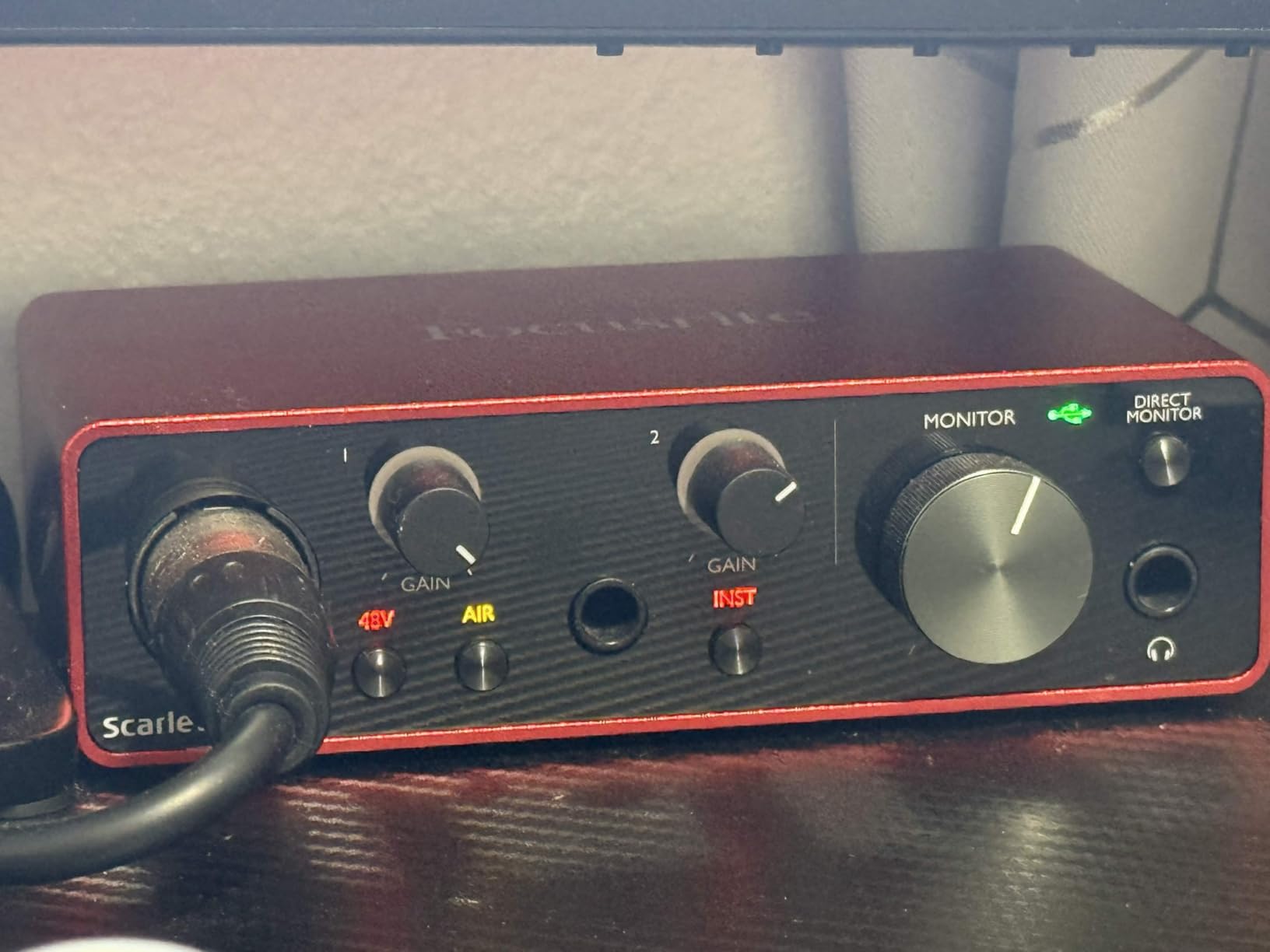
What it does well is unglamorous and reliable. The single XLR preamp offers 56dB of gain, which covers a condenser mic comfortably and handles most ribbon mics without straining, and the Hi-Z instrument input has enough headroom to take an electric guitar straight in without a pedal. Converters run to 24-bit/192kHz, and the Air mode switch gives you a brighter option on a dull vocal take.
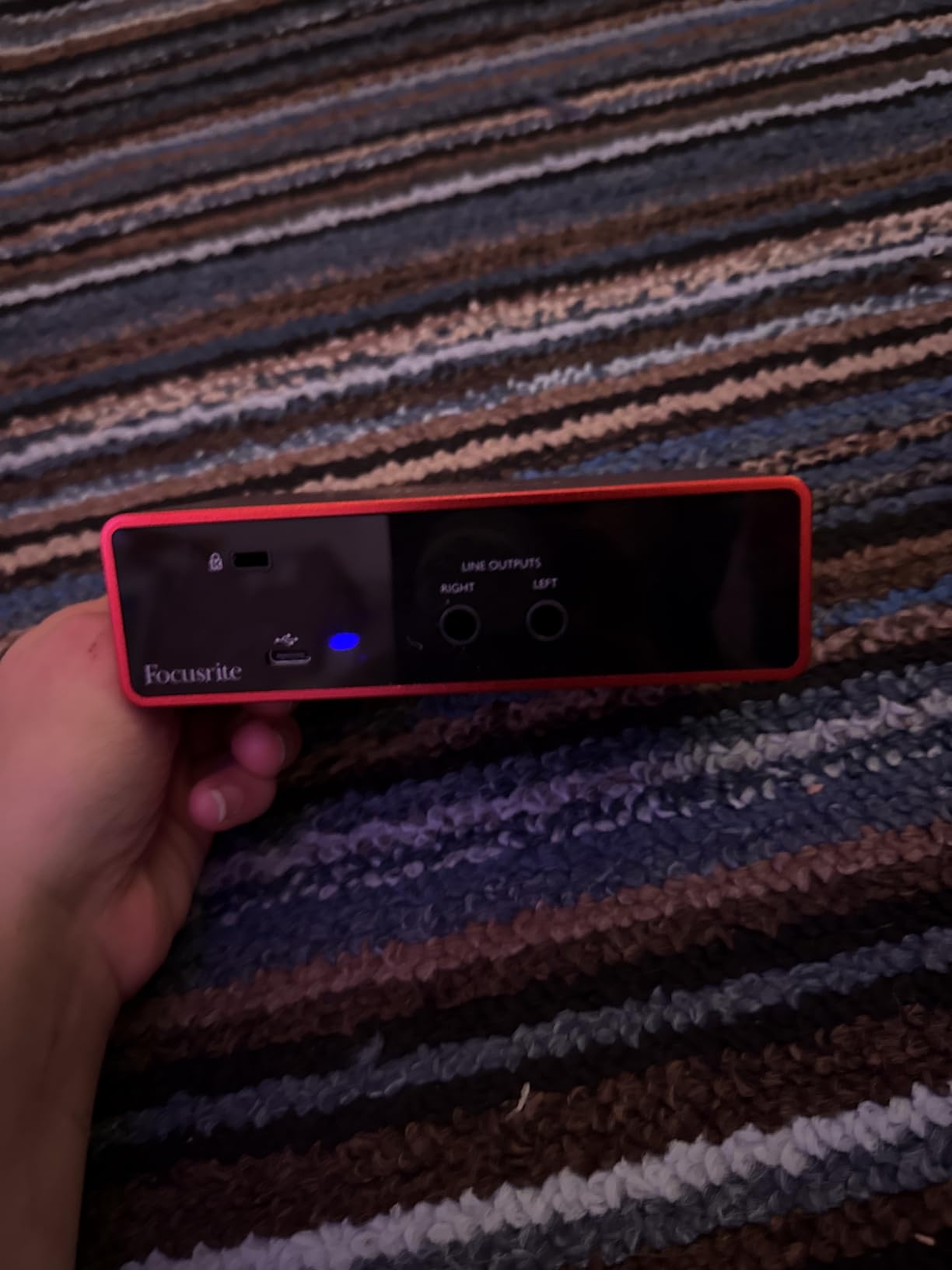
Across almost 30,000 reviews, the recurring praise is for clean recordings with low noise and a setup process that takes minutes rather than an evening. Owners regularly single out the gain and monitor knobs as feeling more expensive than the box suggests, which is the kind of detail that matters when you are adjusting levels while playing.
The limitation is structural rather than a flaw. One mic preamp means you cannot record a vocal and an acoustic guitar at the same time, and if your plan involves two singers in the same room, this is the wrong box. Everything about the Solo is built around one person doing one job well.
Is the Scarlett Solo 3rd Gen good enough for professional vocals?
Yes. A 24-bit converter with 56dB of usable gain captures a controlled vocal cleanly, and the recorded result depends far more on your room treatment and mic choice than on this tier of hardware. If you are working in a treated room with a decent condenser, there is no audible ceiling here.
The real limitation to understand is gain headroom for high-output dynamic mics. Those need far more gain than 56dB provides, which is exactly why the optional high-gain mode on newer Scarlett generations was added later. If your microphone is known for needing a lot of gain, budget for an inline booster or move up a tier.
Who should skip the Scarlett Solo 3rd Gen?
Skip it if you plan to record two sources at once on day one. A singer-songwriter tracking acoustic guitar and lead vocal simultaneously needs two mic preamps, and this unit has one. That is the single most common regret owners describe, and it is easier to avoid than to fix later.
Skip it if you want MIDI. There is no MIDI input or output here, so a hardware keyboard or controller means adding a separate MIDI interface or relying on USB MIDI only. Several owners in forums also describe older-generation Focusrite units as excellent first interfaces precisely because of how well they hold their value, which is worth knowing if you are buying used.
2. Behringer UMC22 – Best Budget Midas Preamp
Behringer UMC22 Audiophile 2×2, 48 kHz USB Audio Interface with Midas Mic Preamplifier | For Recording Microphones and Instruments
Midas-designed mic preamp
96kHz maximum sample rate
Combo XLR/TRS plus TRS
Direct monitor switch
16 oz
Pros
- Midas-designed preamp for a clean signal path
- Direct monitor select for zero-latency monitoring
- Compact bus-powered body that travels well
- Works with Pro Tools Ableton Live and Cubase
- Lowest cost of any Midas-branded preamp here
Cons
- Caps maximum sample rate at 96kHz
- Older USB 2 style design with a heavier driver
- Only two inputs for mic and instrument
The UMC22 does something no other pick at this level does: it puts a Midas-designed mic preamp in a box small enough to close around with one hand at 16 ounces. That preamp lineage is the reason owners rate it as a dependable first step up rather than a throwaway.
Connectivity is one combo XLR and quarter-inch TRS mic input, plus a separate quarter-inch TRS instrument input, so you can run a microphone and a guitar at the same time. Outputs are two quarter-inch TRS jacks for your monitors, and a direct monitor select switch on the front lets you choose zero-latency hardware monitoring instead of the USB return.
The trade-off is resolution. Maximum sample rate is 96kHz rather than the 192kHz you get from several rivals here, and the audio path is 48kHz-based. For most home recording that changes nothing practical, since almost nobody records at 96kHz anyway. It matters if you plan to oversample from a high-rate source for mastering.
Is 96kHz the maximum sample rate a real limitation?
For tracking, almost never. The majority of professional sessions are recorded at 44.1 or 48kHz, so a 96kHz ceiling leaves you the option to work at 48kHz with headroom above it. You lose the ability to record at 192kHz, which some electronic and orchestral sessions like, and some mastering workflows want for oversampling.
Reviewers also flag that the older driver package needs more attention on Windows than newer models, and forum discussion of the UMC series consistently notes the same thing. If you are on Windows 11 and want zero fuss, the USB-C units further down this list are calmer choices. The Midas preamp quality still makes this the cheapest sensible way to hear what a good preamp does to your voice.
Is the UMC22 a good first audio interface?
For a first box, yes, and the reason is the preamp rather than the feature list. The circuit that shapes your microphone signal is the part of an interface you cannot upgrade later, and this one uses the Midas-designed preamp family associated with consoles, which is a real step up from a generic entry-level preamp.
What you give up by choosing it is gain headroom for very quiet microphones and resolution above 96kHz. It suits condenser microphones and standard dynamics, so for voice, guitar, streaming or a first podcast it does the job without much drama. If you plan to run a very quiet large-diaphragm dynamic, or you need 192kHz, move up a tier instead.
3. M-Audio M-Track Solo – Best Plug and Play
M-AUDIO M-Track Solo USB Audio Interface
1 combo XLR/line input with phantom
1 line/instrument input
48kHz
Zero-latency USB/Direct switch
10.6 oz
Pros
- Plug-and-play with no driver install
- Low latency even at small block sizes
- Headphone output drives high-impedance headphones
- Solid build for the entry price
- MPC Beats software included
Cons
- Uses USB Type-B rather than USB-C
- Only one XLR/combo input
- Plastic build rather than metal
The M-Track Solo is the box for anyone who wants audio recorded today rather than this weekend. It needs no driver install on Mac, Windows or Linux, which owners mention constantly as the reason it never causes friction.
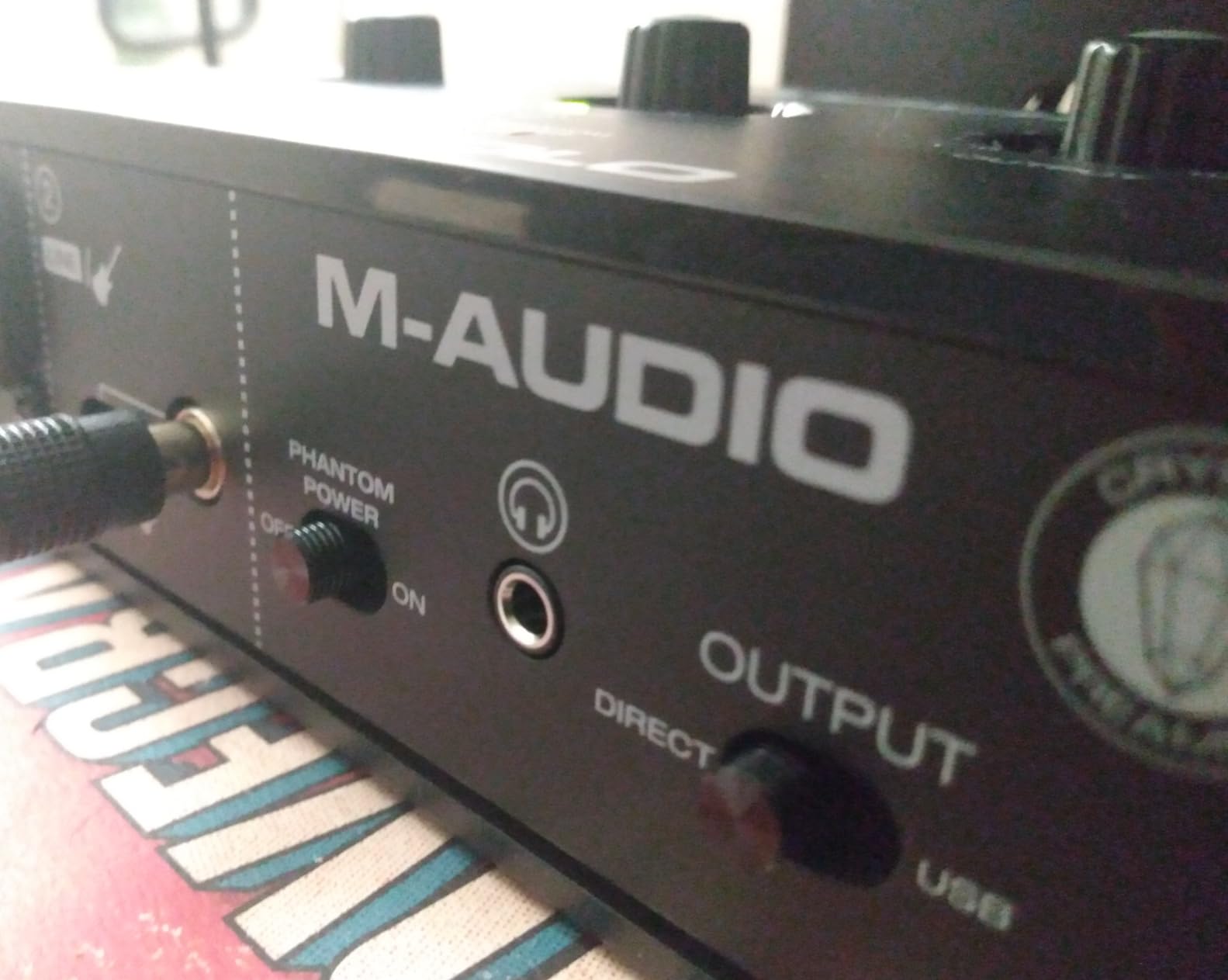
The front panel has one combo XLR and line input with phantom power, plus a second input that handles either line or instrument level. Monitoring goes through a quarter-inch headphone jack on some units and eighth-inch on others, so check the connector before your headphones arrive. Stereo RCA outputs cover powered monitors or a pair of nearfields.
Latency is the quiet strength here. Owners report usable monitoring at small block sizes, which matters when you are recording guitar and playing along rather than laying down a static vocal. The USB and Direct switch on the front gives you hardware monitoring that ignores the computer entirely.
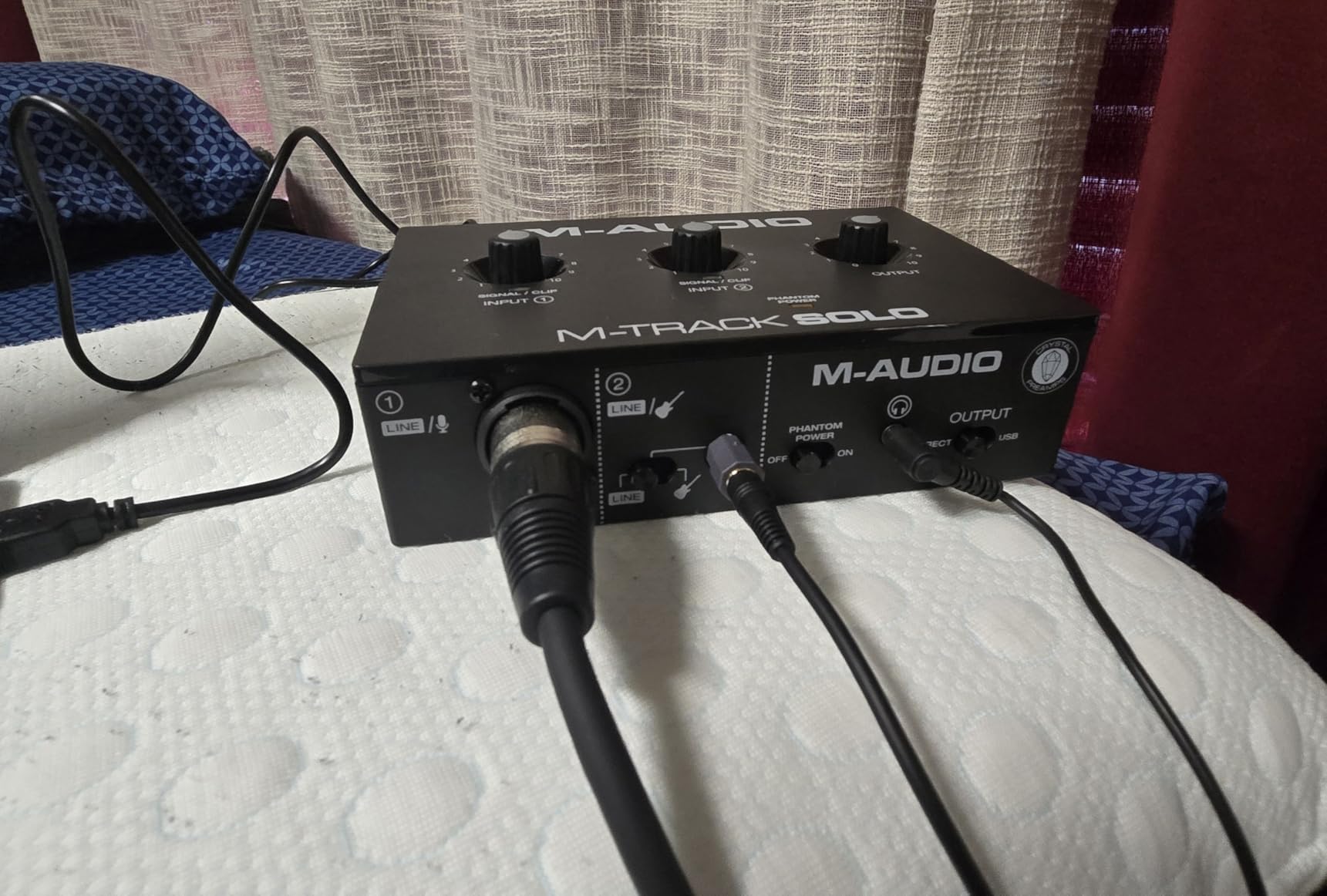
The compromises are physical rather than electronic. The chassis is plastic, the connection is USB Type-B rather than USB-C, and the printed instructions on Windows 11 confuse a reported number of new owners. None of that ruins a recording, and all of it is exactly what the lowest tier of interface looks like.
Does the M-Track Solo need drivers on Windows 11?
No. This is a class-compliant device, so your computer sees a standard USB audio converter and installs what it needs by itself. That is the reason for the plug-and-play reputation and the reason it still works if you switch from a laptop to a desktop.
The lack of a vendor control panel is the trade-off. You get no sample-rate selector beyond the system one, no buffer-size control beyond what the DAW offers, and no direct monitor blend knob. Reviewers who later moved to a unit with a proper mixer wish they had those controls, but for a first recording setup the simplicity is usually a feature.
When is the one-input limit a problem?
It becomes a problem the moment you want a microphone and a guitar in the same session, which is a common first project. The second input accepts a line or instrument source, so you can track guitar through it, but it is not a second mic preamp with phantom power, so it cannot take a condenser microphone as a main source.
If you are recording spoken word, podcasting, streaming, or a single instrument, one input is genuinely enough and this box does it well for very little. If you sing and play at the same time, move up to the two-input models in this list and skip the input arithmetic entirely.
4. M-Audio M-Track Duo – Most Versatile for Two Inputs
M-AUDIO M-Track Duo USB Audio Interface
2 combo XLR/line/instrument inputs
48kHz
1/4 inch headphone and stereo outputs
USB/Direct zero-latency switch
Pros
- Two real XLR inputs at a low price
- Clean low-noise headphone monitoring
- Instant setup on Mac Windows and Linux
- Good sounding circuits for the money
- Compact footprint fits under a monitor shelf
Cons
- Gain knob taper is twitchy near maximum
- All-plastic chassis that slides on the desk
- Dynamic mics like an SM57 may need more gain
The Duo is the cheapest way to get two genuine mic preamps, and for a lot of first-time buyers that single fact settles the decision. Both front inputs are combo XLR, line and instrument sockets with phantom power, so two singers or a singer and an acoustic guitar both work at once.
Outputs are a quarter-inch headphone jack with its own volume control and stereo quarter-inch line outputs for monitors. The USB and Direct switch gives you hardware monitoring with no round trip through the computer, which is why guitarists like this box for tracking.
The gain knob is the part reviewers mention most, and the mention is a complaint. The taper is very sensitive in the last few degrees, so it is easy to push a recording into clipping without hearing it. Learning the knob’s range takes an afternoon, and after that it stops being an issue.
Two further notes from owners. The all-plastic body is light enough to slide across a desk when you nudge it, and the headphone output colours computer playback slightly for some listeners. Both are cosmetic rather than functional problems, and neither appears in the recorded file.
Do you get enough gain for an SM7B-style dynamic mic?
Usually not, and this is worth saying plainly. Large-diaphragm dynamic mics such as the SM7B are famously quiet and want a lot of clean gain, and reviewers report that this interface runs out of headroom before they are comfortable. If that microphone is your plan, choose a unit with a high-gain mic preamp mode or add an inline booster.
For condenser mics and standard dynamic mics such as an SM58 or a vocal dynamic, the two preamps do their job well at this price. The right move is to set gain, watch the clip indicator, and back off a few degrees from the top of the knob rather than trying to reach the very end.
Who should buy the Duo instead of the Solo?
Buy the Duo if you intend to record more than one source at a time, even occasionally. The jump from one mic preamp to two is the single biggest workflow change you can make at this budget, and it removes the most common source of gear frustration.
Stick with the single-input model if your work is voice-only, because the extra input is dead weight on a podcast or a stream. Our beginner guide to audio interfaces for beginners covers the rest of the setup once the box is chosen.
5. Behringer UMC202HD – Best Value
Behringer UMC202HD Audiophile 2×2, 24-Bit/192 kHz USB Audio Interface with Midas Mic Preamplifiers | For Recording Microphones and Instruments
24-bit/192kHz converters
Midas-designed mic preamps
Phantom power
Impact-resistant metal chassis
1.2 lb
Pros
- 24-bit/192kHz recording resolution
- Midas-designed mic preamplifiers
- Rugged impact-resistant metal chassis
- Direct monitor select with level control
- Works with Pro Tools Ableton Live and Cubase
Cons
- Only two inputs so no multi-channel sessions
- Heavier and larger than the plastic alternatives
- Driver troubleshooting on Windows is common
The UMC202HD is the one we would buy with our own money if the ceiling were tight. It is a 24-bit/192kHz unit with Midas-designed preamps in a metal chassis, and it costs less than half of what the flagship options in this guide do.
Two combo inputs on the front handle mic, line and instrument sources with a global phantom power switch. The headphone amp is described as powerful, with a level control and a direct monitor select, and the line outputs are quarter-inch TRS for your monitors.
Build is the differentiator. At 1.2 pounds in a metal shell, it is the only pick here that feels like studio equipment rather than a plastic peripheral, and owners consistently describe it as a step up from the entry-level models rather than a lateral move.
Is the UMC202HD worth the extra money over a plastic model?
The extra money buys three things: a metal chassis that survives being moved, Midas-designed preamps with more headroom, and 192kHz converters. The chassis and preamps are the parts you will still notice in five years. The sample rate ceiling is the least important of the three for most home work.
Forum consensus on the UMC series is a consistent trade: you get more features per dollar than anywhere else in this guide, and on Windows you may spend time troubleshooting the driver when something misbehaves. That is a fair trade for most people, and not one at all if your computer is your only machine and you cannot afford a session where the driver misbehaves mid-take.
Is 192kHz actually worth paying extra for?
Almost never on its own. Recording at 44.1 or 48kHz at 24-bit gives you the full usable range of human hearing and a noise floor far below your acoustic environment. Higher rates exist for oversampling, for very high-end mastering, and for converters that behave better near their native rate.
So treat 192kHz as a marker of overall build quality rather than a feature to switch on. If you want clean recorded audio, gain staging and a treated room matter more than quadrupling the sample rate, and no competitor in this category will tell you otherwise.
6. PreSonus AudioBox 96 25th Anniversary – Best With MIDI
PreSonus AudioBox 96 25th Anniversary USB Audio Interface
2 Class-A mic preamps
MIDI in and out
24-bit/96kHz
Zero-latency mixer blend
USB 2.0 bus powered
Pros
- MIDI I/O is unusual and useful at this price
- Two Class-A mic preamps
- Bus-powered and compact for mobile recording
- Studio One Artist and Studio Magic bundled
- Mixer control for a custom monitoring blend
Cons
- USB 2.0 connection rather than USB-C
- Maximum 24-bit/96kHz resolution
- One year manufacturer warranty is short for the class
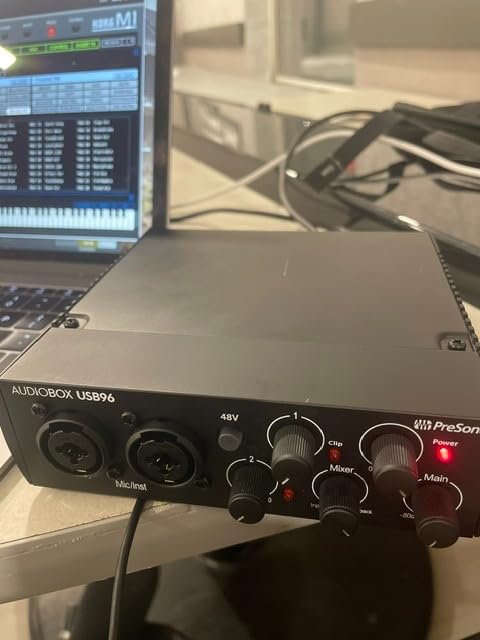
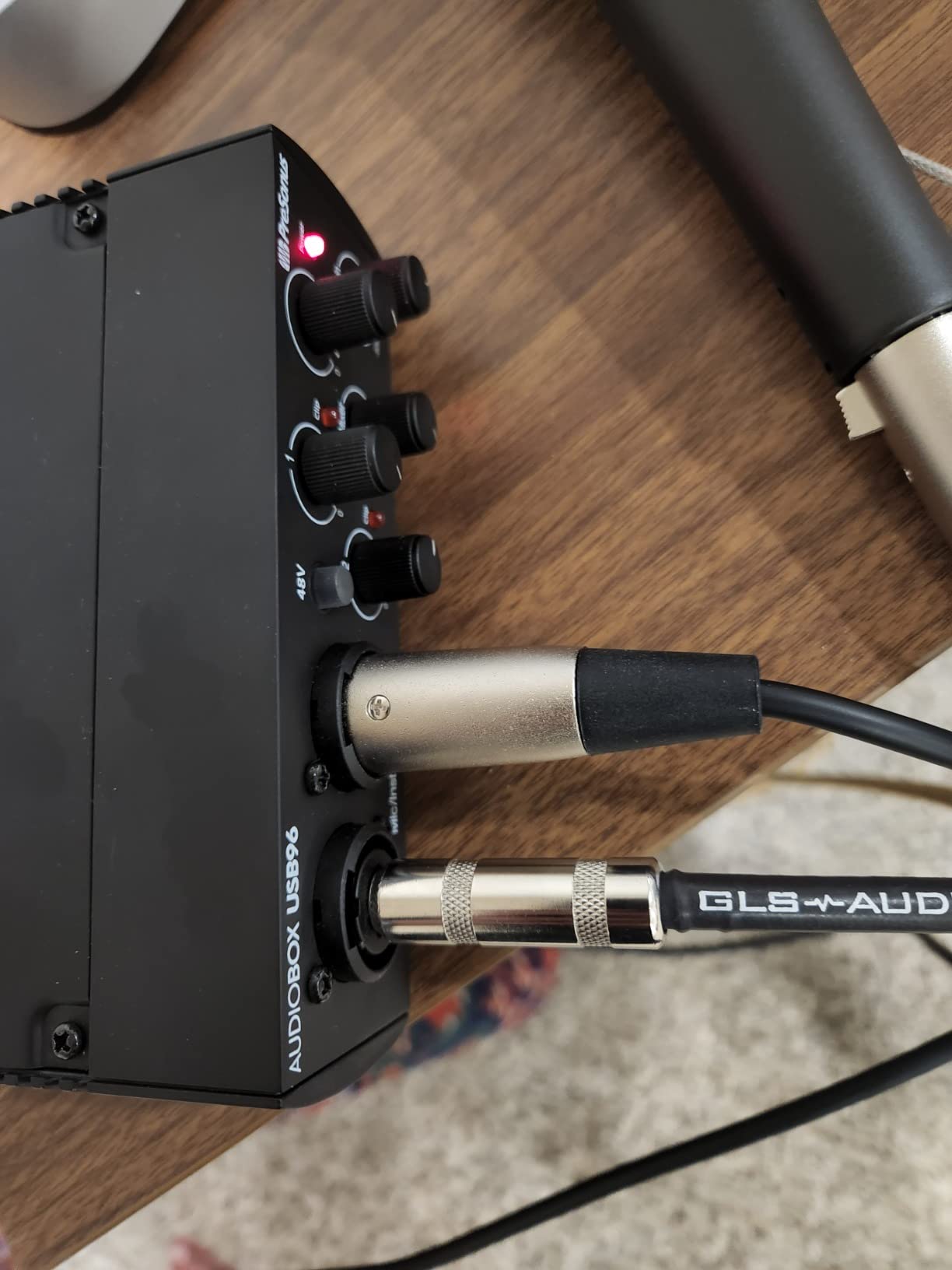
The AudioBox 96 is the pick for anyone who owns a hardware synth, a MIDI keyboard or a pad controller and wants one cable instead of two. Full-size MIDI in and out on the back panel is genuinely rare below the mid tier, and owners consistently describe it as the reason they bought this box.
The audio side is strong too. Two high-quality Class-A mic preamps sit behind two combo inputs, with high-headroom instrument inputs on the same sockets. Converters run to 24-bit/96kHz, and onboard global 48V phantom power covers condenser mics.
Monitoring is handled by a small mixer control that lets you set your own blend of direct signal and computer playback, which is the closest thing to the monitor blend found on pricier units. The box is bus-powered over USB 2.0 and weighs 2 pounds, so it moves between a desk and a laptop bag easily.
The bundle is genuinely heavier than usual. Studio One Artist, Ableton Live Lite and the Studio Magic plug-in suite come in the box, and for a beginner that is a working DAW on day one rather than a demo that expires.
Is MIDI I/O worth paying extra for at this price?
Yes if you own hardware, no if you do not. MIDI I/O lets a controller, pad or external synth send notes and receive clock and program changes over a single DIN cable rather than needing a separate MIDI interface. Owners with hardware workflow say it removes a permanent small annoyance.
If you only use a USB piano keyboard and software instruments, MIDI in and out do nothing for you. The same money buys a chassis that feels better and a longer warranty in several competing boxes, so treat this as a feature-match decision rather than a quality decision.
What are the USB 2.0 and warranty compromises?
USB 2.0 means an older square connector rather than the reversible USB-C used by newer rivals, and older connection schemes are more likely to need a hub or a powered hub on laptops with limited ports. Bandwidth is not the issue at these file sizes; convenience is.
The one-year manufacturer warranty is short compared with three or five years on some models here, and reviewers note it as the main spec-sheet letdown. PreSonus is a large manufacturer with an established support network, so the risk is lower than the number suggests, but read the warranty terms before you keep the box for a decade.
7. MOTU M2 – Best for Mac
MOTU M2 USB-C Audio Interface
USB-C
24-bit/192kHz
Hardware monitoring
2-in/2-out
612 g
Pros
- Excellent 24-bit/192kHz converter quality
- Hardware monitoring for low-latency tracking
- Two clean preamps in a very small footprint
- Large library of free looping and instrument content
- Two-year warranty
Cons
- Only two inputs and two outputs
- Some setup needs MOTU drivers installed
- Heavier than the plastic alternatives
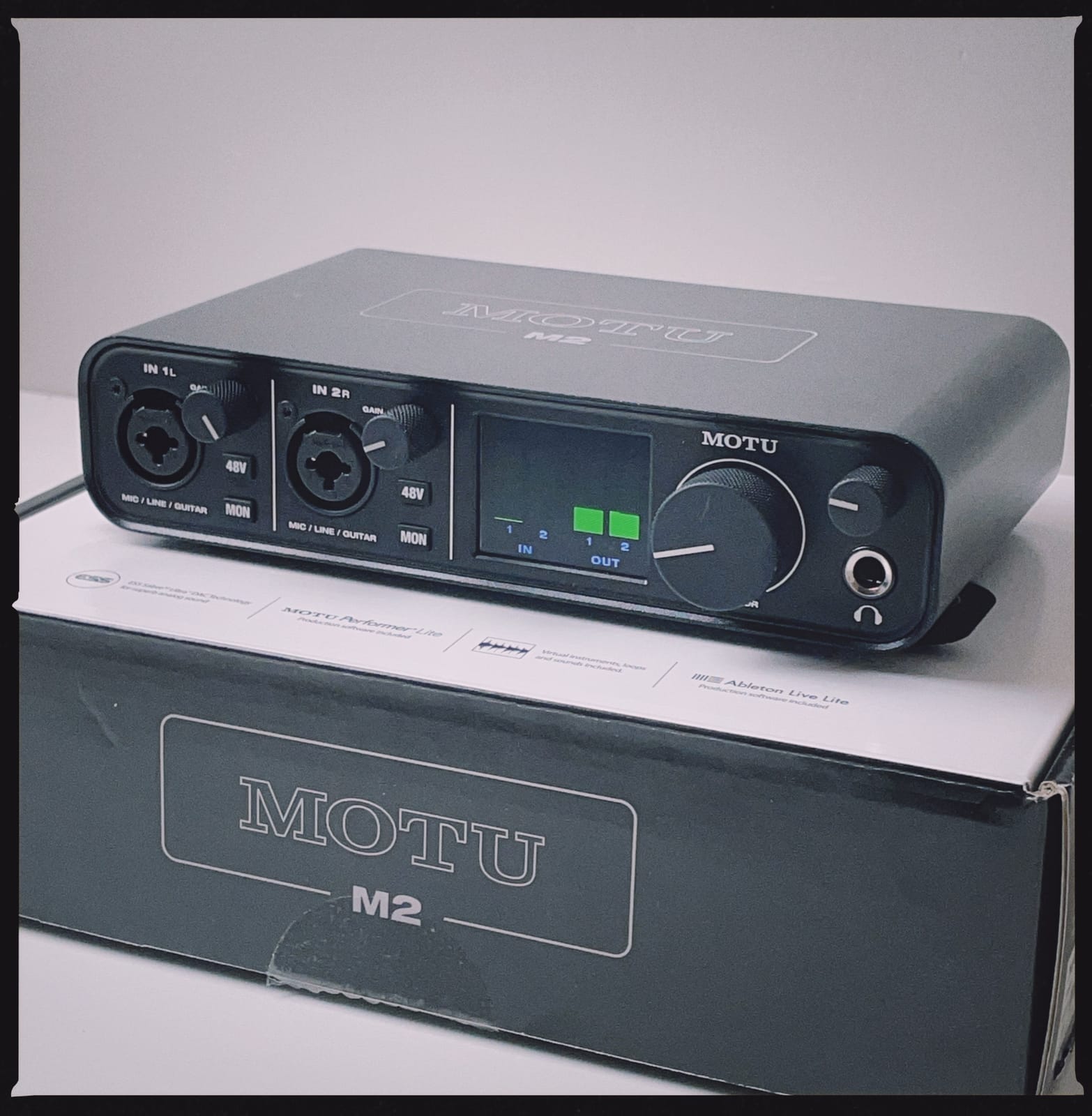
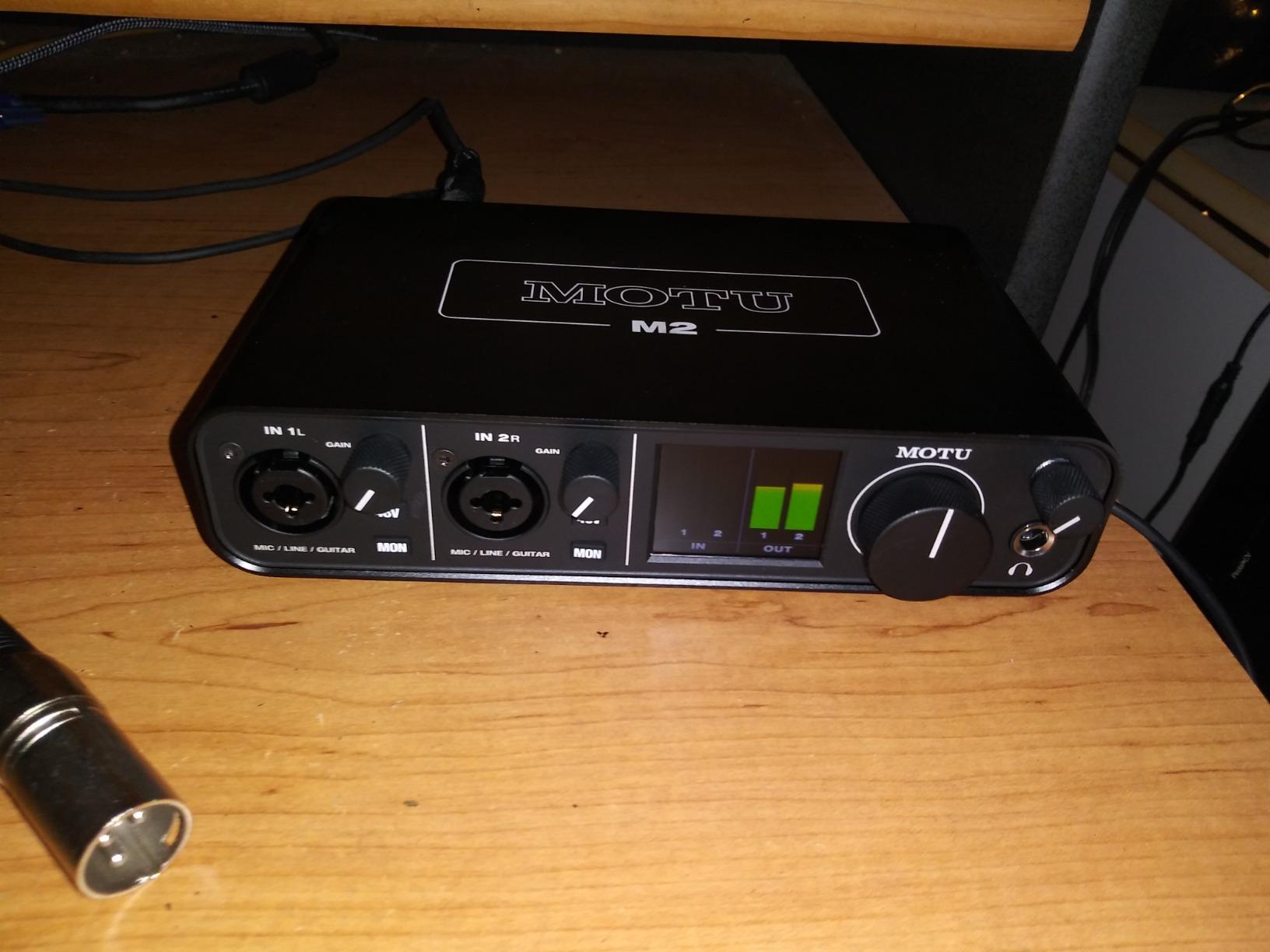
The MOTU M2 is the pick we would own on a Mac, and forum owners on r/musicproduction repeatedly describe it as simply the best in terms of macOS integration in this price range. It is a USB-C box, so one cable handles data and power on a modern laptop.
Two preamps and two-in, two-out conversion run to 24-bit/192kHz through converters that owners describe as the cleanest in the group. Hardware monitoring handles tracking without a round trip through macOS, which is the second most common reason Mac users pick it.
More than 6GB of free looping and instrument content ships with it for macOS, Windows and iOS, which is the most generous software bundle in this guide. For a beginner building tracks on day one, that library is a real time saver rather than a marketing line.
One more forum note worth weighing honestly: the same owners who praise the Mac integration place this box among the noisiest in side-by-side listening tests at high gain. That is not a dealbreaker at normal vocal levels, but if you run a very quiet ribbon mic and push the preamp hard, expect more floor hiss than the Audient.
Is the MOTU M2 worth the top-of-budget price?
It is the most expensive pick here by a wide margin, and whether that is justified depends on your platform. On a Mac, the driver integration and hardware monitoring make it feel like a piece of Apple-adjacent studio gear, and at that point the converter quality follows along for the ride.
On Windows it is still a very good interface, but you are paying partly for a Mac experience. If you are on Windows and your budget is fixed, the same money buys a chassis with more inputs or a longer warranty, and reviewers rarely describe the MOTU as a bargain on that platform.
Can the MOTU M2 work on an iPad?
Yes, and this is one of its quieter strengths. The bundled content is explicitly licensed for macOS, Windows and iOS, and the USB-C connection works with class-compatible iPad workflows. That makes it one of the few picks in this list you can genuinely use for mobile recording rather than only for its marketing claim.
The limit is input count. Two inputs and two outputs means one microphone and one instrument, with no room for a second performer. If you are recording on the move with a single mic and a keyboard, that is exactly right.
8. Audient iD4 MKII – Best Console Preamp
Audient Audio Interface iD4 MKII, Class A Console Microphone Preamp (High Speed USB-C, Monitor Mix and Monitor Panning Function, 2 Headphone Outputs, Mac/PC/iOS Compatible), Black
Class-A mic preamp from ASP8024
USB-C
24-bit/96kHz
2 headphone outputs
All-metal housing
3 year warranty
Pros
- Audient console Class-A preamp for a detailed mic sound
- All-metal desktop housing feels premium
- USB-C simplifies connection and improves power
- Two headphone outputs allow shared monitoring
- Three year manufacturer warranty
Cons
- Single mic preamp limits it to one microphone
- Maximum 24-bit/96kHz resolution
- Metal body is not bus powered
The iD4 MKII uses the same Class-A microphone preamplifier design found in Audient console hardware, and that is why it sounds different from everything else at this price. Owners and reviewers consistently report a more detailed, more forward vocal sound with less of the dullness you get from cheaper preamp circuits.
The build matches the sound. It is an all-metal desktop housing weighing 740 grams, with a high-speed USB-C connector for data and power on one cable. The monitor mix knob and monitor panning function give you a hardware blend control and let you centre a mono source in your headphones.
Two headphone outputs is the feature nobody else in this guide offers. If a second person needs to hear what you are hearing during a session, they plug in beside you. That alone has pushed several owners to choose it over otherwise similar single-input models.
Is the Audient iD4 MKII good enough for professional vocals?
Yes, and it is the one we would pick for lead vocals specifically. The console-derived preamp has the headroom and clarity that professional tracking chains are built around, and owners report that the recorded file needs less corrective EQ than files from cheaper preamps.
In head-to-head comparisons posted in audio forums, the Audient is frequently chosen as the best-sounding option at this budget, sometimes over the Scarlett 2i2. The gain range is enough for condensers and standard dynamics, though very quiet large-diaphragm dynamics still ask for a booster.
What do you give up for that preamp?
You give up a second mic preamp. This is a one-microphone box, and if your plans involve a singer plus an acoustic guitarist recorded at the same time, no preamp quality in the world fixes that. That is the honest limit of this pick.
You also give up 192kHz, since the converters top out at 24-bit/96kHz, and it needs a power source because the metal body is not bus powered. For tracking at 48kHz on a desk with a power outlet nearby, neither matters.
9. PreSonus AudioBox GO – Best for Travel
PreSonus AudioBox GO | USB-C Audio Interface for music production with Studio One DAW Recording Software, Music Tutorials, Sound Samples and Virtual Instruments
USB-C bus powered
1 instrument input plus 1 XLR combo
50dB XMAX-L preamp
24-bit/96kHz
8.16 oz
Pros
- Bus-powered USB-C works with laptops phones and tablets
- Instrument and mic inputs usable at the same time
- Headphone mix control for zero-latency blending
- Studio One Prime and Studio Magic included
- Very compact and light for mobile recording
Cons
- Maximum 24-bit/96kHz resolution
- Only one XLR mic/line input
- One year manufacturer warranty
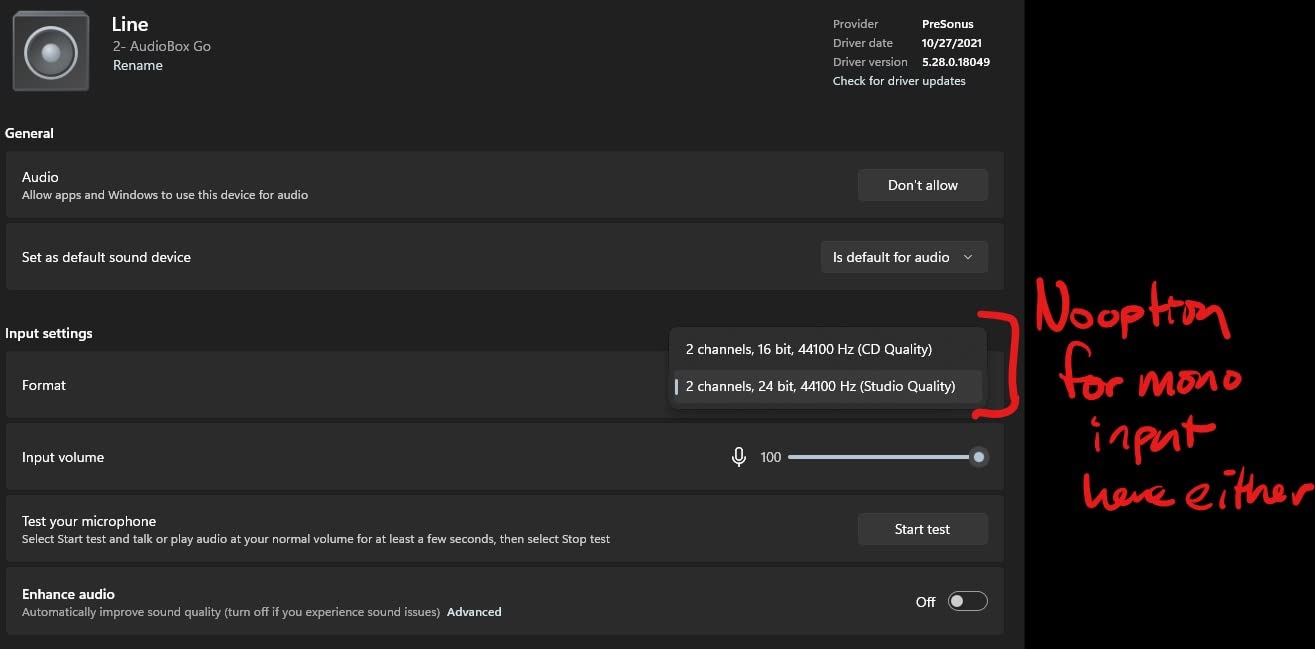
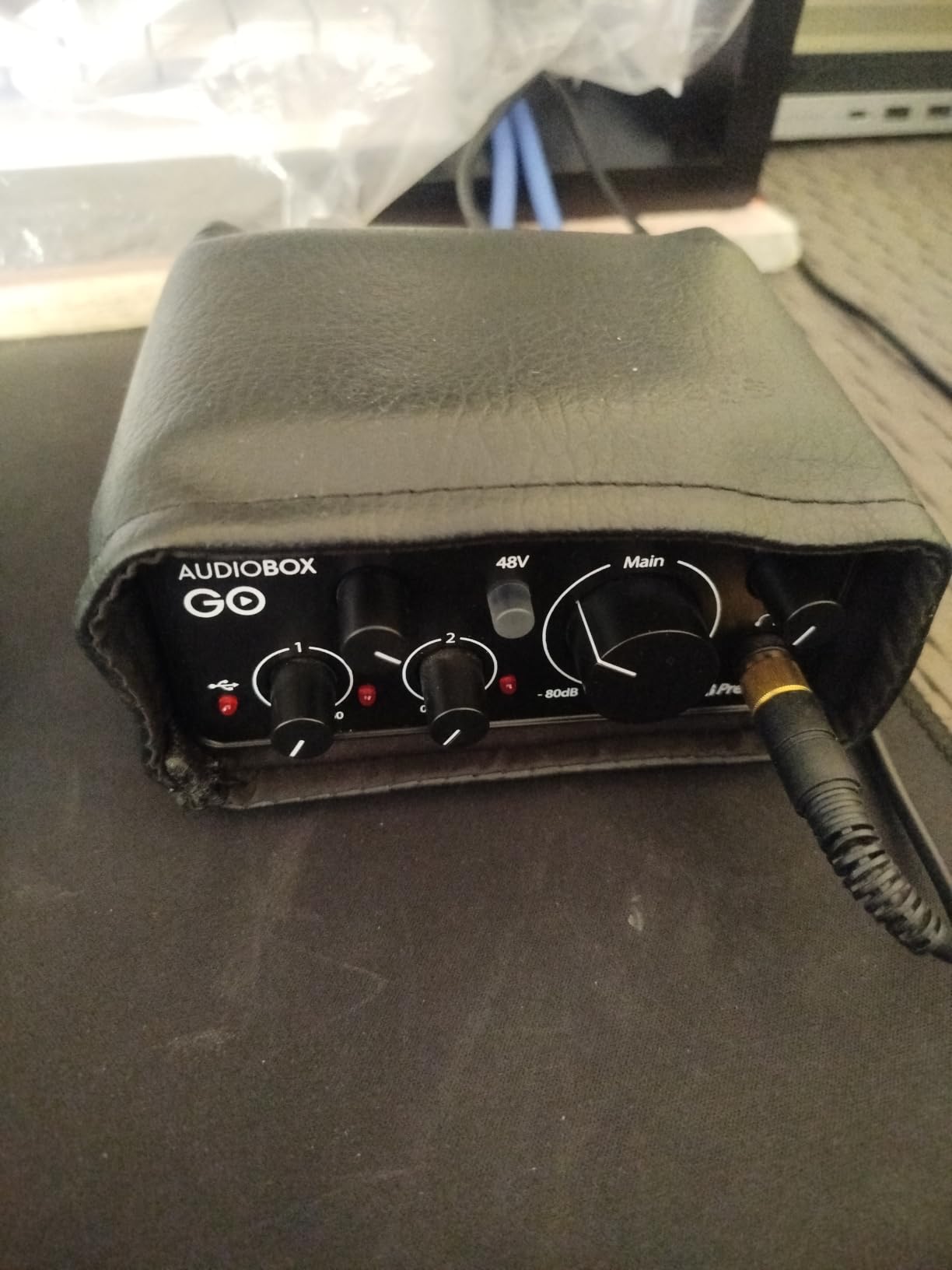
The AudioBox GO is the pick that fits in a jacket pocket. At 8.16 ounces and powered entirely over USB-C, it runs from a laptop, a tablet or a phone without a separate power supply, which makes it the most genuinely mobile option in this guide.
It is not a one-input toy. There is a TS instrument input and an XLR mic and line combo input, so you can record a guitar and a microphone at the same time even though only one of them is a mic preamp. The XMAX-L preamp offers 50dB of adjustable gain with switchable 48V phantom power.
Monitoring uses a quarter-inch TRS headphone output with a mix control for a zero-latency blend, and two balanced quarter-inch TRS main outputs handle monitors or a line-level feed. Converters run to 24-bit/96kHz, and Studio One Prime plus the Studio Magic plug-ins ship in the box.
Does the AudioBox GO really work with an iPad or iPhone?
Yes, and this is the reason it exists. The bus-powered USB-C connection is explicitly designed for Apple and Android devices as well as laptops, so you can record vocals straight into a mobile device with a compatible audio app and no adapter.
Reviewers caution that class-compliant mobile behaviour varies by app, so test your specific recording application before you rely on it for a project. As a laptop interface it behaves like any other bus-powered unit, and the mix control makes latency a non-issue during tracking.
Is 50dB of gain enough for your microphone?
Enough for most, not for all. Fifty decibels handles condenser microphones and standard dynamics like an SM58 with headroom to spare, and it is close to the practical ceiling for a clean signal from a quiet ribbon or a large-diaphragm dynamic.
If you own one of those, treat the preamp as half a gain stage and plan to use a dynamic signal enhancer. That is not a reason to avoid this box for travel, but it is a reason to check your microphone before you commit.
10. Arturia MiniFuse 1 – Best for Guitar and Synths
Arturia MiniFuse USB Audio & MIDI Interface, MiniFuse 1
1 combo XLR plus 2 TRS inputs
5-pin MIDI in and out
USB hub port
Loopback
5-year warranty
Pros
- Very low noise floor and transparent signal path
- Compact metal case with solid weighted knobs
- Rear USB hub port for MIDI controllers
- Generous software bundle with Ableton Live Lite
- Five-year warranty behind 200 plus reliability tests
Cons
- Only one XLR mic input
- Some users need a reboot after driver installation
- Headphone output not ideal for small earbud IEMs
The MiniFuse 1 is the most complete small box in this guide, and it is the one we recommend for guitarists and hardware synth players. You get one combo XLR input with 48V phantom power for a microphone or a direct instrument, plus two balanced quarter-inch TRS instrument and line inputs.
That means you can record a vocal on the XLR and two stereo or mono sources on the TRS pair at the same time. For an electric guitar plus a keyboard or a drum machine, that is the exact number of inputs most home sessions need, and almost no competitor at this weight fits them.
Around the back you also get 5-pin MIDI in and out and a USB Type A hub port that delivers 250mA to a controller. Reviewers value the hub because it removes a cable from the desk rather than adding one.
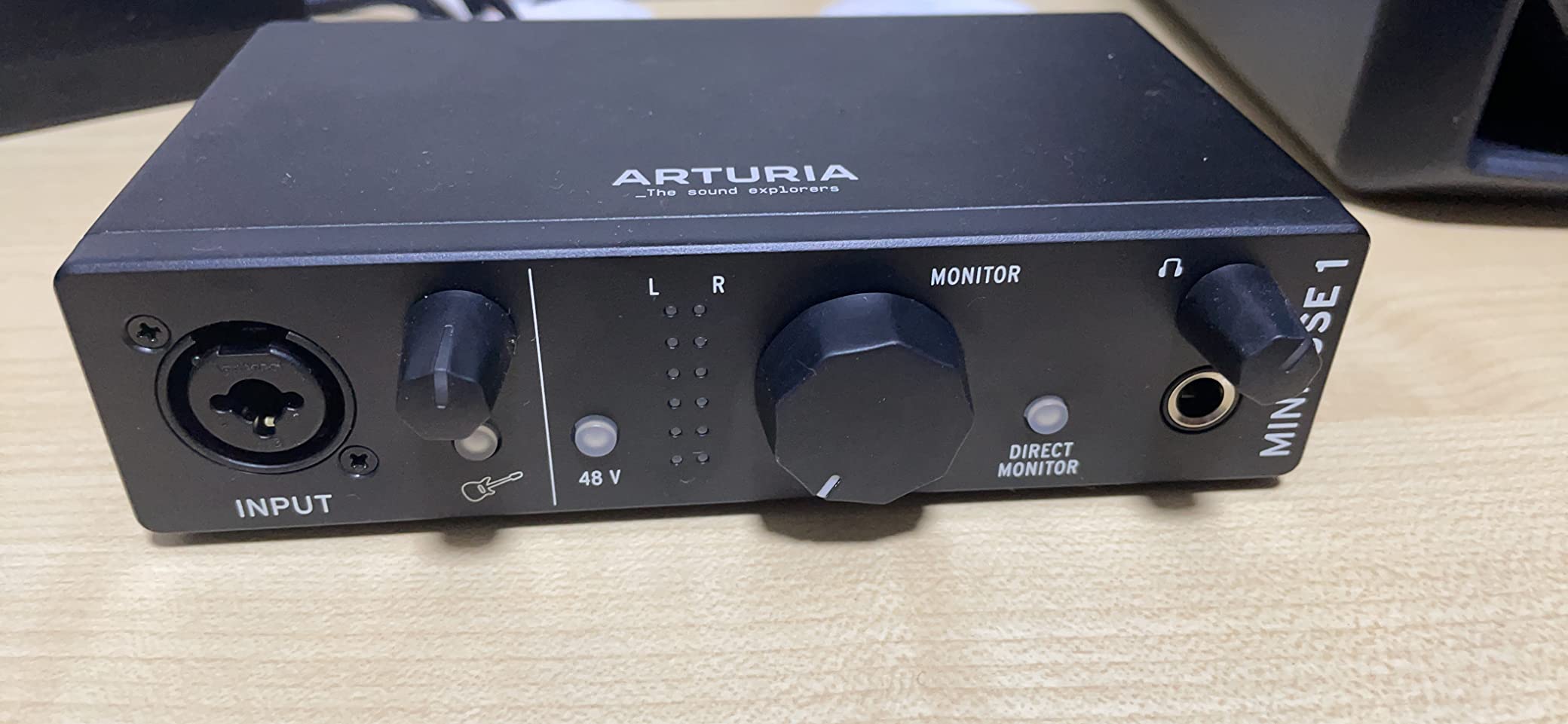
Two things make this stand out beyond inputs. The noise floor is described by owners as very low and the signal path as transparent, which matters if you are boosting an acoustic guitar quietly. And the five-year warranty, backed by more than 200 reliability tests, is the longest in this guide by a wide margin.
Does loopback make this good for streaming and podcasting?
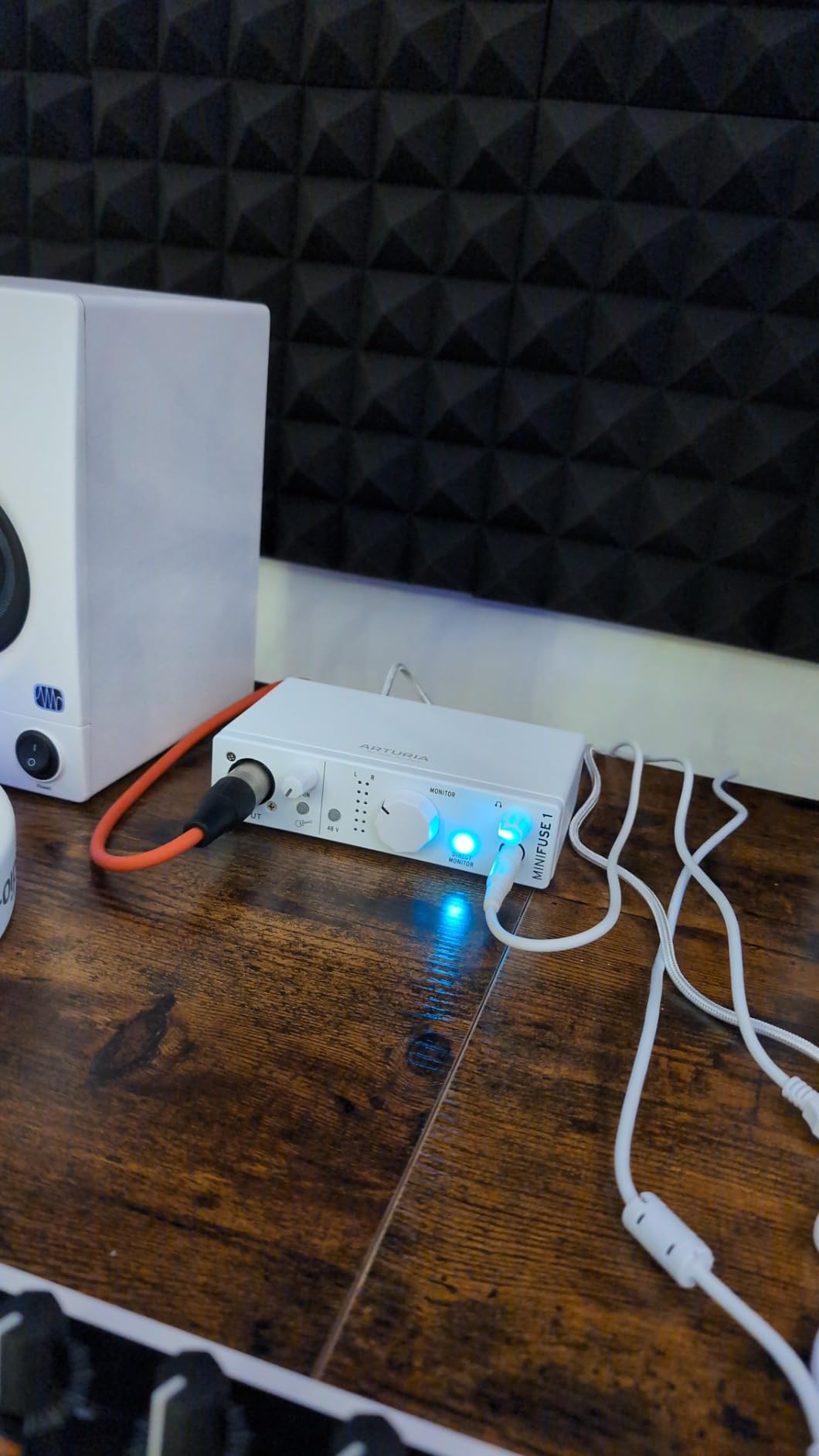
Yes. The loopback function captures in-app or in-game audio alongside your microphone, which is the feature podcasters and streamers need to mix system sound, music and voice into one recorded or broadcast track. Most budget interfaces need a separate mixer for this; the MiniFuse 1 handles it in the box.
One caution from owners is that the headphone output is not ideal for small in-ear monitors with very low impedance. For ordinary studio headphones the output is fine. If you wear IEMs, check the impedance requirement against a model with a dedicated high-gain headphone stage.
Is the bundled software actually worth anything?
More than most. Ableton Live Lite and Analog Lab Intro are genuinely useful starting points, and Arturia FX plus Auto-Tune Unlimited and a Splice Creator plan add real value. GUITAR RIG 6 LE is included as well, which is unusual at this weight.
Reviewers caution that no bundle licence makes a bad interface good, and beginners regularly report disappointment with slimmed-down DAW licences elsewhere in this price range. Here the total list is broad enough that you can stay inside the included products for a full year and never feel short.
How to Choose an Audio Interface Under 200 Dollars
Count your simultaneous sources before anything else, because that single number eliminates half the options and prevents the most common wrong purchase. One singer alone needs one mic preamp. A singer plus an acoustic guitar needs two. A full band or a podcast with two hosts at separate microphones needs four, which is where the 200 dollar ceiling starts to cause real problems.
The mistake we see most often is buying a single-input interface and planning to upgrade later. Interfaces are not modular in the way a laptop is, so the fix means buying a new box anyway. If there is any chance you will record guitar and vocals together within a year, buy two preamps now.
Gain staging explains most of the hiss complaint
If you hear white noise as you raise the gain, the interface is usually not the culprit. A condenser microphone has its own self-noise, and pushing a quiet source up by 40dB amplifies that noise along with the voice. Add the preamp’s own noise floor and you get the hiss that drives people to forums asking whether their interface is faulty.
The fix is gain staging rather than a bigger box. Get the microphone as close to the source as you can, keep the preamp gain below clipping, and use your DAW’s fader and gain plugin for the final level. A quiet dynamic microphone used close to a guitar amp will out-perform a sensitive condenser recording a distant singer in an untreated room.
Higher-gain preamps exist so quiet microphones need less gain from the interface. That is the honest reason to step up a tier, and it is not the same thing as buying a quieter interface when the noise is coming from the microphone.
Direct monitoring and latency are not the same problem
Direct monitoring routes your input signal to your headphones through hardware, bypassing the computer entirely, so you hear yourself with essentially no delay. Several picks here offer a switch for it: the Behringer units have a direct monitor select, the M-Audio models have a USB and Direct switch, and the MOTU M2 calls it hardware monitoring.
What you hear coming back from your DAW is a different delay, made of your buffer size, your plugin chain and your operating system. Users cannot tell these apart, so they blame the interface. If you cannot play along cleanly while tracking guitar, drop the buffer size in your DAW first, and only then consider hardware.
Units with a monitor blend knob, such as the Audient iD4 MKII and the PreSonus AudioBox models, let you mix your direct signal with computer playback. That is the most flexible solution and the easiest way to get the balance right for a particular DAW.
MIDI I/O buys a cable, not a feature
MIDI in and out are worth having if you own hardware that needs it: a controller with legacy MIDI ports, an external synth, a drum machine or a pad controller. They let that hardware send notes, receive clock and change programs over one cable, with no separate MIDI interface on the desk.
Nothing here improves your audio quality. If you use only USB controllers and software instruments, skip this criterion entirely. The PreSonus AudioBox 96 and the Arturia MiniFuse 1 are the two picks with MIDI I/O in this guide, and the MiniFuse also adds a USB hub port for controllers.
Do you need 24-bit/192kHz?
You need 24-bit. Every interface here provides it, and it is what determines how quiet your recorded floor is relative to the signal. Sixteen-bit, still offered on older gear, is audibly noisier and is the single spec worth avoiding at any price.
Sample rate is where buyers overspend on attention. A 192kHz maximum lets you record at that rate if you want to, but most sessions are tracked at 44.1 or 48kHz and nothing forces you upward. Treat 192kHz as a marker of overall build quality, not a feature to switch on.
What the 200 dollar ceiling rules out
Most boxes here have one headphone output and no independent multi-channel monitoring. Only the Audient iD4 MKII gives you two headphone jacks, and that is the maximum in this guide. If you want to mix down for two people at once, the ceiling is too low and you should save up.
You also rarely get four mic preamps. Multi-channel recording with separate gain control per channel starts above this budget, so anyone recording a duo or a drummer should expect to spend more. Thunderbolt is entirely absent at this level, and hardware DSP effects are rare, with none of these picks offering console-style channel strips.
Balanced line outputs vary as well, and several models use unbalanced RCA or stereo outputs for monitors. That is fine for most desk setups, but if your monitors sit across the room or you have a long cable run, a model with balanced quarter-inch TRS outputs is the safer buy.
Windows and macOS behave differently
Driver stability is the loudest complaint in forum threads about this category, and it is a platform issue as much as a model issue. The Behringer UMC series is mentioned most often for needing troubleshooting on Windows, and the M-Audio units use the older USB Type-B connector that older hubs handle less gracefully. The USB-C models tend to be calmer.
On macOS, every pick here works out of the box or close to it, and the MOTU M2 is singled out for the tightest integration. If you are on Windows and your session depends on reliability, favour a current USB-C model from a manufacturer with an active driver update history.
What the bundled software is really worth
Bundled licences drive a lot of the disappointment in this category. Ableton Live Lite, Cubase LE and Pro Tools Intro are all real DAWs with real limits, and buying an interface because of the software rather than the hardware is how people end up with a box that cannot do what they bought it for.
Judge the bundle on whether it lets you finish tracks. The Arturia MiniFuse 1 has the broadest list, including Ableton Live Lite, Analog Lab Intro, Arturia FX and Auto-Tune Unlimited. The PreSonus boxes include Studio One, which is a complete DAW rather than a reduced one, and the M-Audio units include MPC Beats.
Our wider guides on audio mixers for live sound and home jukebox systems cover the other hardware in a small setup, and neither requires the budget this guide spends.
Frequently Asked Questions
What is the best audio interface under 200 dollars?
The Focusrite Scarlett Solo 3rd Gen is the best overall pick under 200 dollars, with 29,431 owner ratings at 4.7 stars. It gives you one XLR mic preamp with 56dB of gain, a Hi-Z instrument input, 24-bit/192kHz converters and Air mode. Choose the Audient iD4 MKII instead if you want the cleanest preamp sound, or the MOTU M2 if you work on a Mac.
Which audio interface has the best sound quality?
The Audient iD4 MKII is widely reported as the best-sounding option at this budget, because it uses the same Class-A preamp design found in Audient console hardware. In practice the difference between these units is smaller than the difference between your microphone and your room. Gain staging and acoustic treatment move recorded quality further than any upgrade inside this price range.
What is the best affordable audio interface for a beginner?
The M-Audio M-Track Duo is the best affordable pick for a beginner, because two real XLR preamps let you record a vocal and a guitar at the same time without a second purchase. It runs at 48kHz, needs no driver install on Mac, Windows or Linux, and includes MPC Beats. Learn the gain knob taper in your first session, because it is twitchy near maximum.
Is the Audient iD4 MKII a good audio interface?
Yes. The iD4 MKII pairs a Class-A console-derived mic preamp with an all-metal housing, USB-C, monitor mix and panning, and two headphone outputs so a second person can monitor with you. Its limits are a single mic preamp and a 24-bit/96kHz maximum. It sits at the top of this budget, so it suits one-microphone work rather than multi-source sessions.
Why is there white noise when I increase gain?
The noise is usually the microphone, not the interface. A condenser mic has its own self-noise, and raising gain to 40dB or more amplifies that along with the voice, adding the preamp floor on top. Move the mic closer to the source, keep the preamp below clipping, and set the level with your DAW fader. A high-gain preamp mode on newer models exists for exactly this reason.
Conclusion
Buy the Focusrite Scarlett Solo 3rd Gen if you are recording one microphone and one instrument, because it is the most proven and the easiest to set up. Buy the M-Audio M-Track Duo if you want two preamps for less than most single-input alternatives. Buy the Audient iD4 MKII if the recorded vocal quality matters more to you than having a second input, and the MOTU M2 if your studio runs on macOS.
Whichever you choose among the best audio interfaces under 200 dollars, count your inputs first, set gain properly and treat your room as part of the signal chain. Those three habits will matter more to your finished recordings in 2026 than any feature on a spec sheet.