
A good monitor under 500 dollars does three things: it stays flat across the frequency response, it holds a stable stereo image so you can place sounds, and it tells the truth about the low end instead of guessing. Our pick of the best studio monitors under 500 dollars is the Yamaha HS4, with the JBL 305P MkII close behind for anyone who wants more bass and a wider sweet spot.
We spent weeks with ten pairs of powered studio monitors in untreated rooms, on desks against walls, and in treated corners, then read the owner reviews closely. The list below covers every pick from a four inch desktop pair to a three-way monitor that most people never expect to find in this price band.
Two warnings before you spend anything. First, most brands advertise a price for a single monitor, so a pair can land well past the 500 dollar ceiling even when the listing looks safe. Second, the models dominating forum threads are often generations old, so check the exact model number before buying anything.
Table of Contents
Top 3 Studio Monitors Under 500 Dollars Right Now

Yamaha HS4
- 4.5 inch woofer and 1 inch dome tweeter
- 60 Hz - 22 kHz response
- Room control and high trim
- Combo XLR/TRS inputs

JBL 305P MkII
- Image Control Waveguide
- 5 inch woofer with Slip Stream port
- Dual 41W Class-D amplifiers
- Boundary EQ and HF trim

PreSonus Eris E4.5
- 4.5 inch woven composite woofer
- 50W Class AB amplification
- Front headphone output
- TRS and RCA inputs
All 10 Picks Compared Side by Side in 2026
| Product | Specifications | Action |
|---|---|---|
| Yamaha HS4 |
|
Check Latest Price |
| JBL 305P MkII |
|
Check Latest Price |
| PreSonus Eris E4.5 |
|
Check Latest Price |
 Edifier MR4 Edifier MR4 |
|
Check Latest Price |
 M-Audio BX4 M-Audio BX4 |
|
Check Latest Price |
 PreSonus Eris E5 PreSonus Eris E5 |
|
Check Latest Price |
 Edifier MR5 Edifier MR5 |
|
Check Latest Price |
 Ortizan C7 Ortizan C7 |
|
Check Latest Price |
 KRK Classic 5 KRK Classic 5 |
|
Check Latest Price |
 ADAM Audio D3V ADAM Audio D3V |
|
Check Latest Price |
How We Picked These Monitors
Flatness matters, but a spec sheet cannot tell you how a monitor behaves in a real room with a desk against a wall. So we judged each pair on five things we could actually hear or check.
Voicing and flatness: does the monitor reveal problems in a mix, or add its own? Driver and amplification quality: a bigger woofer with weak power distorts on kick drum before it runs out of headroom. Self-noise: hiss between tracks at normal gain is disqualifying. Room handling: does the port placement, waveguide or boundary EQ give you a way to fix placement problems? Value and warranty: build quality, included cables and coverage over several years.
We also weighted long-term owner feedback heavily, because a monitor that measures well on day one can surprise you after six months. Our wider reading on how to pick studio monitors for beginners covers the basics if you have never owned a pair.
1. Yamaha HS4 – the most trustworthy reference under the ceiling
Yamaha HS4 Powered Studio Monitor in Black, Pair (HS4 B)
4.5 inch cone woofer
1 inch dome tweeter
60 Hz - 22 kHz (-10 dB)
26W per side
Combo XLR/TRS
Pros
- Flat revealing reference tuning
- Room control and high trim switches
- Combo XLR/TRS plus RCA and stereo mini inputs
- Pair supplied with speaker cable
- Durable finish that shrugs off knocks
Cons
- 26W per side is modest for large rooms
- Rear port limits low-end extension
- All wiring terminates on one speaker
- Fixed power cord
- About 3.5 kg each
The HS4 is the pair we recommend when the room is untreated and the desk is pushed against a wall. Yamaha’s room control switch applies a low frequency cut designed for that exact situation, which means the monitors behave sensibly out of the box instead of needing EQ homework first.
Owner reviews describe it as an honest reference that simply shows the tone of whatever you feed it, staying clean at low and medium listening levels. The 4.7 average across thousands of reviews is the strongest track record here for consistency rather than excitement.
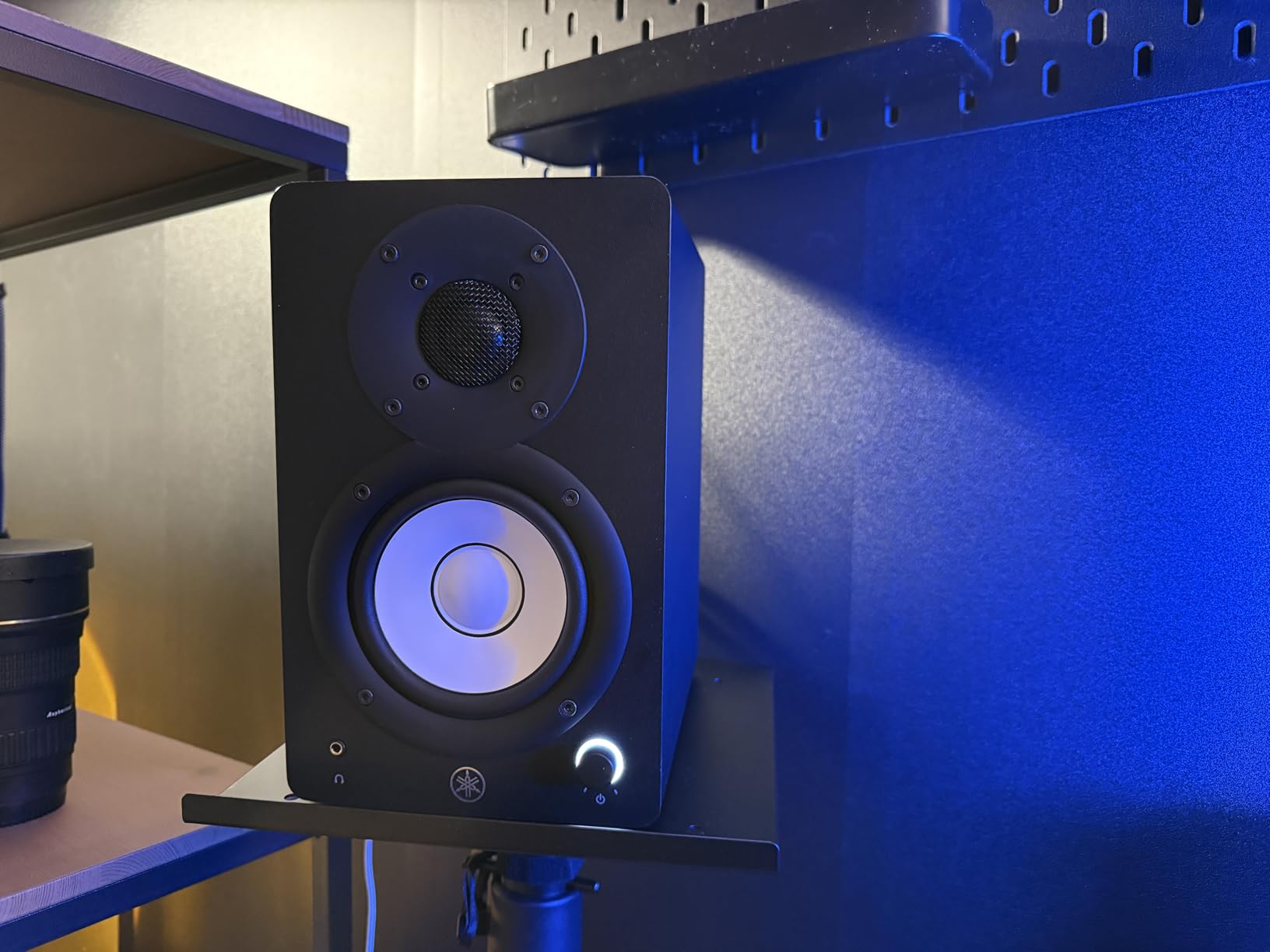
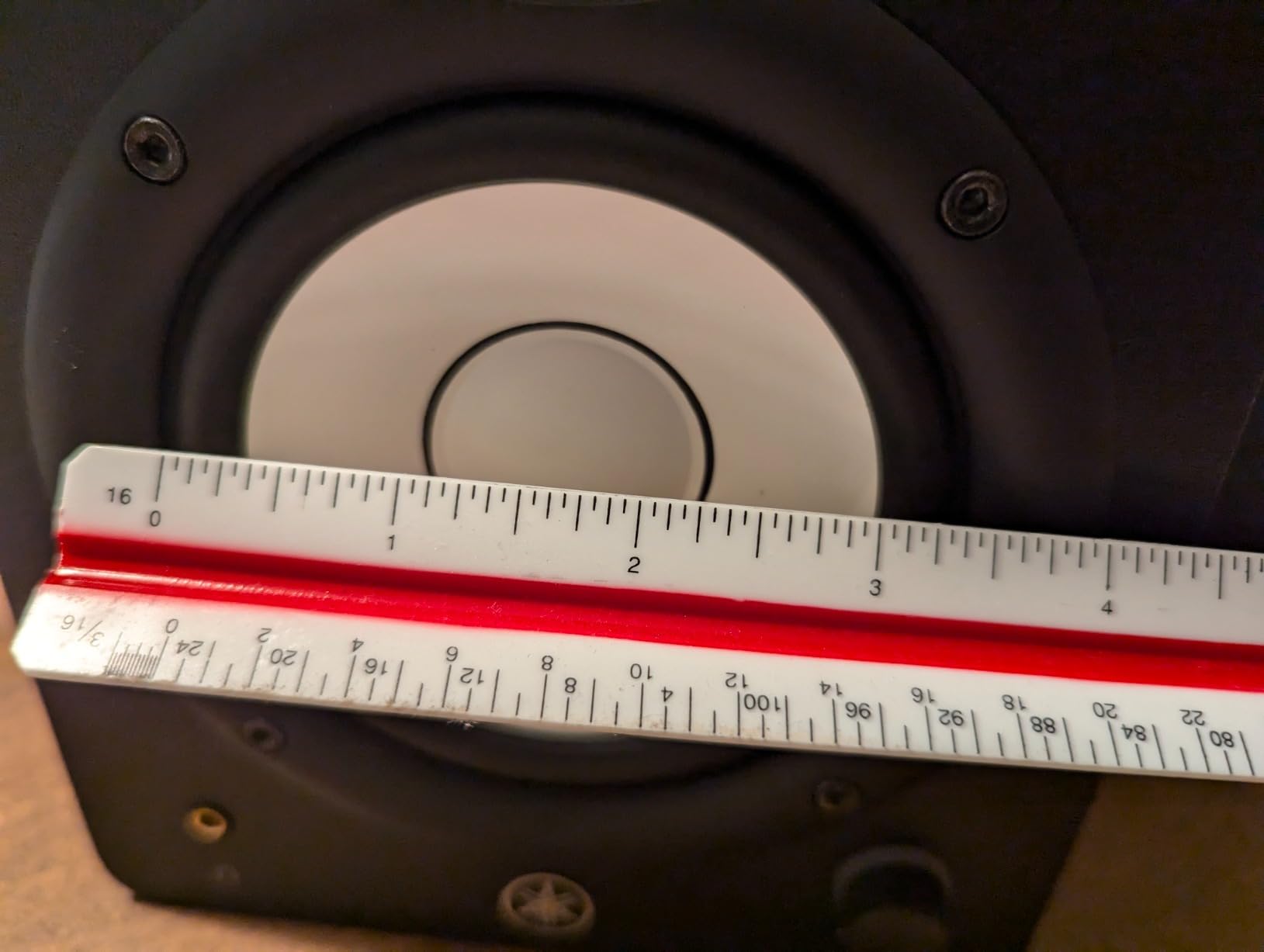
Frequency response is quoted as 60 Hz to 22 kHz at minus 10 dB, which is honest for a 4.5 inch woofer in a small cabinet. The rear bass-reflex port is the one placement weakness, so pull the speakers forward rather than shoving them into the wall.
The combo XLR and TRS inputs are unusual at this level and let you connect a proper interface without adapters. Every connection sits on one speaker’s rear panel, so plan your cable route before you place them.
Who the Yamaha HS4 suits
It suits producers mixing rock, acoustic, podcast and voice work in a small room, and anyone who wants a reference they can trust rather than a monitor that flatters. If you already know what a well mixed track should sound like, this pair keeps you honest.
Who should skip the Yamaha HS4
Skip it if your room is large or you play loud, since 26W per side will feel short. The Yamaha HS5 in the same range handles bigger spaces, and it sits above this ceiling.
2. JBL 305P MkII – the widest sweet spot and the deepest bass here
(2) JBL 305P MkII 5″ 2-Way Active Powered Studio Reference Monitors Speakers
5 inch woofer with Slip Stream port
Patented Image Control Waveguide
Dual 41W Class-D amps
Boundary EQ and HF trim
XLR and TRS
Pros
- Wide consistent sweet spot from the waveguide
- Dual 41W Class-D amps with real dynamic range
- Boundary EQ helps with wall placement
- Professional XLR and TRS inputs
- Pair and cables bundled
- Five year warranty
Cons
- ABS cabinet feels less premium than MDF rivals
- No Bluetooth USB or headphone output
- Stepped switches rather than continuous controls
- Larger footprint than 4 inch monitors
Where the Yamaha is a scalpel, the JBL 305P MkII is a wide brush. The patented Image Control Waveguide spreads the highs across the desk, so the image holds together whether you are centred or leaning to one side, which matters a lot in a home setup.
Owners consistently mention that it reaches deeper than budget four inch monitors without turning to mud, and that the Boundary EQ switch genuinely works when a speaker sits near a wall. That is the single most common placement complaint from buyers at this budget, and JBL answers it directly.
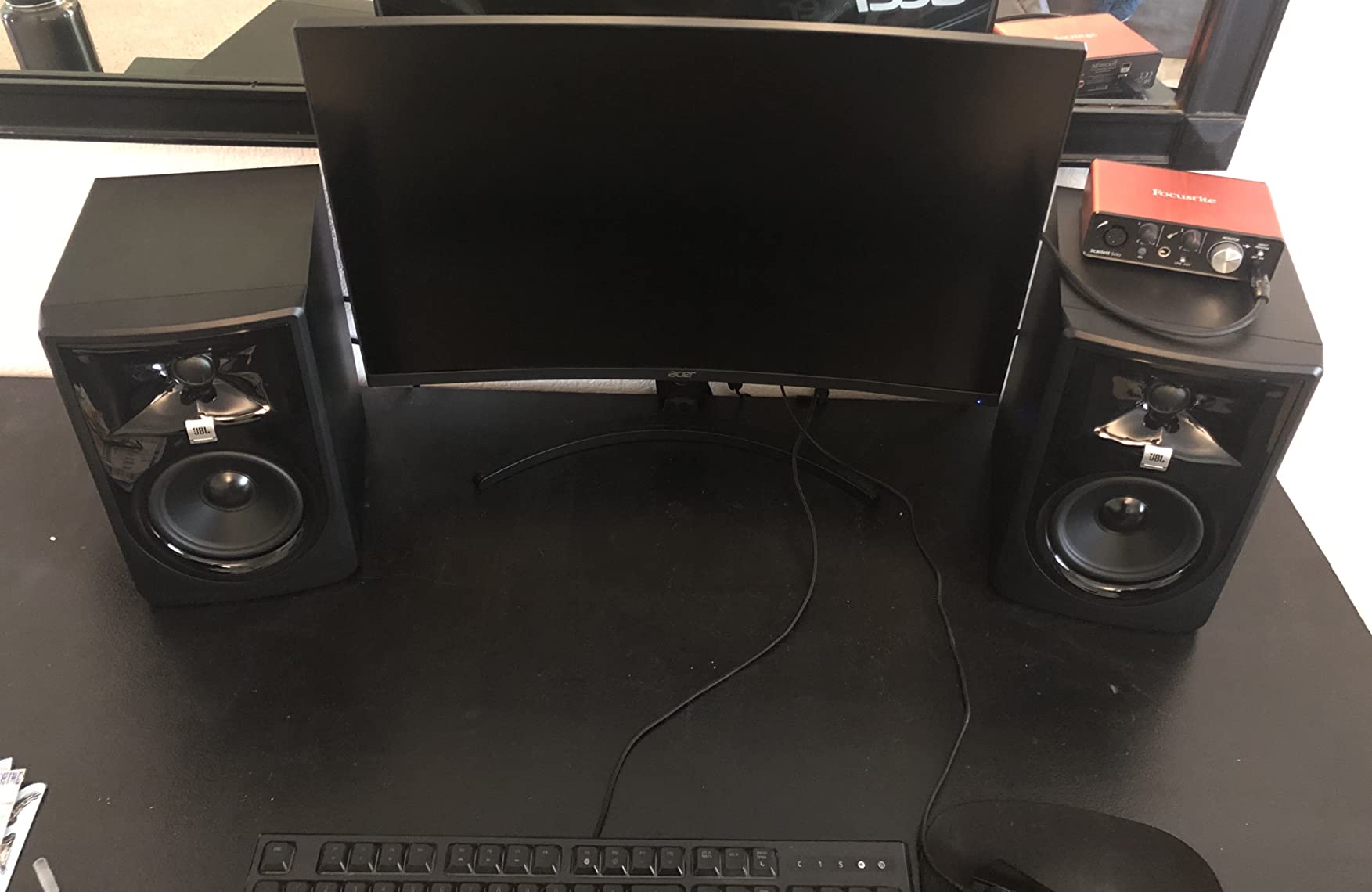
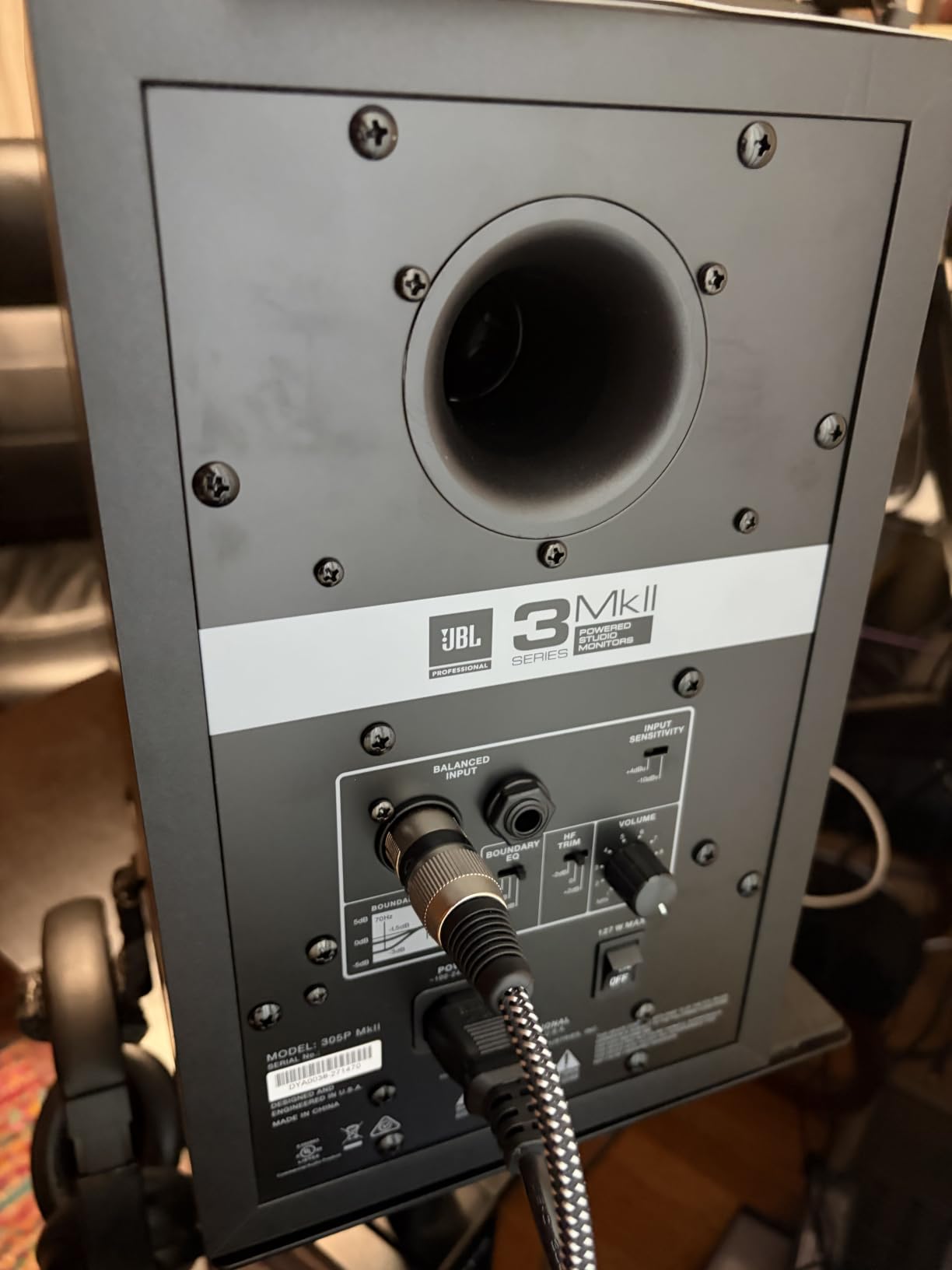
Two 41 watt Class-D amplifiers driving a 5 inch woofer give the most headroom and the most bass of the compact pairs here. Signal to noise is quoted at 75 dB, which is the lowest figure in this list, so the pair is not the quietest in a dead silent room.
The moulded ABS enclosure is lighter than the MDF cabinets on some rivals, and JBL backs the pair with a five year warranty, the longest here. The absence of consumer inputs is deliberate: XLR and TRS only.
Who the JBL 305P MkII suits
It suits bedroom producers working in hip-hop, electronic and pop, and anyone who moves around their desk while mixing. If you want more low end than a 4.5 inch driver can deliver without losing an honest centre image, this is the one.
Who should skip the JBL 305P MkII
Skip it if you want to plug in a phone or laptop without an interface, since there is no aux, Bluetooth or headphone output. Anyone starting without an audio interface should look at the Edifier MR5 or the ADAM Audio D3V instead.
3. PreSonus Eris E4.5 – the balanced first reference pair
PreSonus Eris E4.5-2-Way 4.5″ Near Field Studio Monitor (Pair)
4.5 inch woven composite woofer
1 inch silk dome tweeter
50W Class AB dual amplification
Balanced TRS and RCA
Front headphone output
Pros
- Accurate nearfield response for mixing
- Woven composite woofer with tight felt bass
- 50W Class AB gives real headroom
- Wide listening sweet spot
- TRS RCA and front aux plus headphone output
- Power saver mode after 40 minutes
Cons
- Top end can feel sharp at higher levels
- Limited deep low end on a 4.5 inch driver
- Plastic enclosure feels less premium
- Only modest room tuning controls
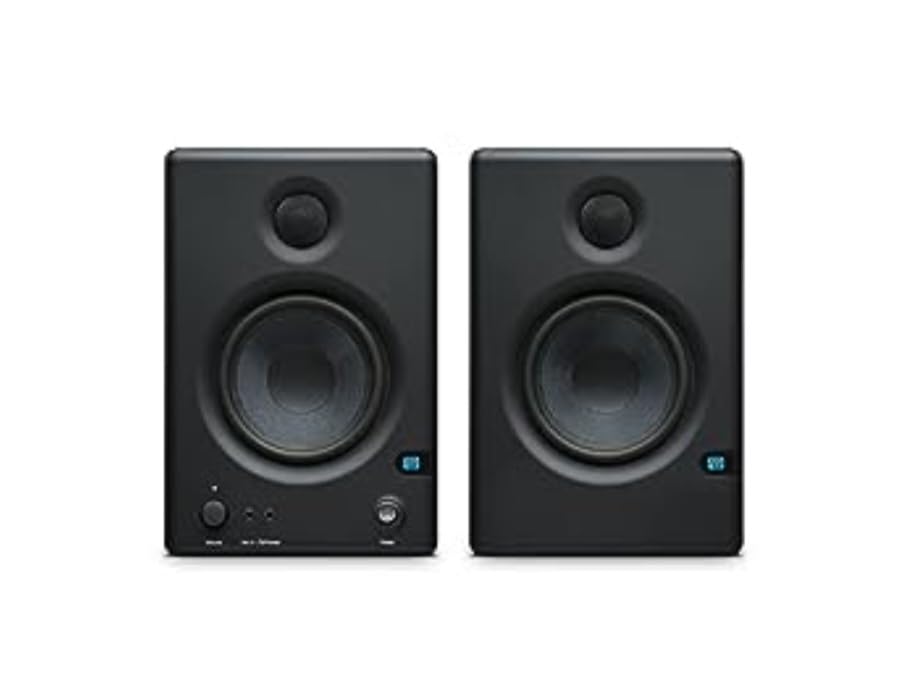
The Eris E4.5 is the pair we hand to someone buying their first monitors and asking what is actually worth money. It ranks first in Studio Audio Monitors for a reason: it is accurate, punchy for its size, and it does not need a subwoofer to do everyday work.
Buyer reviews treat it as a reliable entry reference with clear, accurate sound and a tight low end that a 4.5 inch woven composite woofer has no business delivering. The front headphone jack and the mix of inputs come up again and again as the features people did not expect.
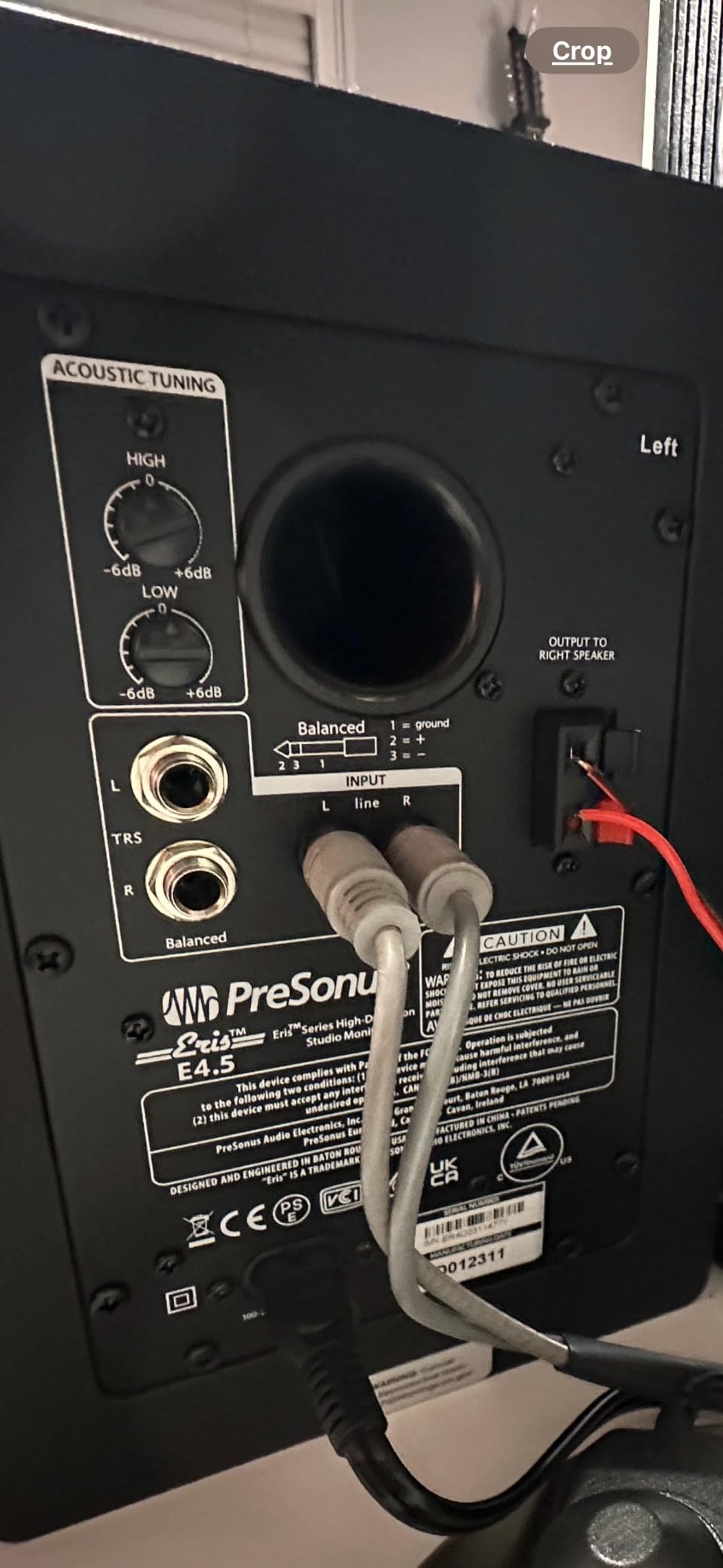
Each side is driven by 50 watts of Class AB power, and the switchable input lets you choose between TRS, RCA and a front aux. The same 1 inch silk dome tweeter used across the Eris line gives a wide sweet spot so off-axis listening still reads correctly.
The 1 inch silk dome is the reason the pair can feel bright, and some owners report a sharp top end at higher levels. A gentle shelf cut or a plugin EQ solves it in a minute, and high and low frequency trim controls on the back panel help.
Who the PreSonus Eris E4.5 suits
It suits producers on a tight budget who want a trustworthy starting point and room to grow. The power-saver mode, detachable power cord and bundled cables make it a low friction first purchase.
Who should skip the PreSonus Eris E4.5
Skip it if bass is the priority of your music and you cannot add a subwoofer later. The Eris E5 in this list takes the same tuning philosophy up to a 5.25 inch woofer with more headroom. Note the warranty on the E4.5 is one year, the shortest here.
4. Edifier MR4 – the cheapest real step up from desktop speakers
Edifier MR4 Power Studio Monitor Speakers, 4 inch Active Near-Field Speaker
4 inch composite woofer
1 inch silk dome tweeter
42W output
MDF enclosure
TRS RCA and AUX inputs
Pros
- Clear detailed mids and highs
- Monitor and music mode switch
- Front headphone output and AUX input
- MDF enclosure reduces resonance
- RCA to 3.5mm cable included
Cons
- Stepped volume knob is hard to trim
- Bass is boomy out of the box
- Limited low-end extension
- No speaker grilles included
- Claimed tweeter measures smaller
The MR4 is the most common first upgrade from a pair of plastic multimedia speakers, and the owner reviews frame it exactly that way: a step change in clarity and instrument separation for very little money. That makes it the pick if your budget is spent rather than set aside.
The dual mode design is quietly clever. Monitor mode gives a flatter curve for production work, and music mode adds a livelier tuning for casual listening, which matters when the same speakers carry both jobs.
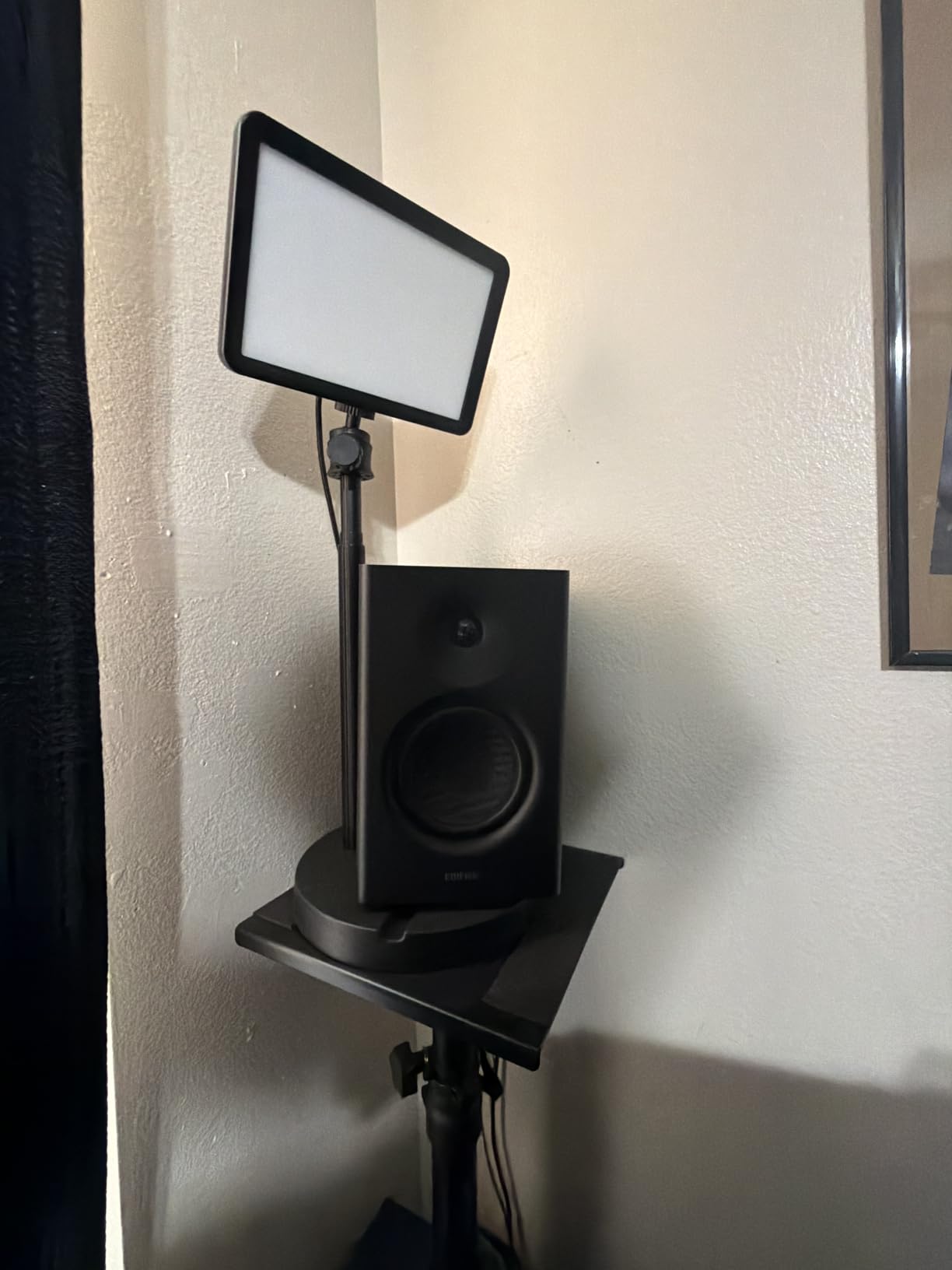
Four inputs cover almost everything: a quarter inch balanced TRS, unbalanced RCA, AUX and a front headphone output. The MDF cabinet feels more substantial than plastic speakers at the same money, and a two year manufacturer warranty is longer than some rivals manage.
Two honest weaknesses show up repeatedly. The volume control is stepped rather than continuous, so source level control through your interface becomes important, and the default bass is boomy enough to need a few dB of cut on the desk.
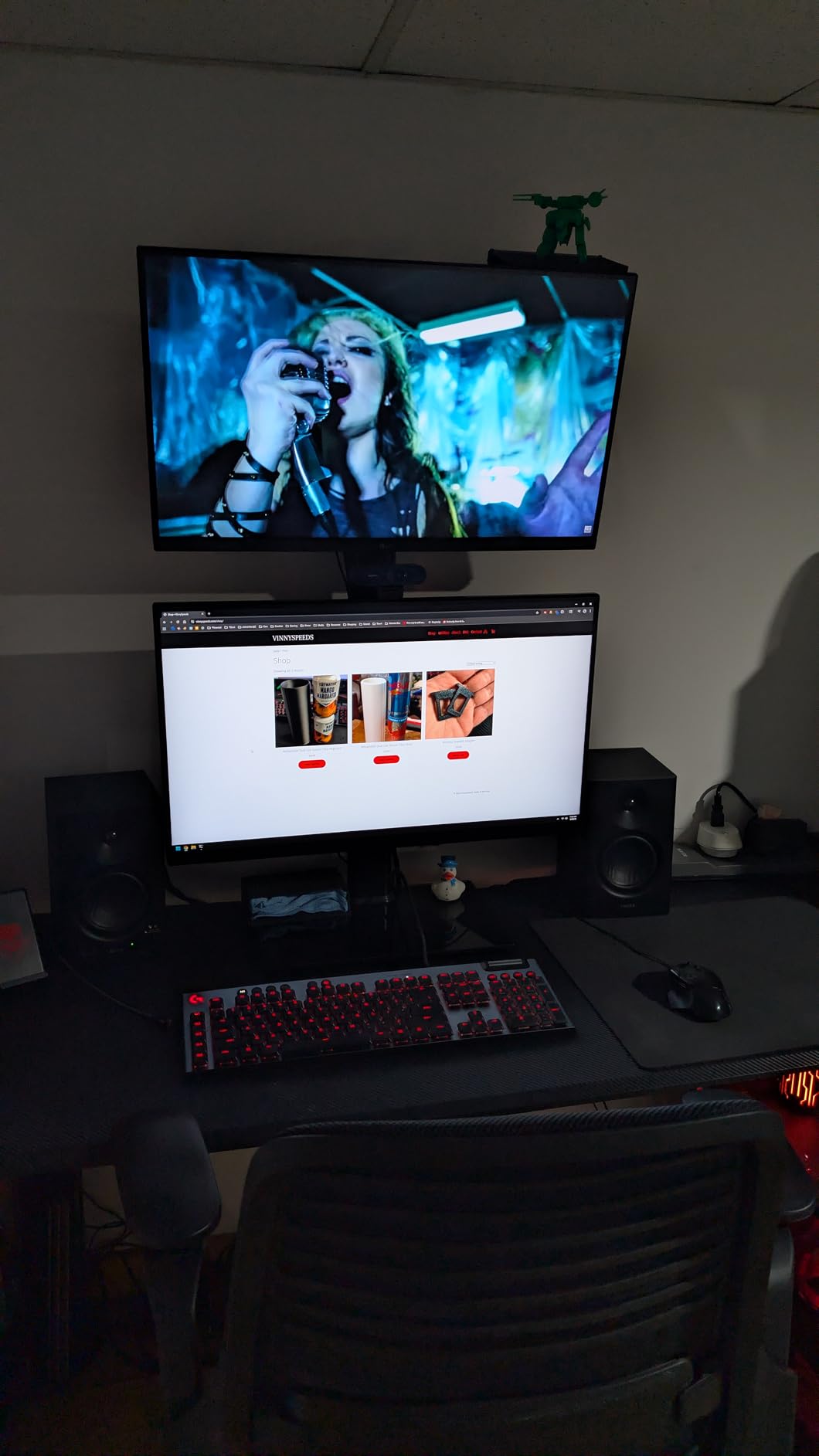
Who the Edifier MR4 suits
It suits students, first-time producers and anyone mixing in a small bedroom on a small desk. Placing them on angled stands at ear height improves the result more than any upgrade at this price, and several buyers report exactly that.
Who should skip the Edifier MR4
Skip it if you work at high levels or on bass heavy material, since a 4 inch woofer runs out of extension first. There are also no grilles included, so the drivers stay exposed on a busy desk.
5. M-Audio BX4 – the loudest small desktop pair
M-AUDIO BX4 4.5″ Wired Studio Monitors Pair
4.5 inch Kevlar woofers
Silk dome tweeters
120W total bi-amplified
MDF bass reflex cabinet
Front headphone output
Pros
- Punchy well-balanced sound for the tier
- Kevlar drivers in an MDF cabinet
- 120W total bi-amplified power
- Front headphone output plus flexible rear inputs
- Rear EQ dials and speaker position switch
- Cables and software in the box
Cons
- Bass is tuned forward out of the box
- Coloured enough to affect mix decisions
- Rear-facing port limits wall placement
- No XLR input for professional interfaces
- No wireless connectivity option
The BX4 has the largest review base in this list, and the feedback is consistent: owners use it for podcasting, gaming, streaming and light production, and they like the volume and clarity for the money. It is a strong first pair for voice and video creators.
Where most budget monitors quote one amplifier figure, this pair is bi-amplified with 120W total power driving Kevlar woofers and silk dome tweeters in an MDF cabinet. That is unusually generous for a 4.5 inch desktop pair and it plays loud without sounding thin.
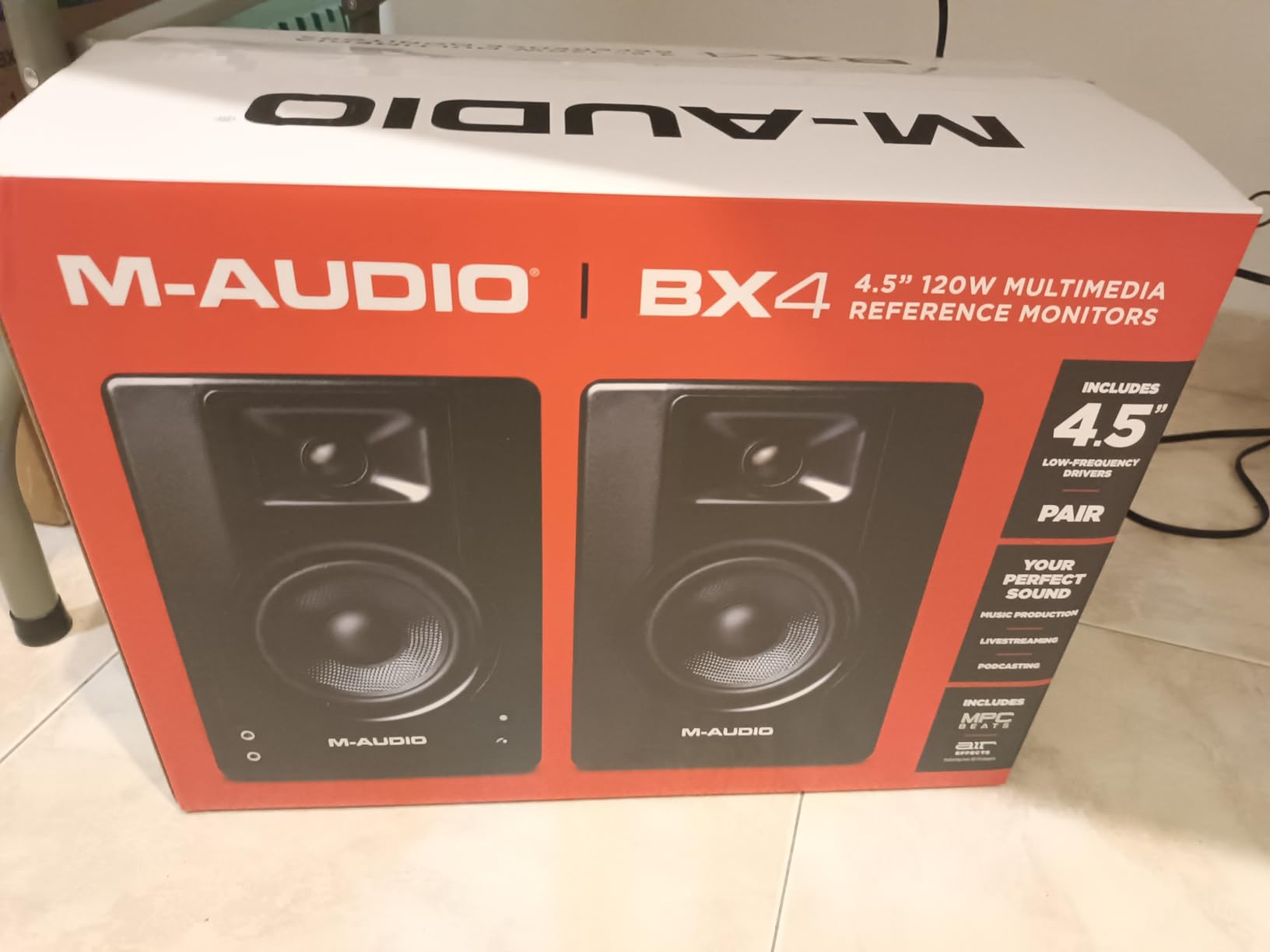
The switchable speaker position dial removes the guesswork of which cabinet is driving which channel, and the rear high and low EQ dials give you a little correction. Everything needed to be running is in the box, including interconnect and aux cables.
The honesty note: the bass is tuned forward out of the box and reviewers call the tuning coloured. It is a monitor for tracking and casual work rather than fine mix decisions until you tame the low end.
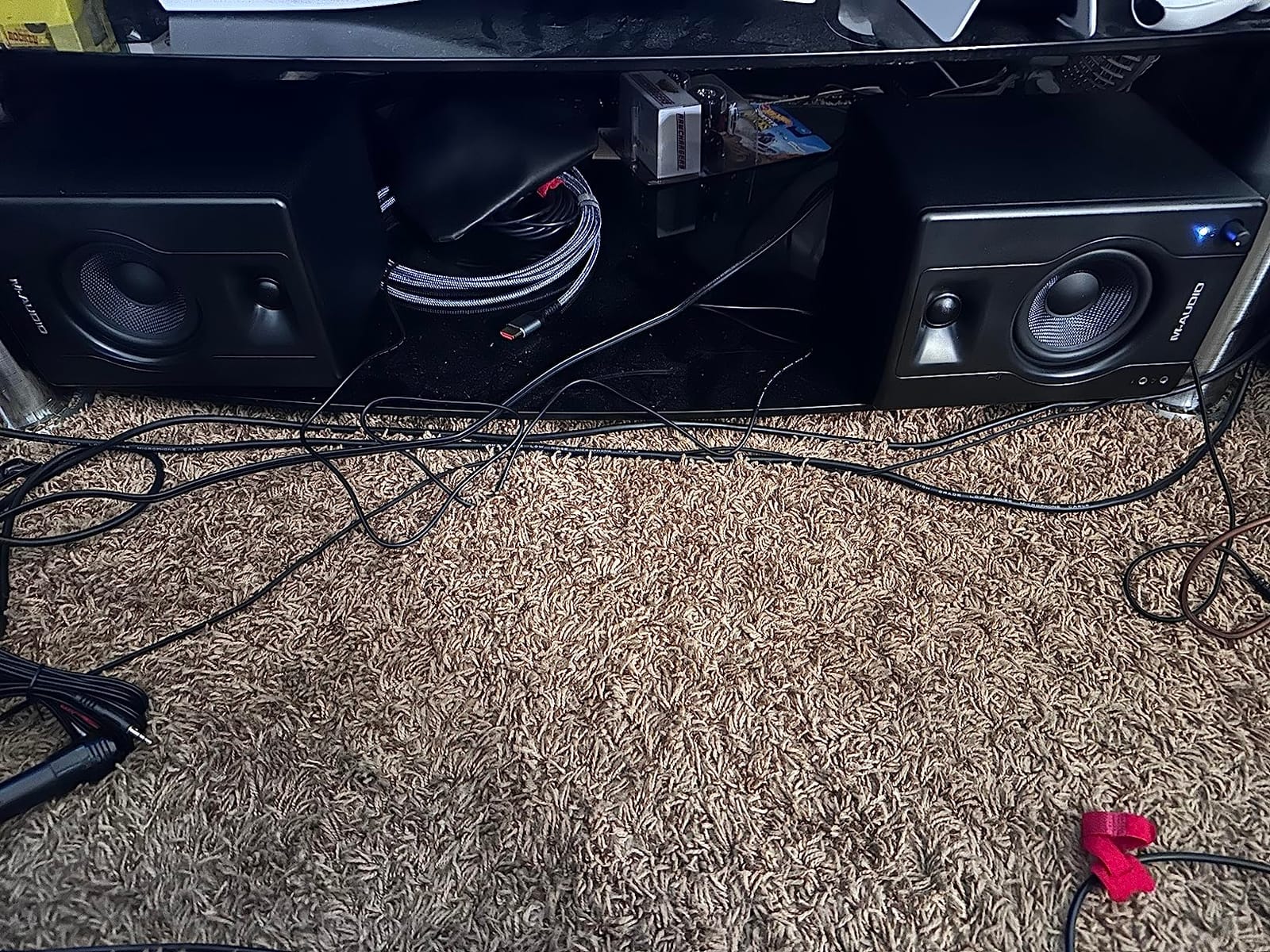
Who the M-Audio BX4 suits
It suits podcasters, streamers and producers who need volume and nearfield clarity more than reference neutrality. The included headphone output is convenient for late night editing sessions.
Who should skip the M-Audio BX4
Skip it if accurate mix translation is the goal, and skip it if your desk is against a wall because the rear-facing port accumulates bass. The PreSonus Eris E5 is the better choice for critical work in the same size class.
6. PreSonus Eris E5 – the best bass in a small room
PreSonus Eris E5 Pair 2-Way 5.25” Near Field Studio Monitors
5.25 inch woven composite woofer
1 inch silk dome tweeter
80W Class AB bi-amp
102 dB max continuous SPL
Front firing port
Pros
- Clean non-fatiguing highs for long sessions
- 5.25 inch woofer delivers real low end
- 80W Class AB bi-amp headroom
- Balanced XLR and TRS plus RCA
- Front firing port allows wall placement
- Acoustic space and high low trim controls
Cons
- Some owners report amplifier hiss at low levels
- Bass booms on a desk without stands
- Default tuning leans bass-heavy
- About 11.6 lb for the pair
- A subwoofer is still advisable for the lowest octaves
The E5 is the step up most people in this price band actually want, because the jump from a 4 inch to a 5.25 inch woofer is where low end starts to inform mix decisions. Reviewers consistently call it the sweet spot in the Eris line.
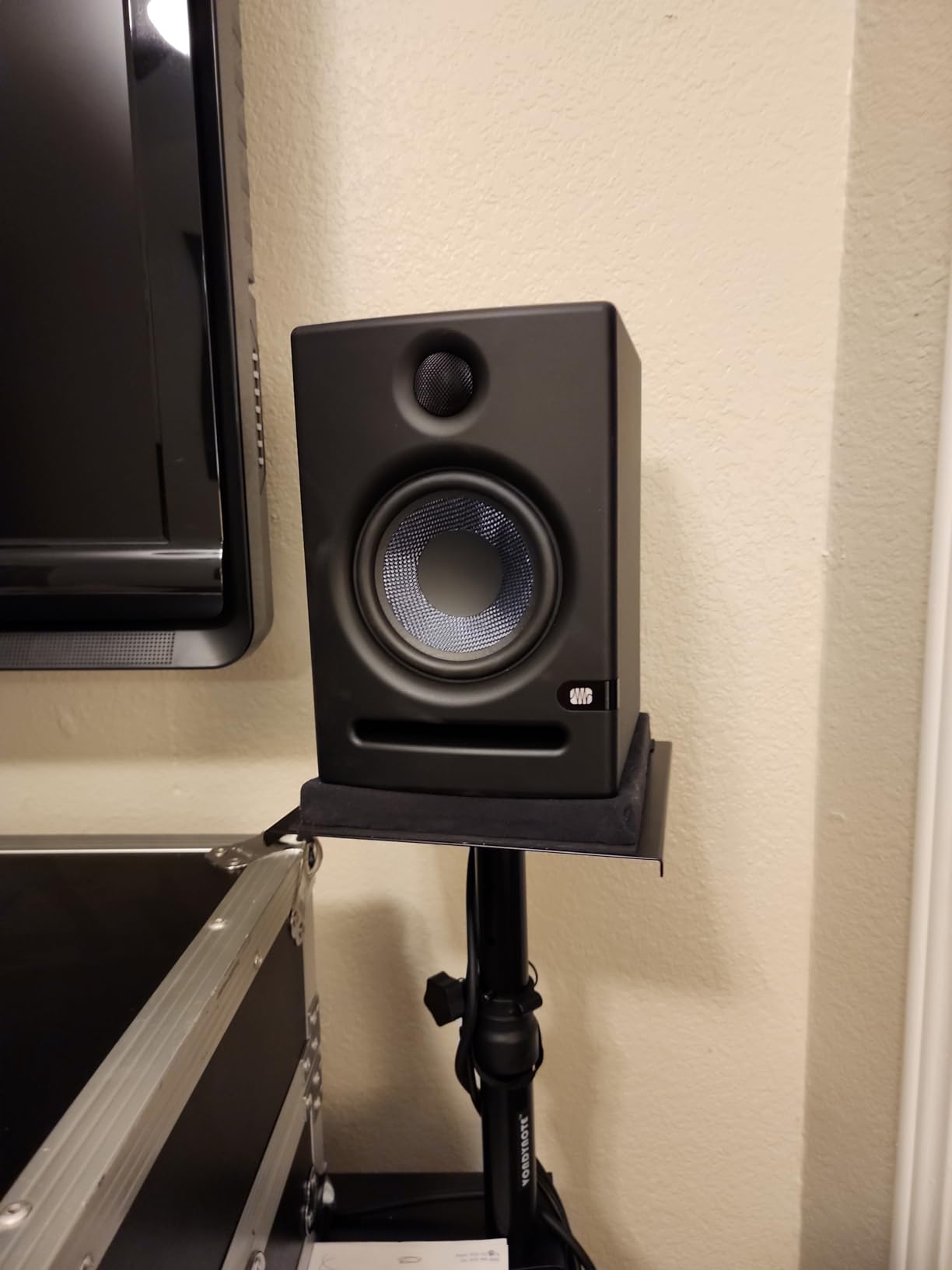
The advice that repeats across reviews is placement. Set the acoustic space control to minus 4 dB, trim the highs slightly, and put the speakers on stands rather than a desk, and buyers report the sound transforms.
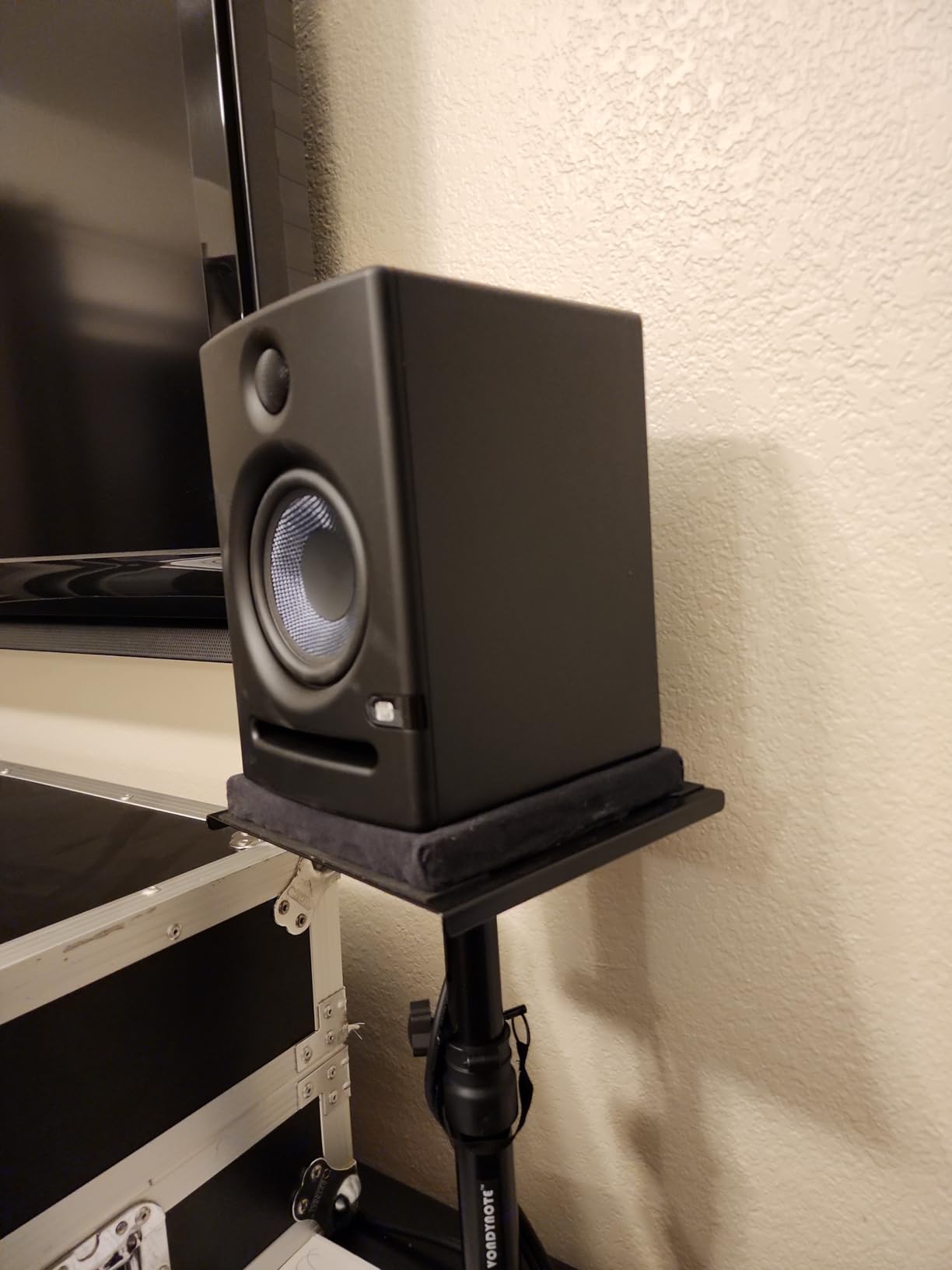
On paper this is the most serious specification sheet here: balanced XLR and TRS, unbalanced RCA, 80 watts of Class AB amplification, and a 102 dB maximum continuous SPL figure. Protection circuits cover RF interference, over-temperature, transient and subsonic limits.
The front-firing acoustic port means you can place it near a wall without the bass build-up that punishes rear-ported designs. A few owners still report faint amplifier noise at low gain, usually a gain staging issue rather than a fault.
Who the PreSonus Eris E5 suits
It suits home studios producing hip-hop, electronic, acoustic and vocal work where the low end needs to be trustworthy. The XLR and TRS inputs pair directly with a proper interface.
Who should skip the PreSonus Eris E5
Skip it for a very small desk, since the cabinet is large and heavy at about 11.6 lb for the pair. If your room is tiny and untreated, a smaller monitor on stands may serve you better.
7. Edifier MR5 – the only three-way design here
Edifier MR5 2.0 Studio Monitor Bookshelf Speakers, 110W RMS, Black
Three-way active crossover
5 inch woofer plus 3.75 inch mid
1 inch silk dome tweeter
110W RMS Class D
101 dB peak SPL
Pros
- True three-way tri-amped design
- 110W RMS and 101 dB peak SPL
- App based EQ plus acoustic space presets
- Bluetooth with LDAC hi-res streaming
- XLR TRS RCA AUX and headphone outputs
- Solid MDF cabinets
Cons
- Larger and heavier than compact desktop monitors
- Only one RCA input for source swapping
- App required for EQ and no computer access
- Auto shut-off time is fixed
- Bass can be boomy on an undamped desk
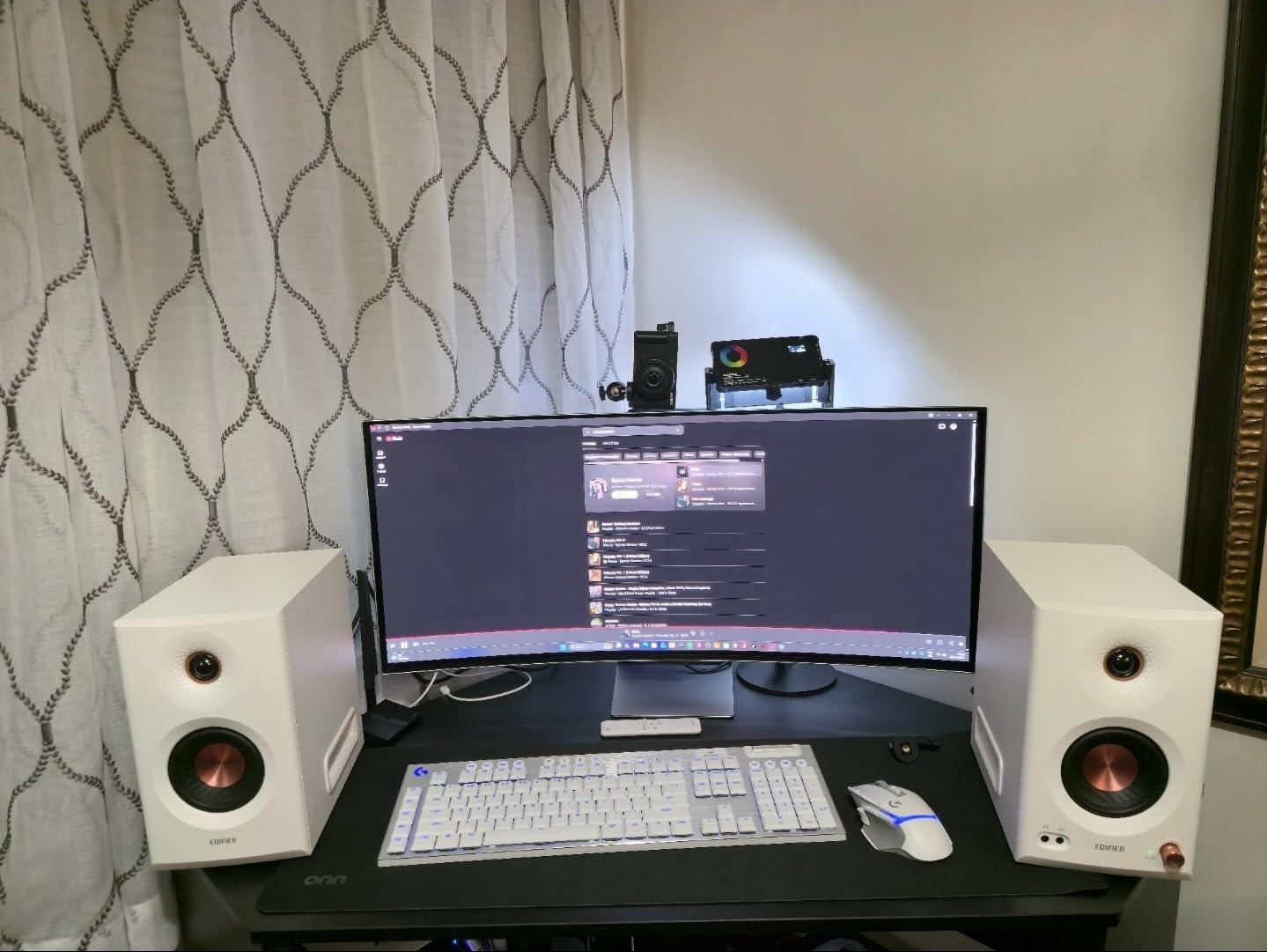
Everything else in this list is a two-way design, which means the woofer handles mids and bass at once. The MR5 splits the work into a 5 inch woofer, a 3.75 inch mid driver and a 1 inch silk dome tweeter, each with its own amplification stage.
Owners say exactly what that buys you: vocals stay clear while the low end stays substantial, without the mud that comes from a woofer asked to do both jobs. Many describe it as an upgrade path from the smaller MR3 and MR4 they started with.
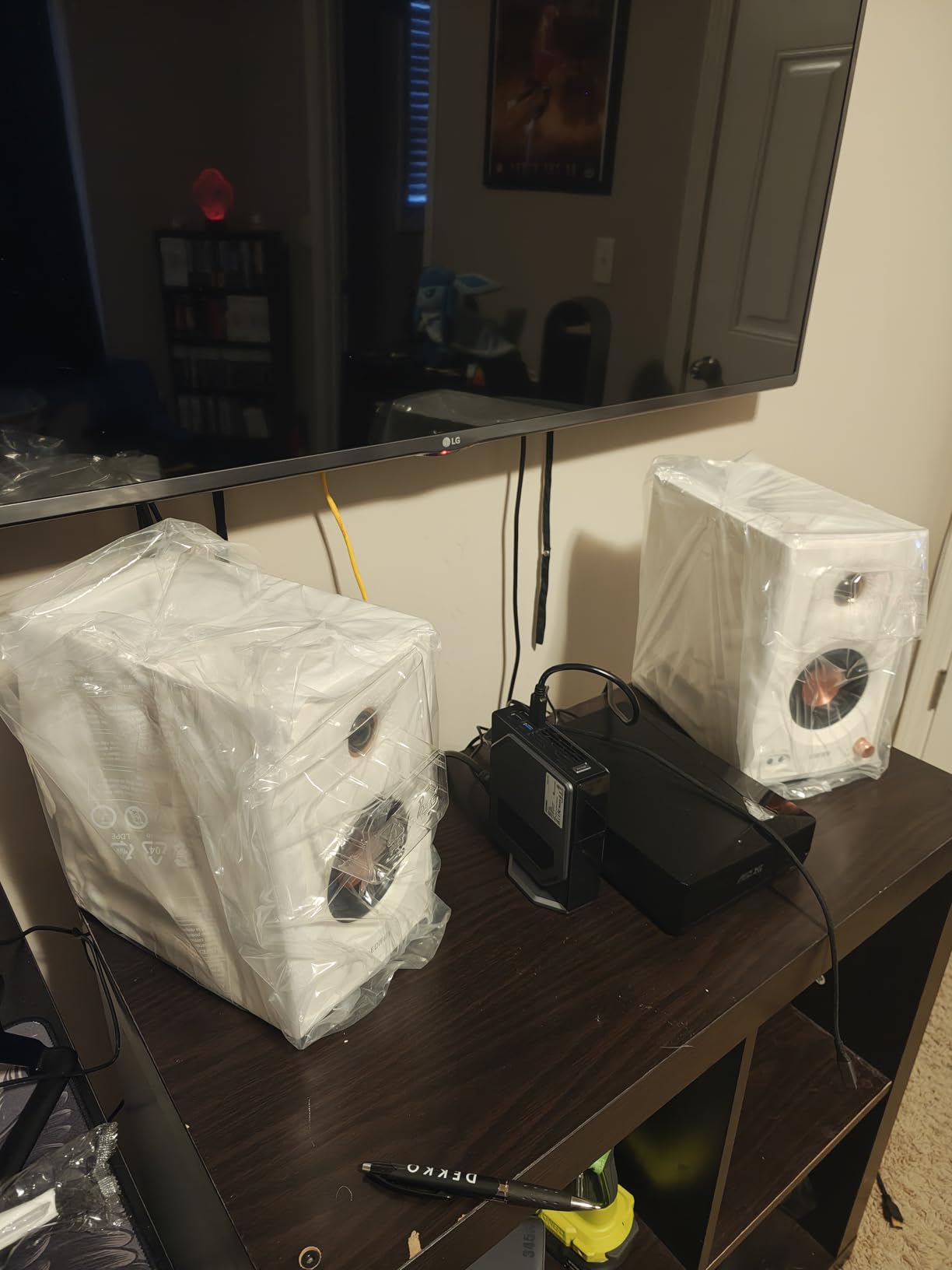
Room tuning is unusually flexible for this price. Rear high and low knobs handle the basics, and the ConneX app adds low cut-off, desktop control and acoustic space presets, which is a level of room correction normally reserved for far more expensive monitors.
Connectivity is the other headline: XLR, TRS, RCA, AUX, a front headphone output and Bluetooth with LDAC hi-res streaming. Frequency response is quoted as 46 Hz to 40 kHz across the three drivers.
Who the Edifier MR5 suits
It suits producers mixing bass heavy and vocal dense material, and anyone who wants room correction without leaving their desk. It also works as a serious home theater pair.
Who should skip the Edifier MR5
Skip it if desk space is tight, since the cabinets are noticeably larger and heavier than a compact desktop monitor. The fixed auto shut-off and single RCA input also annoy people who juggle sources.
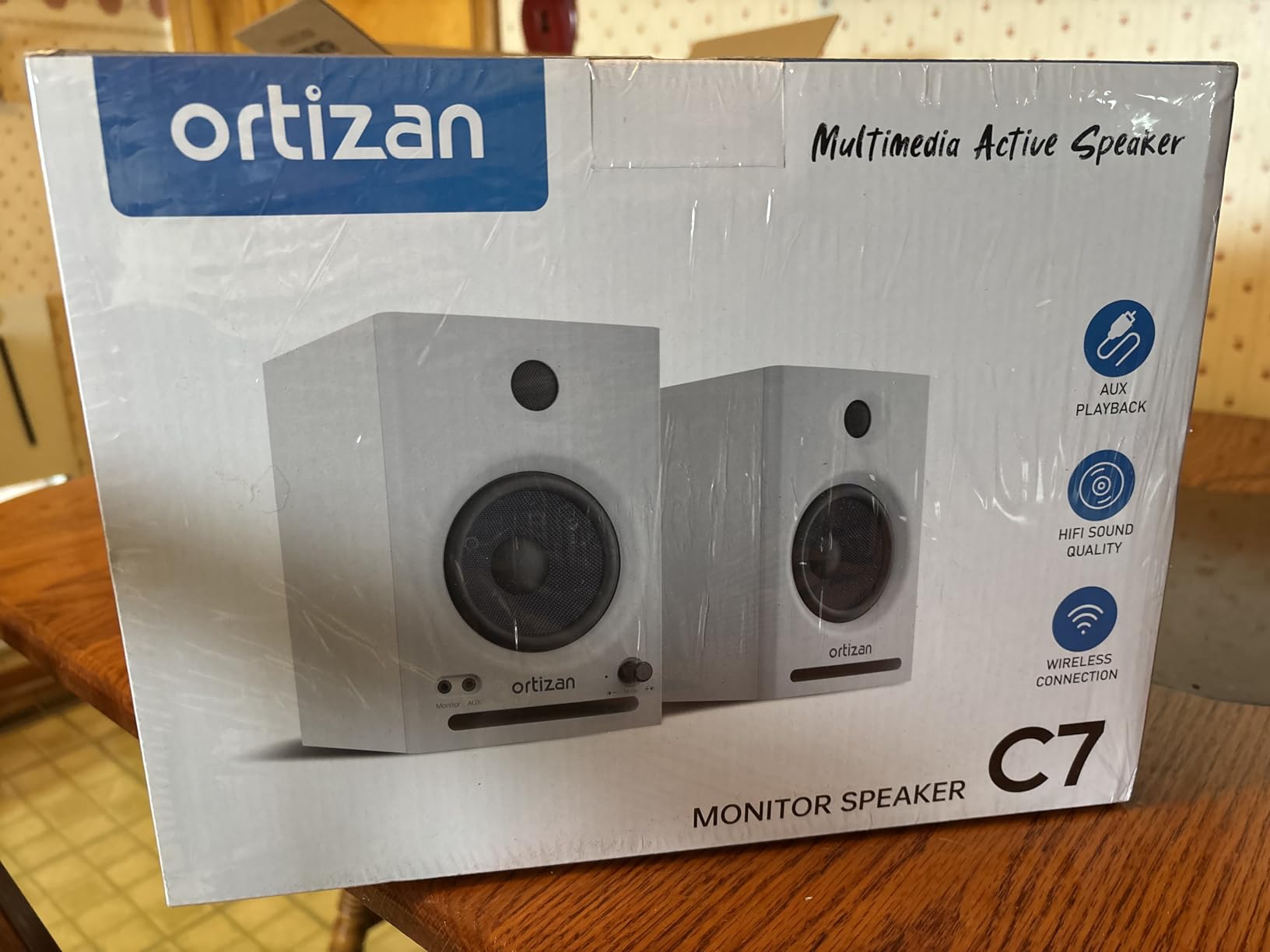
8. Ortizan C7 – wireless monitoring without an interface
Ortizan C7 Powered Studio Monitors Pair with Bluetooth 5.3, Black
3.5 inch carbon fiber mid-bass driver
0.75 inch silk dome tweeter
Bluetooth 5.3 and 24-bit USB DAC
6.35mm TRS balanced input
Front headphone output
Pros
- Clean precise mid-bass and smooth highs
- Lab tuned flat response curve
- Bluetooth 5.3 with a 24-bit USB DAC
- Balanced TRS plus RCA and AUX inputs
- Front headphone output
- Compact footprint for small desks
Cons
- 3.5 inch driver cannot produce real low end
- Little adjustment beyond input selection
- Claimed 80W output is optimistic
- No XLR input for professional interfaces
- Bluetooth adds latency for tracking
The C7 exists for a specific person: a bedroom producer or podcaster who does not own an audio interface and does not want to buy one. The built-in 24-bit DAC reads digital audio straight over USB, and Bluetooth 5.3 covers phones and tablets.
Owner reviews focus on the connectivity as the unusual part for this price segment, and describe the mids as clean and the highs as smooth. Tuning was done in the lab toward a flat curve rather than a flattering one, which suits production work.
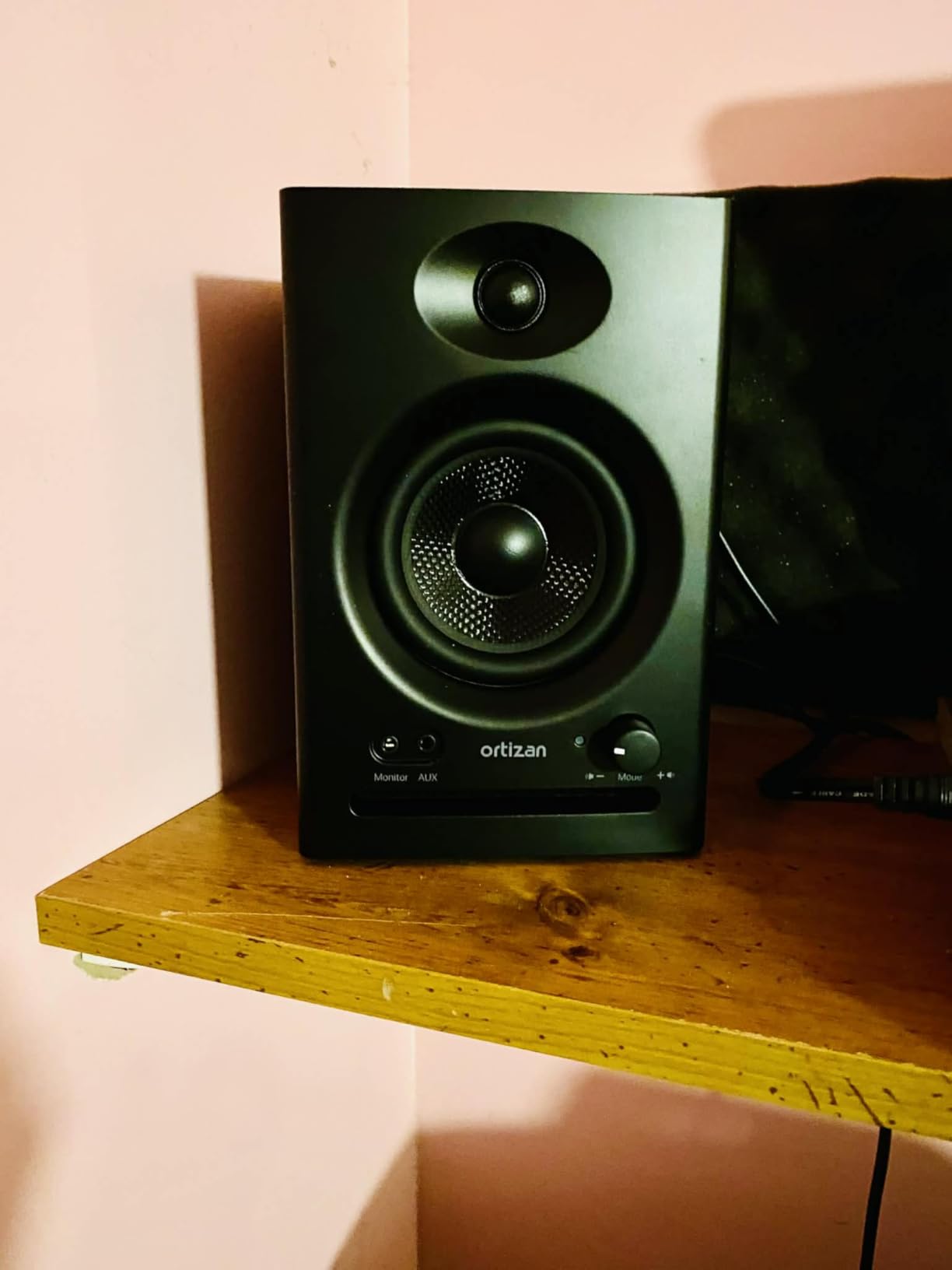
For a wired studio path there is a 6.35mm TRS balanced input, two AUX inputs, RCA and a front headphone output, with an electronic two-way crossover between the drivers. Signal to noise is quoted at 85 dB, which is among the cleanest figures here.
The honest limit is the 3.5 inch carbon fiber driver. It produces precise mid-bass and nothing below it, and the 80W rating is optimistic for a driver that size, so treat the deep low end as out of scope for critical decisions.
Who the Ortizan C7 suits
It suits first-time producers who want to start mixing on the same laptop they record on, and anyone moving between a computer and a phone without adapters. The compact cabinet suits a small desk.
Who should skip the Ortizan C7
Skip it if you track live, because Bluetooth latency rules it out for recording. Skip it if you need XLR, low-end extension or placement EQ, since there are none of those here.
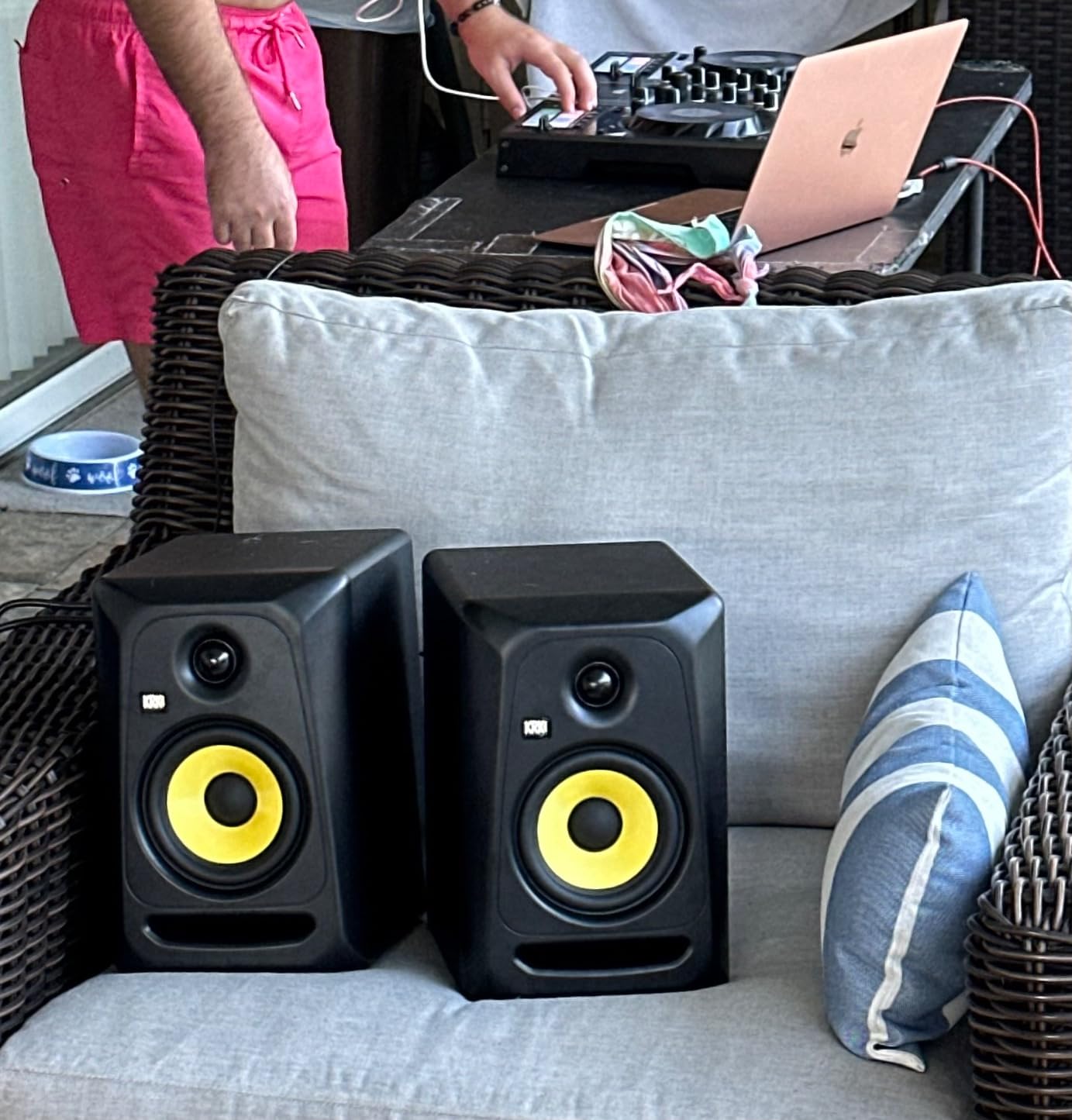
9. KRK Classic 5 – smooth highs that never get tiring
KRK Classic 5 Professional Bi-Amp 5″ Powered Studio Monitor (2 Speakers) Pair + Pair of XLR Cable + Gravity Phone Holder
5 inch glass aramid woofer
1 inch soft dome tweeter in waveguide
25W maximum output power
Highs to 35 kHz
XLR connectivity
Pros
- Smooth non-fatiguing highs from a soft dome tweeter
- Glass aramid woofer with tight controlled bass
- Flat low frequency adjustment
- XLR cables and phone holder bundled
- 4.7 average across owner reviews
Cons
- Only 25W of maximum output power
- XLR only with no RCA or aux input
- The bass boost switch can colour mixes
- About 25 lb for the pair
- Fewest owner reviews in this list
KRK has a reputation for bass heavy tuning, and the Classic 5 walks that back with a flat low frequency adjustment as the default. The optional plus 2 dB bass boost is there for producers who want it, and reviewers describe the bass as tight rather than heavy.
The soft dome tweeter in an optimized waveguide handles highs up to 35 kHz, and owners describe them as smooth and articulate rather than hyped. If long sessions are your norm, that smoothness is the argument for this pair.

Bi-amplified power of 25 watts per speaker is the limitation to understand before buying. At a nearfield desk position that is plenty, in a larger or treated room it is not, and the pair is heavy at roughly 25 lb with no stands included.
The bundle is generous: a pair of XLR cables and a phone holder ship in the box, so the monitors can go from delivery to connected without another purchase. Connection is XLR only.
Who the KRK Classic 5 suits
It suits producers working long sessions who find bright monitors tiring, and anyone mixing rock, pop or acoustic material in a small treated room. The 4.7 average from owners is the joint highest here.
Who should skip the KRK Classic 5
Skip it if you connect consumer gear, since there is no RCA, TRS or aux input. With the fewest owner reviews of the ten, you have less long-term evidence to lean on, so audition if you can.
10. ADAM Audio D3V – ribbon tweeter sound on a small desk
ADAM Audio D3V Active Desktop Studio Monitor Speakers – Black
3.5 inch aluminum woofer
Dual sided passive radiators to 45 Hz
1.5 inch D-ART ribbon tweeter
80W per speaker
USB-C connectivity
Pros
- D-ART ribbon tweeter for precise unfatiguing highs
- Passive radiators reach down to 45 Hz
- USB-C connection to laptops and phones
- Angled 15 degree stands included
- Threaded mic stand mounts on both speakers
- Front headphone socket and volume knob
Cons
- 3.5 inch woofer cannot produce deep bass
- All inputs and DSP controls on one speaker
- No Bluetooth or wireless streaming option
- DSP placement switches are coarse presets
- Smallest owner review base in this list
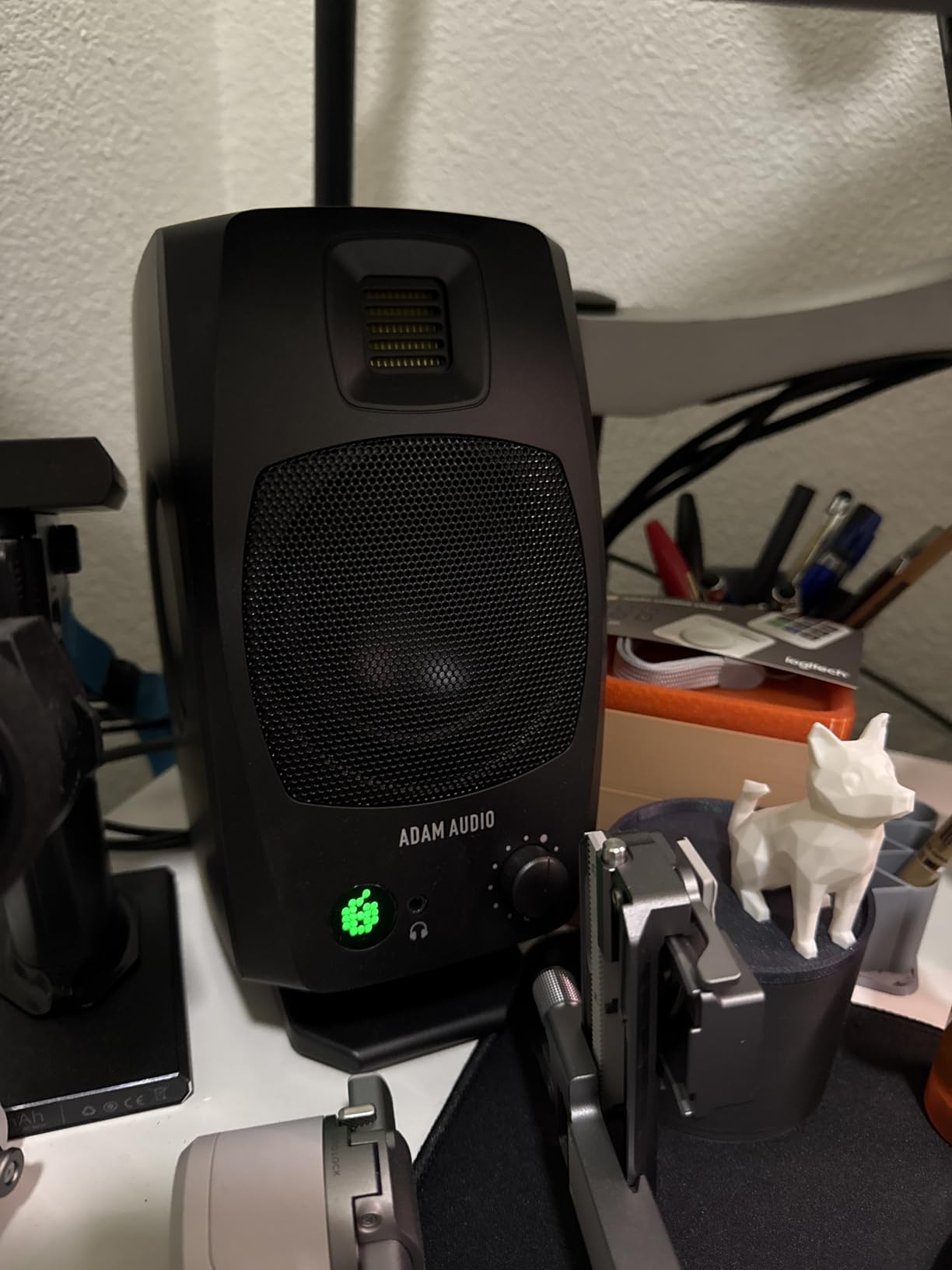
ADAM built its reputation on ribbon tweeters, and the D3V brings a 1.5 inch D-ART ribbon to a desktop price. Owner reviews keep naming it as the standout of the pair, describing highs that are detailed and free of fatigue.
The unusual element is the dual sided passive radiators, which extend output down to 45 Hz despite a 3.5 inch driver. That does not create real sub bass, but it gives more weight and lower body than most speakers this size manage.
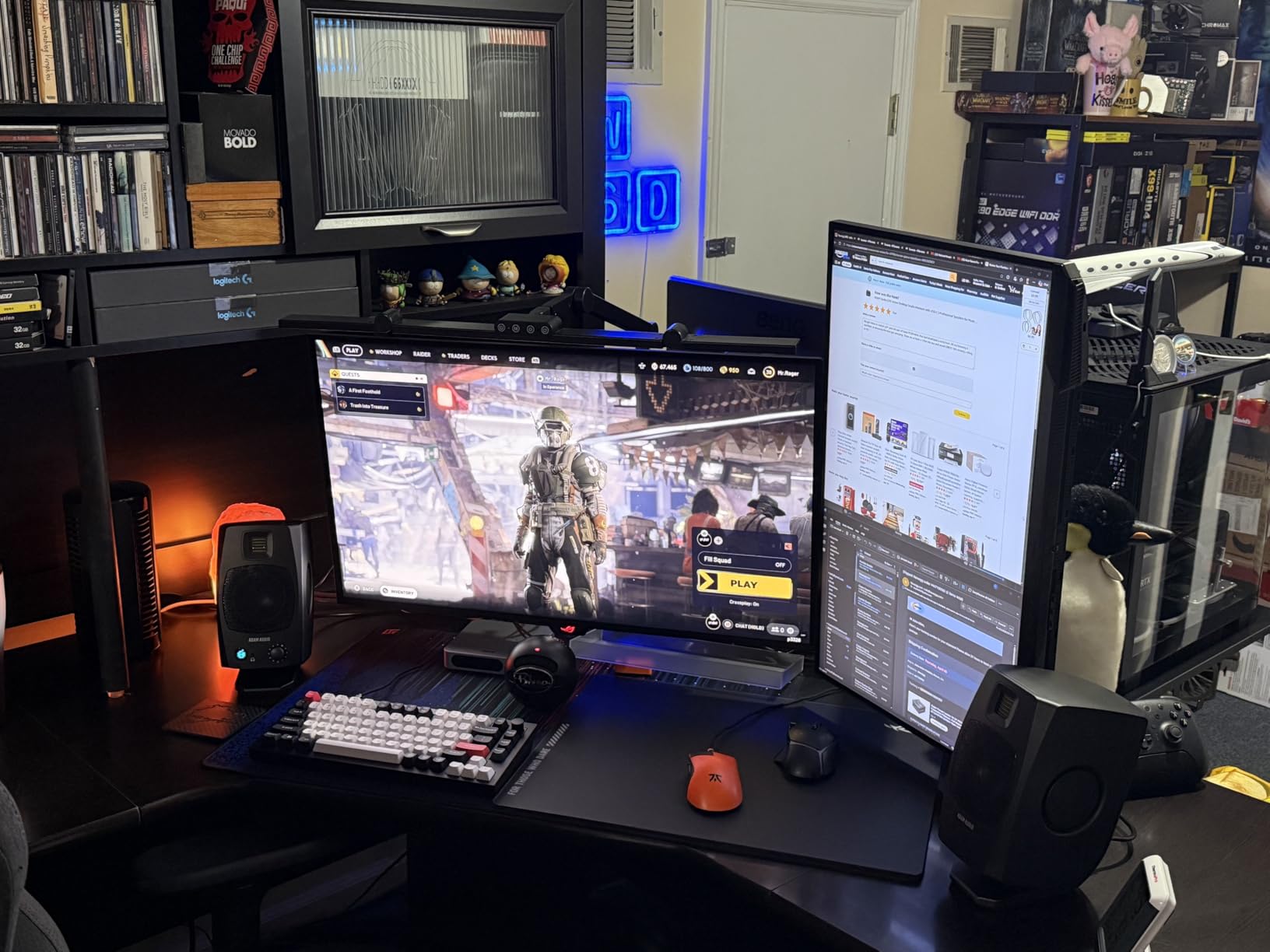
USB-C means a MacBook or Windows laptop connects directly with no interface, and detachable angled stands tilt the speakers 15 degrees toward your ears out of the box. Threaded 3/8 inch mic stand mounts underneath make podcasting setups simple.
The DSP placement switches on the back panel address common placement problems rather than offering continuous EQ. The two year warranty extends to five years if you register the product, which is one of the better offers at this price.
Who the ADAM Audio D3V suits
It suits laptop-based producers, podcasters and streamers who want a clean listening axis without buying stands. The ribbon tweeter appeals to anyone who finds silk dome highs too soft.
Who should skip the ADAM Audio D3V
Skip it if you need wireless, XLR or deep low end. All inputs and DSP controls live on one speaker, which limits placement flexibility, and it carries the smallest owner review base here.
Buying Guide: Match the Monitor to Your Room and Genre
Match the woofer size to the room
Woofer size is a placement decision, not a quality ladder. A 4 inch or 4.5 inch driver suits a small desk in a small room where a larger woofer would overload the low end and tempt you into bass light mixes. A 5 inch to 5.25 inch driver needs a room with a bit of depth and stands to raise it to ear height.
Rough rule: desk against a wall in a small room means a 3.5 inch to 4.5 inch model with a front port or radiators. A room with space behind the desk and side walls to work with can take a 5 inch model properly.
Front-ported or rear-ported when the desk is against a wall
If the desk touches the wall, a rear bass-reflex port accumulates low end the designer never intended, and the result is bass heavy mixes. The PreSonus Eris E5 has a front firing port, the JBL 305P MkII has a Slip Stream port plus a boundary EQ switch, and the Yamaha HS4 offers a room control setting for wall placement.
Monitor stands also matter. Our notes on monitor isolation pads and stands cover the cheap fix that often beats a pricier monitor, and desk selection matters just as much if you are building a small studio.
Self-noise and hiss matter more than wattage
Owner reviews mention faint hiss or amplifier noise on more than one model here, usually traced to gain staging rather than a fault. Signal to noise figures range from 75 dB on the JBL pair to 85 dB on the Edifier MR4 and Ortizan C7.
Watts tell you how loud a monitor goes before it distorts, not how accurate it is. A clean 25W monitor at a moderate level beats a distorted 120W one every time, and an audio interface with a good headphone amp is still the right companion tool.
Treat the room or spend the money on monitors
A pair of broadband absorption panels and some bass traps along the first reflection points usually improves what you hear more than stepping up a model. Monitors show you the room they sit in, so an untreated room will colour any mix you make in it.
The practical version of this debate is to buy the pair you can afford, then treat the room before you consider upgrading. Our beginner guide covers how monitors and room position interact in more detail, and if you record vocals at home our vocal isolation booth picks cover the other half of the acoustic problem.
What replaced the monitors forums still recommend
Search results for this budget still surface the Presonus Eris E8, the JBL LSR308, the Mackie MR8mk3 and the KRK Rokit G3. All of those are older generations, so check what you are actually buying before ordering.
Within this list the practical replacements are the Eris E5 for the E8, the JBL 305P MkII for the LSR308, and the PreSonus Eris E4.5 as the current entry pair. Yamaha HS4 owners should look at the HS5 for a larger room, since the HS4 is the smaller of the two current models.
Frequently Asked Questions
Which brand makes the most reliable budget studio monitors?
Yamaha, PreSonus and JBL carry the most consistent reputations at this budget, mainly because each has a long-running reference line rather than one hit model. Yamaha is trusted for neutral tuning, PreSonus for accurate entry pairs with balanced inputs, and JBL for waveguide imaging and room correction switches. Reliability also depends on the exact generation, so check the model number rather than the brand alone.
Should I buy 5 inch or larger studio monitors for a small room?
For a small room, a smaller woofer is usually the better choice. A 5 inch driver in a tight space builds up low end and pushes you toward bass light mixes. Choose a 3.5 inch to 4.5 inch model on stands if your desk is close to a wall, and move up to 5 inch or 5.25 inch only when there is depth behind the listening position.
Do I need acoustic treatment before I buy studio monitors?
You do not need treatment first, but you will hear more from your monitors once some of it is in place. Monitors reveal the room they sit in, and an untreated room adds bass build-up and reflections that colour every mix. Broadband panels at the first reflection points and a couple of bass traps usually deliver more improvement than moving up a model.
Do I need a subwoofer with 5 inch studio monitors?
Only for the lowest octaves. A 5 inch woofer such as the one in the PreSonus Eris E5 or the KRK Classic 5 handles most mix decisions on its own. A subwoofer helps when you work on kick and sub bass material, but it needs a crossover and placement work, and in a small room it can add the build-up you were trying to avoid.
Can I mix on headphones instead of studio monitors?
Yes, as a cross-check rather than a replacement. Headphones remove room reflections and reveal detail, but they also remove the low end cues that room modes were giving you for free. Owners of pairs in this list such as the Edifier MR4, Eris E4.5 and ADAM Audio D3V use the front headphone output for exactly this kind of second opinion.
How loud should I mix at?
Around 75 to 80 dB SPL at your seated position, roughly where a well mastered commercial track sits. Mixing too quietly makes you over boost highs and under boost bass, while mixing too loudly causes ear fatigue that dulls judgement over a session. Keep the level steady and judge balance rather than absolute loudness.
The Verdict: Which Studio Monitors Should You Buy
The Yamaha HS4 is the best studio monitor under 500 dollars for most people, because its room control switch, accurate tuning and combo XLR and TRS inputs suit the small untreated rooms these monitors usually land in. The JBL 305P MkII is the runner-up and the better choice if you want deeper bass and a wider sweet spot.
Below those, the PreSonus Eris E4.5 is the trustworthy first pair, the Edifier MR4 covers the smallest budgets, and the Eris E5 is the step up for bass heavy work. Whatever you choose, put them on stands at ear height and check your mix on headphones before you trust it.