
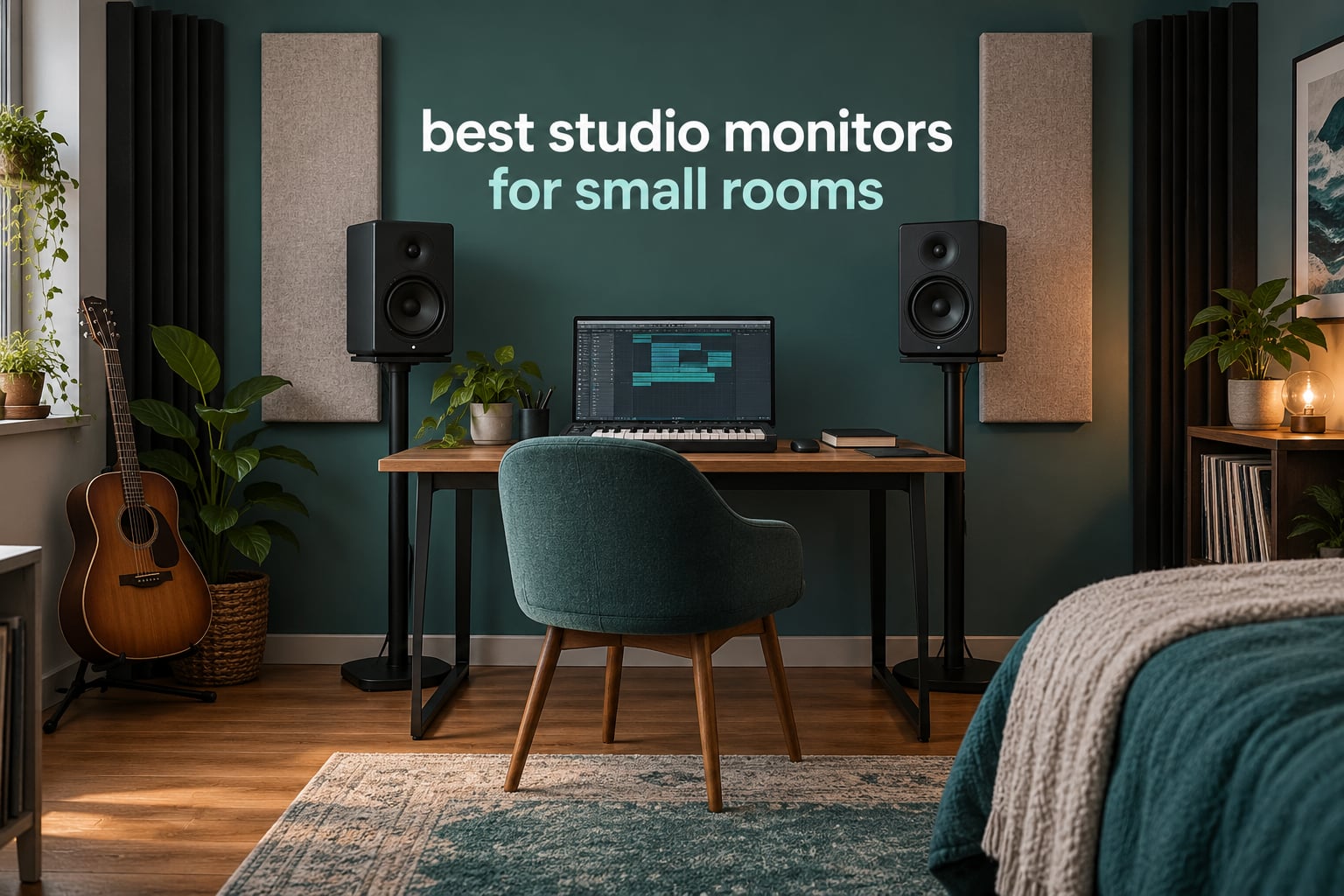
Short answer: the best studio monitors for small rooms are 3.5-inch to 4.5-inch active two-way monitors, and the room matters more than the speaker. A 4.5-inch woofer in a 90 to 150 cubic foot bedroom behaves far more predictably than a 6-inch or 7-inch monitor does in the same space, because the smaller driver puts less energy into the room modes that make tight spaces boom.
That is the whole argument in one line, and it is the line most roundups skip. I compared twelve compact monitor pairs rated from 4.3 to 4.7 stars, with review counts from 166 up past 3600, and every one of them was picked against the same constraint: how it behaves when the nearest wall is 18 inches behind the cabinet. If you are outfitting a bedroom or a box room, this is the list. If you are still choosing an interface first, start with our beginner studio monitor guide instead.
Two rules run through every pick below. First, treat the room before you spend on speakers, because broadband panels and corner bass traps change what you hear more than any driver swap. Second, cross-check on headphones every session, since no 4-inch monitor in a small room will show you 40 Hz accurately. Our budget monitor roundup covers the entry tier in more depth if your spend is tighter.
Table of Contents
Top 3 Studio Monitors for Small Rooms
The Yamaha HS4 takes the top slot on rating and review volume together, with rear room-control and high-trim switches that are made for exactly this problem. The IK Multimedia iLoud Micro wins on footprint, reaching down to 45 Hz from a 3-inch driver on a super-nearfield design. The PreSonus Eris E4.5 is the value pick, with the largest review base of the three and a front headphone output most rivals in its class leave out.

Yamaha HS4
- 4.5 inch woofer
- 60 Hz to 22 kHz
- Room control and high trim
- XLR and TRS combo inputs


PreSonus Eris E4.5
- 4.5 inch woven woofer
- 50W class AB
- Silk dome tweeter
- Front headphone output
Best Studio Monitors for Small Rooms at a Glance
All twelve pairs, with the driver size, low-end reach and the single feature that matters most in a tight room. Woofer size is the first column to read: it sets how much energy the speaker pushes into your room modes before you have done anything about the acoustics.
| Product | Specifications | Action |
|---|---|---|
| Yamaha HS4 |
|
Check Latest Price |
| IK Multimedia iLoud Micro |
|
Check Latest Price |
| PreSonus Eris E4.5 |
|
Check Latest Price |
 Edifier MR4 Edifier MR4 |
|
Check Latest Price |
 M-Audio BX3 M-Audio BX3 |
|
Check Latest Price |
 JBL 104-BT JBL 104-BT |
|
Check Latest Price |
 Ortizan C7 Ortizan C7 |
|
Check Latest Price |
 Mackie CR3.5 Mackie CR3.5 |
|
Check Latest Price |
 ADAM Audio D3V ADAM Audio D3V |
|
Check Latest Price |
 Kali Audio LP-UNF Kali Audio LP-UNF |
|
Check Latest Price |
 Pioneer DJ DM-40D Pioneer DJ DM-40D |
|
Check Latest Price |
 SAMSON MediaOne M30 SAMSON MediaOne M30 |
|
Check Latest Price |
Why Small Rooms Want Smaller Speakers
A small room has a short wavelength problem. When two parallel walls sit six feet apart, low frequencies between roughly 55 and 70 Hz build up between them and collapse near them, and that push-pull is what produces the boom people complain about on studio forums. The speakers are not broken. The room is doing this, and it does it harder the more air a driver has to move.
That is the mechanism behind the advice on GearSpace that a 5-inch monitor suits a small room better than a bigger one, and behind the SevenString argument that the steeper bass roll-off of a smaller driver is a feature in tight spaces. Long-throw bass from a large woofer couples to the room harder, so you hear the room instead of the mix. A stiff 3.5 or 4.5-inch cone moves less air per excursion, its low end rolls off earlier, and the levels you end up judging are more repeatable session to session.
Boundary reinforcement is the second half of the story. Any speaker near a wall gets a low-mid lift, and a port facing a wall gets more. Several monitors here ship a switch for exactly this: the Mackie CR3.5 has a Location Switch, the Kali LP-UNF has Boundary EQ dip switches, the Yamaha HS4 has a room control, and the ADAM D3V has DSP placement switches. If your desk is 18 inches from a wall, use them rather than pretending the problem is not there.
One honest caveat. Below about 70 Hz, a small room is not physically able to reproduce clean low end, and no compact monitor changes that. What changes it is deciding early that the 60-to-80 Hz region is a translation problem you check in headphones, rather than a frequency you try to balance on speakers. Buyers who regret compact monitors almost always regret trusting them for sub-bass they were never built to deliver.
1. Yamaha HS4 – the honest reference for a tight room
Yamaha HS4 Powered Studio Monitor in Black, Pair (HS4 B)
4.5 inch cone woofer
60 Hz to 22 kHz at -10 dB
26W per speaker
Room control and high trim
Pros
- Rear room control and high trim switches suit small imperfect rooms
- Accurate revealing response
- XLR and TRS combo inputs pair easily with any interface
- Solid build with a compact 8.4 inch deep cabinet
- 4.7 average rating across more than 2300 reviews
Cons
- Limited bass extension at low listening levels
- Clarity drops and gets muddy at very high volume
- All controls and connections sit on one speaker
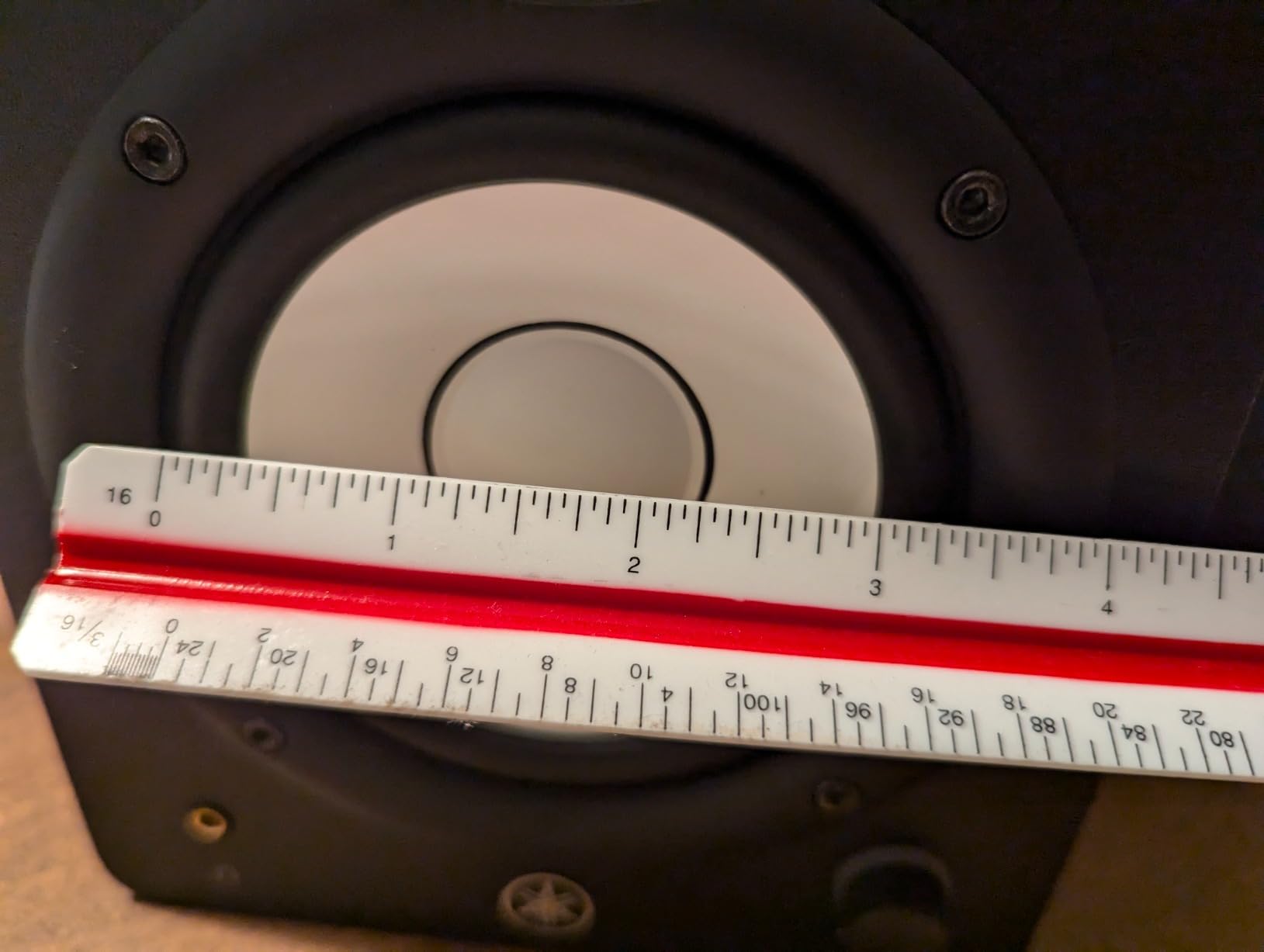
The HS4 is the pair I keep coming back to for this exact room size. The 4.5-inch cone woofer and 1-inch dome tweeter cover 60 Hz to 22 kHz at -10 dB, which is honest about where a compact monitor stops, and the rear room control and high trim switches let you match that response to a desk pushed against a wall. At 26 watts per speaker it will not fill a large room, and in a small one it does not need to.
Users describe the sound as revealing rather than flattering, which is what you want from a monitor. Owners frequently praise the rear switches as the reason the pair fits a small imperfect space, and the HS series holds a 4.7 average across more than 2300 reviews, one of the largest samples in this roundup.
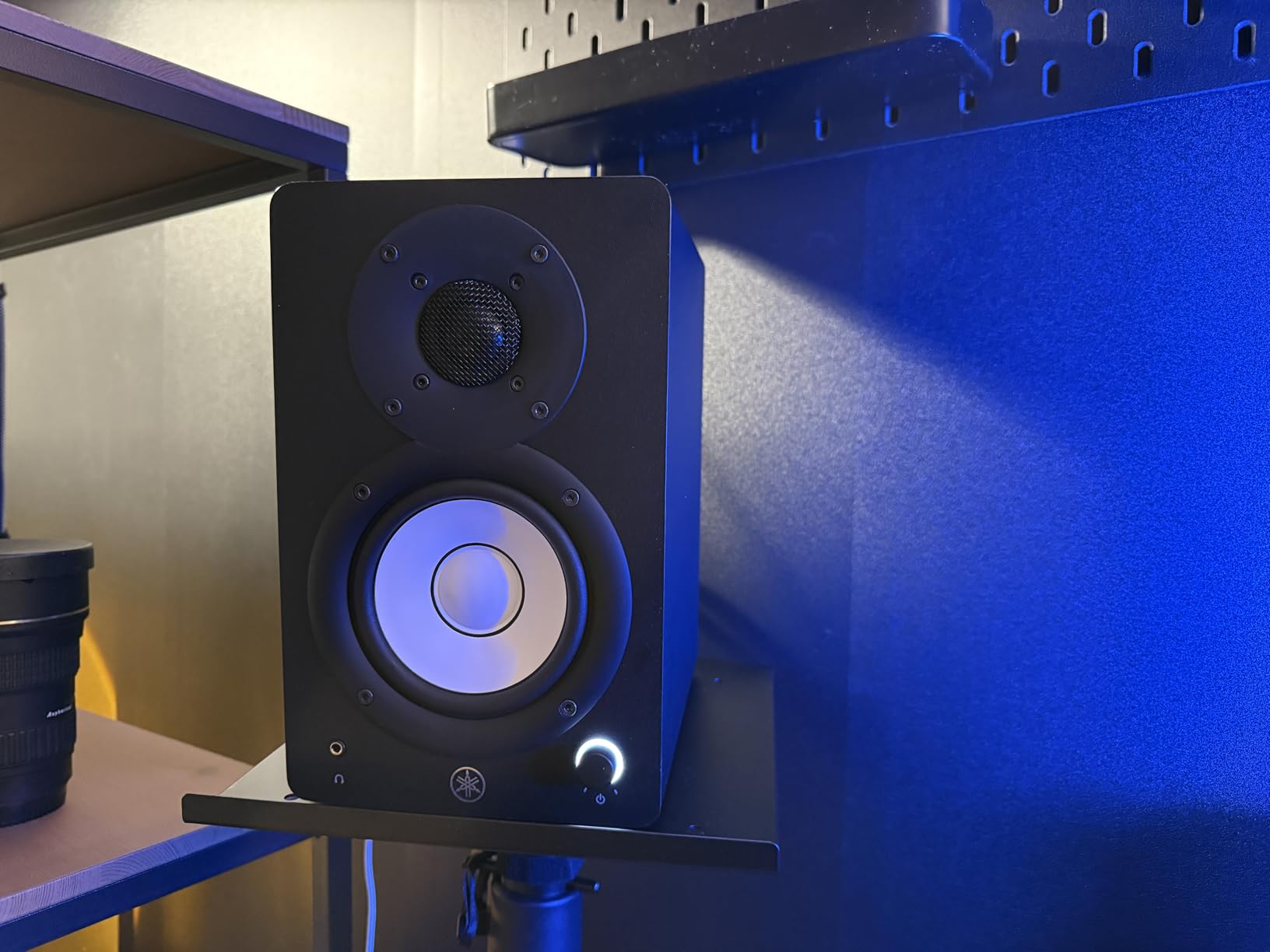
The real limitation is the sweet spot. Owners agree the sound is cleanest at medium and medium-high volume, with quiet listening lacking bottom end and very loud levels turning muddy. At 8.4 inches deep and about 3.5 kg per speaker, it is also a heavy object for a small desk, and every connection sits on the master speaker, which cannot be reversed.
You also get a fixed, non-detachable power cord and no subwoofer output. If your low end is the priority, the Eris Sub 8BT pairing is the common route, though a sub is a second problem to solve rather than a first one.
What room size suits the HS4
This is a 60 to 150 cubic foot monitor, which covers most bedrooms and box rooms. The sweet spot I would target is around 100 cubic feet with the speakers 30 to 50 percent off the rear wall rather than hard against it.
The room control switch is what makes it work below 100 cubic feet, since it trims the low-mid lift you get from close wall placement.
Where it will disappoint you
It will not play low, and mixing quietly in a late-night session removes the bottom of the mix entirely. If you work at neighbour-unfriendly hours, the iLoud Micro’s 45 Hz reach is a better fit for the same desk.
2. IK Multimedia iLoud Micro – the smallest footprint that still has low end
IK Multimedia iLoud Micro Monitor White 50 watt Portable Wireless Bluetooth Studio Reference Monitors, Dual Speakers for Music Production, Mixing, Mastering, Composing, producing and DJs
3 inch woofer
45 Hz to 20 kHz
50W RMS across four class D amps
DESKTOP and SHELF switch
Pros
- Reaches 45 Hz from a 3 inch driver
- Super nearfield sweet spot sits at your ears on a desk
- Tiny 3.54 inch wide cabinets
- Very clean and loud for the size
- DESKTOP and SHELF switch adapts to placement
Cons
- Short interconnect cable between cabinets
- Bluetooth needs re-pairing after every power cycle
- No room correction mic or software on this model
The Micro is the reason a 3-inch woofer no longer means a toy. It reaches 45 Hz to 20 kHz, and owners consistently describe it as a sleeper that rivals speakers several times its size, with deep, punchy bass for the driver size and minimal distortion at high volume. Four class D amplifiers deliver 50W RMS, which is a lot of clean headroom for a bedroom studio.
The super-nearfield design is the part people underestimate. The sweet spot sits at your ears on a normal desk, and the advanced digital crossover with careful time alignment gives a precise, stable stereo image. At 3.54 inches wide and 7.09 inches tall, it frees up real desk space, which matters more in a small room than any spec sheet.
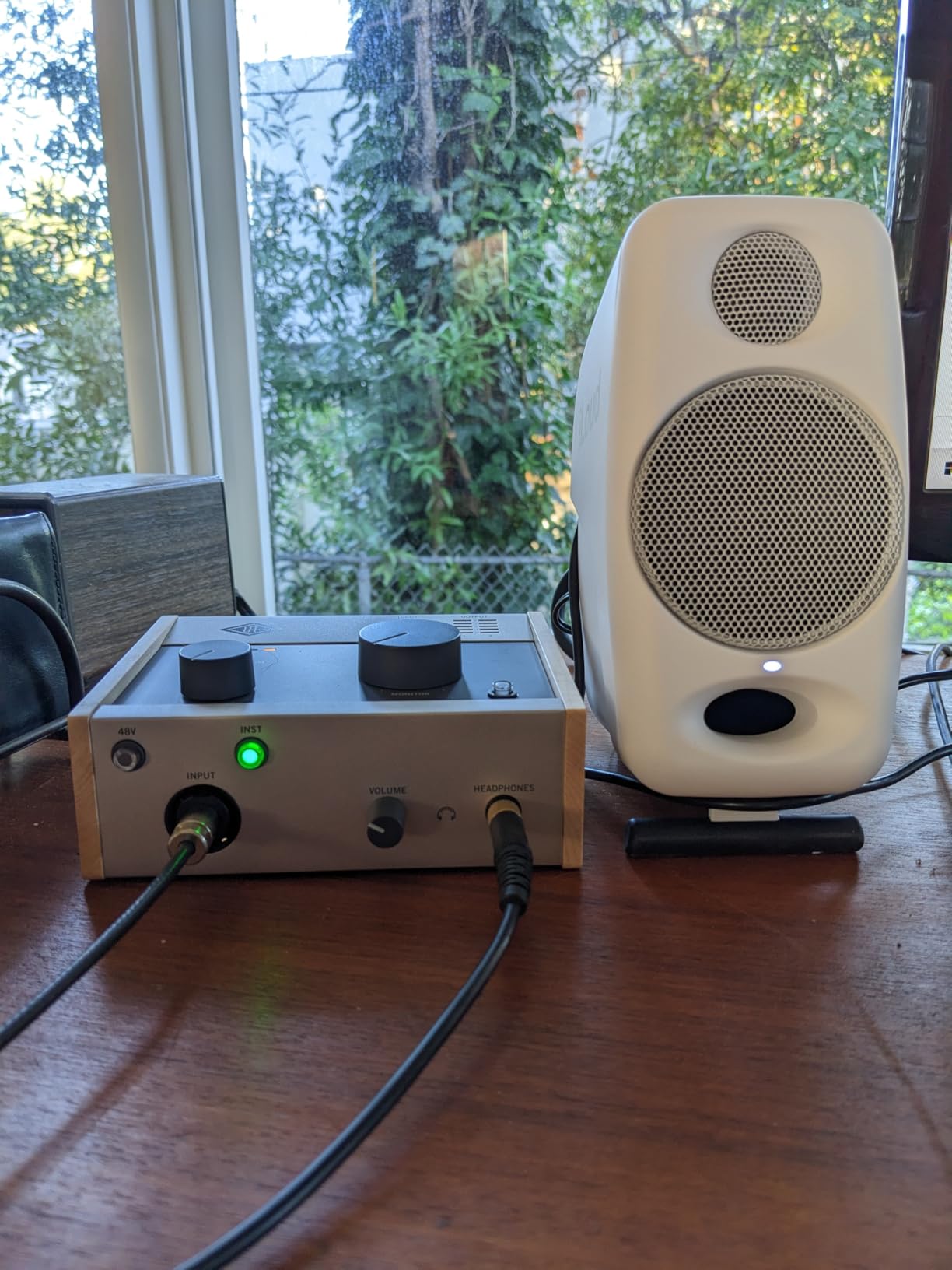
The DESKTOP and SHELF switch is the small-room feature here. It adapts the response for nearfield listening or shelf placement, so the same pair works whether the speakers sit on stands or crammed onto a desk. Bluetooth and 3.5mm and RCA wired inputs let you keep a wired signal for critical work and stream casually from a phone.
Reported drawbacks are practical ones. The interconnect cable between the two cabinets is short, the powered speaker is the first one in the chain, and Bluetooth has to be re-paired in system settings every time you power up. The white special edition also ships with black feet and black cables, which looks mismatched on a desk.
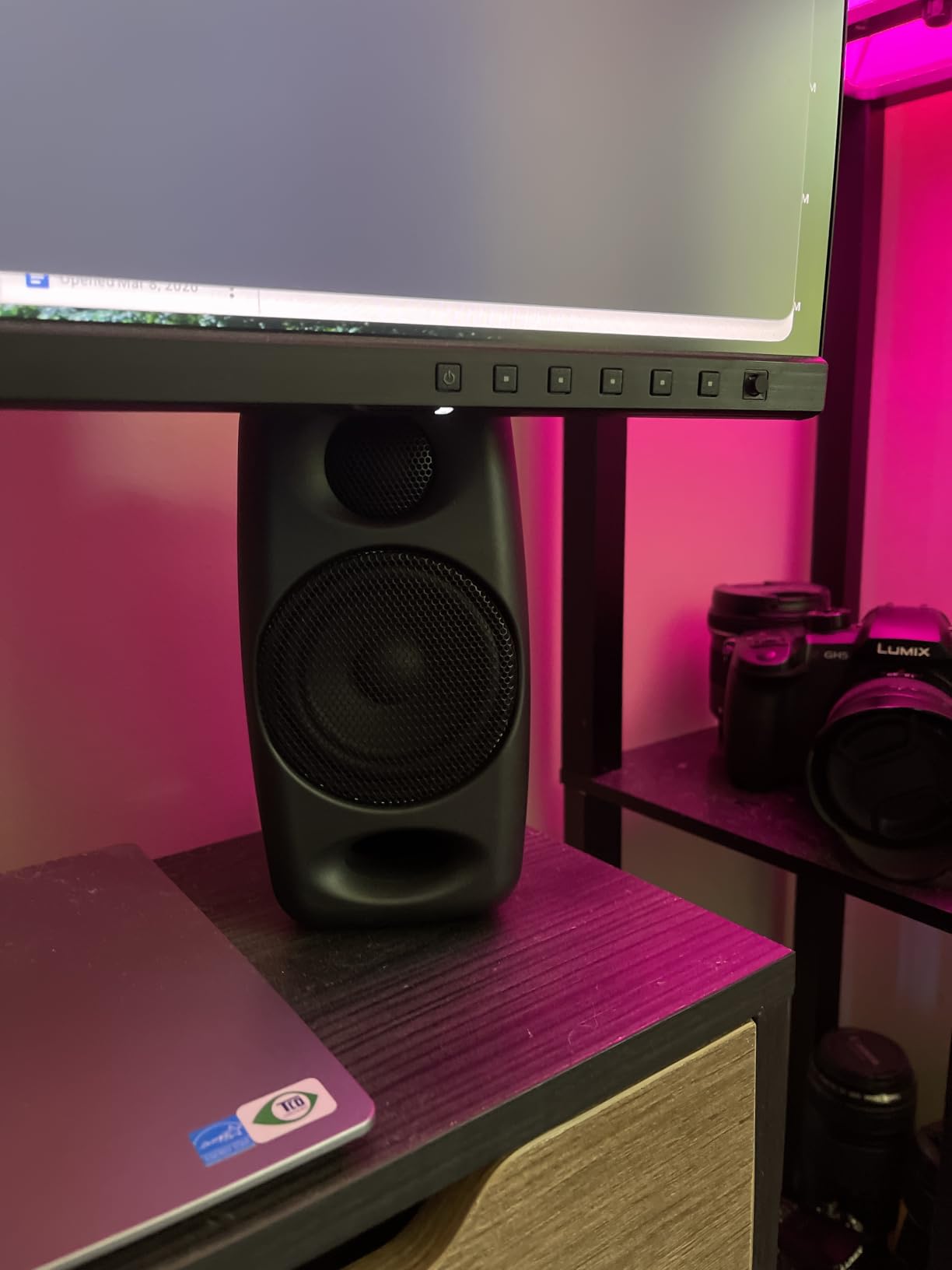
Why this fits the tightest desk
At under 4 inches wide, these take up almost no horizontal desk space, which matters more in a small room than any spec sheet. They suit rooms under 100 cubic feet where speaker footprint is a real constraint, and the nearfield design means you do not need distance to hear them properly.
Because the response runs to 45 Hz, they also handle late-night mixing better than most 4-inch competitors at similar volume.
What you give up
No room correction software, no included measurement mic, and a short interconnect that limits how far apart you can spread the pair. Wide stereo spacing matters for imaging, so treat the short cable as a desk constraint, not a room one.
3. PreSonus Eris E4.5 – the safest first buy
PreSonus Eris E4.5-2-Way 4.5″ Near Field Studio Monitor (Pair)
4.5 inch woven composite woofer
50W class AB, 25W per side
Front aux and headphone outputs
High and low tuning controls
Pros
- 4.5 rating across 3029 reviews
- Very wide listening sweet spot
- Front headphone output with built-in headphone amp
- High and low tuning controls match the room
- Tight felt bass from the woven composite woofer
Cons
- Bass is present but limited for the cabinet size
- Highs can feel sharp or fatiguing at higher volumes
- Plastic enclosure feels less solid than wood
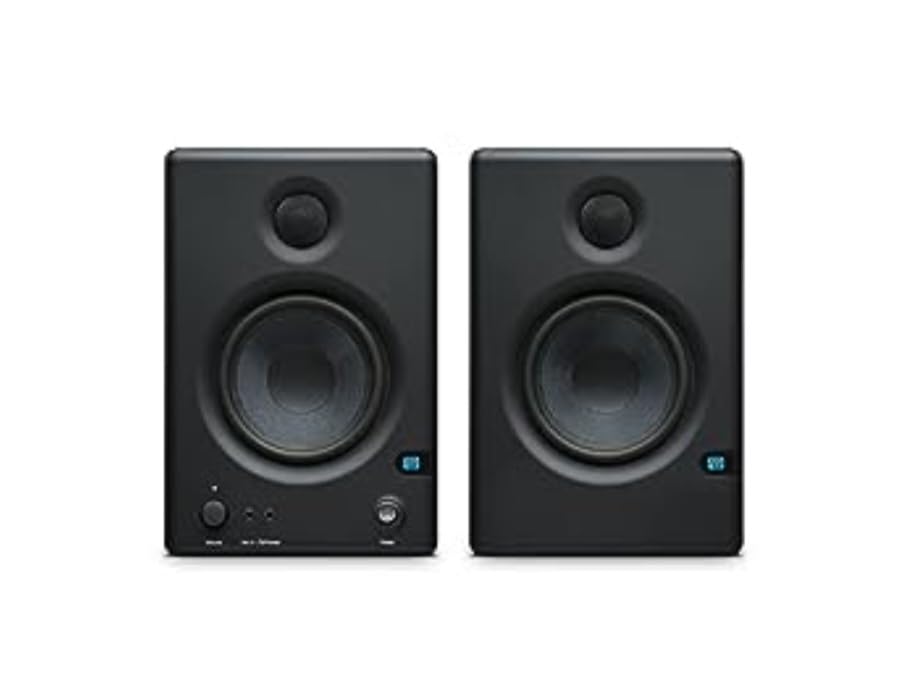
The Eris E4.5 has been the default recommendation in home studio threads for years, and the reason is simple: it is accurate, connected and small. The 4.5-inch woven-composite woofer and 1-inch low-mass silk-dome tweeter deliver a very wide listening sweet spot, which means the centre of the image holds up whether you are sitting dead centre or leaning over a keyboard.
At 50W of class AB amplification, 25W per side, it stays clean at moderate volume, and users single out stereo imaging and connectivity as the strongest points. The front aux input and front headphone output, with its own headphone amplifier, mean you can switch to private monitoring without reaching behind the cabinet, which is a small-room quality-of-life win.
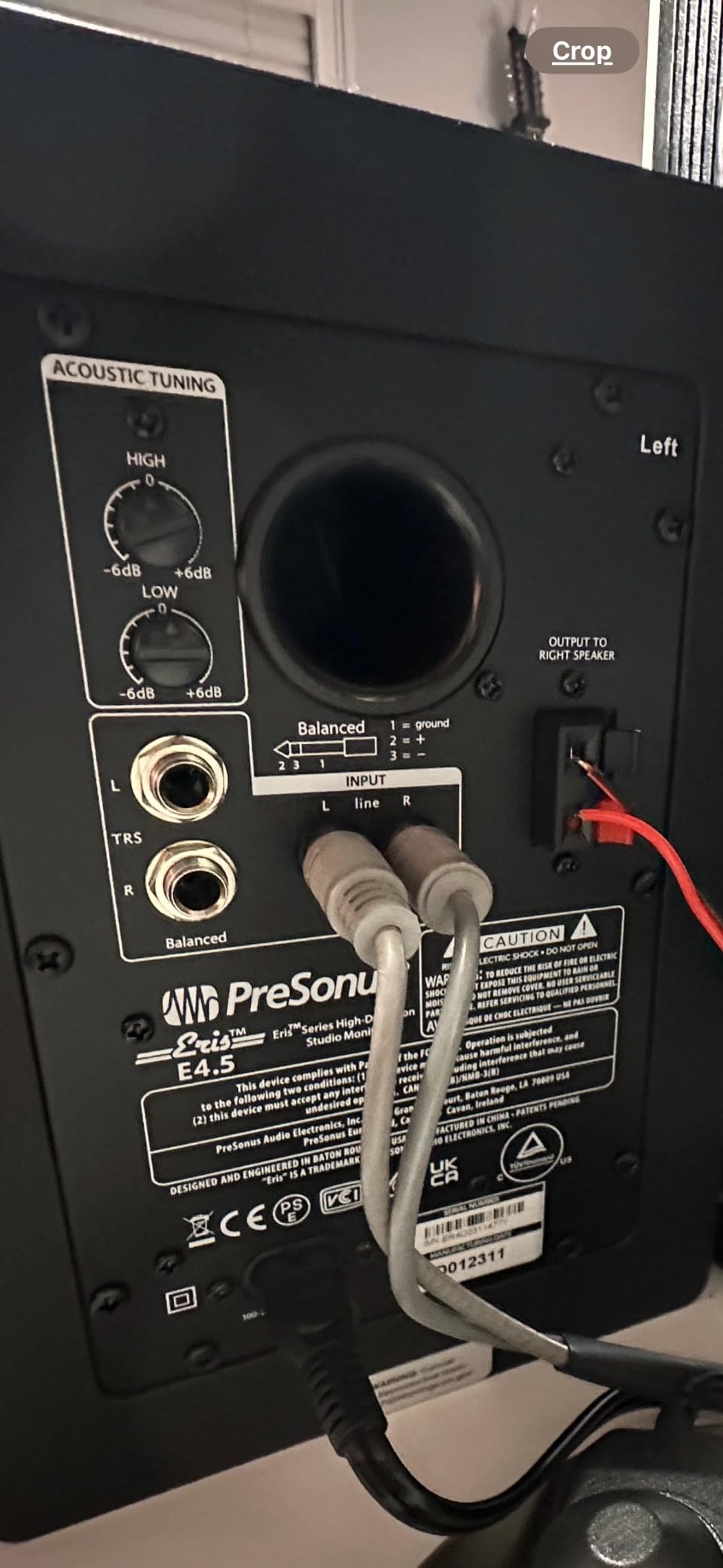
The tuning controls matter here. Rear high and low frequency controls let you trim the response for a desk against a wall, and the auto power-saver engages after 40 minutes of idle time so you are not toggling power every session. It is also compatible with the Eris Sub 8BT companion subwoofer if you decide later that you need one.
The honest weakness is the top end and the bottom. Owners note that highs can sound sharp or slightly fatiguing at higher volumes without EQ, and vocals can read as sibilant out of the box, while bass stays punchy but limited. The plastic enclosure also feels less solid in the hand than a wood cabinet.
Why it suits a first small room
At 7.1 by 6.4 by 9.5 inches it is small but not tiny, so it needs real desk depth rather than a corner. The wide sweet spot and the front-panel headphone jack make it a comfortable monitor for someone learning to mix in a room of 100 to 150 cubic feet.
Its 3029 reviews are a deep sample, so the reported problems are well understood rather than surprising.
Where it falls short
It is a flat monitor, so the upper-mid emphasis some listeners dislike is the honest voicing rather than a defect. Pair it with a sub only if you have already treated the room, because the tuning controls will not fix an untreated boom.
4. Edifier MR4 – the MDF cabinet at a compact size
Edifier MR4 Power Studio Monitor Speakers, 4 inch Active Near-Field Speaker
4 inch composite woofer
1 inch silk dome tweeter
42W maximum output
MDF wooden structure
Pros
- MDF wooden structure is unusual at this size
- Monitor and music mode switch on the power button
- Rear high and low trim knobs
- Front headphone jack with cables in the box
- Flat near-neutral response that EQs well
- 4.6 rating across 3669 reviews
Cons
- Stepped volume knob makes fine adjustment hard
- Bass is boomy out of the box and needs trimming down
- No front grille to protect the drivers
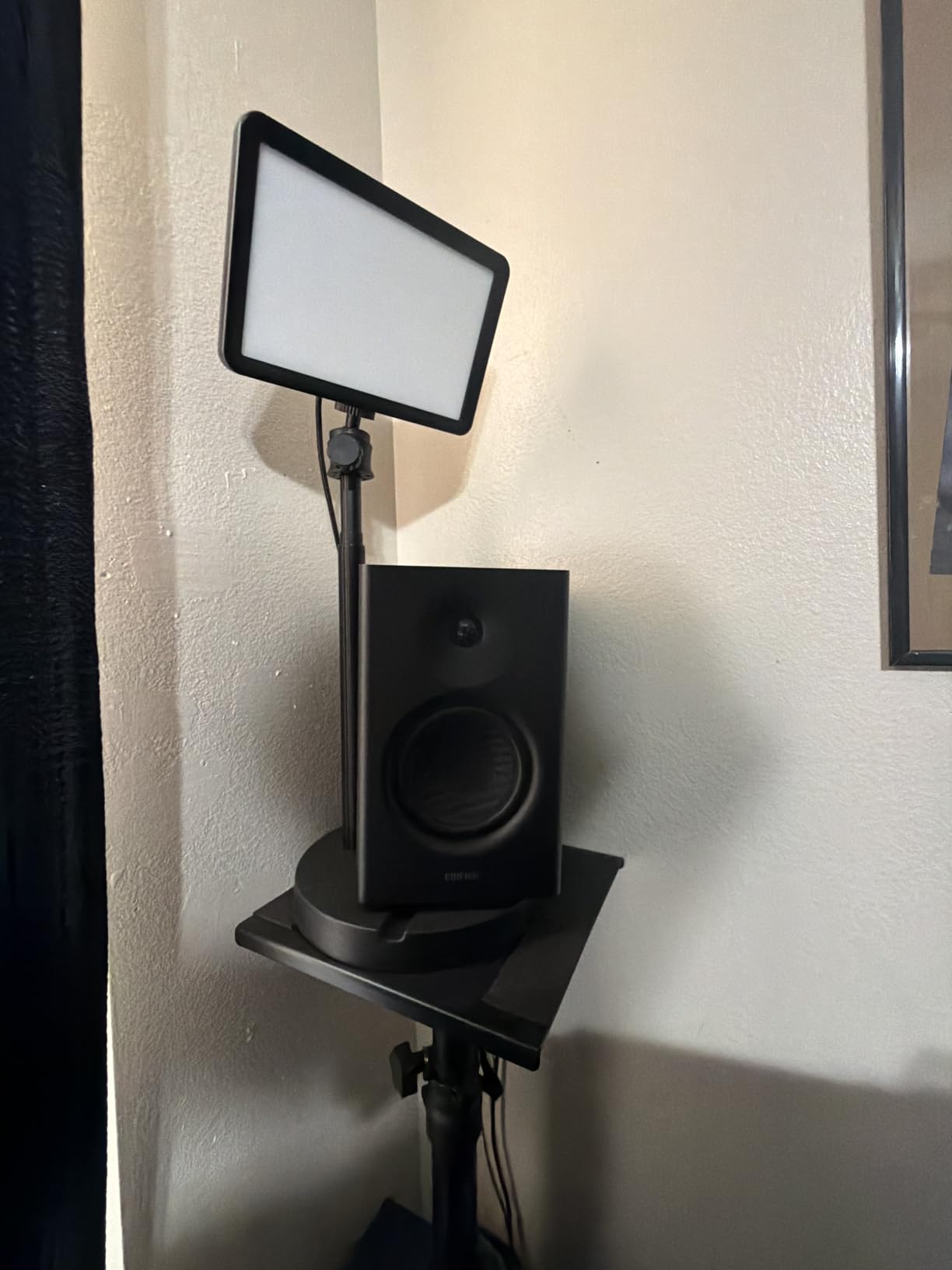
The MR4 stands out for its cabinet. Most monitors in this price and size class use plastic enclosures, and the MR4 uses an MDF wooden structure designed to reduce resonance, which shows up as a cleaner low-mid texture than its size suggests. The 4-inch composite woofer and 1-inch silk dome tweeter sit in a 7.2 by 12.1 by 16.9 inch cabinet, so it is a nearfield monitor rather than a pure desktop one.
With 42 watts of maximum output and an 85 dB signal-to-noise ratio, reviewers report no audible hiss at maximum volume, which matters when the room is quiet and you are mixing at low levels. The 4.6 rating across 3669 reviews is the widest owner feedback base of any pair here.
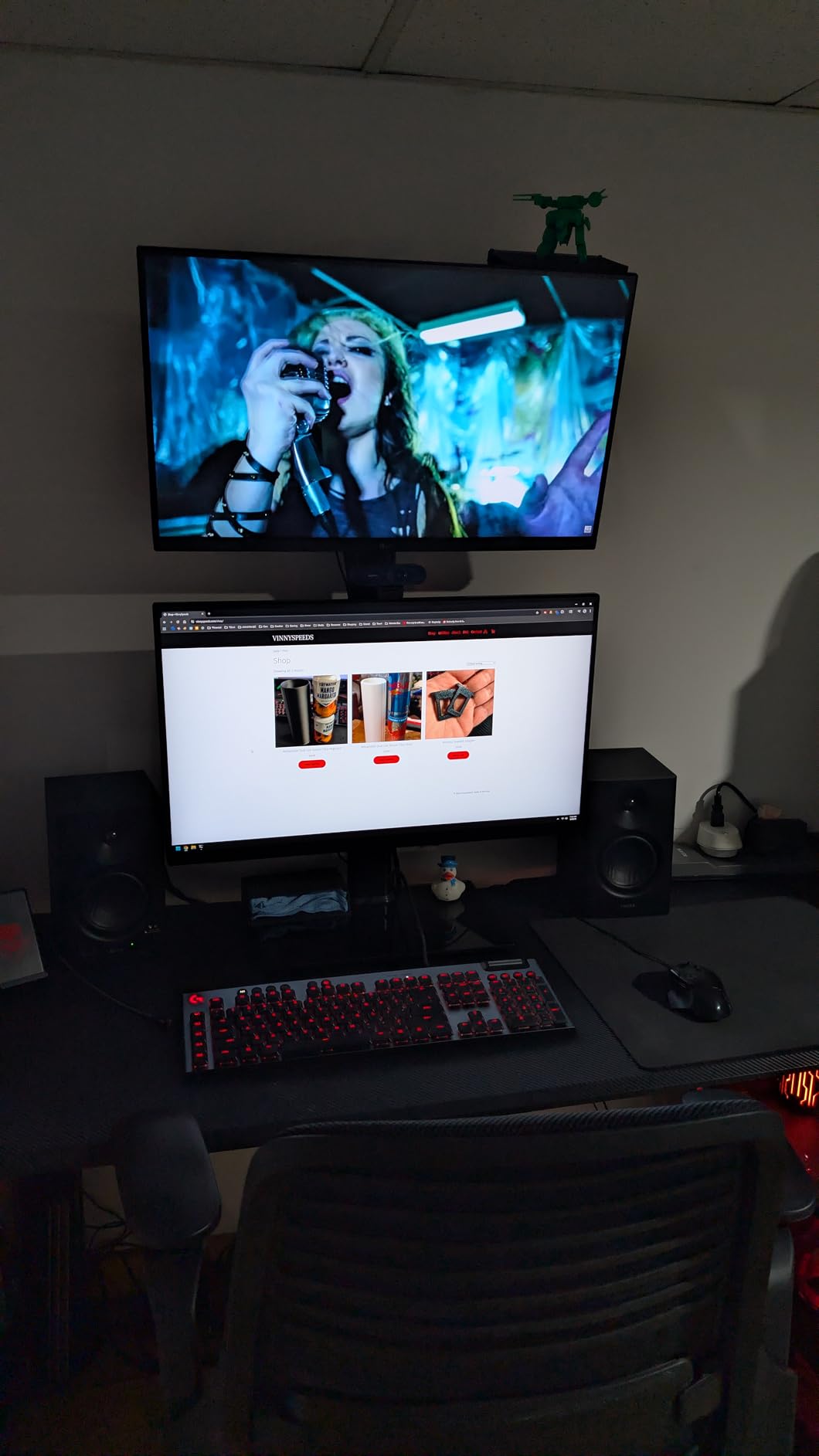
Connectivity is unusually generous: a quarter-inch balanced TRS input, unbalanced RCA, an AUX input and a front-panel headphone output, with the cables included. The dual monitor and music mode switch on the power button is genuinely useful when you want to check how a track sounds on a consumer system, and the rear high and low trim knobs let you correct a wall placement.
The two complaints that recur are the stepped volume knob, which jumps in large increments and makes fine adjustment frustrating, and bass that is boomy out of the box and needs the rear trim turned down a few dB. The tweeters also have an audible high-frequency ceiling, there is no front grille, and a few owners report the mode indicator LED failing after short use.
Who should buy the MR4
Buy it if you are moving up from desktop computer speakers and want a wooden cabinet without moving to a 5-inch monitor. It suits rooms from about 100 to 200 cubic feet where there is desk depth for a cabinet this size.
The monitor and music modes also make it a good pair for someone who produces and DJs from the same desk.
Where it falls short
The volume control is the deal-breaker for fine mixing work, and there is no subwoofer output, so the 4-inch bass limit is fixed. The boomy default is fixable with the rear trim, but only if you actually turn it.
5. M-Audio BX3 – a 3.5-inch pair with a real cabinet
M-AUDIO BX3 3.5″ Wired Studio Monitors Pair
3.5 inch Kevlar woofer
1 inch silk dome tweeter
120W total bi-amplified
MDF bass reflex cabinet
Pros
- Acoustically inert MDF cabinet with Kevlar woofers
- Very small footprint at 5.5 inches deep
- Latency free wired connection for mixing and streaming
- Rear 1/4 inch 1/8 inch and RCA inputs
- Interconnect and aux cables plus foam feet included
Cons
- 3.5 inch woofers limit real low-end output
- Silk dome tweeters are bright
- Speaker position switch sits behind the cabinet
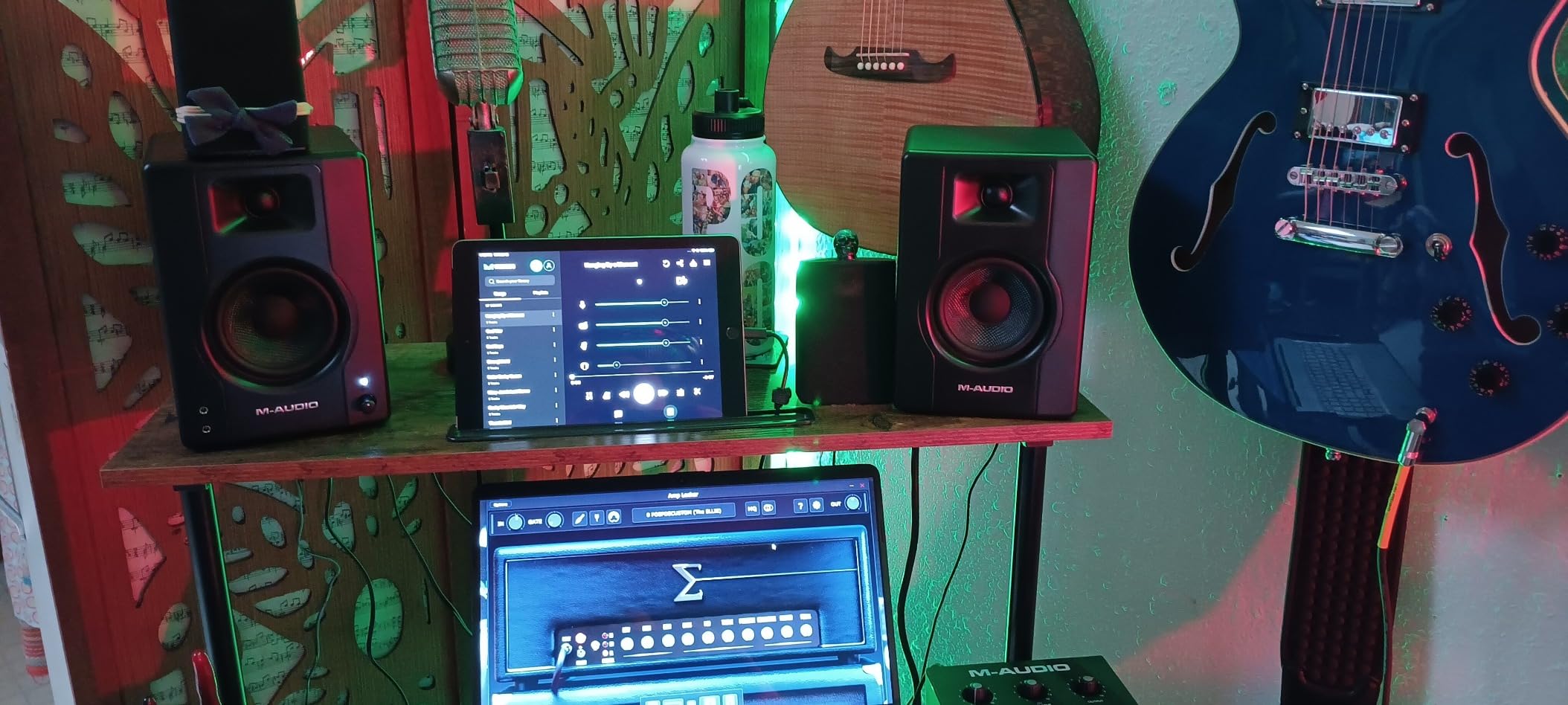
The BX3 is the value pick for a desk where every inch counts. At 5.51 by 8.19 by 5.71 inches, it is smaller than most 4-inch monitors, and the MDF cabinet with a bass reflex design feels more solid than the plastic competition at the same tier. The 3.5-inch Kevlar woofers and 1-inch natural silk dome tweeters give clean separation, and bi-amplification at 120W total gives you more headroom than the size implies.
The wired connection is latency free, which is why the BX3 shows up in podcasting and streaming setups as much as in mixing rooms. Rear quarter-inch, eighth-inch and RCA inputs cover most interfaces and mixers, and the front eighth-inch headphone output handles late-night monitoring. Interconnect and aux cables plus foam feet come in the box.
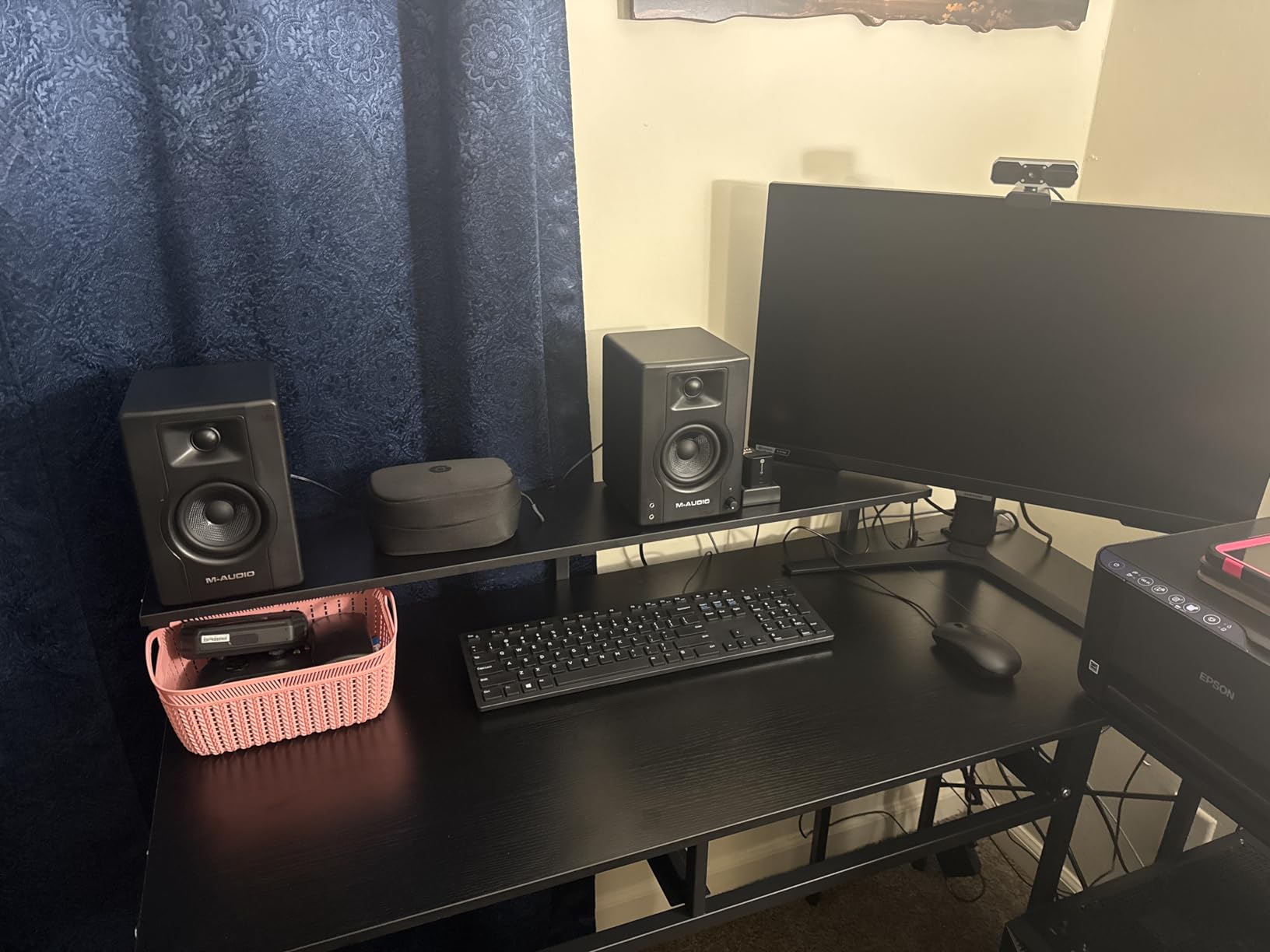
What you accept with a 3.5-inch woofer is the limit on real low end. Reviewers note that a subwoofer helps for bass-heavy work, and that the silk dome tweeters are bright compared with something like the Eris. The rear High and Low EQ dials are small and less convenient than front-panel tone controls, and the speaker position switch on the back panel means you have to reach behind the cabinet to change it.
Akai Professional MPC Beats software is included, which is a small perk for beatmakers rather than a mixing feature. The 4.5 rating across 2198 reviews reflects a monitor that punches above its tier without pretending to do more.
When the BX3 is the right answer
Choose it for a sub-100 cubic foot room where the desk is the constraint, or as a permanent second reference pair in a bedroom setup. Its clarity and separation make it useful for tracking vocals and checking arrangement balance.
It is also the pair to buy if you are splitting work between a laptop and a desktop and want identical monitoring in two places.
Where it falls short
Bright tweeters and a 3.5-inch low end mean it is a mix-checking tool more than a mastering tool. If your music is bass-driven, budget for a sub from the start rather than adding one later.
6. JBL 104-BT – coaxial clarity with a wireless option
JBL Professional 1 Series 104-BT Compact Desktop Reference Monitors with Bluetooth, Black, Sold as Pair, 4.5-inch Speaker
4.5 inch coaxial driver
60W class D
88 Hz to 20 kHz at -3 dB
Bluetooth 5.0
Pros
- Coaxial driver gives a wide forgiving sweet spot
- Defined accurate bass rather than boosted low end
- 87 dB sensitivity with 89 dB continuous and 104 dB peak SPL
- Compact 6 by 9.7 inch desktop format
- Multiple inputs including TRS RCA aux and Bluetooth
- Acoustically optimized for desktop placement
Cons
- Bluetooth adds noticeable audio and video latency
- No remote control so volume is adjusted on the cabinet
- Fragile rear spring clip on the speaker wire
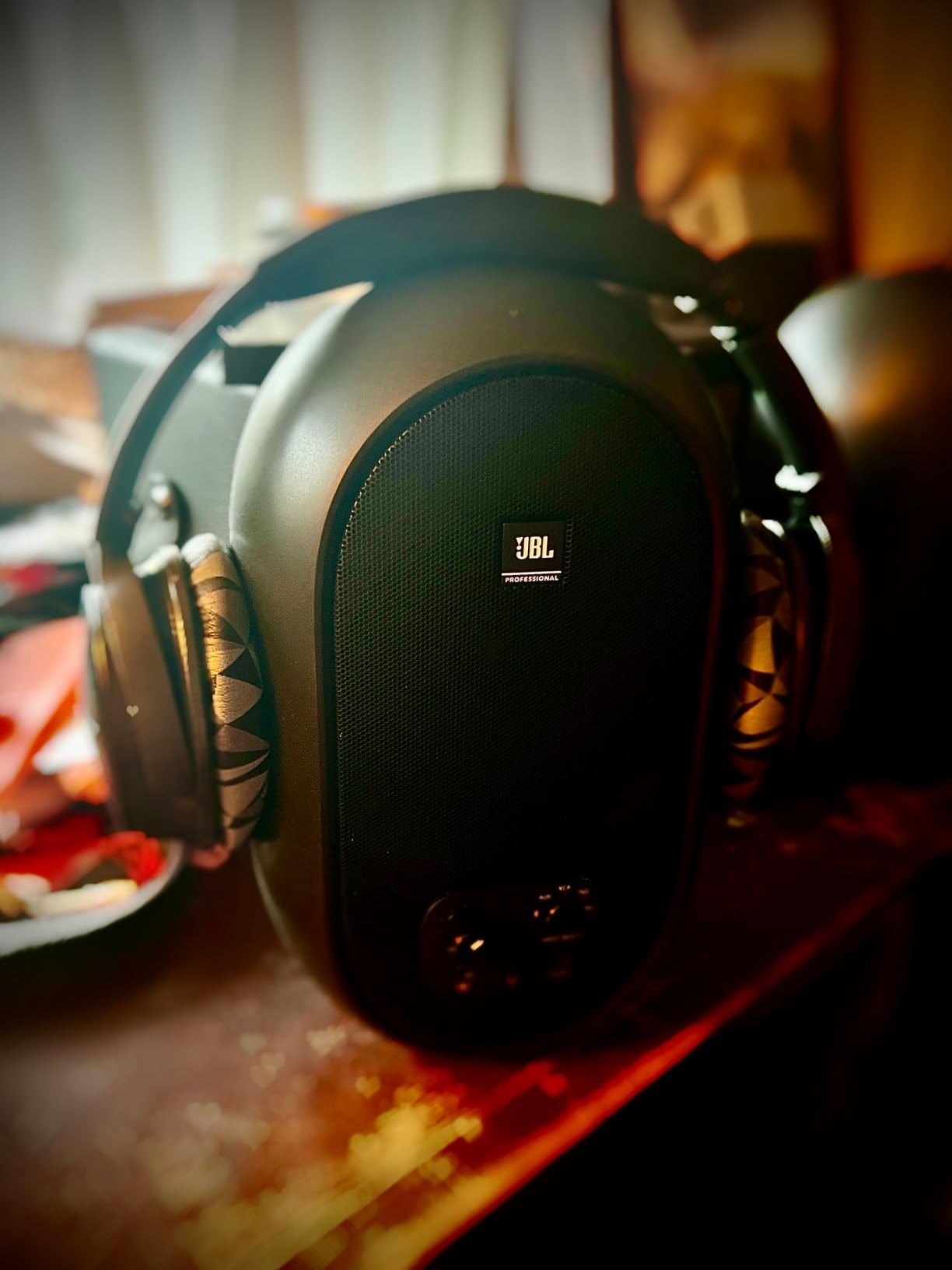
The 104-BT comes with a detailed specification sheet, and those numbers are the reason to care. A proprietary coaxial 4.5-inch woofer with a 0.75-inch soft-dome tweeter sits in a molded ABS cabinet with a contoured low-frequency port, tuned to 72 Hz, with a crossover at 1725 Hz. Frequency range is 88 Hz to 20 kHz at -3 dB and 60 Hz to 20 kHz at -10 dB, with 87 dB sensitivity at 1 m.
Output is 89 dB continuous and 104 dB peak, driven by a 60-watt class D amplifier, 30 watts per speaker. That headroom matters more than it looks: in a small room you mix at a lower level, and monitors that distort at low levels give you a false picture. Users describe the sound as transparent with strong imaging and a stable phantom centre.
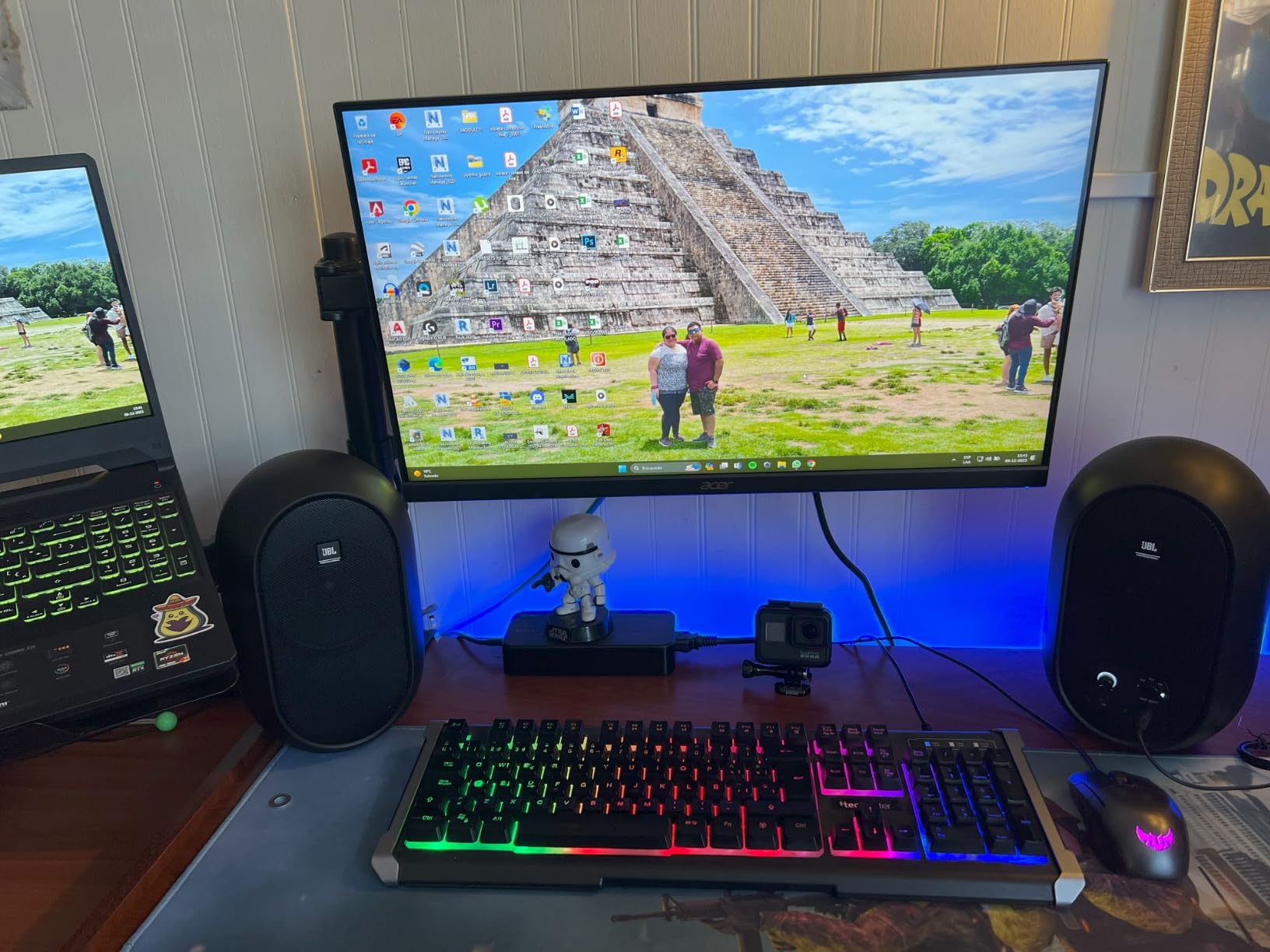
The coaxial layout produces a wide, forgiving sweet spot, which is forgiving in the literal sense. Move your head and the image holds. It is also acoustically optimized specifically for desktop placement, which is exactly the use case in a bedroom studio.
Bluetooth 5.0 with a 10 m range is the headline feature, and also the main complaint. Reviewers report noticeable audio and video latency and dropped connections, and wired input is widely recommended for any critical use. There is no remote, so volume is adjusted on the cabinet, and the rear spring clip holding the extension speaker wire is a reported failure point. Some listeners also find the midrange slightly hollow out of the box.
Where the coaxial design pays off
It works well for people who move around while mixing, or who sit off-centre in a small room where a conventional two-way would lose imaging. With 104 dB peak SPL it can also fill a small live room for tracking without strain.
The 6 by 9.7 inch footprint suits a small desk better than the Eris, and the front headphone jack mutes the speakers automatically.
What to watch out for
Do not mix on the Bluetooth input. The latency will make you second-guess your timing, and the connection dropouts are not worth the convenience in a critical session. Check the rear wire clip on arrival.
7. Ortizan C7 – USB-C monitoring for a single-cable desk
Ortizan C7 Powered Studio Monitors Pair with Bluetooth 5.3, White
3.5 inch carbon fiber driver
0.75 inch silk dome tweeter
60W with 24-bit USB DAC
Bluetooth 5.3 with 18 m range
Pros
- Built-in 24-bit DAC with USB digital input
- Flat balanced tuning from a two-way crossover
- Unusually flexible wired inputs including balanced TRS
- Compact 5.9 by 7.67 inch footprint
- Front headphone output
- 4.6 rating across 897 reviews
Cons
- 3.5 inch driver cannot deliver deep sub-bass
- Enclosure mixes ABS metal and wood so resonance control is limited
- Needs adjustment time to balance in a real room
The C7 is the pick if your computer is your interface. The built-in 24-bit DAC with a USB digital input means a single USB-C cable carries the signal, which removes the interface from the signal chain entirely in a room that probably has no space for a rack unit. The 3.5-inch carbon fiber driver and 0.75-inch silk dome tweeter sit behind an electronic two-way crossover tuned to a professional flat curve.
Owners treat it as a strong budget reference, describing clean, precise mid-lows and smooth, transparent highs, with a 4.6 average across 897 reviews and a low owner report count behind it. At 60 watts of maximum output with an 85 dB signal-to-noise ratio it is quiet at idle and loud enough for a bedroom studio.
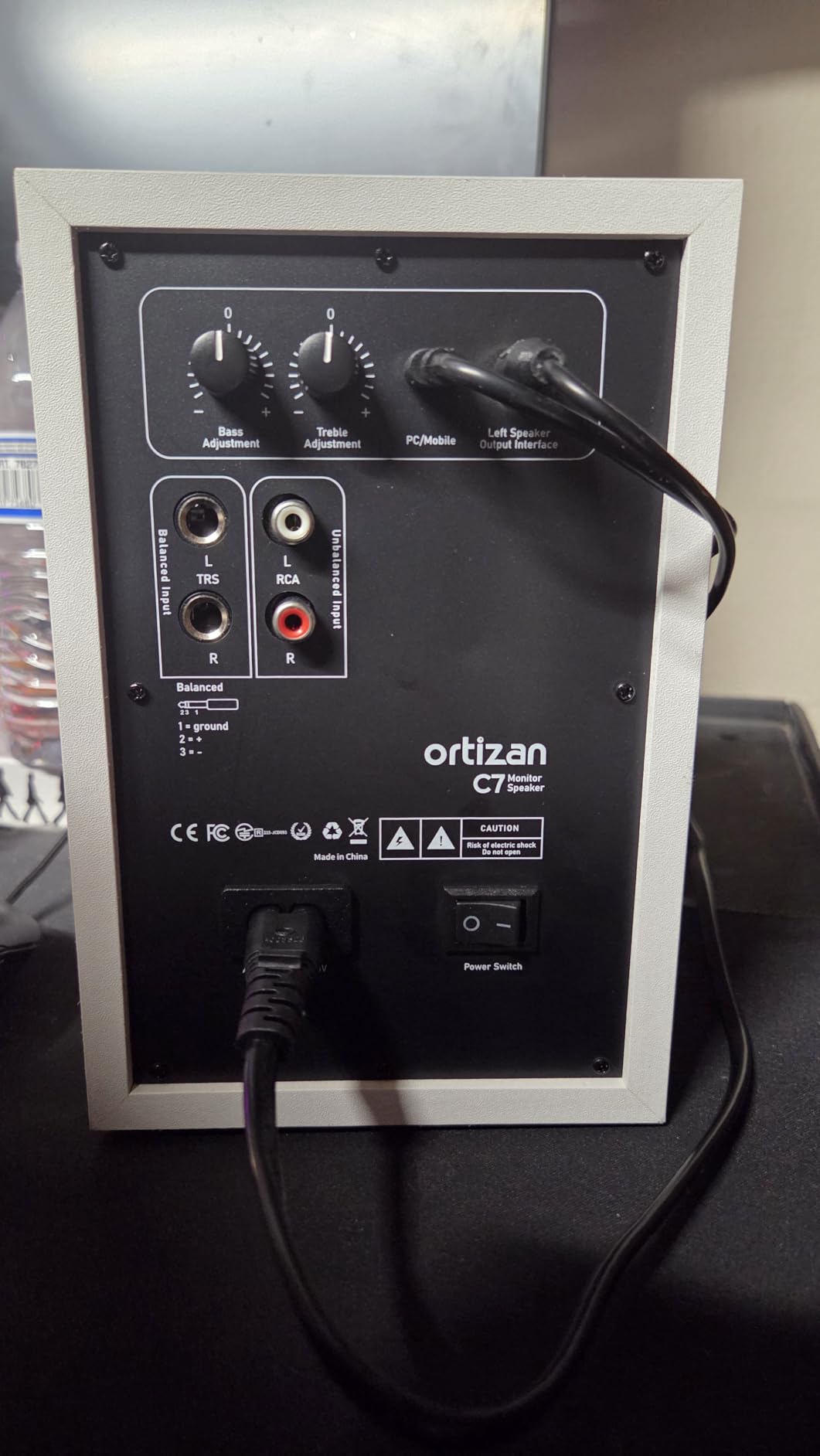
The richest connectivity in this group at this level: RCA, 3.5mm AUX, USB-C digital and Bluetooth 5.3 with an 18 m range, plus a 6.35mm TRS balanced input for mixers and professional equipment. A front headphone output handles private monitoring. The cabinet is 5.11 by 5.9 by 7.67 inches, so it genuinely fits a small desk.
The limits are structural. A 3.5-inch driver cannot deliver deep sub-bass, the enclosure mixes ABS, metal and wood so resonance control is limited against a solid wood cabinet, and reviewers note it takes adjustment time to find a balanced placement in a real room. There is also a much smaller body of long-term owner reports than the Eris, MR4 or Yamaha models here.
Who it fits
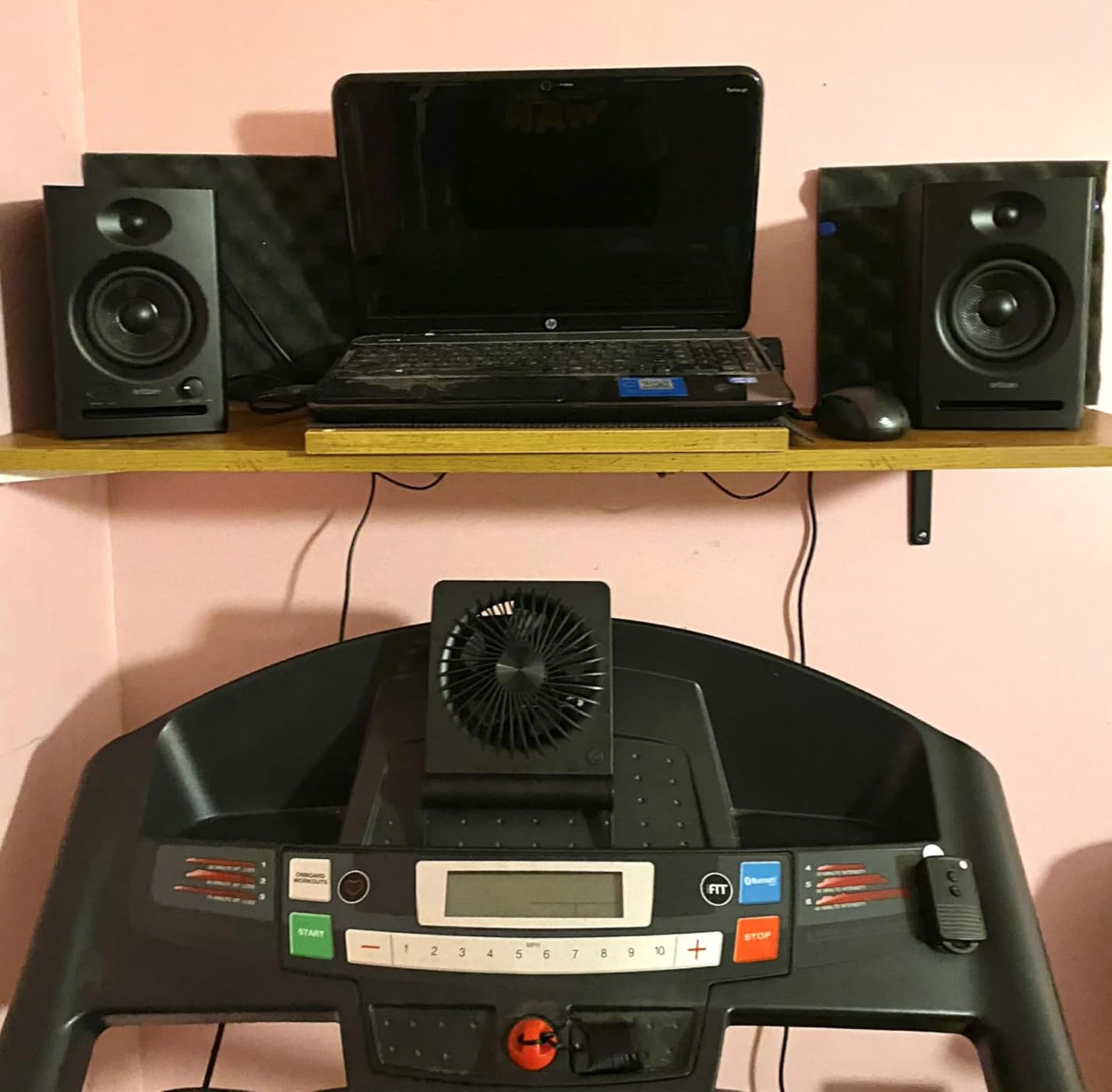
A producer working from a laptop in a room under 100 cubic feet, who wants monitors that sound like a monitor without buying an interface first. The USB-C path also removes cable clutter from an already crowded desk.
It suits writing and arranging work where clarity in the mids matters more than low-end extension.
Where it falls short
Bluetooth here is for casual playback, not critical reference work, and the balanced TRS input means some interfaces need an adapter. For mastering or bass-led genres, look at a 4.5-inch driver instead.
8. Mackie CR3.5 – the placement switch that solves the wall problem
Mackie CR3.5 Studio Monitors (Pair), 3.5″ Woofers, Tone Knob, Black
3.5 inch woofer
0.75 inch tweeter
50W maximum output
Tone Knob and Location Switch
Pros
- Location Switch corrects bass for wall or free-standing placement
- Front Tone Knob changes voicing without menus
- Feels heavier and more solid than most plastic 3.5 inch pairs
- Ships with isolation pads and all cables
- Good separation and headroom at higher volumes
Cons
- Voicing is coloured so serious mixing needs better monitors
- No subwoofer output
- 3.5 inch woofers cannot cover a 20 Hz to 20 kHz range
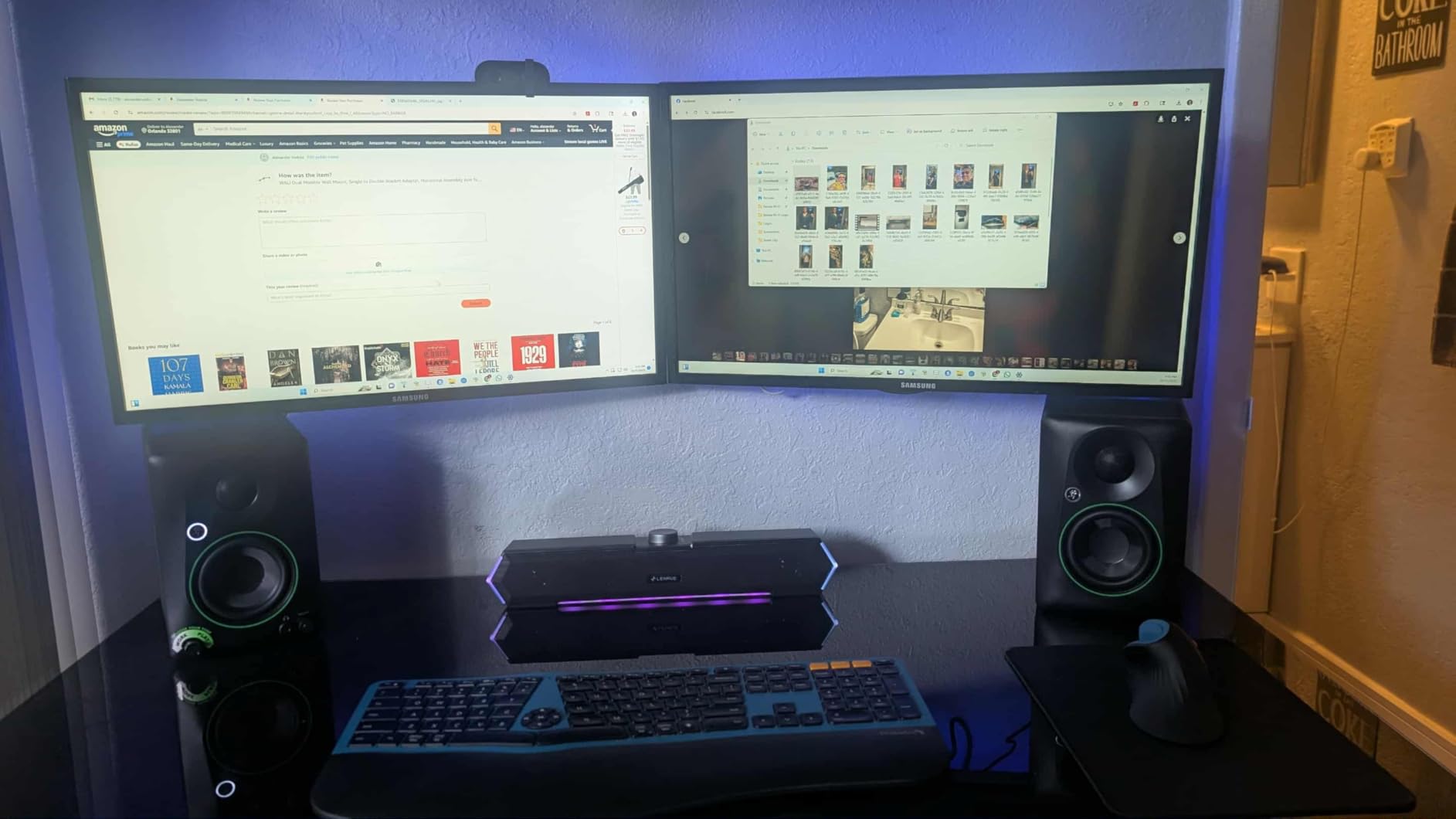
The CR3.5 solves one small-room problem better than anything else in this list. The Location Switch corrects bass whether the speakers sit against a wall or free-standing, and in a bedroom studio where the desk is 18 inches from the plasterboard, that switch is worth more than a specification on the back panel. The front Tone Knob handles voicing changes from your chair, and tone, play and volume are all front panel.
Users regularly say it sounds bigger and louder than 3.5-inch drivers suggest, with a fuller and flatter response than some alternatives at 2 to 3 feet. The 50-watt output and good separation make it a solid desktop pair, and the box includes both monitors, isolation pads, the speaker wire and the cables.
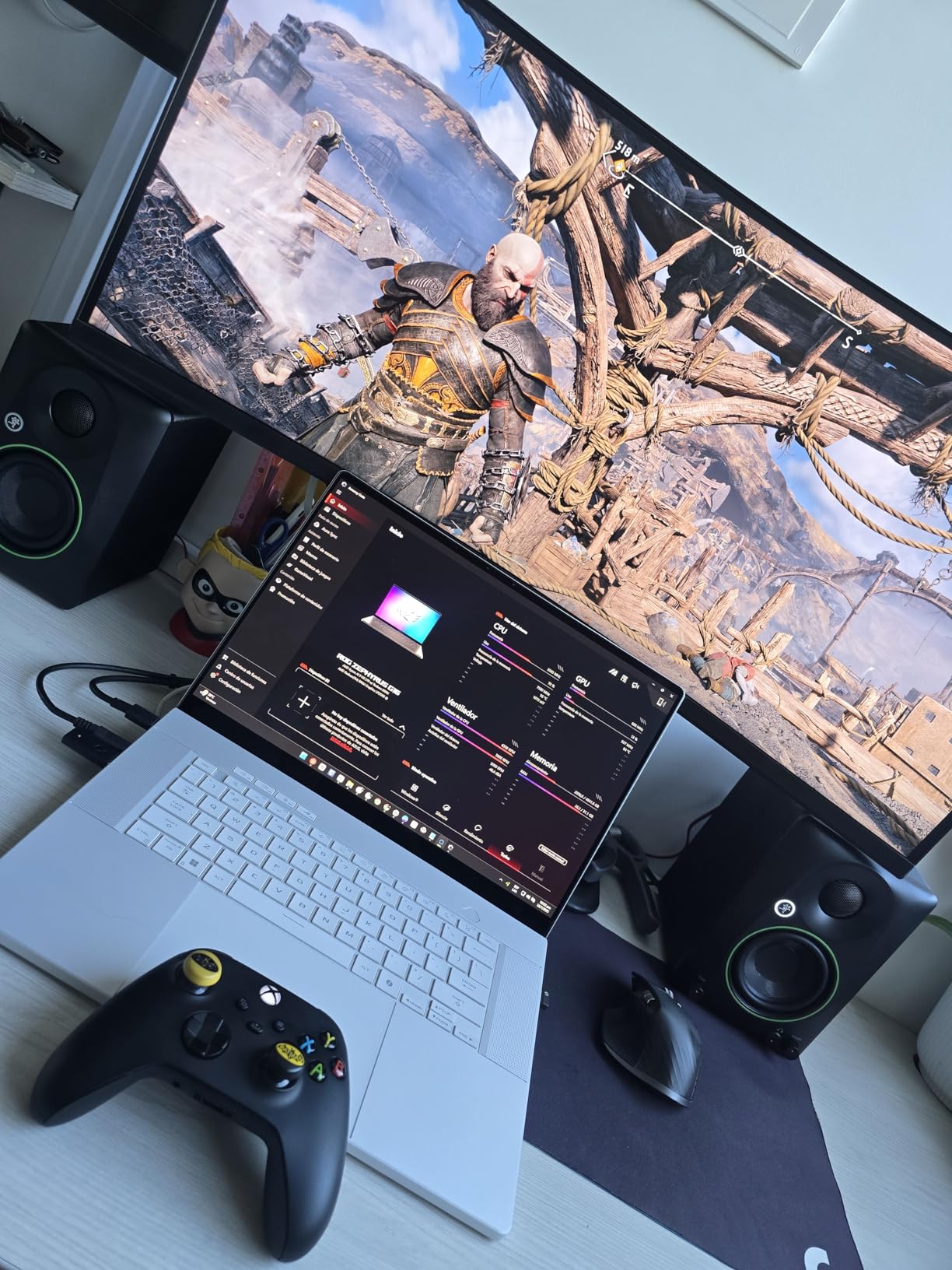
The honest limitation is voicing. Reviewers are candid that the sound is coloured enough that critical mixing work calls for higher-end monitors, and the 3.5-inch woofers cannot reproduce a 20 Hz to 20 kHz range. There is also no subwoofer output, so extending the low end is not an option. A few owners report stiff volume knobs on arrival, which reads as an isolated quality control issue rather than a design flaw.
Cabinet dimensions are 7.1 by 5.5 by 8.1 inches, so it is a desktop-first footprint with more depth than the BX3. RCA and TRS connectivity covers most interfaces.
Why the Location Switch matters
Boundary reinforcement is the number one complaint in small-room threads, and this is one of the few monitors here that gives you a documented control for it. It also includes isolation pads, which is the cheapest acoustic improvement you can make.
For a room under 100 cubic feet with the desk hard against a wall, that combination makes this the least frustrating setup.
Where it falls short
Coloured voicing means your mixes carry a house tilt unless you cross-check. It is a good tracking and reference pair for learning, and a poor final arbiter for mastering.
9. ADAM Audio D3V – deep low end from a desktop cabinet
ADAM Audio D3V Active Desktop Studio Monitor Speakers – Black
3.5 inch aluminum woofer with passive radiators
45 Hz extension
80W amplification
D-ART ribbon tweeter
Pros
- Dual sided passive radiators extend response to 45 Hz
- D-ART ribbon tweeter gives clean non-fatiguing highs
- Detachable monitor stands angled 15 degrees toward your ears
- USB-C digital input connects straight to a computer
- 3/8 inch mic stand mounting holes on both cabinets
- 4.7 average rating
Cons
- Top of the price range among the compact options here
- Rubber feet and cables are not included
- Balanced input is quarter-inch TRS only
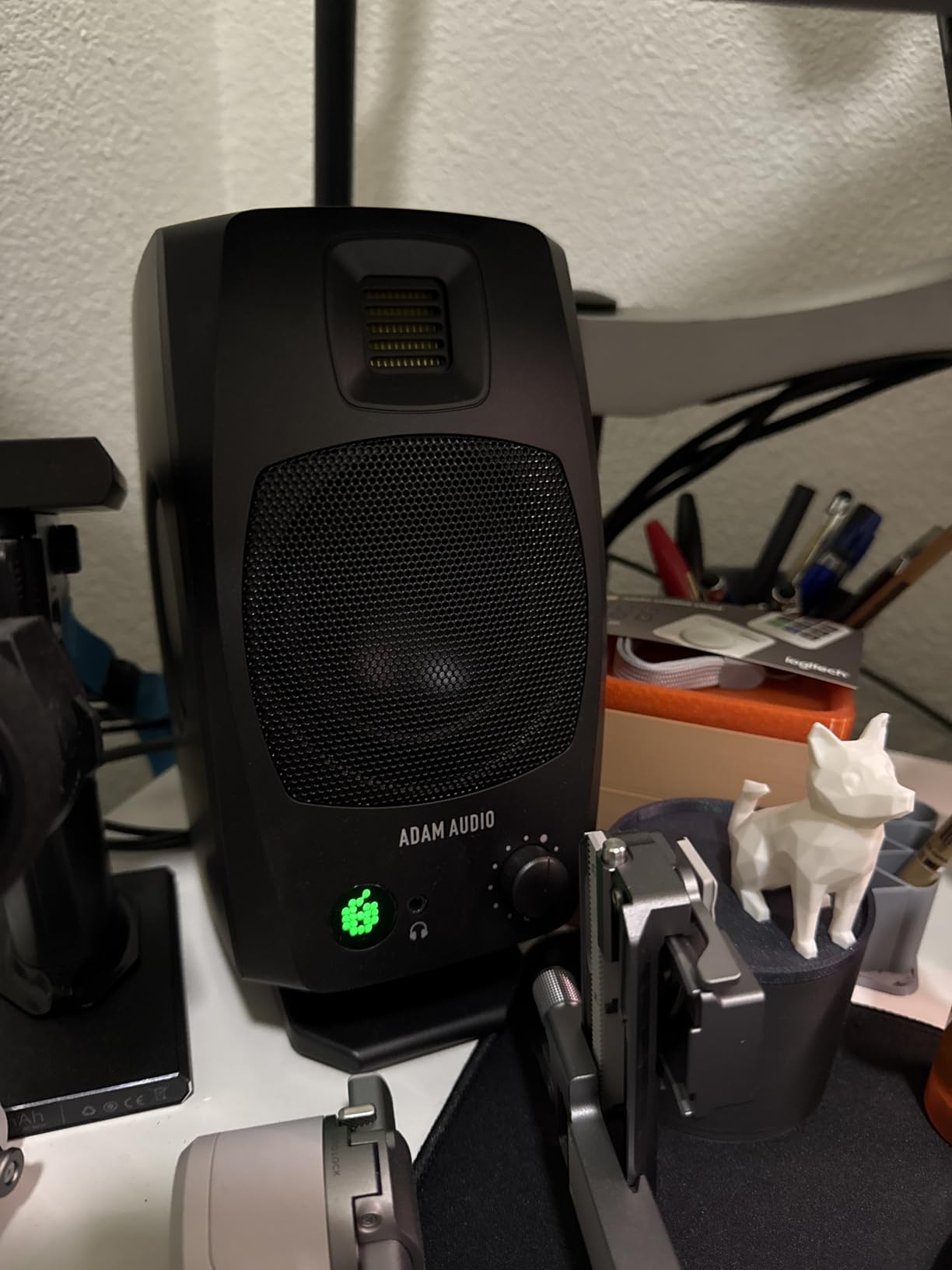
The D3V is a thoroughly engineered desktop monitor at this size, and the reason is hardware rather than marketing. The 3.5-inch aluminum woofers with ferrite magnet systems are driven by 80W amplifiers, and dual-sided 3.5-inch passive radiators push low frequency response down to 45 Hz. A 1-inch-class ribbon tweeter, the D-ART, handles the top end with very low fatigue.
Those passive radiators are the story. Reviewers single out the combination of radiators and ribbon tweeter as giving real low-end extension and fatigue-free high-end detail that smaller conventional monitors cannot match, and the 4.7 rating reflects that. The DSP-powered placement switches on the backplate of one speaker also address the small-room position problem directly.
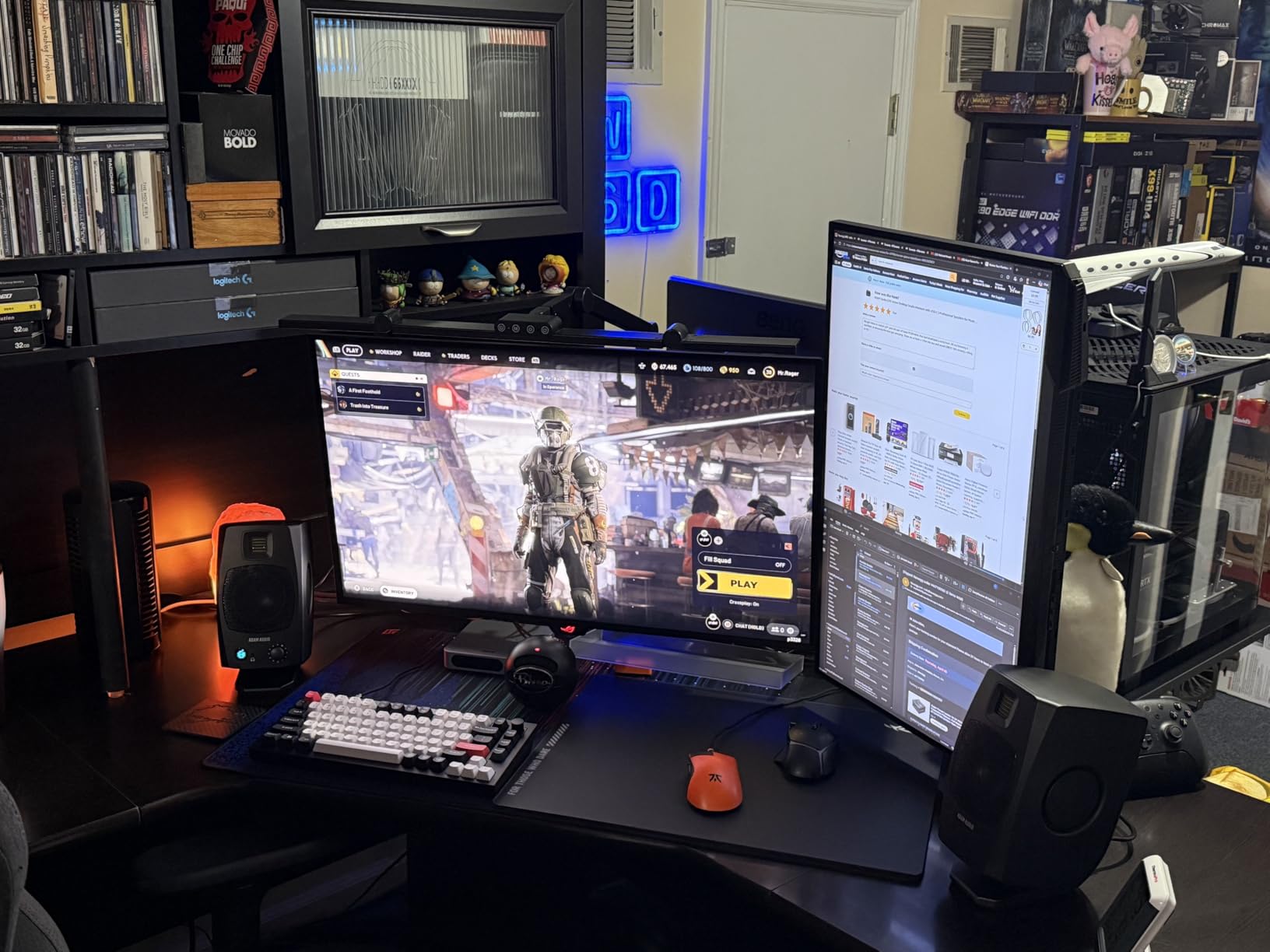
Setup is unusually easy. The detachable monitor stands angle the cabinets 15 degrees toward your ears, which solves ear height and toe-in in a single move, and standard threaded 3/8-inch mic stand mounting holes let you put them on a proper stand later. USB-C digital input connects directly to a computer with no interface, and the front panel carries a headphone socket and volume knob. A 20-minute auto sleep mode can be toggled on or off via firmware.
The reservations are practical. It sits at the top of the price range in this group, rubber feet and cables are not included, and the passive radiators make the cabinets deeper than a bare 3.5-inch monitor. Balanced input is quarter-inch TRS only, so some interfaces need an adapter.
Who gets the most from the D3V
Anyone whose desk is in the tightest room and who still wants to judge low end. Forty-five hertz extension from a desktop footprint changes what you hear in a mix, and the ribbon tweeter stays comfortable through a long session.
The angled stands matter more than they look. In a 6 by 6 foot room you will not have the placement freedom of a big studio, so a fixed 15-degree angle removes two variables.
Where it falls short
You will need to source isolation pads and cables, and the auto sleep behaviour needs a firmware update if you want it gone. If your room is very small, the depth added by the radiators needs to be measured against your desk before you commit.
10. Kali Audio LP-UNF – the flattest response and the deepest reach
KALI AUDIO LP-UNF Ultra Nearfield Monitor System – Black
4.5 inch powered driver with 1 inch tweeter
39 Hz response
160W maximum output
3D Imaging Waveguide
Pros
- Frequency response down to 39 Hz the deepest here
- Exceptionally flat and low distortion response
- 3D Imaging Waveguide gives a wide image with a strong phantom centre
- Boundary EQ dip switches tune the pair to your room
- Connectivity includes USB TRS RCA and Bluetooth
Cons
- Touch volume control is imprecise and may need several taps
- No subwoofer output or high-pass filter
- Interconnect cable is thick short and does not click securely
- Drivers are exposed with no optional grilles
The LP-UNF reaches lowest here, to 39 Hz, from a 4.5-inch driver, with 160 watts of maximum output behind it. Owners describe it as a genuinely flat, low-distortion reference that is non-fatiguing over long sessions, and the 3D Imaging Waveguide delivers the wide, controlled stereo image with a clear phantom centre.
For a small room, the Boundary EQ dip switches are the deciding feature. They let you compensate for placement, which is the single most common complaint in small-room threads, and reviewers say they make a real difference in an untreated bedroom. Connectivity covers quarter-inch TRS, RCA, USB and Bluetooth at 10 m, and there is no noticeable hiss at idle and no latency on wired input.
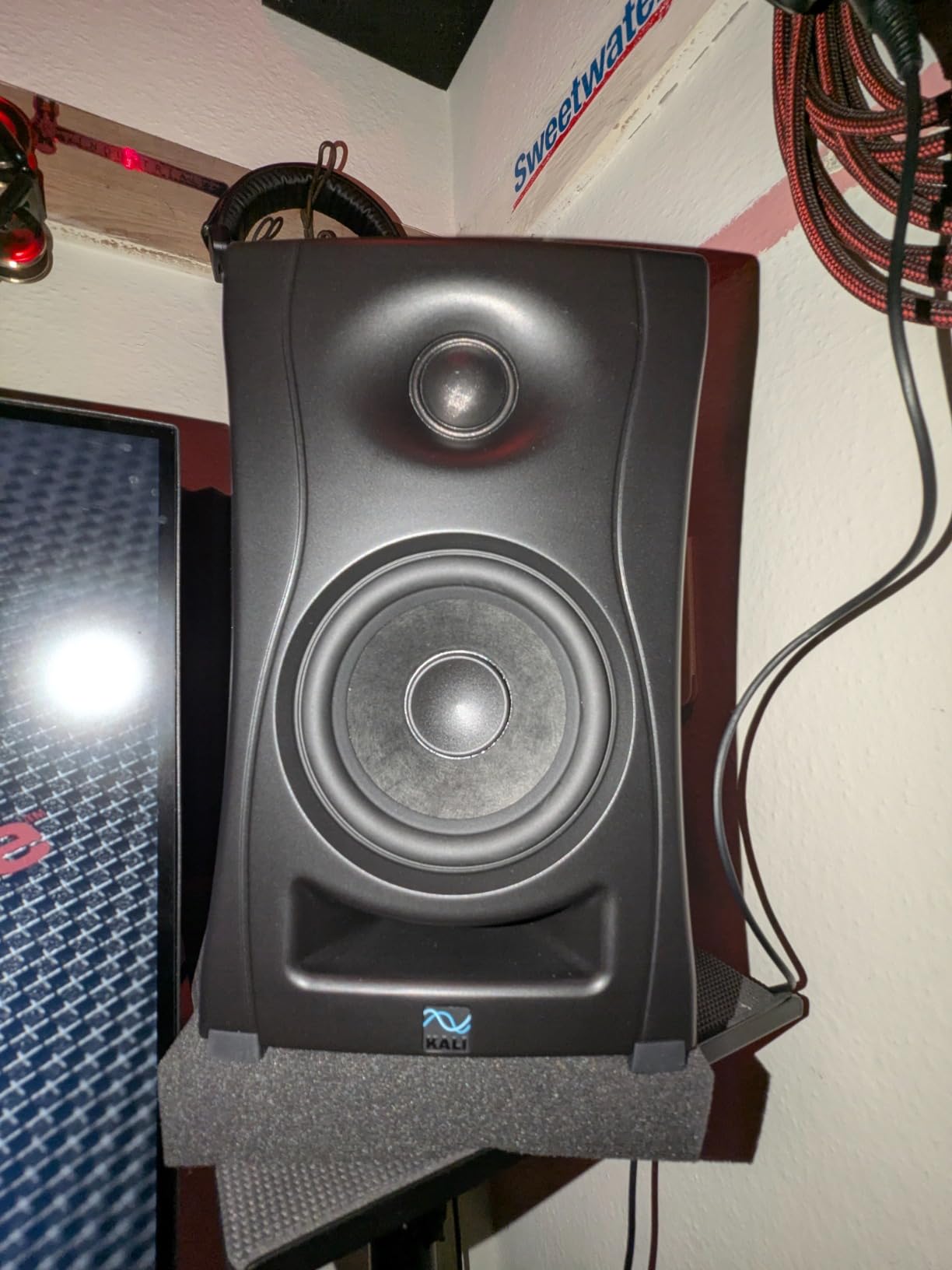
Positioning advice from owners is consistent: put the tweeters at ear level and angle them slightly off-axis to avoid ear fatigue. The touch-sensitive volume slider on the master monitor is the weakest part, because it can be imprecise and may need a few taps to register, which makes gain matching between sessions harder than it should be.
It is also a music-only pair by design. There is no subwoofer out and no high-pass filter, and the interconnect cable is an unusual connector type, about 5 feet long, thick, and reported not to click securely into the sockets. No optional speaker grilles are offered, so the drivers sit exposed.
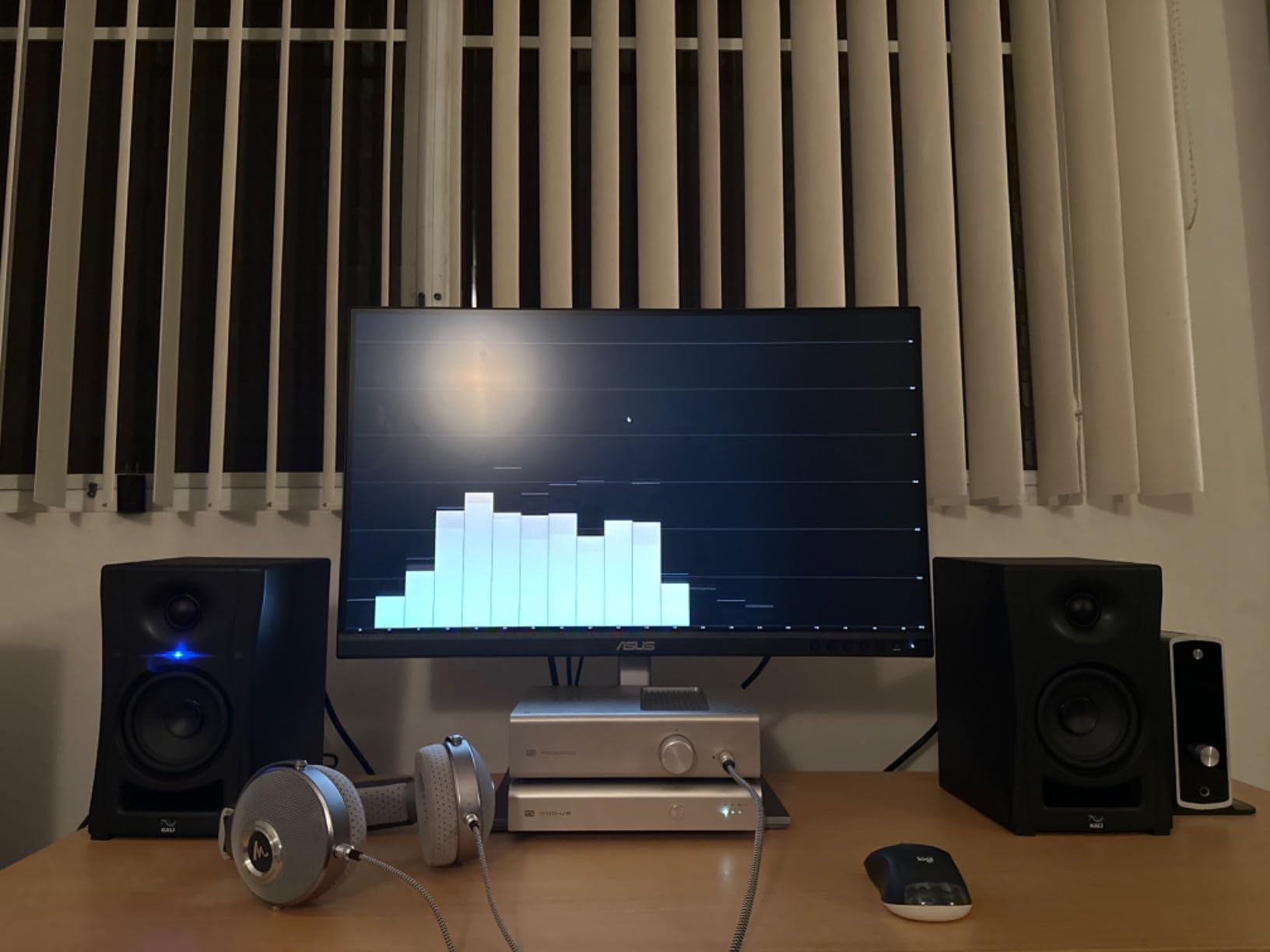
Where the LP-UNF earns its cost
It suits a small project room, roughly 120 to 200 cubic feet, where you want real low-end reach and a pair that will not colour a decision. The waveguide holds the image together even off-centre, which helps when the room forces an unusual listening position.
The Boundary EQ switches turn this from a good flat monitor into a monitor fitted to a specific room, which is the whole point of this roundup.
Where it falls short
The cabinet is large, at 18.31 by 12.01 by 14.96 inches, so it is a nearfield monitor for a stand rather than a small desk speaker. Check your desk depth first. The 4.7 rating comes on a much smaller review base than the leaders.
11. Pioneer DJ DM-40D – built for the desk it sits on
Pioneer DJ DM-40D 4-inch Active Desktop Monitor Speakers, Pair, Black
4 inch woofer with 19 mm tweeter
42W maximum output
DSP tuning
Fiberglass cabinet
Pros
- Purpose built desktop size with a small footprint
- DSP tuning gives a clear balanced response
- Punchy defined low end that suits cueing
- Active design needs no separate amplifier
- Attaches naturally to a DDJ controller
- Two-way mode setup for DJing and production
Cons
- Fewer input options than most rivals on this wired version
- 4 inch driver cannot reproduce very deep sub-bass
- DSP voicing is tuned for DJ use rather than flat reference
- Smaller review base than the established models here
The DM-40D is voiced by the Pioneer DJ audio team for a specific job: hearing a track well enough to cue and beat-match on a home desk. The 4-inch woofer and 19 mm tweeter are driven by 42 watts of active amplification, and the DSP tuning delivers a punchy, defined low end that makes it easier to hear a kick line in a small room than a flatter monitor would.
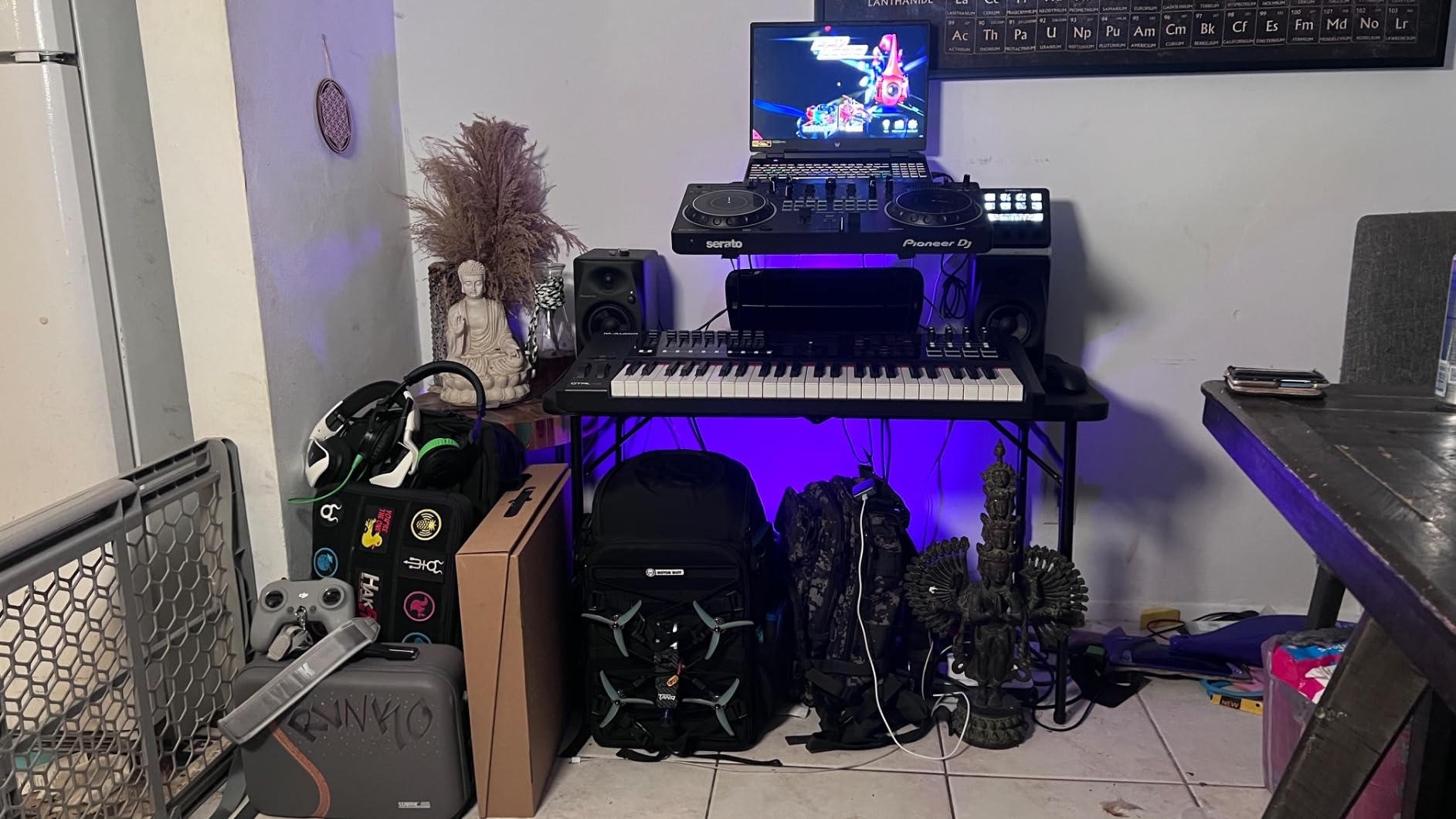
Owners who already own a Pioneer DJ controller value how seamlessly the pair integrates with that setup. The active design means no separate amplifier, and the cabinet is 8.8 by 5.7 by 8.9 inches, which is a genuine desktop footprint rather than a stand-mounted monitor.
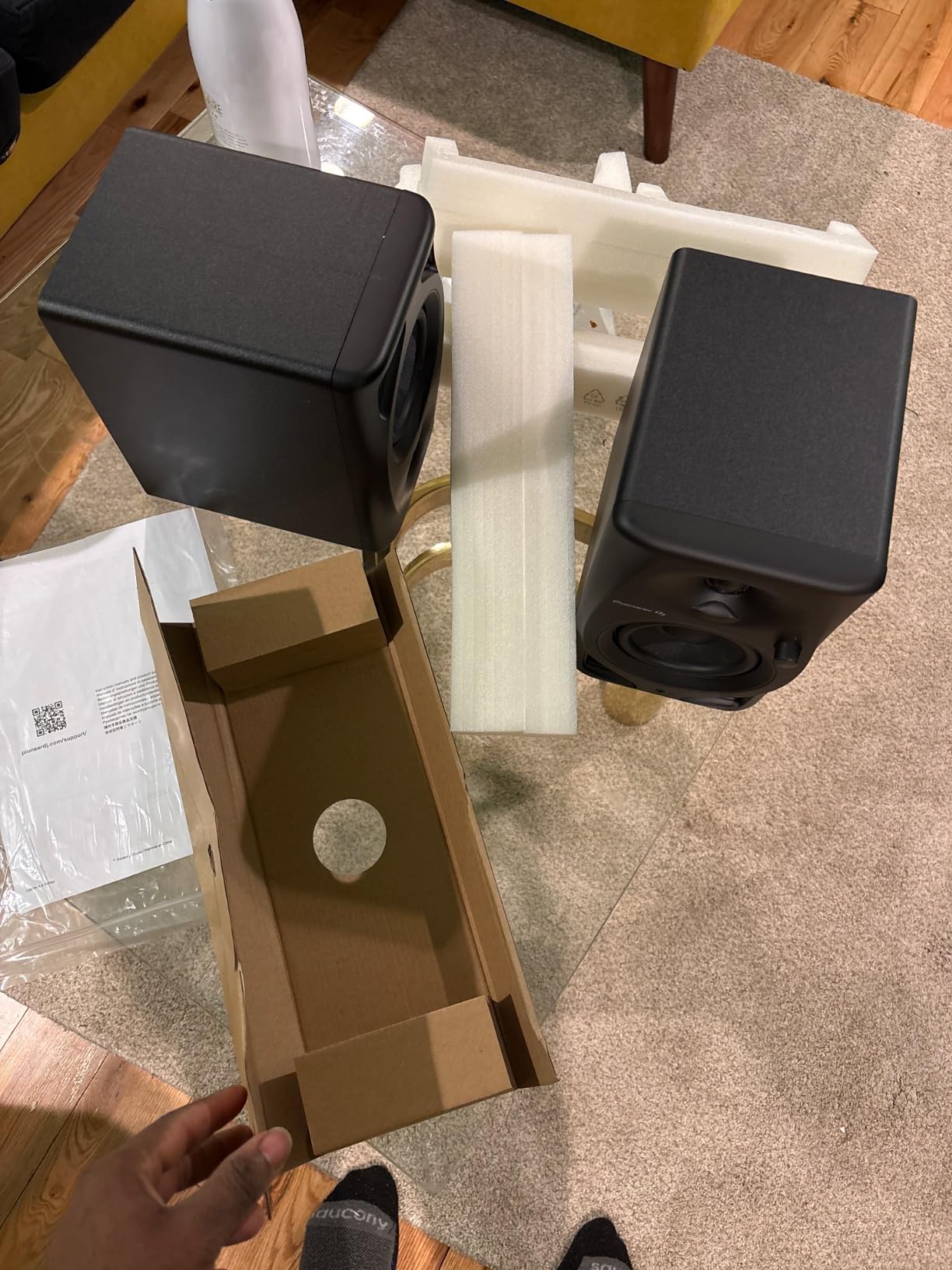
What you give up is reference neutrality. DSP voicing here is tuned for DJ use rather than strictly flat studio monitoring, so it is a cueing and producing tool more than a mixing arbiter. Input options on this wired version are limited to RCA and auxiliary, with no XLR or TRS, and a 4-inch driver cannot reproduce very deep sub-bass for full-range mastering work.
The smaller review base of 199 is worth knowing, because long-term reliability feedback is thinner than for the Eris, MR4 or Yamaha. The fiberglass cabinet is well made, and Bluetooth and white versions exist separately, which is where the extra inputs live.
Who it suits
A home DJ and producer working from one desk in a room under 120 cubic feet, who wants monitors that disappear into the controller setup. The punchy low end is an advantage for beat-matching and a liability for flat mixing decisions.
If you are not doing DJ work, the ADAM D3V or the Yamaha HS4 will serve the same desk better.
Where it falls short
Fewer inputs, a coloured target, and a 4-inch low-end ceiling. Treat it as a production tool that also happens to monitor, not as the reference your mixes are judged on.
12. SAMSON MediaOne M30 – a sub output nobody else at this tier offers
SAMSON MediaOne M30 Powered Studio Monitors (Pair)
3 inch polypropylene woofer
0.75 inch silk dome tweeter
20W amplification
Dedicated subwoofer output
Pros
- Dedicated eighth-inch subwoofer output is unusual at this tier
- Flat transparent monitoring that does not flatter a mix
- Compact 3 inch design with a very small desk footprint
- Surprisingly loud and clean for the class
- Two year parts and labor warranty
- Speaker cable included
Cons
- Recurring reports of a faulty or quiet first speaker
- Only 20W of amplification so maximum volume is modest
- Only the interconnect cable is included
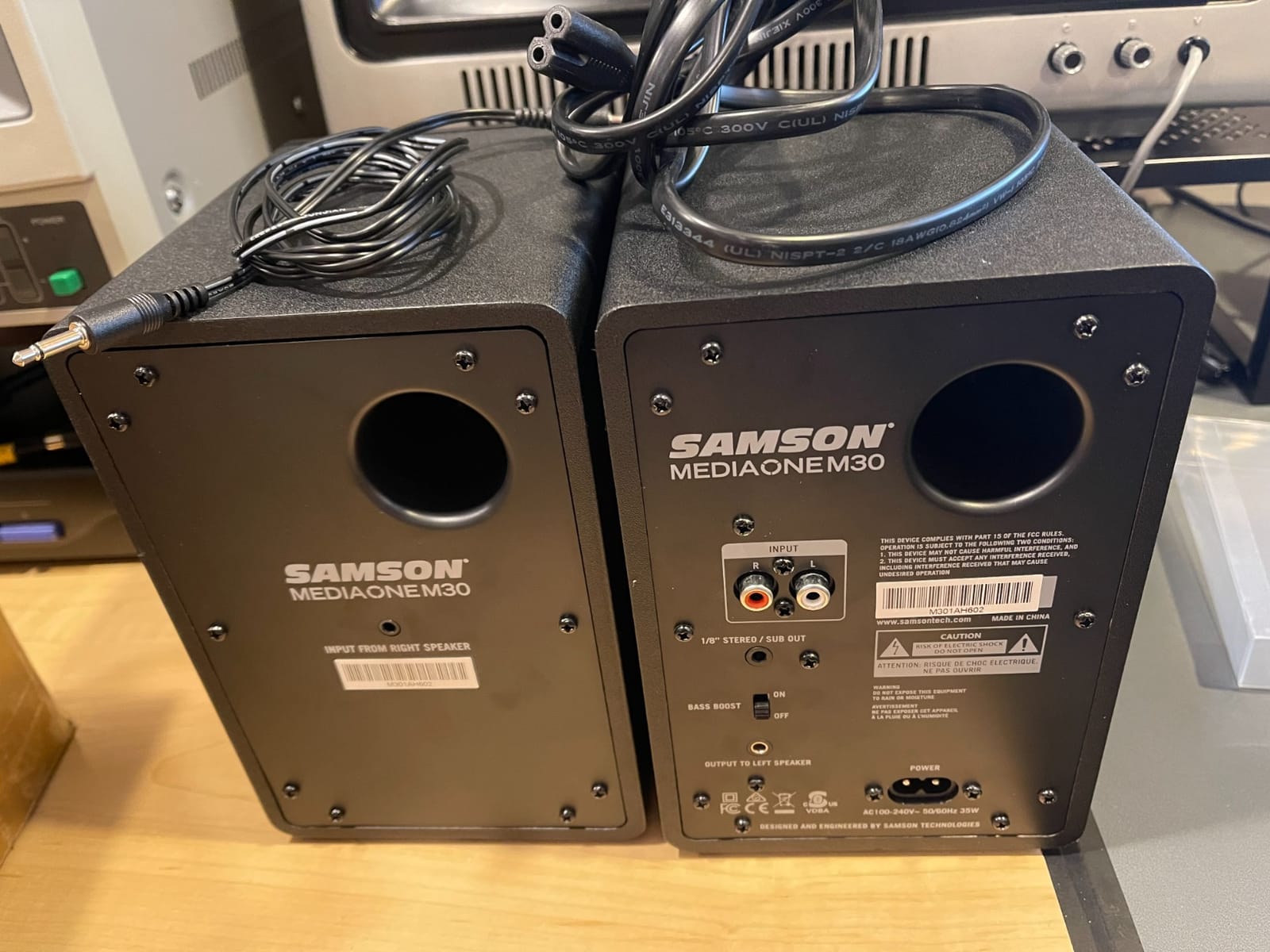
The MediaOne M30 is the odd one out in this list and the reason is the dedicated eighth-inch subwoofer output. Very few monitors at this level give you a sub out, and in a small room that is genuinely useful if you decide later that you need more low end, provided you buy a powered sub rather than a passive home theatre unit.
Otherwise the M30 does the fundamentals well. A 3-inch polypropylene woofer with a 0.75-inch silk dome tweeter in a custom waveguide gives smooth highs and a wide soundstage, and owners value the flat, transparent, unforgiving monitoring that tells the truth about a mix. The internal 20-watt studio-grade A/B amplifier is clean, and a two year parts and labor warranty is longer than the one year cover on most pairs in this group.
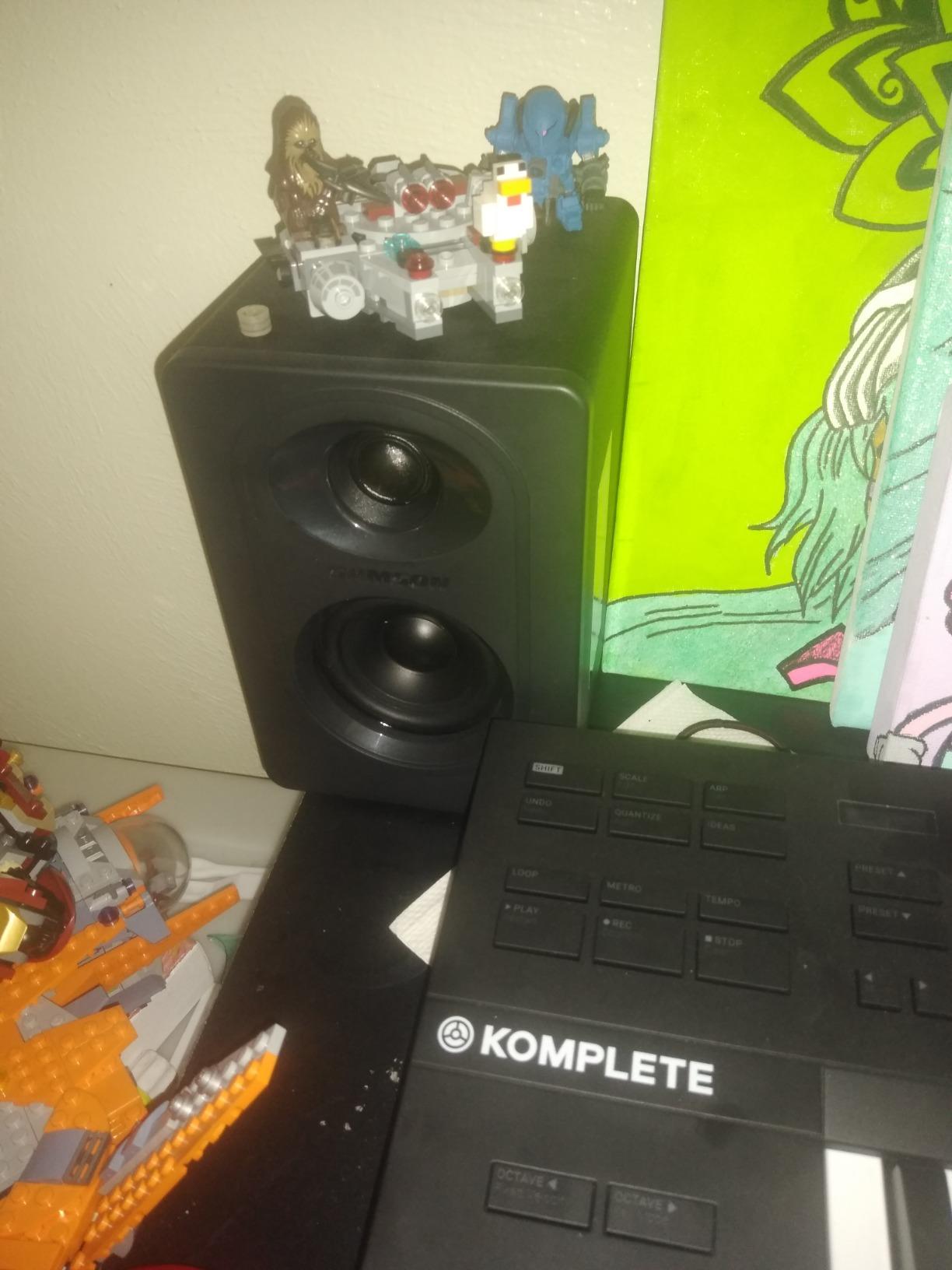
The reason this monitor sits last is quality control. Several buyers independently report a faulty or very quiet first speaker across more than one order, and that recurring report is the main reason the M30 carries the lowest rating here at 4.3 from 166 reviews. Only 20 watts of amplification also means a modest maximum volume, and only the interconnect cable is in the box.
The sound is described as less polished and less inspiring than modern competitors, and the listing’s Bluetooth claim does not match the MediaOne M30, which has no pairing button. Dimensions are listed at 13.6 by 7.7 by 12.8 inches, which is deeper than most compact monitors.
When the M30 still makes sense
If you are building a second reference pair for a bedroom and your priority is an expandable sub out and a two year warranty, it is defensible. Check the speaker on arrival and keep the return window open.
It also works as a cheap learning pair before you move to something like the HS4.
Where it falls short
The speaker fault reports are frequent enough that we would not recommend it as a primary mixing reference. The sub output also needs a powered sub, and 20 watts will not fill anything larger than a small bedroom.
Match Your Monitors to Your Room Volume
Measure your room before you buy: length times width times height, in feet, gives you cubic feet. A 10 by 8 foot room with an 8 foot ceiling is 80 square feet of floor and 640 cubic feet of volume, which is already a large studio. A 6 by 6 foot bedroom with a 7.5 foot ceiling is about 270 cubic feet. Most bedroom producers fall between 100 and 300 cubic feet.
Under 100 cubic feet (roughly 6 by 6 foot with a low ceiling, or a divided-off half room): 3 to 3.5 inch drivers. The room cannot support bass below about 60 Hz, so chasing it wastes money. Look at the IK iLoud Micro, the M-Audio BX3, the ADAM D3V, the Ortizan C7 and the Mackie CR3.5.
100 to 150 cubic feet (a normal small bedroom studio): 4 to 4.5 inch drivers. This band covers the Yamaha HS4, the PreSonus Eris E4.5, the Edifier MR4, the JBL 104-BT and the Kali LP-UNF. It is the band most of these rooms should be aiming at.
150 to 250 cubic feet (a box room with a proper ceiling, or a small live room): 4.5 to 5 inch drivers, where the room starts contributing useful low end below 50 Hz. The Edifier MR4 and the Kali LP-UNF sit comfortably here on stands.
Over 250 cubic feet: you are out of the small-room problem. A 5-inch or larger monitor and a subwoofer become reasonable, which is a different shortlist entirely.
The rule behind the numbers: the driver should be able to move the air the room can absorb before the speaker is asked to work hard. Bigger is not more accurate, it is just louder in a space that has nowhere to put the energy.
Placement Protocol for Tight Rooms
The 38% rule is the most quoted placement guideline: Place each speaker 38 percent of the longer wall dimension back from the wall behind your listening position, then angle them inward. In a 10 foot wide room that is about 3.8 feet back from the wall behind your head, which pushes the speakers past the strongest room mode so its peak and null do not land where your ears are.
In a small room you will usually have to break it, and that is fine. If 38 percent is physically impossible, the more important goals in order are: tweeter at ear height, the speakers symmetric about the listening position, and 30 to 50 percent of the longer wall dimension between the speakers and the rear wall rather than hard against it. That offset reduces boundary reinforcement without needing the full rule.
Then add isolation. Every monitor on this list couples to the desk, and the desk couples to the wall, which is a very short path for structure-borne bass. Pads or a foam mat decouple that path, and the Mackie CR3.5 includes them. Toe-in of five to ten degrees narrows the image and can reduce the sense of a too-wide soundstage in a narrow room.
Finally, set your level once and leave it. Mixing loud because the monitors will not develop low end is the fastest way to end up with a mix that only works at one volume. Keep a consistent monitoring level and check the low end in headphones.
Treat the Room Before You Upgrade the Speakers
On studio forums the consensus is blunt: a great listening room can cost more than great monitors, and measuring and treating the room matters more than the speaker choice. In a small room that is even more true, because every standing wave you have not treated becomes an excuse to blame the monitors.
Broadband panels first. Two to four 2 by 4 foot panels on the first reflection points, with an air gap behind them, do more for clarity and imaging than any other single purchase. This is where your money goes furthest.
Corner bass traps second. Triangular or cylindrical traps in the front corners absorb the low-mid buildup that causes boom. In a small room this is the difference between a monitor you trust and one you fight.
Isolation third. Pads under the speakers and a rug or thick curtain on the reflective floor behind the desk. Cheap, immediate, and it stops desk resonance from smearing your transient response.
A heavy duvet or moving blanket fourth. A temporary broadband absorber you can move while you test placements while you decide about the panels above.
Where a subwoofer fits: in a small room, one is worth adding only after the corners are treated, only if your monitors have a sub out, and only with the crossover set so the sub starts where the monitors stop. Several small monitors here have no sub output at all, which is a deliberate design decision, not an oversight. The Eris E4.5 is the exception with the Eris Sub 8BT pairing, and the SAMSON M30 has a dedicated sub jack.
Headphone cross-checking is the free answer, and it is the correct default for the smallest rooms. A good pair of closed-back headphones reveals the low end and the stereo image that the room is hiding, and switching between headphones and monitors every few minutes is how you stop translating decisions the room made for you.
Studio Monitors vs Bookshelf Speakers
This is the most common question on small-room forums, usually phrased as whether a hi-fi pair is good enough instead of monitors. The short answer is that a bookshelf speaker is a fine music speaker and a poor mixing reference, and the difference is voicing and control rather than sound quality.
Voicing. Bookshelf speakers are typically tuned for a gentle rise at both ends and a smooth, enjoyable presentation. Monitors are tuned flat on purpose, so a boosted low end on a monitor is a problem rather than a feature.
Directivity. Monitors use waveguide-loaded tweeters to control dispersion so the off-axis response stays close to the on-axis response. Many bookshelf speakers are more point-source, which means the sound changes a lot as you move your head.
Drivers and power. Monitors are two-way designs with a woofer sized for nearfield work at low volume. A bookshelf pair is often built to be pushed harder in a bigger room, which is the wrong behaviour in a 100 cubic foot bedroom.
Connections and DSP. Monitors are active, with balanced TRS inputs, front headphone outputs, and often placement switches or DSP room modes. Bookshelf speakers are usually passive and need an amplifier you may not have space for.
If you already own a bookshelf pair, keep it as a reference for how a track will sound on a consumer system. Do not mix on it. If you are starting fresh, our budget monitor guide covers the entry tier, and if the space is really the constraint, our small-room desk guide helps you get speaker placement right in the first place. Live performers in tight rooms face a similar layout problem, and we cover that in our small venue stage monitor guide.
Frequently Asked Questions
Are smaller studio monitors better for small rooms?
Yes, generally. A 3.5 to 4.5 inch woofer moves less air per excursion, so it drives room modes and boundary reinforcement less violently than a 5 inch or larger monitor. The trade-off is real low end, which a small room cannot reproduce accurately anyway. The sweet spot for most bedroom studios is a 4 to 4.5 inch driver.
How big should my studio monitors be for my room?
Measure length times width times height in feet for your room volume. Under 100 cubic feet suits 3 to 3.5 inch drivers, 100 to 150 cubic feet suits 4 to 4.5 inch drivers, and 150 to 250 cubic feet can take 4.5 to 5 inch drivers. Below about 70 Hz a small room cannot produce clean low end no matter which monitor you buy.
What is the 38% rule for speaker placement?
The 38% rule says to position each speaker 38 percent of the longer wall dimension back from the wall behind your listening position, then angle them inward. In a small room that distance is often impossible, so prioritise tweeter height, symmetry and a 30 to 50 percent offset from the rear wall instead.
Are 3.5 inch studio monitors too small to mix on?
The driver is not really the limit. The room is. A 3.5 inch monitor paired with good headphones gives you accurate mids and highs, stereo imaging and transient response, and you can check the low end on headphones. What a 3.5 inch monitor cannot do is show you the sub-bass, so do not finalise kick and sub balance on speakers alone.
Do studio monitors need to be far from walls?
No, but they do need compensation. Manuals often recommend 1.5 metres of clearance, which is unrealistic in a bedroom. Place the speakers 30 to 50 percent of the longer wall dimension off the rear wall, use a front port where possible, and switch on any placement or boundary EQ the monitor provides.
Should I add a subwoofer in a small studio?
Only after treating the room, because a sub excites exactly the modes that make a small room boom. Several compact monitors here have no sub output by design. If you do add one, your monitors need a sub out or a high-pass filter, and the crossover should start where the monitors stop.
What are the key differences between studio monitors and bookshelf speakers?
Monitors are voiced flat on purpose, use waveguide-controlled tweeters for consistent off-axis response, are active with balanced inputs, and are designed for nearfield work at low volume. Bookshelf speakers are tuned for an enjoyable, often gently boosted presentation and are usually passive. You can mix on a monitor; a bookshelf pair works better as a consumer reference.
Final Verdict by Room Size
In a room under 100 cubic feet, the IK iLoud Micro is the pick, because 45 Hz reach from a 3.54 inch wide cabinet solves the two problems at once. From 100 to 150 cubic feet, the Yamaha HS4 is our overall choice, with the rear room control switch and a 4.7 rating drawn from more than 2300 reviews. Above 150 cubic feet, move up to the Kali LP-UNF for real low-end reach, or the Edifier MR4 if a wooden cabinet matters more than deep bass.
Whichever pair you pick, treat the room first, cross-check on headphones, and keep the monitoring level constant. Those three habits will improve your mixes more than any upgrade in this list, and they are the reason the best studio monitors for small rooms are the ones that match your space rather than the ones with the biggest drivers.