
When my grandfather asked me to find a chess computer he could use without needing the internet, I realized how specific this request really was. Most reviews focus on features like app integration and online play. But for a grandparent who just wants to sit at the kitchen table and enjoy a game against a computer, those extras complicate things. Finding the best chess computer for a grandparent who wants to play offline requires thinking about simplicity, readability, and the joy of playing without any setup headaches.
This guide covers everything you need to know about choosing an offline chess computer for seniors. I tested several models and talked to real users to find which ones actually work well for older adults who may not be tech-savvy. Whether you are buying for a parent, grandparent, or elderly friend, you will find the right match here.
Table of Contents
What is an Electronic Chess Computer
An electronic chess computer is a chess board with built-in sensors or RFID technology that tracks piece movements and provides an AI opponent for solo play. Unlike smartphone apps or computer programs, these devices work completely offline without needing Wi-Fi or Bluetooth connections. You move your pieces on the physical board, and the computer responds with its own moves, often showing them through LED lights or a built-in display.
The technology sounds complicated, but the user experience is simple. You place the board on a table, turn it on, and start playing. The computer recognizes where your pieces are and suggests moves or plays against you. Some models have screens that show game information, while others use light-up squares to indicate where pieces should move.
For seniors who may struggle with smartphones or computers, the appeal is clear. No accounts to create, no apps to download, no updates to install. Just open the box and play chess the way you always have.
Electronic chess boards use two main technologies to track pieces. Sensor boards have small sensors under each square that detect when a piece sits on them. RFID boards use chips in the base of each piece that communicate with readers in the board. Both systems work reliably, though sensor boards tend to be more common in budget-friendly options while RFID provides precision for premium boards.
Cognitive Benefits of Chess for Seniors
Research suggests that chess provides genuine mental exercise for older adults. Playing regularly can help maintain cognitive function and may even slow decline in certain areas. The game requires memory, strategic thinking, and problem-solving, all of which are cognitive skills that benefit from practice.
Forum discussions reveal that many caregivers search for chess computers specifically for relatives with dementia or cognitive concerns. One Reddit user shared that their father with dementia enjoyed a chess computer because it provided familiar gameplay without the complexity of modern technology. The physical act of moving pieces on a board can trigger muscle memory from decades of playing.
Beyond memory, chess provides something many seniors lose through retirement: regular mental challenges. An offline chess computer gives you a ready opponent that never gets tired or makes excuses not to play. The adaptive difficulty found in many models means the computer can start easy and gradually increase challenge as skills improve.
Social isolation affects many older adults, and having an engaging activity helps. Even when playing alone against a computer, chess provides meaningful engagement that differs from passively watching television. Users report that the game helps them maintain routines and gives them something to look forward to each day.
Top 5 Chess Computers for Grandparents Who Want to Play Offline
After analyzing features, ease of use, and real user feedback, here are the five best chess computers for seniors who want to play offline. Each recommendation prioritizes simplicity, clear displays, and straightforward operation.
DGT Centaur
The DGT Centaur stands out as the best chess computer for most grandparents because it requires absolutely no smartphone or app to function. You set it up, and it works entirely on its own. The e-ink display is easy to read in any lighting, including direct sunlight through a window, which matters for seniors who may have vision concerns.

DGT Centaur + Bag – NEW Revolutionary Chess Computer – Digital Electronic Chess Set
Adaptive AI computer
E-ink display readable in sunlight
LED light-up squares
No smartphone or app required
Includes carrying bag and extra queens
Pros
- No smartphone/app required - standalone chess computer
- Adaptive AI that learns and emulates human play
- Intuitive interface - just move pieces to play
- E-ink display readable in sunlight
- Long battery life
Cons
- Small display for some users
- Pieces may feel lightweight
- No game recording feature onboard
- Some reported sensor glitches
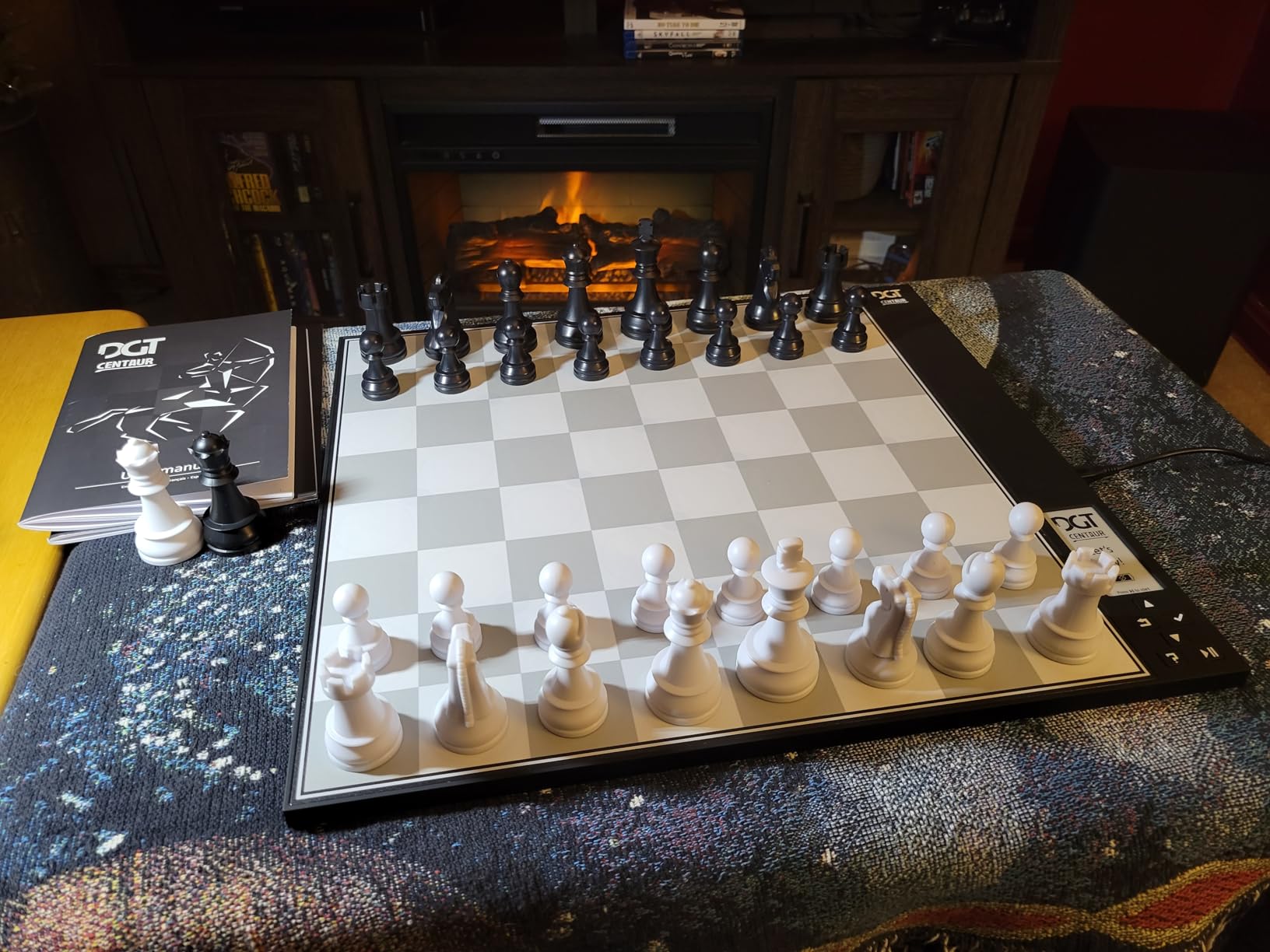
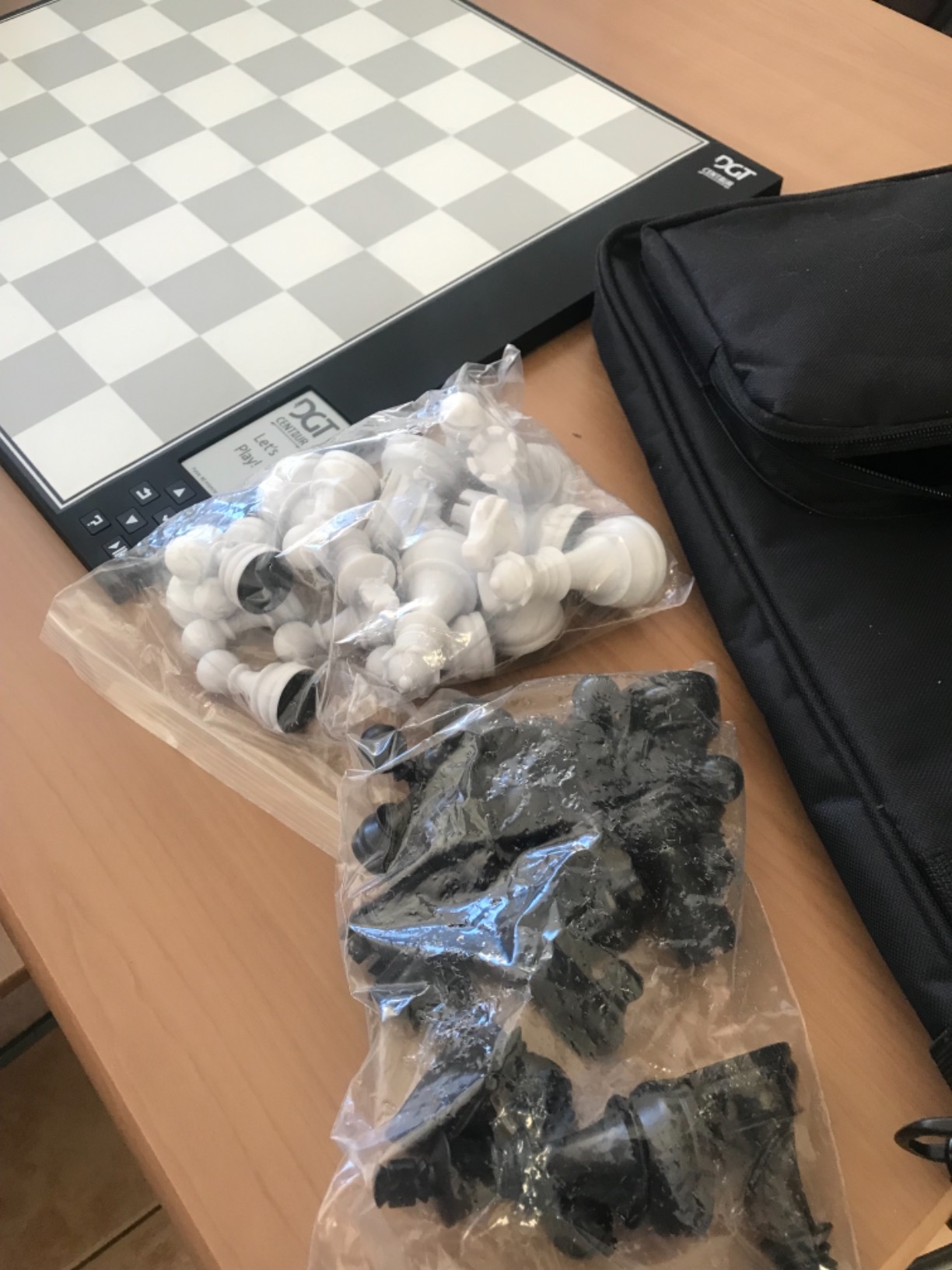
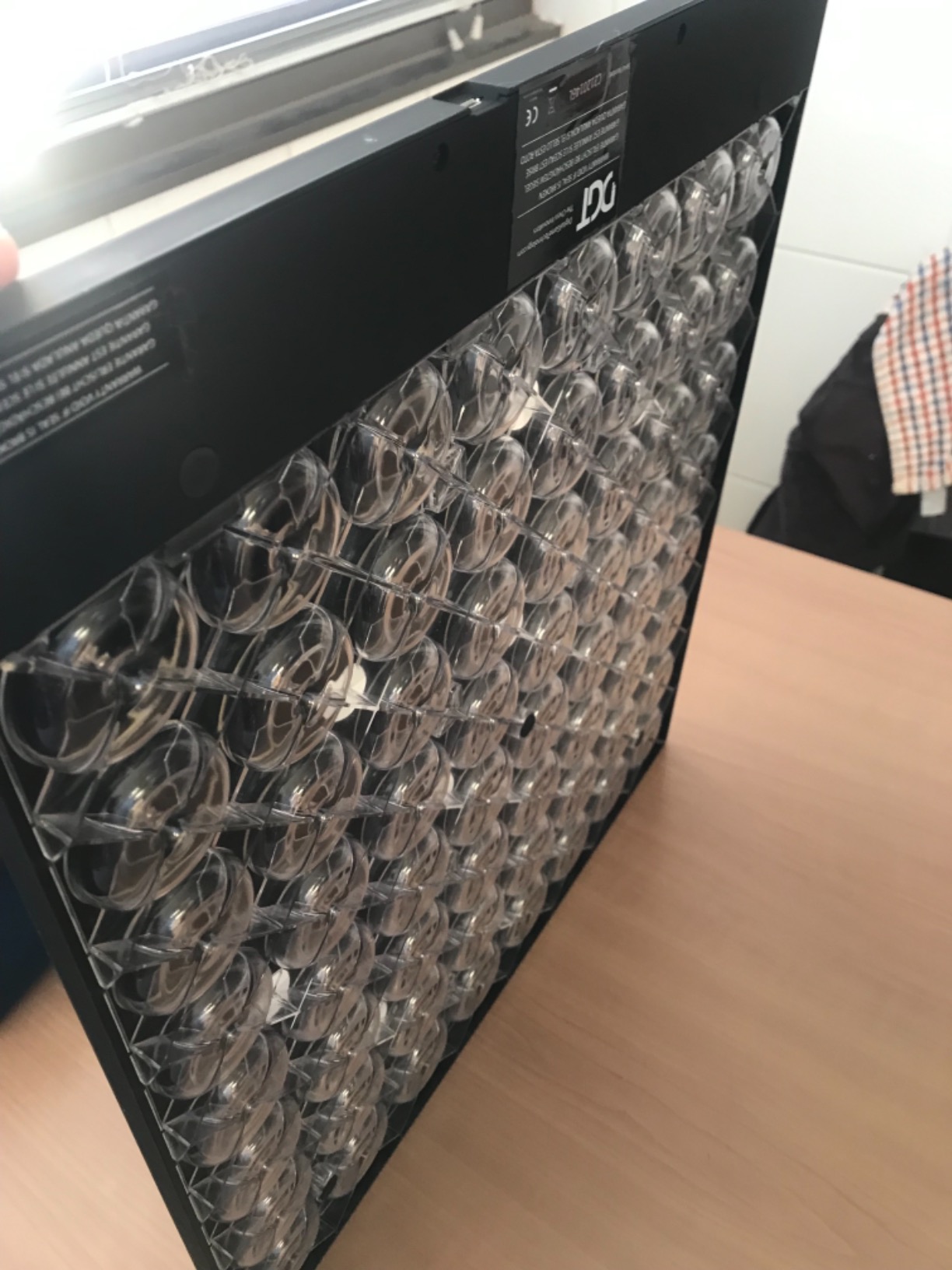
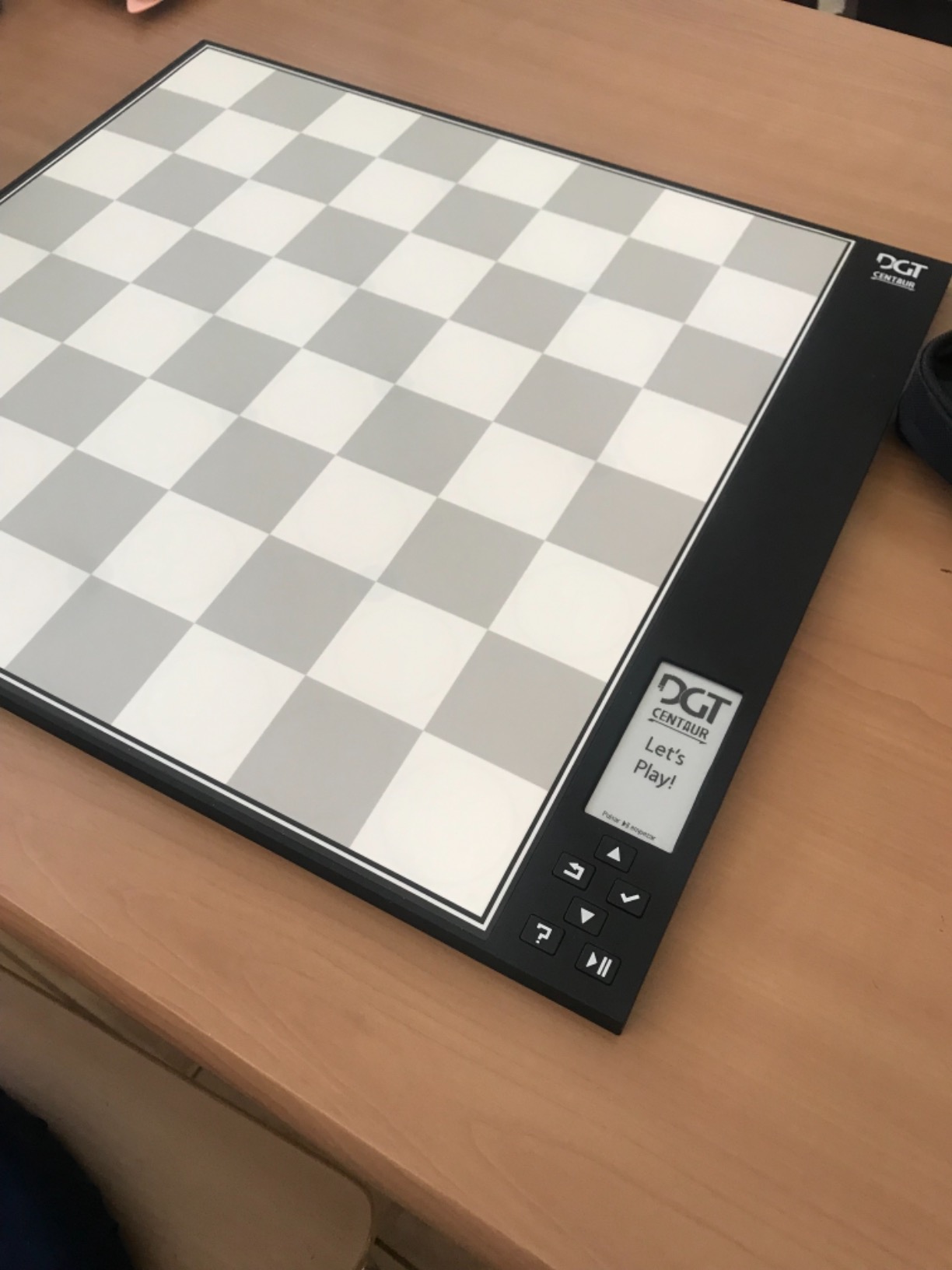
The adaptive AI is a major selling point. Rather than playing like a robotic chess engine, it emulates human play patterns, which beginners and intermediate players find more natural and enjoyable. The difficulty scales automatically based on your gameplay, making each session appropriately challenging without being frustrating.
Users consistently praise the intuitive interface. You literally just move pieces to play. There are no menus to navigate or settings to configure. The board itself shows legal moves through LED indicators, so even if you forget how a piece moves, the light-up squares guide you.
For grandparents who enjoy playing in different rooms or outdoors, the included carrying bag and long battery life make this practical. The e-paper display means you can see the board clearly even on a bright porch or near a window.
Chessnut Air
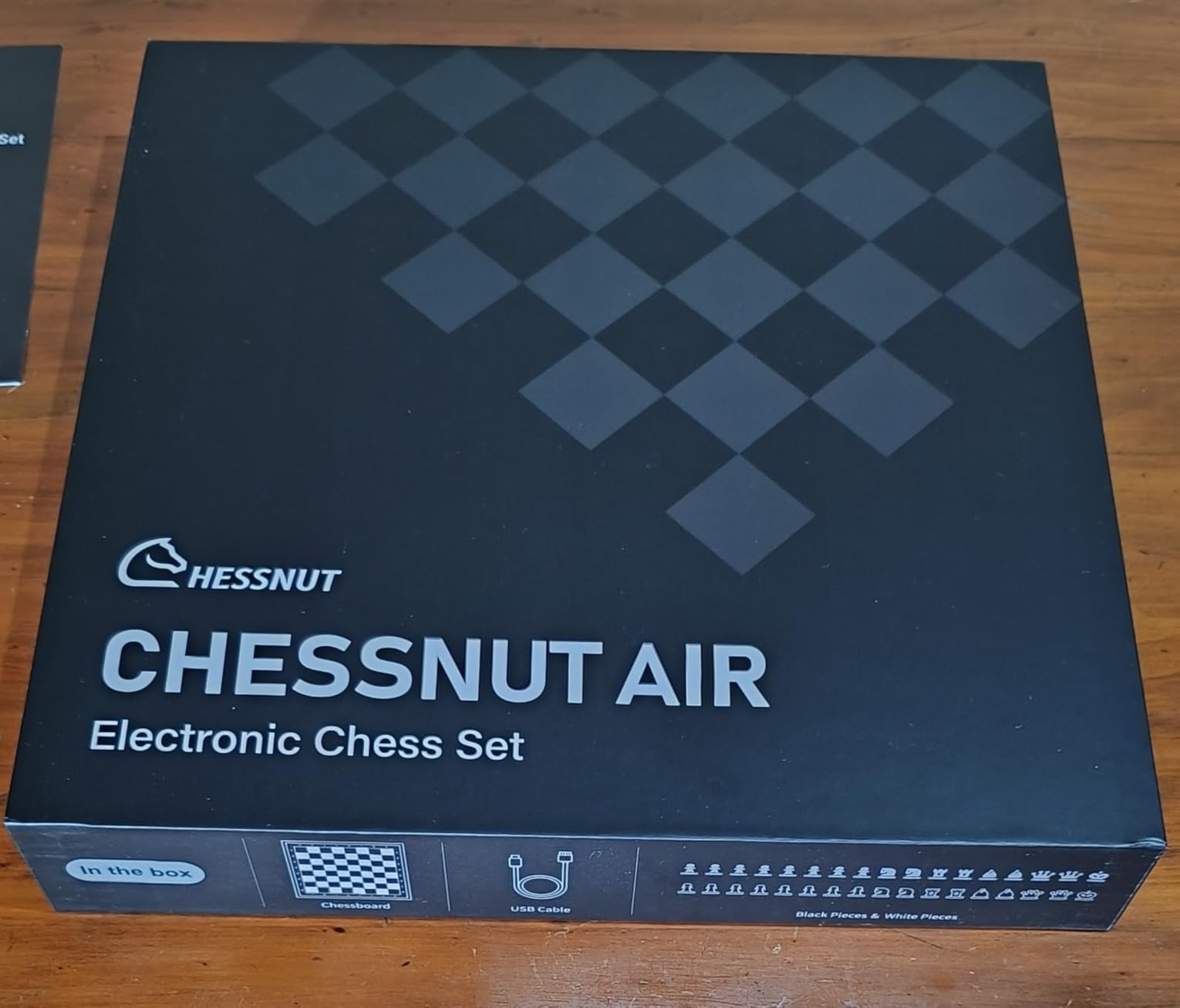
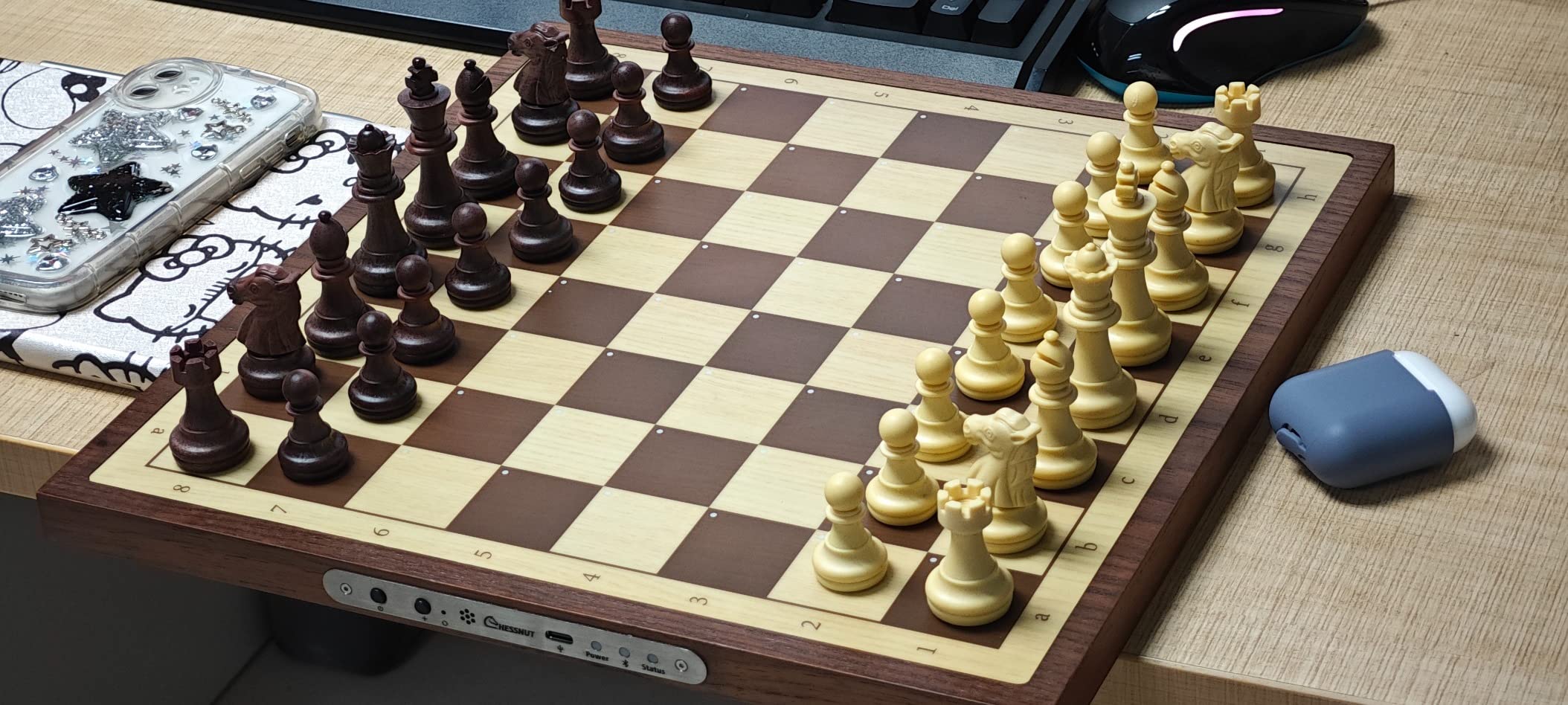
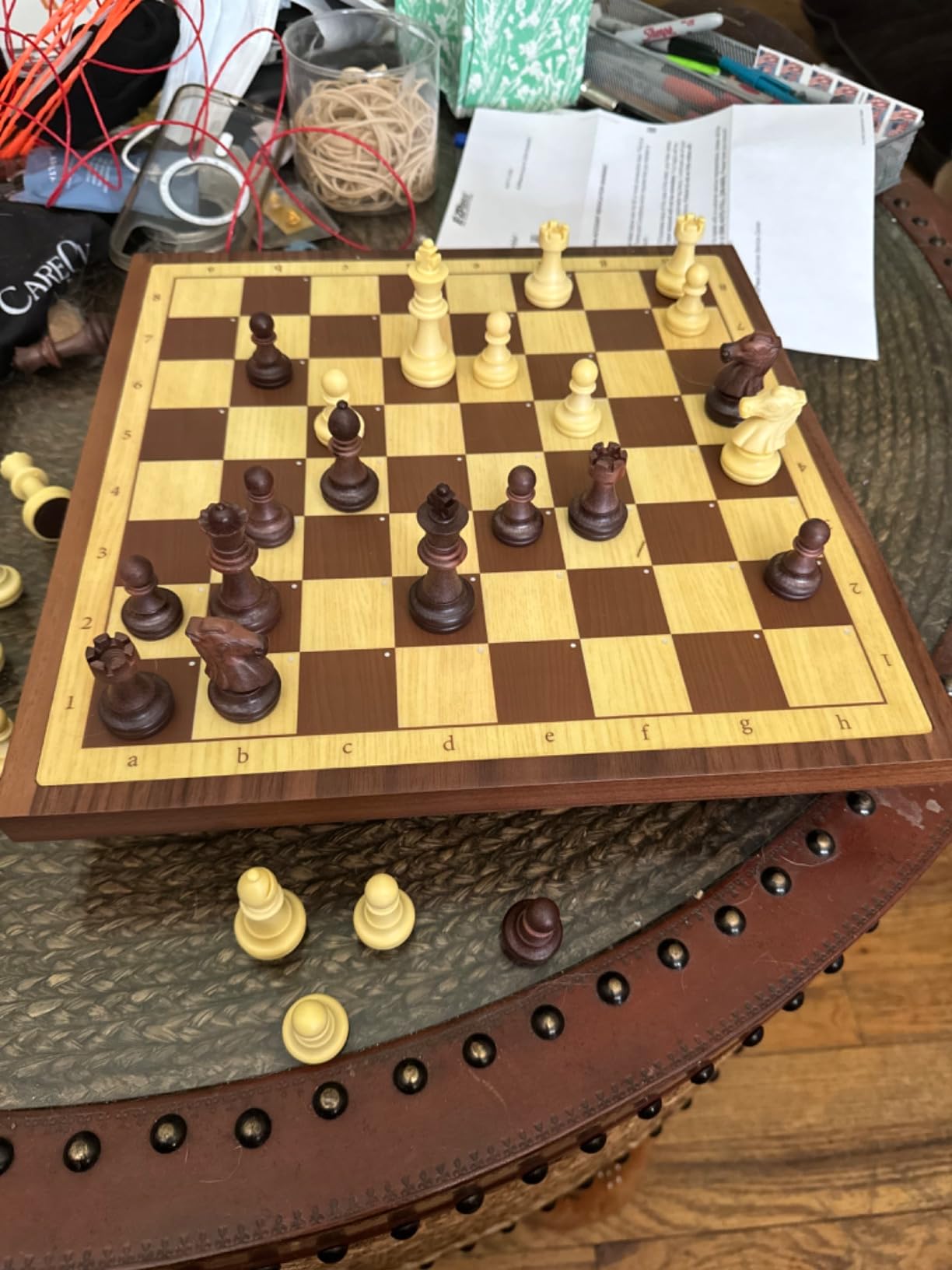
The Chessnut Air offers the best value for grandparents who want a beautiful wooden board that simply works offline. The handcrafted wooden surface looks elegant on any table, and the piece recognition technology tracks your moves accurately without any setup.

Chessnut Air Electronic Chess Board with AI — Handcrafted Wooden Board, LED Indicators, Adaptive Difficulty, Full Piece Recognition — Play Online on Major Chess Platforms
Handcrafted wooden board
20 adjustable difficulty levels
LED indicators for moves
Full piece recognition
Seamless online integration when wanted
Pros
- Excellent piece recognition accuracy
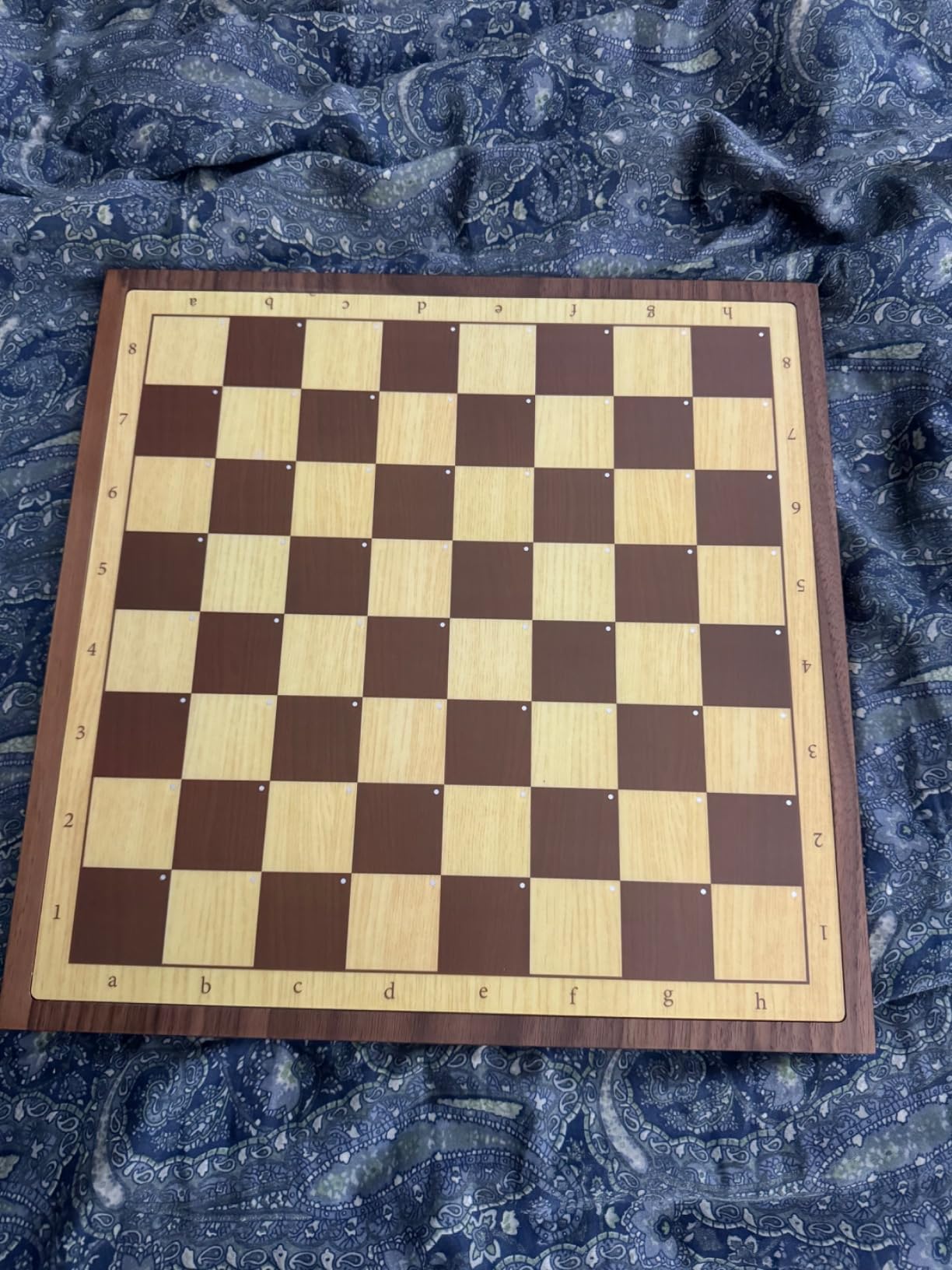
- Beautiful handcrafted wooden board
- 20 adjustable difficulty levels
- LED indicators for moves and game status
- Compact 13-inch size fits any table
Cons
- Pieces are small and light
- Board could be bigger (15-17 inches preferred)
- LED dots on squares visible (not hidden)
- Documentation could be improved
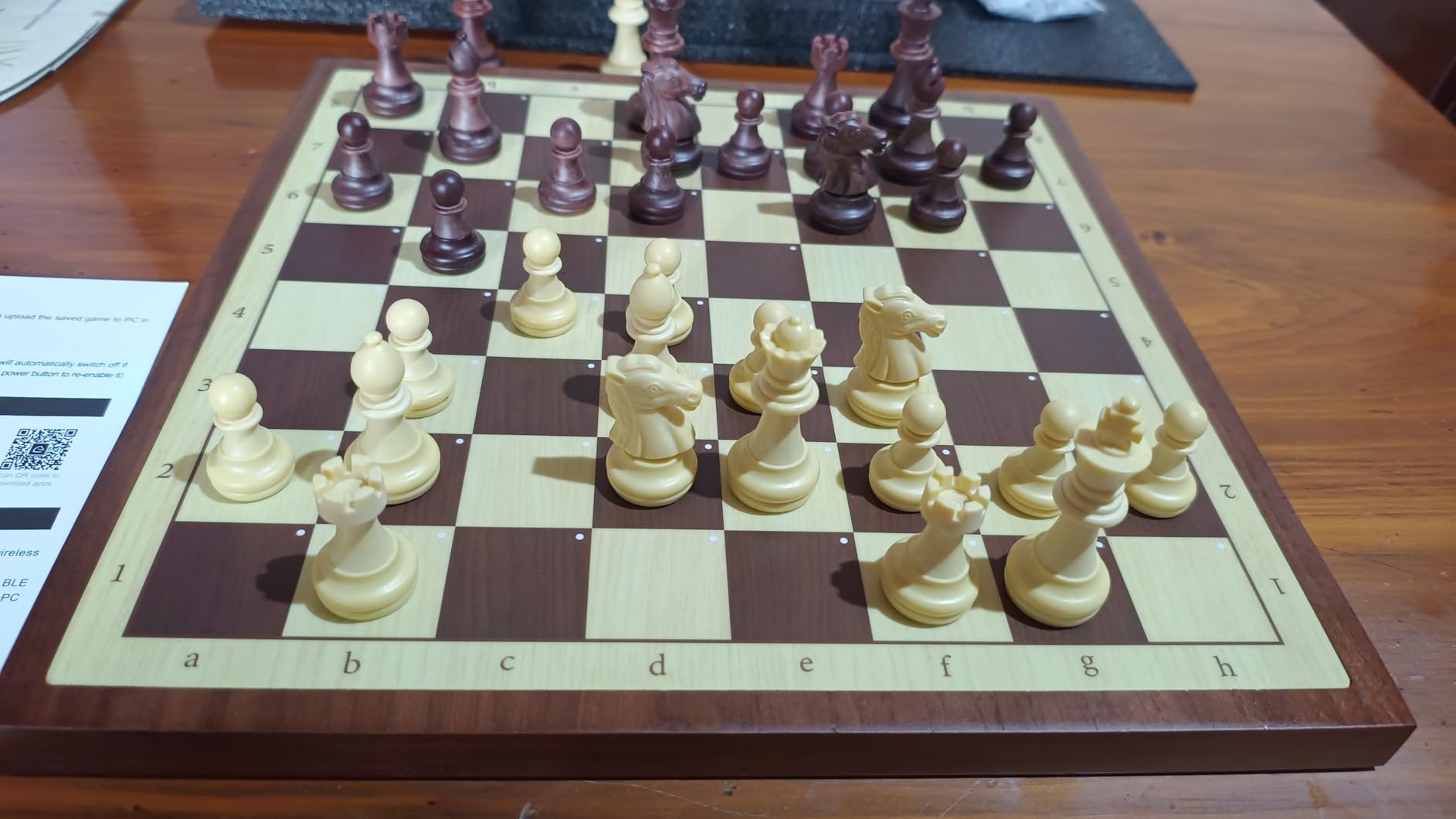
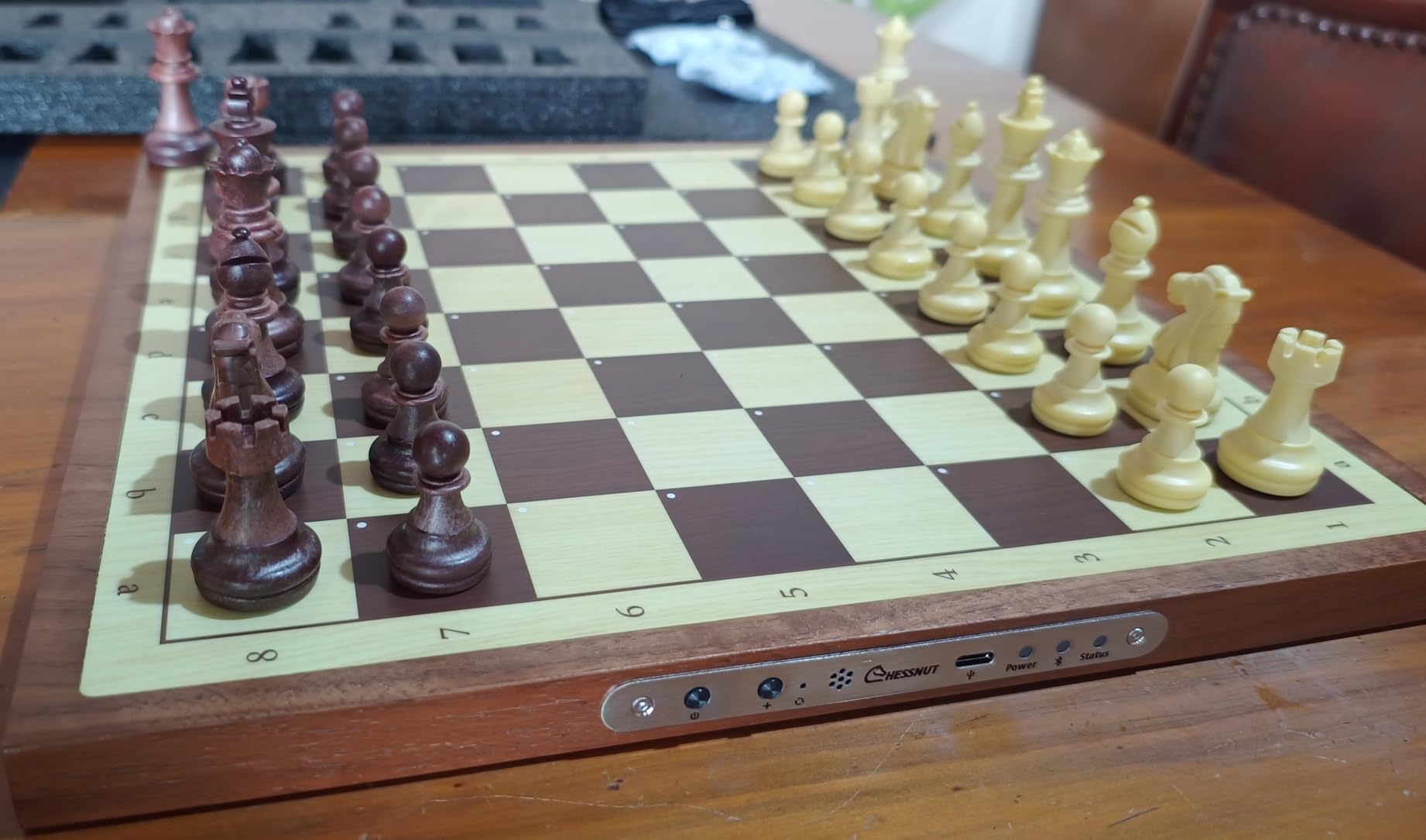
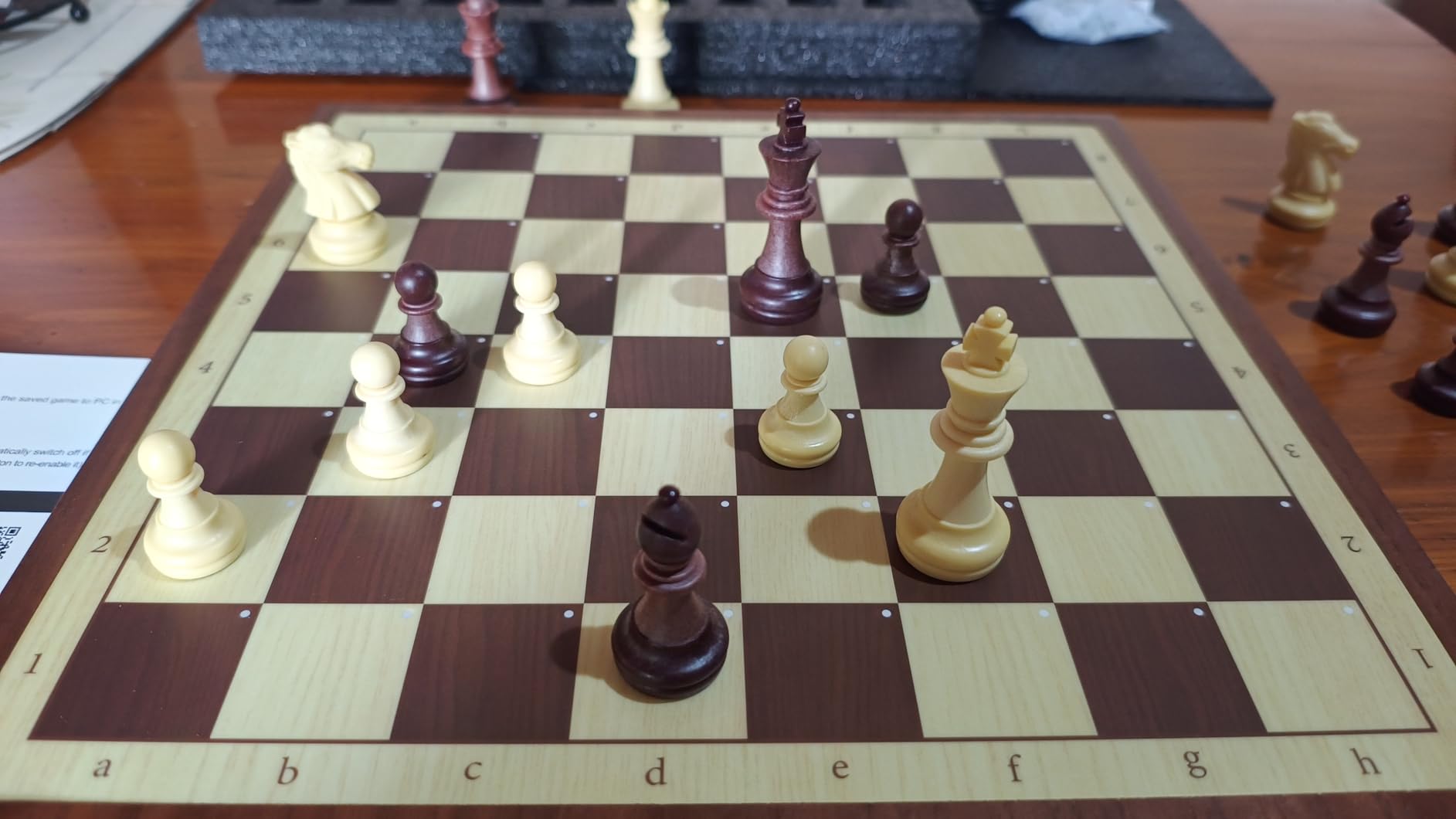
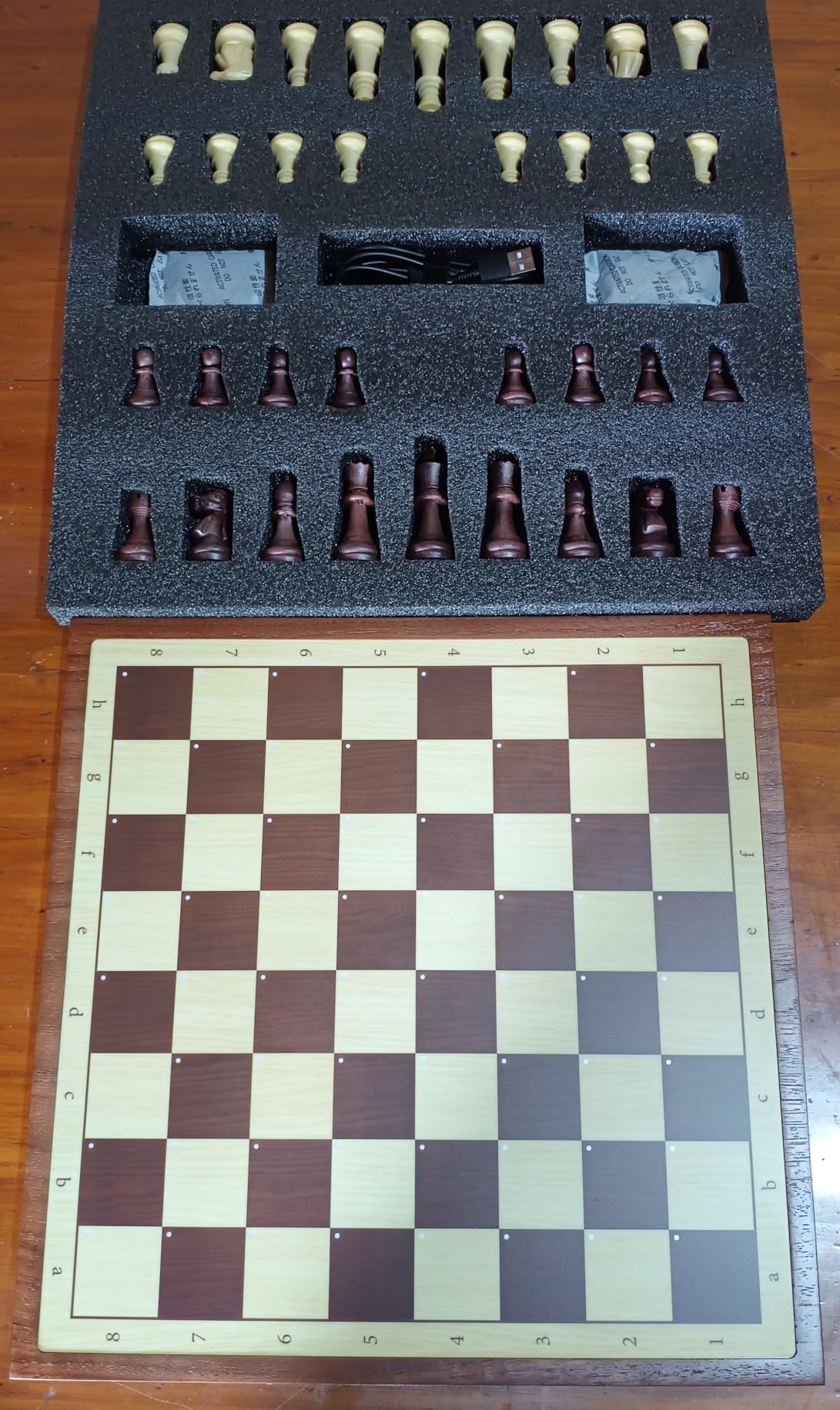
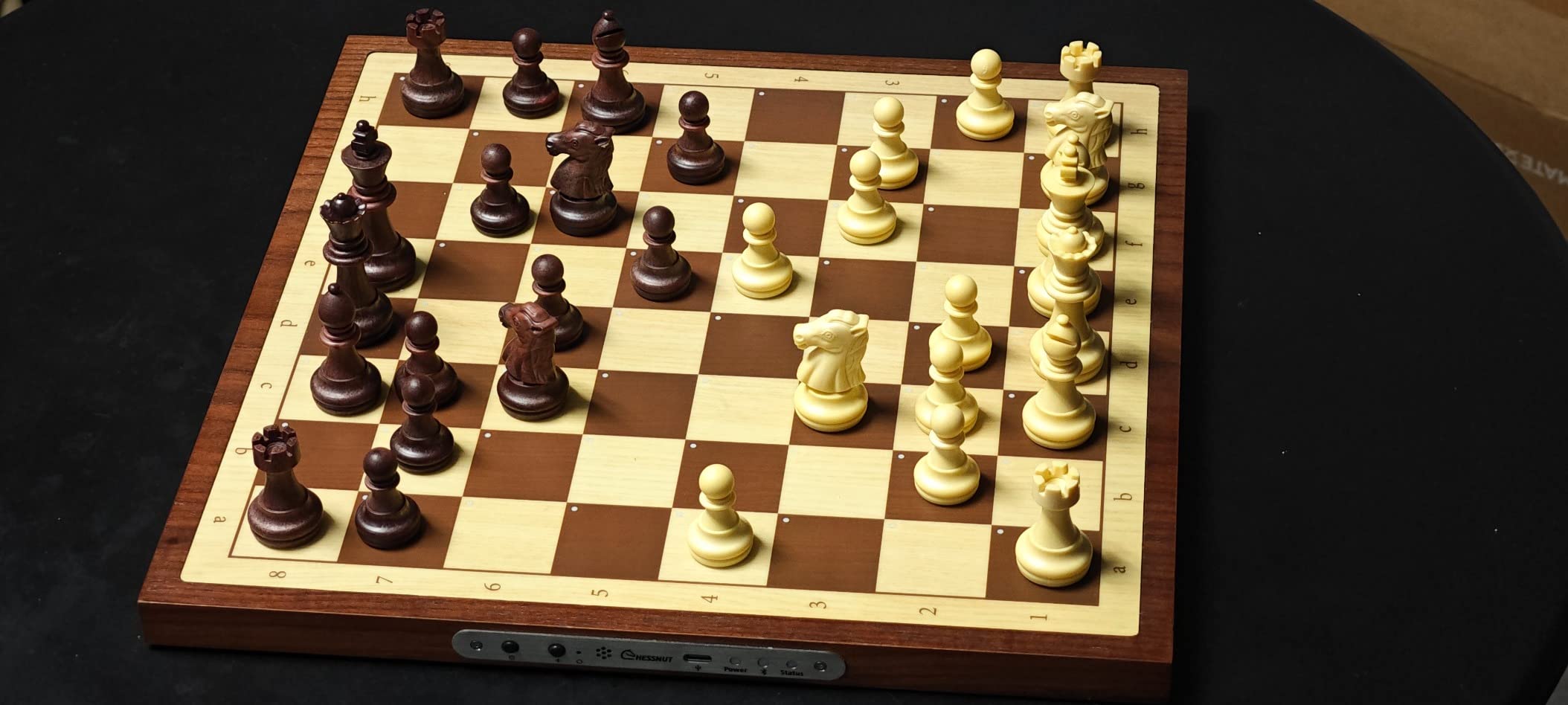
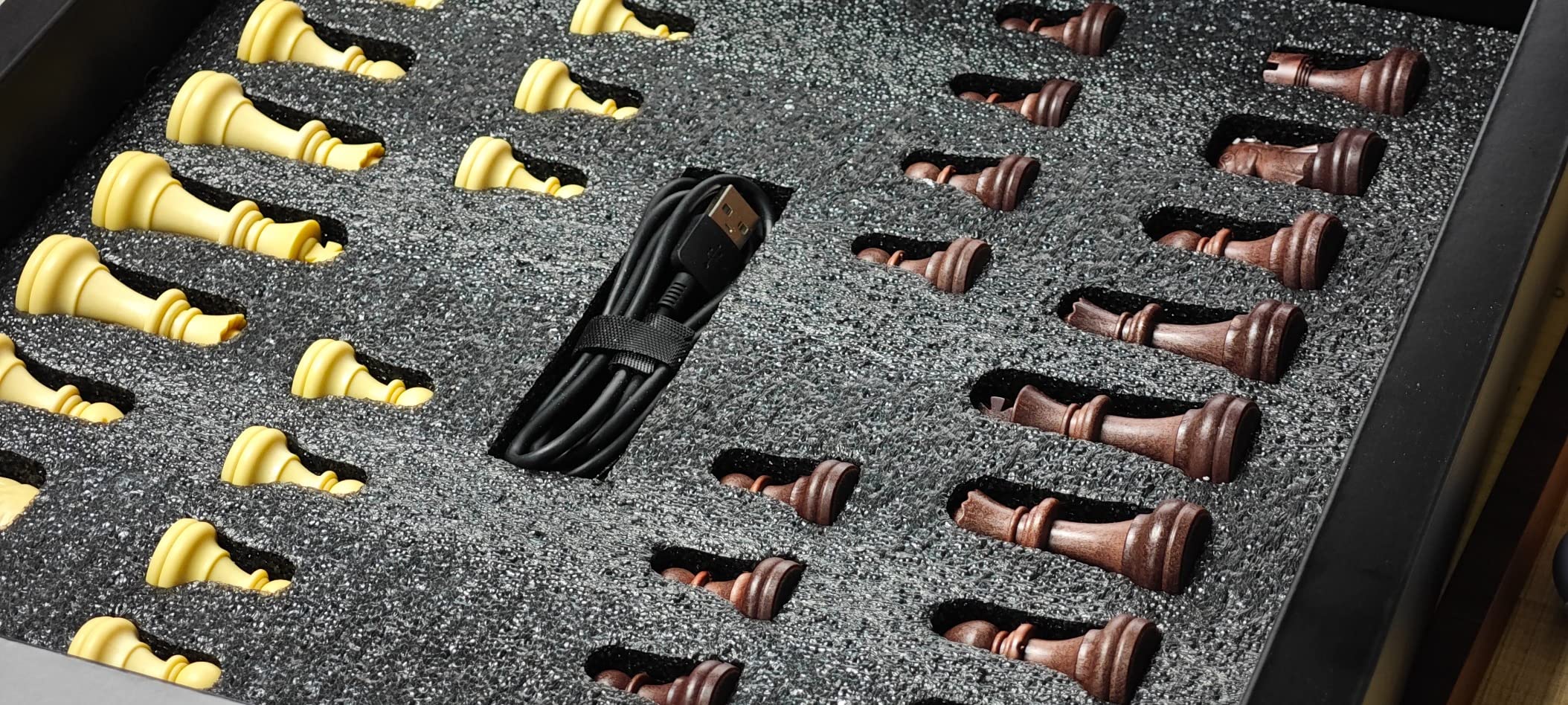

The 20 difficulty levels mean this board works for complete beginners and experienced players alike. If your grandparent is just learning chess, they can start at the easiest setting. As skills improve, the difficulty increases accordingly. The board remembers these preferences, so you do not need to reset anything each time.
When internet is available and desired, the Chessnut Air connects seamlessly with Chess.com and Lichess for online over-the-board play. However, it works perfectly without any connectivity, making it ideal for purely offline use.
Users report that the LED indicators are bright enough to see clearly but not so bright that they create glare or distraction. The USB-C charging is convenient for anyone already using modern phones or tablets.
Millennium ChessGenius Pro M815
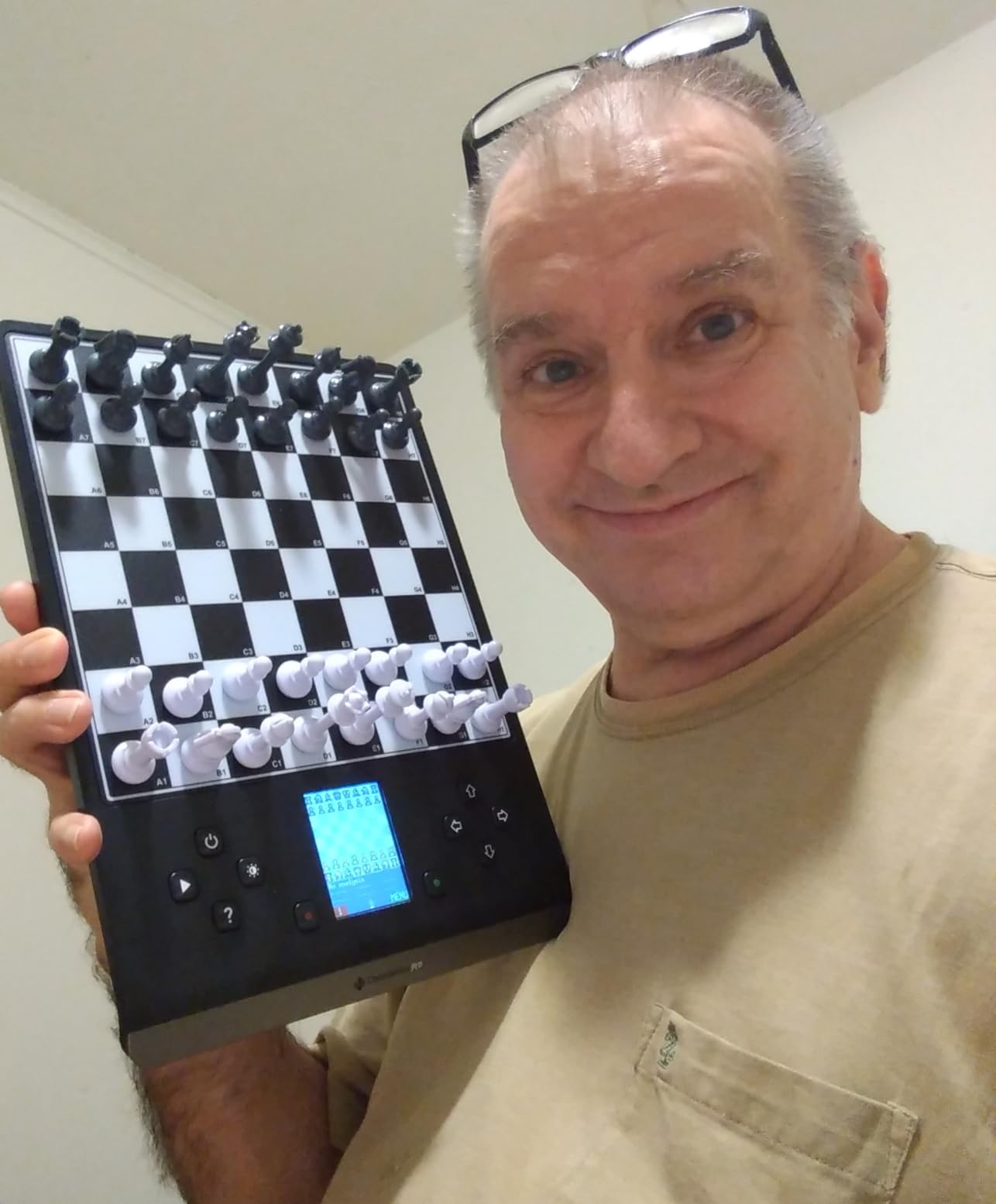
The Millennium ChessGenius Pro M815 brings tournament-grade chess technology to home use with an adaptive engine rated at 2200 ELO. For grandparents who played chess seriously in their younger years and want a real challenge, this model delivers skill-appropriate competition.

Millennium ChessGenius Pro M815 – Electronic Chess Computer with 2200 ELO Adaptive AI Skill Levels, Color Display, Built-in Trainer, Magnetic Travel Design
2200 ELO adaptive AI
Chromatic LCD display
Magnetic travel pieces
Built-in trainer with hints
Opening books included
Pros
- Adaptive 2200 ELO engine scales to player level
- Color LCD display for clear game data
- Built-in trainer with move hints and takebacks
- Magnetic pieces for travel convenience
- Compact and portable design
Cons
- Small pieces according to some users
- Manual could be better
- Batteries not included
- No USB power option mentioned
The built-in trainer with hints makes this especially valuable for seniors relearning chess or wanting to improve. If you make a questionable move, the computer can show you better options without simply playing perfectly and crushing your spirit. This learning approach keeps games enjoyable while still providing challenge.
The magnetic pieces are a practical feature for anyone who might bump the board during play. The pieces stay in place when the board moves, reducing frustration and interrupted games. For grandparents who might have tremors or limited dexterity, this stability matters.
The color LCD display shows game information clearly, including move history and clock times. This helps seniors track game progress without needing to remember every move made during longer sessions.
Chessnut Evo AI
The Chessnut Evo AI is the most sophisticated option reviewed here, featuring dual AI engines and a built-in screen that eliminates the need for any external device. For tech-comfortable seniors who want advanced features without complexity, it delivers.

Chessnut Evo AI Chess Computer — Built-in Maia Engine, Customizable Chess Bot, Full Piece Recognition, LED Lights — Play Online on Major Chess Platforms — Smart Electronic Chessboard
Dual AI engines (Maia + Stockfish)
100+ adjustable ELO levels
Built-in display and speaker
No phone/tablet needed
LED move indicators
Pros
- All-in-one chess computer with built-in screen
- Dual AI engines (Maia + Stockfish)
- Over 100 adjustable ELO levels
- Upload game history to create custom bots
- No phone/tablet needed - standalone device
Cons
- Expensive ($629.99)
- Pieces are lightweight plastic
- Piece recognition issues when sliding pieces
- Software updates can cause connectivity issues
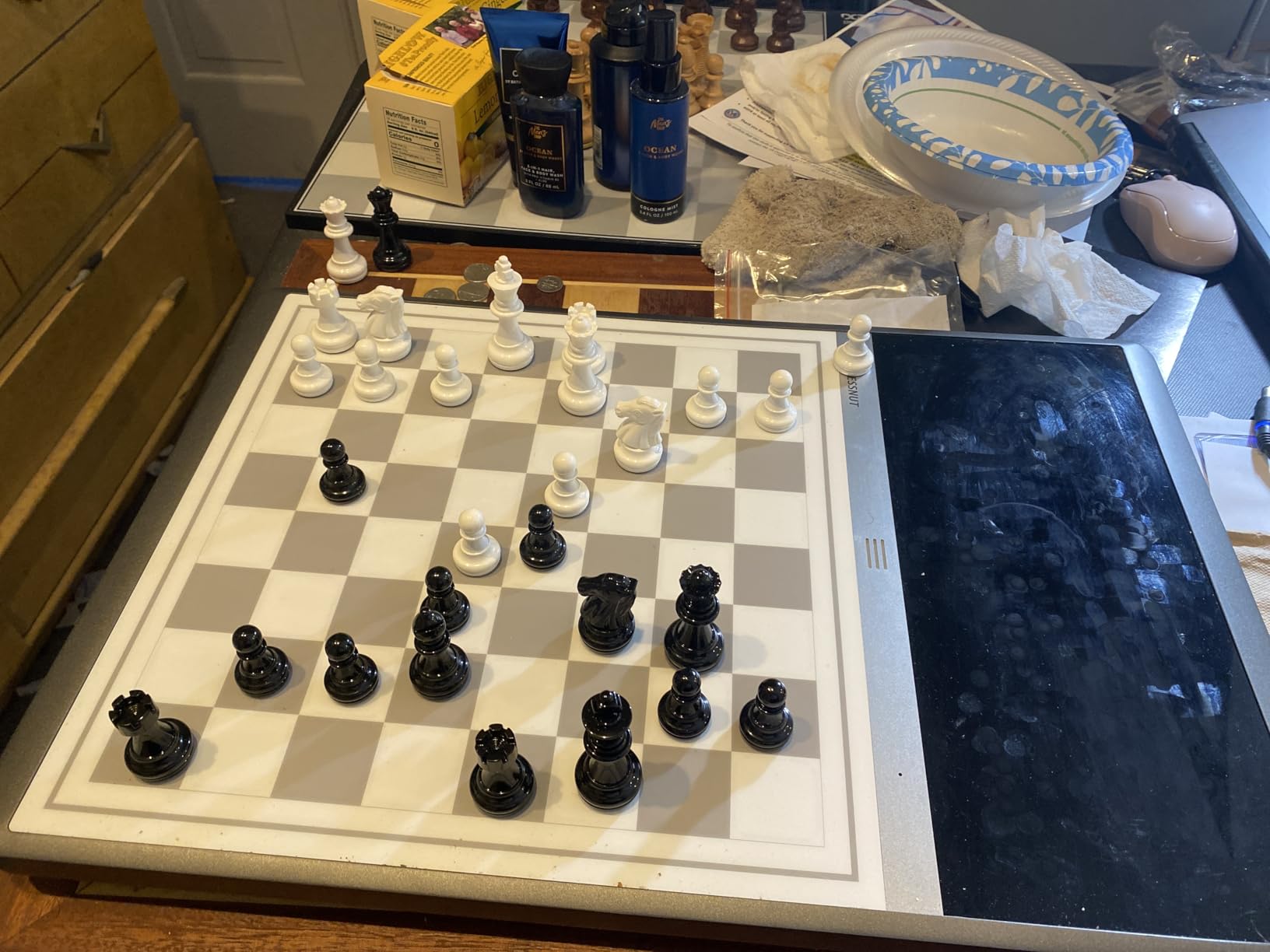
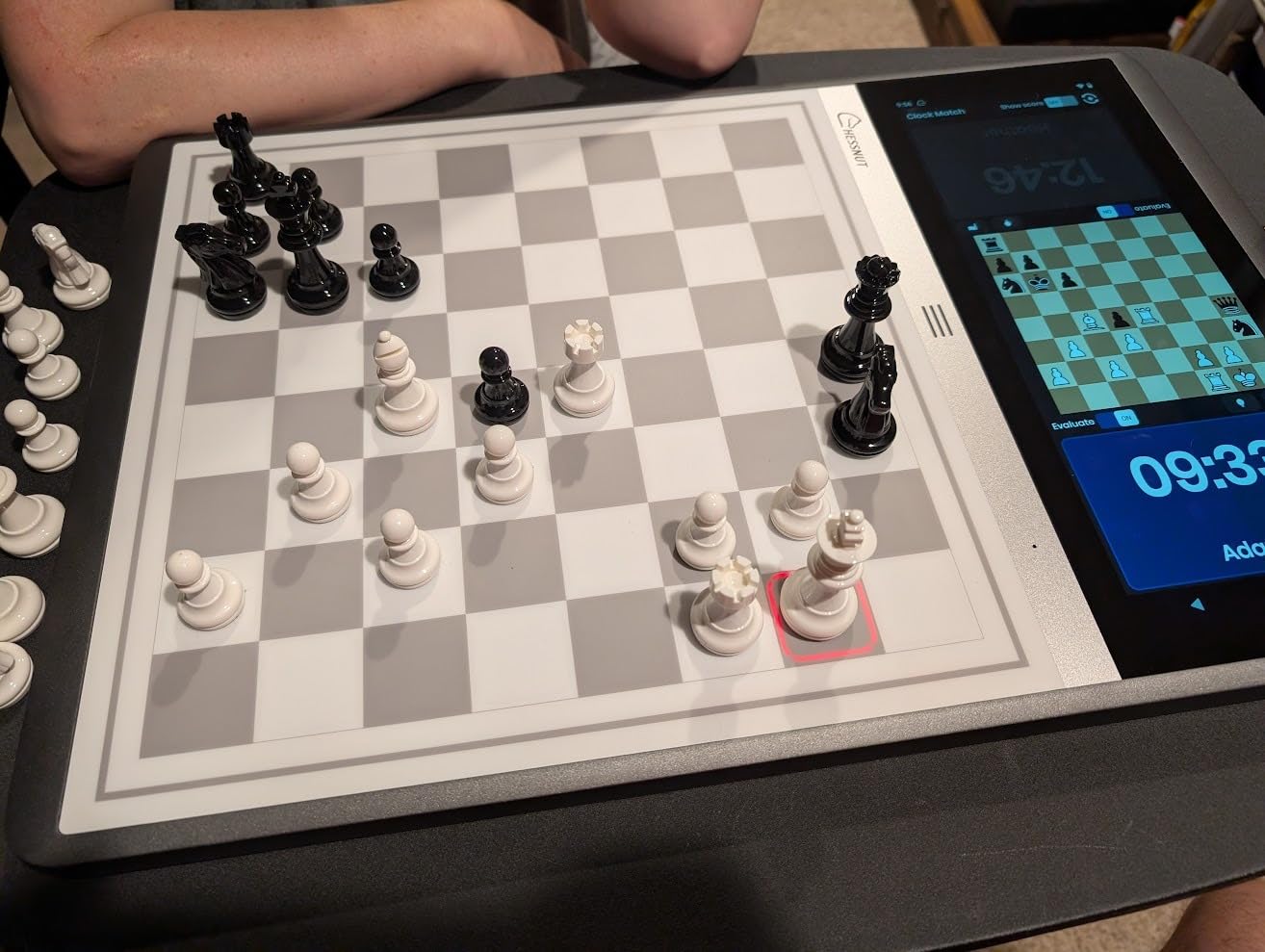
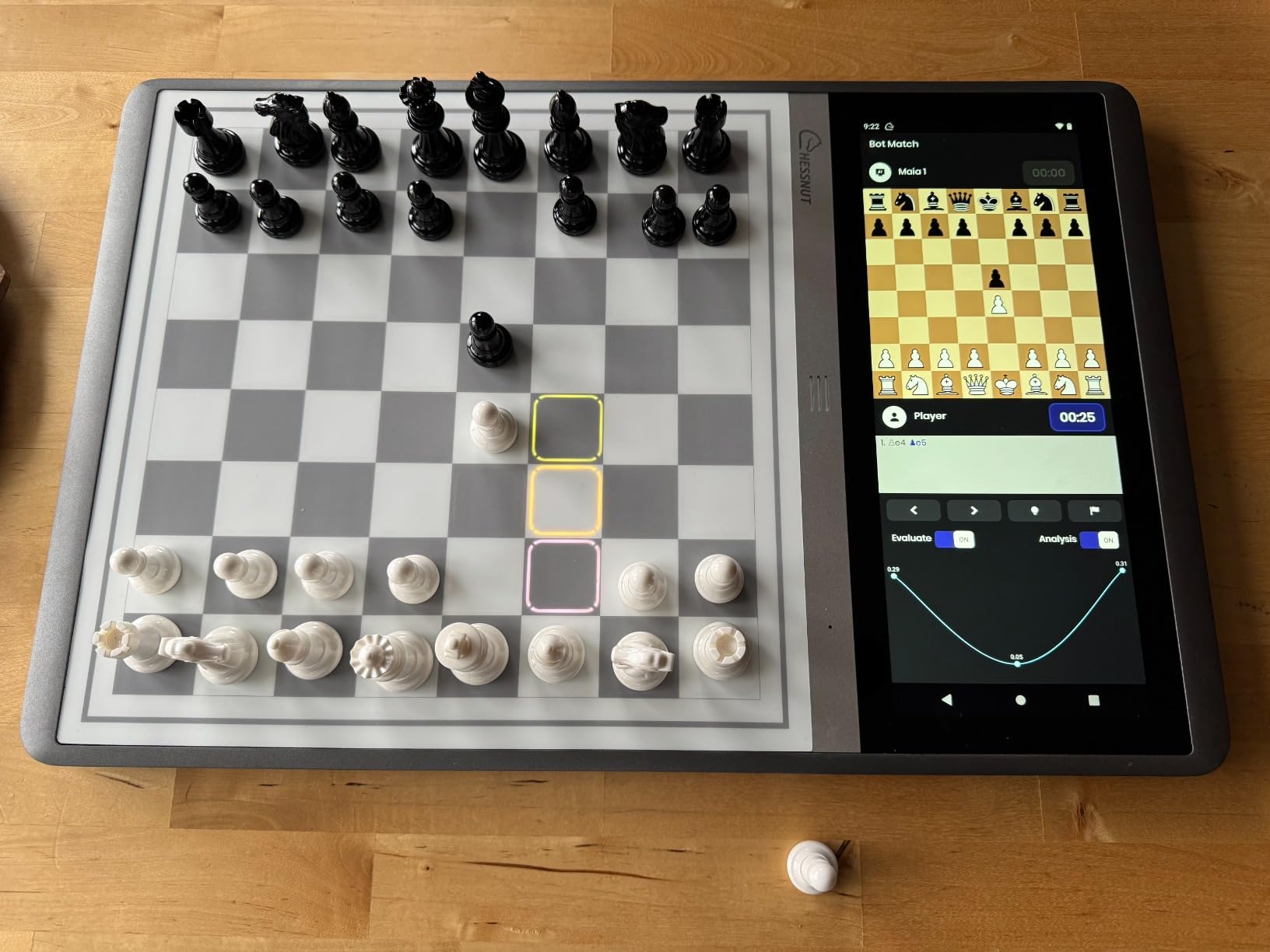
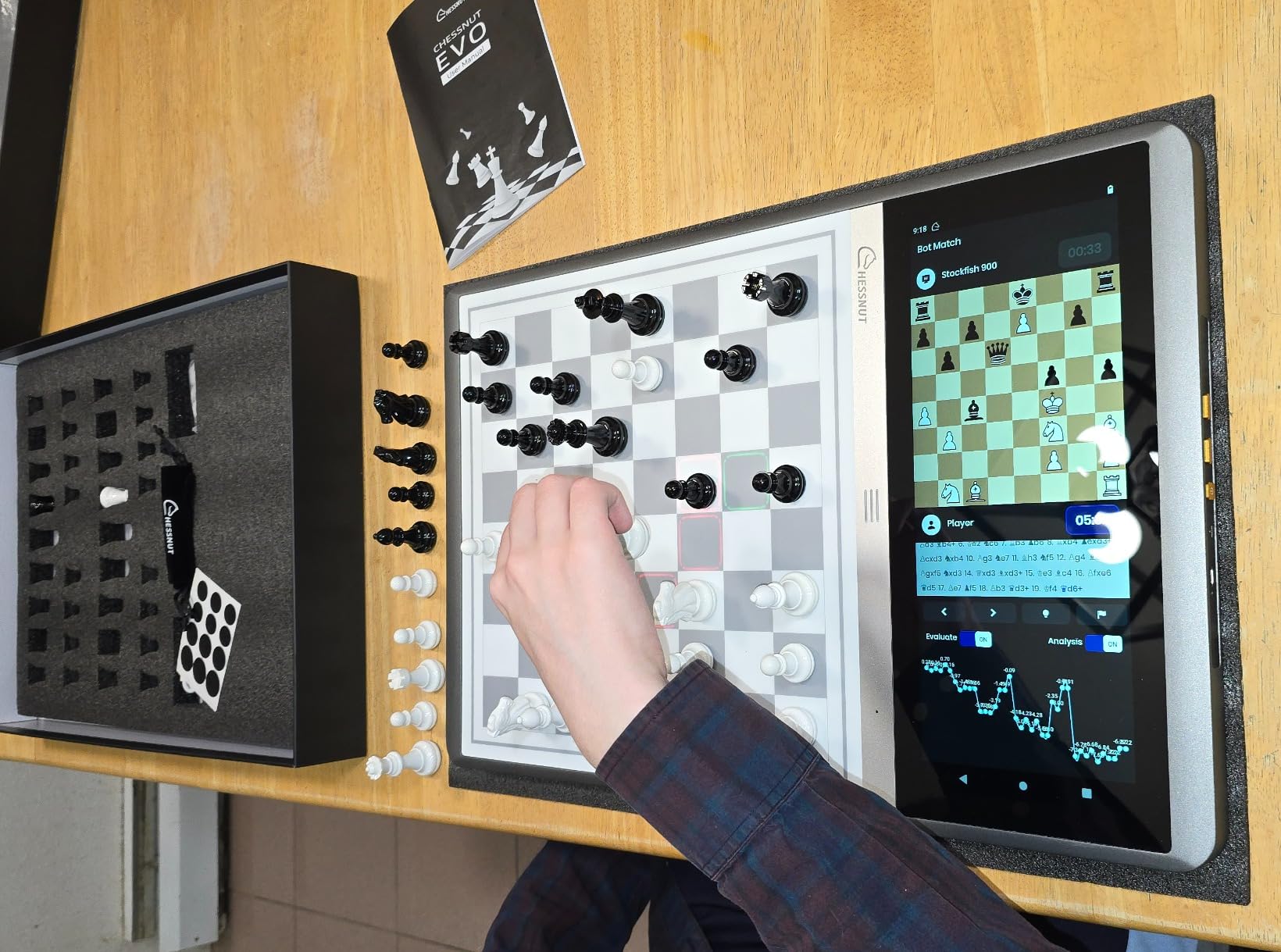
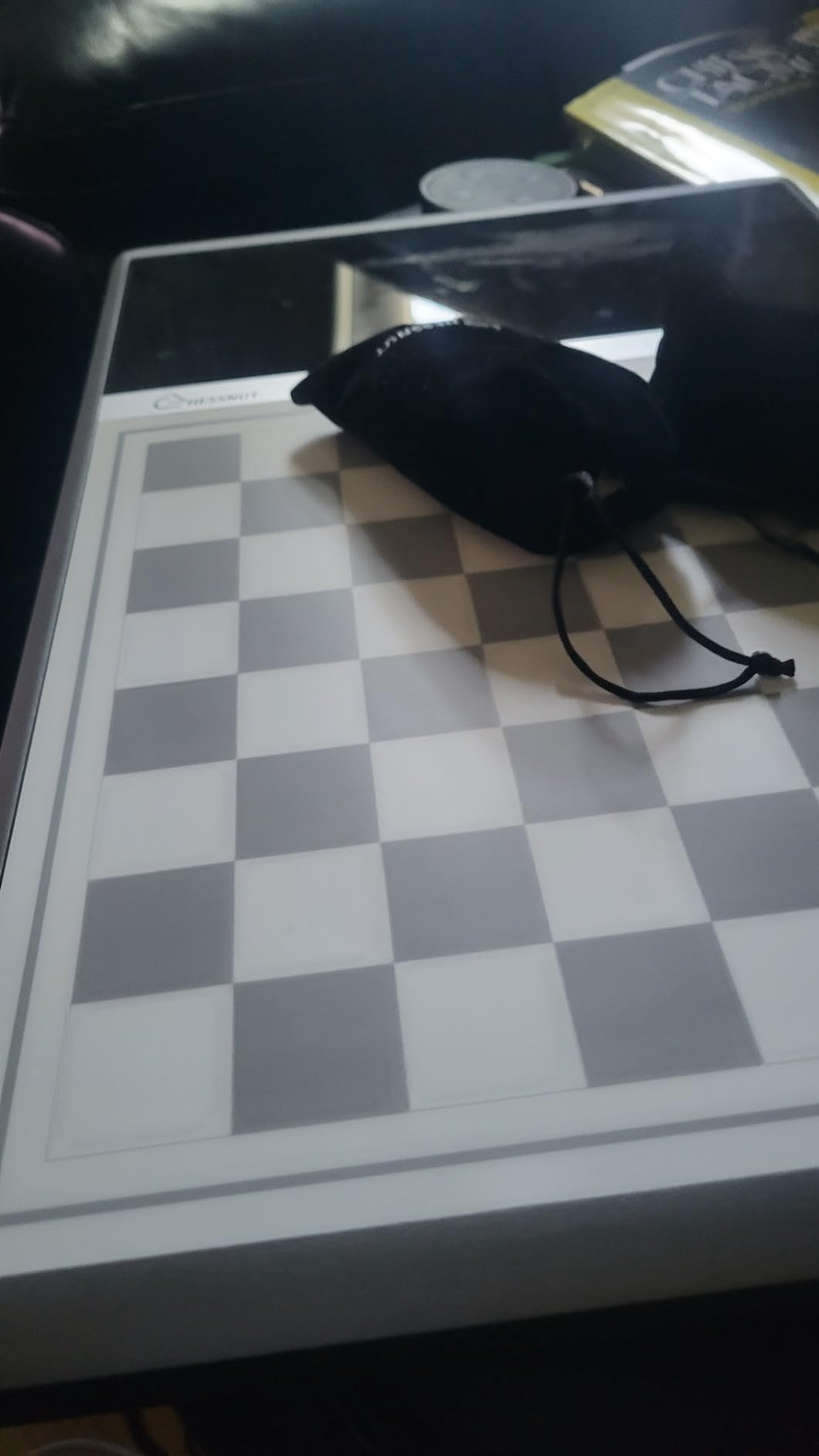
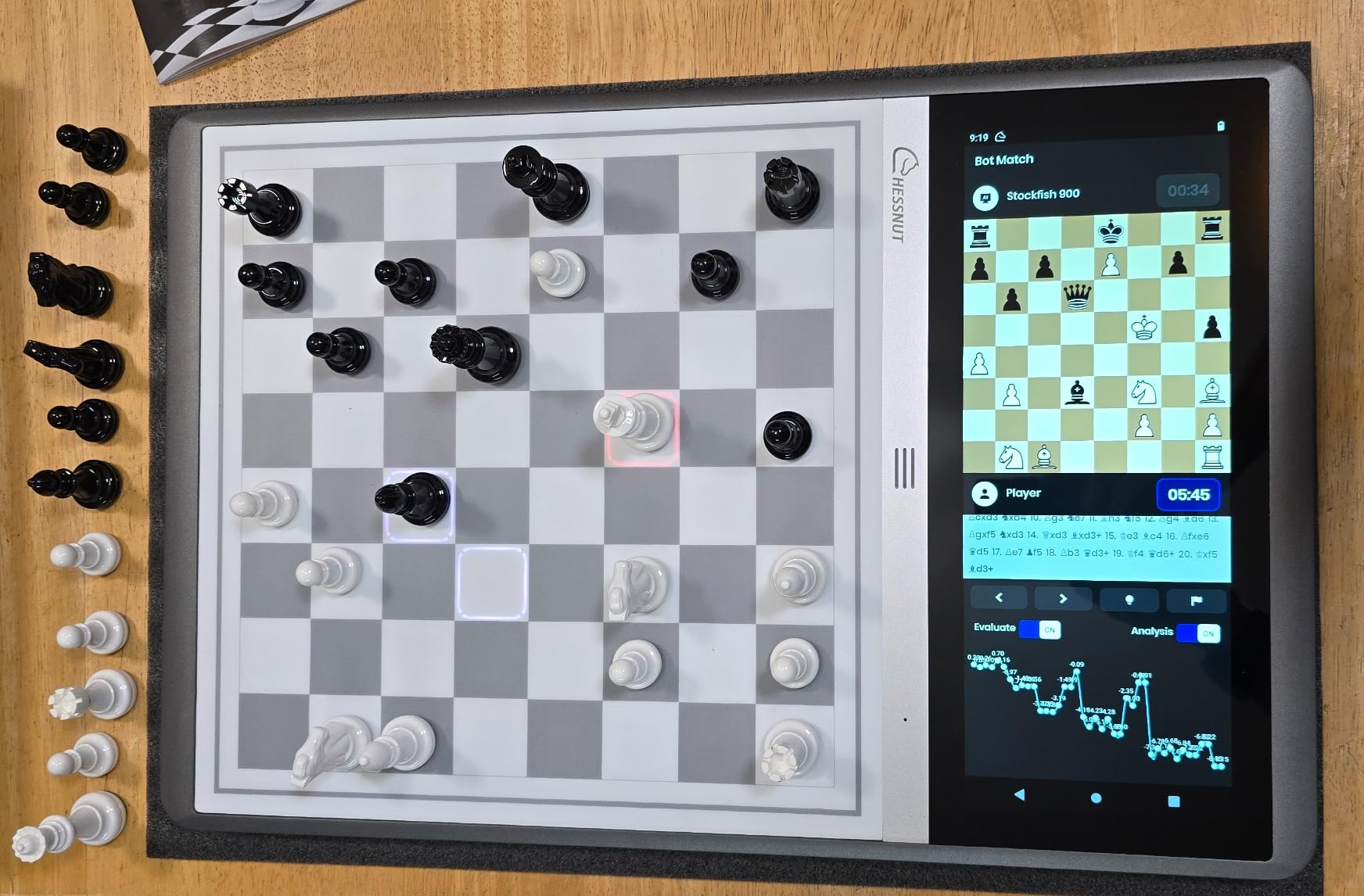
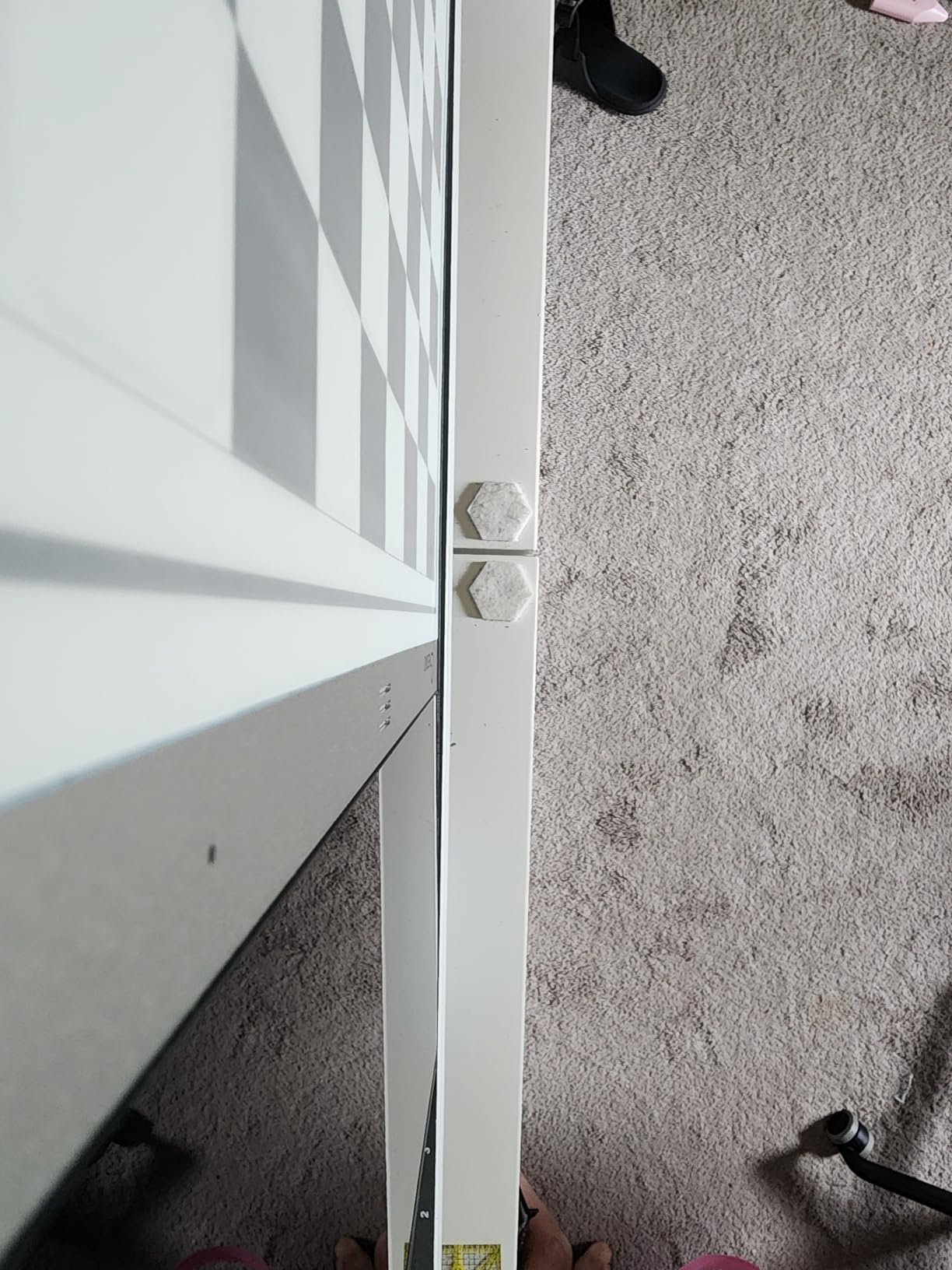
The Maia engine is particularly interesting because it plays like human opponents rather than perfect chess engines. This makes games feel more natural and enjoyable for players who find typical AI opponents frustrating. You can adjust from beginner level all the way to expert ELO ratings.
One unique feature is the ability to upload game history and create custom bots that play like you or like specific opponents. For serious chess enthusiasts who want to analyze their own games or prepare against particular styles, this is incredibly valuable.
The standalone design means no smartphone is ever required. Everything displays on the built-in screen, and all controls are physical buttons on the device. This simplicity appeals to seniors who distrust or dislike smartphone apps.
Millennium M831
The Millennium M831 (known as The King Competition) offers professional-grade chess training with 2400+ ELO capability and comprehensive teaching features. For active seniors who want serious chess training at home, this is the strongest option.

Millennium Electronic Chess Computer M831 – Teaching Mode, Pressure Sensor Board and Pieces, Interactive Strategy & Learning Trainer, Adaptive Play, 2400+ ELO, LCD Display
2400+ ELO engine
81 LED move indicators
Pressure sensor board
Personality profiles
Chess960 support
Pros
- 2400+ ELO engine for serious training
- 81 LED board illumination for move indication
- Adaptive play that adjusts to player level
- Pressure sensor board and pieces
- Multiple opening books
Cons
- No USB-C - uses proprietary power connector
- Requires separate purchase for Bluetooth module
- Small menu screen
- Confusing UI and documentation
The pressure sensor technology provides extremely accurate move detection compared to standard sensor boards. The pieces feel substantial because the sensors detect physical contact rather than magnetic fields. This gives a more traditional chess feel while maintaining electronic capabilities.
The teaching mode deserves special mention. It actively helps players understand why certain moves are better, not just that they are better. For seniors working to improve their chess understanding, this educational approach accelerates learning while keeping games fun.
The 81 LED board illumination covers every square, providing clear visual feedback for all game states. This brightness ensures visibility for seniors with any level of vision, though the small menu screen may require reading glasses for some users.
Quick Comparison: Top Chess Computers for Offline Play
The following comparison table summarizes key specifications for all five recommended chess computers. Use this to quickly identify which board matches your priorities and budget.
| Product | Specifications | Action |
|---|---|---|
| DGT Centaur |
|
Check Latest Prices |
| Chessnut Air |
|
Check Latest Prices |
| Millennium ChessGenius Pro |
|
Check Latest Prices |
| Chessnut Evo AI |
|
Check Latest Prices |
| Millennium M831 |
|
Check Latest Prices |
Key Features to Look for in a Senior-Friendly Chess Computer
Choosing the right chess computer for an older adult requires considering factors that do not appear in typical product reviews. Based on forum discussions and user feedback, here are the features that actually matter for seniors.
Display Readability
E-paper displays like those on the DGT Centaur offer the best readability for most seniors. Unlike LCD screens that can create glare or require specific viewing angles, e-paper looks like printed paper in any lighting condition. This matters significantly for anyone with vision concerns or who plays near windows.
Font size on built-in screens varies dramatically between models. The DGT Centaur e-ink display uses larger, clearer text than the smaller LCD panels on some Millennium models. If your grandparent has any vision impairment, prioritize models with e-paper or large-screen displays.
No-App Operation
The simplest models work entirely without any smartphone or tablet. You unpack the board, insert batteries if needed, and start playing. This removes barriers for seniors who do not use smartphones or feel intimidated by app setup processes.
Models like the DGT Centaur specifically market their app-free operation as a feature. The Chessnut boards can use apps for additional functionality, but all core gameplay works without any external device.
Battery Life and Power
Consider where the chess computer will be used. A model that requires finding an outlet limits placement options. Rechargeable internal batteries offer convenience, while AA batteries provide easy replacement without waiting for charging.
Long battery life matters for seniors who might forget to charge devices or want to play for extended sessions without interruption. The DGT Centaur receives consistent praise for its battery longevity in user reviews.
Piece Weight and Size
Standard Staunton-style pieces are easier for aging hands to grip than small travel-sized pieces. Weighted pieces feel more substantial when lifted and placed, which helps with spatial awareness and tactile feedback during play.
Some users report that Chessnut pieces feel lightweight or small. If your grandparent has arthritis or limited hand strength, prioritize boards with weighted pieces like those from DGT or the Millennium models with proper Staunton-style pieces.
Adaptive Difficulty
The ability to adjust difficulty prevents frustration while still providing mental exercise. The best chess computers for seniors automatically adjust based on player performance, keeping games challenging but winnable.
Look for models with broad difficulty ranges. The Chessnut Evo AI with 100+ ELO levels accommodates everyone from beginners to advanced players. The DGT Centaur adapts to your play style automatically, which many users find more intuitive than manually adjusting settings.
Learning Features
Built-in tutorials and hint systems help seniors who want to improve without external coaching. Rather than losing every game against a perfect opponent, the computer can suggest better moves and explain why certain positions are stronger.
The Millennium ChessGenius Pro and M831 both include dedicated teaching modes designed to help players learn. The Chessnut Air provides hints on request, allowing players to choose when they want assistance versus playing independently.
Durability and Build Quality
Seniors may not want to handle delicate electronics with extreme care. A well-built chess computer should feel solid and substantial, not fragile. Wooden boards like the Chessnut Air offer elegant aesthetics without sacrificing durability for typical home use.
Consider the warranty and customer support available. Products from established chess brands like DGT and Millennium typically have better support networks than generic electronics brands selling on Amazon.
Buying Guide: Choosing Based on User Needs
The best chess computer for your grandparent depends on their specific situation, chess experience, and personal preferences. Here is a quick decision guide based on common scenarios.
For Complete Beginners
If your grandparent is learning chess for the first time or returning after decades away, prioritize models with teaching features and easy difficulty settings. The DGT Centaur with its adaptive AI provides a gentle introduction. The Chessnut Air offers 20 difficulty levels so beginners can start at truly easy settings and progress gradually.
Look for models with clear move indication lights. The LED squares on most models show legal moves, which helps beginners learn piece movements without constant rule-checking.
For Experienced Players
Grandparents who played chess seriously in their younger years often want genuine competition rather than beginner-focused features. The Millennium ChessGenius Pro with its 2200 ELO engine provides appropriate challenge. For tournament-level play, the Millennium M831 at 2400+ ELO delivers serious competition.
Consider whether your grandparent wants to study specific openings or analyze games. Models with opening books and game saving features support these more advanced interests.
For Tech-Hesitant Users
Some seniors actively distrust or dislike smartphone apps and complex electronics. For these users, the DGT Centaur is the clearest choice. Its standalone operation requires zero technology beyond using a light switch. You turn it on, and it works.
The Chessnut Evo AI also works without any phone, though its many features might overwhelm users who prefer simple interfaces. The built-in screen helps by keeping everything visible without external devices.
For Vision Concerns
Seniors with significant vision impairment benefit most from e-paper displays. The DGT Centaur is the standout choice here because e-ink technology provides the clearest, most paper-like display available. The LED light-up squares provide additional visual feedback that helps players with limited sight track game state.
Board size matters too. The 17.2-inch board on the Millennium M831 provides larger squares and pieces than compact travel boards. Larger pieces are easier to see and manipulate for anyone with vision challenges.
For Budget-Conscious Buyers
If price is a primary concern, the Millennium ChessGenius Pro at $189 offers the strongest value proposition. It includes advanced features like the 2200 ELO engine, teaching mode, and magnetic pieces at a mid-range price point.
Avoid the cheapest generic options, which often have poor piece quality, unreliable sensors, and short lifespans. Spending slightly more on a recognized brand typically results in better long-term satisfaction.
Frequently Asked Questions
Is there a chess game you can play offline?
Yes, electronic chess computers work completely offline without requiring internet, Wi-Fi, or Bluetooth. Models like the DGT Centaur and Millennium ChessGenius Pro are designed as standalone devices. You simply set up the board, turn it on, and play. No smartphone, app, or internet connection is needed for any core gameplay features.
What is the best chess computer for beginners?
The DGT Centaur is our top recommendation for beginners, including seniors. It features an adaptive AI that automatically adjusts to your skill level, an easy-to-read e-ink display, and intuitive operation that requires no setup or apps. Simply move pieces on the board to play – the computer handles everything else automatically.
Are electronic chess boards worth it?
Electronic chess boards are worth it for anyone who wants to play chess against a computer opponent without using a phone, tablet, or computer. They provide consistent mental exercise, adaptive difficulty, and the tactile experience of physical pieces. For seniors specifically, they offer cognitive benefits and entertainment without requiring technical skills or internet connectivity.
Does the Queen start on her own color?
In standard chess setup, the Queen starts on her own color. The White Queen begins on the white square (d1), and the Black Queen starts on the black square (d8). This is a fundamental chess rule that electronic boards will enforce automatically when setting up positions.
Conclusion
Finding the best chess computer for a grandparent who wants to play offline comes down to understanding what matters most for seniors: simplicity, reliability, and enjoyment without technology complications. The DGT Centaur earns our top recommendation because it delivers exactly what most older adults need. No apps to install, no accounts to create, no Wi-Fi to configure. Just open the box and play chess.
The Chessnut Air provides excellent value with its beautiful wooden design and 20 difficulty levels. For experienced players wanting stronger competition, the Millennium ChessGenius Pro and M831 offer professional-grade engines in home-friendly formats. The Chessnut Evo AI suits tech-comfortable users who want advanced features without external devices.
Whatever model you choose, introducing a grandparent to electronic chess opens up regular mental exercise, cognitive stimulation, and the simple joy of playing a good game of chess whenever they want. The right board becomes a daily companion rather than another device that confuses or frustrates.
Take your time reviewing the options above. Consider your grandparent’s vision, technical comfort, chess experience, and budget. The best chess computer for your situation is the one that will actually get used, which means prioritizing simplicity alongside features.