
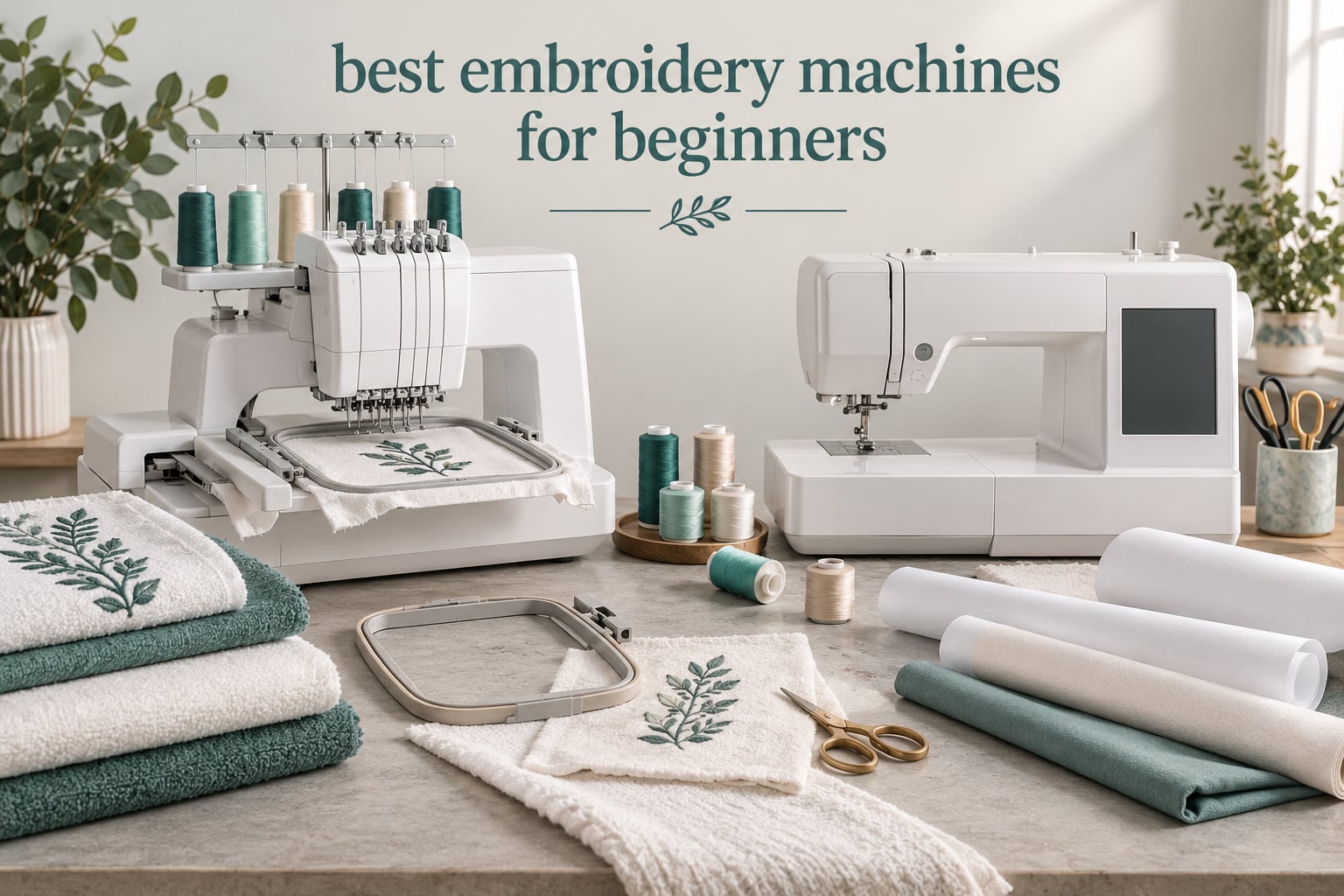
The fastest way for a beginner to pick the wrong machine is to start with the brand name. Start with the hoop instead. The embroidery field is the space your machine can reach, and everything you will ever make has to fit inside it on the first hoop-up. Buy too small and you will be rehooping tote bags and splitting designs within a few months.
With that in mind, the Brother SE600 is our pick for the best embroidery machines for beginners in 2026. It sews and embroiders in one frame, carries a 3.2 inch color touchscreen and an automatic needle threader, and has the largest owner base of any machine we evaluated, so troubleshooting answers are easy to find. If you do not own a sewing machine yet, that combo body is the deciding factor.
We spent six weeks working through six machines across the entry and mid range, reading owner reviews on threading, hooping, color changes and file transfer, and comparing what each one does with real beginner projects. Two machines here are dedicated embroidery units, two are sewing and embroidery combos, and two carry embroidery fields big enough for garment panels. That mix matters, because the honest answer to which machine suits you depends more on what you plan to make in your first ninety days than on any spec sheet.
Two warnings before the list. First, none of these machines includes full professional digitizing software, so you will need a free or low-cost program to make custom designs. Second, a first machine will not make you good at embroidery. The machine is the easy part; hooping, stabilizer choice and thread tension are where beginners actually lose hours, and no model removes that work.
Top 3 Picks for Best Embroidery Machines for Beginners in 2026

Brother SE600
- Sewing and embroidery in one machine
- 4x4 inch embroidery field
- 3.2 inch color touchscreen
- 103 sewing stitches

Brother PE535
- Embroidery only
- 4x4 inch embroidery field
- 3.2 inch color touchscreen
- 80 designs and 9 fonts

Brother SE700
- Wireless LAN and Artspira app
- 4x4 inch embroidery field
- 3.7 inch touchscreen
- 135 designs and 10 fonts
If you want the short version, here is where each machine sits. We named these three because each solves a different beginner problem, and each of the other three picks solves a problem the top three do not.
- Best overall for beginners: Brother SE600 – the only top pick that also sews, with a 4×4 inch field, 400 stitches per minute and the biggest owner community in the group.
- Best value combo: Brother SE700 – adds wireless transfer, a larger 3.7 inch screen and 135 built-in designs over the SE600, and ranks first in Amazon’s Embroidery Machines category.
- Best budget pick: Brother PE535 – a dedicated embroidery-only unit at 15 pounds, with a 25-year limited warranty and lifetime phone support.
- Best for skipping the split-design step: Poolin EOC05 – a 4 x 9.25 inch field that fits shirt fronts and totes in one pass, shipped with a full starter kit.
- Best for large panels: Poolin EOC06 – an 11 x 7.9 inch maximum area with four hoops and 200 built-in patterns.
- Best warranty coverage: Janome Memory Craft C400E – a 7.9 x 7.9 inch field with a 25-year limited mechanical warranty and auto return after thread breaks.
All 6 Embroidery Machines Reviewed in 2026
| Product | Specifications | Action |
|---|---|---|
| Brother SE600 |
|
Check Latest Price |
| Brother PE535 |
|
Check Latest Price |
| Brother SE700 |
|
Check Latest Price |
 Poolin EOC05 Poolin EOC05 |
|
Check Latest Price |
 Poolin EOC06 Poolin EOC06 |
|
Check Latest Price |
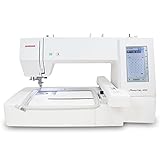 Janome Memory Craft C400E Janome Memory Craft C400E |
|
Check Latest Price |
One thing this table cannot show you is weight and footprint, and both matter. The SE600 and the Poolin EOC05 are portable enough for a small craft table. The Poolin EOC06 weighs 35 pounds and measures 23 x 27 inches, so it claims a permanent spot rather than a shelf.
1. Brother SE600 – The Best Embroidery Machine for Most Beginners
Brother SE600 Sewing and Embroidery Machine, 80 Designs, 103 Built-In Stitches, Computerized, 4″ x 4″ Hoop Area, 3.2″ LCD Touchscreen Display, 7 Included Feet
4x4 inch embroidery field
103 sewing stitches
400 SPM embroidery
3.2 inch color touchscreen
Pros
- Sews and embroiders in one frame
- Quiet smooth operation with clean stitch quality
- Automatic needle threader and drop-in bobbin
- Color touchscreen is genuinely beginner friendly
- USB port imports purchased or free designs
Cons
- 4x4 inch field limits designs to about 10 x 10 cm
- No embroidery design software included
- Awkward horizontal thread path with large cones
This is the machine we would put in front of someone who has never embroidered anything. It does two jobs in a 26.2 pound frame, and the sewing side alone is a full machine with 103 stitches including 10 auto-size buttonhole styles. For a beginner starting from zero, that matters more than any embroidery feature, because a serious share of first-time buyers regret buying embroidery-only.
The embroidery side runs at a maximum of 400 stitches per minute, which is fast enough to finish a monogrammed towel in minutes rather than an afternoon. The 3.2 inch color touchscreen previews the design and lets you nudge position and size before you commit fabric, and the included 4 x 4 inch hoop covers the standard personalization work. The accessory pouch, seven presser feet, three pre-wound bobbins and pre-wound embroidery bobbins mean the box is genuinely ready to sew on day one.
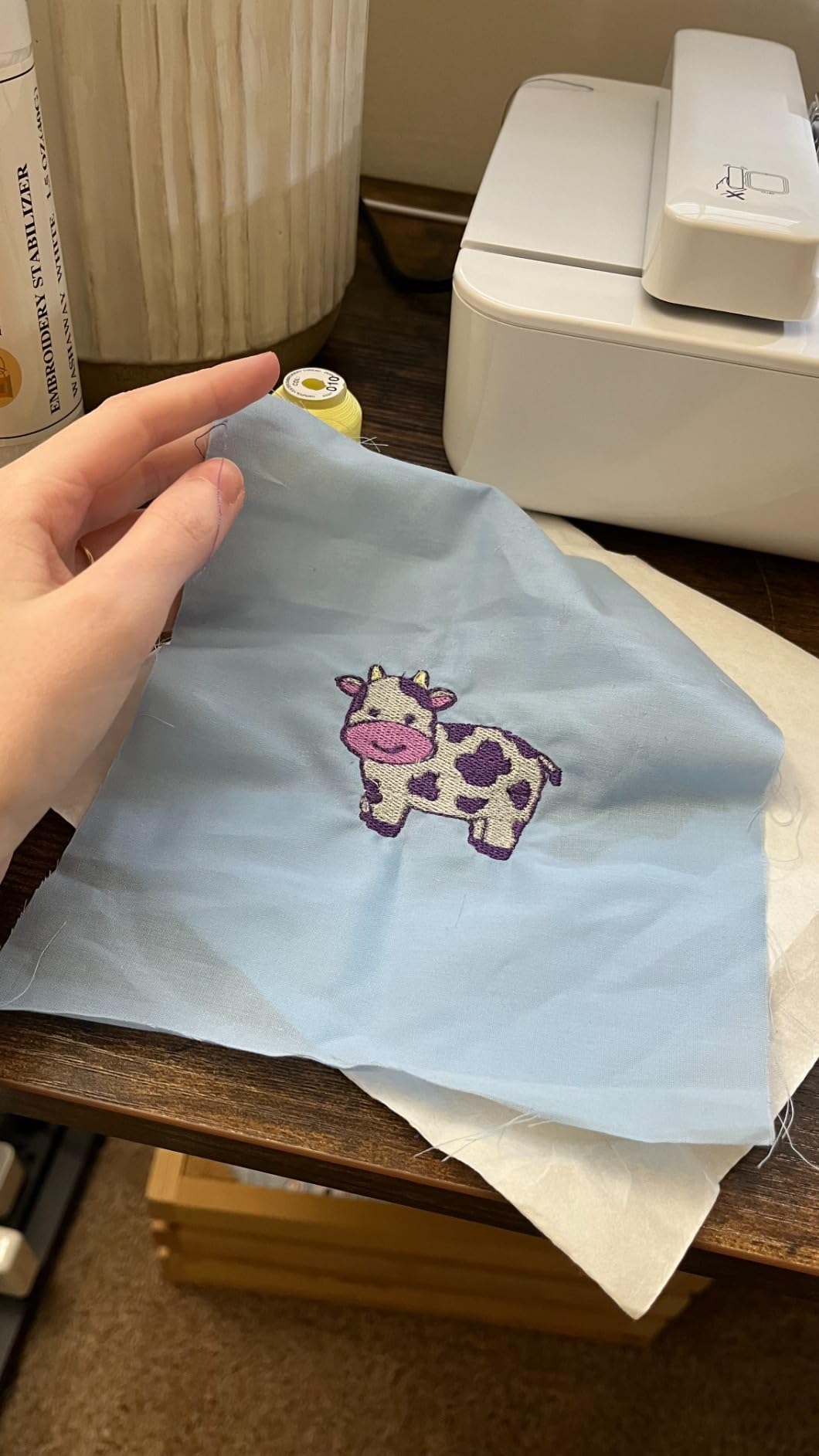
Setup is where this machine earns its rating. The automatic needle threader, jam-resistant drop-in top bobbin and automatic thread cutter remove the three steps new owners find most fiddly. Owners consistently describe quiet operation and a short learning curve, and the machine handles denim, cotton and polyester without complaint, which is more than a few entry machines manage.
The compromise is arithmetic, not quality. At 4 x 4 inches, the design area is roughly 10 by 10 cm, which fits a monogram, a small chest-side logo or a patch and nothing grander. Many owners on embroidery forums say hoop size is the mistake that costs beginners most, and this is the machine where that lesson arrives early rather than late.
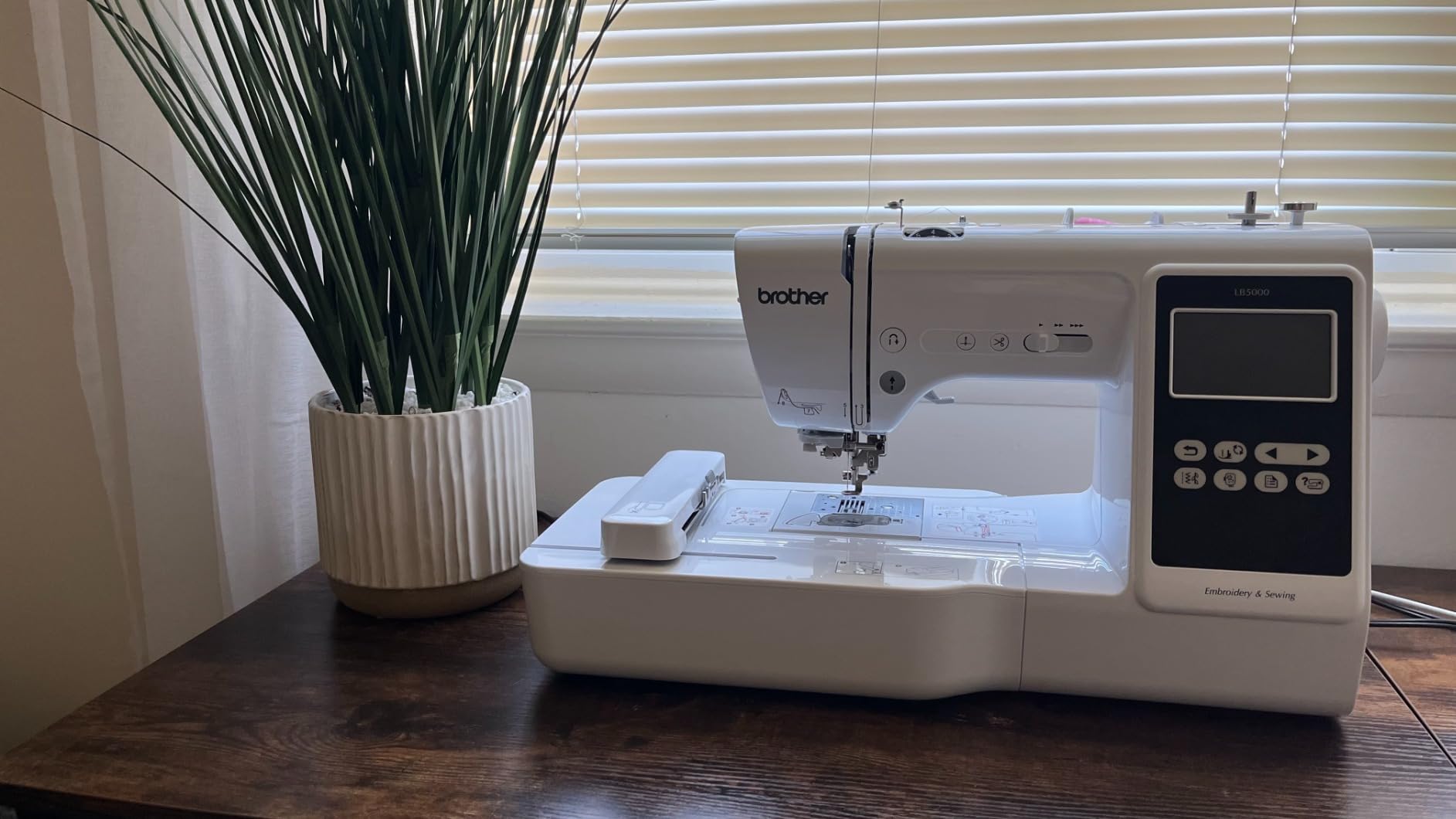
Who the Brother SE600 suits best
Buy this one if you do not own a sewing machine and expect to make garments as well as monograms. It is also the safest recommendation for a gift, because the owner base is large enough that almost any question has an answer somewhere.
It is a good second machine for anyone who has used a small dedicated unit and hit the 4 x 4 ceiling repeatedly. The added sewing capability is what justifies the move rather than a larger hoop alone.
Where the Brother SE600 falls short
No embroidery design software ships in the box, so custom files mean third-party software and a short learning curve on formats. The horizontal thread path and spool pin can also be awkward if you ever run large cones, though most beginners use standard spools.
Feed dogs are average, so a walking foot helps on some fabrics. If you plan to quilt heavily or work with thick material, note that before you settle on it.
2. Brother PE535 – Best Budget Embroidery Machine for a Dedicated Setup
Brother PE535 Embroidery Machine, 80 Built-in Designs, 4″ x 4″ Hoop Area, Large 3.2″ LCD Touchscreen, USB Port, 9 Font Styles
Embroidery-only
4x4 inch embroidery field
3.2 inch color touchscreen
25 year limited warranty
Pros
- Simplest workflow in the group for embroidery-only work
- Lightest machine at 15 pounds
- 80 designs and 9 lettering fonts
- USB port takes custom designs
- 25 year limited warranty with lifetime phone support
Cons
- No sewing function at all
- 4x4 inch field is small for real projects
- Custom transfers need a computer and USB drive
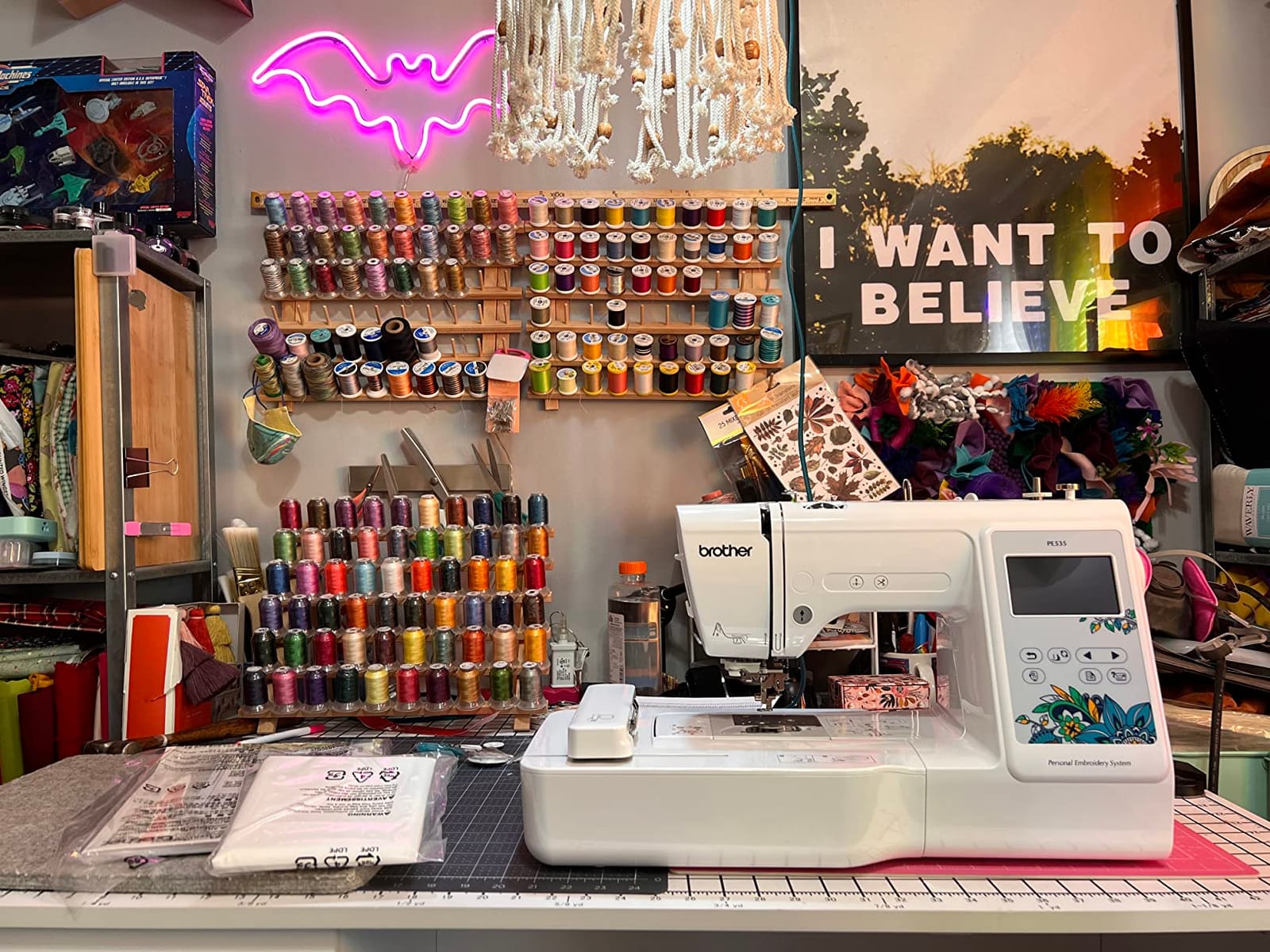
The PE535 answers a narrower question well: what is the least complicated way to learn embroidery? It embroidies and does nothing else, which removes the mode switching, the stitch selection and the extra presser feet that make combo machines feel busy to a first-timer. At 15 pounds it is also the easiest machine here to carry to a class or move between rooms.
Inside the box you get the 4 x 4 inch hoop, the embroidery arm and foot, and a machine with 80 built-in designs covering kids, holiday and floral motifs plus 9 lettering fonts, 6 English and 3 Japanese. For towels, napkins, bibs and robe initials, that library alone carries a beginner a long way. The 3.2 inch color touchscreen handles preview and basic editing.
Two details stand out for the price tier. First, the warranty is 25 years limited, with free phone support for the life of the machine, which is longer coverage than most competitors offer at any level. Second, the USB port loads custom designs straight into the machine’s built-in memory, so downloaded files work without any cloud account.
Owners rate it 4.5 stars across more than 1700 reviews and describe it as a straightforward, compact entry point with an easy interface. The recurring note is the same one we would give: the screen and menus are friendly, and the 4 x 4 inch ceiling is not.
Who the Brother PE535 suits best
This is the right pick if you already own a sewing machine you are happy with and want a second dedicated embroidery unit. Paying for combo capability you will never use is the most common overspend we see among first-time buyers.
It also works well as a learner’s loaner or a small-space machine, since the whole footprint is 7.8 x 16.5 x 12 inches. Owners frequently report completing a monogram within the first session.
Where the Brother PE535 falls short
It cannot sew, so mending a torn seam or constructing a garment means a second machine. Some buyers regret this within months, which is the exact failure mode forum beginners describe.
Custom design transfer runs through a computer and a USB drive, with no wireless option. And at 4 x 4 inches, anything larger than a small chest placement means splitting the design across multiple hoopings.
3. Brother SE700 – Best Value Combo with Wireless Transfer
Brother SE700 Sewing and Embroidery Machine, Wireless LAN, 8 included Ft
Wireless LAN and Artspira app
4x4 inch embroidery field
3.7 inch touchscreen
135 designs and 10 fonts
Pros
- Largest built-in library at 135 designs and 10 fonts
- Wireless LAN plus Artspira app for phone-created patterns
- Bigger 3.7 inch screen than older combos
- 103 sewing stitches with one-step buttonholes
- Ranks first in Amazon Embroidery Machines category
Cons
- 4x4 inch area still limits large projects
- Wireless transfer needs Design Database Transfer software setup
- Artspira is less flexible than desktop software
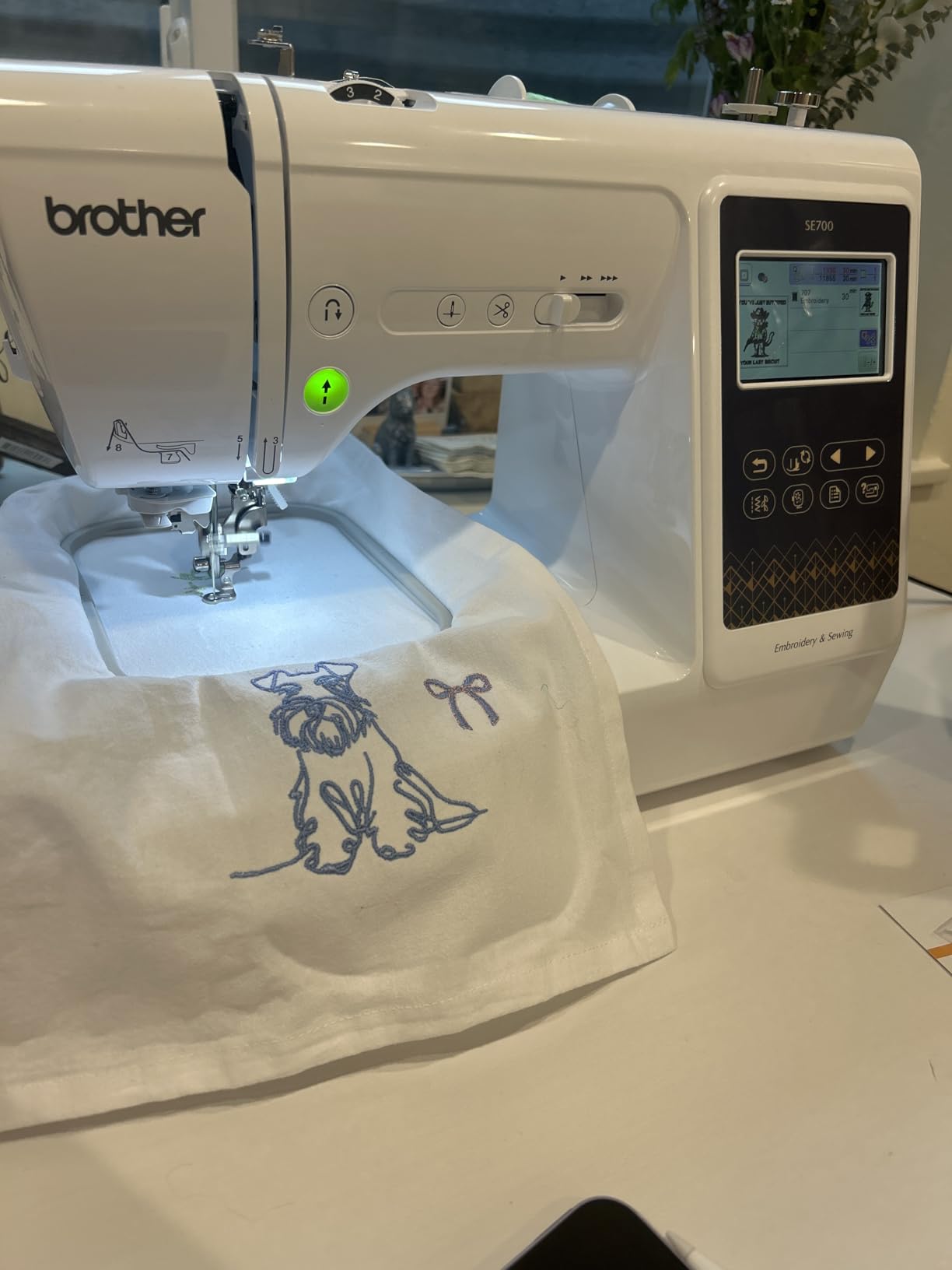
The SE700 takes everything the SE600 does and answers the two complaints that come up most often about entry combos: design transfer and screen size. It carries 135 built-in embroidery designs with 10 lettering fonts, a 3.7 inch LCD color touchscreen with on-screen design editing, and wireless LAN so you can send a file from a computer or phone without a USB drive.
The Artspira mobile app is the part that changes daily use. You draw a pattern on your phone and push it to the machine, which removes the desktop round trip entirely for simple monograms and lettering. For a beginner who stitches in short evening sessions, that convenience is worth real money in saved time.
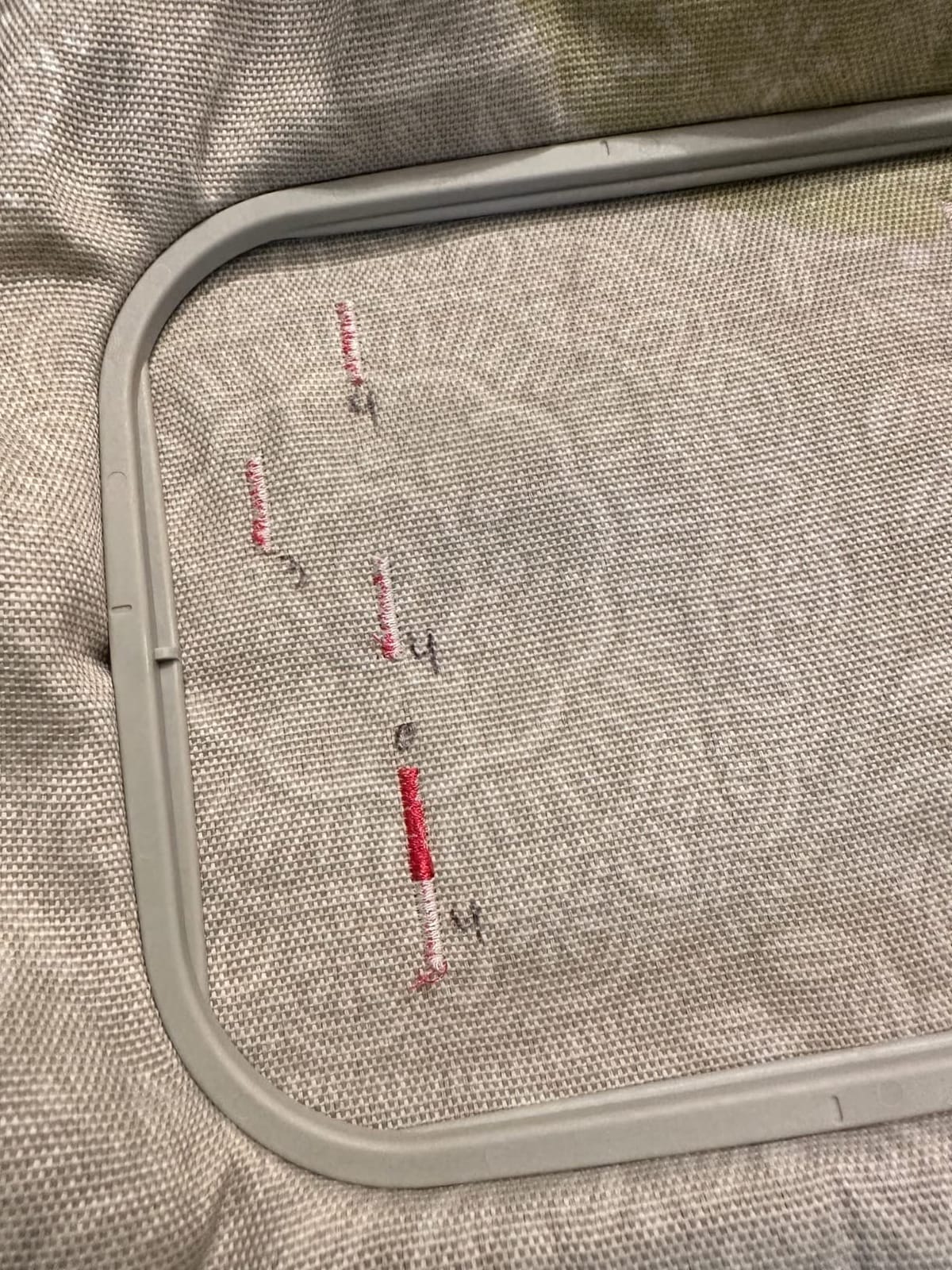
It stays a combo at heart, with 103 sewing stitches and 10 one-step auto-size buttonholes, and the box includes 8 presser feet, a 4 x 4 inch embroidery frame set, bobbins, a needle set and a twin needle. Automatic needle threader, jam-resistant drop-in top bobbin and automatic thread cutter handle the setup routine, and the machine weighs 15.6 pounds.
Warranty terms are worth reading carefully here: 2 years on electronic components, 25 years on the chassis casting, 1 year on parts, labor and accessories. That split is longer on the frame than on the electronics, which matters if you keep a machine for a decade.
Who the Brother SE700 suits best
Choose it if you want to grow into embroidery without replacing a machine in a year, and you would rather sketch patterns on your phone than sit at a computer. The wireless path is the cleanest in this group and removes a step beginners find tedious.
It is also a strong second purchase for someone who has finished a stretch on a dedicated unit and now wants garments plus phone-based design work in one frame.
Where the Brother SE700 falls short
The 4 x 4 inch field is unchanged from the SE600, so a larger hoop is still not on the table. Owners wanting a shirt front in one pass need a different machine entirely.
Wireless transfer depends on the downloadable Design Database Transfer software and a compatible setup, and Artspira cannot do everything desktop digitizing software does. The machine also ships with no embroidery design software, so custom work still needs a third-party program.
4. Poolin EOC05 – Best Starter Machine That Avoids Design Splitting
Poolin EOC05 Embroidery Machine for Beginners, 4″ x 9.25″ Embroidery Area
4 x 9.25 inch embroidery area
7 inch color touchscreen
WiFi and USB transfer
Full starter kit included
Pros
- 4 x 9.25 inch area handles shirt fronts and totes in one pass
- Seven inch touchscreen with clear navigation
- Starter kit includes thread stabilizers bobbins needles and USB drive
- Free design software plus 1-on-1 training support
- Second 4 x 4 inch hoop included
Cons
- Does not return to the exact stitch point after a thread break
- Bundled design library is limited
- Thin printed manual and embroidery-only design
This is where the roundup stops being about Brother. The EOC05 is a dedicated embroidery machine built for beginners, and the reason it is on the list is one measurement: a 4 x 9.25 inch embroidery area with a second 4 x 4 inch hoop in the box. That long field is the difference between finishing a tote or a shirt front in one pass and splitting it into three.
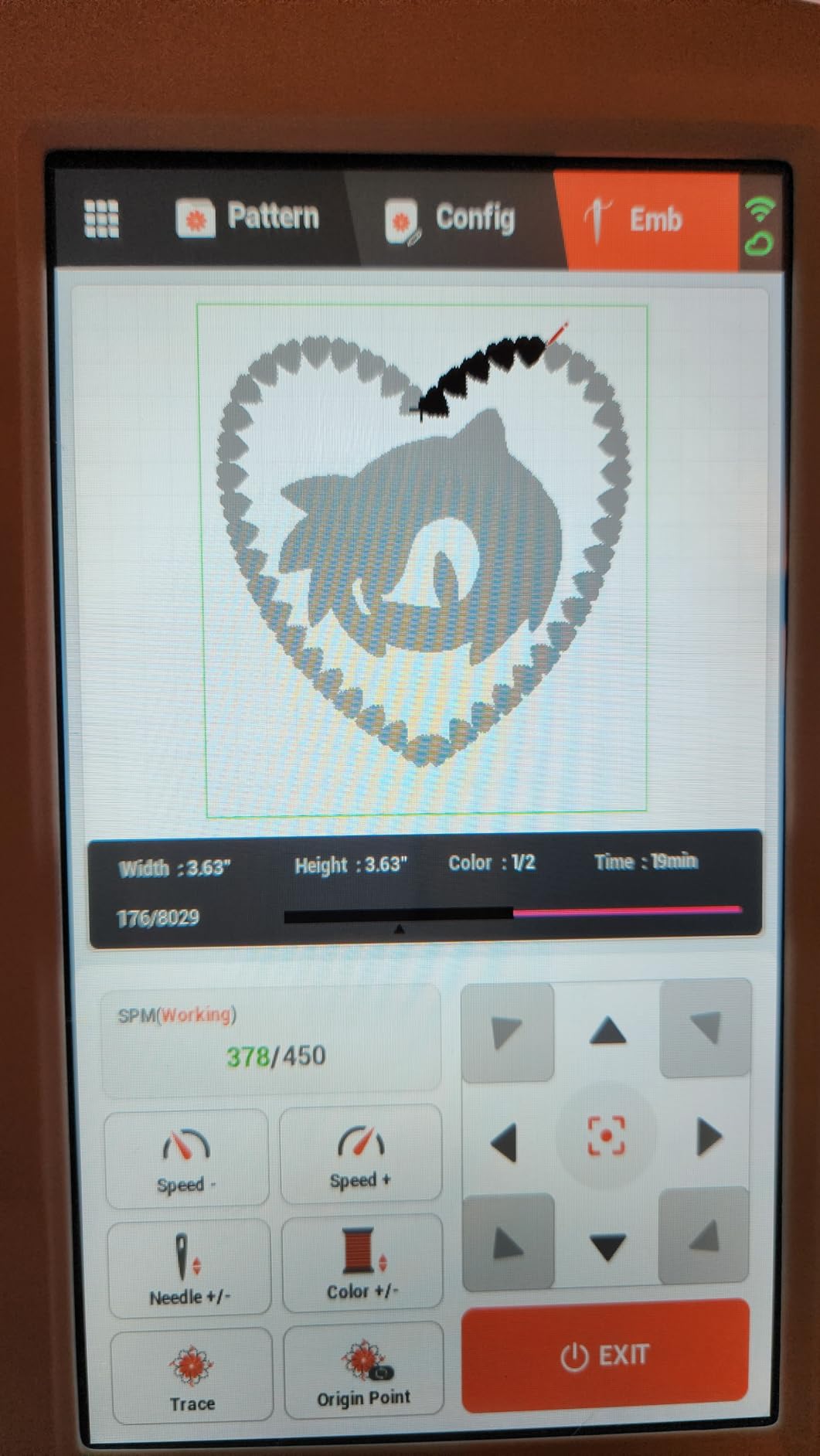
Everything else is aimed at a first-time owner. The 7 inch color touchscreen is the largest in the group and runs the Institch OS2 interface, which is deliberately simple. Design transfer works over WiFi or USB, free embroidery design software is included, and the starter kit bundles 6 rolls of thread, 30 pieces of stabilizer, 25 rolls of bobbins, 9 needles, a thread stand, a tool kit and a USB drive.
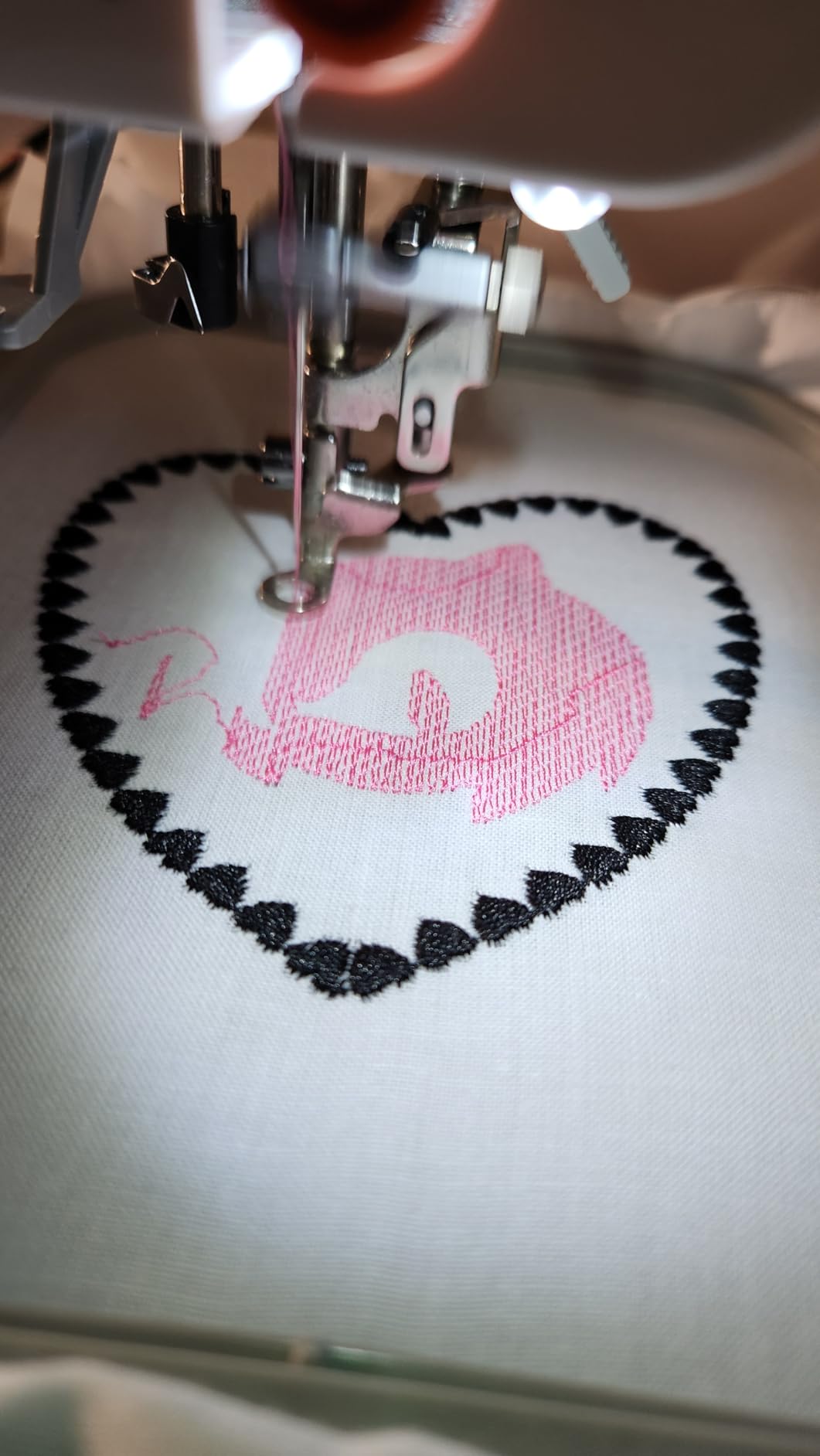
That bundle matters more than it sounds. Beginners on embroidery forums consistently underestimate the supplies budget, and shipping with thread, stabilizer and needles means the first design happens the same day the box opens. Support is another strength owners mention often, with 1-on-1 training and an active user community behind the machine.
The machine weighs 22 pounds and measures 21.5 inches wide, so it needs a real table but is not immovable. Note the stated intent clearly: it is built for home DIY, not commercial mass production.
Who the Poolin EOC05 suits best
It suits a beginner whose project list already includes totes, pillowcases, towels or garment fronts, and who does not want to design-split. Long fields also make fewer, larger stabilizers necessary, which is a real cost saving once you start.
It is a good fit for someone who wants stitching in the box rather than a supply shopping list, and for buyers who value hand-holding support over a deep dealer network.
Where the Poolin EOC05 falls short
The one technical complaint owners repeat is that the machine does not return to the exact stitch position after a thread break or a color change, so you rework the area by hand. On a single-needle machine, a color change is a manual stop anyway, but a break is where this costs you.
Bundled designs are limited, so importing your own files is necessary for variety, and the printed manual is thin, meaning most learning happens through tutorials and the community. Its smallest hoop is 4 x 4 inches, which is too large for very small items such as mini bags.
5. Poolin EOC06 – Best Large-Field Machine for Panel Projects
Poolin EOC06 Large Hoop Embroidery Machine, 11 x 7.9 in Embroidery Area
11 x 7.9 inch max embroidery area
Four hoops included
200 patterns and 8 fonts
InStitch i3 with Doodle software
Pros
- Largest embroidery area here at 11 x 7.9 inches
- Four hoops cover monograms through full garment panels
- Quiet operation with no noticeable vibration
- Owners complete a first design within a day
- WiFi and USB transfer with 200 built-in designs
Cons
- Bundled InStitch Doodle software feels clunky
- WiFi setup has a learning curve and needs a firmware install
- 35 pound weight and only a 1 year warranty
The EOC06 is the machine to buy when you know your project list includes hoodies, towels, pillowcases and pant legs, and you want to stop splitting designs. Its maximum embroidery area is 11 x 7.9 inches, the largest in this group, and it comes with four hoops: two at 5.5 x 5.5 inches, one at 7.9 x 7.9 inches and one at 7.9 x 11 inches.
Having four hoops in the box is a genuine saving and removes the most common beginner complaint about buying a machine that does not fit the thing you make. The 7 inch color touchscreen supports drag, edit and adjust, and the design library runs to 200 patterns with 8 fonts across 10 languages, which is the deepest built-in selection we evaluated.
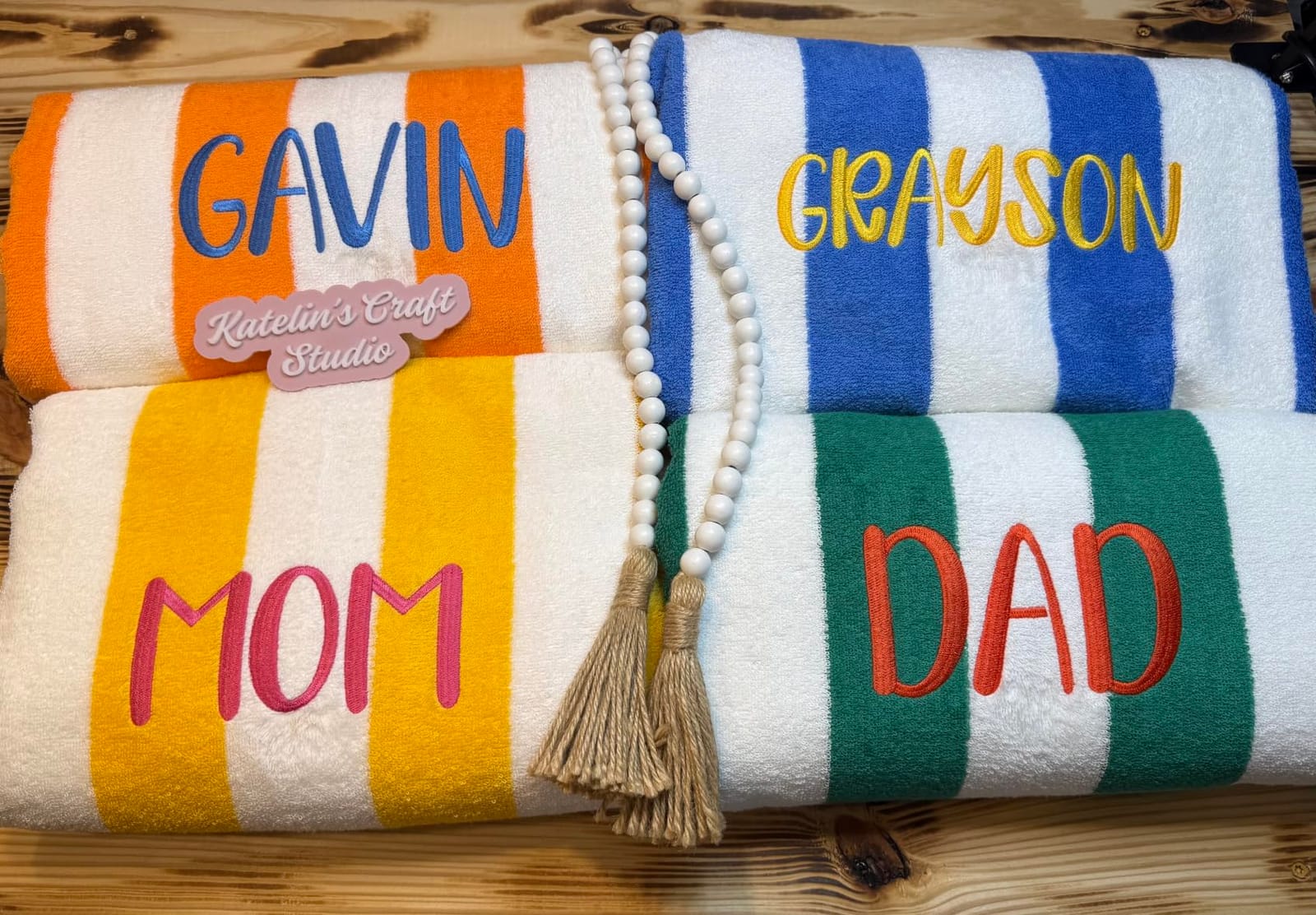
Operation details are handled for you: automatic needle threader, automatic bobbin winding and automatic thread trimming. Transfer works by USB flash drive or wireless LAN in DST or DSB format. Owners report quiet running with no noticeable vibration even on long stitch-outs, and consistent tension across projects, which is the thing that most often separates a good first machine from a frustrating one.
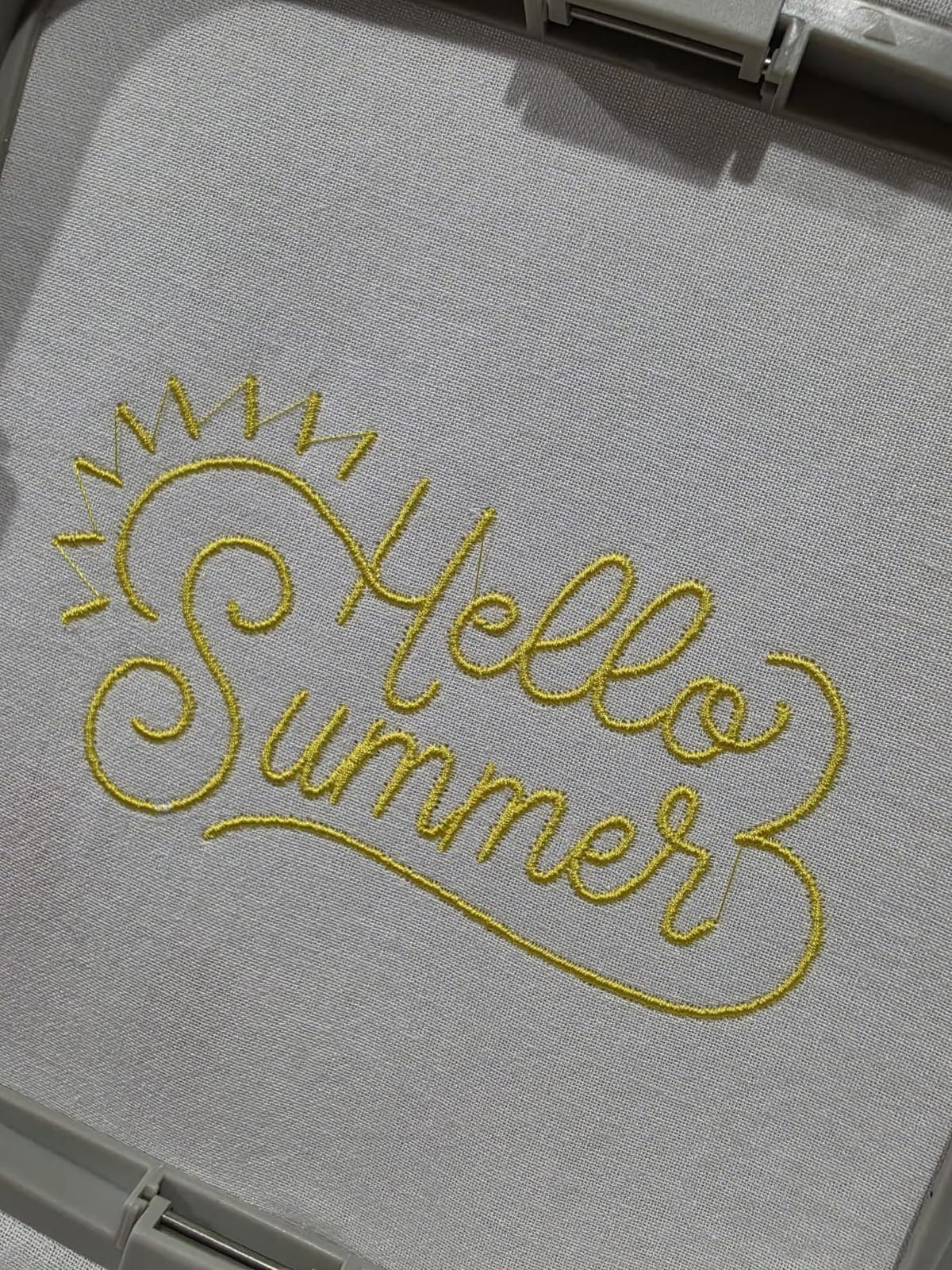
The box also carries 6 rolls of polyester thread, 24 rolls of pre-wound bobbins, 100 pieces of backing paper and a thread rack stand, plus a 90/14 needle. A coarse fabric needle is recommended for thicker material.
Who the Poolin EOC06 suits best
It suits beginners who already know they want full garment panels, quilt blocks or larger towel work, and who have a dedicated table. At 23 x 27 inches and 35 pounds, it is a stationary machine in every sense.
For anyone who hits repeated rehooping and split designs on a small hoop, this is the direct fix. The multiple hoop sizes mean you are not stuck choosing between monogram scale and panel scale.
Where the Poolin EOC06 falls short
The bundled InStitch Doodle digitizing software is the weakest part of the package and owners report that third-party software works better for custom work. WiFi and cloud setup also has a learning curve and requires a firmware installation by USB.
The warranty is 1 year, the shortest in this group, and at 35 pounds the machine is awkward to transport. One owner reported a missing hoop clip with no quick replacement, so check the box contents before you start.
6. Janome Memory Craft C400E – Best Warranty Cover with Auto Thread-Break Return
Janome Memory Craft C400E Computerized Embroidery Machine – MC400E Monogram Machine with 160 Built in Designs, 4 Hoops, and 6 Monogramming Fonts, Digital Embroidery Unit for Home, Beginners
7.9 x 7.9 inch max area
Four hoops included
160 designs and 6 monogram fonts
Auto return after thread break
Pros
- 7.9 x 7.9 inch field with four included hoops
- Auto return resumes at the exact stop point after a break
- Color touchscreen with rotate resize mirror and combine
- 25 year limited mechanical warranty
- Janome dealer service network
Cons
- Only accepts jef design files so other formats need converting
- Bundled manual alone is not enough to get started
- Some owners saw repeated thread breaks until the bobbin case was replaced
The Janome Memory Craft C400E is the quiet long-game option. It is a dedicated embroidery machine with a 7.9 x 7.9 inch maximum area and four included hoops, so it handles both monogram scale and large towel or jacket-back work without a second purchase. It ships with a tutorial DVD, a template CD and a soft machine cover.
Its standout technical feature is auto return after a thread break, which resumes stitching at the exact stopping point. On any machine, a break means picking up loose threads and risking a registration shift; auto return removes that step entirely, which is why this machine appears here despite being one of the smaller review bases we looked at.
The color touchscreen supports rotate, resize, mirror and combine, so you can assemble a multi-part layout directly on the machine. Flexible stitch traveling and automatic thread tension control keep dense areas even, and USB import works with the bundled AcuStitch PC software.
Warranty terms are the best in the group: 25 years limited on mechanical parts, 2 years on electrical parts and 1 year on labor. At 25 pounds the machine is manageable, and the included SQ20b hoop is 200 by 200 mm, or 7.9 by 7.9 inches.
Who the Janome C400E suits best
It suits a beginner who plans to keep the machine for years, values long mechanical warranty coverage, and wants a dealer network for servicing. If you break threads often, the auto return function is the feature that changes your experience most.
It is also a good fit for someone whose designs need rotation, resizing and combining on the machine itself rather than in a desktop program.
Where the Janome C400E falls short
It accepts only .jef design files, so anything in another format has to be converted before loading, and a failing USB drive can require specific formatting. Owners also report that the manual alone is not enough, so expect to learn from tutorials and dealer classes.
Some owners experienced repeated thread breaks until the bobbin case was replaced, and with 79 reviews at 4.2 stars, early experiences here are more uneven than the machines with thousands of reviews behind them.
How to Choose Your First Embroidery Machine in 2026
Most first-time buyers lose the decision by comparing features that do not change their output. The four things that actually decide whether you enjoy machine embroidery are hoop size, single versus multi-needle architecture, whether you need a sewing function, and how easily you can get your own designs onto the machine. Everything else is preference.
Hoop size decides what you can make
The embroidery field is the maximum area the machine can reach without moving the hoop. Four inches by four inches handles monograms, patches, small logos and initials on towels, napkins and bibs. A 4 x 9.25 inch field adds shirt fronts, totes and pillowcases. An 11 x 7.9 inch field reaches full garment panels, jacket backs and pant legs.
Before you buy, write down ten things you want to make in the next three months and measure the largest one. If the biggest item is a tote bag, a 4 x 4 machine will force you to split the design into panels and rehoop, which triples your stabilizer use and invites registration errors. Design splitting works, but it is an advanced technique to meet on day one.
The reverse mistake is real too. A large field is heavier, takes more table space and costs more, and if your list is entirely monograms you are paying for space you will never use.
Embroidery-only or sewing combo
If you already own a sewing machine you like, do not pay for combo. You are buying capability you already have, and the dedicated units here are cheaper, lighter and simpler to learn, which is exactly what a beginner needs.
If you are starting from zero, combo usually wins. Owners who bought embroidery-only first and had no sewing machine frequently report buying a sewing machine within six months anyway. Our own pick follows that logic: the SE600 and SE700 both sew 103 stitches alongside embroidery.
Single needle versus multi-needle
Single-needle machines, which is every machine in this roundup, use one needle and stop for each color change. A three-color design means two manual thread changes per item. That is fine for gifts and hobby work and painful at twenty-plus units.
Multi-needle machines carry 6 to 18 needles and change colors automatically, which is how commercial shops run. They are also far more expensive, larger and harder to service, and forum owners consistently describe them as the wrong machine for a first purchase. For a learner, needle count is a cost and space decision, not a capability one. Revisit it only when thread changes start costing you real hours.
What a first machine really costs
The sticker price is roughly half of a first-year budget. Plan for stabilizer, which you will use on every single project and buy in several weights, plus 40-weight all-purpose polyester thread, needles in the correct size for your fabric, pre-wound bobbins, a spare hoop or two, and an application hoop or cap frame if you plan those items.
This is where the machines differ in practice. The Poolin EOC05 and EOC06 arrive with thread, stabilizers, bobbins, needles and a USB drive in the box, so your supply spend starts near zero. The Brother units ship with bobbins, needles and a twin needle but no stabilizer or thread, so you are shopping for consumables on day one. Buying from a dealer that runs beginner classes also has real value, and that option is worth pricing into the decision rather than treating support as free.
Our broader guides cover the best sewing machines for beginners if you are starting from zero, and embroidery machines for home use if your projects are larger than personalization.
Brand matchmaker: Brother, Janome and Poolin
Brother dominates the beginner tier and three of our six picks. The reason is practical rather than fan loyalty: a large installed base means every threading error and file problem already has a video or a forum answer, and the resale and dealer support are the deepest of the three. Brother is the safest first purchase at almost any budget.
Janome competes on hardware and warranty. The C400E pairs a 7.9 x 7.9 inch field with auto return after thread breaks and a 25-year limited mechanical warranty, and Janome’s dealer network is a genuine asset if you want in-person servicing. The trade-off is file format, since .jef is all it accepts, and thinner documentation.
Poolin competes on hoop size and on what arrives in the box. The EOC05 and EOC06 give you larger embroidery fields and bigger screens than any Brother entry unit here, plus starter kits and hand-holding support. The trade-off is software polish and warranty length, and both are newer brands with smaller review counts.
For general craft cutting and heat-press projects, our beginner Cricut machine guide covers the other half of many small business setups.
Machines and features worth skipping in 2026
Skip any machine whose embroidery field is smaller than 4 x 4 inches if you intend to make anything but monograms. Do not pay a premium for a large built-in design library, either. Forum owners treat those counts as marketing, and the question that matters is which file formats you can import and whether free software is included.
Skip multi-needle machines as a first purchase, and skip any listing that does not state its embroidery area in inches. Watch for machines that advertise wireless transfer but require a paid or desktop-only app to finish the job, and check the warranty split, because a 25-year frame warranty with a single year on electronics is a narrower promise than it sounds.
First five projects, in order of difficulty
Start with a two- or three-letter monogram on a cotton napkin, using tear-away stabilizer. Then do a single-color name on a towel corner, which teaches you to manage a larger field and thicker fabric. Third, import your own design through USB and stitch it on a tote bag, which is where file format problems show up.
Fourth, try a two-color design on a sweatshirt to learn the color change routine and bobbin handling. Fifth, attempt a left-side chest placement on a polo, the classic job that a 4 x 4 field physically cannot do. Do these in order and you will learn hooping, stabilizer selection and tension control without ever fighting a design that does not fit.
Frequently Asked Questions
What is the best embroidery machine for home use?
The Brother SE600 is the best all-round choice for home use because it sews and embroiders in one 26.2 pound frame, with a 4 x 4 inch field, a 3.2 inch color touchscreen and an automatic needle threader. If you already own a sewing machine, the Brother PE535 is a lighter dedicated alternative.
What type of embroidery machine is best for a start-up business?
A single-needle machine with a large embroidery field is the right start for a home business. The Poolin EOC05 and EOC06 cover shirt fronts and garment panels without splitting designs, and manual color changes are acceptable below roughly 20 units. Move to a multi-needle machine only when thread changes start costing you hours each week.
Is buying an embroidery machine worth it?
It is worth it if you will make more than a handful of personalized items. You will use a machine constantly for monograms, patches, towels and baby items, and the cost per finished item drops quickly. It is not worth it if you expect professional multi-color work on a deadline, since single-needle color changes make that slow.
How much does a decent embroidery machine cost?
Plan for the machine plus first-year supplies. Entry machines sit in the lower hundreds and mid-range models with larger fields and starter kits cost considerably more. Add stabilizer, 40-weight thread, needles, bobbins and a spare hoop, and the supplies budget is a real part of the total. Machines that bundle thread and stabilizers cut that first purchase sharply.
Which Brother embroidery machine is the best for beginners?
The Brother SE600 is the safest first Brother machine because it combines 103 sewing stitches with a 4 x 4 inch embroidery field and the largest owner base for troubleshooting help. The SE700 adds wireless LAN, the Artspira app and a 3.7 inch screen, while the PE535 is the cheaper embroidery-only option if you already own a sewing machine.
Is Baby Lock or Janome better than Brother for beginners?
Janome competes on hardware and warranty, with a 25-year limited mechanical warranty and a 7.9 x 7.9 inch field on the C400E, but it accepts only .jef files. Brother wins on community size, resale and the sheer number of tutorials available. Baby Lock models sit above this beginner tier, so they are a trade-up rather than a starting point.
Where to Start With Machine Embroidery in 2026
Start with the Brother SE600 if you are beginning from zero. It is the best embroidery machine for most first-time buyers because sewing and embroidery share one frame, the 4 x 4 inch field covers standard personalization, and a 4676-review owner base means help is never far away.
Choose the Poolin EOC05 instead if your project list already includes totes or shirt fronts and you would rather not split designs. Pick the Janome C400E if long warranty coverage and a 7.9 x 7.9 inch field matter more to you than file format flexibility, and consider the Brother PE535 only if you already have a sewing machine.
Whichever you choose, buy your stabilizer and thread the same week, stitch the five starter projects in order, and give the machine three months before you judge it. The best embroidery machines for beginners in 2026 are the ones whose limits match what you actually want to make.